
1. Увод
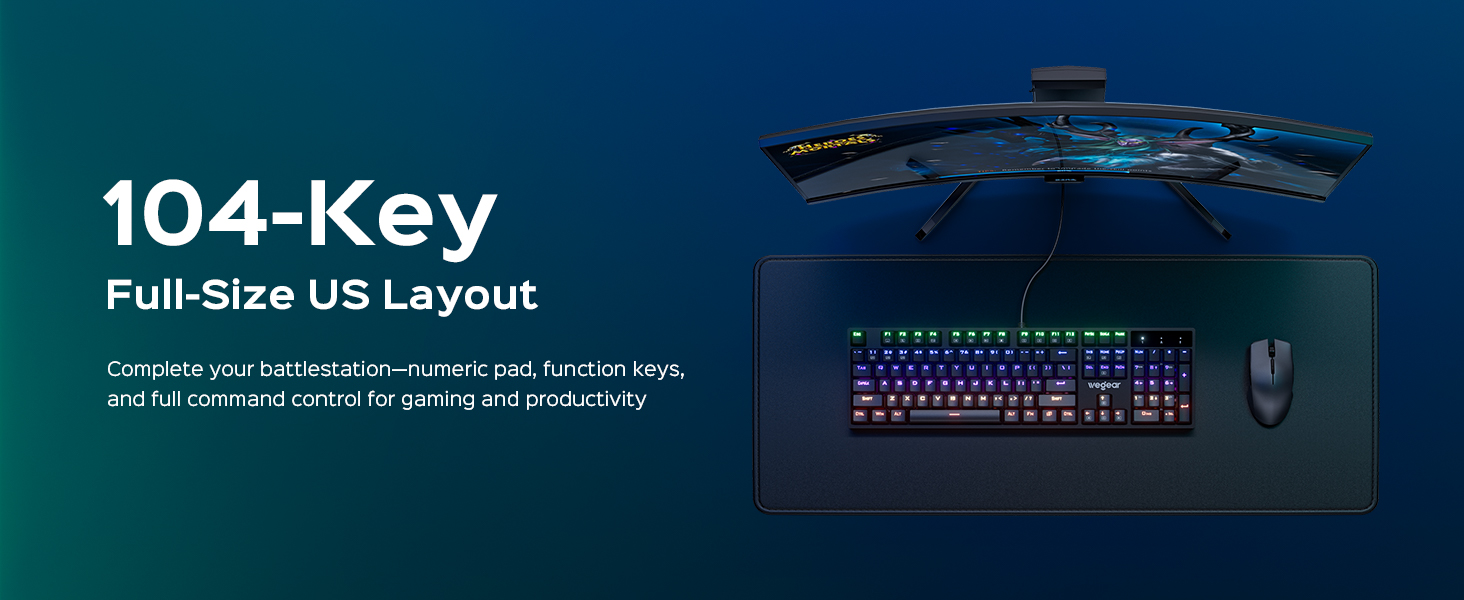
Thank you for choosing the wegear GK1 Mechanical Gaming Keyboard. This full-size, 104-key wired keyboard is designed for precision, durability, and an immersive user experience. Featuring professional Blue switches, vibrant RGB backlighting, and advanced anti-ghosting technology, it is suitable for both intense gaming sessions and efficient productivity tasks.
This manual provides detailed instructions for setting up, operating, maintaining, and troubleshooting your new keyboard. Please read it thoroughly to ensure optimal performance and longevity of your device.
2. Садржај пакета
- wegear GK1 Mechanical Gaming Keyboard
- Упутство за употребу
3. Подешавање
3.1 Повезивање тастатуре
The wegear GK1 is a wired keyboard designed for plug-and-play functionality. No additional drivers are typically required for basic operation on most operating systems.
- Locate an available USB-A port on your computer (Laptop, PC, Tablet).
- Plug the USB-A connector of the keyboard cable into the USB-A port on your computer.
- The keyboard's RGB backlighting should illuminate, indicating a successful connection. Your computer will automatically detect and install the necessary drivers.
3.2 Adjusting Keyboard Tilt
For enhanced ergonomic comfort, the keyboard features adjustable tilt stands on its underside.
- Gently flip the keyboard over.
- Locate the two foldable kickstands at the top corners of the keyboard.
- Flip out the kickstands to achieve a 7° ergonomic tilt, or keep them folded for a flat typing experience.
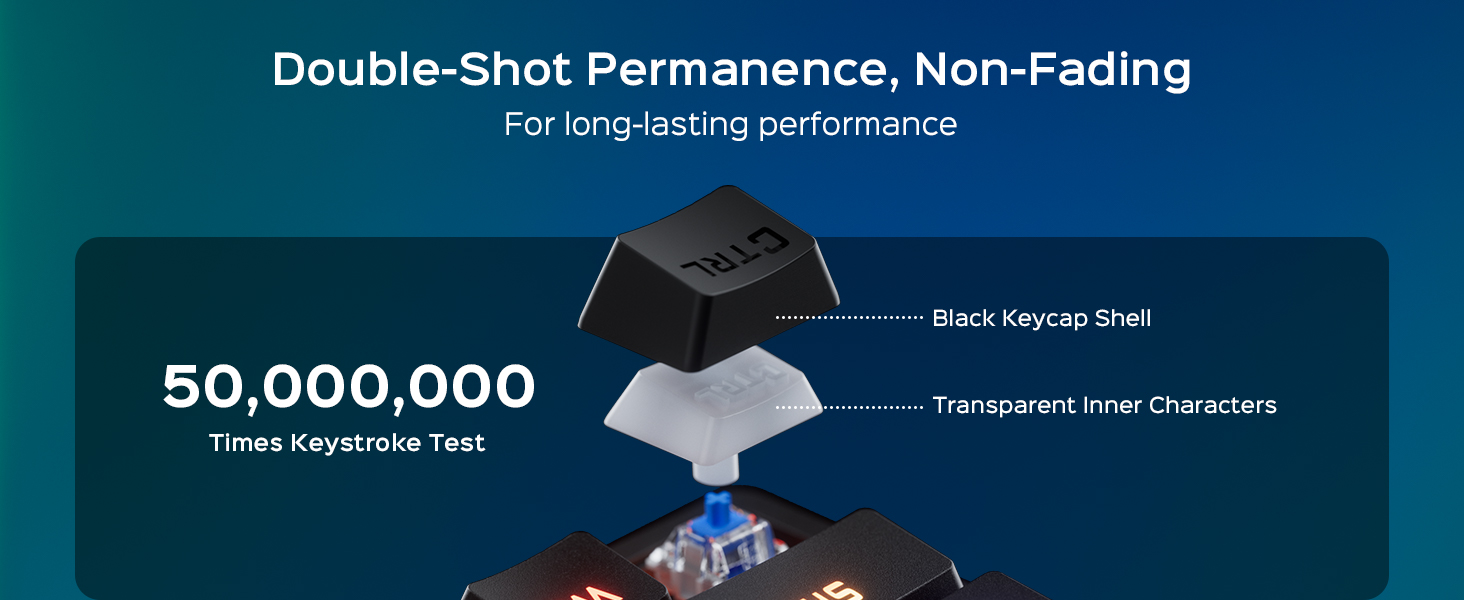
Image: The wegear GK1 keyboard demonstrating its ergonomic 7-degree adjustable tilt for comfortable typing.

Image: A user's hands positioned comfortably on the wegear GK1 keyboard, highlighting the ergonomic design for reduced wrist strain.
4. Упутство за употребу
4.1 Mechanical Blue Switches
The wegear GK1 keyboard features professional Blue mechanical switches, known for their tactile bump and crisp audible click. This provides satisfying feedback for both typing and gaming, enhancing precision and responsiveness.
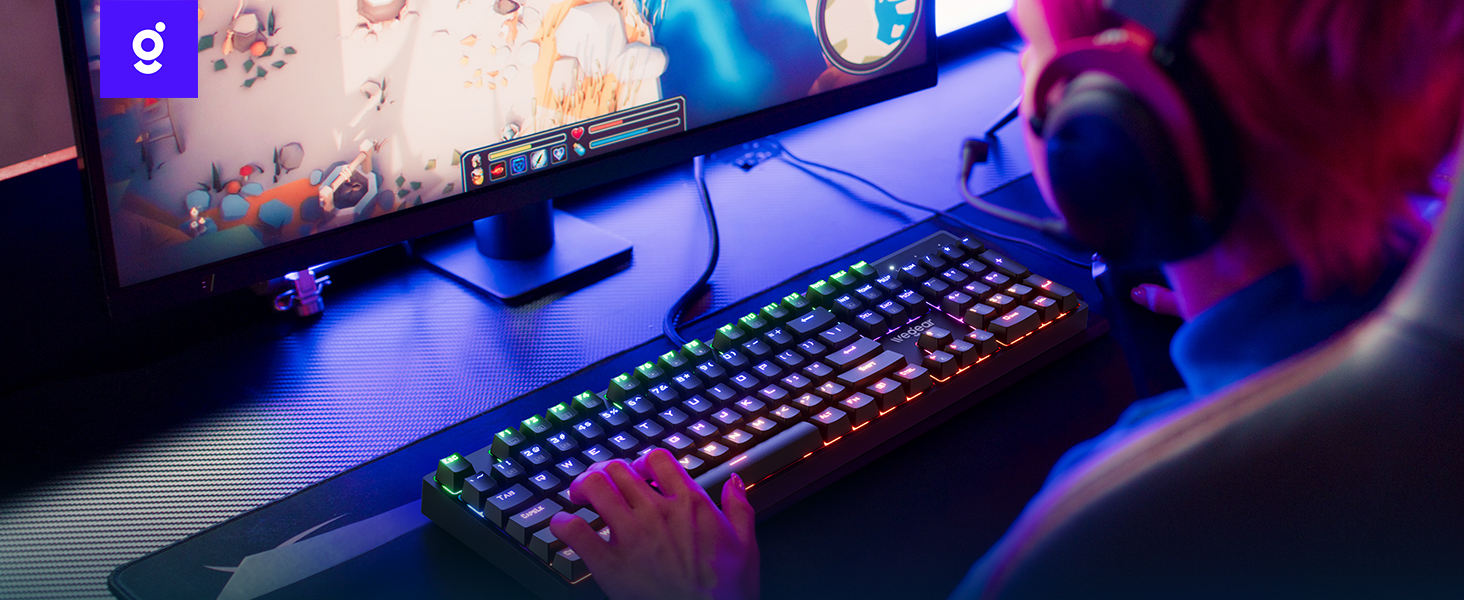
Image: A detailed diagram illustrating the internal mechanism of a clicky blue mechanical switch, emphasizing its tactile bump and crisp acoustic feedback.
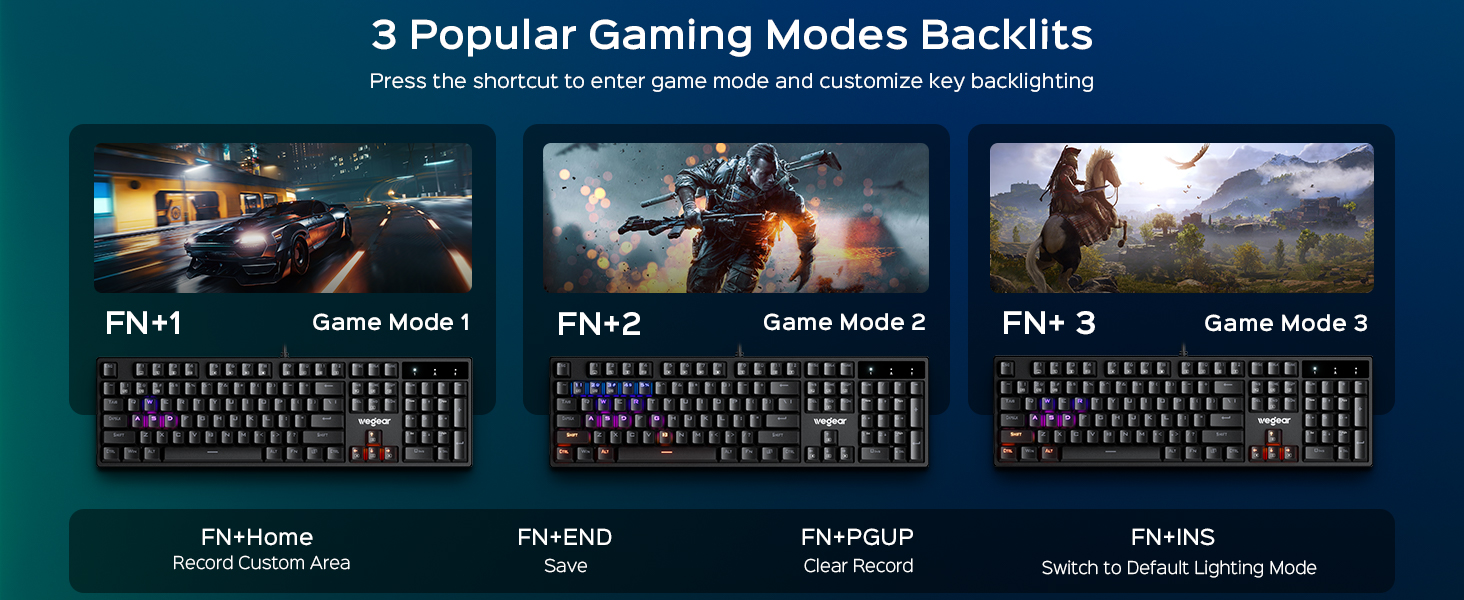
Image: A close-up of a finger pressing a blue mechanical switch on the wegear GK1 keyboard, illustrating the tactile and auditory feedback.
4.2 РГБ позадинско осветљење
The keyboard features dynamic RGB backlighting with 11 distinct modes, adjustable brightness, and speed settings to customize your visual experience.
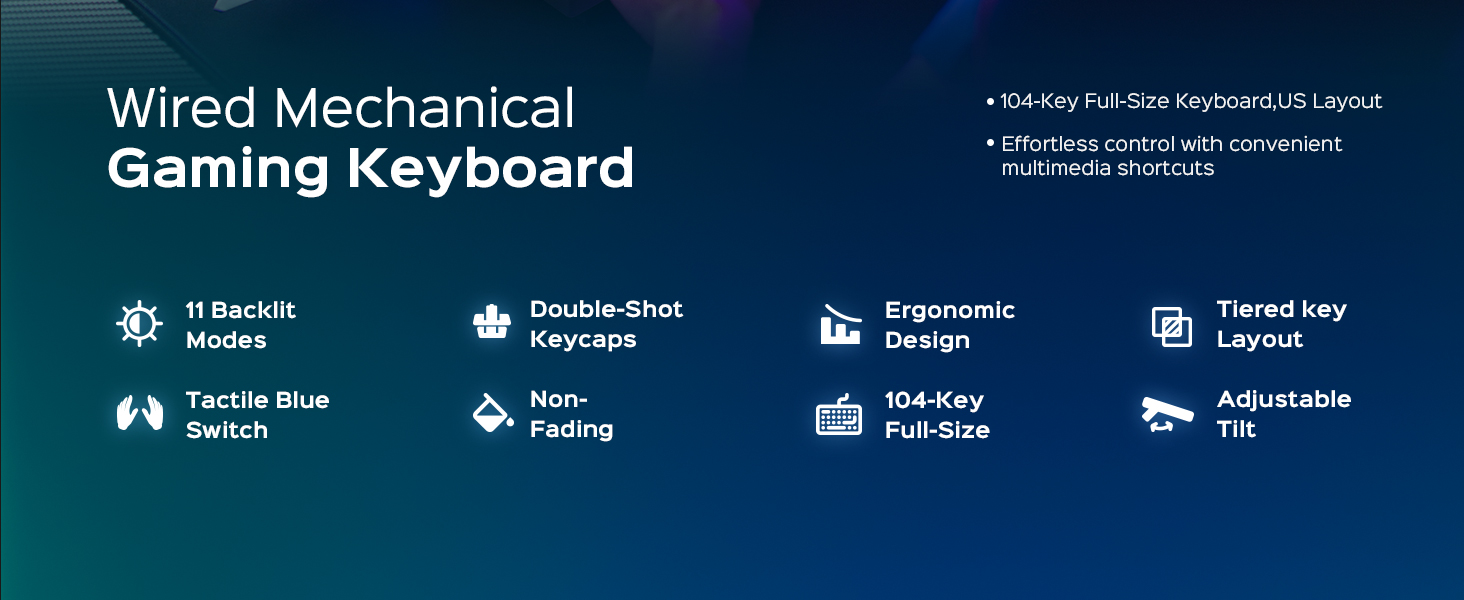
Image: The wegear GK1 keyboard displaying its dynamic RGB lightscape with various backlight modes, brightness levels, and adjustable speeds.
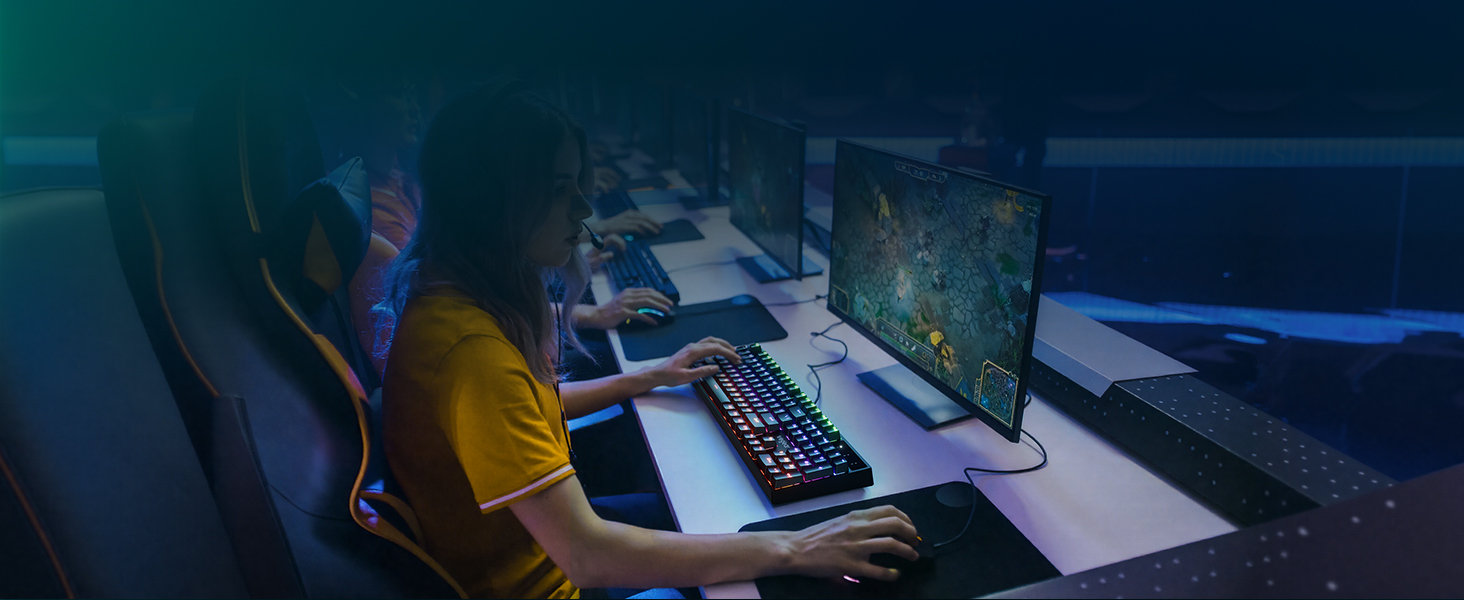
Image: The wegear GK1 keyboard highlighting its RGB lighting controls, including switching backlight modes, adjusting brightness, and setting light speed using FN key combinations.
Lighting Control Functions:
- Фн + ИНС: Switch between 11 dynamic backlight modes.
- Fn + стрелица горе/доле: Подесите осветљеност позадинског осветљења (5 нивоа).
- Fn + стрелица лево/десно: Подесите брзину позадинског осветљења.
Режими игре:
The keyboard supports 3 popular gaming modes with customizable key backlighting.
- Фн + 1: Гаме Моде 1
- Фн + 2: Гаме Моде 2
- Фн + 3: Гаме Моде 3
- Фн + Почетна: Record Custom Area
- Fn + END: Save Custom Area
- Fn + PGUP: Clear Recorded Area
- Фн + ИНС: Switch to Default Lighting Mode

Image: The wegear GK1 keyboard illustrating its three dedicated gaming modes (Fn+1, Fn+2, Fn+3) and controls for recording, saving, and clearing custom backlight areas.
4.3 Мултимедијалне пречице
Access common multimedia functions quickly using the Fn key in combination with the F-keys.
- Фн + Ф1: Рачунар
- Фн + Ф2: Pretraga
- Фн + Ф3: Калкулатор
- Фн + Ф4: CD
- Фн + Ф5: Превиоус Трацк
- Фн + Ф6: Нект Трацк
- Фн + Ф7: Пусти/Паузирај
- Фн + Ф8: ЦД Стоп
- Фн + Ф9: Муте
- Фн + Ф10: Утишавање звука
- Фн + Ф11: Волуме Уп
- Фн + Ф12: тастатура лоцк
4.4 Anti-Ghosting and Win Lock
The keyboard features 100% anti-ghosting on all 104 keys, ensuring every keystroke is registered accurately, even during rapid, simultaneous presses. The Win Lock function prevents accidental interruptions during gameplay or work.
- 100% против духова: All 104 keys respond instantly, preventing missed inputs.
- Фн + Вин: Activates/Deactivates the Win Lock function, disabling the Windows key to avoid accidental presses.
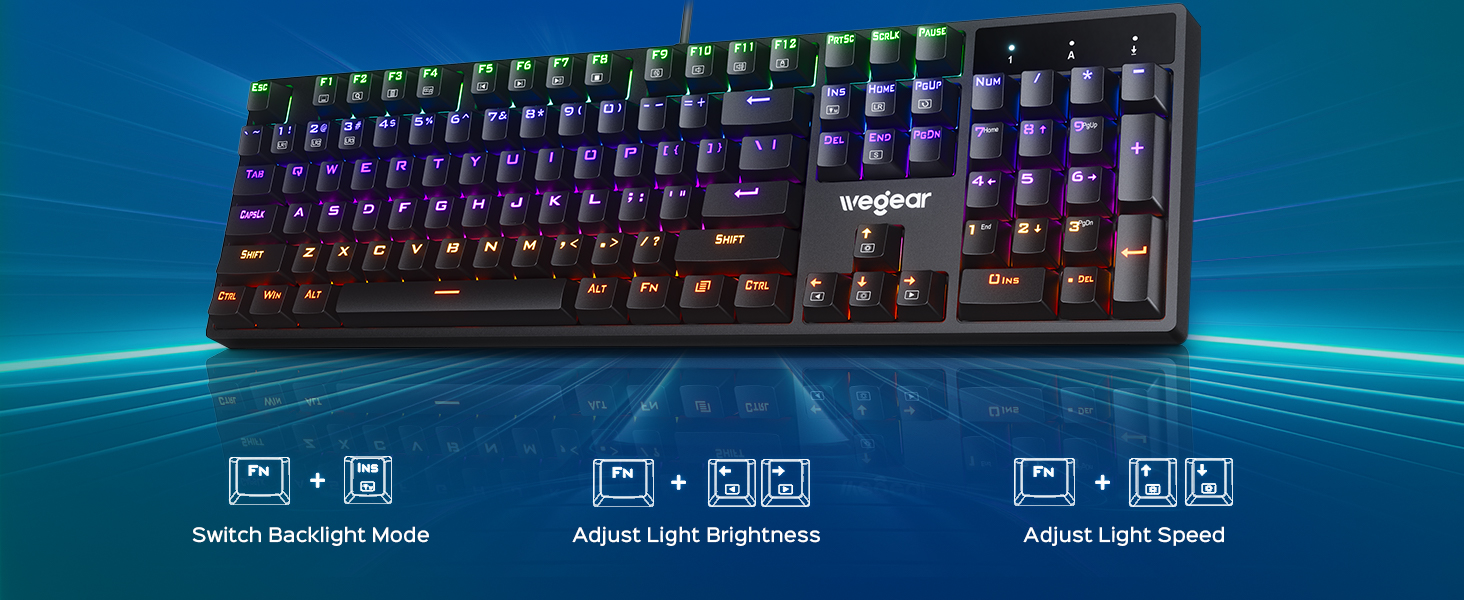
Image: A user actively gaming with the wegear GK1 keyboard, illustrating the benefit of 100% anti-ghosting for flawless multi-key input without missed commands.
5. Одржавање
5.1 Чишћење тастатуре
To maintain optimal performance and appearance, regular cleaning is recommended.
- Искључите тастатуру из рачунара пре чишћења.
- Користите меку крпу која не оставља длачицеampводом или благим средством за чишћење да бисте обрисали тастере и површину тастатуре. Избегавајте прекомерну влагу.
- For deeper cleaning, you may use a keycap puller (not included) to remove individual keycaps and clean underneath with compressed air or a small brush.
- Ensure all components are completely dry before reconnecting the keyboard.
5.2 Издржљивост тастера
The wegear GK1 features double-shot ABS keycaps, designed for long-lasting performance. The legends are wear-resistant and have high light transmission, ensuring they remain vibrant and do not fade over time.
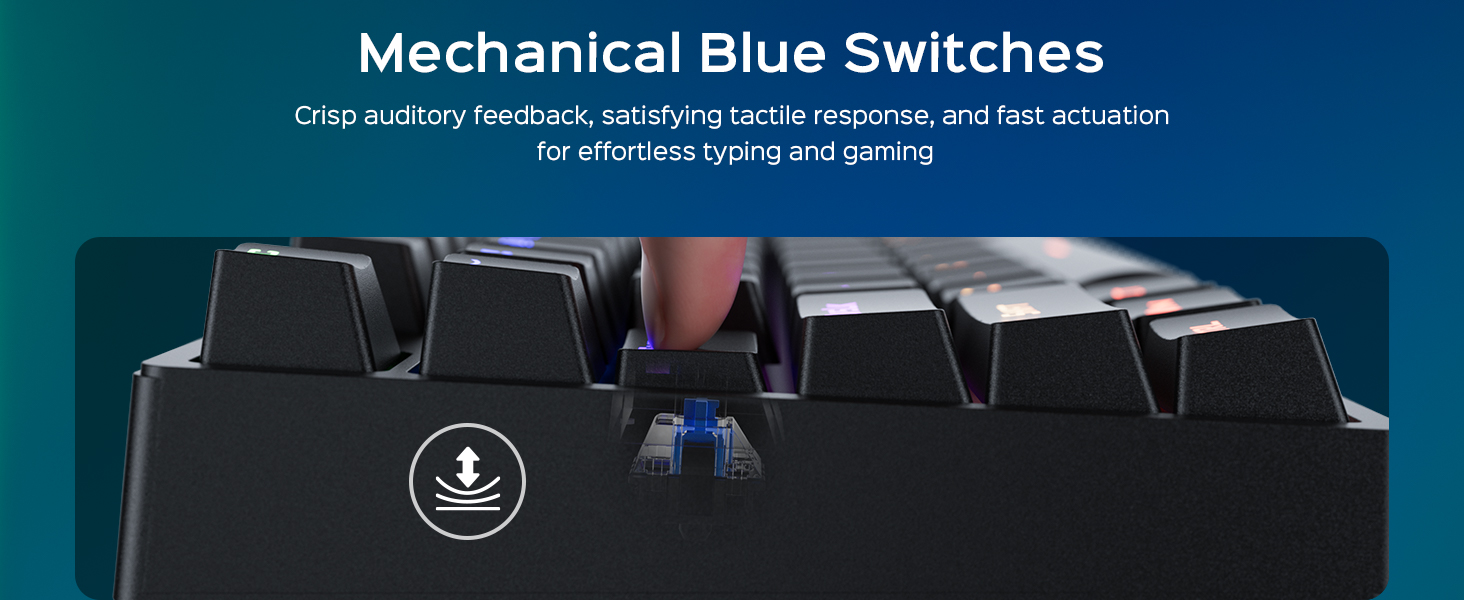
Image: A diagram illustrating the double-shot molding process of the keycaps, highlighting their fade-resistant and scratch-proof properties for long-lasting performance.
Слика: Крупни план view of a double-shot keycap, showing the black keycap shell and transparent inner characters, which ensures the legends do not fade.
КСНУМКС. Решавање проблема
| Проблем | Могући узрок | Решење |
|---|---|---|
| Тастатура не реагује | Лабава УСБ веза; Неисправан УСБ порт; Проблем са драјвером | Уверите се да је USB кабл добро прикључен. Покушајте са другим USB портом. Поново покрените рачунар. |
| Позадинско осветљење не ради | Backlight turned off or brightness set to minimum; Software conflict | Притисните Фн + стрелица нагоре да бисте повећали осветљеност. Притисните Фн + ИНС to cycle through modes. Ensure no conflicting software is running. |
| Дупли откуцаји или се тастери не региструју | Dust/debris under keycap; Switch malfunction | Clean under the keycap using compressed air. If issue persists, contact customer support. |
| Мултимедијални тастери не раде | Incorrect key combination; Software conflict | Ensure you are pressing the correct Fn + F-key combination. Check for any conflicting media player software. |
7. Спецификације
- Бренд: вегеар
- Назив модела: GK1-MK
- Број модела: GK1-black
- Технологија повезивања: USB-A (жичани)
- Опис тастатуре: Гаминг
- Број кључева: 104
- Тип прекидача: Clicky Blue Mechanical Switches
- Распоред тастатуре: QWERTY (US Layout)
- Посебне карактеристике: Backlit, Ergonomic, 100% Anti-Ghosting, Win Lock, Multimedia Shortcuts
- Подршка боја позадинског осветљења тастатуре: RGB (11 modes, 5 brightness levels, adjustable speed)
- Материјал поклопца: Доубле-Схот АБС
- Димензије производа: 17.3 cm D x 5.03 cm Š x 1.42 cm V
- Компатибилни уређаји: Laptop, PC, Tablet (Windows OS)
- Материјал: Пластика
8. Гаранција и подршка
8.1 Информације о гаранцији
The wegear GK1 Mechanical Gaming Keyboard comes with a 1-годишња ограничена гаранција from the date of purchase. This warranty covers manufacturing defects and workmanship under normal use. It does not cover damage caused by misuse, accident, modification, or unauthorized repair.
8.2 Корисничка подршка
For technical assistance, warranty claims, or any questions regarding your wegear GK1 keyboard, please contact our customer support team. Refer to the contact information provided on the product packaging or our official webсајту.
Video: An official product video from Lenovo Product Marketplace, Inc. (wegear's seller) highlighting the features and benefits of the wegear Mechanical Keyboard. This video provides a visual overview of the keyboard's design, lighting, and functionality.