
1. Увод
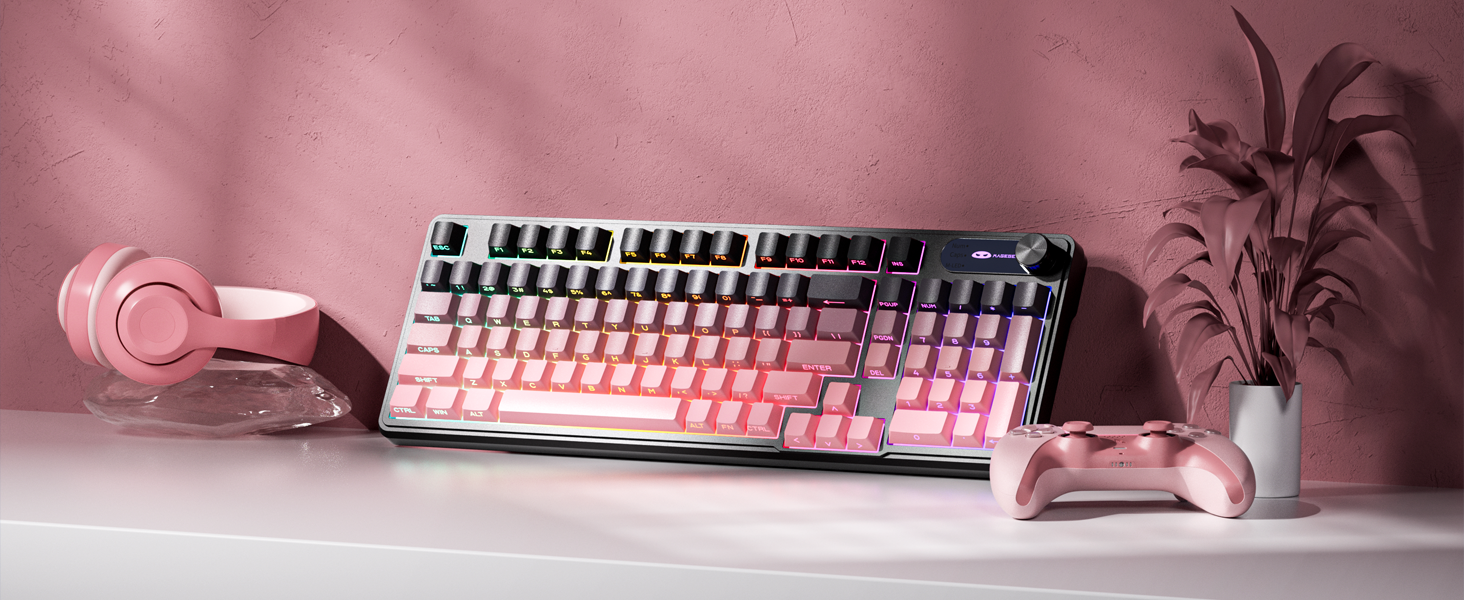
The MageGee GK960 is a versatile wireless gaming keyboard designed for optimal performance and user comfort. Featuring triple-mode connectivity (Wired USB-C, 2.4GHz Wireless, and Bluetooth), vibrant RGB backlighting, a multi-functional rotary knob, and a 98% layout with a number pad, this keyboard is suitable for various computing environments and tasks. Its ergonomic design and anti-ghosting capabilities enhance the typing and gaming experience.

Image 1.1: MageGee GK960 Wireless Gaming Keyboard highlighting key features such as Tri-Mode Connection, Side-Printed Keycaps, Knob Control, RGB Backlit, Win/Mac Support, and 19-Key Anti-Ghosting.
2. Садржај пакета
Молимо вас да проверите да ли су све ставке наведене у наставку укључене у ваш пакет:
- 1 x MageGee GK960 Wireless Gaming Keyboard
- 1 к Упутство за употребу
- КСНУМКС к УСБ-Ц кабл за пуњење
- 1 к 2.4Г УСБ рисивер
- 1 x User Guide (Quick Start)
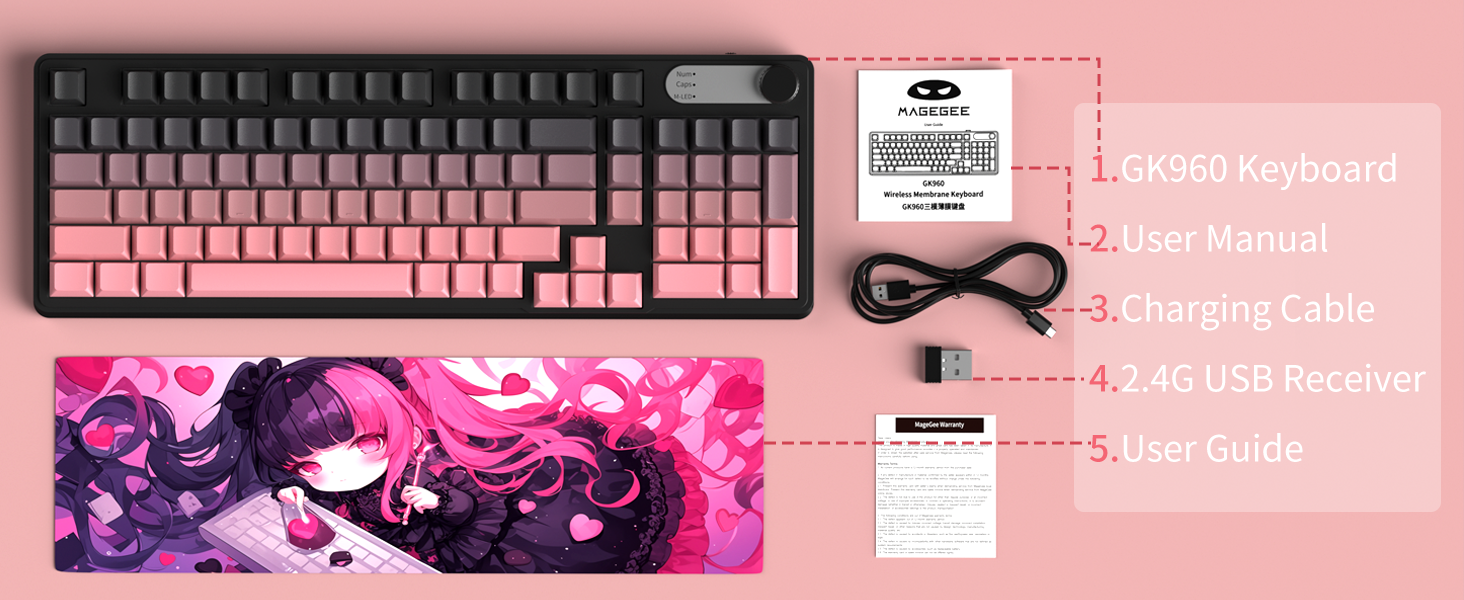
Image 2.1: Visual representation of the MageGee GK960 keyboard and its included accessories: user manual, charging cable, 2.4G USB receiver, and user guide.
3. Setup: Connectivity Modes
The GK960 keyboard offers three connectivity options: Wired USB-C, 2.4GHz Wireless, and Bluetooth. You can connect up to 5 devices simultaneously (1 wired, 1 via 2.4G, and up to 3 via Bluetooth).

Image 3.1: Diagram illustrating the three connection modes: Wired Type-C, 2.4GHz Wireless, and Bluetooth (BT FN+1/2/3).
3.1. Жична USB-C веза
- Пронађите USB-C порт на тастатури.
- Connect the provided USB-C cable to the keyboard and the other end to an available USB port on your computer.
- Тастатура ће бити аутоматски препозната и спремна за употребу.
3.2. Бежична веза од 2.4 GHz
- Locate the 2.4G USB receiver (dongle) in the package.
- Прикључите 2.4G USB пријемник у слободан USB порт на рачунару.
- Ensure the keyboard's mode switch (located on the back or side) is set to 2.4G mode.
- Тастатура би требало да се аутоматски повеже.
3.3. Блуетоотх веза
Тастатура подржава повезивање са до три Bluetooth уређаја.
- Уверите се да је прекидач за режим тастатуре подешен на Bluetooth режим.
- Да бисте упарили са уређајем, притисните и држите ФН + 1, ФН + 2, или ФН + 3 for 3-5 seconds until the corresponding indicator light flashes rapidly. This indicates pairing mode.
- На свом уређају (рачунару, таблету, паметном телефону) отворите подешавања за Блутут и потражите нове уређаје.
- Select "MageGee GK960" from the list of available devices to complete the pairing process. The indicator light will stop flashing once connected.
- Да бисте пребацивали између упарених Bluetooth уређаја, једноставно притисните ФН + 1, ФН + 2, или ФН + 3 (кратки притисак).
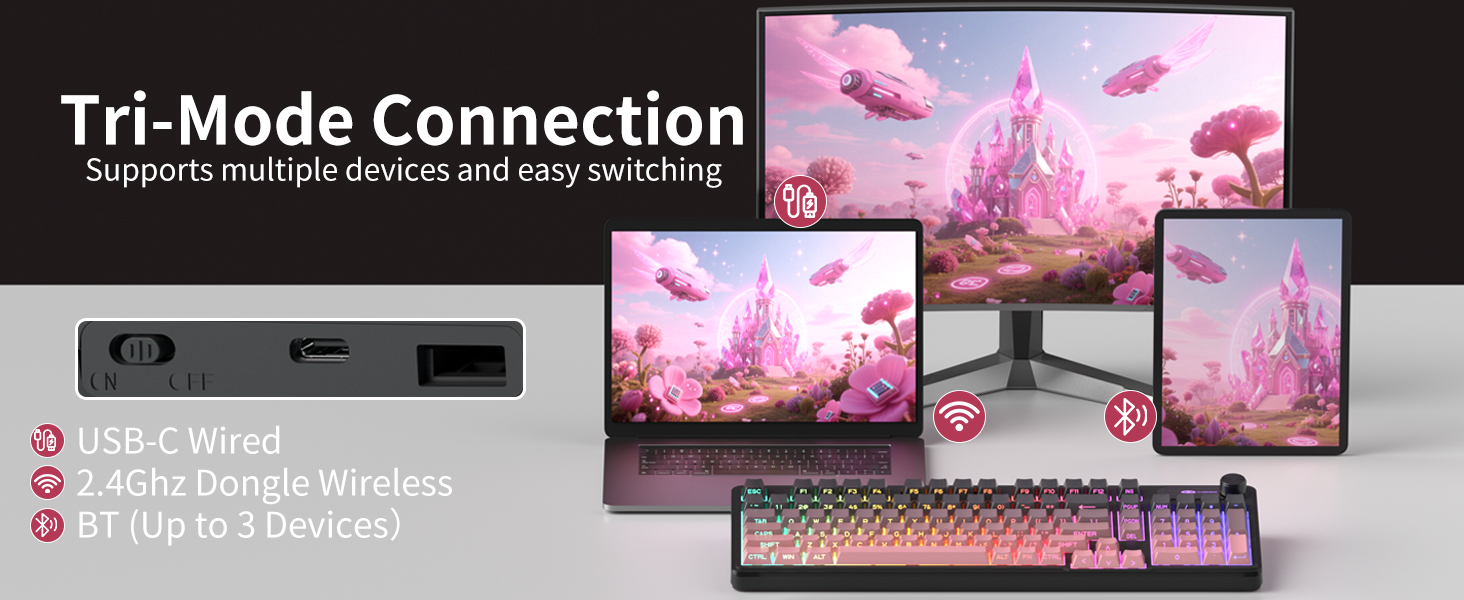
Image 3.2: The keyboard's connectivity switch, allowing selection between USB-C Wired, 2.4GHz Dongle Wireless, and Bluetooth modes.
4. Упутство за употребу
4.1. Dual-Mode Rotary Knob
The multi-functional knob provides quick control over volume and lighting settings.
- Укључи режиме: Дуги притисак FN + Knob for 5 seconds to switch between Volume Mode and Light Mode.
- Режим јачине звука:
- Twist the knob clockwise to increase volume.
- Twist the knob counter-clockwise to decrease volume.
- Press down on the knob to mute/unmute audio.
- Светлосни режим:
- Twist the knob clockwise to increase backlight brightness.
- Twist the knob counter-clockwise to decrease backlight brightness.
- Press down on the knob to cycle through different lighting effects.
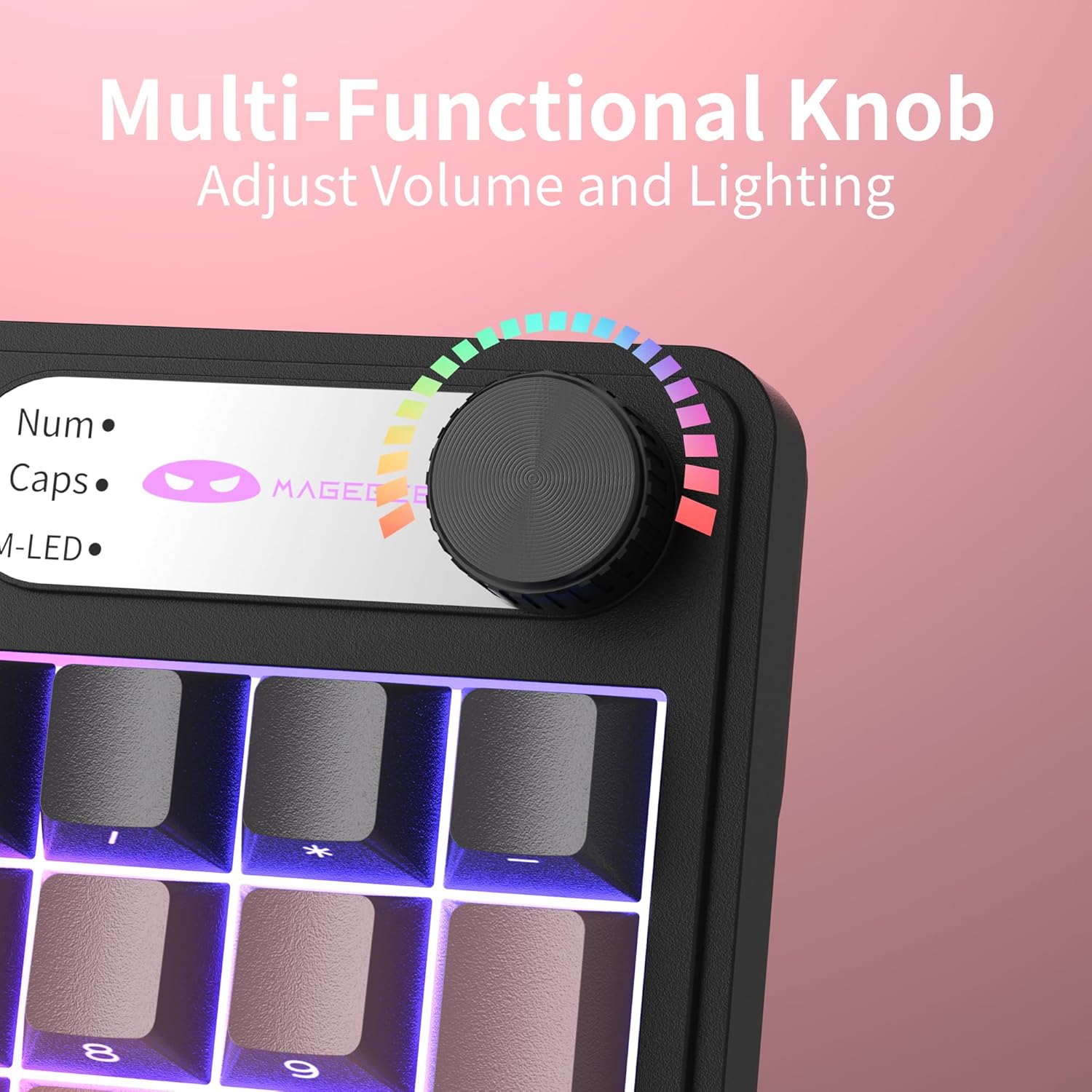
Слика 4.1: Крупни план view of the multi-functional rotary knob, indicating its use for adjusting volume and lighting.
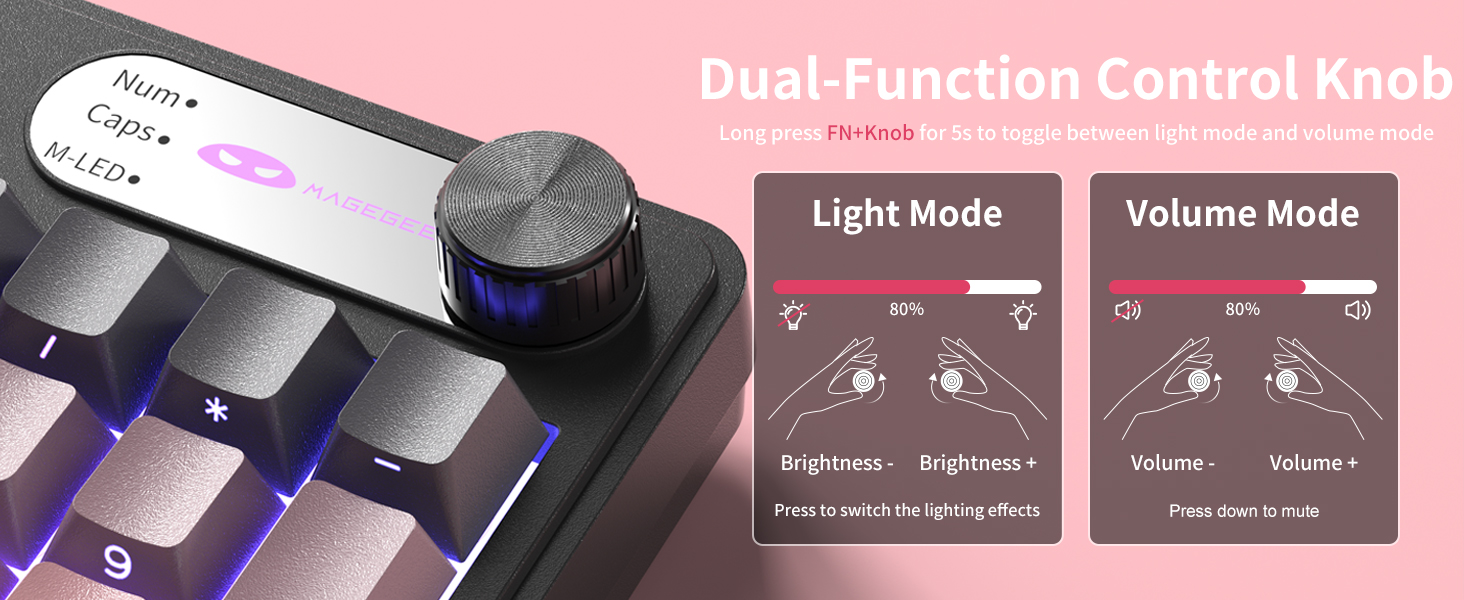
Image 4.2: Detailed illustration of the knob's functions in Light Mode (brightness adjustment, effect cycling) and Volume Mode (volume adjustment, mute).
4.2. Контрола RGB позадинског осветљења
The GK960 features vibrant RGB backlighting with adjustable settings.
- ФН + Инс: Пребацивање између различитих режима осветљења.
- FN + Backspace: Укључите/искључите позадинско осветљење.
- FN + - / = +: Adjust light speed.
- FN + PgUp / PgDn: Adjust light brightness.
- ФН + П: Toggle the logo color.
Слика 4.3: Готовоview of function key combinations for controlling the vibrant RGB LED backlight, including switching modes, adjusting speed and brightness, and toggling logo color.
4.3. System Switching (Windows/Mac)
The GK960 keyboard supports both Windows and Mac operating systems. You can switch between them using a simple key combination.
- To switch to Windows mode: Press ФН + В.
- To switch to Mac mode: Press ФН + М.
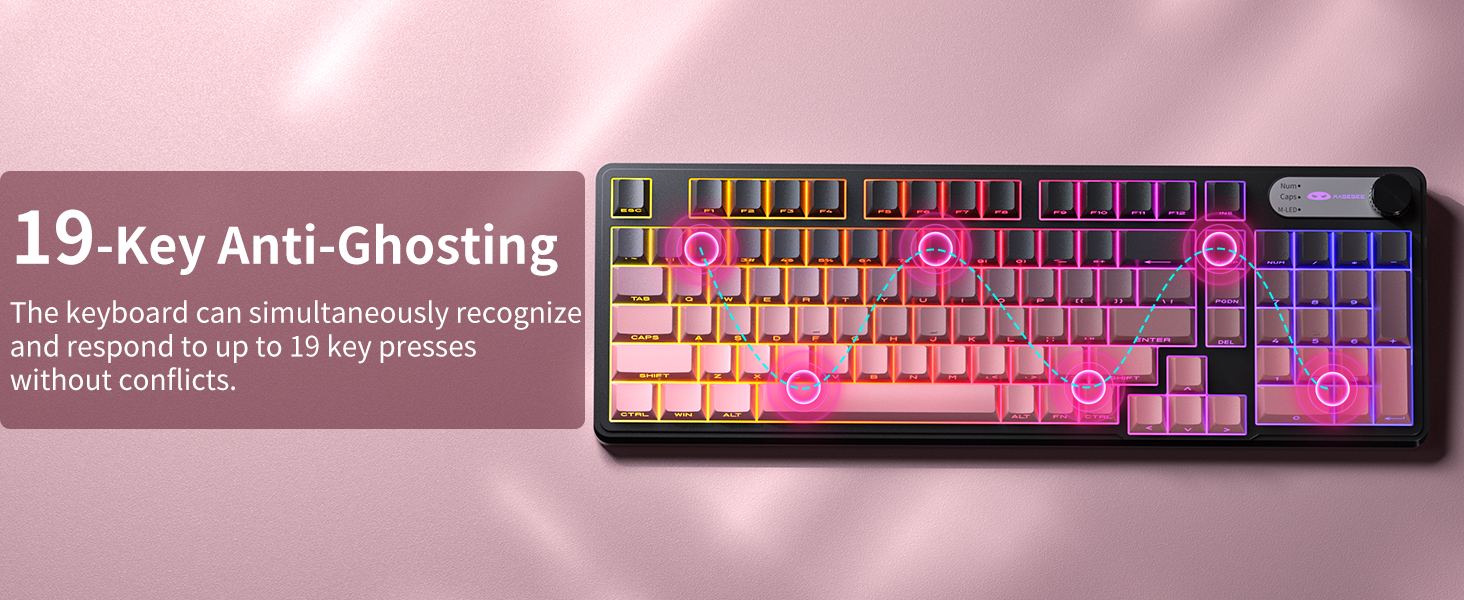
4.4. 19-Key Anti-Ghosting
The GK960 features 19-key anti-ghosting, ensuring that every keystroke is registered accurately, even during rapid, simultaneous key presses. This is particularly beneficial for gaming and fast typing, preventing missed inputs.
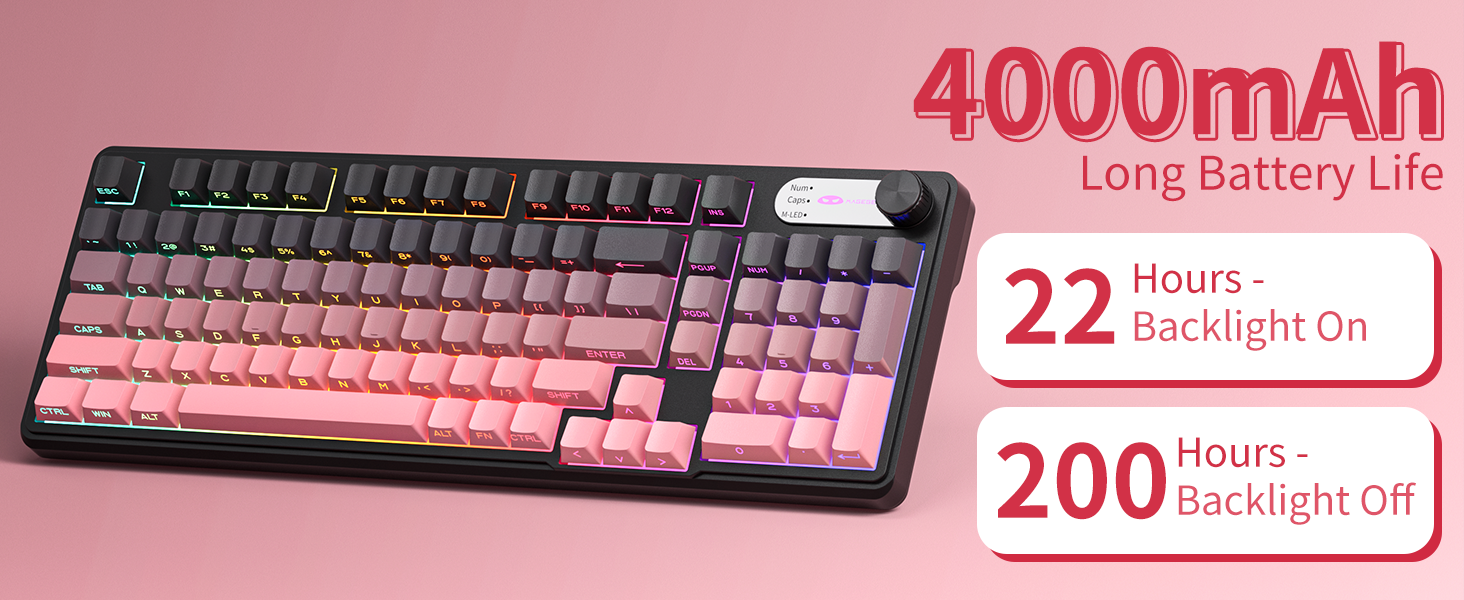
Image 4.4: Diagram illustrating the 19-key anti-ghosting feature, showing multiple simultaneous key presses being recognized.
4.5. Side-Printed Keycaps
The keycaps are crafted with double-shot injection molding, providing durability and clear legends that resist fading from prolonged use. The side-printed legends allow the backlight to shine through, enhancing visibility and aesthetics.

Слика 4.5: Крупни план view of the side-printed keycaps, demonstrating how the backlight illuminates the legends.
5. Батерија и пуњење
The GK960 keyboard is equipped with a high-capacity 4000mAh battery, providing extended usage times.
- Трајање батерије: Approximately 22 hours with backlight on, and up to 200 hours with backlight off.
- Пуњење: Connect the provided USB-C cable to the keyboard and a power source (e.g., computer USB port, USB wall adapter). The keyboard can be used in wired mode while charging.
- Индикатор слабе батерије: An indicator light will signal when the battery is low, prompting you to recharge.
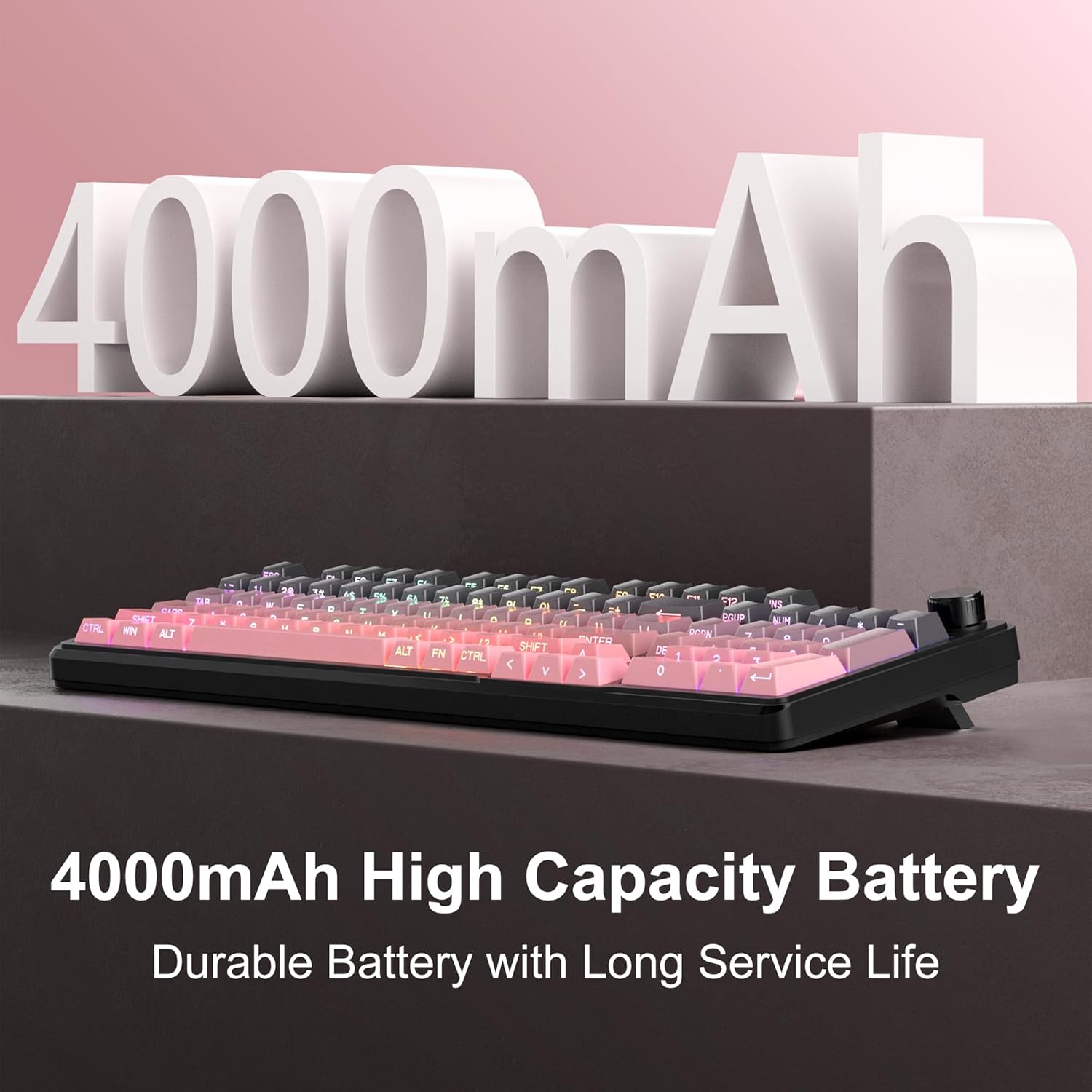
Image 5.1: Visual representation emphasizing the 4000mAh high-capacity battery for durable and long service life.
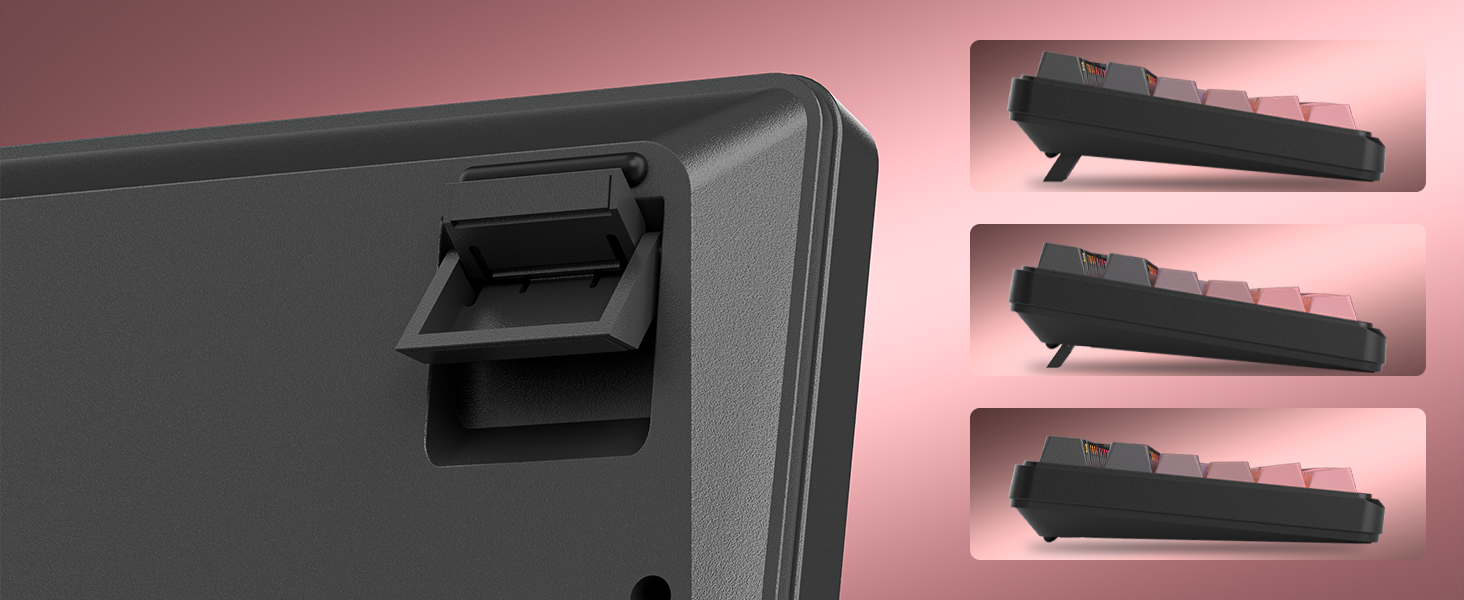
Image 5.2: Battery life estimates for the 4000mAh battery: 22 hours with backlight on and 200 hours with backlight off.
6. Одржавање
Proper maintenance ensures the longevity and optimal performance of your MageGee GK960 keyboard.
- Чишћење: Use a soft, dry cloth to wipe the surface of the keyboard. For deeper cleaning, you may use a can of compressed air to remove dust and debris from between the keycaps. Avoid using harsh chemicals or abrasive materials.
- Уклањање капице тастера: If necessary, keycaps can be carefully removed using a keycap puller (not included) for thorough cleaning. Exercise caution to avoid damaging the switches.
- Складиштење: Чувајте тастатуру на хладном и сувом месту, даље од директне сунчеве светлости и екстремних температура.
- Изложеност течности: Avoid spilling liquids on the keyboard. If a spill occurs, immediately disconnect the keyboard, turn it upside down to drain, and allow it to dry completely before reconnecting.
КСНУМКС. Решавање проблема
If you encounter issues with your GK960 keyboard, refer to the following common troubleshooting steps:
- Тастатура не реагује:
- Уверите се да је тастатура напуњена.
- Проверите прекидач за режим повезивања (жично, 2.4G, BT) и уверите се да одговара вашем начину повезивања.
- За 2.4G, уверите се да је USB пријемник безбедно прикључен.
- For Bluetooth, ensure the keyboard is paired correctly and selected on your device. Try re-pairing if necessary.
- Покушајте да се повежете преко USB-C кабла да бисте искључили проблеме са бежичном мрежом.
- Тастери се не региструју или се појављују као ghosting:
- Уверите се да је тастатура чиста и да нема прљавштине испод тастера.
- The GK960 features 19-key anti-ghosting, but excessive simultaneous presses beyond this limit may still lead to issues.
- Test the keyboard on another device to determine if the issue is with the keyboard or the computer.
- RGB backlight not working or incorrect:
- Уверите се да је позадинско осветљење укључено помоћу ФН + Бацкспаце.
- Подесите осветљеност помоћу FN + PgUp / PgDn.
- Прелазите кроз режиме користећи ФН + Инс.
- Check if the knob is in Light Mode and adjust brightness/effects.
- Нестабилна Bluetooth веза:
- Ensure the keyboard is within the effective range of your device.
- Минимизирајте сметње од других бежичних уређаја.
- Remove and re-pair the keyboard in your device's Bluetooth settings.
8. Техничке спецификације
| Феатуре | Спецификација |
|---|---|
| Назив модела | ГК960 |
| Бранд | MageGee |
| Технологија повезивања | BT/2.4G/USB-C (Tri-Mode) |
| Распоред тастатуре | 98% Layout (with Number Pad) |
| Кеицап Типе | Side-Printed, Double-Shot Injection Molding |
| Анти-Гхостинг | 19 Кеис |
| Позадинско осветљење | РГБ |
| Капацитет батерије | 4000мАх |
| Компатибилни уређаји | Лаптоп, рачунар, паметни телефон, таблет |
| Подршка за оперативни систем | Виндовс, Мац |
| Посебне карактеристике | Backlit, Hotkeys and Media Keys, Rechargeable, Volume Roller, Ergonomic Design |
| Тежина артикла | 1.88 фунти |
| Димензије пакета | 17.68 к 7.09 к 2.01 инча |

Image 8.1: Diagram showing the dimensions of the MageGee GK960 keyboard.
Слика 8.2: Крупни план view of the adjustable stands on the underside of the keyboard, illustrating the different ergonomic angles.
9. Гаранција и подршка
Specific warranty details and direct support contact information are not provided in this manual. For warranty claims, technical support, or further inquiries, please refer to the official MageGee website or contact the retailer from whom you purchased the product. Please retain your proof of purchase for warranty purposes.