
1. Увод
The Portkeys HD7T is a 7-inch high-brightness touchscreen field monitor designed for professional videography and photography. It offers a 1000-nit display, 4K HDMI input, and a suite of professional monitoring tools to assist with precise exposure, focus, and color control during filming. Its lightweight and durable design makes it suitable for various shooting environments.

Слика 1.1: Предња страна view of the Portkeys HD7T Camera Monitor, showcasing its touchscreen interface.
2. Шта је у кутији
Пре него што наставите са подешавањем, проверите да ли су све компоненте присутне у пакету.
- Монитор камере
- Сунчаница
- HDMI Cable (A to A)
- HDMI Cable (A to D/Micro)
- 360° Rotatable Ball Head Mount
- АВ кабл
- Пар гумених навлака

Figure 2.1: Included accessories list.
3. Кључне карактеристике
3.1 Bright 7-Inch Display with 1000 Nits
The HD7T features a 1280 × 800 HD panel with 1000 nits of high brightness, an 1000:1 contrast ratio, and a matte anti-glare screen. This design reduces reflections, improving visibility, especially for outdoor shooting in daylight. A sun hood is included to further enhance viewing clarity in bright environments.

Figure 3.1: The 1000-nit display with included sunshade for enhanced outdoor visibility.

Figure 3.2: IPS HD Matte Screen details, highlighting resolution and color accuracy.
3.2 4K HDMI Input & Audio Output
The monitor supports video resolutions up to 4K@30p via HDMI. It includes a 3.5mm headphone jack for real-time audio monitoring and an additional AV input, making it suitable for DSLR and mirrorless camera setups.

Figure 3.3: HDMI input for 4K monitoring.
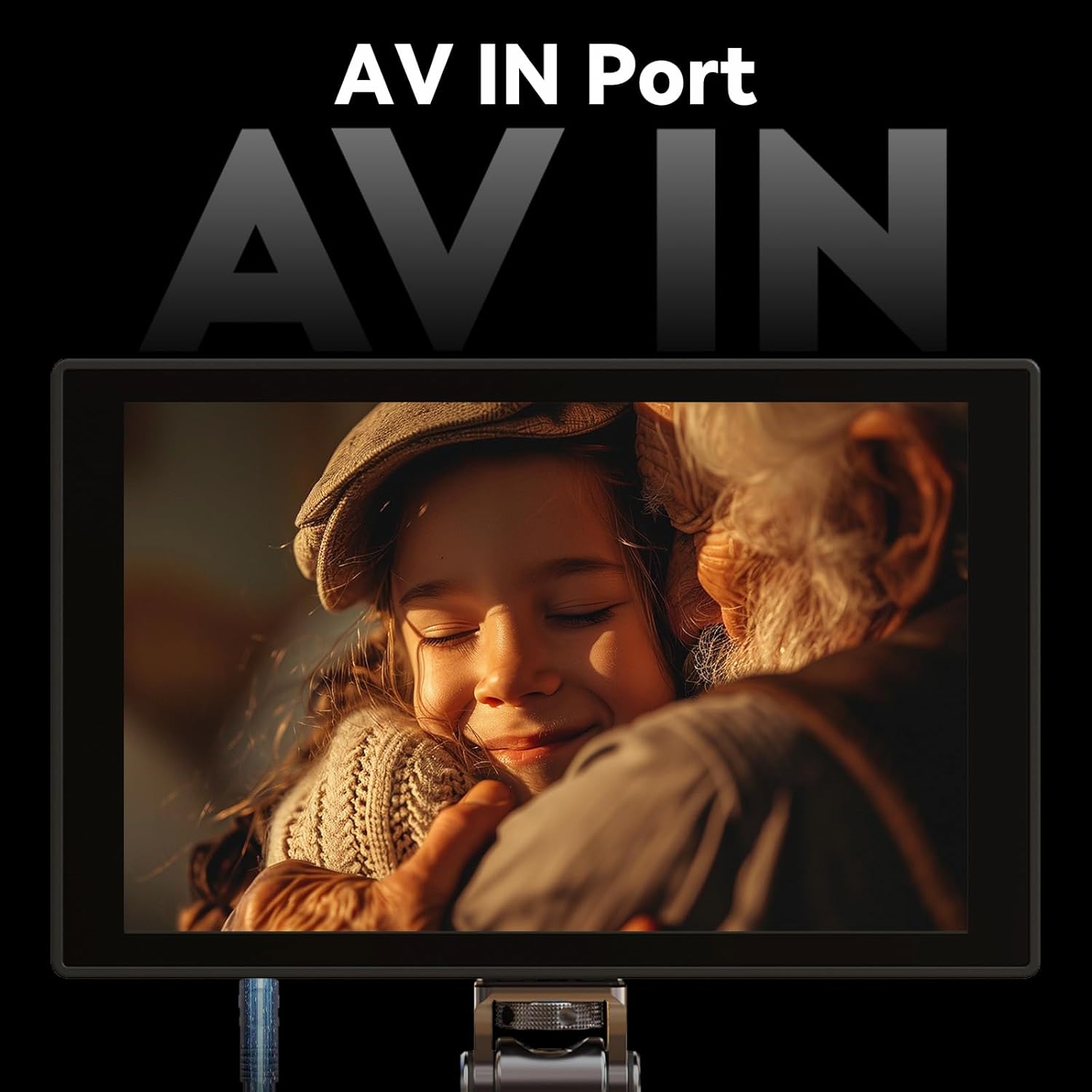
Figure 3.4: AV input port for broader compatibility.
3.3 Professional Monitoring Tools
Equipped with essential tools for precise exposure and focus control, including luma histogram, false color, focus peaking, zoom, and anamorphic de-squeeze (1.33x, 1.5x, 2.0x, and custom ratios). The monitor supports user-imported 3D LUTs for accurate color preview and creative look monitoring (note: LUT output is not supported).

Слика 3.5: Завршеноview of professional monitoring tools available on the HD7T.
3.4 Lightweight, Portable & Mount-Friendly
Weighing only 245g (8.64oz), the monitor features 1/4"-20 mounting threads on three sides, allowing for versatile rig, arm, or tripod setups. Its high-density engineering plastic structure ensures exceptional lightness while maintaining body strength, reducing weight by 30% compared to similar devices.

Figure 3.6: Lightweight design and dimensions of the HD7T.
3.5 Flexible Power Options & Durable Build
Compatible with NP-F batteries or 7.4~24V DC input for extended runtime flexibility. The rugged ABS+PC housing ensures durability in demanding production environments. (Note: Battery is not included).
4. Подешавање
4.1 Напајање монитора
- Инсталација батерије: Insert a compatible NP-F series battery into the battery plate on the rear of the monitor. Ensure it clicks securely into place.
- ДЦ снага: Alternatively, connect a 7.4V to 24V DC power adapter to the DC input port.
4.2 Монтирање монитора
- Attach the included 360° rotatable ball head mount to one of the 1/4"-20 mounting threads on the monitor (top, bottom, or side).
- Secure the ball head mount to your camera's hot shoe, a cage, or a tripod.
4.3 Повезивање са камером
- ХДМИ веза: Use the appropriate HDMI cable (A to A or A to D/Micro) to connect your camera's HDMI output to the HDMI input port on the monitor.
- АВ веза: For devices with AV output, connect the AV cable to the AV IN port on the monitor.
- Аудио надзор: Connect headphones to the 3.5mm audio output jack for real-time audio monitoring.
5. Руковање монитором
5.1 Интерфејс екрана осетљивог на додир
The HD7T features a full touchscreen control with an intuitive user interface. Navigate menus and adjust settings by tapping and swiping on the screen. Key buttons are easily accessible for quick operation.

Figure 5.1: Ultra-Clean UI and full touchscreen control.
5.2 Коришћење алата за праћење
Access various monitoring tools from the side menu on the touchscreen. Tap on an icon to activate or deactivate a tool. Common tools include:
- Врхунац: Highlights in-focus areas.
- Лажна боја: Displays exposure levels using a color overlay.
- зебра: Indicates overexposed areas with stripe patterns.
- RGB Waveform / Luma Waveform: Visualizes video signal levels.
- Лума хистограм: Shows the distribution of brightness levels.
- Зумирање: Увећава део слике ради критичког фокуса.
- Anamorphic De-squeeze: Corrects the aspect ratio for anamorphic lenses.
5.3 Importing and Using 3D LUTs
The HD7T supports user-imported 3D LUTs for real-time color grading preview. You can import up to 20 replaceable 3D LUT files via the USB-A interface.
- Save your 3D LUT files (e.g., .cube format) to a USB drive.
- Connect the USB drive to the USB-A port on the monitor.
- Navigate to the LUT management section in the monitor's menu to import and select your desired LUTs.
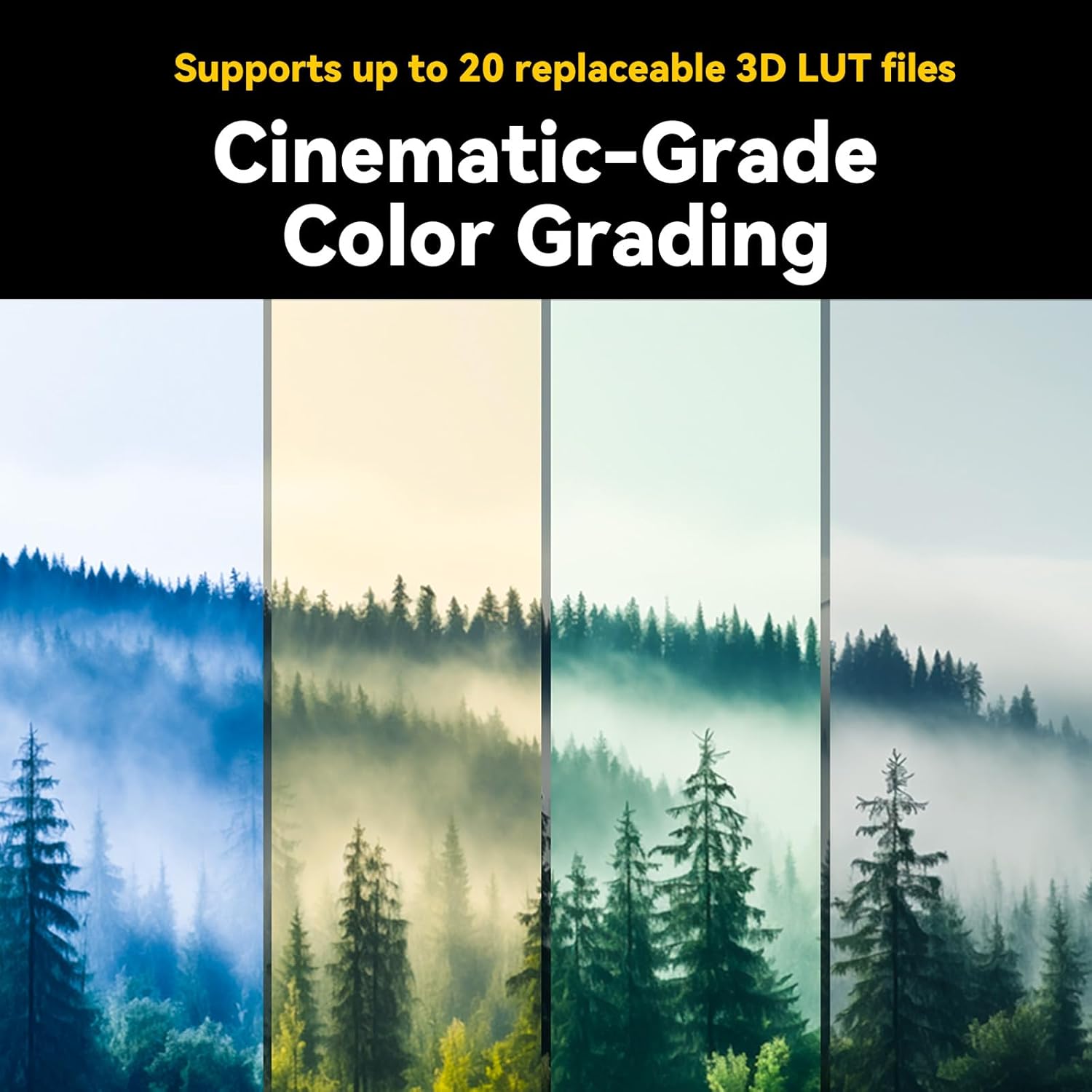
Figure 5.2: Cinematic-grade color grading with 3D LUTs.
6. Одржавање
Proper maintenance ensures the longevity and optimal performance of your Portkeys HD7T monitor.
- Чишћење: Use a soft, lint-free cloth to clean the screen and body. For stubborn smudges on the screen, use a specialized screen cleaning solution. Avoid abrasive materials or harsh chemicals.
- Складиштење: When not in use, store the monitor in a dry, dust-free environment, preferably in its original packaging or a protective case.
- Одржавање батерије: If using NP-F batteries, ensure they are charged regularly and stored in a cool, dry place. Remove batteries if the monitor will not be used for an extended period.
КСНУМКС. Решавање проблема
| Проблем | Могући узрок | Решење |
|---|---|---|
| Монитор се не укључује | Low or depleted battery; incorrect DC power connection; battery not properly seated. | Charge or replace battery; ensure DC adapter is correctly connected and providing sufficient power; re-seat battery firmly. |
| No video signal displayed | Incorrect HDMI/AV cable connection; camera output settings incorrect; incompatible signal format; camera timeout setting. | Verify cable connections; check camera's video output settings (resolution, frame rate); ensure monitor input matches camera output; disable camera's auto-off or monitor timeout settings. |
| Екран на додир не реагује | Привремени софтверски квар; сметње заштитника екрана. | Restart the monitor; ensure screen protector is correctly applied or remove it for testing. |
| Image appears distorted (anamorphic) | Anamorphic de-squeeze setting is incorrect or off. | Adjust the anamorphic de-squeeze ratio in the monitor settings to match your lens. |
8. Спецификације
| Спецификација | Детаљ |
|---|---|
| Број модела | ХД7Т |
| Величина екрана | 7 инча |
| Резолуција | 1280 x 800 пиксела (HD) |
| Аспецт Ратио | 16:9 |
| Осветљеност | 1000 гњида |
| Однос контраста | 1000:1 |
| Дубина боје | 8-битни |
| Инпут | 4K HDMI (up to 4K@30p), AV IN |
| Излаз | 3.5 мм прикључак за слушалице |
| Повер Инпут | NP-F Battery, 7.4~24V DC |
| Тежина артикла | 1.34 pounds (approx. 245g for monitor only) |
| Димензије пакета | 8.23 к 8.11 к 1.93 инча |
| Произвођач | Порткеис |
9. Гаранција и подршка
For warranty information, technical support, or service inquiries, please contact Portkeys directly through their official channels. Details can typically be found on the manufacturer's webсајт или паковање производа.
Такође можете посетити Portkeys Official Store on Amazon за додатне информације о производу и ресурсе за подршку.