
Увод
This manual provides essential information for the safe and effective use of your Paladone Lilo & Stitch Galaxy Projection Light. Please read these instructions carefully before operating the device and retain them for future reference.
Шта је у кутији:
- Paladone Lilo & Stitch Galaxy Projection Light
- Ремоте Цонтрол
- УСБ кабл за пуњење
- Упутство за употребу
Сетуп
Follow these steps to set up your Galaxy Projection Light:
- Пуњење уређаја: Before first use, fully charge the projection light using the provided USB charging cable. Connect the USB-C end of the cable to the port on the back of the light and the standard USB-A end to a compatible USB power adapter (not included). The charging indicator will illuminate during charging and turn off when fully charged.
- Пласман: Place the projection light on a stable, flat surface. For optimal projection, position it in a dark room, facing a wall or ceiling.
- даљински управљач: Ensure the remote control has working batteries. If not, insert 2x AAA batteries (not included) into the remote control's battery compartment, observing correct polarity.
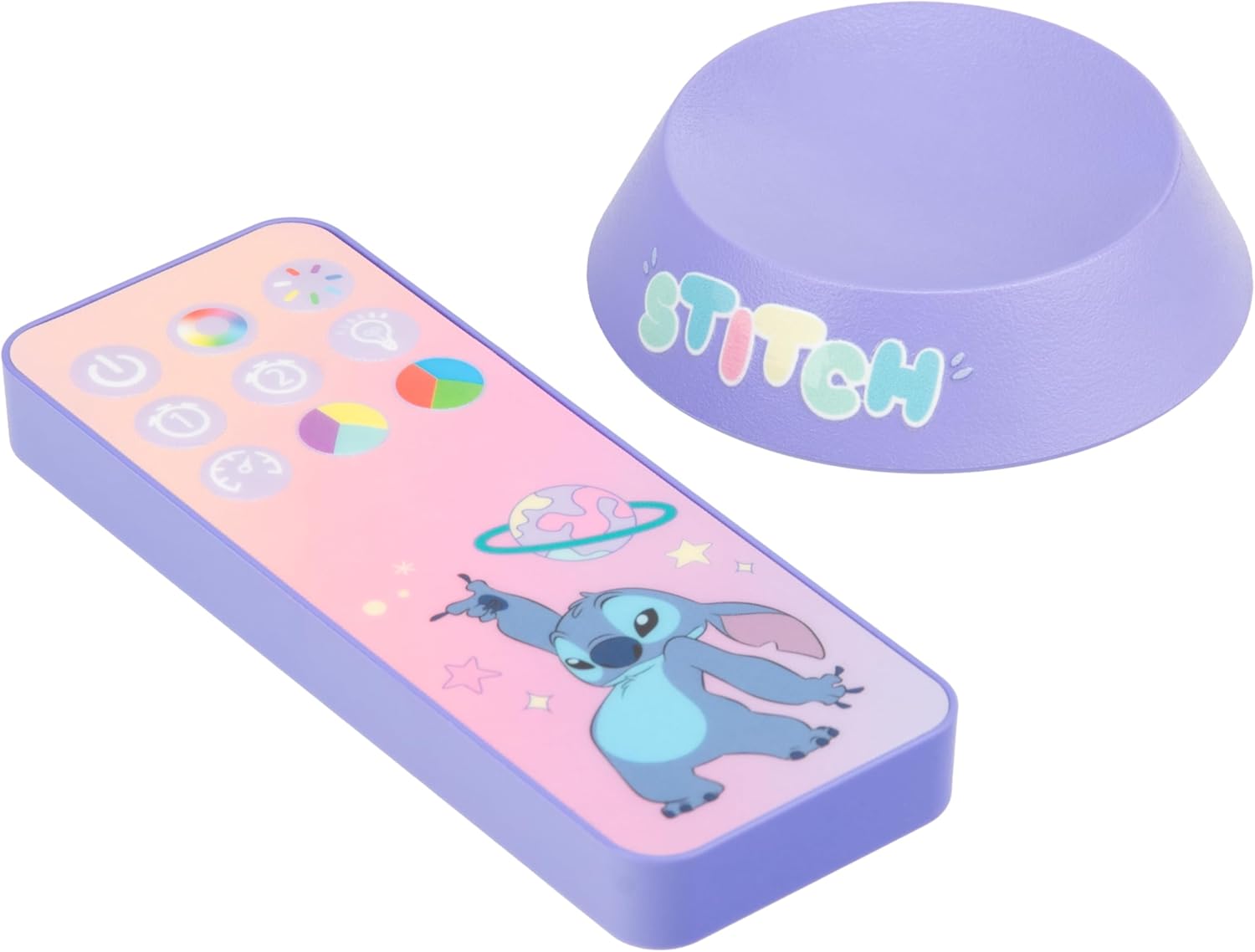
Image: The back of the projection light showing the USB-C input and control buttons.
Упутство за употребу
Your Galaxy Projection Light offers various lighting modes and controls:
- Укључивање/искључивање: Press the power button on the back of the unit or the power button on the remote control to turn the light on or off.
- Подешавање осветљености: Use the brightness buttons on the remote control to adjust the intensity of the projection.
- Color Phasing режим: Press the 'Color Phasing' button on the remote to cycle through a sequence of colors, creating a dynamic galaxy effect.
- Color Select Mode: Use the 'Color Select' button or specific color buttons on the remote to choose a static color for your projection.
- Ноћни режим: Activate the 'Night Mode' for a softer, more subdued projection, ideal for use as a night light.
- Тајмер за аутоматско искључивање: Set the auto-off timer using the remote control. Options typically include 15, 30, or 60 minutes, after which the light will automatically turn off.
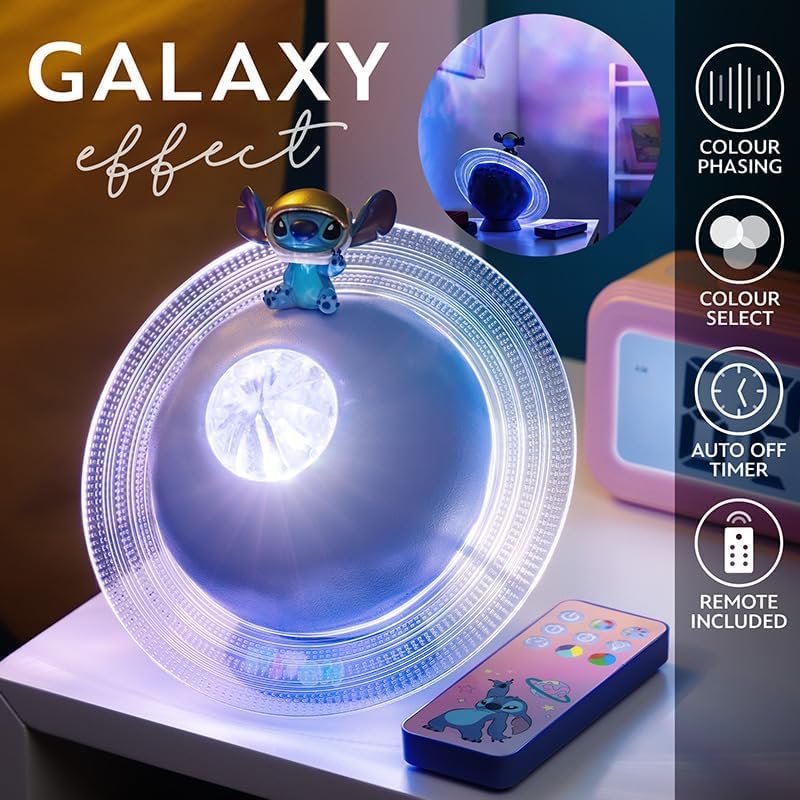
Image: The projection light creating a galaxy effect, with the remote control visible.

Image: The remote control for the projection light, showing buttons for color, brightness, and timer functions.

Image: The projection light in action, casting a colorful galaxy pattern onto a wall.
Одржавање
To ensure the longevity and optimal performance of your projection light:
- Чишћење: Обришите уређај меком, сувом крпом. Не користите абразивна средства за чишћење или раствараче, јер могу оштетити површину.
- Одржавање батерије: Recharge the device regularly to maintain battery health. Avoid fully depleting the battery frequently. If storing for an extended period, charge the device every few months.
- Складиштење: Чувајте лампу на хладном и сувом месту, даље од директне сунчеве светлости и екстремних температура.
Решавање проблема
If you encounter issues with your Galaxy Projection Light, refer to the following common problems and solutions:
| Проблем | Могући узрок | Решење |
|---|---|---|
| Светлост се не пали. | Батерија је празна. | Напуните уређај помоћу приложеног УСБ кабла. |
| Даљински управљач не ради. | Батерије даљинског управљача су празне или су неправилно уметнуте. | Replace remote batteries (2x AAA) and ensure correct polarity. Ensure line of sight to the light. |
| Пројекција је слаба или нејасна. | Room is too bright; device is too far from projection surface. | Use in a darker environment. Adjust the light's position closer to the wall or ceiling. Ensure the lens is clean. |
| Светло се неочекивано гаси. | Auto-off timer is activated; battery is low. | Check timer settings on the remote. Recharge the device. |
Спецификације
| Феатуре | Детаљ |
|---|---|
| Број модела | 14475 |
| Бранд | Паладоне |
| Димензије производа | 7.09"Д к 7.09"Ш к 3.94"В |
| Тежина артикла | 300 грама |
| Извор напајања | Напајање батеријама (пуњиво преко УСБ-а) |
| Тип извора светлости | ЛЕД |
| Врста материјала | Пластика |
| Унутрашња/спољна употреба | Индоор |
| GTIN (UPC) | 05056577754445 |
Гаранција
The manufacturer warranty description for this product is listed as 'None'. Please refer to your retailer's return policy for information regarding returns or exchanges.
Подршка
For further assistance or inquiries regarding your Paladone Lilo & Stitch Galaxy Projection Light, please contact the retailer from whom you purchased the product. You may also visit the official Paladone website for general product information: Paladone Store on Amazon.