
CRUA CR340AU
CRUA 34-inch Ultrawide Gaming Monitor User Manual
Model: CR340AU
1. Безбедносне информације
Please read all instructions carefully before using this monitor. Keep this manual for future reference.
- Не излажите монитор киши или влази како бисте спречили пожар или струјни удар.
- Не отварајте монитор цasinг. Унутра нема делова које корисник може сам да поправи. Сво сервисирање препустите квалификованом особљу.
- Поставите монитор на стабилну, равну површину како бисте спречили његов пад.
- Обезбедите одговарајућу вентилацију око монитора. Не блокирајте вентилационе отворе.
- Користите само адаптер за напајање који се испоручује са монитором.
- Искључите кабл за напајање из утичнице ако монитор неће бити коришћен дуже време.
2. Садржај пакета
Проверите да ли су све ставке присутне у вашем пакету:
- CRUA 34-inch Ultrawide Gaming Monitor
- Постоље за монитор (база и врат)
- Адаптер за напајање и кабл
- ХДМИ кабл
- DisplayPort (DP) кабл
- Упутство за употребу
- Вијци за склапање постоља
3. Подешавање
3.1 Састављање постоља
- Пажљиво извадите монитор из паковања, држећи га заштићеним на мекој површини.
- Причврстите врат постоља на задњу плочу монитора помоћу приложених вијака.
- Connect the stand base to the stand neck and secure it with the designated screw.
- Поставите састављени монитор на стабилан сто.
The monitor stand allows for tilt adjustment to find your optimal viewугао уласка.
3.2 Монтажа на зид (опционо)
This monitor supports VESA wall mounting (75x75mm). To wall mount:
- Remove the stand from the monitor if it is already attached.
- Attach a compatible VESA 75x75mm wall mount bracket (not included) to the monitor's rear panel using appropriate screws.
- Follow the instructions provided with your wall mount for secure installation.

Слика: Позади view of the monitor highlighting the 75x75mm wall mount area and various input ports.
3.3 Повезивање са уређајем
Connect your computer or gaming console to the monitor using one of the available ports:
- DisplayPort (DP 1.4): For optimal performance, especially for high refresh rates and FreeSync.
- HDMI (HDMI 1.4 x2): Compatible with most devices.
Connect the power adapter to the monitor's DC input and then plug it into a power outlet.
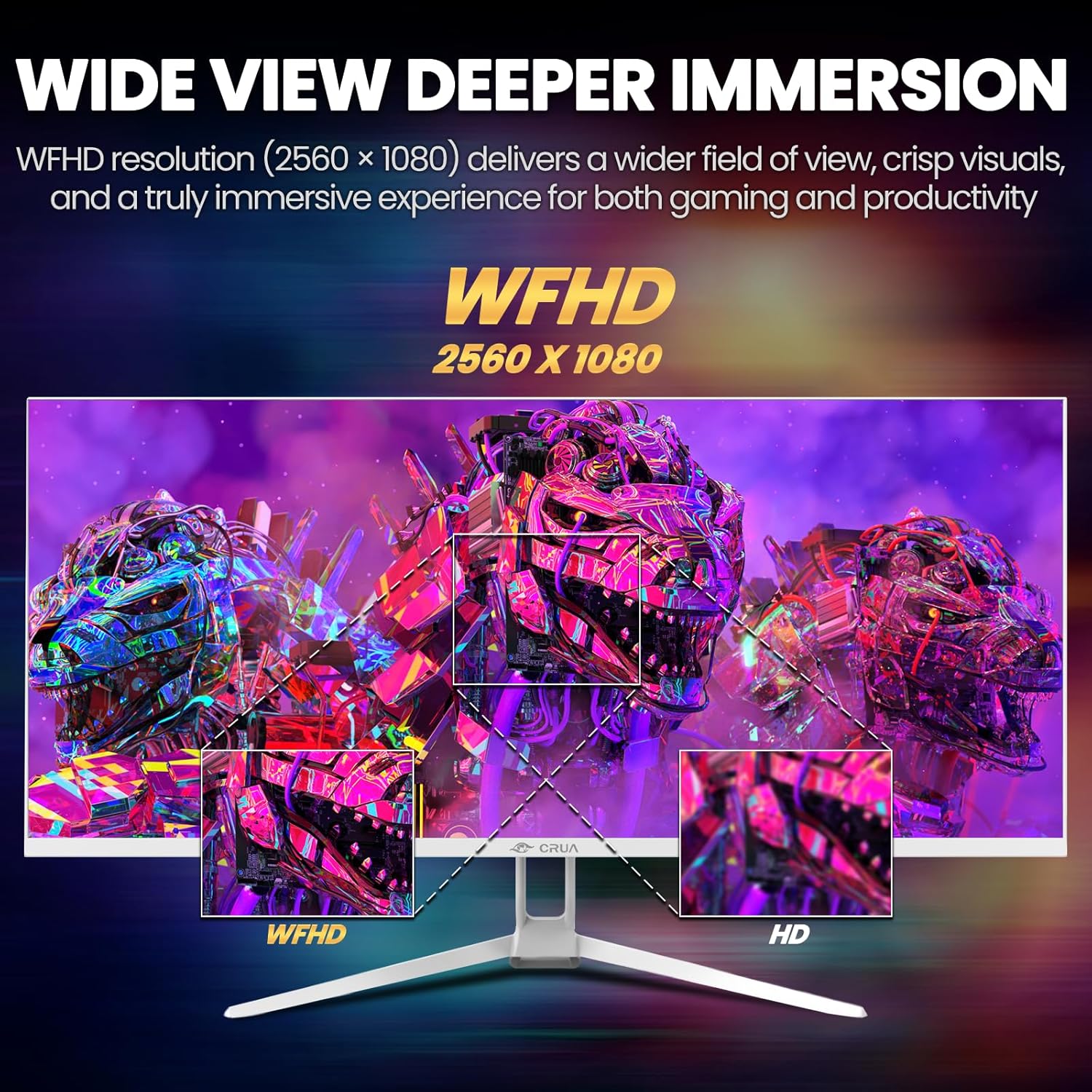
Image: A detailed diagram illustrating the monitor's connectivity options, including two HDMI 1.4 ports, one DisplayPort 1.4, an audio output, a USB charging port, and the DC power input.
4. Упутство за употребу
4.1 Укључивање/искључивање
Press the power button, typically located on the bottom or rear of the monitor, to turn it on or off. The power indicator light will illuminate when the monitor is on.
4.2 Приказ на екрану (ОСД) мени
The OSD menu allows you to adjust various monitor settings. Access it by pressing the OSD menu button (often a joystick-like button or a set of dedicated buttons) on the monitor.
- Навигација: Use the OSD buttons or joystick to navigate through the menu options.
- Избор: Притисните дугме за избор да бисте ушли у подмени или потврдили подешавање.
- Излаз: Use the exit button to go back or close the OSD menu.
4.3 Подешавања слике
Adjust visual parameters for optimal viewинг:
- Осветљеност: Контролише укупну осветљеност екрана.
- Контраст: Подешава разлику између светлих и тамних области.
- Температура боје: Selects preset color modes (e.g., Warm, Cool, User).
- Филтер плавог светла: Смањује емисију плаве светлости како би се смањило напрезање очију током дуже употребе.
- Размера: Set to 21:9 for ultrawide content or other options as needed.

Image: The CRUA ultrawide monitor showcasing its 21:9 aspect ratio, demonstrating how it provides more horizontal screen space compared to a standard 16:9 display.
4.4 Аудио подешавања
The monitor includes built-in speakers. Adjust volume through the OSD menu or your connected device. An external audio output port is also available for headphones or external speakers.
4.5 AMD FreeSync
To enable AMD FreeSync for tear-free gaming, ensure your graphics card supports FreeSync and that it is enabled in your graphics card's control panel. Then, activate FreeSync within the monitor's OSD menu.

Image: A visual comparison demonstrating the effect of AMD FreeSync, showing a torn image when FreeSync is off and a smooth image when FreeSync is on, highlighting the 120Hz refresh rate.
5. Одржавање
5.1 Чишћење екрана
- Искључите монитор и извуците кабл за напајање.
- Лагано користите меку крпу која не оставља длачице дampводом или специјализованим средством за чишћење екрана.
- Wipe the screen gently. Do not press hard or use abrasive cleaners.
5.2 Општа нега
- Држите монитор даље од директне сунчеве светлости, извора топлоте и прекомерне прашине.
- Избегавајте стављање тешких предмета на монитор или његове каблове.
- Do not spray cleaning liquids directly onto the monitor.
КСНУМКС. Решавање проблема
Ако наиђете на проблеме са монитором, погледајте следеће уобичајене проблеме и решења:
| Проблем | Могуће решење |
|---|---|
| Нема слике на екрану | Ensure power cable is securely connected and the monitor is turned on. Check video cable (HDMI/DP) connections to both monitor and computer. Select the correct input source via the OSD menu. |
| Слика трепери или је нестабилна | Check video cable connections. Ensure your graphics card drivers are up to date. If using FreeSync, try disabling it temporarily to see if the issue persists. Adjust refresh rate in your computer's display settings. |
| Нема звука из уграђених звучника | Increase volume via the OSD menu and your computer's sound settings. Ensure the correct audio output device is selected on your computer. Check if the audio cable (if used) is properly connected. |
| Боје изгледају погрешно | Reset picture settings to factory defaults via the OSD menu. Adjust color temperature and individual RGB values if available. |
If the problem persists after trying these solutions, please contact CRUA customer support.
7. Спецификације
Key technical specifications for the CRUA 34-inch Ultrawide Gaming Monitor (Model CR340AU):
| Феатуре | Спецификација |
|---|---|
| Величина екрана | 34 инча |
| Панел Типе | ИПС |
| Резолуција | 2560 x 1080 (WFHD) |
| Аспецт Ратио | 21:9 |
| Рефресх Рате | 120Хз |
| Време одговора | (Not specified in provided data, typical for IPS is 1-5ms GTG) |
| Осветљеност | 350 цд/м² |
| Гамут боја | 120% сРГБ |
| Дубина боје | 8-bit (16.7 Million Colors) |
| Viewинг Англес | 178° (хоризонтално/вертикално) |
| Адаптиве Синц | АМД ФрееСинц |
| Повезивање | 2x HDMI 1.4, 1x DisplayPort 1.4, Audio Out, USB Charging, DC Power Input |
| Уграђени звучници | Да |
| Валл Моунт | ВЕСА 75к75мм |
| Димензије производа | 9.4 к 24.13 к 17.47 инча |
| Тежина артикла | 14.92 фунти |
8. Гаранција и подршка
CRUA provides high-quality computer monitors and customer service. For any questions or support needs regarding your CRUA 34-inch Ultrawide Gaming Monitor, please contact CRUA customer support.
Refer to your purchase documentation or the official CRUA webсајт за конкретне услове гаранције и контакт информације.