
1. Увод
This manual provides detailed instructions for the ETOE Google TV Streaming Device. This device transforms any compatible TV into a smart TV, offering access to a wide range of streaming services, apps, and smart features powered by Google TV. Please read this manual thoroughly before use to ensure proper setup and operation.

Image: The ETOE Google TV Streaming Device connected to a television, showcasing its streaming capabilities.
2. Садржај пакета
Проверите да ли су све ставке присутне у вашем пакету:
- ETOE Google TV Streaming Device (T2 Stick) x1
- Даљински управљач к1
- Power Cable (Micro USB) x1
- HDMI Extension Cable x1
- Упутство за употребу к1
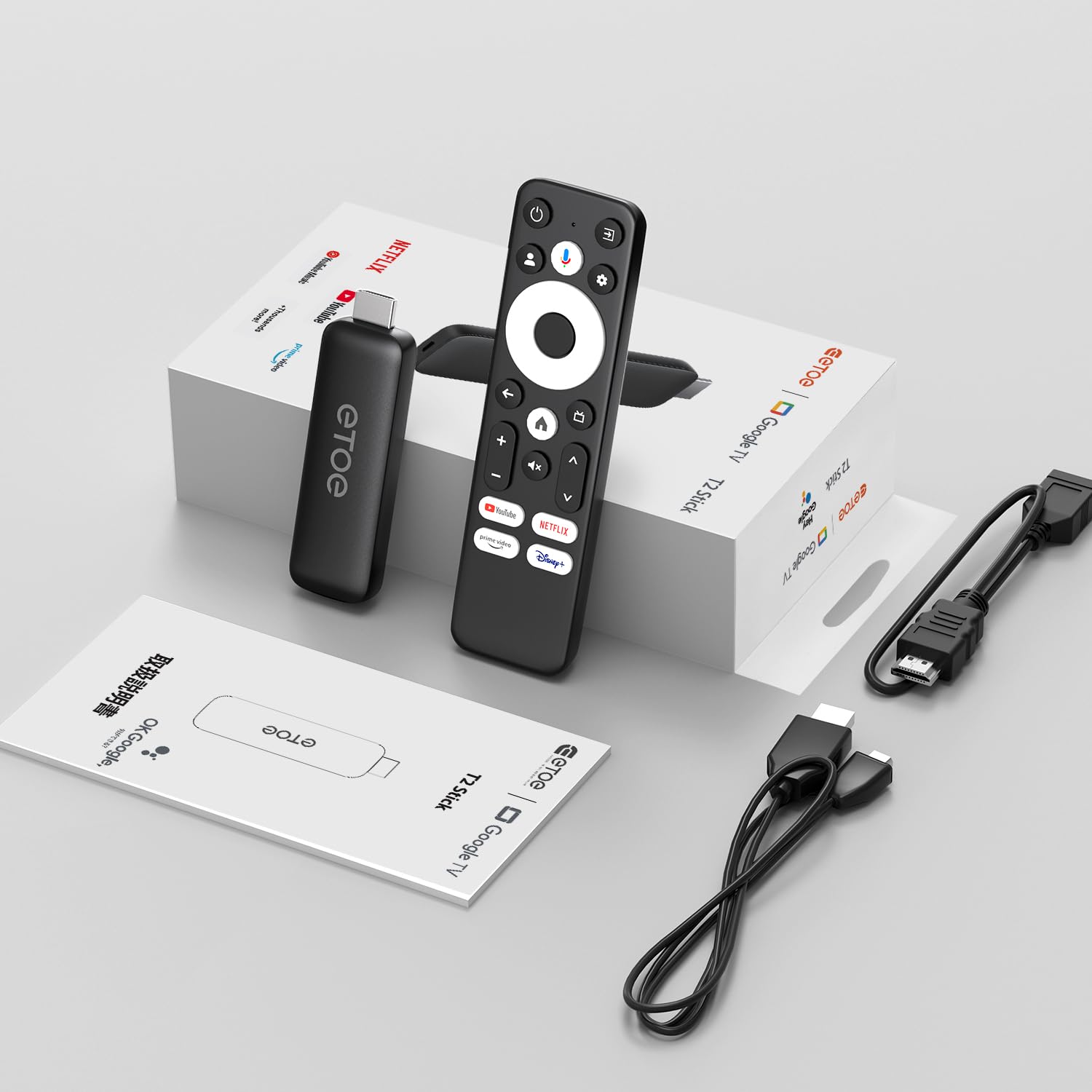
Image: All components included in the ETOE Google TV Streaming Device package.
3. Водич за подешавање
Follow these steps to set up your ETOE Google TV Streaming Device:
3.1. Повежите уређај
- Прикључак за напајање: Connect one end of the USB cable to the TV stick and the other end to a power adapter (not included). Plug the power adapter into a nearby power outlet. Alternatively, you can connect the USB cable directly to a USB port on your TV or monitor for power.
- ХДМИ веза: Insert the TV stick into an available HDMI port on your television. If the HDMI port is difficult to access, use the included HDMI extension cable.
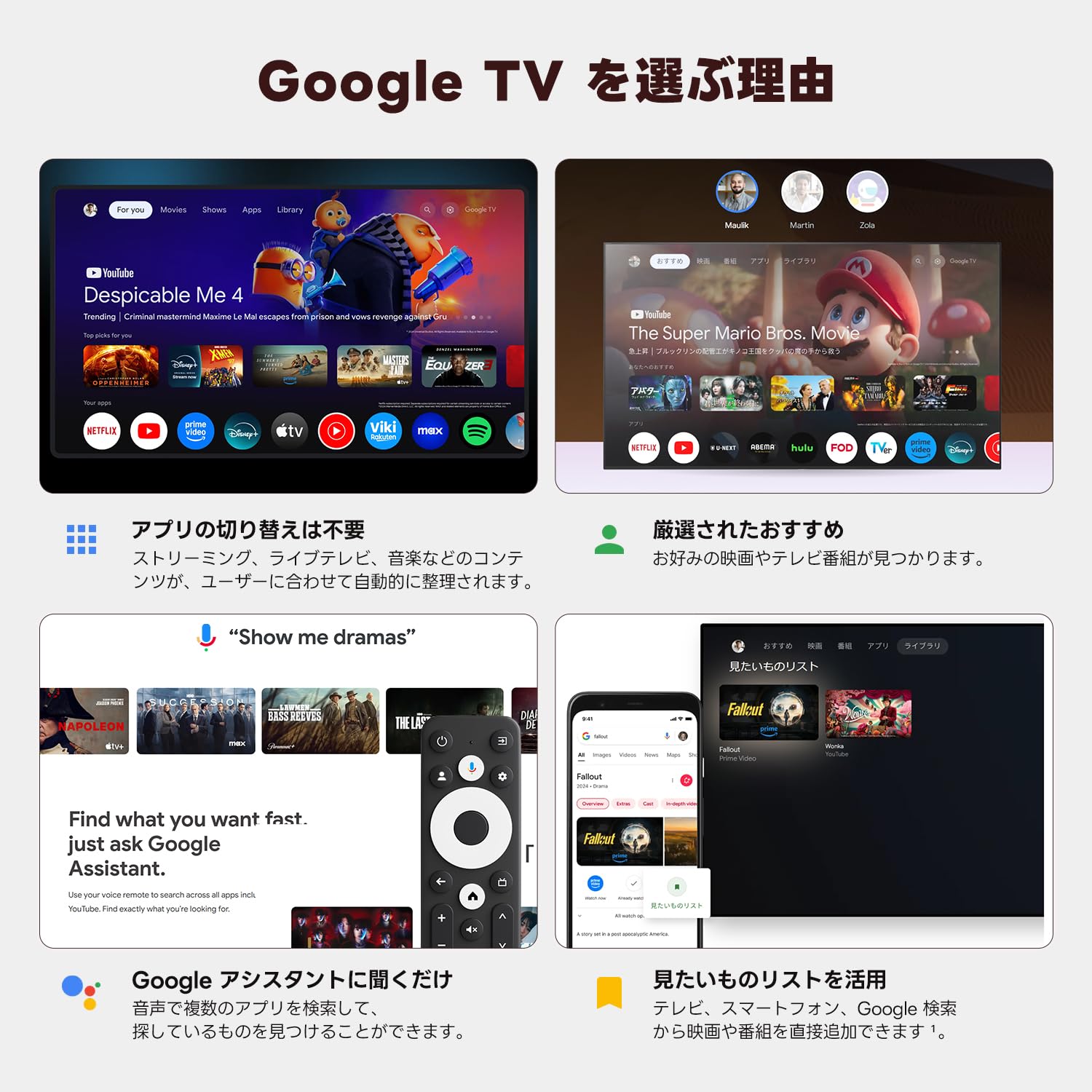
Image: Connection diagram for the ETOE Google TV Streaming Device.
3.2. Почетно подешавање и даљинско упаривање
Turn on your TV and select the correct HDMI input. The device will boot up, and you will see a welcome screen. Follow the on-screen instructions to complete the initial setup, which includes pairing your remote control.
Да бисте упарили даљински управљач, притисните и држите Хоме и Назад buttons simultaneously for approximately 5 seconds, or until the LED on the remote blinks green. Keep the remote within 3 feet of the streaming device during pairing.
3.3. Video Guide: Unboxing and Setup
Video: A short demonstration of unboxing the ETOE Google TV Streaming Device and performing the initial setup steps, including remote pairing and language selection.
4. Упутство за употребу
Once set up, navigate the Google TV interface using your remote control.
4.1. Кретање кроз интерфејс
- Use the directional pad (D-pad) on the remote to move between menu items.
- Притисните тастер Центар дугме да изаберете ставку.
- Притисните тастер Назад дугме за повратак на претходни екран.
- Притисните тастер Хоме button to go to the Google TV home screen.
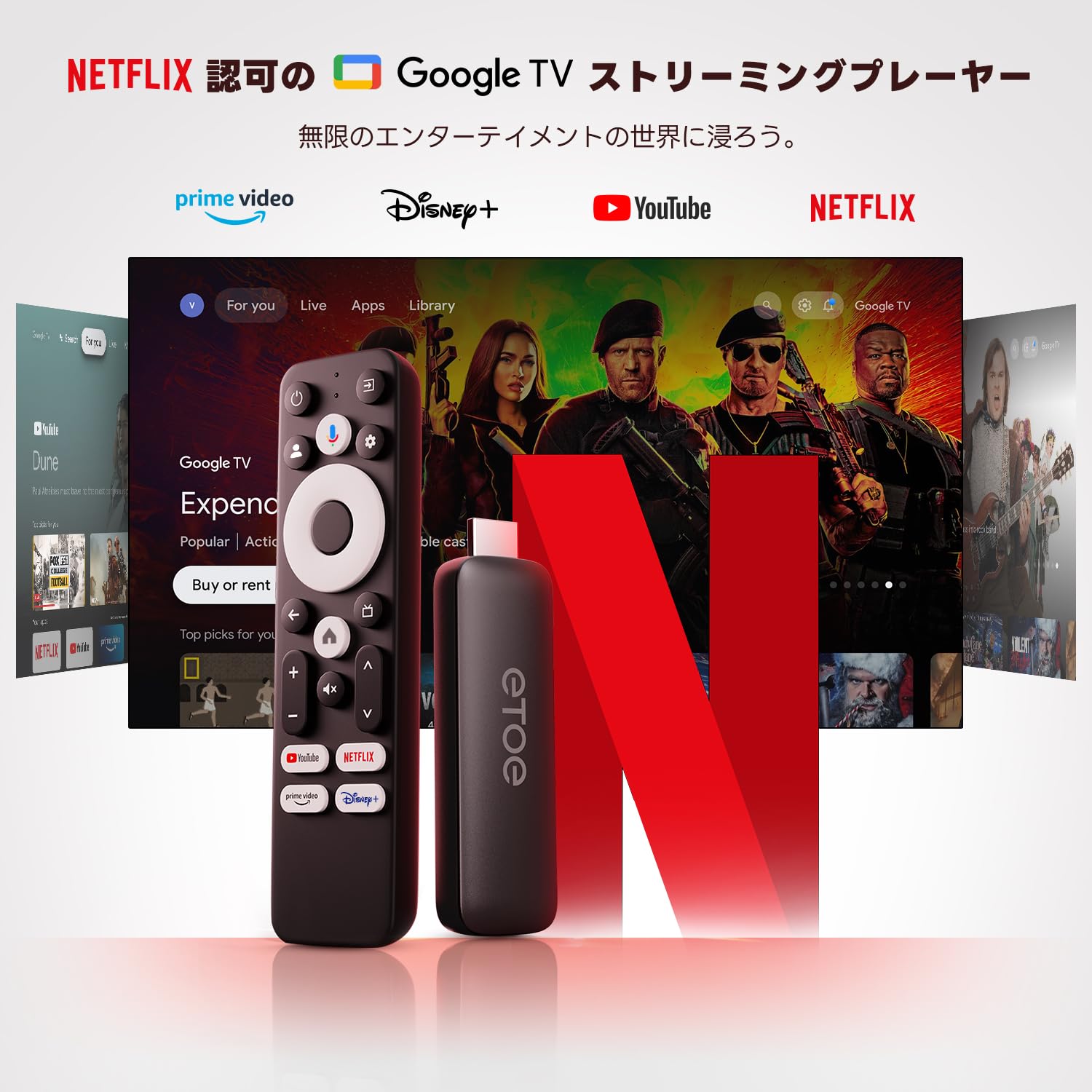
Image: The ETOE Google TV interface with the remote control.
4.2. Гласовна контрола помоћу Google асистента
The ETOE Google TV Streaming Device supports Google Assistant for hands-free control. Press the Гоогле помоћник button on your remote or say "OK Google" (if enabled) to activate voice commands.
- Тражи movies and TV shows.
- Отворите апликације.
- Контролишите репродукцију (репродукција, пауза, прескакање).
- Подесите јачину звука.
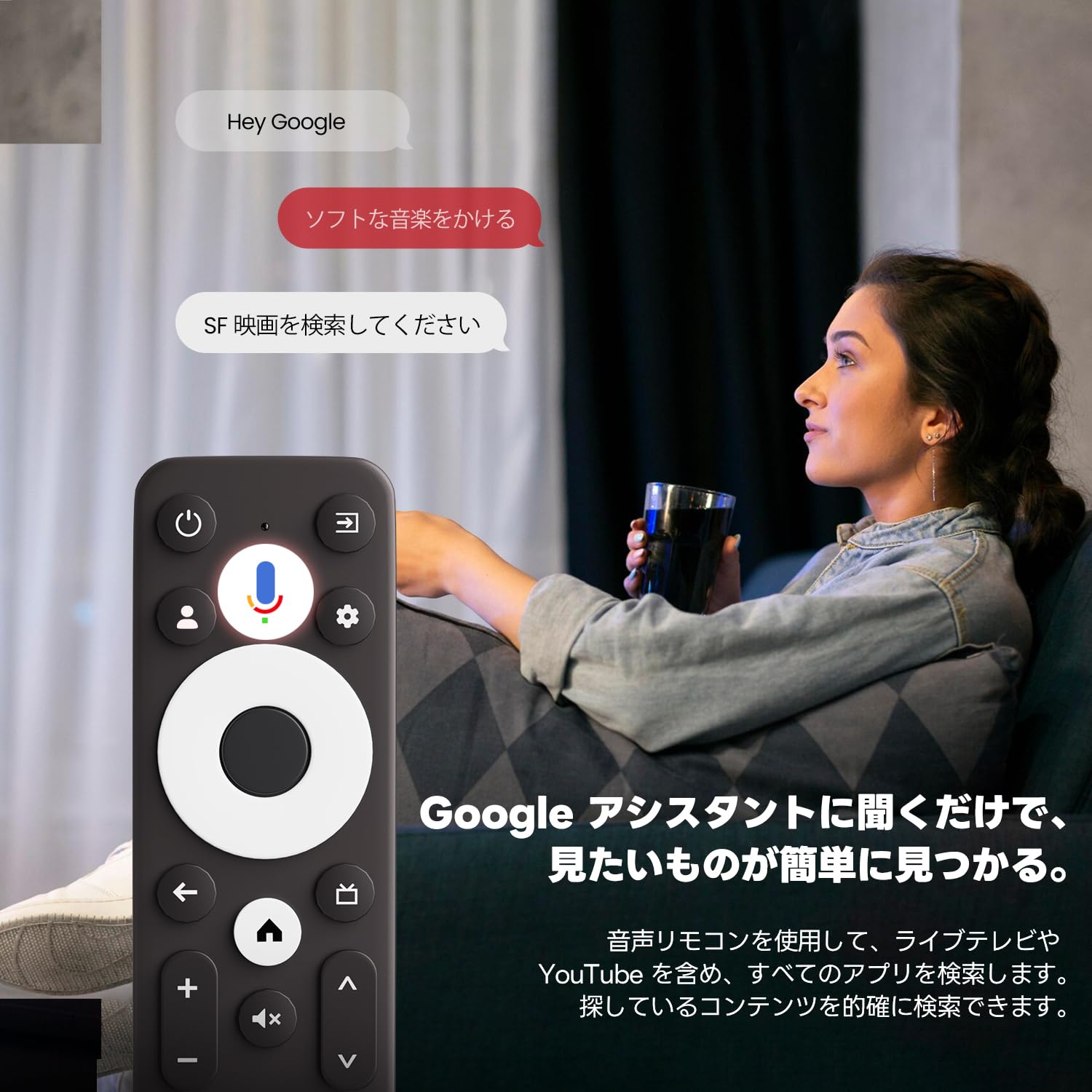
Image: Using voice commands with the ETOE Google TV remote.
4.3. Апликације за стримовање
Access a vast library of content from popular streaming services like Netflix, YouTube, Prime Video, Disney+, and many more. The Google TV interface organizes content from all your subscriptions, making it easy to discover new shows and movies.
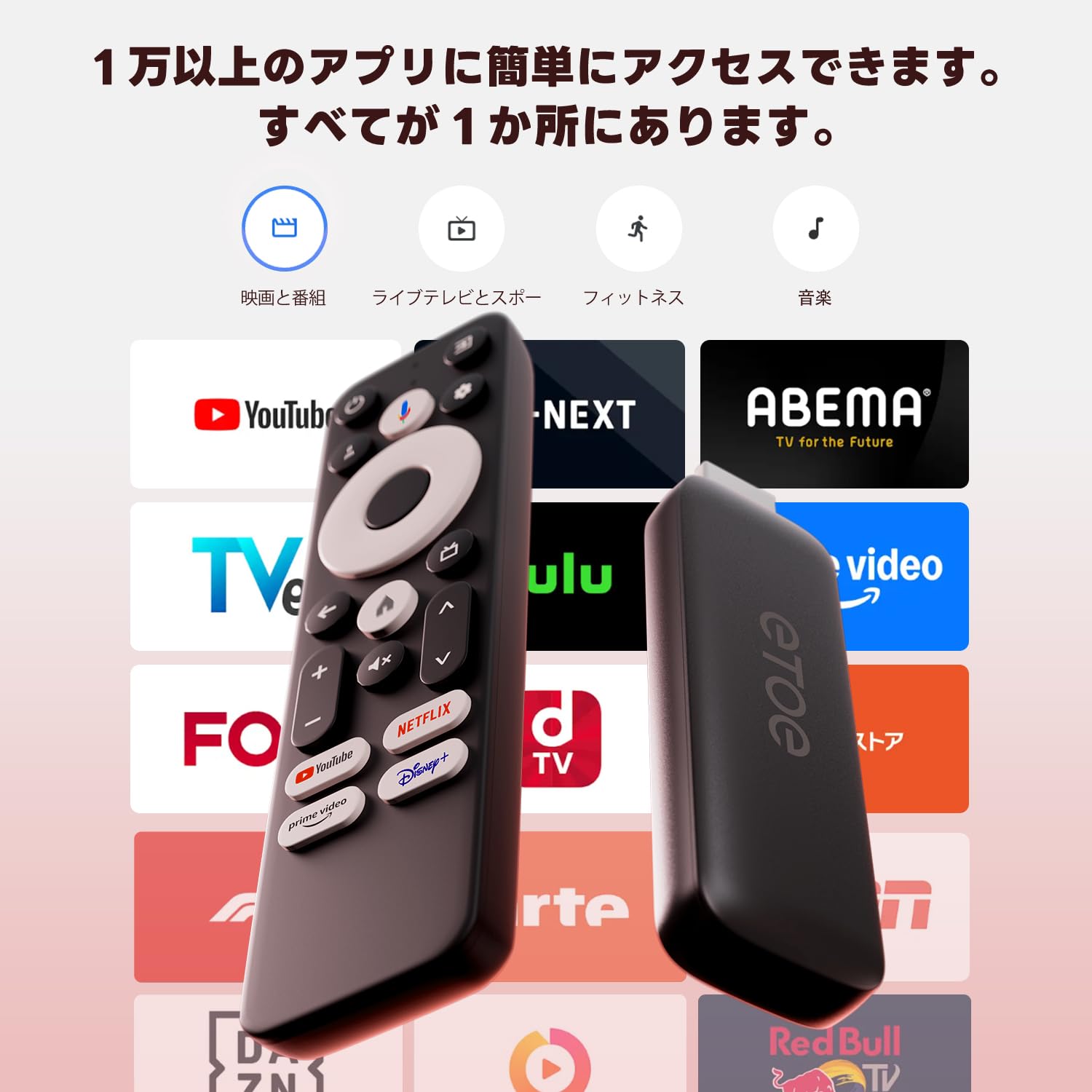
Слика: Прекоview of popular streaming applications accessible on the device.
4.4. Google Cast / Screen Mirroring
The device supports Google Cast, allowing you to mirror content from your smartphone or tablet directly to your TV screen. This feature is ideal for sharing photos, videos, or presentations.
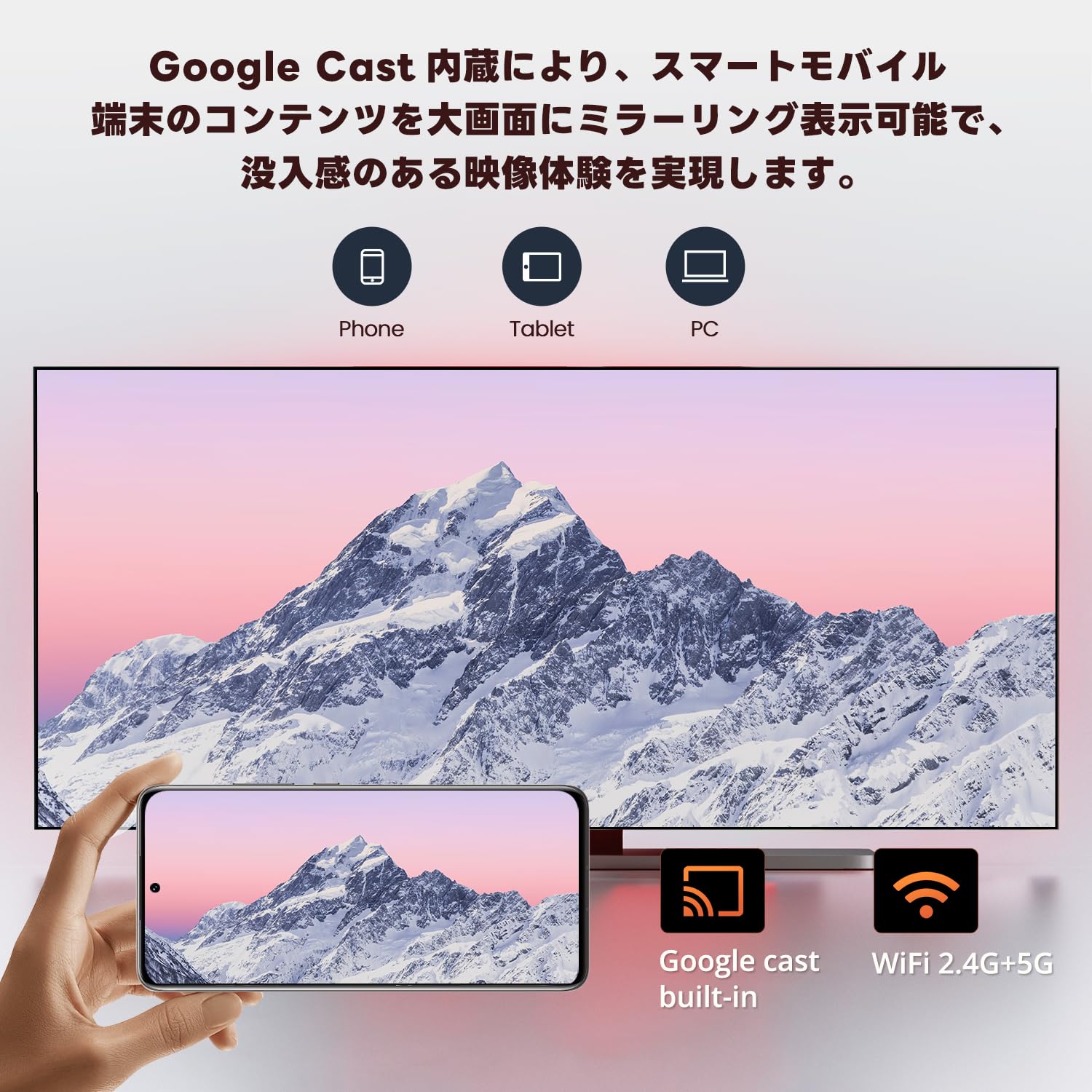
Image: Smartphone screen mirroring to a TV using Google Cast.
5. Карактеристике
The ETOE Google TV Streaming Device offers a range of features designed to enhance your entertainment experience:
- Official Google TV: Access over 700,000 movies and TV episodes from various streaming services.
- Full HD 1080p Output: Enjoy vivid and clear images with 1080p resolution support.
- Dual-band Wi-Fi (2.4G & 5G): Ensures stable and fast wireless connectivity for smooth streaming.
- Блуетоотх КСНУМКС: Connect wireless accessories such as headphones or game controllers.
- Гоогле помоћник: Use voice commands for search, playback control, and more.
- Google Cast Built-in: Easily cast content from your mobile devices to your TV.
- Персонализоване препоруке: Google TV learns your preferences and suggests content tailored to you.
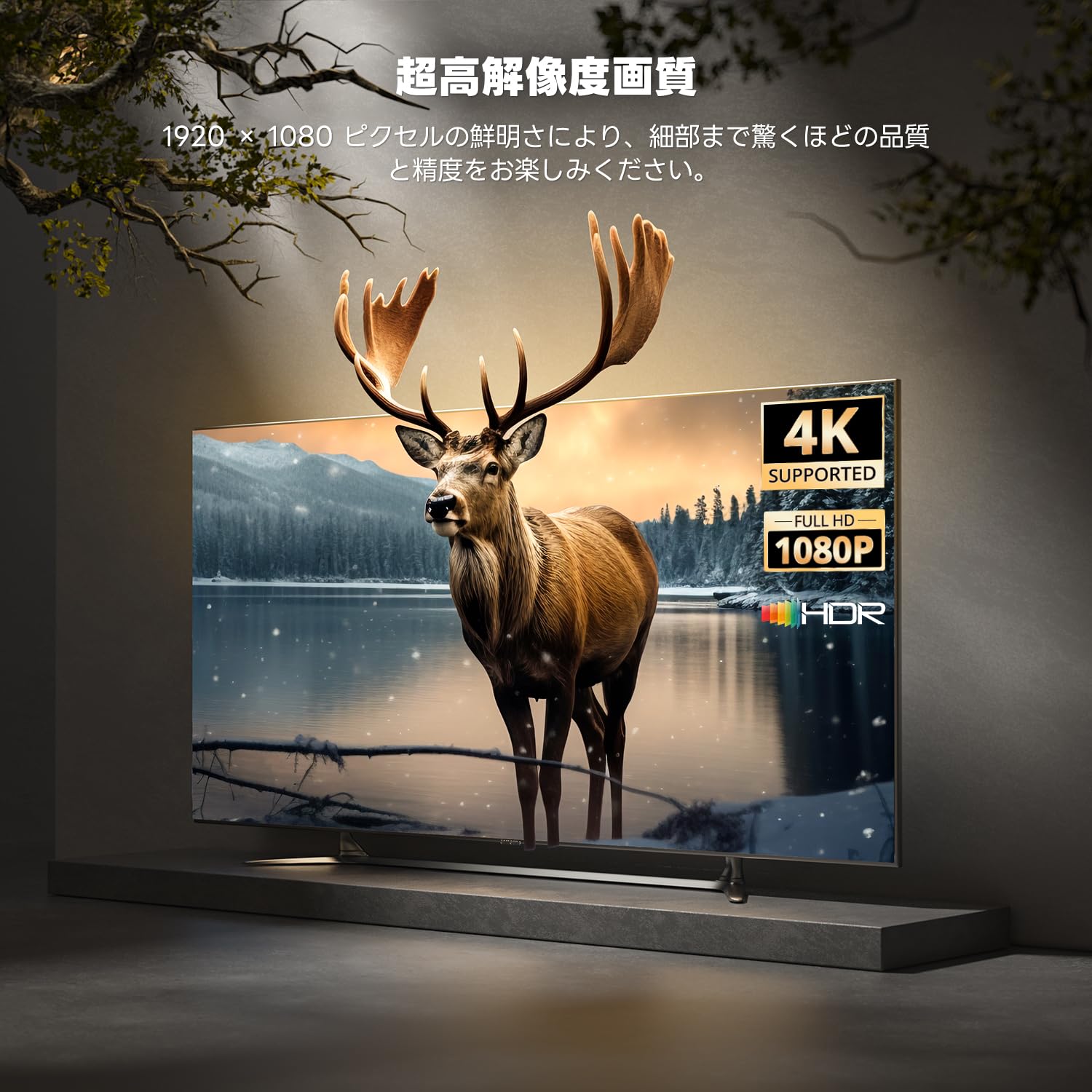
Image: High-resolution display capabilities of the device.
6. Одржавање
To ensure the longevity and optimal performance of your ETOE Google TV Streaming Device, follow these maintenance guidelines:
- Чишћење: Користите меку, суву крпу за чишћење уређаја. Не користите течна средства за чишћење или аеросол спрејеве.
- вентилација: Ensure the device is placed in a well-ventilated area to prevent overheating. Do not cover the device.
- Складиштење: Када се уређај не користи дуже време, искључите га из струје и чувајте га на хладном и сувом месту.
- Ажурирања софтвера: Keep the device's software updated to the latest version for improved performance and security. Updates are typically managed automatically by Google TV.
КСНУМКС. Решавање проблема
If you encounter issues with your ETOE Google TV Streaming Device, refer to the following common problems and solutions:
| Проблем | Могуће решење |
|---|---|
| Нема напајања/Уређај се не укључује | Ensure the power cable is securely connected to the device and a working power outlet. Try a different power adapter or USB port. |
| Нема сигнала на ТВ-у | Verify the HDMI cable is securely connected to both the device and the TV. Ensure your TV is set to the correct HDMI input. Try a different HDMI port or cable. |
| Даљински не реагује | Check the remote's batteries and replace if necessary. Re-pair the remote by holding the Home and Back buttons for 5 seconds. |
| Проблеми са Ви-Фи везом | Restart your Wi-Fi router. Go to the device's Wi-Fi settings and reconnect to your network. Ensure the device is within range of your router. |
| App freezing or crashing | Restart the application. Clear the app's cache and data in the device settings. If the problem persists, uninstall and reinstall the app. |
| Лош квалитет видеа | Check your internet connection speed. Ensure your TV supports the resolution being streamed. Adjust video quality settings within the streaming app if available. |
8. Спецификације
Key technical specifications for the ETOE Google TV Streaming Device (Model D2861):
- Бренд: ЕТОЕ
- Број модела: Д2861
- Фактор форме: ТВ Стицк
- Боја: Црно
- Технологија повезивања: Wi-Fi (2.4G & 5G), Bluetooth 5.0
- Тип конектора: ХДМИ
- Резолуција видео излаза: 1080p (1920x1080)
- Видео кодеки: H.264, H.265/HEVC
- Тежина производа: 190 г
- Димензије пакета: 19.3 к 9.1 к 4.6 цм
9. Гаранција и подршка
ETOE provides a 12-month warranty and 30-day return policy for this product. For any initial defects or compatibility issues, please contact customer support. Japanese language support is available, and manufacturer warranty ensures comprehensive post-purchase assistance.
For further assistance, please visit the official ETOE store or contact customer support through the provided channels.
- Званична продавница: ETOE Official Store on Amazon.co.jp