
Важне информације о безбедности
Please read this manual thoroughly before operating the Elitech PHM-230 pH Pen Meter. Retain this manual for future reference.
- Do not immerse the entire meter in water; only the electrode tip is waterproof.
- Keep the electrode clean and moist. Always replace the protective cap after use.
- Store calibration solutions properly, away from direct sunlight and extreme temperatures.
- Handle the glass electrode with care to prevent damage.
- Чувати ван домашаја деце.
Производ је завршенview
The Elitech PHM-230 is a professional digital pH pen meter designed for accurate measurement of pH and temperature in various solutions. It features automatic temperature compensation (ATC) and a three-point calibration system.
Укључене компоненте

Image: The Elitech PHM-230 pH meter, calibration solutions, and batteries neatly arranged in its protective plastic case.
- PHM-230 pH Pen Meter (1 unit)
- Plastic Carrying Case (1 unit)
- Standard Calibration Solutions (3 bottles: pH 4.00, pH 6.86, pH 9.18)
- AAA Batteries (2 units, 1.5V)
- Упутство за употребу (1 јединица)
Кључне карактеристике
- Precision Calibration System: Three-point push-button calibration with auto-buffer recognition for accurate measurements.
- Аутоматска компензација температуре (АТЦ): Ensures reliable readings in varying temperature environments.
- Advanced Electrode Design: Double-junction structure with enhanced reference gel for extended electrode lifespan.
- Екран прилагођен кориснику: Large, dual-line LCD screen shows pH and temperature values, along with calibration status indicators.
- Широка примена: Suitable for hydroponics, agriculture, drinking water, aquariums, and industrial solutions.

Image: The Elitech PHM-230 pH meter showing a pH reading of 6.54 and a temperature of 27.1°C.
Сетуп
Инсталација батерије
- Unscrew the battery compartment cover located at the top of the meter.
- Уметните две батерије од 1.5 V AAA, водећи рачуна о исправном поларитету (+/-).
- Сигурно вратите поклопац одељка за батерије.
Иницијална припрема
- Remove the protective cap from the electrode tip.
- Исперите електроду дестилованом или дејонизованом водом.
- Gently blot dry with a clean tissue. Do not rub.
Операција
Укључивање/искључивање
- Притисните тастер ОН/ОФФ дугме за укључивање мерача.
- Притисните и држите ОН/ОФФ button for a few seconds to turn the meter off.
Узимање мерења

Image: The Elitech PHM-230 pH meter being used to test the pH of a nutrient solution in a hydroponic system, showing a reading of 3.44 pH and 27.1°C.
- Ensure the meter is clean and calibrated.
- Immerse the electrode tip into the solution to be tested. Ensure the liquid level is above the glass bulb.
- Gently stir the meter and wait for the reading to stabilize on the display.
- Record the pH and temperature values.
- Након мерења, исперите електроду дестилованом водом и вратите заштитну капицу.

Image: The Elitech PHM-230 pH meter showing its measuring range (0-14), pH resolution (0.01), and pH accuracy (±0.05).
Аутоматска компензација температуре (АТЦ)
The PHM-230 automatically adjusts pH readings based on the solution's temperature, ensuring accuracy without manual temperature correction.
Red Light Alarm

Image: The Elitech PHM-230 pH meter showing a red light alarm on its display, indicating that the measured pH is either less than 3.5 or greater than 11.5, signifying a strong acid or strong alkaline environment.
When the pH reading is less than 3.5 or greater than 11.5, the meter will emit a red light alarm. This indicates that the environment is strongly acidic or strongly alkaline.
Функција аутоматског искључивања

Image: The Elitech PHM-230 pH meter being used to test a solution, highlighting its 3-point auto calibration, LED backlight for dark environments, and 10-minute auto-off feature to conserve battery life.
The meter is equipped with a 10-minute auto-off function to conserve battery life. If no operation is detected within 10 minutes, the meter will automatically power down. This setting is retained for the next startup.
Калибрација
Regular calibration ensures the accuracy of your pH meter. The PHM-230 supports 3-point automatic calibration using standard buffer solutions (pH 4.00, pH 6.86, pH 9.18).
Video: An official guide demonstrating the operation and calibration procedure for the Elitech PHM-230 pH Meter.
Calibration Procedure (3-Point)
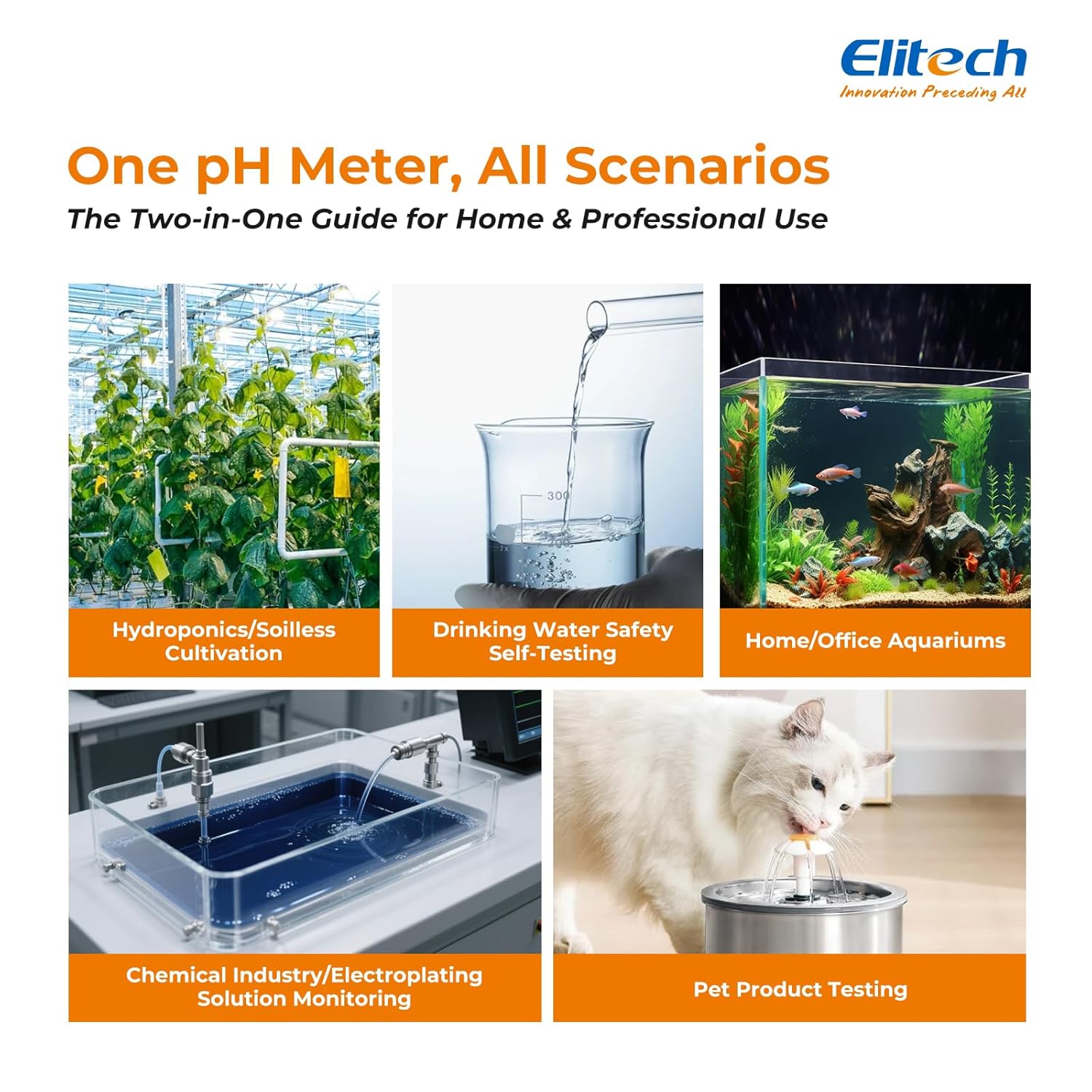
Image: The Elitech PHM-230 pH meter immersed in three separate beakers containing pH 4.00 (pink), pH 6.86 (green), and pH 9.18 (blue) calibration buffer solutions.
- Укључите мерач.
- Притисните и држите ЦАЛ button to enter calibration mode. The display will show 'CAL'.
- Immerse the electrode (glass bulb fully) into the first standard buffer solution (e.g., pH 6.86).
- Wait for the reading to stabilize. The meter will automatically recognize the buffer and save the calibration.
- Rinse the electrode with distilled water for at least 1 minute.
- Repeat steps 3-5 for the second standard buffer solution (e.g., pH 4.00).
- Repeat steps 3-5 for the third standard buffer solution (e.g., pH 9.18).
- After completing all three points, the meter will automatically exit calibration mode and return to measurement mode. Calibration is saved.
Одржавање
Нега и складиштење електрода
- Always keep the electrode clean. Rinse with distilled water after each use.
- For long-term storage, ensure the electrode is kept moist. The protective cap should contain a small amount of electrode storage solution or pH 4 buffer solution. Do not store in distilled water.
- If the electrode becomes dry, soak it in electrode storage solution or pH 4 buffer for at least 30 minutes before use.
Чишћење
- Wipe the meter body with a clean, damp тканина. Немојте користити абразивна средства за чишћење или раствараче.
- If the electrode is contaminated with oil or grease, clean it with a mild detergent solution, then rinse thoroughly with distilled water.
Решавање проблема
| Проблем | Могући узрок | Решење |
|---|---|---|
| Нетачна очитавања | Uncalibrated meter, dirty electrode, expired buffer solutions, dry electrode. | Calibrate the meter, clean the electrode, use fresh buffer solutions, rehydrate electrode. |
| No display/Meter won't turn on | Dead batteries, incorrect battery installation. | Replace batteries, check battery polarity. |
| Споро време одзива | Dry electrode, contaminated electrode. | Rehydrate electrode, clean electrode. |
| Очитавања варирају | Air bubbles on electrode, unstable sample temperature, electrical interference. | Gently tap meter to remove bubbles, ensure stable sample temperature, move away from electrical sources. |
Спецификације
| Феатуре | Детаљ |
|---|---|
| Димензије производа | 6.5 к 1.38 к 1.38 инча |
| Тежина артикла | 15.8 унци |
| Број модела ставке | ПХМ-230 |
| Батерије | 2 к 1.5В ААА батерије (укључене) |
| Опсег мерења пХ | 0.00 - 14.00 pH |
| пХ резолуција | 0.01 пХ |
| Тачност пХ | ±0.05 пХ |
| Опсег мерења температуре | 0.0 - 60.0 °C (32.0 - 140.0 °F) |
| Температурна резолуција | 0.1 °Ц / 0.1 °Ф |
| Прецизност температуре | ±0.5 °Ц / ±1.0 °Ф |
| Аутоматска компензација температуре (АТЦ) | Да |
| Калибрација | 3-point automatic calibration (pH 4.00, 6.86, 9.18) |
| Аутоматско искључивање | КСНУМКС минута |
| Водоотпорна оцена | IP67 (electrode tip only) |
Информације о гаранцији
For detailed warranty information regarding your Elitech PHM-230 pH Pen Meter, please refer to the official Elitech website or contact Elitech customer support directly. Warranty terms and conditions may vary by region and purchase date.
Корисничка подршка
If you encounter any issues or have questions about your Elitech PHM-230 pH Pen Meter that are not covered in this manual, please contact Elitech customer service for assistance.
- Visit the official Elitech webсајт за ресурсе подршке и контакт информације.
- Refer to the contact information provided on the product packaging or warranty card.