1. Увод
The Gmatrix A-TV18+ is a universal remote control designed for ease of use, particularly for seniors. It features large, clearly labeled buttons and simplified functionality to control your television. This manual provides detailed instructions for setting up, operating, and maintaining your remote control.
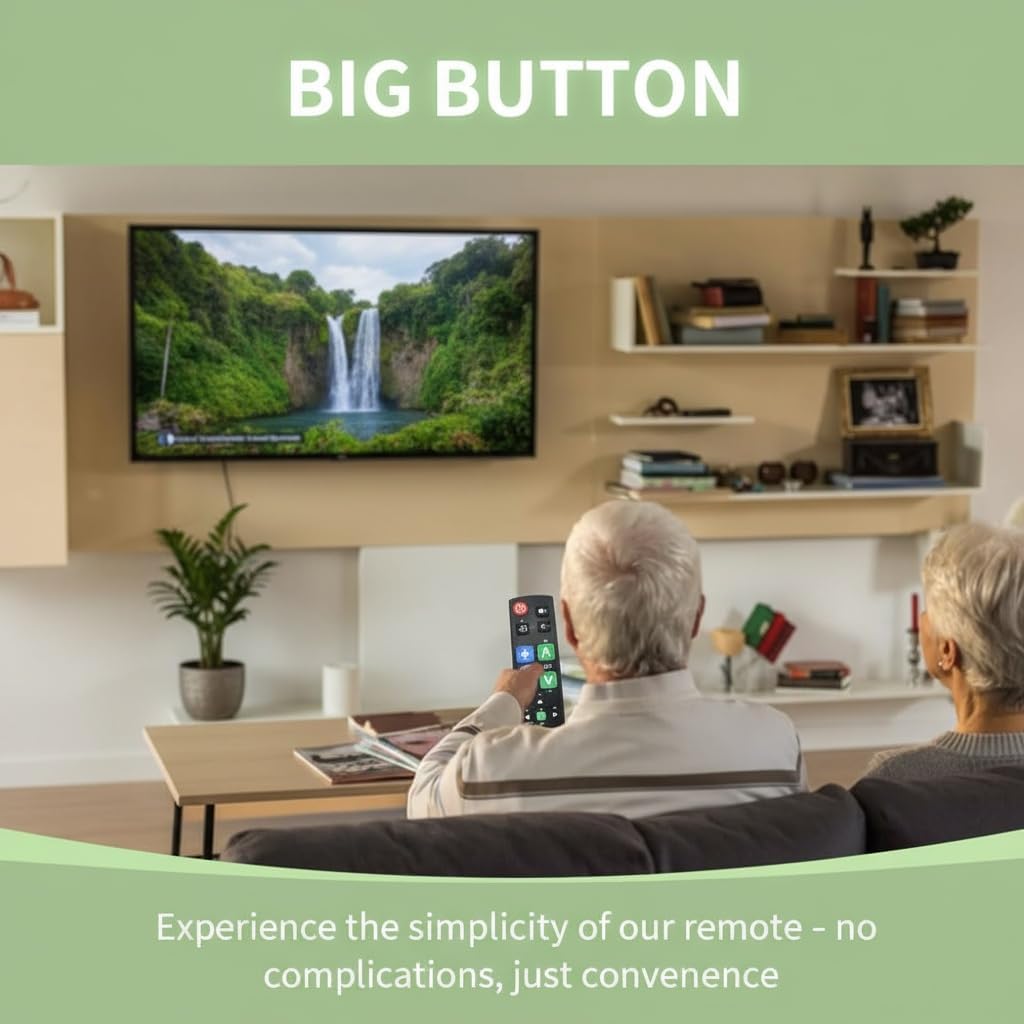
Image: An older couple comfortably using the Gmatrix A-TV18+ remote control to watch television, highlighting its user-friendly design.

Image: The Gmatrix A-TV18+ remote control displayed alongside a modern television, illustrating its simple and direct usability.
2. Компатибилност
The A-TV18+ universal remote is compatible with a wide range of major TV brands. It is designed to work with one TV, cable box, or STB at a time. Please refer to the compatibility list below to ensure your device is supported.

Image: A visual compatibility list indicating various TV brands supported by the Gmatrix A-TV18+ remote, including Samsung, LG, Sony, TCL, Hisense, Vizio, Roku-TV, Panasonic, Philips, Sharp, Toshiba, Sanyo, Magnavox, and Element. It also clearly states that it is not compatible with Cable Box, Fire Stick, Roku Stick, DVD/Blu-ray, or TV brands not explicitly listed.
Supported TV Brands include: SAMSUNG, LG, SONY, TCL, HISENSE, VIZIO, ROKU-TV, PANASONIC, PHILIPS, SHARP, TOSHIBA, SANYO, MAGNAVOX, ELEMENT, and more.
Важна напомена: Овај даљински управљач је НЕ compatible with Cable Boxes, Fire Sticks, Roku Sticks, DVD/Blu-ray players, or TV brands not listed above.
3. Упутства за подешавање
3.1. Инсталација батерије
The remote requires 2 AAA batteries (not included). To install:
- Отворите поклопац одељка за батерије на задњој страни даљинског управљача.
- Уметните две ААА батерије, водећи рачуна о исправном поларитету (+ и -).
- Добро затворите поклопац одељка за батерије.
3.2. Brand Switching (Quick Setup)
This feature allows you to quickly configure the remote for your specific TV brand.
- Уверите се да је ваш ТВ укључен.
- Притисните и држите Повер button and the corresponding brand key (e.g., SN for Sony, LG for LG, FR for Philips, RK for Roku-TV, HS for Hisense, PN for Panasonic, TC for TCL) simultaneously for approximately 2 seconds.
- The LED indicator on the remote will flash and then turn off, indicating successful brand switching.
- Test the remote's functions (Power, Volume, Channel). If some functions do not work, try cycling through models for HISENSE and TOSHIBA TVs by repeating the process, or proceed to Manual Code Search.

Image: The Gmatrix A-TV18+ remote control with an arrow pointing to the Power button and a brand button, demonstrating how to perform brand switching.

Image: A three-step diagram illustrating the "Smart Brand Switching" feature, showing the user holding two buttons, an LED confirmation, and the TV responding.
3.3. Manual Code Search
If the Brand Switching feature does not fully configure your remote, use the manual code search.
- Enter Setup: Притисните и држите СЕТ дугме и ЦХ+ button simultaneously for 1 second until the LED indicator stays on.
- Тражи код: Aim the remote at your TV and repeatedly press the ЦХ+ button. Stop when your TV displays volume indicators or changes channels.
- Save Code: Test other essential buttons like Волуме. If they work correctly, press the СЕТ button to save the code and exit setup. The LED will turn off.
- If the remote does not function correctly, repeat the process, pressing ЦХ+ until a different code is found.
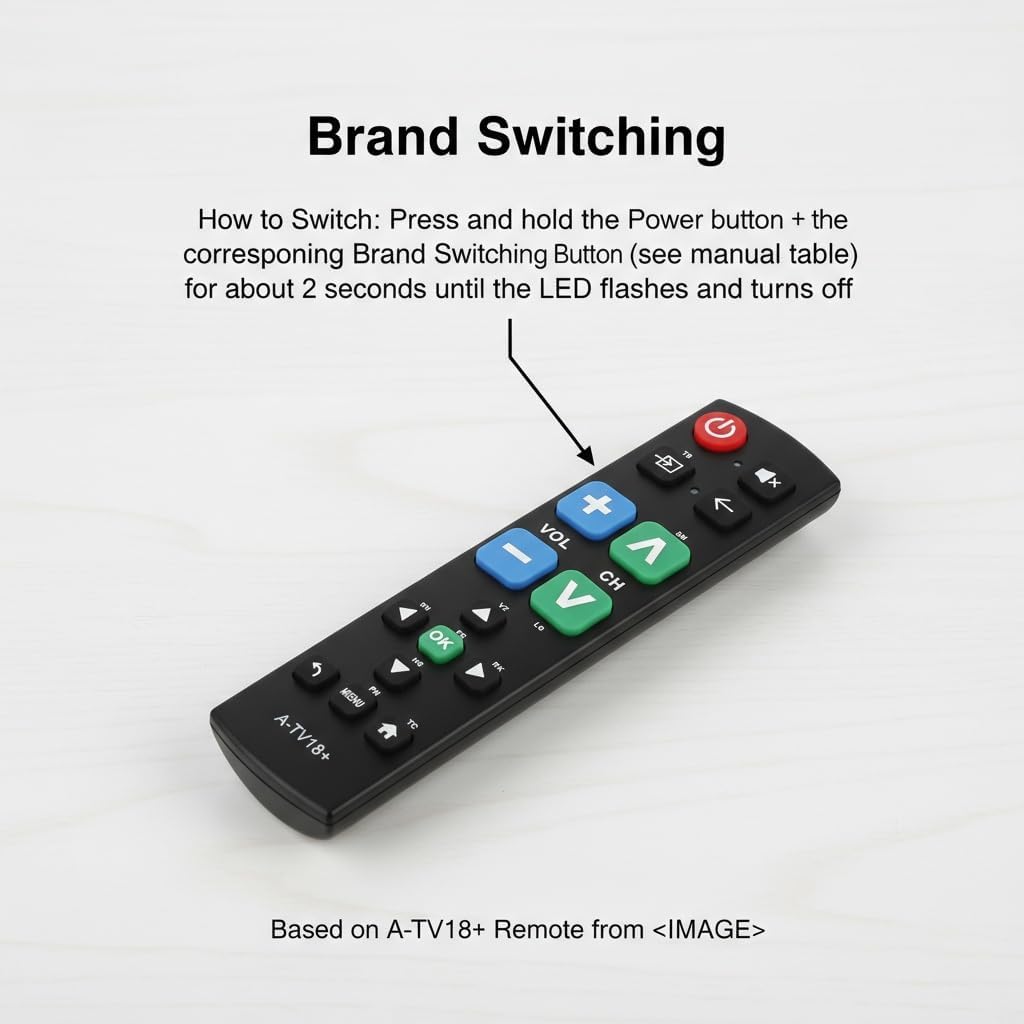
Image: The Gmatrix A-TV18+ remote control with a text overlay detailing the three steps for Manual Code Search: Enter Setup, Тражи Code, and Save Code.
3.4. Learning Function
The learning function allows you to copy commands from your original remote control to up to 14 buttons on the A-TV18+ remote.
- Уђите у режим учења: Притисните и држите СЕТ дугме и Стрелица десно button simultaneously for 3 seconds until the LED indicator stays on.
- Align Remotes: Place your original remote control 3-5 cm away from the A-TV18+ remote, ensuring their IR emitters are facing each other.
- Teach a Button: Press the desired button on your original remote. The LED on the A-TV18+ will blink. Immediately press the corresponding button on the A-TV18+ remote where you want to store the command. The LED will stay on, indicating successful learning.
- Repeat step 3 for other buttons you wish to program (up to 14 buttons).
- Сачувај и изађи: After programming all desired buttons, press the СЕТ дугме и Стрелица десно button simultaneously to save and exit learning mode. The LED will turn off.

Image: The Gmatrix A-TV18+ remote control with a text overlay detailing the four steps for using the Learning Function: Enter Learning Mode, Align Remotes, Teach a Button, and Save & Exit.
4. Основна операција
Once configured, the Gmatrix A-TV18+ remote provides straightforward control over your television. The large, color-coded buttons are designed for easy identification and use.
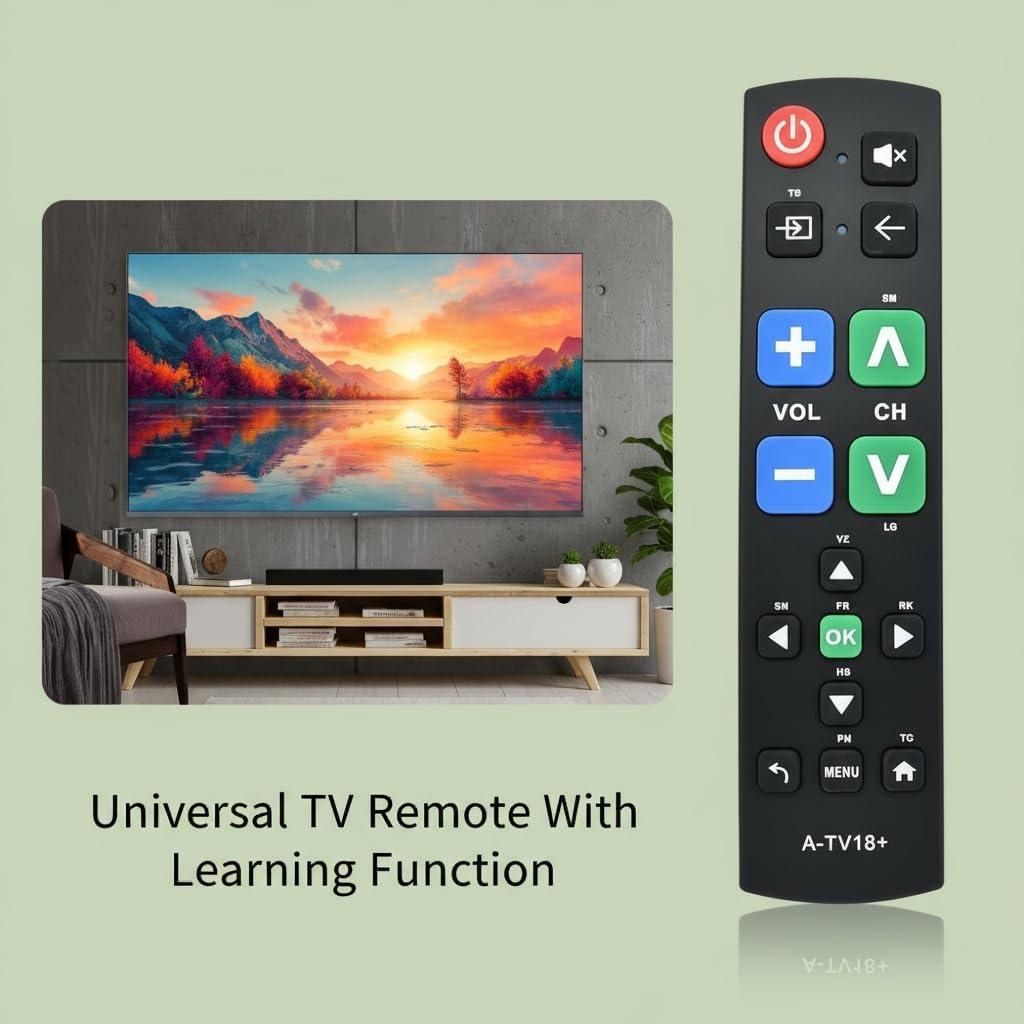
Слика: Крупни план view of the Gmatrix A-TV18+ remote control, emphasizing its large, tactile buttons for simple operation.
- Дугме за напајање (црвено): Укључује или искључује ваш ТВ.
- Volume Up/Down (Blue): Подешава ниво јачине звука.
- Channel Up/Down (Green): Мења ТВ канале.
- Дугме за утишавање: Искључује или укључује звук телевизора.
- Дугме за улаз/извор: Switches between different input sources (e.g., HDMI 1, HDMI 2).
- Дугме за назад: Navigates back in menus or previous channel.
- Дугме ОК: Потврђује изборе у менијима.
- Дугме менија: Приступа главном менију телевизора.
- Хоме дугме: Returns to the TV's home screen (if applicable).

Image: The Gmatrix A-TV18+ Universal Big Button Remote Control, highlighting its key features such as durable ABS plastic shell, sensitive buttons, ease of programming, and long battery life.
5. Одржавање
5.1. Чишћење
To clean your remote control, use a soft, dry cloth. Do not use liquid cleaners, aerosols, or solvents, as these may damage the remote's surface or internal components.
5.2. Замена батерије
Replace batteries when the remote's response becomes sluggish or the LED indicator does not light up during button presses. Always replace both batteries at the same time with new AAA alkaline batteries. Do not mix old and new batteries or different types of batteries.
8. Информације о гаранцији
This Gmatrix A-TV18+ Universal TV Remote Control comes with a 1 година гаранције from the date of purchase. This warranty covers manufacturing defects and malfunctions under normal use. It does not cover damage caused by misuse, accidents, unauthorized modifications, or improper battery installation.
For warranty claims or technical support, please contact Gmatrix customer service through your retailer or the official Gmatrix webсајту.
