
CarpodGo T3 Pro
CarpodGo T3 Pro Portable Wireless Carplay User Manual
Модел: Т3 Про
Марка: CarpodGo
1. Увод
The CarpodGo T3 Pro is a portable 8.9-inch wireless CarPlay and Android Auto display designed to enhance your in-car entertainment and navigation experience. Featuring a fully laminated 1920x720 IPS touch screen, it offers seamless integration with your smartphone, supporting both wireless CarPlay and Android Auto functionalities. Its innovative design includes a magnetic base for flexible mounting and a Display-Only Bluetooth Mode for optimized audio routing through your vehicle's existing sound system.

Figure 1.1: CarpodGo T3 Pro Portable Display with CarPlay Interface.
2. Безбедносне информације
- Увек се уверите да је уређај безбедно монтиран и да не омета ваш view или ометају контролу возила.
- Do not attempt to disassemble or modify the device. This may void the warranty and pose a safety risk.
- Избегавајте излагање уређаја екстремним температурама, директној сунчевој светлости током дужег периода или прекомерној влази.
- Use only the provided power adapter and cables to prevent damage or fire hazards.
- Operate the device responsibly. Distracted driving can lead to accidents.
3. Шта је у кутији
Carefully unpack the box and ensure all items are present and in good condition. If any items are missing or damaged, please contact customer support.

Figure 3.1: Package Contents of CarpodGo T3 Pro.
- CarpodGo T3 Pro Portable Display Unit
- Магнетна база
- Fixed Console Mount
- 9V Power Cord (Car Charger)
- ОТГ адаптер
- Упутство за употребу
- Central Control Seamless Mounts (complementary)
- Suction Cup Mount (for glass)
- Optional Accessories (may be sold separately): Backup Camera, Bluetooth Aux Receiver
4. Подешавање
4.1 Монтажа уређаја
The CarpodGo T3 Pro features a strong magnetic base for secure attachment. It is compatible with a 17mm ball head mount and includes complementary central control seamless mounts and a suction cup mount for glass surfaces.
- Изаберите локацију за монтажу: Select a location on your dashboard or windshield that does not obstruct your view of the road, airbags, or vehicle controls.
- Причврстите носач:
- For Dashboard (Seamless Mounts): Clean the dashboard surface thoroughly. Attach the central control seamless mount to the desired location.
- For Windshield (Suction Cup Mount): Clean the windshield surface. Press the suction cup firmly against the glass and engage the lever to secure it.
- For Fixed Console Mount: Secure the fixed console mount to a suitable flat surface using adhesive or screws (if applicable and safe).
- Причврстите магнетну основу: Connect the magnetic base to the chosen mount (e.g., 17mm ball head).
- Secure the T3 Pro Display: Align the back of the T3 Pro display with the magnetic base. The strong magnets will firmly hold the display in place. Ensure it is stable and does not wobble.

Figure 4.1: Magnetic Base and Mount.
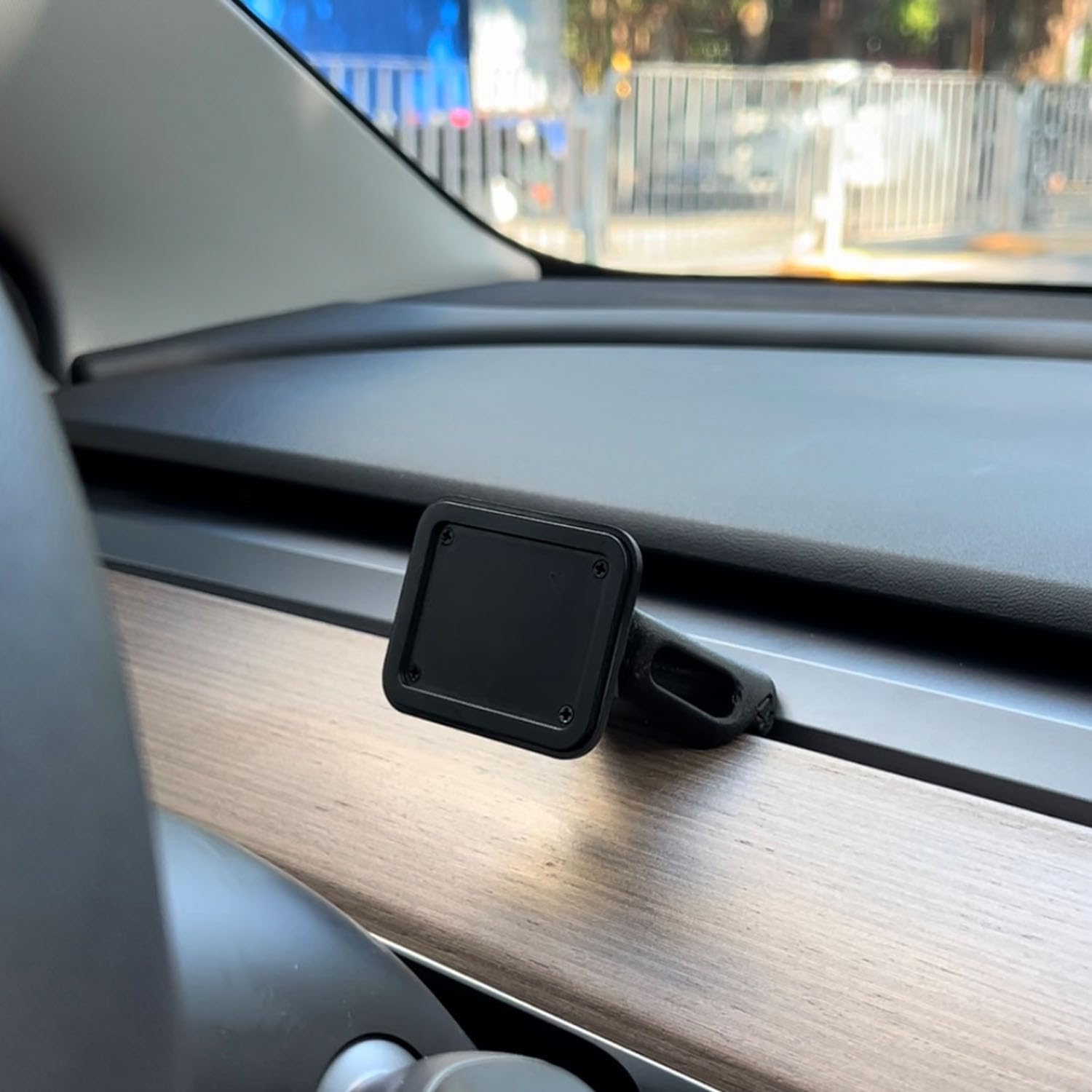
Figure 4.2: Magnetic Base Installed on Dashboard.
4.2 Прикључак за напајање
Connect the provided 9V power cord to the "Power" port on the side of the T3 Pro unit and plug the other end into your vehicle's 12V accessory outlet (cigarette lighter socket).
4.3 Почетно покретање
Once powered, the device will automatically boot up. The multi-core Linux system is designed for fast startup, typically displaying the CarPlay interface within 12 seconds.

Figure 4.3: Fast Boot-Up and Connectivity.
5. Упутство за употребу
5.1 Бежична веза са CarPlay-ом / Android Auto-ом
The T3 Pro supports wireless CarPlay and Android Auto for seamless smartphone integration.
- On the T3 Pro, navigate to the CarPlay or Android Auto icon on the main screen.
- On your smartphone, enable Bluetooth and Wi-Fi.
- Тражи the T3 Pro's Bluetooth name (usually "CarpodGo T3 Pro" or similar) on your phone and pair with it.
- Once paired via Bluetooth, your phone will automatically establish a Wi-Fi connection for CarPlay/Android Auto.
- The T3 Pro supports 60fps wireless CarPlay for smoother scrolling and responsiveness. This can typically be adjusted in the device settings if needed.
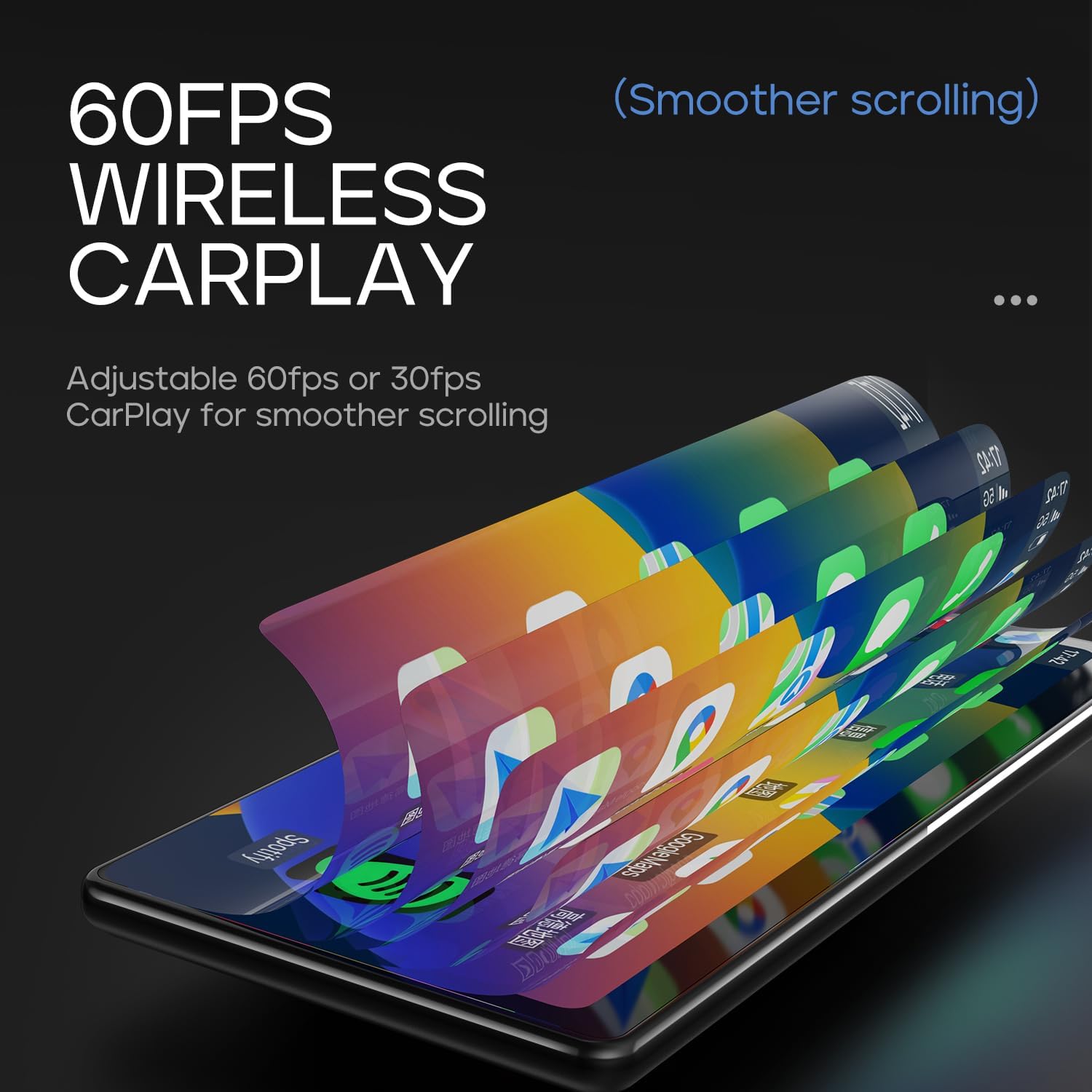
Figure 5.1: 60fps Wireless CarPlay for Smooth Operation.
5.2 Display-Only Bluetooth Mode
This mode allows you to route audio (maps, music, calls) through your car's existing Bluetooth system, utilizing your car's speakers and microphone, while the T3 Pro handles the display.
- On the T3 Pro, activate "Display-Only Bluetooth Mode" in the settings. Refer to the on-screen interface for the exact location of this setting.
- Connect your smartphone directly to your car's Bluetooth system.
- The T3 Pro will continue to display CarPlay/Android Auto, but all audio will be managed by your car's Bluetooth connection. This mode also supports steering wheel controls for audio and calls, provided your car's Bluetooth system is compatible.

Figure 5.2: Display-Only Bluetooth Mode Configuration.
5.3 Навигација кроз кориснички интерфејс (UI)
The T3 Pro features a new Carpod interface UI with a line neomorphism style, designed for intuitive use. Navigate through menus and applications using the touch screen. Swipe gestures and taps are used for interaction.

Figure 5.3: CarpodGo T3 Pro User Interface Exampлес.
6. Одржавање
- Чишћење: Use a soft, lint-free cloth to clean the screen and body of the device. Do not use abrasive cleaners, alcohol, or solvents.
- Складиштење: If storing the device for an extended period, disconnect it from power and store it in a cool, dry place away from direct sunlight.
- Ажурирања софтвера: Периодично проверавајте произвођачеве website or the device settings for available firmware updates to ensure optimal performance and new features.
КСНУМКС. Решавање проблема
| Проблем | Могући узрок | Решење |
|---|---|---|
| Уређај се не укључује. | No power connection or faulty power cord. | Ensure the 9V power cord is securely plugged into the device and the car's 12V outlet. Check if the car's outlet is functioning. |
| Бежични CarPlay/Android Auto се не повезује. | Bluetooth/Wi-Fi issues, phone settings. |
|
| Нема звука или је квалитет звука лош. | Audio routing issue, volume settings. |
|
| Екран не реагује или је замрзнут. | Привремени софтверски квар. | Perform a soft reset by disconnecting and reconnecting the power. If the issue persists, contact customer support. |
8. Спецификације
| Феатуре | Детаљ |
|---|---|
| Број модела | Т3 Про |
| Величина екрана | 8.9 инча |
| Резолуција екрана | 1920 к 720 ИПС |
| Дисплаи Тецхнологи | Fully Laminated Screen, 16.7 million colors, 700nit highlight |
| Бежично повезивање | Wireless CarPlay, Wireless Android Auto, Wi-Fi, Bluetooth |
| Блуетоотх мод | Блуетоотх режим само за екран |
| Фраме Рате | Supports 60fps Wireless CarPlay |
| Монтажа | Magnetic design, compatible with 17mm ball head mount, central control seamless mounts, suction cup mount |
| Тип контролера | Push Button, Steering Wheel Controls (via Display-Only BT Mode) |
| Режим аудио излаза | Стерео |
| Тип конектора | 3.5mm Jack, HDMI, USB |
9. Гаранција и подршка
CarpodGo products are designed for reliability and performance. For warranty information, technical support, or service inquiries, please refer to the warranty card included in your package or visit the official CarpodGo webсајт. Сачувајте рачун као доказ о куповини за потребе гаранције.
Контакт информације: Please refer to the contact details provided in your product packaging or on the official CarpodGo webсајт за најновије информације о подршци.
Повезани документи - Т3 Про
 |
CarpodGo T3 Pro User Guide: Features and Functionality Comprehensive guide to the CarpodGo T3 Pro, detailing its features like fully laminated screen, wireless CarPlay and Android Auto, Bluetooth connectivity, mounting options, power requirements, and performance. Learn about its advantages and how to use it. |
 |
CARPODGO Mini User Manual: Wireless CarPlay, Android Auto, and Reversing Camera Installation Comprehensive user manual for the CARPODGO Mini, covering setup for Wireless CarPlay and Android Auto, reversing camera installation, firmware upgrades, and FCC compliance. Learn how to connect your device and troubleshoot common issues. |
 |
CarpodGo T4 / T4 Plus User Manual Comprehensive user manual for the CarpodGo T4 and T4 Plus portable car display, covering installation, audio connection, CarPlay/Android Auto setup, firmware updates, and troubleshooting. |
 |
CarpodGo T3 User Manual: Wireless CarPlay & Android Auto Guide Comprehensive user manual for the CarpodGo T3, detailing installation, features, wireless CarPlay, Android Auto, Bluetooth, and system updates for your car. |
Ask a question about this manual
Ask about setup, troubleshooting, compatibility, parts, safety, or missing instructions. Manuals+ will review the question and use this page’s manual context to help answer it.