
Увод
Thank you for choosing the FLYRUIT Frameo WiFi Digital Picture Frame. This manual provides detailed instructions to help you set up, operate, and maintain your new digital photo frame. Please read this manual thoroughly before using the device to ensure proper functionality and a seamless experience.
Производ је завршенview
The FLYRUIT Frameo Digital Picture Frame allows you to instantly share photos and videos with loved ones from anywhere in the world. Featuring a vibrant 10.1-inch display and intuitive touchscreen controls, it's designed for ease of use and secure photo sharing.

Слика: Прекоview of the FLYRUIT Frameo 10.1-inch Digital Frame highlighting its key features: 10.1-inch large display, reliable Frameo app, 32GB built-in storage, and 800P HD touchscreen.
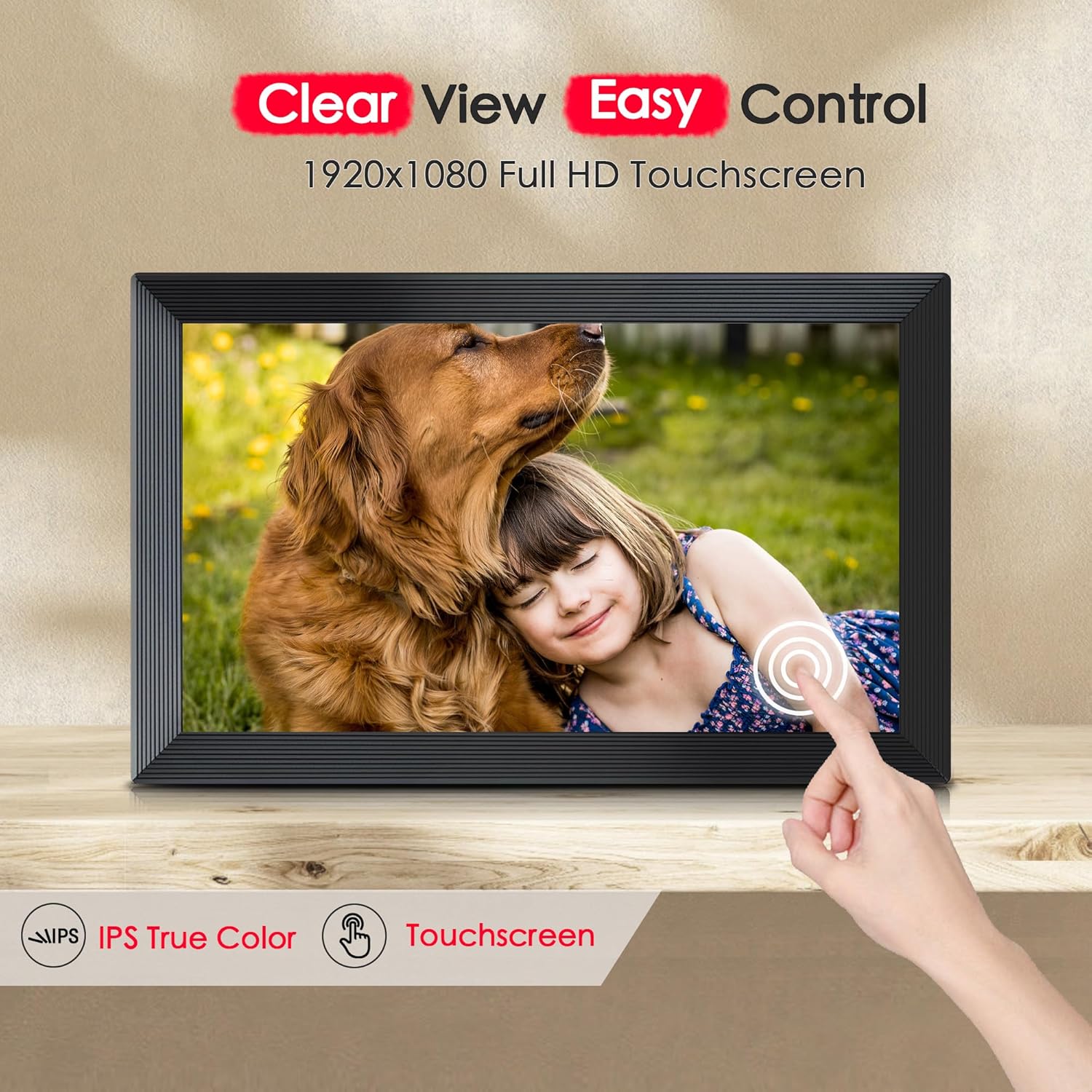
Image: The digital frame showcasing its clear view and easy control features, including a 1920x1080 Full HD touchscreen with IPS True Color technology.
Шта је у кутији
Молимо вас да проверите садржај пакета након распакивања:
- FLYRUIT Frameo WiFi Digital Picture Frame (M10R7)
- Повер Адаптер
- Сталак за оквир
- Упутство за употребу
Водич за подешавање
1. Укључивање
- Connect the power adapter to the frame and plug it into a power outlet.
- The frame will automatically power on. If not, press the power button located on the back of the frame.
2. Initial Setup (On-Screen)
- Пратите упутства на екрану да бисте изабрали жељени језик.
- Одаберите своју временску зону.
- Connect to a Wi-Fi network. Select your network from the list and enter the password.
3. Downloading the Frameo App
To send photos and videos to your frame, you need to download the Frameo app on your smartphone or tablet.
- Тражи "Frameo" in the Apple App Store (for iOS devices) or Google Play Store (for Android devices).
- Преузмите и инсталирајте апликацију.
4. Connecting the Frame to the App
- On your Frameo digital frame, tap the "Add friend" icon to generate a unique 6-digit code.
- Open the Frameo app on your smartphone.
- Tap "Add frame" and enter the 6-digit code displayed on your digital frame.
- Once connected, you can start sending photos and videos to your frame.

Image: A white digital picture frame displaying a photo, accompanied by a smartphone showing the Frameo application, illustrating the connection process.
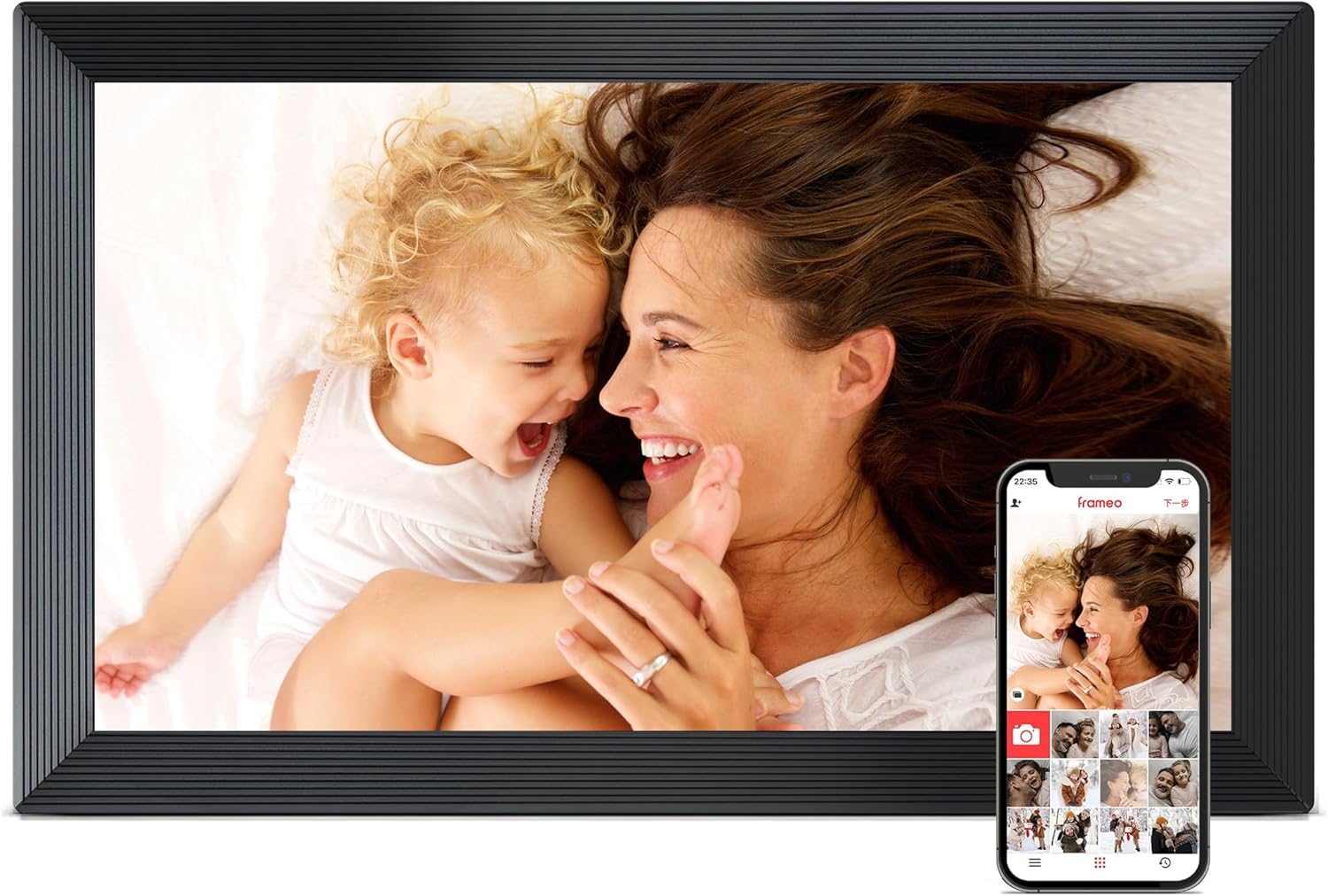
Image: A black digital picture frame displaying a photo, accompanied by a smartphone showing the Frameo application, demonstrating the user interface.
Operating the Frame
1. Sending Photos and Videos
Use the Frameo app to select photos and videos from your phone's gallery and send them directly to your connected frame. Videos can be up to 2 minutes long.

Image: The digital frame displaying a photo sequence, with a smartphone illustrating the Frameo app's instant photo sharing capability over Wi-Fi.
2. Managing Photos and Videos on the Frame
- Избриши фотографије: Tap on a photo to view it, then tap the delete icon to remove it from the frame.
- Add Captions: When sending photos from the app, you can add captions that will appear on the frame.
- Hide/Show Photos: You can hide specific photos from the slideshow without deleting them.
3. Slideshow Settings
Access the frame's settings menu to customize your slideshow experience:
- Време приказа: Adjust how long each photo is displayed.
- Ефекти прелаза: Choose different transition styles between photos.
- Наручите: Select sequential or random playback.
4. Режим спавања
Set a schedule for the frame to automatically turn off and on, conserving energy and preventing disturbance during specific hours.
5. Offline Mode and Alternative Transfer
The frame supports offline viewing of previously received photos. You can also transfer photos without Wi-Fi:
- SD картица/USB диск: Insert a full-sized SD card or USB drive (FAT32 format only, not included) into the frame to display photos directly.
- ПЦ/лаптоп: Connect the frame to a Windows PC/laptop via a USB-C cable (not included) to transfer photos.
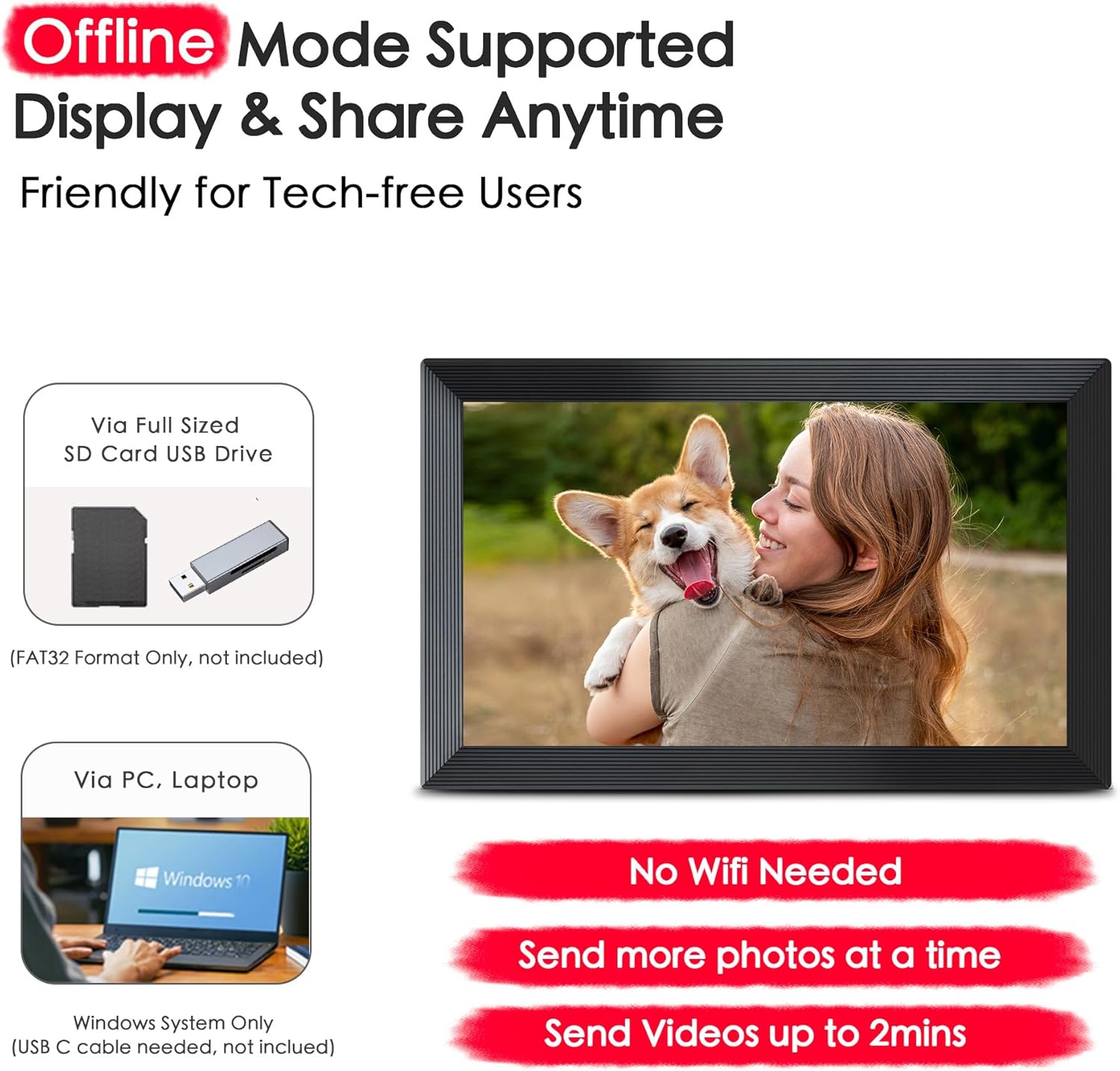
Image: The digital frame demonstrating its offline mode capabilities and alternative photo transfer methods, including SD card/USB drive and PC/laptop connection, without requiring Wi-Fi.
6. Безбедност и приватност
The Frameo system ensures private and secure communication between the app and the frame, complying with data protection regulations such as GDPR, CCPA, and PSTI. Your photos are stored securely.
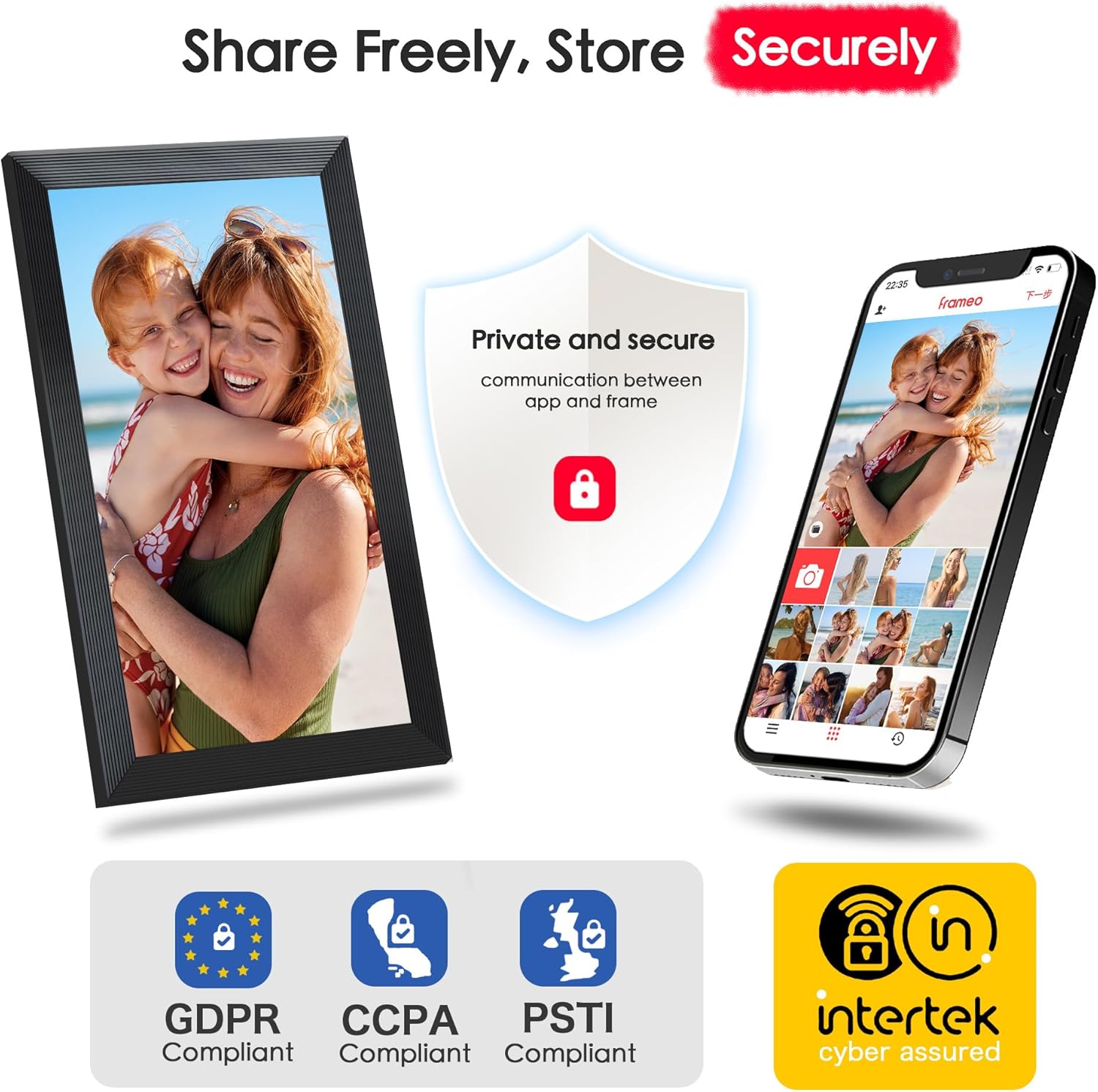
Image: The digital frame and a smartphone illustrating the secure and private nature of photo sharing, highlighting compliance with GDPR, CCPA, PSTI, and Intertek cyber assured standards.
Одржавање
1. Чишћење екрана
Да бисте очистили екран, нежно га обришите меком крпом која не оставља влакна. За тврдокорне мрље, благо обришитеampОбришите крпу водом или средством за чишћење екрана. Избегавајте употребу јаких хемикалија или абразивних материјала.
2. Ажурирања софтвера
The frame may periodically receive software updates to improve performance and add new features. Ensure your frame is connected to Wi-Fi to receive these updates. You can check for updates manually in the frame's settings menu.
Решавање проблема
- Оквир се не укључује: Ensure the power adapter is securely connected to both the frame and a working power outlet. Try a different outlet if necessary.
- Не могу да се повежем на Ви-Фи: Double-check your Wi-Fi password. Ensure the frame is within range of your router. Restart your router and the frame, then try connecting again.
- Photos not sending from app: Verify that both your phone and the frame are connected to the internet. Ensure the 6-digit code was entered correctly during pairing. Check the Frameo app for any error messages.
- Екран не реагује на додир: Restart the frame by unplugging and re-plugging the power adapter. If the issue persists, contact customer support.
- Frame storage full: Delete old photos or videos from the frame via the settings menu. Consider using an SD card for additional storage.
Спецификације
| Феатуре | Спецификација |
|---|---|
| Број модела | М10Р7 |
| Величина екрана | 10.1 инча |
| Резолуција | 800P (implied 1920x1080 Full HD from image) |
| Интерна меморија | 32GB (holds 10,000+ photos) |
| Ектернал Стораге | Микро СД картица (до 32 ГБ, није укључена) |
| Повезивање | ВиФи |
| Компатибилност апликација | Frameo (iOS & Android) |

Image: The digital frame emphasizing its 32GB built-in storage capacity, capable of holding over 10,000 photos, and the option for expandable storage via a Micro SD card.
Гаранција и подршка
Your FLYRUIT Frameo WiFi Digital Picture Frame comes with a standard manufacturer's warranty. For detailed warranty information, please refer to the warranty card included in your package or visit the official FLYRUIT website. If you encounter any issues or require technical assistance, please contact FLYRUIT customer support through the contact information provided on our webсајту или у документацији вашег производа.