1. Увод
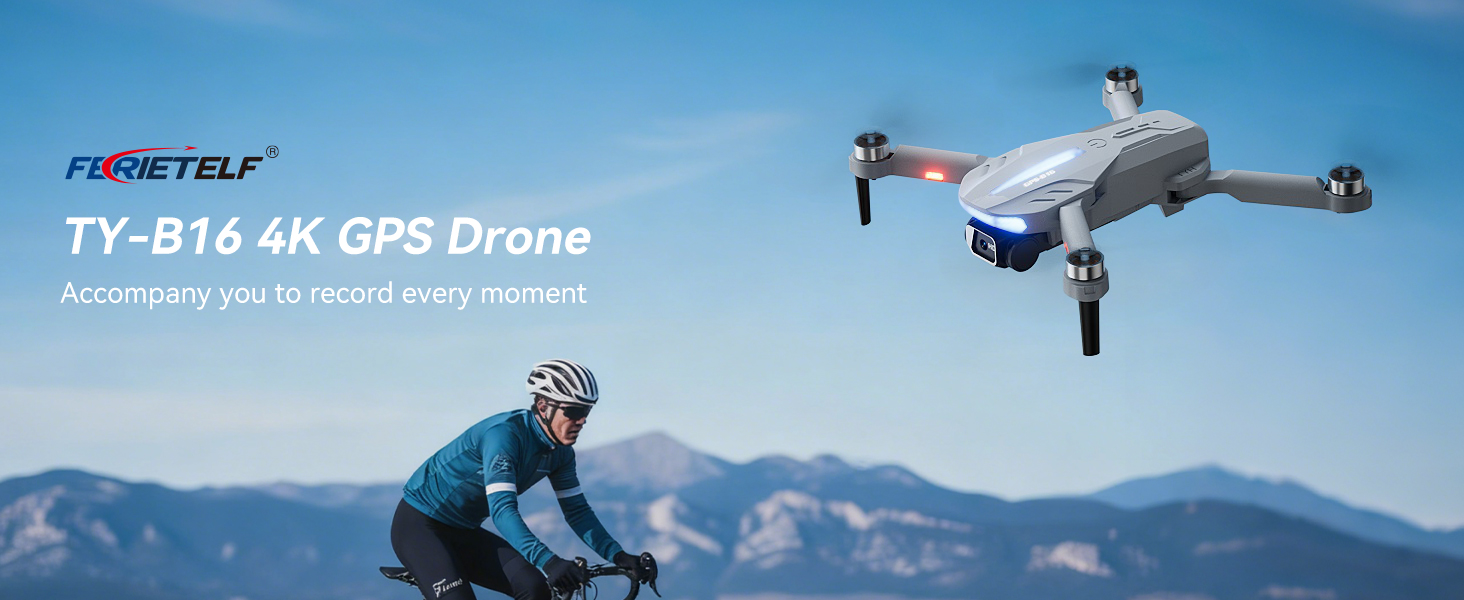
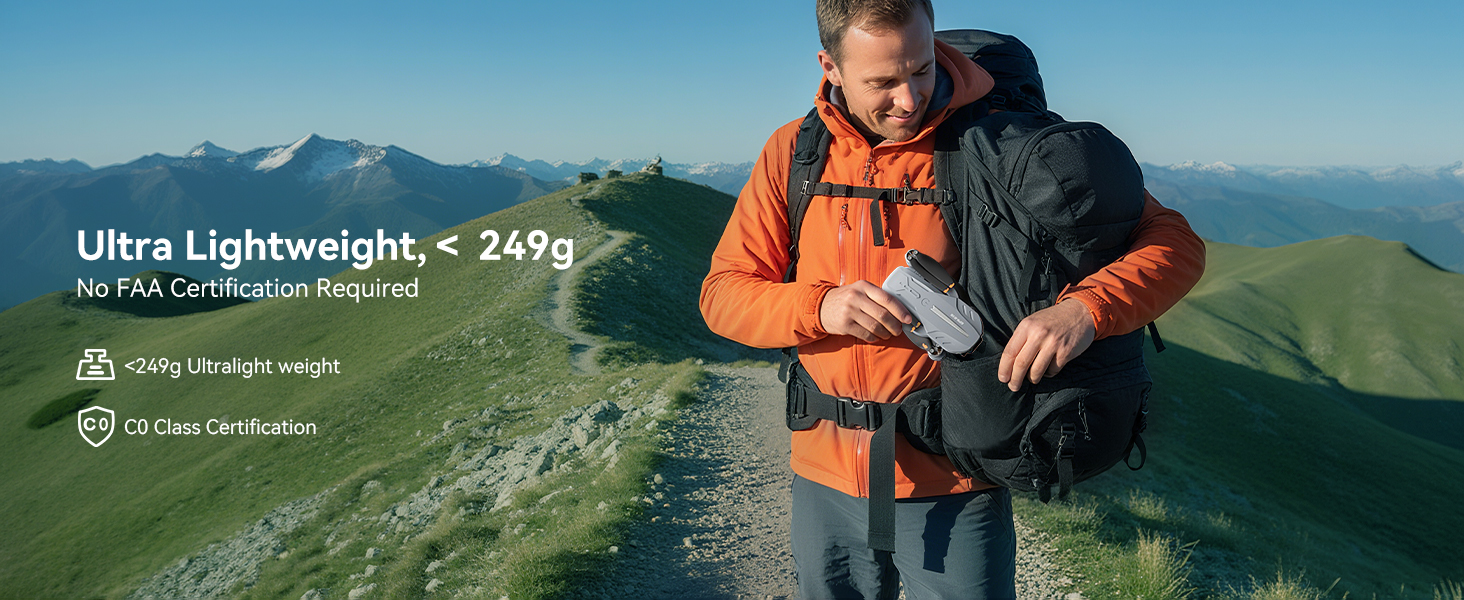
This manual provides essential instructions for the safe operation and maintenance of your FERIETELF B16 GPS Drone with Camera 4K. Please read this guide thoroughly before first use to ensure proper setup and optimal flight experience. The B16 drone is designed for ease of use, featuring a lightweight, foldable design and advanced flight capabilities.
2. Садржај пакета
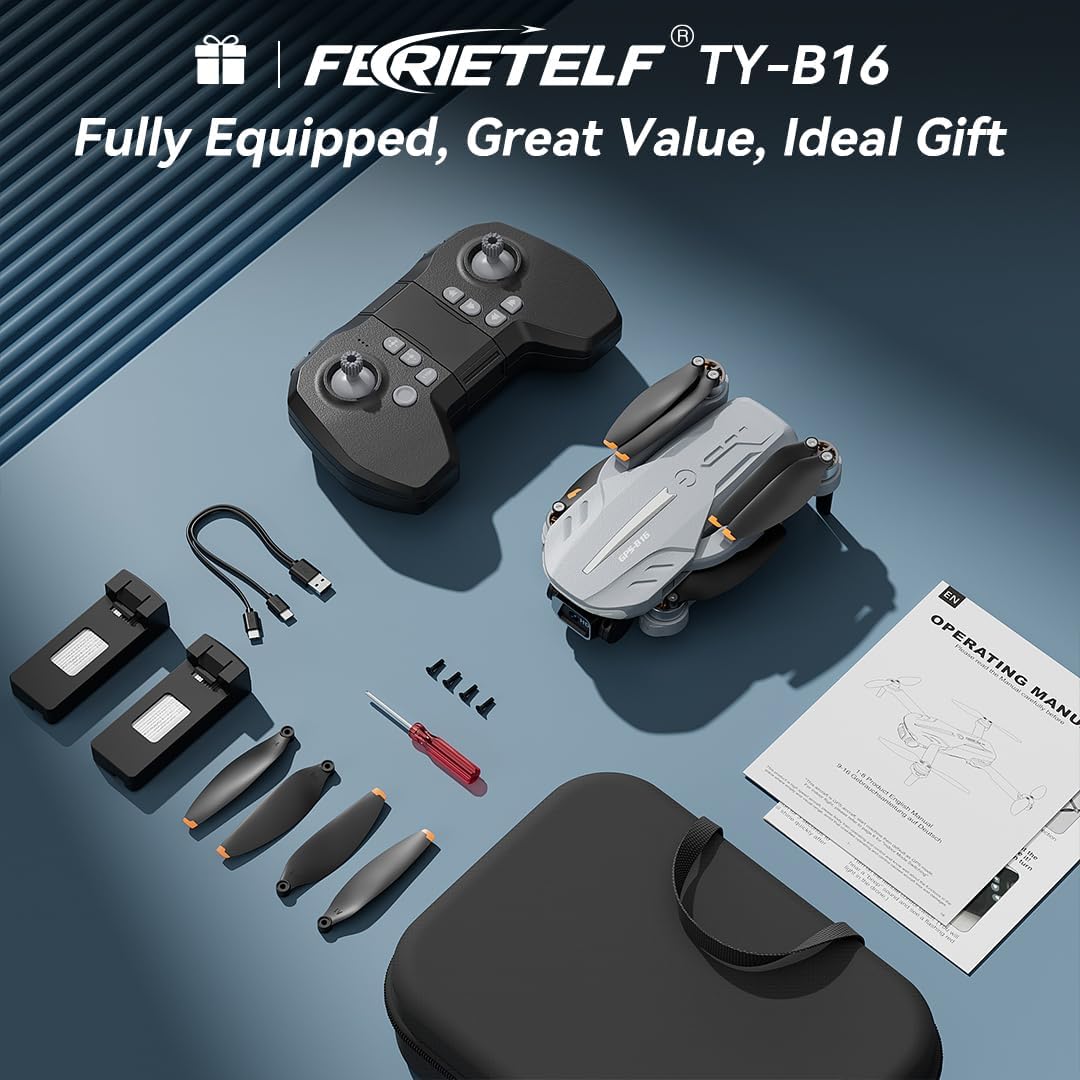
Проверите да ли су све ставке наведене у наставку укључене у ваш пакет. Ако неке ставке недостају или су оштећене, обратите се корисничкој подршци.
- FERIETELF B16 Drone x 1
- Даљински управљач к 1
- Батерија к 2
- Преносива торба за складиштење к 1
- УСБ кабл к 1
- Propeller x 4 (spare)
- Одвијач к 1
- Упутство за употребу к 1
- App Manual x 1
- Резервни завртњи к 4

3. Подешавање
3.1. Припрема дрона
- Расклопите дрон: Carefully unfold the front arms of the drone, followed by the rear arms, until they lock into position.
- Уклоните заштитни филм: Gently peel off any protective film from the camera lens.
- Уметните батерију: Insert a fully charged battery into the drone's battery compartment until it clicks securely into place.
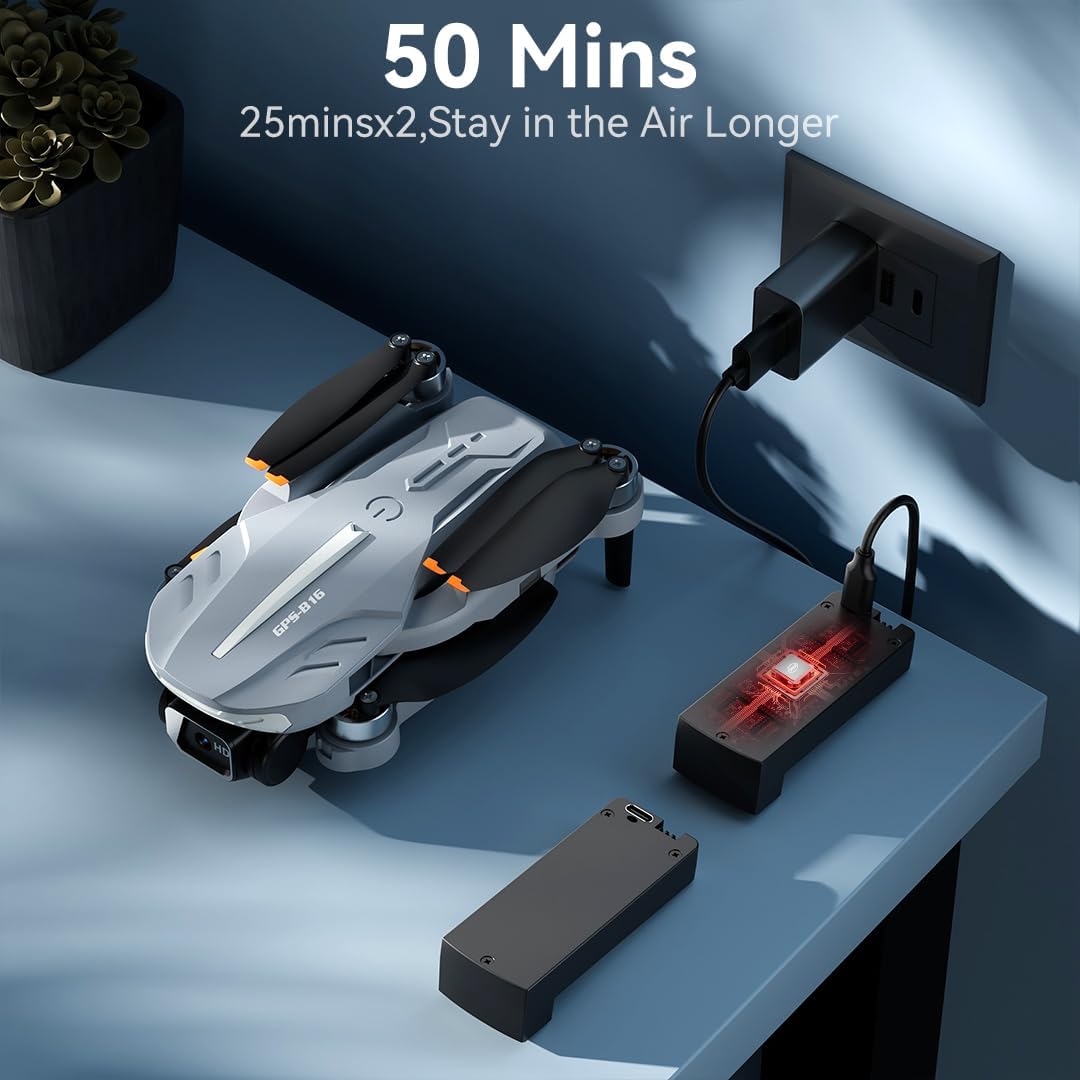
- Напуните батерију: Use the provided USB charging cable to charge the drone batteries. The cable connects to a 5V/2A plug. The indicator light on the drone changes from red (below 30%) to green (30% or more) and solid green when fully charged.
- Уметните меморијску картицу: Insert a compatible memory card (FAT32 or EXFAT format, up to 128GB, purchased separately) into the memory card slot on the drone.
3.2. Remote Controller Preparation
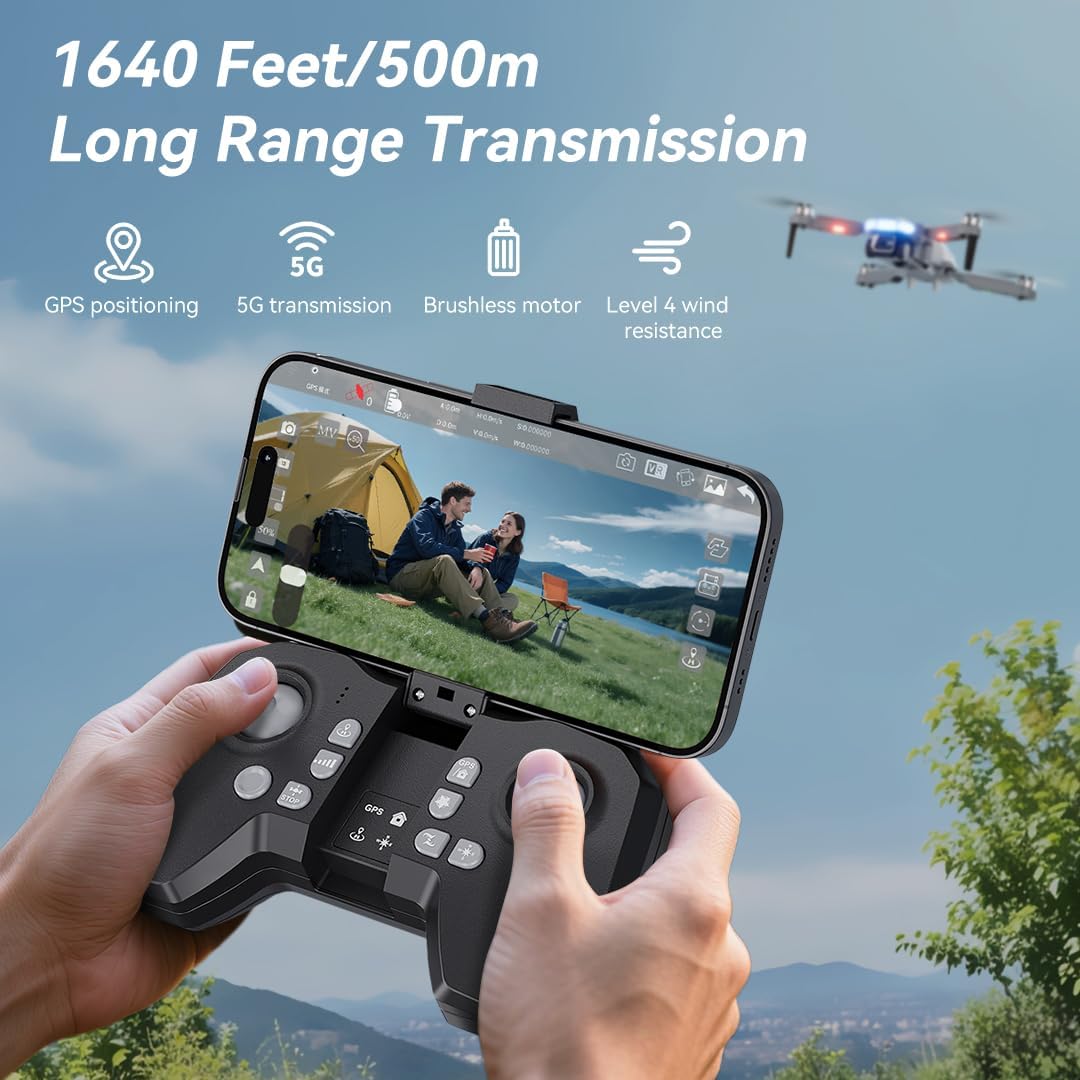
- Инсталирајте батерије: Use a screwdriver to open the battery compartment on the remote controller. Insert three AAA batteries (not included, purchased separately), ensuring correct polarity. Close the compartment and tighten the screw.
- Unfold Phone Holder: Unfold the phone holder and handles on the remote controller.
- Mount Mobile Phone: Mount your mobile phone onto the phone holder. The holder accommodates smartphones up to 80.01 mm (3.15 inches) wide.
3.3. Укључивање и упаривање
- Укључивање дрона: Place the drone on a flat, level surface. Press and hold the power button on the drone for 2 seconds to power it on.
- Даљински управљач за укључивање: Press and hold the power button on the remote controller for 2 seconds to power it on. The drone and remote will automatically attempt to pair.
- Pairing Indication: During pairing, the status indicators on the drone's arms will flash red rapidly. Once successfully paired, the indicators will show two quick green flashes in a loop.
3.4. Преузимање апликације и повезивање
- Преузми апликацију: Download and install the "AMETA Drone" app from your mobile phone's app store (Google Play or App Store).
- Повежите Ви-Фи: Navigate to your mobile phone's Wi-Fi settings. Тражи and connect to the Wi-Fi network named "Ameta S20-XXXXXX" (where XXXXXX is a unique identifier).
- Покрени апликацију: Launch the "AMETA Drone" app and tap "Start" to enter the main interface and view пренос камере уживо.

4. Калибрација
For the first-time use, it is recommended to calibrate the drone for stable flight.
4.1. Калибрација компаса
- Коришћење даљинског: Press and hold the Compass Calibration button on the remote for 3 seconds.
- Using App: Launch the app, go to "Control" and tap "Calibrate Compass." Follow the on-screen instructions to perform horizontal and vertical rotations of the drone. Ensure you are away from metal or electric objects during calibration.
4.2. Калибрација жироскопа
- Коришћење даљинског: Simultaneously push the left control stick to the lower-left corner and the right control stick to the upper-right corner.
- Using App: Tap "Gyroscope Calibration" in the app and follow the on-screen instructions.
5. Прикупљање GPS сигнала
For optimal performance and intelligent flight features, ensure the drone acquires a strong GPS signal before takeoff. This function cannot be activated indoors.
- Употреба на отвореном: Always operate the drone outdoors in an open area with a clear view неба.
- Wait for GPS Lock: After powering on and pairing, wait for the drone to search for GPS signals. The drone will enter GPS mode once a sufficient number of satellites are detected. The app will indicate "GPS located, ready for flight."
6. Управљање дроном
6.1. Takeoff
Ensure the drone is on a level surface before attempting takeoff.
- Ручно полетање: Push both control sticks inward at a 45-degree angle to unlock the motors. Then, push the left control stick forward to ascend.
- Полетање једним кључем: Press and hold the One-Key Takeoff button on the remote for 1 second. The drone will automatically ascend and hover at a height of approximately 1.2 meters.
6.2. Упутства за лет
- Леви контролни штап: Adjusts flight altitude (up/down) and nose direction (rotate left/right).
- Десни контролни штап: Контролише кретање напред, назад, лево и десно.

6.3. Подешавање брзине
Toggle the speed switch on the remote controller to select between two speed levels (Speed I for slower, Speed II for faster) to match your flying skill and environmental conditions.
7. Рад камере
The FERIETELF B16 is equipped with a 4K HD camera for capturing high-quality photos and videos.
7.1. Снимање фотографија и видео записа
- Дугме за фотографије: Press the photo button on the top-left of the remote controller, or tap the camera icon in the app, to take a photo.
- Дугме за видео: Press the video button on the top-left of the remote controller, or tap the video icon in the app, to start recording. Press again to stop.
- Режими снимања: Tap the left shooting menu in the app to choose from multiple smart shooting modes, or swipe the shooting menu on the right to explore more options.

7.2. Подешавање угла камере
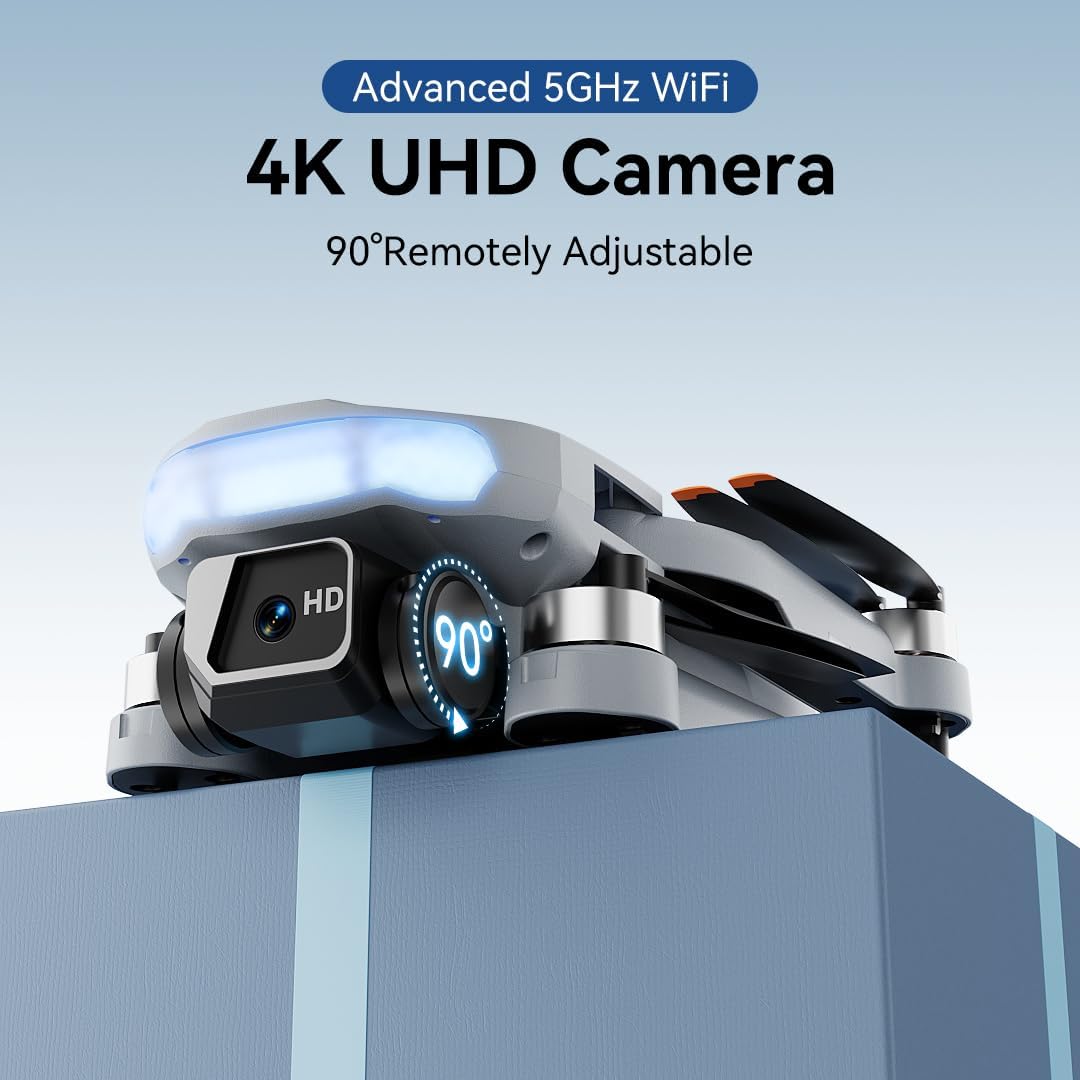
Use the camera up/down buttons located at the top-right corner of the remote controller to tilt the camera between 0 and 90 degrees during flight.
7.3. Viewинг Медиа
Tap the album icon in the app to view your captured photos and videos. Media will be saved on both your mobile phone and the inserted memory card.
8. Интелигентни режими летења
The B16 drone offers several intelligent flight modes for enhanced user experience and creative possibilities.
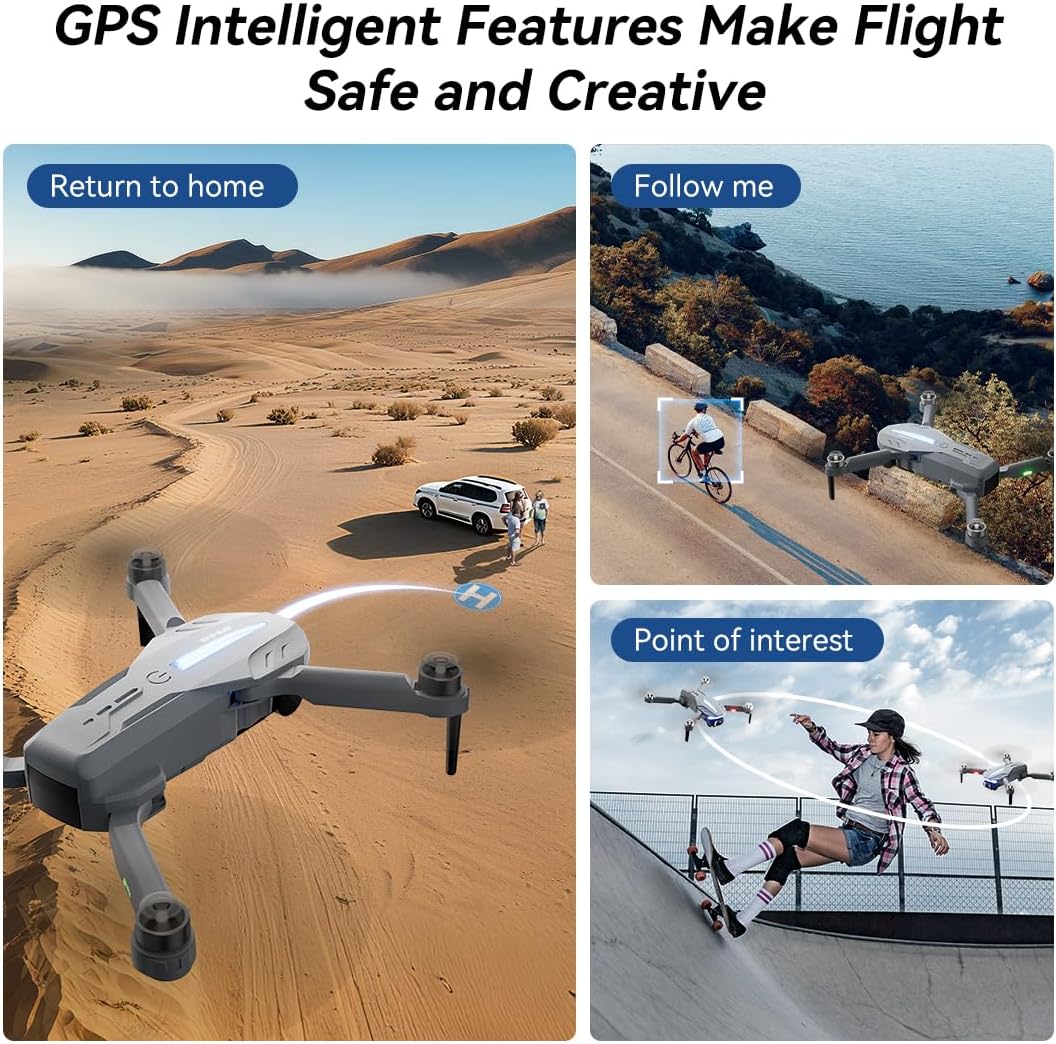
- GPS Auto Return: In GPS mode, the drone automatically returns to its takeoff point if the signal is lost, battery is low, or the "One-Key Return" button is pressed.
- Прати ме: Engage Follow Me mode to have the drone automatically track and follow you, freeing your hands for other activities.
- Point of Interest: Set a point of interest, and the drone will orbit around it, capturing dynamic footage.
- Triple-Stable Hover: Built with GPS, barometric pressure, and optical flow systems, the drone ensures steady hovering for stable shots.


9. Слетање
Ensure the landing area is clear of obstacles.
- Ручно слетање: Push the left control stick backward to make the drone descend and land.
- Слетање једним кључем: Press and hold the Landing button on the remote for 1 second. The drone will automatically descend and land until the propellers stop rotating.
10. Складиштење
Proper storage helps maintain the drone's longevity.
- Искључивање: Press and hold the power button on both the drone and the remote controller to turn them off.
- Уклоните батерију: Remove the drone battery for better storage and to prevent discharge.
- Преклопити руке: Fold the drone arms inward to their compact position.
- Спакујте: Place the drone and remote controller into the portable storage bag.
11. Спецификације
| Феатуре | Спецификација |
|---|---|
| Бранд | ФЕРИЕТЕЛФ |
| Модел | Б16 |
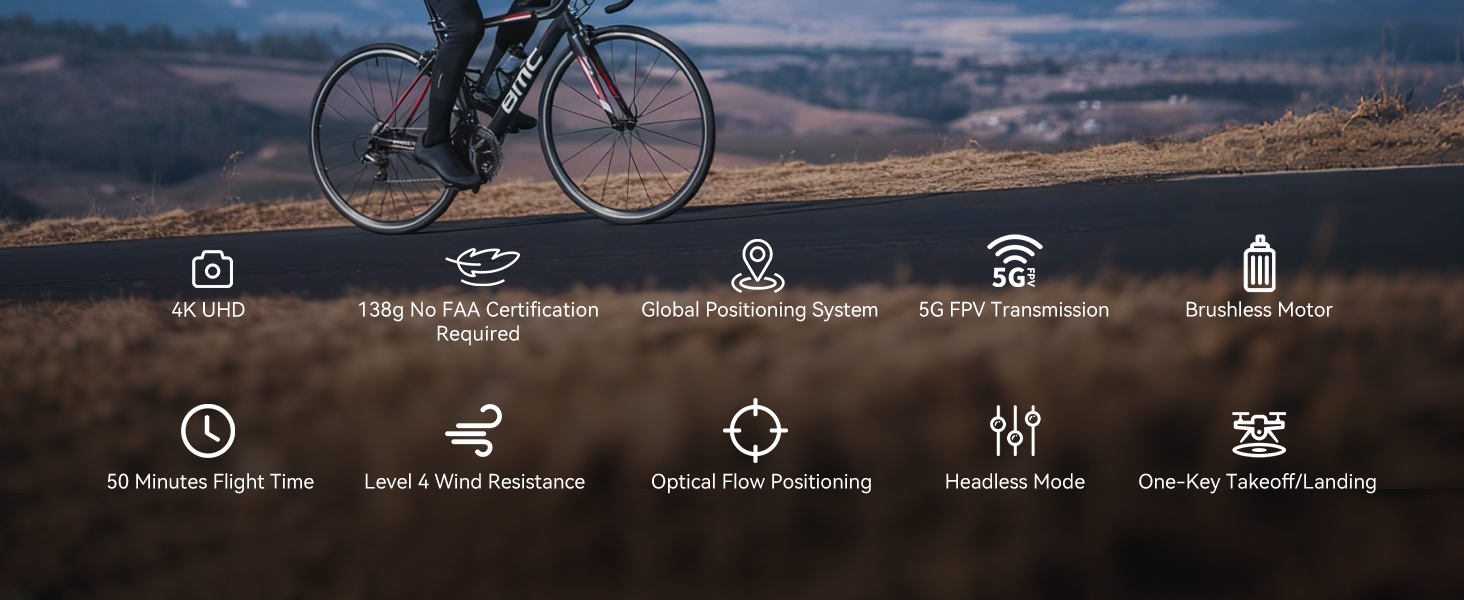
| Тежина | 150 g (Under 249g) |
| Димензије | 19.5 к 18.8 к 5 цм |
| Камера | 4K HD, 120° Wide-Angle, 90° Motorized Adjustment |
| Преношење | 5GHz FPV Real-Time Transmission (up to 1640 feet/500m) |
| Тип мотора | Мотор без четкица |
| Време лета | Up to 50 minutes (with 2 batteries, 20-25 mins each) |
| Систем за позиционирање | GPS & Optical Flow Dual Positioning |
| Отпорност на ветар | Ниво 4 |
| Контролни режими | Button Control, App Control, Gravity Control, Voice Control |


КСНУМКС. Решавање проблема
- Дрон се не укључује: Уверите се да је батерија потпуно напуњена и правилно уметнута.
- Даљински управљач се не упарује: Уверите се да су и дрон и даљински управљач укључени и у домету. Поново покушајте процес упаривања.
- Нема ГПС сигнала: Fly the drone outdoors in an open area with a clear view of the sky. GPS function cannot be activated indoors.
- Нестабилан лет: Perform compass and gyroscope calibration as described in Section 4. Ensure propellers are correctly installed and undamaged.
- Проблеми са повезивањем апликације: Ensure your phone is connected to the drone's Wi-Fi network and the app is updated to the latest version.
- Кратко време лета: Уверите се да су батерије потпуно напуњене. Време лета може бити утицано условима ветра и агресивним летом.
13. Безбедносне смернице
- Always fly in open areas, away from people, animals, buildings, and trees.
- Не летите при јаком ветру или неповољним временским условима.
- Maintain a safe distance from high-voltagжице и друге препреке.
- Ensure the drone is always within your line of sight.
- Regularly check the drone and its components for any damage before and after each flight.
- Do not operate the drone under the influence of drugs or alcohol.
- Поштујте све локалне прописе и законе у вези са управљањем дроновима.
14. Званични видео снимци производа
Watch the official first-use guide for the Ameta S20 drone, which shares similar operational principles with the FERIETELF B16, to assist with initial setup and flight.