
Увод
This manual provides instructions for the Zebronics CSH501 2.5" SSD/HDD Enclosure. This device allows you to connect a 2.5-inch SATA Solid State Drive (SSD) or Hard Disk Drive (HDD) to your computer via a USB Type-C 3.1 Gen 1 interface, enabling high-speed data transfer and portable storage solutions. It supports up to 6TB of storage capacity and features a tool-free slide design for easy installation.
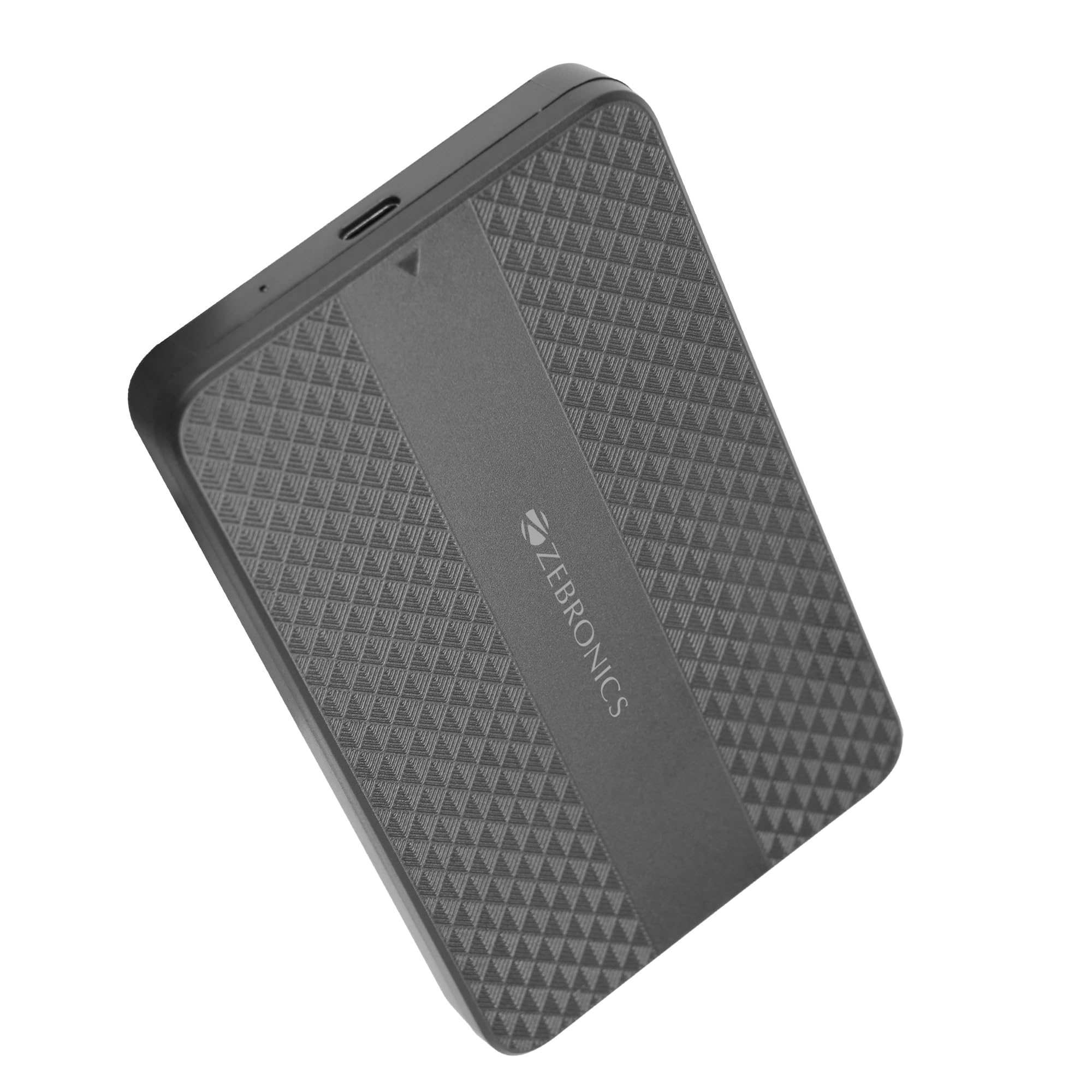
Image: The Zebronics CSH501 2.5 inch SSD/HDD Enclosure, a compact black device with a textured surface and Zebronics branding.
Садржај пакета
Проверите да ли су све ставке присутне у пакету:
- 1 x 2.5" SATA SSD Enclosure (CSH501)
- 1 к јастучић од пене
- 1 x USB to Micro B Cable
Спецификације
| Феатуре | Опис |
|---|---|
| Модел | ЦСХ501 |
| Compatible Drives | 2.5-inch SATA SSD/HDD |
| Max. Storage Capacity | 6 ТБ |
| Интерфејс | УСБ Типе-Ц 3.1 Ген 1 |
| Брзина преноса података | До 5 Гбпс |
| Материјал | Пластика |
| Димензије (Д к Ш к В) | 13Д к 8В к 1.3Х центиметара |
| Тежина | 60 грама |
| Подршка за ОС | Виндовс, Мац, Линук |
Подешавање и инсталација
The CSH501 enclosure features a tool-free slide design for quick and easy installation of your 2.5-inch SATA SSD or HDD.
- Step 1: Open the Enclosure
Gently slide the back cover of the enclosure to open it. - Step 2: Insert the Drive
Carefully insert your 2.5-inch SATA SSD or HDD into the enclosure, ensuring it connects securely to the internal SATA connector. You may use the provided foam pad to secure thinner drives. Close the cover by sliding it back until it clicks into place. - Корак 3: Повежите се са рачунаром
Connect the enclosure to your computer using the provided USB to Micro B cable. The enclosure is plug-and-play, requiring no additional drivers for most operating systems.

Image: A three-step visual guide demonstrating the tool-free slide setup: 1. Slide back to open the cover. 2. Insert the drive and close the cover. 3. Connect to the computer for plug & play operation.
Упутство за употребу
Once connected, the enclosure will be recognized by your operating system as an external storage device. You can then access, transfer, and manage fileкао што бисте то урадили са било којим другим екстерним диском.
- Пренос података: The USB 3.1 Gen 1 interface supports data transfer speeds up to 5 Gbps. Actual speeds may vary based on the connected drive, computer's USB port, and file врсте.
- Компатибилност са оперативним системом: The enclosure is compatible with Windows, Mac, and Linux operating systems.
- Снага: The enclosure is bus-powered via the USB connection, eliminating the need for an external power adapter.

Image: The Zebronics CSH501 enclosure connected to a laptop via its USB cable, illustrating its capability for data transfer speeds up to 5Gbps.

Image: The Zebronics CSH501 enclosure connected to a laptop, with text highlighting its compatibility across Windows, Mac, and Linux operating systems.
Одржавање
To ensure the longevity and optimal performance of your Zebronics CSH501 enclosure:
- Одржавајте уређај чистим и без прашине. Користите меку, суву крпу за чишћење.
- Avoid exposing the enclosure to extreme temperatures, humidity, or direct sunlight.
- Немојте испуштати уређај или га излагати јаким ударима.
- Always safely eject the drive from your operating system before disconnecting the enclosure to prevent data corruption.
Решавање проблема
If you encounter issues with your enclosure, refer to the following common solutions:
- Диск није откривен:
- Ensure the drive is properly seated within the enclosure and the cover is closed securely.
- Try connecting the enclosure to a different USB port on your computer.
- Тестирајте са другим УСБ каблом.
- Verify that the drive itself is functional by testing it in another enclosure or directly connecting it to a computer if possible.
- For new drives, ensure they are initialized and formatted in your operating system's Disk Management (Windows) or Disk Utility (Mac).
- Споре брзине преноса:
- Ensure the enclosure is connected to a USB 3.0/3.1 port on your computer. Connecting to a USB 2.0 port will result in slower speeds.
- The performance of the installed SSD/HDD also affects transfer speeds.
- Велики file transfers are generally faster than many small file трансфери.
- Enclosure Gets Warm:
It is normal for the enclosure to become warm during extended use, especially during large data transfers, as heat is dissipated from the internal drive. Ensure adequate airflow around the device.
Гаранција и подршка
The Zebronics CSH501 enclosure comes with a 1 Year Carry-In Warranty to the service center. For warranty claims or technical support, please contact Zebronics customer service.
Контакт информације произвођача:
Зеброникс Индија Привате Лимитед
Бр. 13/7, Смит Роуд, Ројапета, Ченај - 600 002
For further assistance, visit the official Zebronics webсајт или контактирајте њихове канале за подршку.