
Увод
This manual provides detailed instructions for the setup, operation, and maintenance of your Jectse 5G Mobile Hotspot. Please read this manual thoroughly before using the device to ensure proper functionality and to maximize your user experience. Keep this manual for future reference.
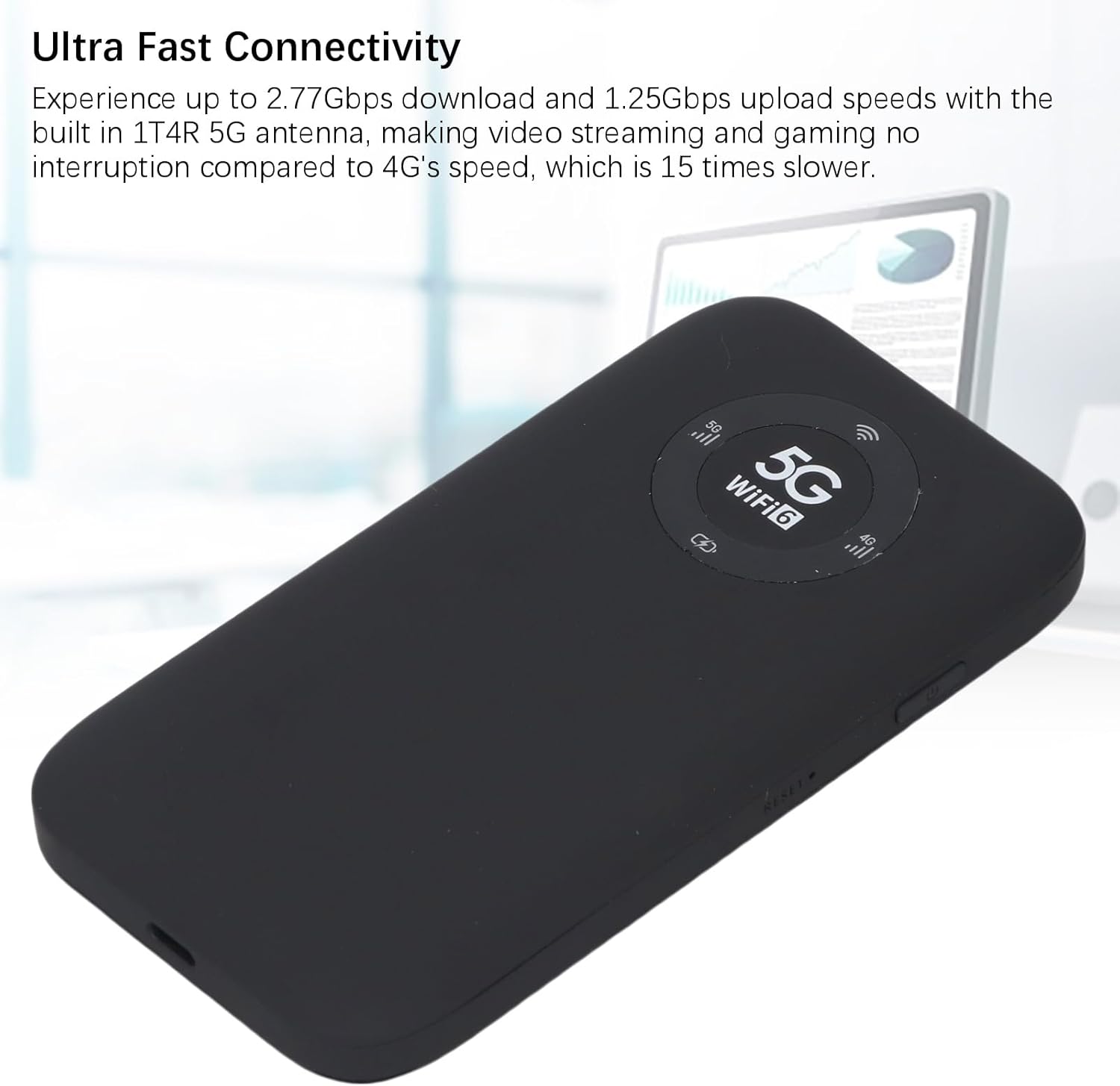
Image: The Jectse 5G Mobile Hotspot, a compact and portable device designed for high-speed 5G and WiFi 6 connectivity.
Производ је завршенview
Кључне карактеристике
- Ultra-Fast 5G Connectivity: Supports up to 2.77Gbps download and 1.25Gbps upload speeds with a built-in 1T4R 5G antenna.
- Extensive Network Band Support: Compatible with multiple 5G NR bands (FDD: N1, N3, N28; TDD: N41, N78) and 4G bands (TDD LTE: B34, 38, 39, 40, 41; FDD LTE: B1, B3, B5, B8), and 3G band B1.
- Dual-Band WiFi 6: Offers 2.4GHz and 5.8GHz WiFi connectivity (802.11 a/b/g/n/ac/ax protocols) for up to 16 devices simultaneously.
- Дуготрајна батерија: Equipped with a 7100mAh Li-Ion battery for extended use.
- Робустан дизајн: Features an IP67 rating, making it drop-proof, dust-proof, and rain-proof.
- User-Friendly LED Display: Provides information on data usage, signal strength, WiFi credentials, and device settings.
- Слот за СИМ картицу: Supports SIM card compatibility for ease of setup (SIM card not included).
Садржај пакета
Пакет производа укључује:
- 1 x Jectse 5G Mobile Hotspot
- 1 x USB кабл (тип C)
- 1 x Упутство за употребу (овај документ)
- 1 x SIM Card Eject Pin

Image: The Jectse 5G Mobile Hotspot device shown alongside its included USB-C charging cable and a SIM card eject pin.
Водич за подешавање
1. Инсталација СИМ картице
- Уверите се да је уређај искључен.
- Locate the SIM card slot on the side of the hotspot.
- Insert the provided SIM eject pin into the small hole next to the SIM card tray. Press gently until the tray pops out.
- Place your activated Nano-SIM card into the tray with the gold contacts facing down and the notched corner aligned correctly.
- Carefully push the SIM card tray back into the slot until it clicks into place.
2. Пуњење уређаја
- Connect the USB-C cable to the charging port on the hotspot.
- Повежите други крај USB кабла са компатибилним USB адаптером за напајање (није укључен) или USB портом рачунара.
- The LED indicator on the device will show charging status. A full charge is recommended before first use.
3. Укључивање/искључивање
- За укључивање: Press and hold the Power button (usually located on the side) for a few seconds until the screen or LED indicators light up.
- За искључивање: Press and hold the Power button until the device prompts you to power off or the indicators turn off.
Упутство за употребу
1. Повезивање уређаја са хотспотом
- Ensure the Jectse 5G Mobile Hotspot is powered on.
- On your WiFi-enabled device (smartphone, laptop, tablet), open the WiFi settings.
- Scan for available WiFi networks.
- Select the network name (SSID) displayed on your hotspot's screen or indicated in the manual.
- Enter the WiFi password (Key) displayed on the hotspot's screen or in the manual.
- Once connected, your device will have internet access through the hotspot. Up to 16 devices can be connected simultaneously.

Image: The Jectse 5G Mobile Hotspot showing its display with 5G and WiFi 6 indicators, ready for device connection.
2. Разумевање ЛЕД индикатора
The device features an LED light display that provides essential information:
- Јачина сигнала: Indicates the strength of the 5G/4G cellular signal.
- Ниво батерије: Shows the current battery charge status.
- ВиФи статус: Confirms if WiFi is active and broadcasting.
- Употреба података: May display current data consumption (check device interface for details).
- Тип мреже: Indicates whether the device is connected to a 5G or 4G network.
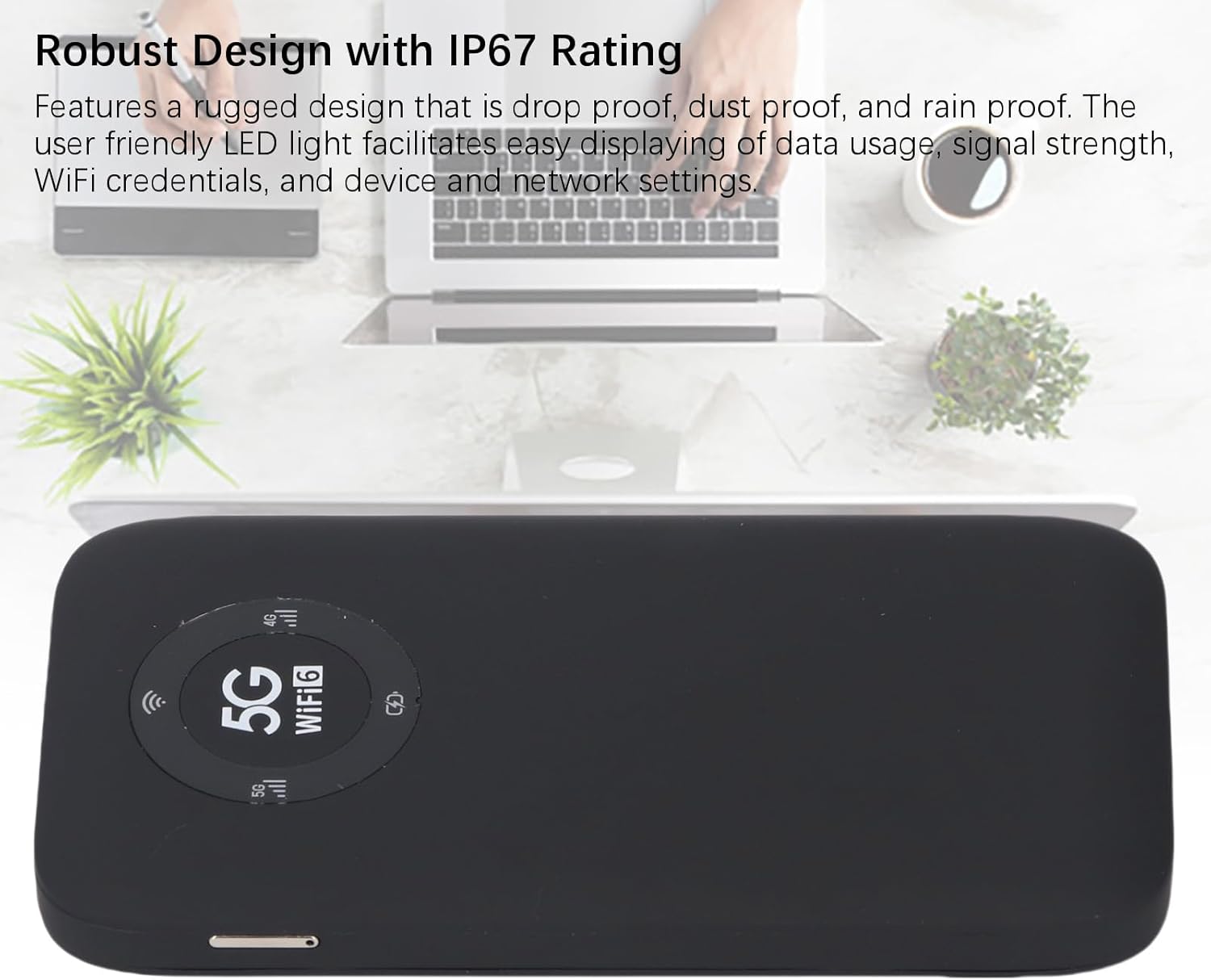
Image: A close-up of the Jectse 5G Mobile Hotspot's LED display, highlighting the 5G and WiFi 6 indicators, along with signal and battery icons.
3. Приступ Web Management Interface (if applicable)
For advanced settings and configuration, you may access the device's web интерфејс за управљање:
- Connect your computer or smartphone to the hotspot's WiFi network.
- Отвори а web browser and enter the default IP address (e.g., 192.168.0.1 or 192.168.1.1). This address is usually found on a sticker inside the SIM card slot or in the quick start guide.
- Enter the default username and password (also typically found on the device sticker or in documentation).
- Фром тхе web interface, you can manage WiFi settings, change passwords, view connected devices, and monitor data usage.
Одржавање
Баттери Царе
- Avoid exposing the device to extreme temperatures (below 0°C or above 45°C).
- Не остављајте уређај потпуно испражњен дуже време.
- За дуготрајно складиштење, напуните батерију на приближно 50-70%.
- За пуњење користите само приложени УСБ кабл.
Чишћење
- Обришите уређај меком, сувом крпом која не оставља влакна.
- Не користите течна средства за чишћење, аеросоле или раствараче.
- Уверите се да су сви портови без прашине и прљавштине.
Решавање проблема
| Проблем | Могући узрок | Решење |
|---|---|---|
| Нема интернет везе |
|
|
| Cannot Connect to WiFi |
|
|
| Уређај се не укључује |
|
|
Спецификације
| Феатуре | Детаљ |
|---|---|
| Број модела | Jectses1yn2px9gw-11 |
| Димензије | Approx. 136x72x16mm (5.35x2.83x0.63in) |
| Тежина | 10.6 унци |
| Батерија | 7100mAh Li-Ion Battery (Built-in) |
| Меморија | LPDDR4X 4GB RAM, NAND 2GB ROM |
| Порт за пуњење | УСБ-Ц |
| Тип СИМ картице | Nano-SIM (Not Included) |
| Целлулар Нетворк | 3GPP Rel.15, 5G NR (SA/NSA, Sub 6G), LTE Category 18 |
| 5Г НР опсези | FDD: N1, N3, N28; TDD: N41, N78 |
| 4Г опсези | FDD: B1, B3, B5, B8; TDD: B34, B38, B39, B40, B41 |
| 3Г Банд | B1 |
| ВиФи Бандс | WiFi6 2.4GHz, 5.8GHz |
| ВиФи протокол | 802.11 a, b, g, n, ac, ax |
| Max WiFi Connections | Up to 16 Devices Simultaneously |
| NR Download Rate | 2.77Gbps (DL) |
| NR Upload Rate | 1.25Gbps (UL) |
| ИП Ратинг | IP67 (Drop-proof, Dust-proof, Rain-proof) |
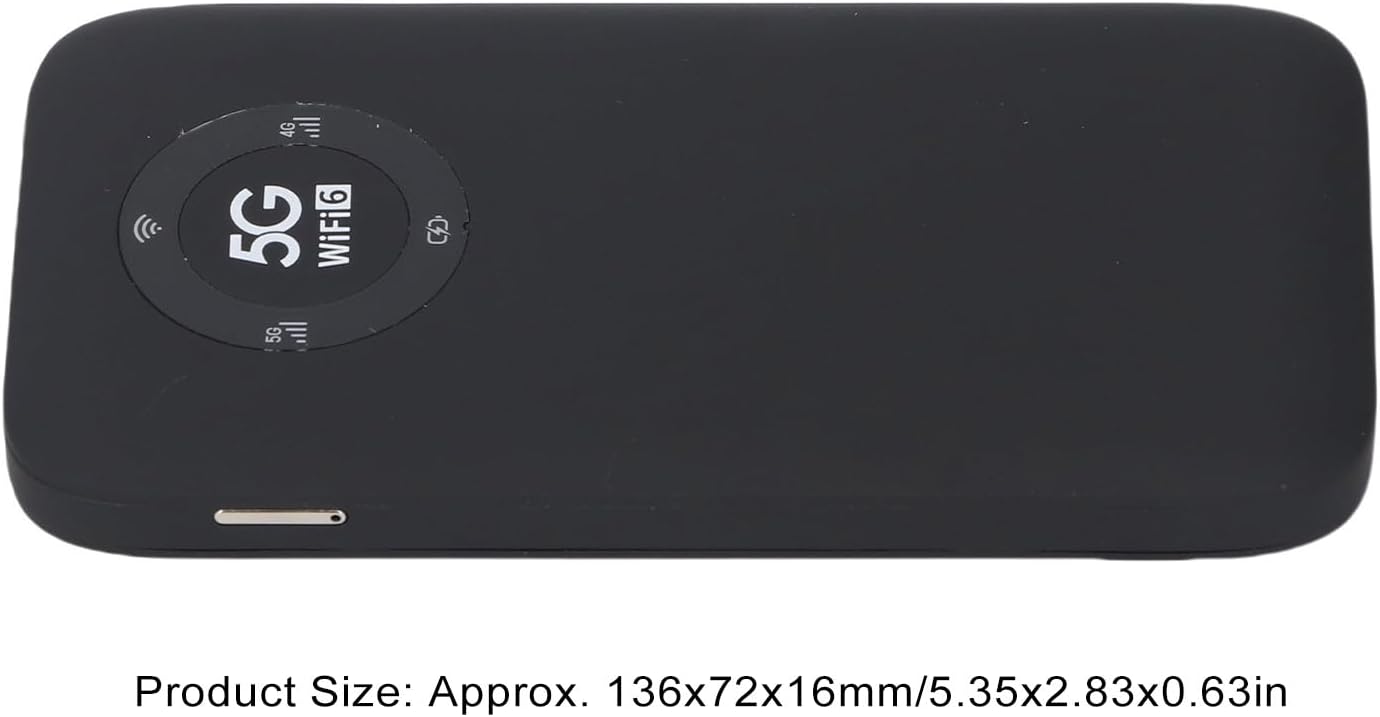
Image: The Jectse 5G Mobile Hotspot, illustrating its compact size with approximate dimensions of 136x72x16mm.
Важне напомене
- Пре куповинеasing, ensure that your local network signal frequency band and the SIM card frequency band are compatible with the supported frequency bands of this product.
- This product does not support use in South America, Japan, and South Korea regions.
Гаранција и подршка
For warranty information and technical support, please refer to the documentation provided with your purchase or contact Jectse customer service through their official channels. Specific warranty terms may vary by region and retailer.
Можете посетити Jectse Store on Amazon за више информација или да контактирате подршку.