
1. Увод
This manual provides detailed instructions for the setup, operation, and maintenance of your AUDIOCULAR M302 Android MP3 Music Player. Please read this manual thoroughly before using the device to ensure proper functionality and to maximize your user experience.
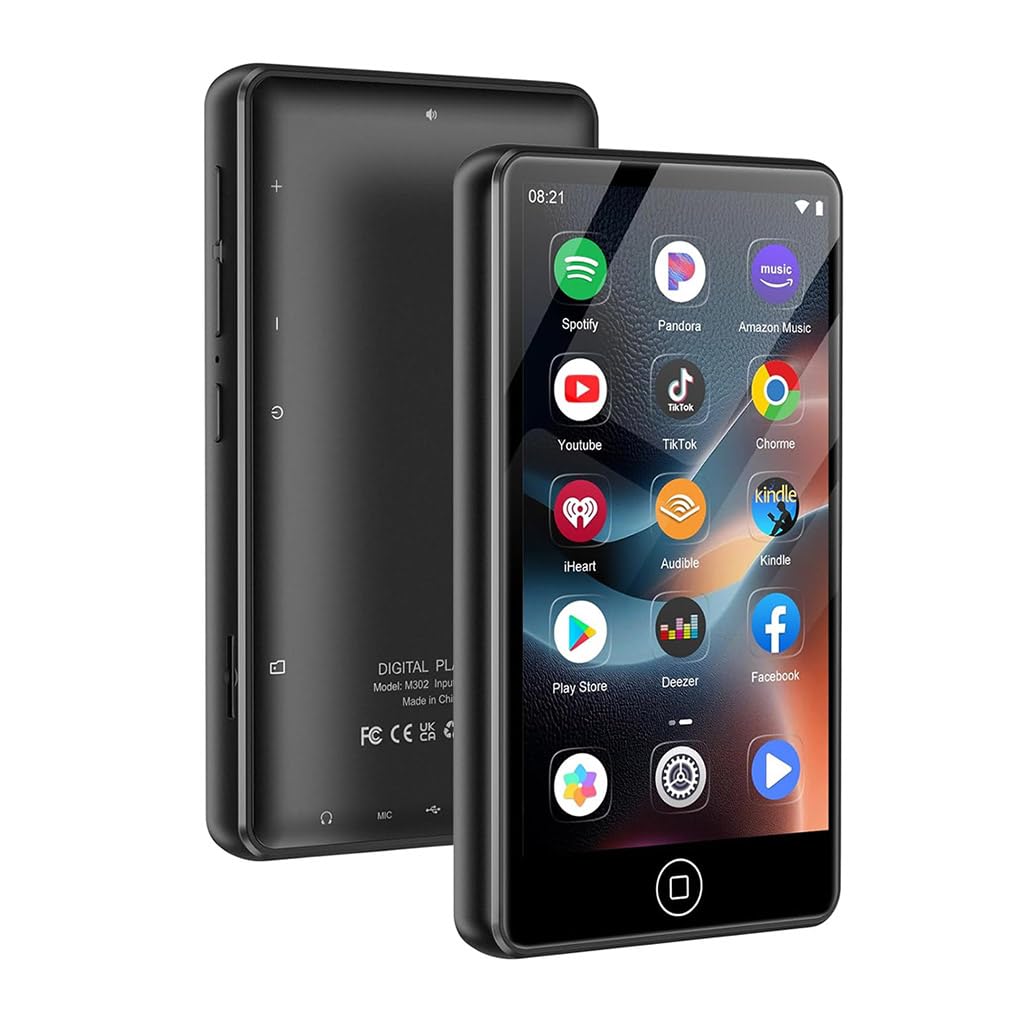
Image 1.1: The AUDIOCULAR M302 Android MP3 Player.
2. Садржај пакета
Проверите да ли су све ставке наведене у наставку укључене у пакет вашег производа:
- 1x AUDIOCULAR M302 Portable MP3 Music Player
- 1x кабл за пуњење (USB тип C)
- 1к слушалице
- 1к заштитна торбица
- 1x Упутство за употребу (овај документ)

Image 2.1: All items included in the AUDIOCULAR M302 product box.
3. Изглед уређаја
Familiarize yourself with the physical components and controls of your M302 player.
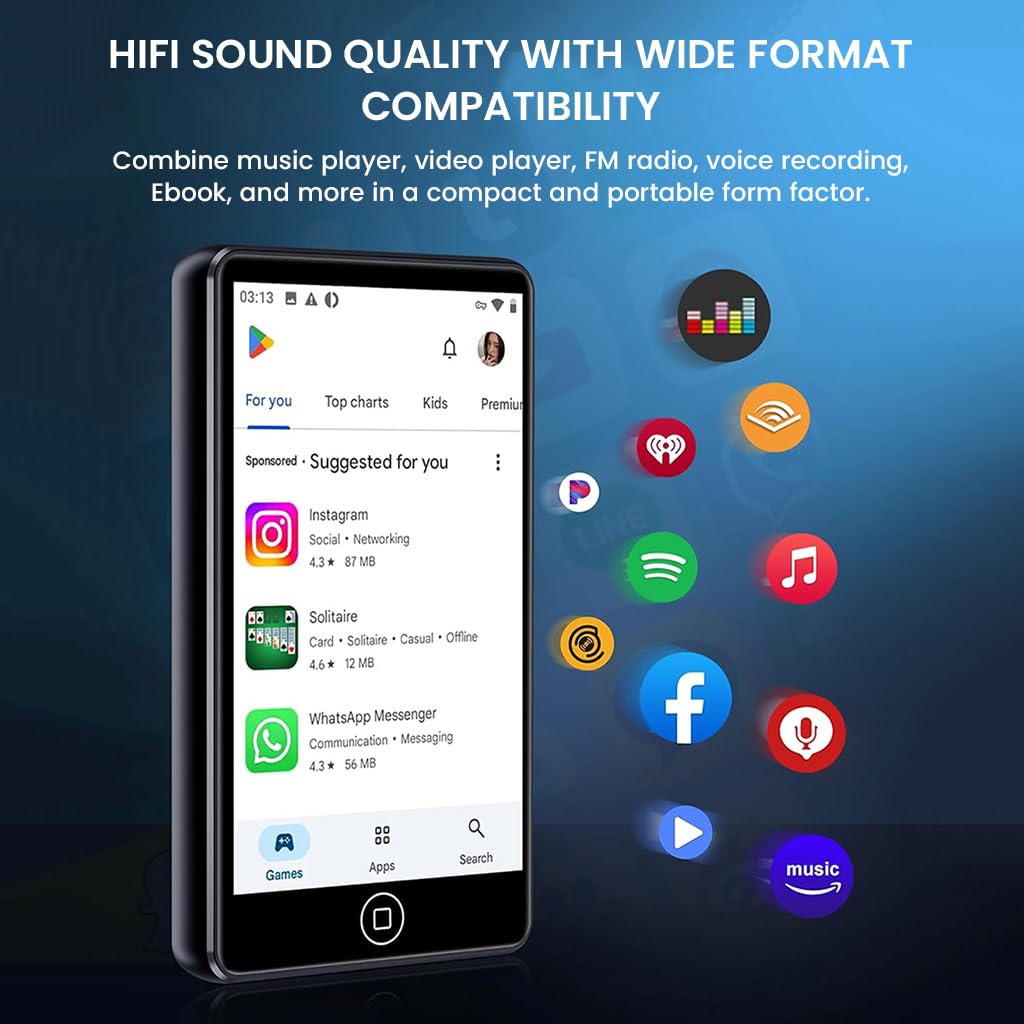
Слика 3.1: Предња страна view of the M302 player, highlighting the touchscreen display.
Кључне компоненте:
- 4.02-inch HD Touchscreen Display: For navigation and interaction.
- Дугме за напајање: Located on the side, used for powering on/off and screen lock.
- Дугмад за јачину звука: Налази се са стране, за подешавање аудио излаза.
- УСБ Типе-Ц порт: За пуњење и пренос података.
- 3.5 мм аудио прикључак: За повезивање жичних слушалица или слушалица са микрофоном.
- Утор за мицроСД картицу: За прошириву меморију до 512 ГБ.
4. Подешавање
4.1 Пуњење уређаја
Before first use, fully charge the M302 player. Connect the provided USB Type-C cable to the device and a compatible USB power adapter (not included) or a computer's USB port. The battery indicator on the screen will show charging status.
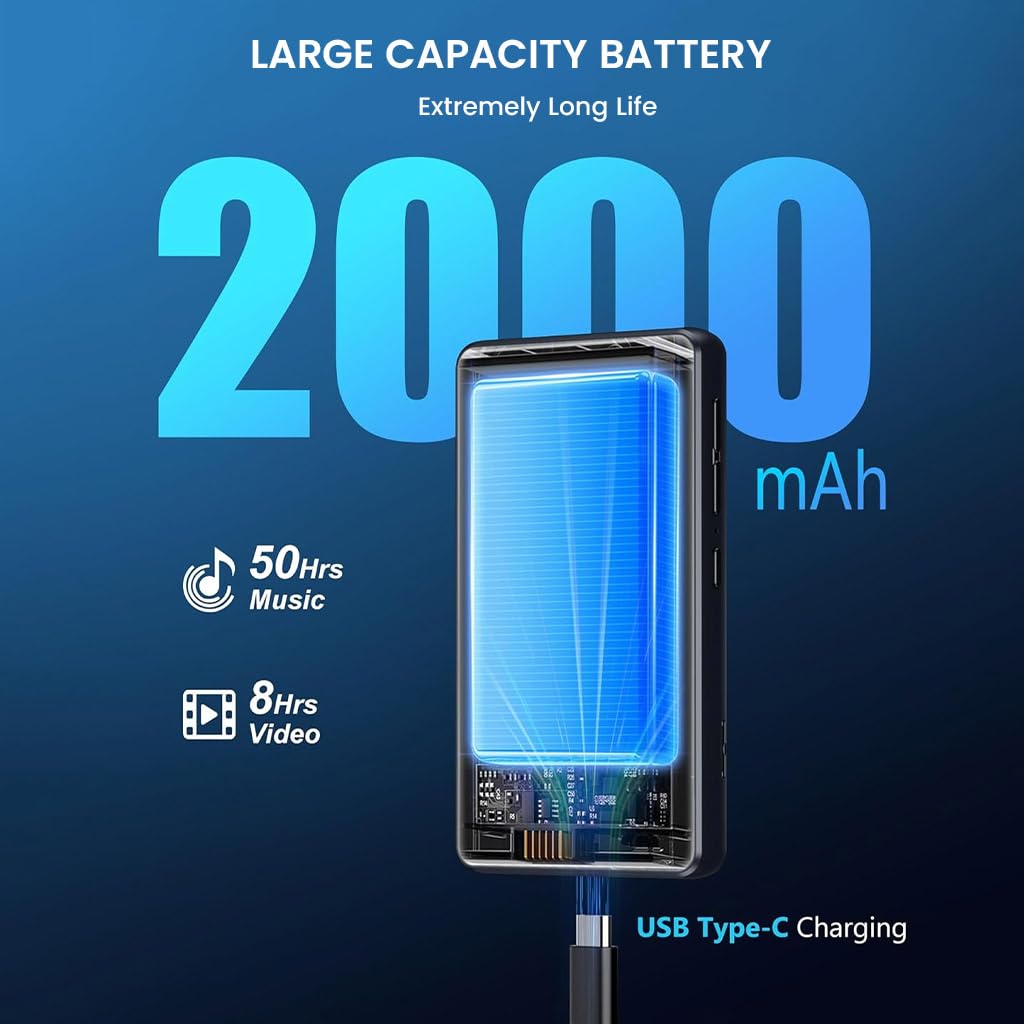
Image 4.1: Charging the M302 player via USB Type-C.
4.2 Укључивање/искључивање
- За укључивање: Притисните и држите дугме за напајање са стране уређаја док се екран не осветли.
- За искључивање: Press and hold the Power button until a power-off menu appears. Select 'Power off'.
- Да бисте закључали/откључали екран: Кратко притисните дугме за напајање.
4.3 Почетно подешавање
Upon first power-on, follow the on-screen prompts to configure basic settings such as language, time zone, and Wi-Fi connection. A stable Wi-Fi connection is recommended for downloading apps and system updates.
5. Упутство за употребу
5.1 Навигација
The M302 features a 4.02-inch touchscreen for intuitive navigation. Swipe left/right, up/down, tap, and long-press to interact with the Android 9.0 operating system and applications.
5.2 Репродукција музике
The device supports various audio formats including MP3, WAV, FLAC, APE, OGG, M4A, AAC, and WMA. Use the pre-installed music player app or other downloaded music applications to play your audio files.

Image 5.1: Music playback on the M302 player.
5.3 Блуетоотх веза
Да бисте се повезали са Bluetooth слушалицама или звучницима:
- Иди на Подешавања > Повезани уређаји > Блутут.
- Укључите Блуетоотх.
- Уверите се да је ваш Bluetooth додатак у режиму упаривања.
- Select your accessory from the list of available devices to pair.
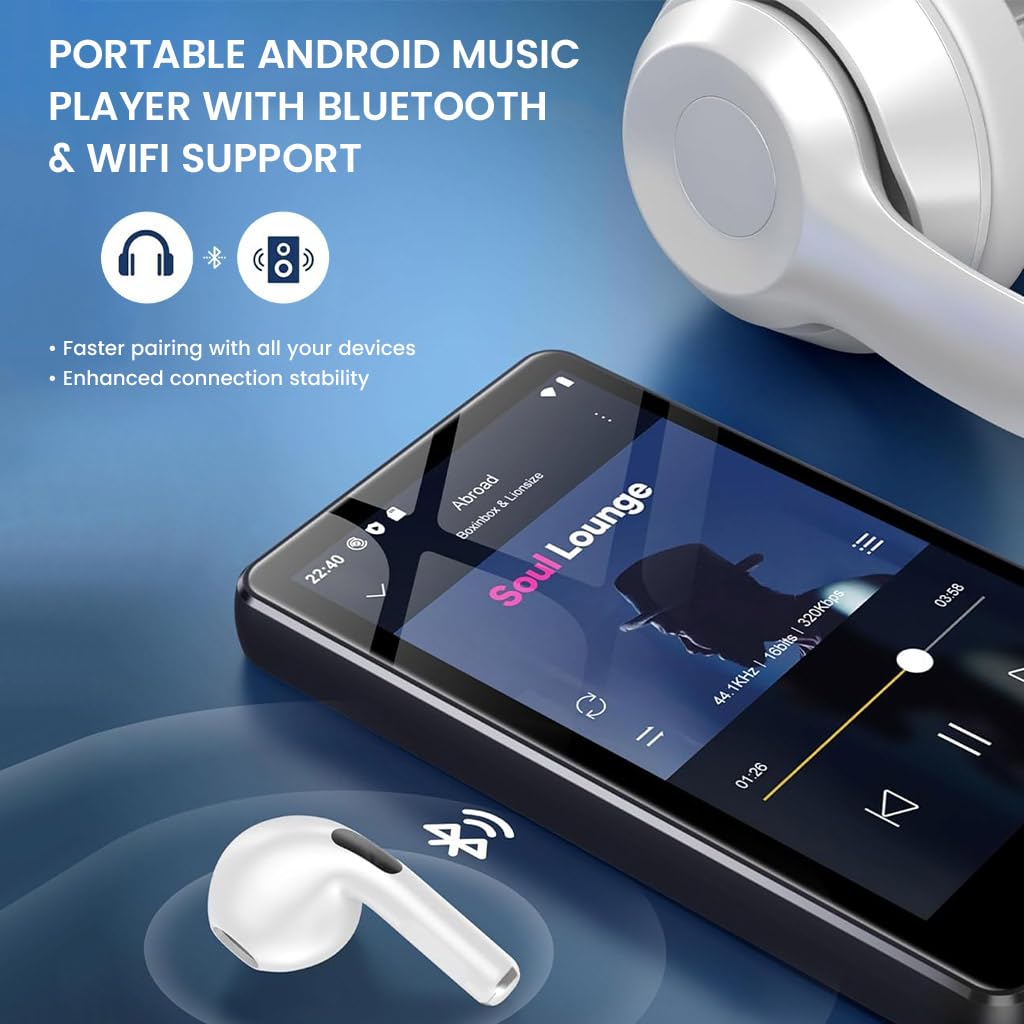
Image 5.2: M302 player demonstrating Bluetooth connectivity.
5.4 Ви-Фи веза
Да бисте се повезали на Ви-Фи мрежу:
- Иди на Подешавања > Мрежа и интернет > Wi-Fi.
- Укључите Ви-Фи.
- Изаберите жељену мрежу са листе и унесите лозинку ако се то од вас затражи.
5.5 Управљање апликацијама
The M302 comes pre-installed with apps like Spotify and HiBy Music. You can download additional applications from the Google Play Store. To uninstall an app, long-press its icon on the home screen or app drawer and drag it to the 'Uninstall' option.

Image 5.3: Uninstalling an application on the M302 player.
5.6 Управљање складиштем
The device has 16GB of internal storage. You can expand this by inserting a MicroSD card (up to 512GB) into the dedicated slot. To manage files, use the pre-installed File Апликација менаџер.
5.7 ФМ Радио
The M302 includes a built-in FM radio function. Connect wired earphones (which act as an antenna) and open the FM Radio app to scan for and listen to local stations.
5.8 Диктафон
Utilize the integrated voice recorder for capturing audio notes or lectures. Open the Voice Recorder app and follow the on-screen instructions to start, pause, and save recordings.
5.9 Репродукција видео записа
The 4.02-inch HD touchscreen supports video playback. Use pre-installed apps like VLC or other video players to watch your favorite videos. Supported formats include RM, RMVB, FLV, MP4, DAT, MKV, MPG, MOV, TS.
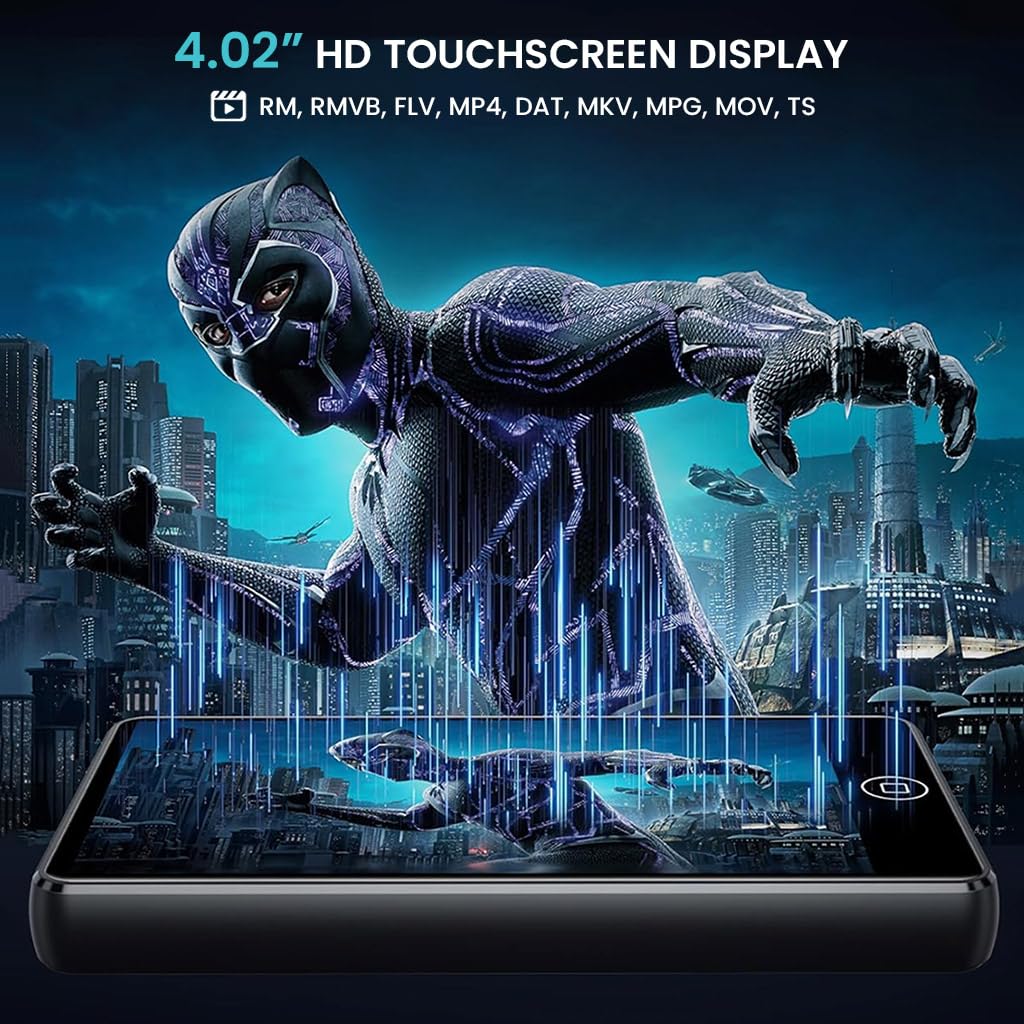
Image 5.4: Video playback on the M302 player.
6. Одржавање
6.1 Чишћење
To clean the device, use a soft, dry, lint-free cloth. Avoid using abrasive cleaners, solvents, or aerosol sprays, as these may damage the screen or casing. Do not expose the device to excessive moisture.
6.2 Ажурирања софтвера
The M302 supports manual system updates via Wi-Fi. Regularly check for updates to improve functional compatibility and overall performance. To update, go to Подешавања > Систем > Ажурирање система и пратите упутства на екрану.
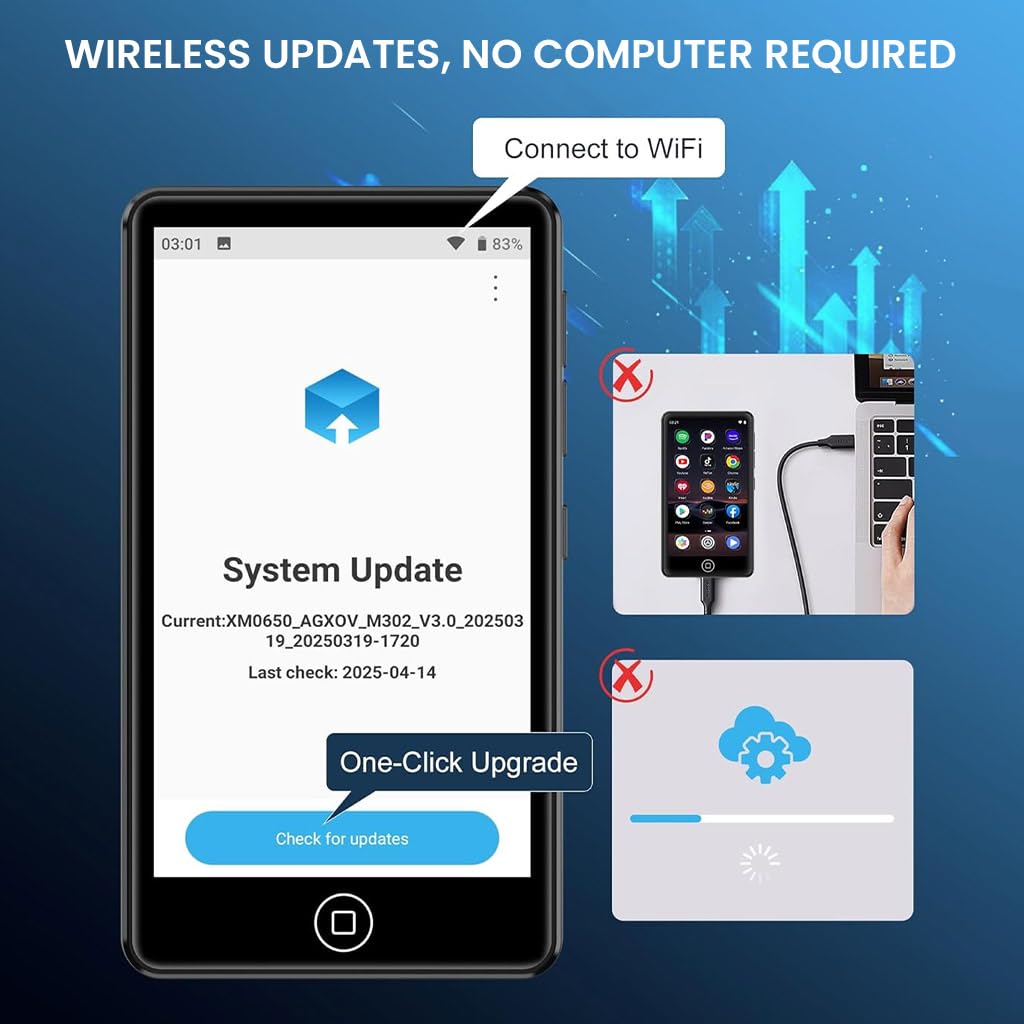
Image 6.1: System update interface on the M302 player.
КСНУМКС. Решавање проблема
If you encounter issues with your AUDIOCULAR M302, refer to the following common solutions:
- Уређај се не укључује: Ensure the device is fully charged. Connect it to a power source and try again.
- Екран не реагује: Try restarting the device by holding the Power button for approximately 10-15 seconds until it powers off and then on again.
- Cannot connect to Wi-Fi/Bluetooth: Ensure Wi-Fi/Bluetooth is enabled in settings. Restart the device and your router/Bluetooth accessory. Check for interference from other devices.
- Apps crashing or not installing: Ensure you have sufficient storage space. Clear the cache of the problematic app or the Google Play Store. Check your Wi-Fi connection stability.
- Лош квалитет звука: Ensure earphones/headphones are properly connected. Test with different audio files or accessories. Check volume settings.
- Батерија се брзо празни: Reduce screen brightness, close unused apps, and disable Wi-Fi/Bluetooth when not in use.
Ако проблем и даље постоји након што сте покушали ове кораке, обратите се корисничкој подршци.
8. Спецификације
Detailed technical specifications for the AUDIOCULAR M302 MP3 Player:
| Феатуре | Спецификација |
|---|---|
| Назив модела | М302 |
| Оперативни систем | Андроид 9.0 |
| Процесор | MTK 8-core processor |
| Дисплаи | 4.02 Inches HD Touchscreen |
| Интерна меморија | 16 ГБ |
| Екпандабле Стораге | До 512 ГБ (МицроСД) |
| Повезивање | Bluetooth, Wi-Fi, USB Type-C, Aux (3.5mm) |
| Подржани аудио формати | MP3, WMA, APE, FLAC, OGG, WAV, M4A, AAC |
| Подржани видео формати | РМ, РМВБ, ФЛВ, МП4, ДАТ, МКВ, МПГ, МОВ, ТС |
| Капацитет батерије | 2000мАх |
| Време репродукције музике | До 45-50 сата |
| Време репродукције видео записа | До 6-8 сата |
| Посебне карактеристике | FM Radio, Hi-Res Audio, Voice Recorder |
| Димензије (Д к Ш к В) | 1 Д x 6 Ш x 10 В центиметара |
| Тежина артикла | 108 грама |
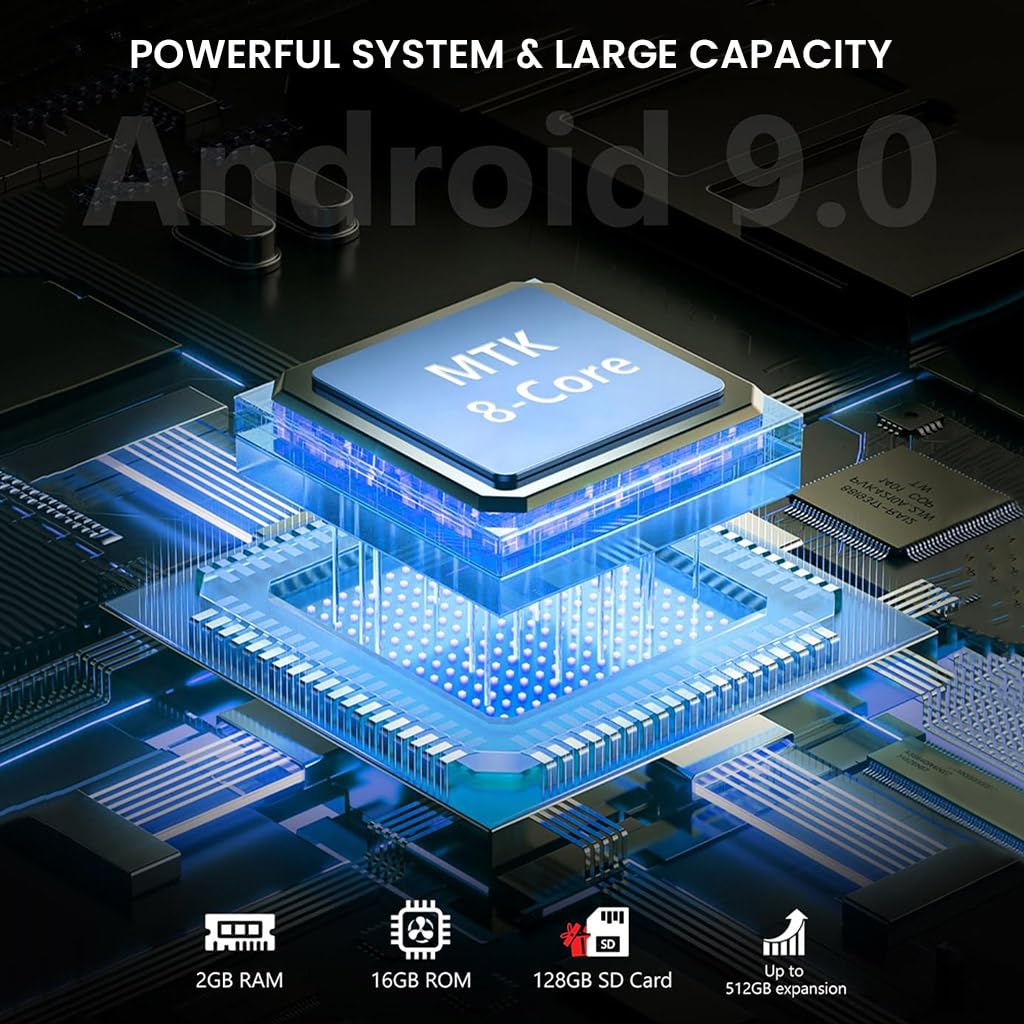
Image 8.1: Internal components and system architecture of the M302 player.
9. Производ је готовview Видео
Погледајте овај видео за визуелни прегледview of the AUDIOCULAR M302 MP3 Player's features and functionality.
Видео 9.1: Оверview of the AUDIOCULAR M302 MP3 Player, demonstrating its key features and usage scenarios.
10. Гаранција и подршка
10.1 Информације о гаранцији
The AUDIOCULAR M302 MP3 Player comes with a 1 година гаранције against manufacturing defects. The included wired earphones are covered by a 6-месечна ограничена гаранција against manufacturing defects only.
10.2 Корисничка подршка
For warranty claims, technical assistance, or any other inquiries, please contact our customer support team:
Емаил: customercare@conceptkart.com
Please provide your product model (M302) and purchase details when contacting support.