
FOREVER iGo Watch 4 JW-600
Forever iGo Watch 4 JW-600 Smartwatch User Manual
1. Увод
Welcome to the user manual for your new Forever iGo Watch 4 JW-600 Smartwatch. This guide provides essential information on how to set up, operate, and maintain your device, ensuring you get the most out of its features. The iGo Watch 4 combines modern design with advanced functionalities, including an AMOLED touch screen, comprehensive health monitoring, and over 100 sport modes.
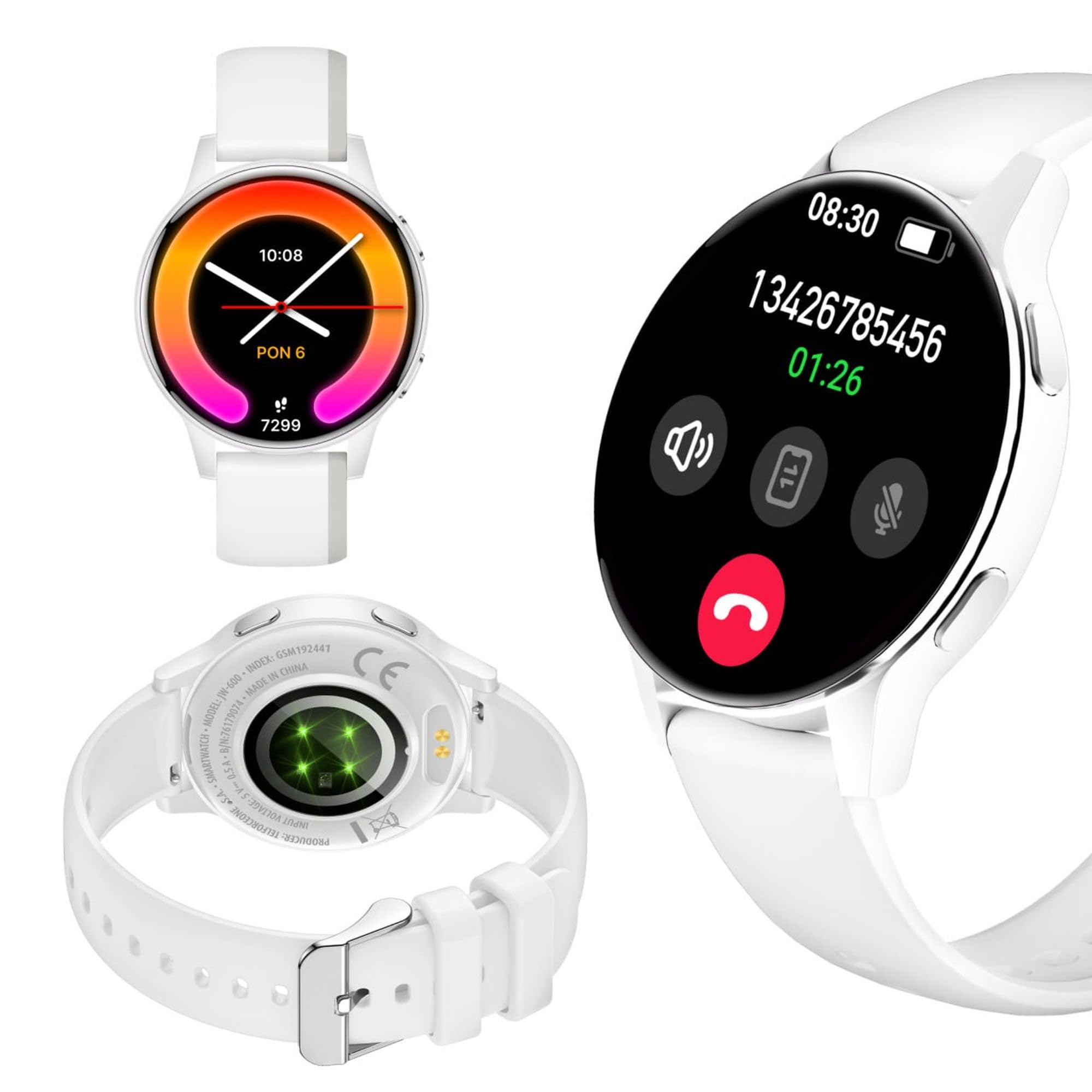
Image: Silhouette of a person wearing the Forever iGo Watch 4 smartwatch, highlighting its sleek design.

Image: Three Forever iGo Watch 4 smartwatches in black, white, and pink, illustrating the available color versions.
2. Садржај пакета
Upon opening your Forever iGo Watch 4 package, please ensure all items are present and in good condition. Your package should contain:
- Forever iGo Watch 4 Smartwatch
- Магнетни кабл за пуњење
- Two interchangeable straps (e.g., one pre-installed, one additional)
- Кориснички приручник (овај документ)

Image: Packaging for the white Forever iGo Watch 4, indicating included items and features.

Image: Two Forever iGo Watch 4 smartwatches, one white and one black with an orange accent, highlighting the two included straps.
3. Подешавање
3.1. Пуњење паметног сата
Before first use, fully charge your smartwatch. Connect the magnetic charging cable to the charging points on the back of the watch and plug the USB end into a power adapter (not included) or a computer's USB port. A full charge takes approximately 2 hours and provides up to 7 days of typical use.

Image: Illustration of the smartwatch's durable battery, capable of up to 7 days of typical usage.
3.2. Укључивање/искључивање
- За укључивање: Притисните и држите бочно дугме док се екран не упали.
- За искључивање: Navigate to the settings menu on the watch, select 'Power Off', and confirm. Alternatively, press and hold the side button and select 'Power Off' when prompted.
3.3. Инсталација и упаривање апликације
To unlock the full potential of your iGo Watch 4, download the dedicated companion app on your smartphone (compatible with Android and iOS). Тражи the app name (usually 'Forever Smart' or similar, check packaging for exact name) in your phone's app store.
- Преузмите и инсталирајте апликацију на свој паметни телефон.
- Омогућите Блуетоотх на свом паметном телефону.
- Отворите апликацију и пратите упутства на екрану да бисте креирали налог или се пријавили.
- In the app, select 'Add Device' or 'Pair Device' and choose 'iGo Watch 4' from the list of available devices.
- Потврдите захтев за упаривање и на паметном телефону и на паметном сату.
4. Управљање паметним сатом
4.1. Navigation and Display
The iGo Watch 4 features a responsive 1.28-inch AMOLED touch screen with a resolution of 416x416 pixels, providing clear visuals even in bright sunlight. Navigate through menus and functions by swiping across the screen and tapping icons.
- Превуците нагоре/надоле: Листајте кроз меније или обавештења.
- Превуците лево/десно: Приступите брзим функцијама или различитим виџетима.
- Додирните: Изаберите ставку или отворите апликацију.
- Бочно дугме: Притисните да бисте се вратили на почетни екран или пробудили уређај.

Слика: Крупни план view of the smartwatch display, showing its vibrant AMOLED screen and clear resolution.

Image: Visual representation of the AMOLED screen's size (1.28 inches) and resolution (416x416 pixels).
4.2. Прилагодљиви изглед сата
Personalize your smartwatch by choosing from a variety of free watch faces available through the companion app. You can switch between classic and futuristic designs to match your mood or style.

Image: A selection of customizable watch faces available for the iGo Watch 4.

Image: Different watch face options, illustrating the ability to change your watch's appearance daily.
4.3. Notifications and Bluetooth Calls
Once paired with your smartphone, the iGo Watch 4 allows you to receive notifications for calls, SMS messages, and various applications directly on your wrist. You can also make and receive Bluetooth calls without needing to take out your phone.
- Долазни позиви: The watch will vibrate and display the caller ID. You can answer or reject calls directly from the watch.
- Поруке: Read SMS and app notifications (e.g., WhatsApp, Messenger) on the watch screen.

Image: A person interacting with the smartwatch, with icons representing phone calls and messages, demonstrating Bluetooth connectivity.

Image: Visual representation of the smartwatch's Bluetooth call and notification capabilities.
4.4. Праћење здравља
The iGo Watch 4 is equipped with various sensors to help you monitor your health and well-being. Access these features through the watch's menu or the companion app.
- Мерење откуцаја срца: Monitor your heart rate throughout the day.
- Праћење сна: Track your sleep patterns, including different sleep phases, to help improve your sleep quality.
- Stress Measurement: Check your stress levels and receive suggestions for breathing exercises to help manage tension.
- Засићење крви кисеоником (SpO2): Измерите ниво кисеоника у крви.
- Мерење крвног притиска: Monitor your blood pressure (note: this feature is for reference only and not a medical device).
- Женско здравље: Track menstrual cycles and related data.
- Water Intake Reminder: Set reminders to drink water throughout the day.
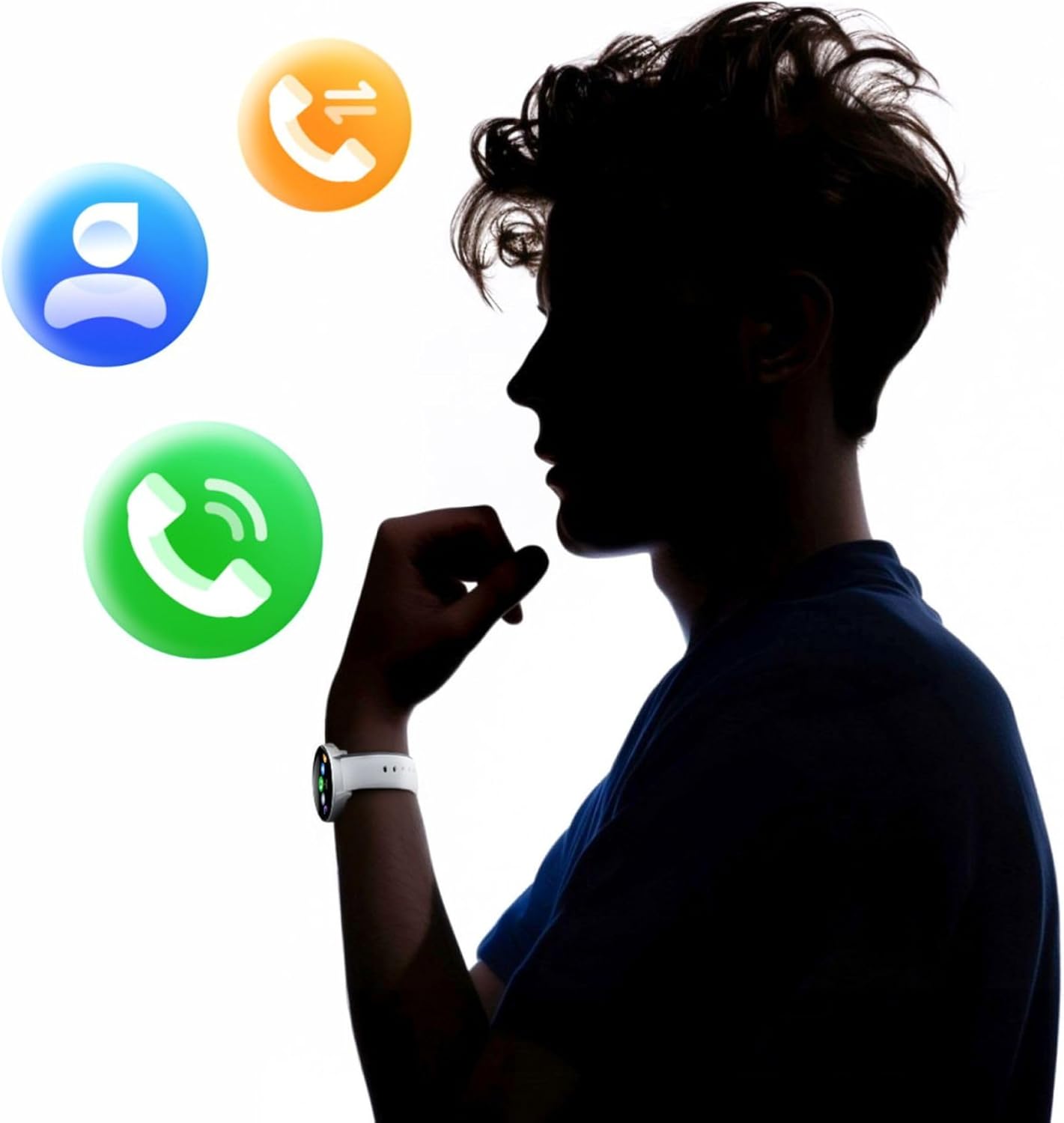
Image: A smartphone displaying the health monitoring app, surrounded by icons for various health metrics like heart rate, blood pressure, and sleep.

Image: Illustration of the sleep monitoring feature, showing sleep duration and phases.

Image: The stress measurement feature, showing how the watch helps monitor stress levels and suggests breathing exercises.
4.5. Спортски режими
With over 100 sport modes, the iGo Watch 4 is designed to track a wide range of physical activities, from running to tennis. The watch accurately counts your steps, distance, and burned calories, providing detailed insights into your workouts through the companion app.

Image: The smartwatch displaying activity data, including calories, steps, and distance, during a workout.

Image: Illustration of the smartwatch's capability to track over 100 sport modes, counting steps and calories.
4.6. Остале паметне функције
The iGo Watch 4 offers several additional smart features to enhance your daily life:
- Контрола музике: Контролишите репродукцију музике на свом паметном телефону директно са свог сата.
- Гласовни асистент: Приступите гласовном асистенту вашег паметног телефона.
- Временска прогноза: Добијајте ажурирања о времену у реалном времену.
- Пронађите уређај: Locate your paired smartphone if it's within Bluetooth range.
- Будилник: Подесите аларме и подсетнике.
- Даљинска контрола камере: Користите свој сат као даљински управљач за камеру свог паметног телефона.

Image: The smartwatch displaying icons for various smart functions, including music control, weather, and remote camera.

Image: The smartwatch's interactive 3D menu, highlighting useful smart functions like music control and voice assistant.
5. Одржавање
5.1. Чишћење паметног сата
To keep your iGo Watch 4 in optimal condition, regularly clean the device. Use a soft, dry, lint-free cloth to wipe the screen and body. For stubborn smudges, slightly dampen the cloth with water. Avoid using harsh chemicals or abrasive materials, as these can damage the watch.
5.2. Отпорност на воду (IP67)
The iGo Watch 4 is rated IP67, meaning it is protected against dust ingress and can withstand immersion in water up to 1 meter for up to 30 minutes. This makes it suitable for daily use, such as washing hands or being exposed to rain and splashes. However, it is not recommended for swimming, showering with hot water, or diving, as steam and high water pressure can compromise the seals.
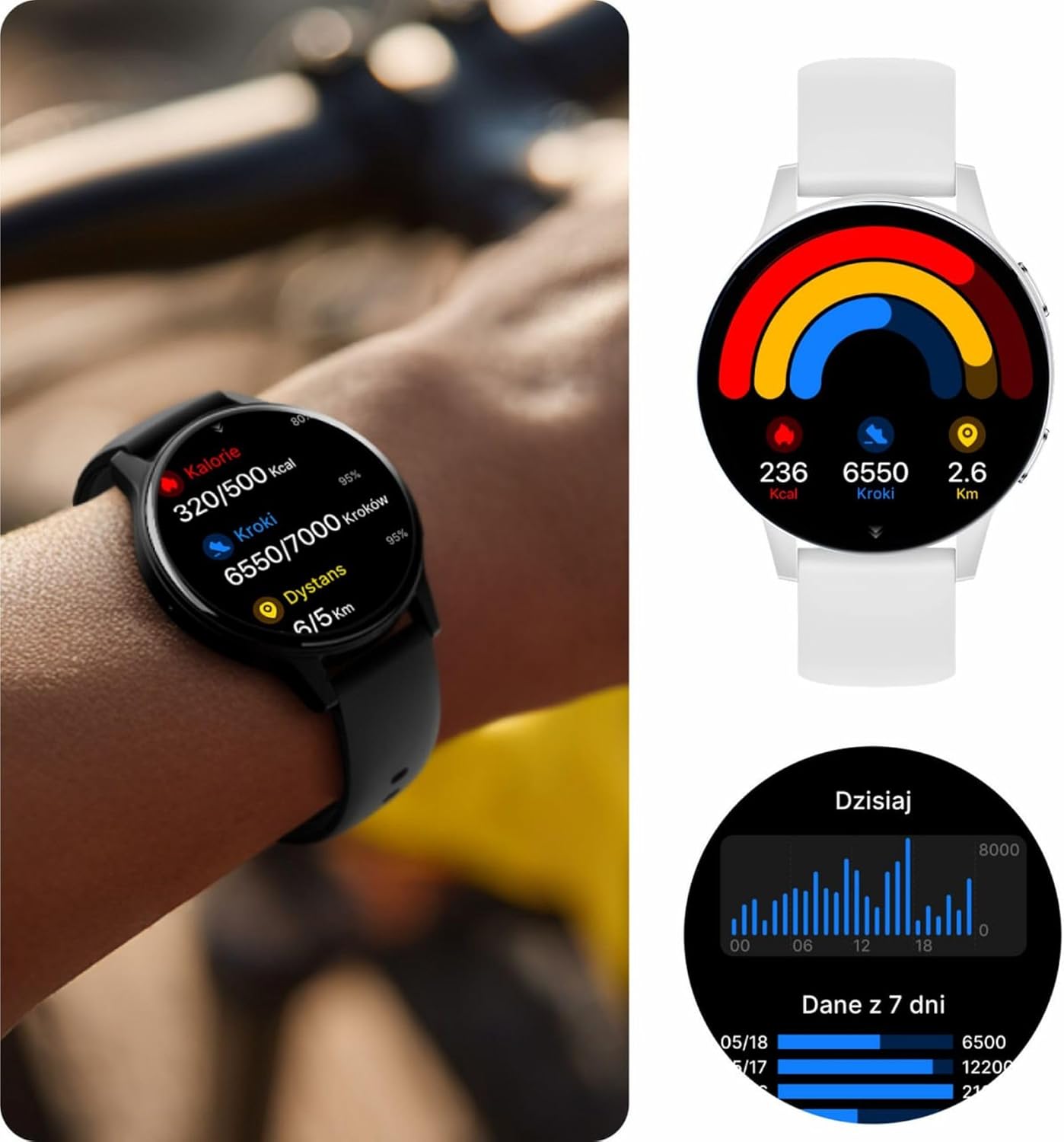
Image: Visual representation of the IP67 waterproof rating, indicating protection against water splashes and brief immersion.

Image: Stylized graphic emphasizing the IP67 waterproof feature of the smartwatch.
КСНУМКС. Решавање проблема
If you encounter any issues with your Forever iGo Watch 4, please refer to the following common solutions:
- Сат се не укључује: Уверите се да је сат потпуно напуњен. Повежите га са пуњачем најмање 30 минута.
- Не може се упарити са паметним телефоном:
- Уверите се да је Блуетоотх омогућен на вашем паметном телефону.
- Уверите се да је сат у домету вашег паметног телефона.
- Поново покрените и паметни телефон и паметни сат.
- Проверите да ли је пратећа апликација ажурирана на најновију верзију.
- Обавештења се не приказују:
- Verify that notification permissions are granted to the companion app on your smartphone.
- Уверите се да је сат правилно повезан путем Блутут-а.
- Check the app's settings to ensure notifications for specific applications are enabled.
- Нетачни здравствени подаци:
- Уверите се да сат чврсто приања на зглоб, да није ни превише лабав ни превише затегнут.
- Очистите сензоре на задњој страни сата.
- Избегавајте прекомерно кретање током мерења.
- Kratko trajanje baterije:
- Смањите осветљеност екрана.
- Онемогућите непотребне функције или континуирано праћење ако није потребно.
- Ограничите број примљених обавештења.
If the problem persists, please consult the official Forever support resources or contact customer service.
7. Спецификације
Below are the technical specifications for the Forever iGo Watch 4 JW-600 Smartwatch:
| Феатуре | Спецификација |
|---|---|
| Бранд | ФОРЕВЕР |
| Модел | iGo Watch 4 JW-600 (GSM192441) |
| Дисплаи Типе | АМОЛЕД |
| Величина екрана | 1.28 инча |
| Резолуција екрана | 416 к 416 пиксела |
| Капацитет батерије | 280 мАх |
| Просечно трајање батерије | До 7 дана |
| Време пуњења | 2 сата |
| Отпорност на воду | ИП67 |
| Тежина | 33.9 г |
| Дебљина | 10.6 мм |
| Компатибилни уређаји | Паметни телефон (Андроид, иОС) |
| Унос људског интерфејса | Тоуцх Панел |
| Посебне карактеристике | 100+ Sport Modes, Sleep Monitor, Heart Rate, Stress, Blood Oxygen, Blood Pressure, Bluetooth Calls, Notifications |
| Капацитет складиштења | 128 GB (for data storage, not app installation) |
| ГПС | Ниједан |
| Вирелесс Типе | 802.11н |

Image: Illustration of the smartwatch's ultra-slim and light form, detailing its weight and thickness.
8. Гаранција и подршка
Your Forever iGo Watch 4 JW-600 Smartwatch comes with a manufacturer's warranty. Please refer to the warranty card included in your package or the official Forever webсајт за детаљне информације о условима гаранције.
For technical support, troubleshooting assistance, or any other inquiries, please visit the official Forever support page or contact their customer service through the contact information provided on their webсајту или у документацији вашег производа.
Ask a question about this manual
Ask about setup, troubleshooting, compatibility, parts, safety, or missing instructions. Manuals+ will review the question and use this page’s manual context to help answer it.