
1. Увод
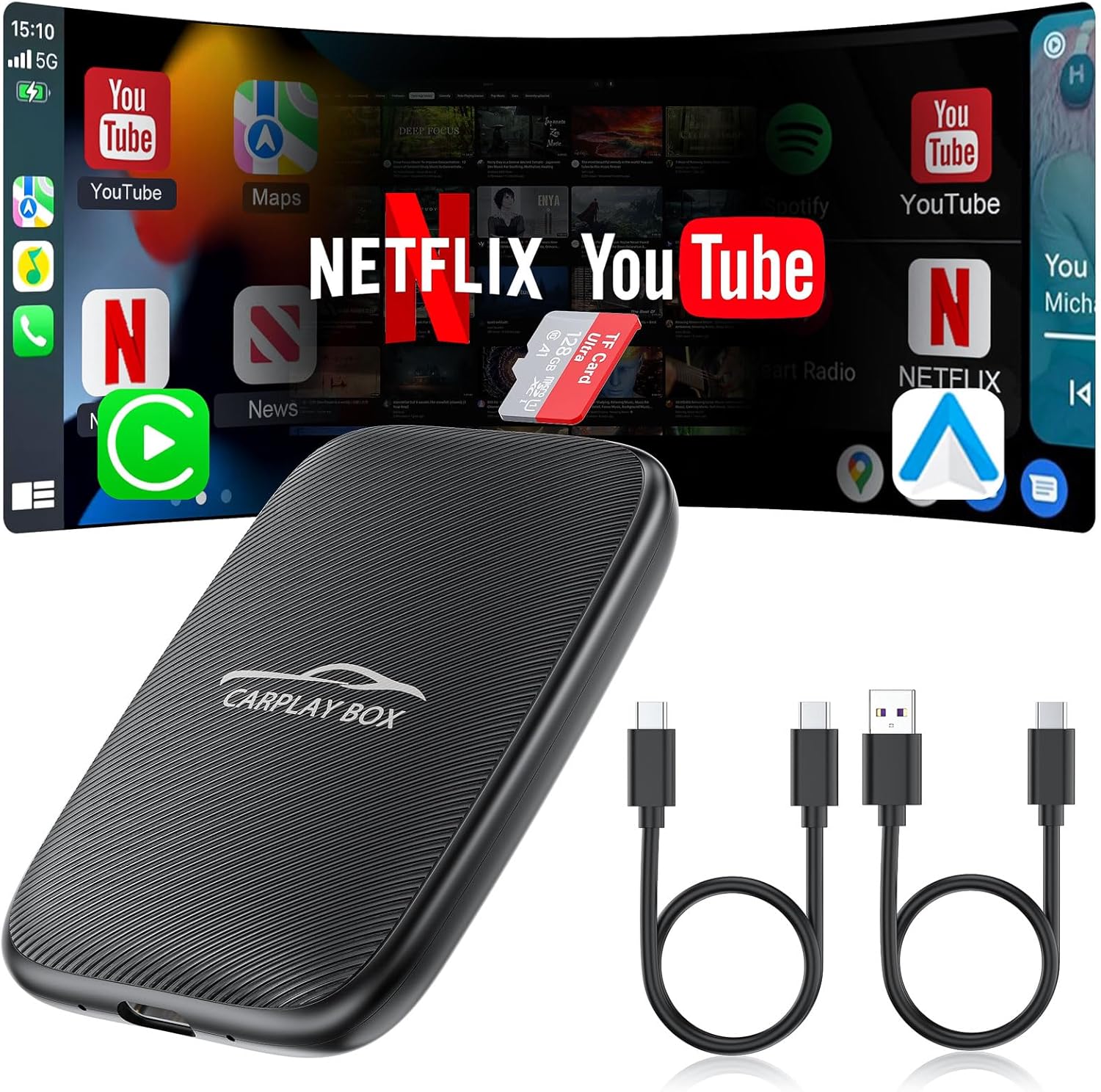
The Rocketek 5-in-1 Wireless CarPlay and Android Auto Adapter (Model: Small-GT4S) is designed to enhance your in-car entertainment and connectivity experience. This device converts your vehicle's existing wired CarPlay or Android Auto system into a wireless one, offering seamless integration with your smartphone. Additionally, it provides access to streaming services like Netflix and YouTube, and supports local media playback via TF card or USB.
2. Садржај пакета
Молимо вас да се уверите да су све ставке присутне у пакету:
- Rocketek 5-in-1 Wireless CarPlay Adapter (Small-GT4S)
- УСБ-Ц на УСБ-А кабл
- УСБ-Ц на УСБ-Ц кабл
- TF Card (pre-installed or included separately)
- Кориснички приручник (овај документ)
3. Спецификације
| Феатуре | Детаљ |
|---|---|
| Модел | Small-GT4S |
| Бранд | Rocketek |
| Оперативни систем | Андроид |
| Капацитет меморије | 16 GB (TF card support up to 256GB) |
| Технологија повезивања | USB, 4.2GHz Wi-Fi, Bluetooth BLE 5.0 |
| Посебна карактеристика | Touchscreen, Voice Control, Steering Wheel Control, Knob Operation |
| Укључене компоненте | Adapter, USB-C to USB-A cable, USB-C to USB-C cable, TF Card |
| Тежина артикла | 3.2 унци (0.09 килограма) |
| Димензије пакета | 5.39 к 3.94 к 0.87 инча |
4. Компатибилност
This adapter is designed for wide compatibility with vehicles and smartphones:
- Компатибилност возила: Suitable for over 800 car models manufactured after 2016 that come with factory-installed wired CarPlay.
- Важна напомена: Not compatible with BMW or Tesla vehicles.
- Компатибилност са паметним телефоном: Supports mobile phones with Apple iOS version 10.0 and above, and Android version 11.0 and above.

For detailed compatibility information for Android Auto, please visit the official Android Auto webсајту.
5. Упутства за подешавање
Пратите ове кораке за почетно подешавање и повезивање:
- Повежите адаптер: Plug the Rocketek 5-in-1 Wireless CarPlay Adapter into your car's USB data port using the appropriate USB-C to USB-A or USB-C to USB-C cable.
- Почетно покретање: The device will power on, and your car's screen should display an Android or CarPlay interface.
- Enable Bluetooth & Wi-Fi on Phone: На паметном телефону, уверите се да су и Bluetooth и Wi-Fi укључени.
- Упарите са адаптером: On your car's screen, navigate to the Bluetooth settings or the adapter's main interface. Select the adapter's Bluetooth name (e.g., "AIBox-BT_b054" or similar) from your phone's Bluetooth device list and pair. Confirm any pairing codes if prompted.
- Аутоматско повезивање: After successful Bluetooth pairing, the adapter will automatically connect to your phone via Wi-Fi for wireless CarPlay or Android Auto functionality.

Setup Video Guides:
Video 5.2: This video demonstrates the process of using the Magic Link CarPlay AI Box, including initial connection steps.
Video 5.3: A quick demonstration of the Wireless CarPlay Adapter supporting Netflix and YouTube, showing the connection process.
Видео 5.4: Овај видео пружа прегледview of the 2024 upgraded wireless Android Auto and CarPlay adapter, including its features and connection.
Video 5.5: A step-by-step guide on how to connect the wireless CarPlay/Android Auto feature.
6. Упутство за употребу
6.1. Бежични CarPlay и Android Auto
Once connected, the adapter allows you to use wireless CarPlay or Android Auto, mirroring your phone's essential apps (navigation, music, calls) directly onto your car's display. The system supports original car control methods, including voice control, steering wheel controls, touch screen, and knob operation.

6.2. Streaming Media (Netflix, YouTube, TF Card)
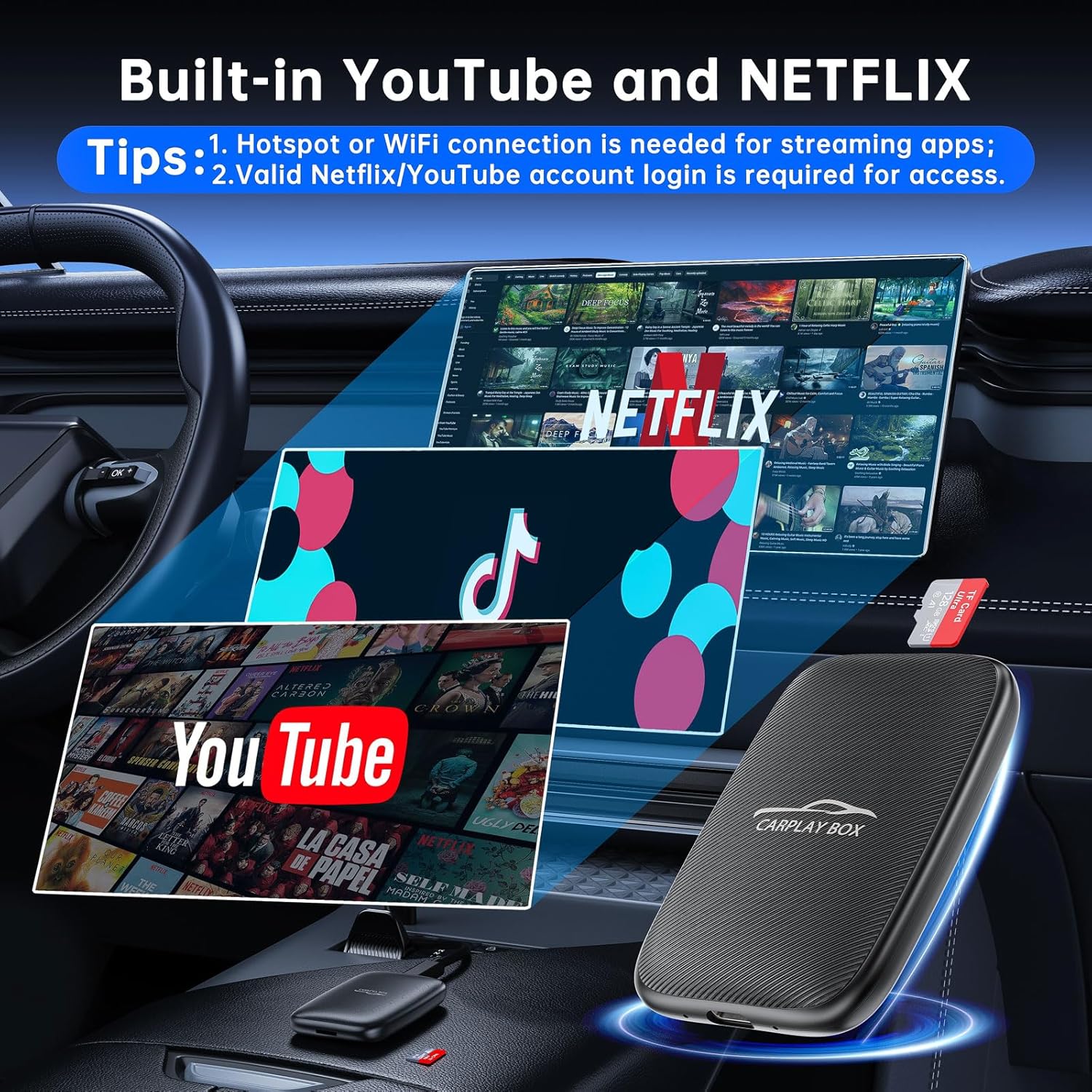
The adapter comes with built-in Netflix and YouTube applications. To use these, ensure the adapter is connected to a stable Wi-Fi network or your phone's mobile hotspot. You can also play videos and music offline by inserting a microSD card (up to 256GB) into the TF card slot or using the USB port.

6.3. Пресликавање екрана
The screen mirroring feature allows you to display your smartphone's screen directly onto your car's infotainment system. This is useful for apps not natively supported by CarPlay or Android Auto.
Operating Video Guides:
Video 6.4: Learn how to play videos using the AI Box, covering both online streaming and local media playback.
Video 6.5: This video provides instructions on how to stream Netflix and YouTube online through the adapter.
Video 6.6: A guide on how to use the screen mirroring function to display your phone's content.
Video 6.7: This video offers a detailed setup guide for the screen mirroring feature.
Video 6.8: A comprehensive video demonstrating the features of the 4-in-1 Wireless CarPlay Android Auto Adapter.
Video 6.9: This video highlights the features of the All New Wireless CarPlay & Android Auto Adapter.
КСНУМКС. Решавање проблема
Refer to the following tips for common issues:
- Истовремена веза: You cannot connect to Apple CarPlay/Android Auto and streaming services (like YouTube/Netflix) simultaneously. Switch between modes as needed.
- Hotspot Connection Issues: When setting up a connection to your phone's hotspot, remember to turn off Bluetooth on your phone first.
- Lag-Free Streaming: For optimal performance and to avoid playback delays, do not open multiple apps while streaming videos.
- Провера компатибилности: Ensure your car model (post-2016 with factory wired CarPlay) and phone OS (iOS 10+ or Android 11+) meet the compatibility requirements.

8. Гаранција и подршка
Your Rocketek 5-in-1 Wireless CarPlay Adapter comes with 24 months of worry-free after-sales customer service. If you have any questions or require assistance, please contact us through Amazon, and we will reply within 24 hours to provide a satisfactory solution.