
1. Увод
This manual provides essential information for setting up, operating, maintaining, and troubleshooting your NIMO N158 15.6-inch laptop. Please read this manual thoroughly before using your device to ensure optimal performance and longevity.
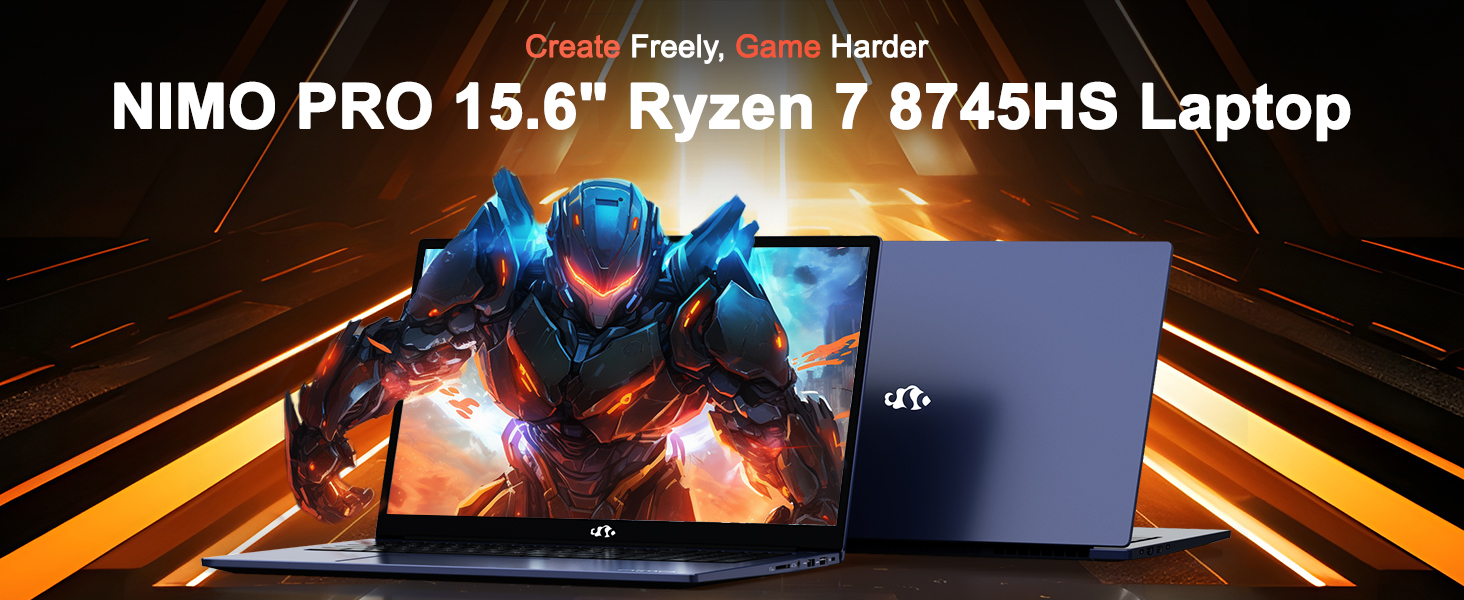
Image: The NIMO N158 15.6-inch laptop, showcasinњегов дизајн и кључне карактеристике.
2. Производ је готовview
The NIMO N158 is a high-performance laptop designed for productivity and entertainment. It features an AMD Ryzen 7 8745HS processor, 64GB DDR5 RAM, and a 1TB PCIe 4.0 SSD.
2.1 кључне компоненте
- процесор: AMD Ryzen 7 8745HS (8 језгара, 16 нити, до 4.9 GHz)
- Графика: AMD Radeon 780M Integrated Graphics
- Меморија: 64GB DDR5 RAM (4800 MHz)
- Складиштење: 1TB PCIe 4.0 SSD
- Приказ: 15.6-inch Full HD (1920x1080) IPS Anti-Glare
- Оперативни систем: Виндовс 11 Хоме
- батерија: 75Wh Lithium Polymer
2.2 Портови и интерфејси
The NIMO N158 laptop offers a variety of ports for connectivity:

Image: Diagram illustrating the various ports and interfaces on the NIMO N158 laptop.
- 1 к УСБ 2.0 порт
- 3 к УСБ 3.0 порта
- 1 x USB 4.0 Type-C Port (with 100W PD fast charging support)
- 1 к ХДМИ порт
- 1 к прикључак за слушалице
- 1 к читач СД картица
- 1 к отвор за Кенсингтон браву
3. Подешавање
3.1 Initial Power-On and Charging
- Unpack the laptop and the included 100W Type-C PD Fast Charger.
- Connect the charger to the USB Type-C port on the laptop and to a power outlet. The Charger LED will illuminate.
- Оставите лаптоп да се пуни најмање 30 минута пре прве употребе или док индикатор батерије не покаже довољно напуњености.
- Притисните дугме за напајање да бисте укључили лаптоп.

Image: The NIMO N158 laptop connected to its 100W Type-C fast charger, illustrating the charging process.
3.2 Подешавање оперативног система
Upon first boot, you will be guided through the Windows 11 Home setup process. Follow the on-screen instructions to configure your language, region, network connection, and user account.
3.3 Подешавање читача отиска прста
For enhanced security, set up the integrated fingerprint reader during the Windows 11 setup or later via Windows Settings > Accounts > Sign-in options. This allows for quick and secure login.
4. Упутство за употребу
4.1 Тастатура и тачпед
- Тастатура са позадинским осветљењем: The keyboard features backlighting for comfortable typing in low-light conditions. Use the designated function key (Fn + F key combination, typically) to adjust brightness or toggle the backlight.
- Нумеричка тастатура: A dedicated numeric keypad is included for efficient data entry.
- Precision Gesture Touchpad: Тачпед подржава вишеструке додирне гестове за навигацију. Погледајте подешавања оперативног система Windows за прилагођавање покрета тачпеда.
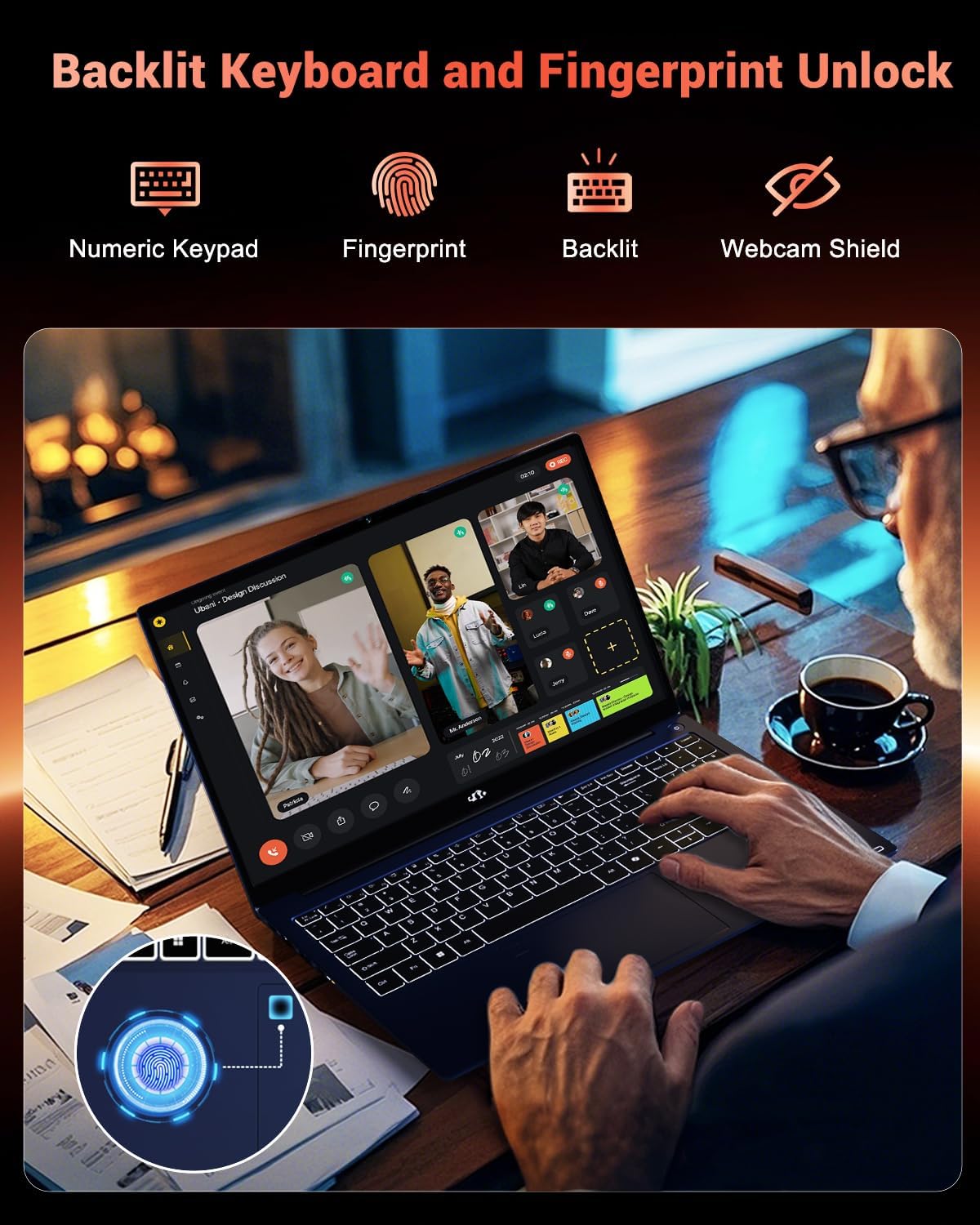
Image: A user interacting with the NIMO N158 laptop, highlighting the backlit keyboard and fingerprint reader on the touchpad.
4.2 Дисплеј
The 15.6-inch Full HD IPS anti-glare display provides clear and vibrant visuals. Adjust display settings (resolution, brightness, color) through Windows Display Settings.
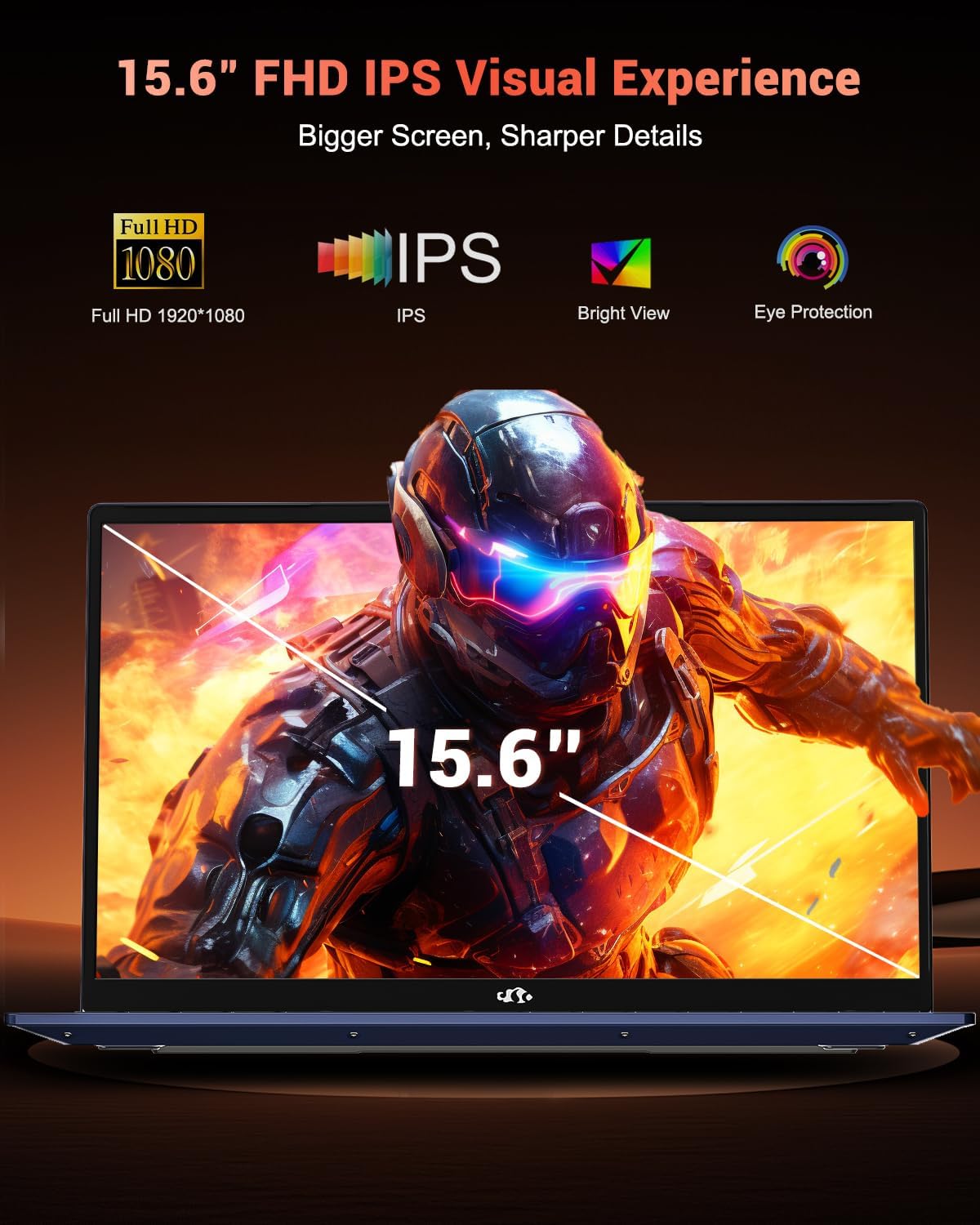
Image: The NIMO N158 laptop displaying a vibrant image on its 15.6-inch Full HD IPS screen, emphasizing visual quality.
4.3 Webцам
The laptop includes a 2MP webcam. For privacy, a physical webcam shield or switch is integrated. Ensure the webcam is open when in use and closed when not needed.

Image: A visual representation of the NIMO N158 laptop's privacy-focused camera, showing the open and closed states of the webcam switch.
4.4 Перформансе и обављање више задатака истовремено
The AMD Ryzen 7 8745HS processor and 64GB DDR5 RAM provide robust performance for demanding tasks, content creation, and gaming. The 1TB PCIe 4.0 SSD ensures fast boot times and application loading.

Image: A close-up of the AMD Ryzen 7 8745HS processor chip, highlighting its core specifications.
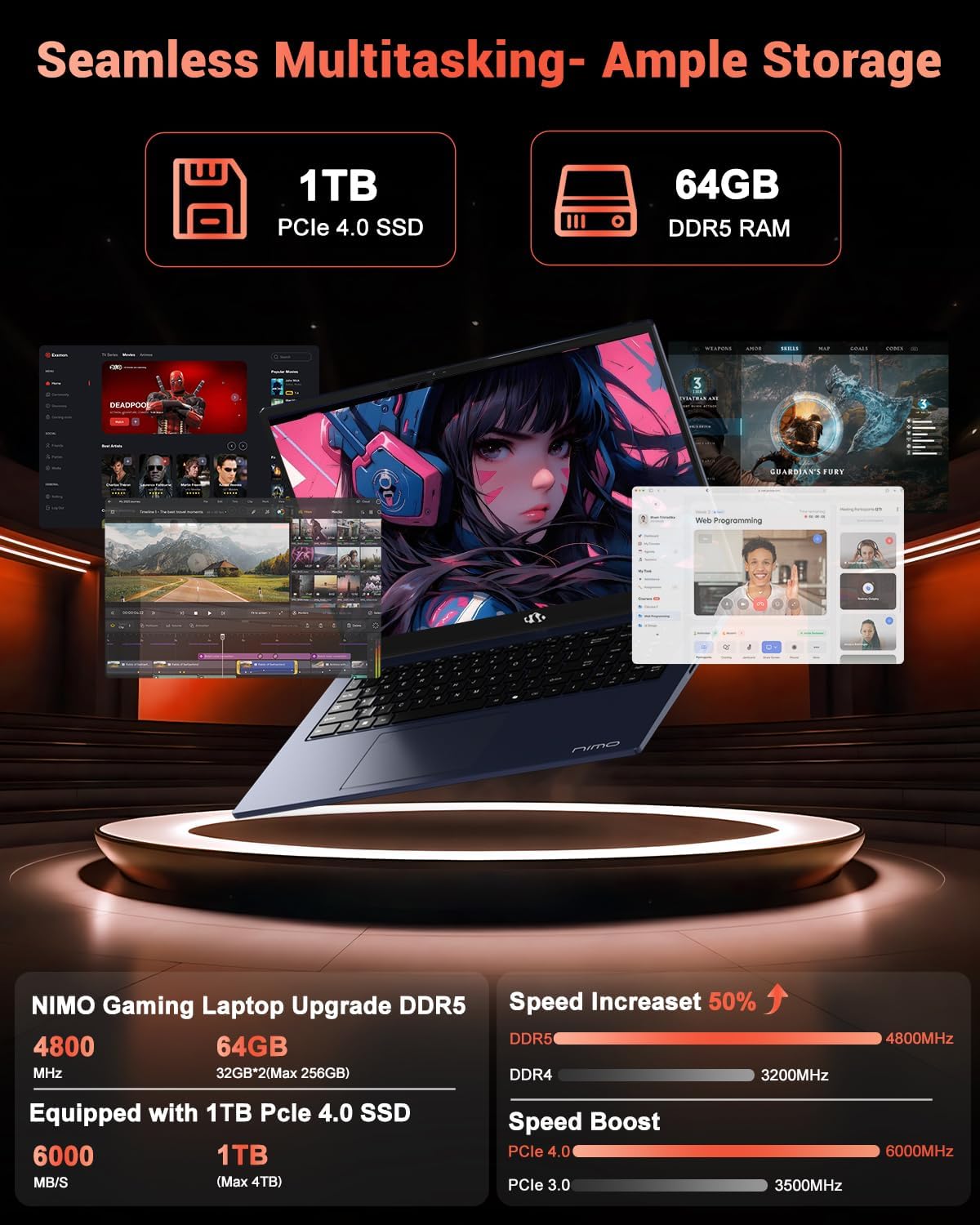
Image: The NIMO N158 laptop displaying multiple applications open, demonstrating its multitasking capabilities with 64GB RAM and 1TB SSD.
5. Одржавање
5.1 Општа нега
- Keep the laptop clean by wiping surfaces with a soft, dry cloth.
- Avoid exposing the laptop to extreme temperatures, direct sunlight, or moisture.
- Do not place heavy objects on the laptop.
- Обезбедите одговарајућу вентилацију тако што не блокирате отворе за ваздух.
5.2 Upgradability
The NIMO N158 features an upgradable design, allowing for expansion of memory (RAM) and storage (SSD). Consult a qualified technician or refer to official NIMO support resources before attempting any internal upgrades to avoid voiding your warranty.
КСНУМКС. Решавање проблема
If you encounter issues with your NIMO N158 laptop, consider the following basic troubleshooting steps:
- Нема напајања: Уверите се да је пуњач безбедно повезан и да је утичница функционална. Покушајте са другом утичницом.
- Проблеми са приказом: Check external display connections if using one. Adjust screen brightness. Restart the laptop.
- Споре перформансе: Затворите непотребне апликације. Проверите да ли постоје ажурирања у позадини. Обезбедите довољно слободног простора за складиштење.
- Проблеми са повезивањем: Restart your Wi-Fi router. Reconnect to the Wi-Fi network. Update network drivers.
- Систем се замрзава: Притисните и држите дугме за напајање 10-15 секунди да бисте присилно искључили рачунар, а затим га поново покрените.
For persistent issues, refer to the NIMO support webсајту или контактирајте корисничку подршку.
7. Спецификације
| Феатуре | Спецификација |
|---|---|
| Бранд | NIMO |
| Назив модела | НИМО Н158Б |
| Величина екрана | 15.6 инча |
| Резолуција екрана | 1920 x 1080 пиксела (FHD IPS) |
| Процесор | AMD Ryzen 7 8745HS (up to 4.9 GHz) |
| РАМ | 64 GB DDR5 (4800 MHz) |
| Хард Дриве | 1024 GB SSD (PCIe 4.0) |
| Грапхицс Цопроцессор | АМД Радеон 780М |
| Оперативни систем | Виндовс 11 Хоме |
| Вирелесс Типе | 802.11a/b/g/n/ac (Wi-Fi 6E) |
| УСБ 2.0 портови | 1 |
| УСБ 3.0 портови | 3 |
| УСБ 4.0 Типе-Ц портови | 1 |
| Просечно трајање батерије | 15.5 сата |
| Тежина артикла | 3.8 фунти |
| Димензије производа | 14.07 к 8.98 к 0.76 инча |
| Посебне карактеристике | Позадинско осветљење тастатуре, читач отиска прста, HD аудио, нумеричка тастатура |
8. Гаранција и подршка
NIMO is committed to providing excellent customer service and product support.
8.1 Информације о гаранцији
Your NIMO N158 laptop comes with a 2 година гаранције from the date of purchase. This warranty covers manufacturing defects and hardware malfunctions under normal use. Please retain your proof of purchase for warranty claims.

Image: A technician performing maintenance on a laptop, representing the 2-year support provided by NIMO.
8.2 Политика враћања
NIMO offers a 90-day hassle-free return policy. If you are not satisfied with your purchase, you may return the product within 90 days from the date of purchase. Please refer to the official NIMO return policy for detailed terms and conditions.

Image: A delivery person handing a package to a customer, illustrating the 90-day return policy.
8.3 Корисничка подршка
Our dedicated support team is available to assist you with any questions or issues. You can reach us via:
- Емаил: сервице@нимопц.цом
- Онлине: Visit the official NIMO webсајт за често постављана питања и ресурсе за подршку.
We strive to provide quick solutions and a worry-free experience.

Image: Customer service representatives wearing headsets, representing professional customer assistance.