
Увод
Thank you for choosing the LiNKFOR USB Gaming Microphone ULK113. This microphone is designed to provide clear audio for gaming, streaming, podcasting, and online communication. It features dynamic RGB lighting, one-tap noise cancellation, reverb effects, real-time gain control, and zero-latency monitoring. This manual will guide you through the setup, operation, and maintenance of your new microphone.
Садржај пакета
Please ensure all items are present before proceeding with the setup:
- LiNKFOR USB Gaming Microphone
- Десктоп Станд
- Схоцк Моунт
- Поп филтер
- УСБ-Ц на УСБ-А кабл
- УСБ-А на УСБ-Ц адаптер

Image: All components included in the LiNKFOR USB Gaming Microphone package.
Упутства за подешавање
- Assemble the Desktop Stand: Screw the microphone stand pole into the weighted base until secure.
- Причврстите носач амортизера: Screw the shock mount onto the top of the stand pole.
- Insert the Microphone: Gently place the LiNKFOR USB Gaming Microphone into the shock mount. Ensure it is seated securely.
- Attach the Pop Filter: Clip the pop filter onto the shock mount, positioning it in front of the microphone's grille.
- Повежите се са уређајем:
- Connect the USB-C end of the provided cable to the USB-C port on the microphone.
- Connect the USB-A end of the cable to an available USB port on your PC, PS4/PS5, or Mac.
- For Android devices with OTG support, use the included USB-A to USB-C adapter to connect the microphone cable to your phone.
- Плуг & Плаи: The microphone is plug-and-play, requiring no additional drivers for most compatible operating systems. Your device should automatically recognize the microphone.
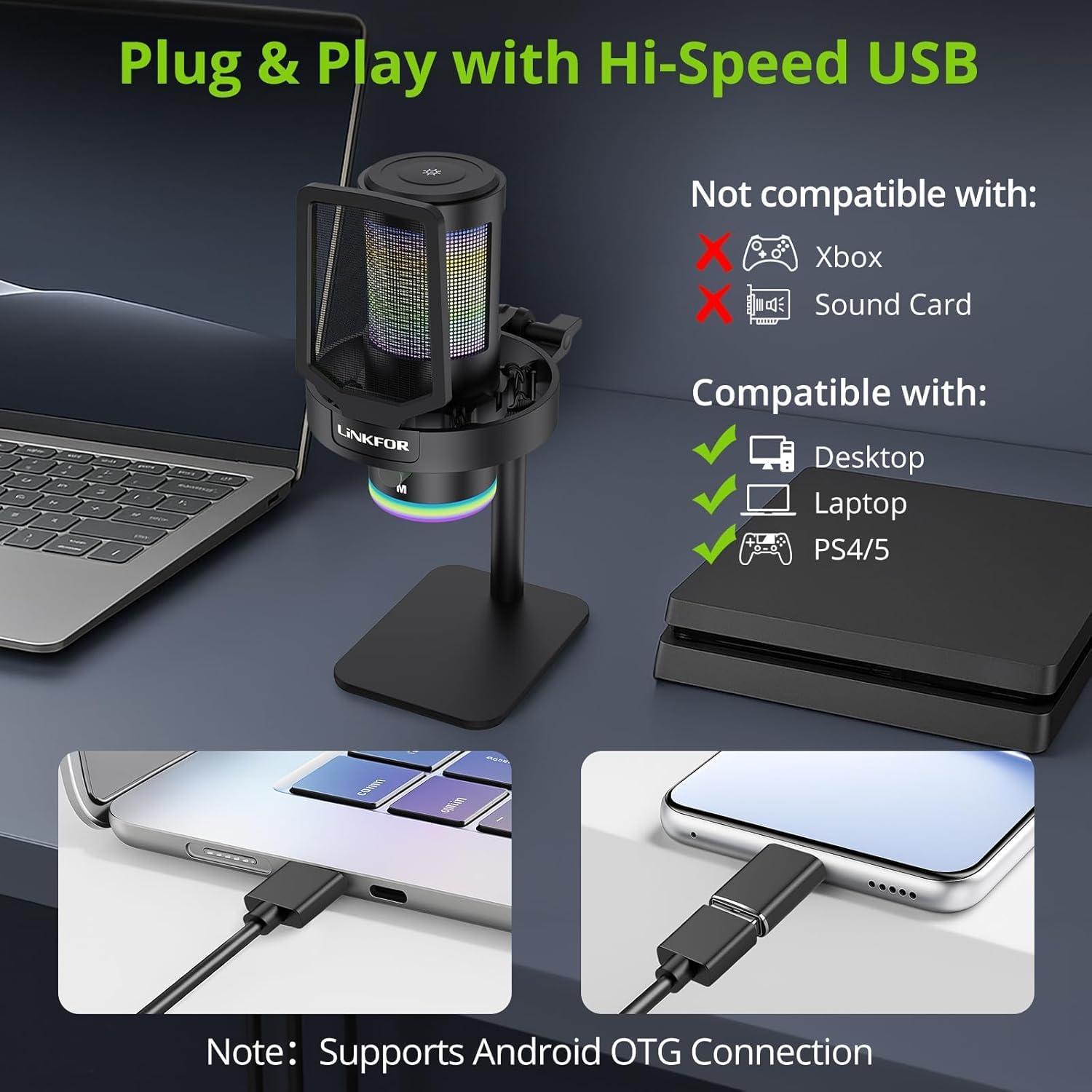
Image: The LiNKFOR USB Gaming Microphone connected to a laptop, demonstrating its plug-and-play functionality.
Видео: Оверview of the LiNKFOR USB Gaming Microphone, demonstrating its features and ease of use.
Упутство за употребу
1. Dynamic RGB Lights & Touch Control
- Change RGB Modes: Touch the top of the microphone to cycle through various vibrant RGB lighting modes or solid colors.
- Искључите светла: Long-press the top of the microphone to turn off the RGB lights.
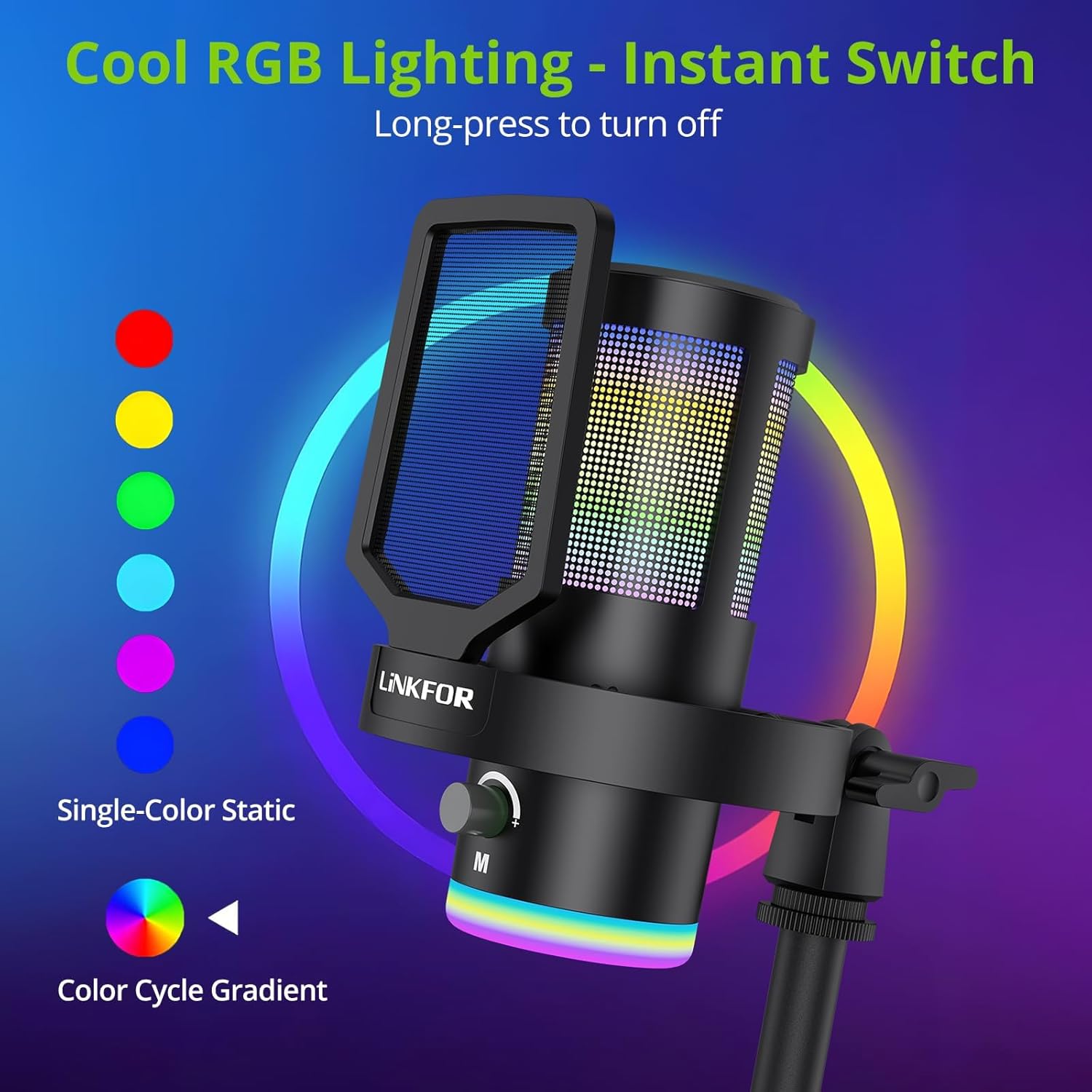
Image: The microphone showcasinг његове динамичне RGB светлосне ефекте.
2. Studio Voice Clarity + One-Tap Noise Cancellation
- The professional cardioid capsule captures your voice clearly.
- Активирајте поништавање буке: Use the dedicated one-tap smart noise cancellation feature to reduce background sounds like fan noise, AC hum, or keyboard clicks.

Image: Visual representation of the microphone's noise reduction capabilities.
3. Reverb Effects & Real-Time Gain Control
- Reverb Button: Use the dedicated reverb button to add depth to your audio.
- Гумб за појачање: Adjust the gain knob to fine-tune the input volume in real-time, preventing audio clipping or low volume during live sessions.
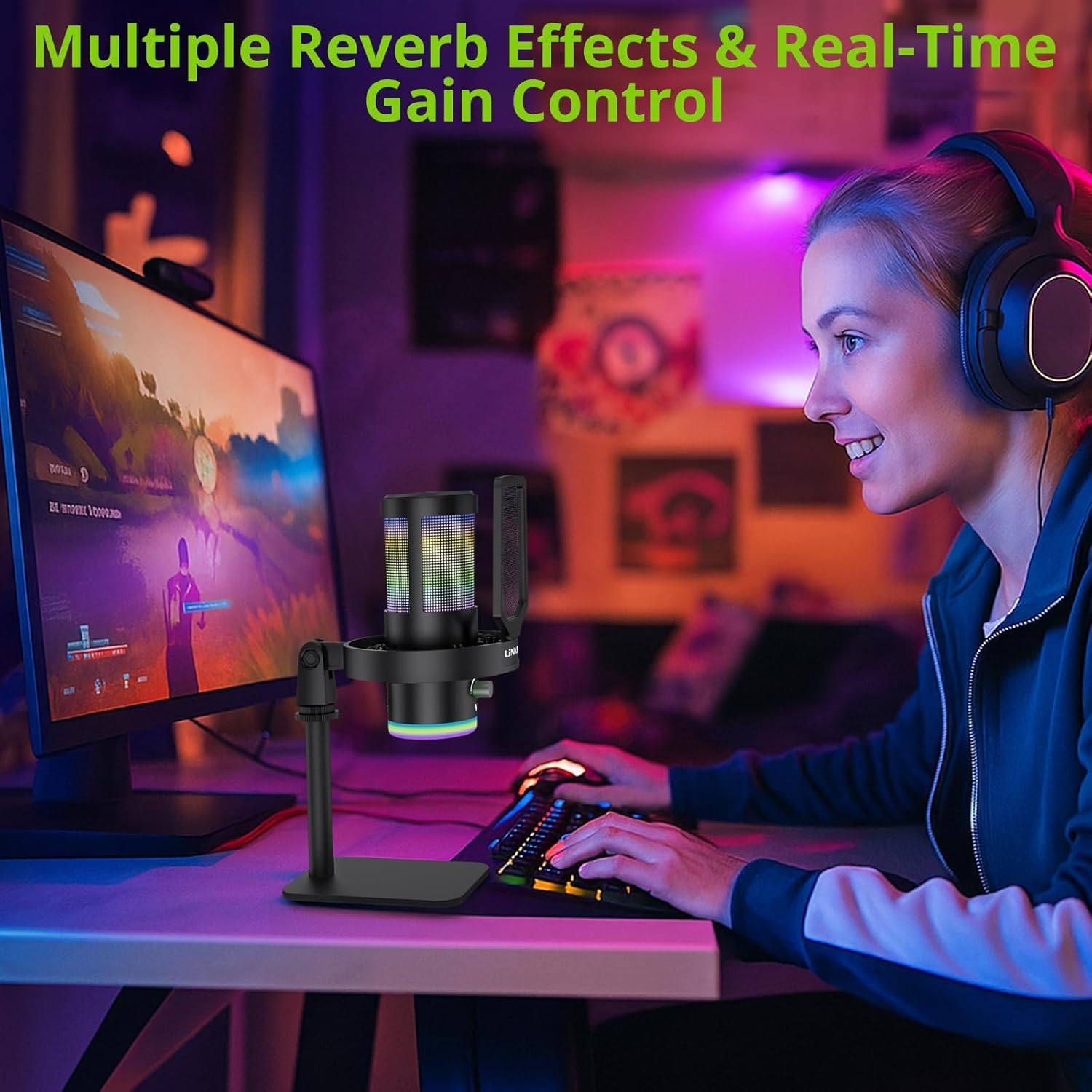
Image: A user operating the microphone with its reverb and gain control features.
4. Instant Mute + Zero-Delay Monitoring
- Дугме за утишавање: A touch-sensitive mute button allows for instant silencing of the microphone.
- 3.5 мм прикључак за слушалице: Plug in headphones to the 3.5mm jack for real-time, zero-latency monitoring of your audio. A dedicated volume dial controls headphone output.
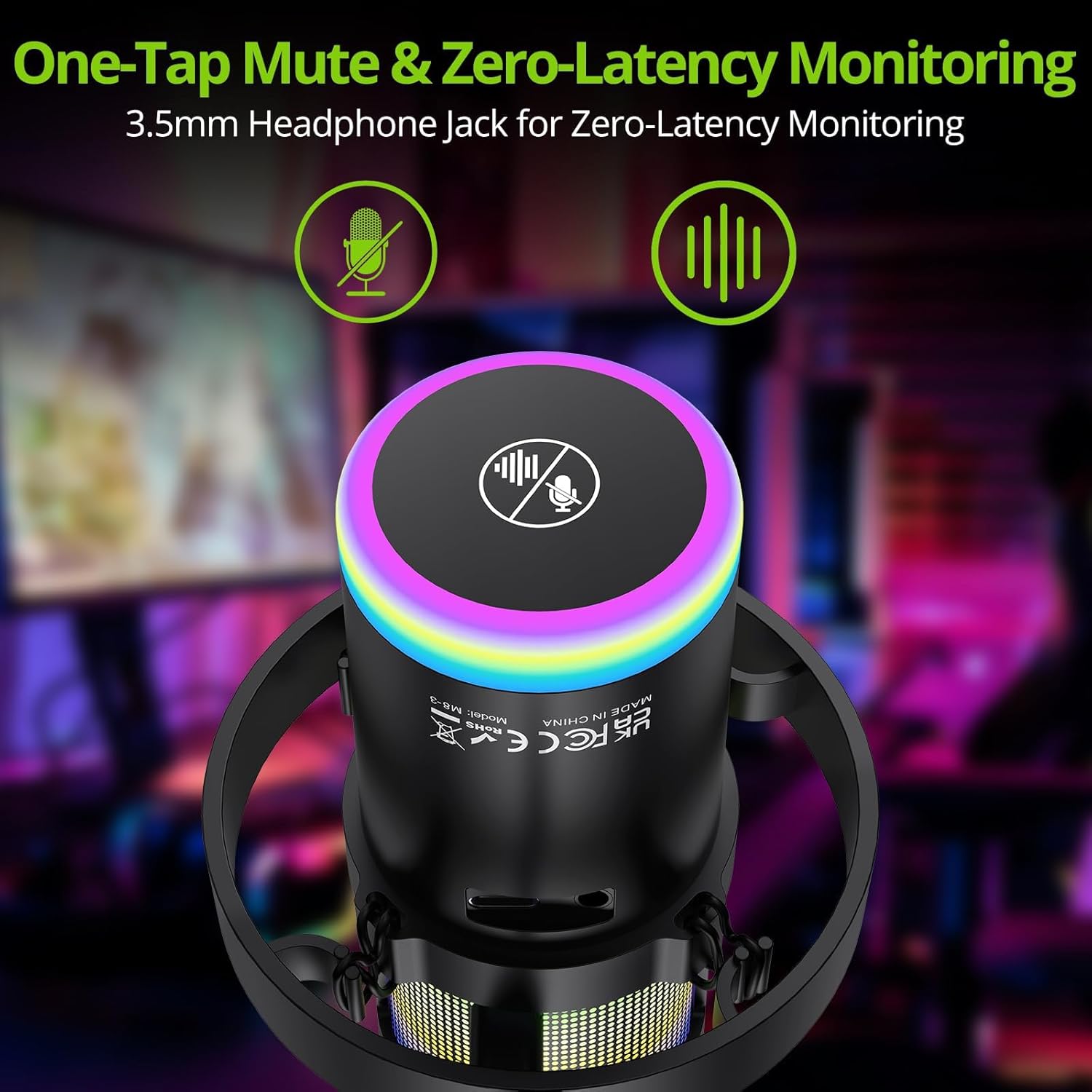
Image: Close-up of the microphone's top, highlighting the mute button and headphone jack for monitoring.
5. Контроле прекоview

Image: A detailed diagram illustrating the various controls on the LiNKFOR USB Gaming Microphone, including the RGB lighting touch control, 3.5mm headphone jack, USB-C port, and volume/mode knob.
Компатибилност
The LiNKFOR USB Gaming Microphone is designed for broad compatibility:
- Компатибилан са: PC (Windows), Mac, PS4, PS5, Android (OTG-capable phones).
- Није компатибилно са: Xbox, dedicated sound cards (may interfere with plug-and-play functionality).
Одржавање
- Чишћење: Use a soft, dry cloth to clean the microphone's exterior. Do not use liquid cleaners or solvents.
- Складиштење: Чувајте микрофон на хладном и сувом месту, даље од директне сунчеве светлости и екстремних температура када се не користи.
- Руковање: Avoid dropping the microphone or subjecting it to strong impacts, as this may damage internal components.
Решавање проблема
| Проблем | Могући узрок | Решење |
|---|---|---|
| No sound output from microphone | Incorrect device selection; loose cable connection; microphone muted. | Check your device's sound settings to ensure the LiNKFOR microphone is selected as the input device. Reconnect the USB cable. Ensure the microphone is not muted (check the mute button/indicator). |
| РГБ светла не раде | Lights turned off; power issue. | Touch the top of the microphone to cycle through lighting modes. Long-press to turn them on/off. Ensure the microphone is properly connected and receiving power. |
| Audio is distorted or too quiet | Gain setting too high/low; microphone too close/far from source. | Adjust the gain knob on the microphone. Check your device's input volume settings. Position the microphone appropriately (typically 6-12 inches from the sound source). |
| Headphone monitoring not working | Headphones not properly connected; headphone volume too low. | Ensure headphones are fully plugged into the 3.5mm jack. Adjust the headphone volume dial on the microphone. |
Спецификације
| Феатуре | Детаљ |
|---|---|
| Број модела | УЛК113 |
| Технологија повезивања | УСБ Типе-Ц |
| Тип микрофона | Condenser, Cardioid |
| Однос сигнала и шума | 85 дБ |
| Посебне карактеристике | RGB Lighting, Noise Cancellation, Mute Button, Volume Control, Headphone Jack, Reverb Effects |
| Компатибилни уређаји | PC, PS4/PS5, Mac, Android (OTG) |
| Тежина артикла | 1.14 фунти |
| Димензије производа | 7.28 к 4.53 к 4.33 инча |
| Материјал | Пластика |
Гаранција и подршка
For warranty information or technical support, please refer to the official LiNKFOR webсајт или контактирајте њихову корисничку службу. Сачувајте рачун за евентуалне рекламације по гаранцији.
Можете посетити LiNKFOR Store on Amazon за више информација и ресурса за подршку.