
Увод
Thank you for choosing the INPHIC Wireless Rechargeable Mouse. This manual provides detailed instructions for setting up, operating, and maintaining your mouse to ensure optimal performance and longevity. This mouse features a visible battery indicator, silent buttons, an ergonomic design, and adjustable DPI settings for a comfortable and efficient user experience.
Сетуп
1. Садржај пакета
- INPHIC Wireless Rechargeable Mouse
- USB Receiver (stored in the mouse)
- УСБ-Ц кабл за пуњење
- Упутство за употребу
2. Почетно пуњење
Before first use, fully charge the mouse for approximately 1 hour. Connect the provided USB-C charging cable to the mouse's charging port and the other end to a USB power source (e.g., computer USB port, USB wall adapter). The visible battery indicator on the top of the mouse will show charging status and remaining battery level.

Image: The mouse connected via USB-C cable for charging, highlighting the charging port and the visible battery level indicator.
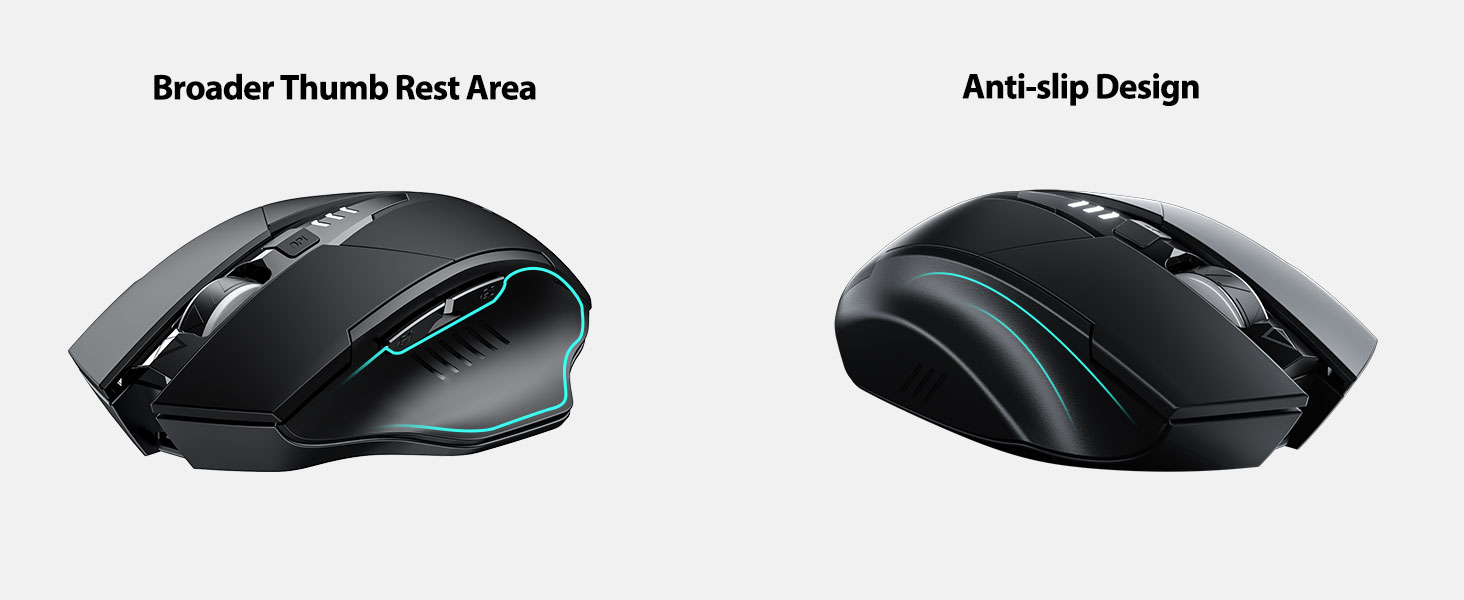
Image: A close-up of the mouse's top surface, showing the illuminated battery indicator displaying the current charge level.
3. Connecting the USB Receiver (2.4G Mode)
- Пронађите УСБ пријемник који се налази у одељку на дну миша.
- Уклоните УСБ пријемник.
- Insert the USB receiver into an available USB port on your computer or laptop.
- Укључите миш помоћу прекидача за напајање који се налази на дну.
- Ваш рачунар би требало аутоматски да детектује и инсталира потребне драјвере. Миш је спреман за употребу.

Image: The underside of the mouse, illustrating the storage compartment for the USB receiver.

Image: The mouse in use on a desk, demonstrating its reliable 2.4G wireless connection with a laptop.
4. Компатибилност
The 2.4G USB connected mode is compatible with any USB-enabled device and supports a wide range of operating systems, including:
- Windows 7/8/10/XP, Vista
- Мац ОС систем
- Андроид
- Цхроме ОС
- Линук кернел 2.6+

Image: The mouse positioned alongside icons representing Windows, Chrome OS, and Linux, illustrating its broad compatibility.
Упутство за употребу
1. Укључивање/искључивање и режим спавања
Use the power switch on the bottom of the mouse to turn it on or off. To conserve battery, the mouse will automatically enter sleep mode after 5 minutes of inactivity. Click any button to wake it up.
2. Подешавање DPI-ја
The mouse features 4 adjustable DPI levels: 800, 1200, 1600, and 2400. Press the DPI button located behind the scroll wheel to cycle through these settings. Each press will change the cursor speed, allowing you to select the sensitivity that best suits your task.
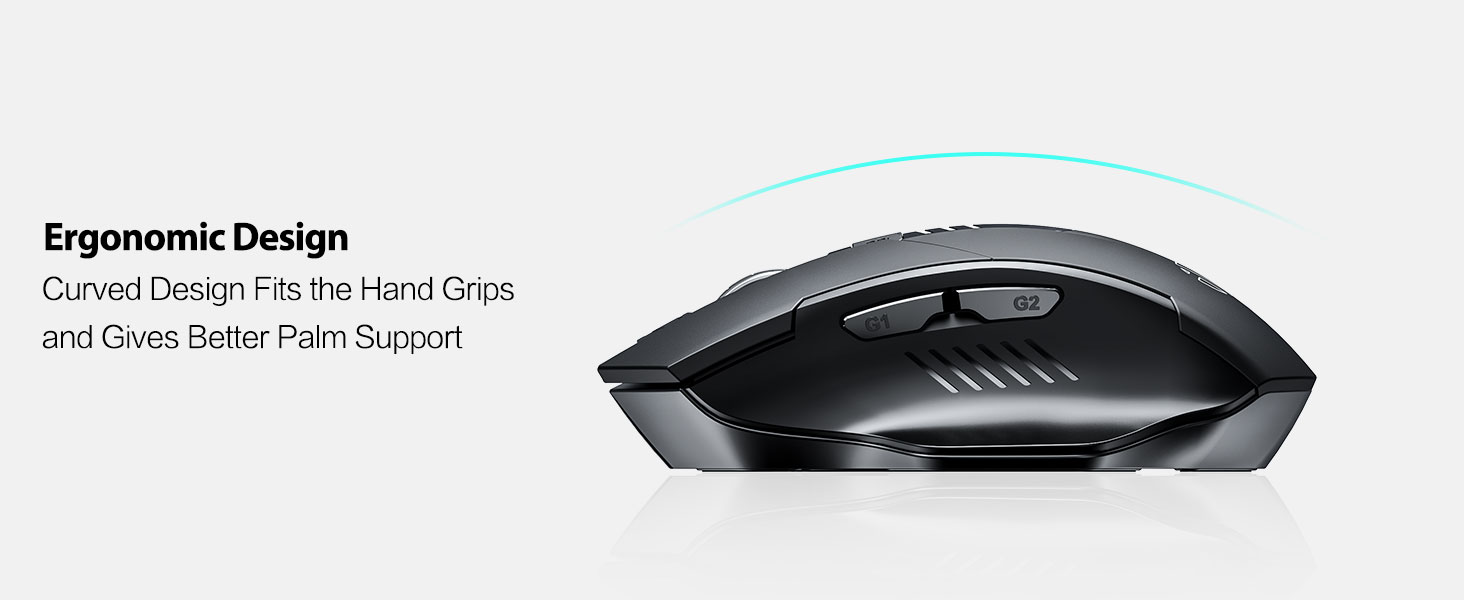
Image: An illustration showing the mouse and a graphic representing the adjustable DPI settings from 800 to 2400.

Слика: Крупни план view of the DPI controller button located on the top of the mouse.
3. Функције дугмета
The mouse is equipped with 6 efficient buttons:
- Леви клик: Primary function, silent operation.
- Десни клик: Secondary function, silent operation.
- Точак за померање: For vertical scrolling. Can also be pressed for middle-click functionality.
- Дугме ДПИ: Подешава осетљивост курсора (800/1200/1600/2400 DPI).
- Side Buttons (G1, G2): Typically function as 'Forward' and 'Back' in web претраживачи и file истраживачи.

Image: The mouse on a desk, emphasizing its quiet left and right click buttons for reduced noise.

Слика: Крупни план view of the smooth scrolling wheel on the mouse.
4. Ергономски дизајн
The mouse is designed for right-handed users with a curved shape and a broader thumb rest area to provide optimal support for the entire palm and fingers. This design aims to reduce pressure and tension during extended use.
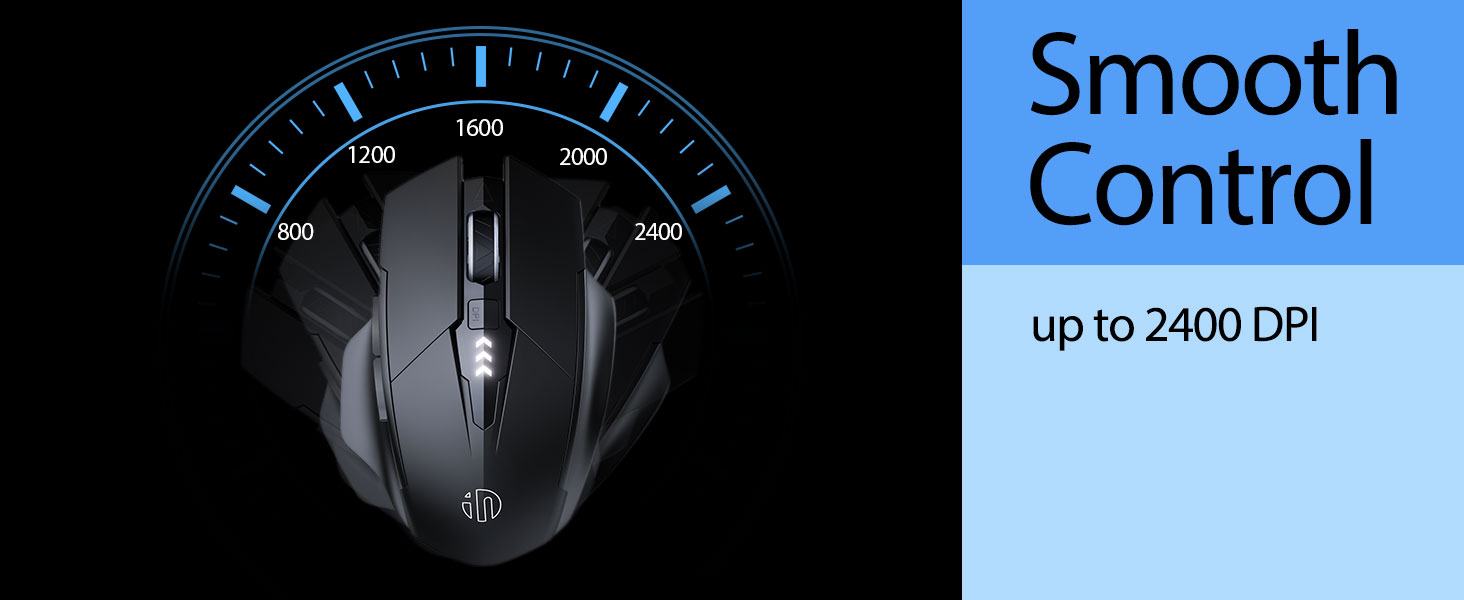
Image: An illustration demonstrating the ergonomic curve of the mouse, designed to fit the hand comfortably.

Слика: Два views of the mouse, highlighting its broader thumb rest area and anti-slip design for improved grip and comfort.
Одржавање
1. Чишћење
To clean your mouse, gently wipe the surface with a soft, damp cloth. Avoid using harsh chemicals or abrasive materials, as these can damage the finish. Ensure no liquid enters the internal components.
2. Складиштење
When not in use for extended periods, store the mouse in a cool, dry place. It is recommended to turn off the mouse to preserve battery life. The USB receiver can be stored in its dedicated compartment on the mouse's underside.
3. Брига о батерији
The built-in 400mAh rechargeable battery is designed for long-lasting performance. For optimal battery health, avoid completely draining the battery frequently. Recharge the mouse when the visible indicator shows a low battery level. Do not expose the mouse to extreme temperatures.
Решавање проблема
| Проблем | Могући узрок | Решење |
|---|---|---|
| Миш не реагује | Low battery; USB receiver disconnected; Mouse power off. | Charge the mouse; Re-insert USB receiver; Turn on the mouse. |
| Покрет курсора је неправилан или спор | Incorrect DPI setting; Dirty optical sensor; Unsuitable surface. | Adjust DPI using the DPI button; Clean the optical sensor; Use on a clean, non-reflective surface. |
| Миш се не пуни | Неисправан USB-C кабл или извор напајања. | Try a different USB-C cable or USB port/power adapter. |
| Side buttons (G1/G2) not working | Application does not support side button functions. | Ensure the application (e.g., web browser) is active and supports 'back'/'forward' commands. |
Спецификације
- Модел: B0FQCCP1VH
- Димензије производа: 4.7 к 3.1 к 0.1 инча
- Тежина артикла: 4.2 унци
- батерија: 1 Nonstandard Battery (400mAh, included)
- Технологија повезивања: 2.4G бежични (USB пријемник)
- Технологија детекције покрета: Оптицал
- Нивои ДПИ: 800 / 1200 / 1600 / 2400 (подесиво)
- Дугмад: 6 (Left, Right, Scroll Wheel, DPI, G1, G2)
- Посебне карактеристике: Ergonomic Design, LED Battery Level Display, Rechargeable, Silent Clicks (Left & Right Buttons)
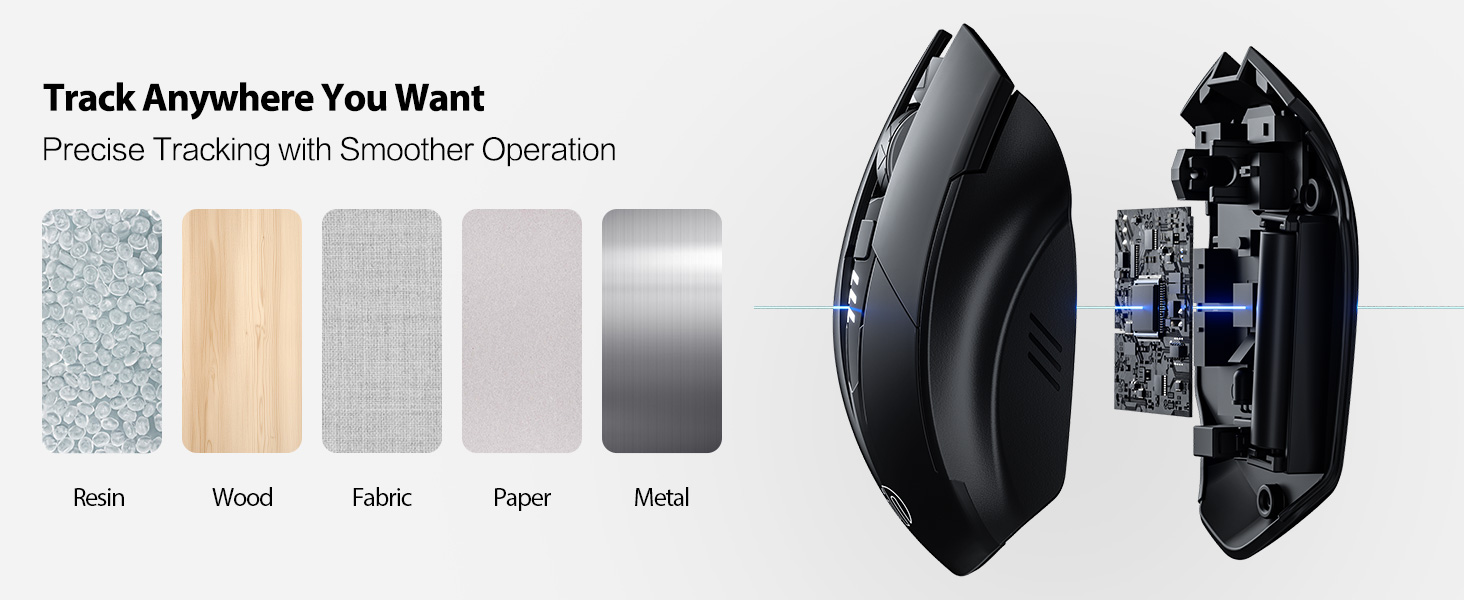
Image: A diagram illustrating the physical dimensions of the INPHIC Wireless Mouse.
Видео о производу
Видео: Оверview of the INPHIC Wireless Rechargeable Mouse, demonstrating its features and ergonomic design.
Гаранција и подршка
За информације о гаранцији или техничку подршку, погледајте паковање производа или контактирајте директно произвођача. Сачувајте рачун као доказ о куповини.