
1. Безбедносне информације
Please read all safety instructions carefully before using the innioasis G1 MP3 Player. Keep this manual for future reference.
- Не излажите уређај екстремним температурама, директној сунчевој светлости или високој влажности.
- Избегавајте испуштање или излагање уређаја јаким ударима.
- Не покушавајте сами да растављате или поправљате уређај. То ће поништити гаранцију.
- Користите само приложени USB-C кабл за пуњење.
- Држите уређај даље од воде и других течности.
- Дуготрајно слушање при високим нивоима јачине звука може довести до оштећења слуха.
2. Садржај пакета
Проверите да ли су све ставке присутне у вашем пакету:
- 1 x innioasis G1 MP3 Player
- 1 x 64GB SD card (pre-installed or separate)
- 1 к УСБ-Ц кабл за пуњење
- 1 x Wired headphones
- 1 к Упутство за употребу

Image: The innioasis G1 MP3 Player, USB-C cable, wired headphones, 64GB SD card, and user manual included in the package.
3. Девице Оверview
The innioasis G1 MP3 Player features a compact design with a 4-inch full-touch screen. It includes physical buttons for power and volume control, and ports for charging and headphones.

Слика: Фронт view of the innioasis G1 MP3 Player displaying various preinstalled applications on its touch screen.
Кључне карактеристике:
- 4-инчни екран осетљив на додир
- Android OS with 1.9GHz Octa-core CPU and 2GB RAM
- 80GB Storage (16GB ROM + 64GB TF card), expandable up to 1TB
- Блуетоотх 4.2 Повезивање
- Ви-Фи (2.4 ГХз и 5 ГХз)
- Pre-installed streaming apps (Spotify, Spotify Kids, Amazon Music, Pandora, Tidal, Deezer, Audible)
- Родитељски надзор
- FM Radio, Voice Recorder, Video Player, Ebook Reader, Calculator, Clock, Gallery, Browser, Calendar
4. Подешавање
4.1 Почетно пуњење
Before first use, fully charge the device using the provided USB-C cable and a compatible power adapter (not included). The battery indicator on the screen will show charging status.
4.2 Укључивање/искључивање
- За укључивање: Притисните и држите дугме за напајање са стране уређаја док се екран не упали.
- За искључивање: Притисните и држите дугме за напајање, а затим изаберите „Искључивање“ из опција на екрану.
4.3 Подешавања језика и времена
Upon first startup, you may be prompted to select your preferred language and set the date and time. Follow the on-screen instructions.
4.4 Ви-Фи веза
To access streaming services and online features, connect your device to a Wi-Fi network:
- Иди на Подешавања > Мрежа и Интернет > Ви-Фи.
- Укључи/искључи Wi-Fi On.
- Изаберите жељену мрежу са листе.
- Унесите лозинку ако се то од вас затражи и додирните Повежите се.

Image: The innioasis G1 MP3 Player displaying its home screen with app icons, illustrating its strong network connection capabilities.
5. Упутство за употребу
5.1 Основна навигација
The device features a full touch screen for navigation. Swipe left/right to browse app pages, tap an icon to open an app, and use the navigation buttons at the bottom of the screen (Back, Home, Recent Apps) to move between screens and applications.
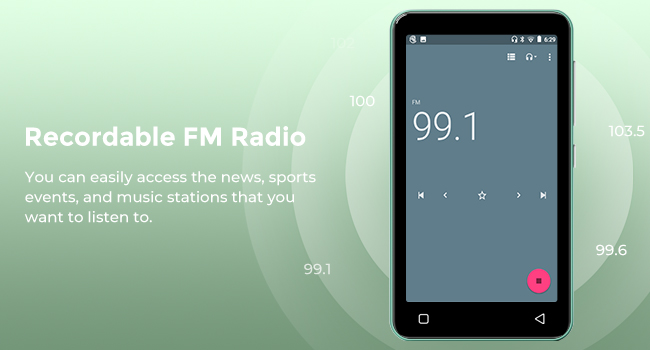
Image: A hand demonstrating touch screen interaction on the innioasis G1 MP3 Player, highlighting its ease of use.
5.2 Репродукција музике
The innioasis G1 supports various audio formats including MP3, FLAC, WAV, AAC, APE, OGG, M4A, WMA, and MP2.
- Local Music Player: Open the "Music" app to play files stored on the device or SD card. You can create playlists, search for songs, and use the graphic equalizer to adjust sound.
- Апликације за стримовање: Access pre-installed apps like Spotify, Spotify Kids, Amazon Music, Pandora, Tidal, and Deezer. Ensure you are connected to Wi-Fi for streaming.

Image: The innioasis G1 MP3 Player displaying its local music player interface, showing song categories, search function, playlist creation, and equalizer options.
5.3 Bluetooth повезивање
Connect your MP3 player to Bluetooth headphones, speakers, or car stereos.
- Иди на Подешавања > Повезани уређаји > Блуетоотх.
- Укључите Блуетоотх On.
- Make sure your Bluetooth accessory is in pairing mode.
- Select your accessory from the list of available devices to pair.
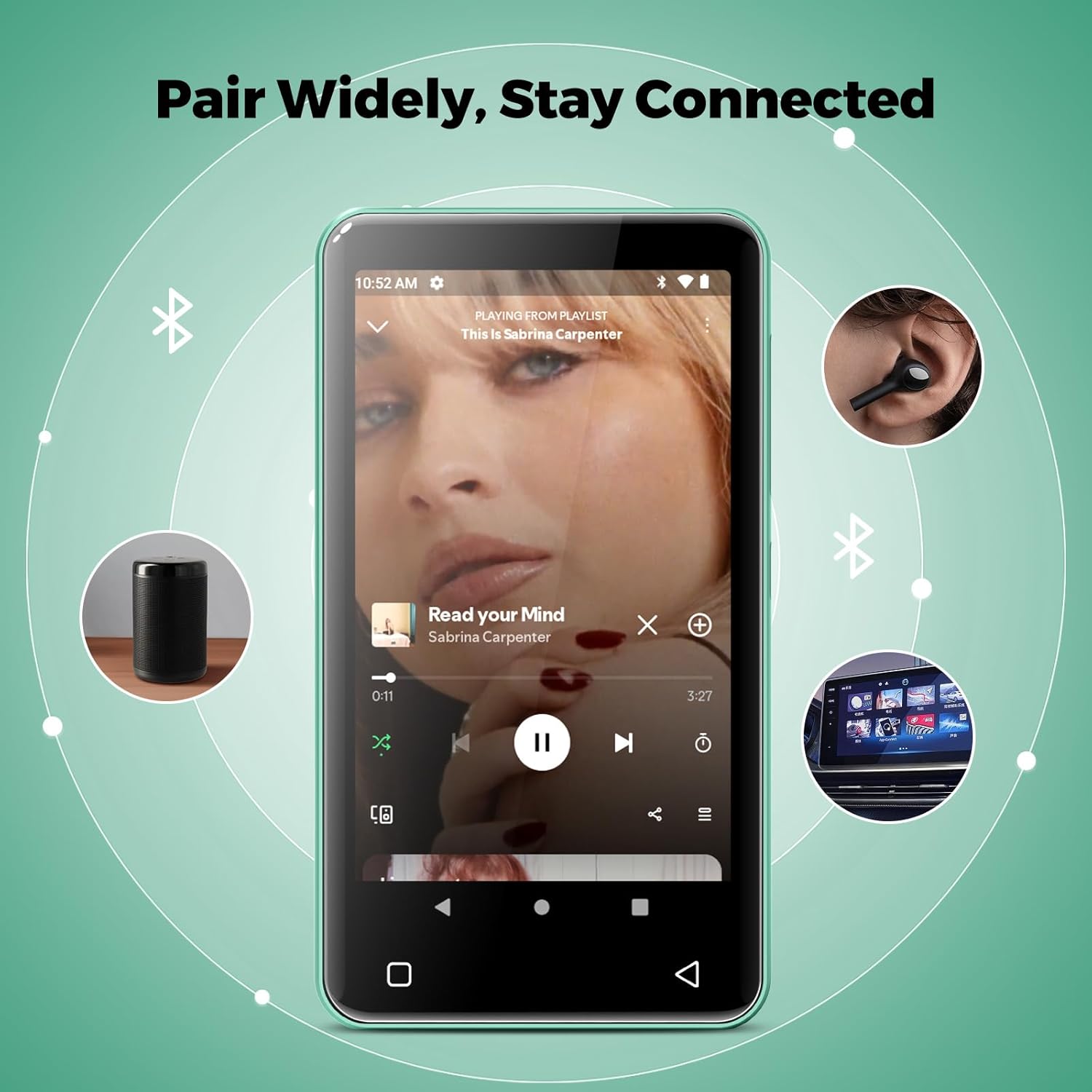
Image: The innioasis G1 MP3 Player showing its Bluetooth connection capabilities, pairing with headphones, a portable speaker, and a car stereo system.
5.4 Родитељски надзор
The device includes parental control features to manage app access and settings.
- Иди на Подешавања > Родитељска контрола.
- Set a parental control password.
- You can enable/disable app installation, limit internet usage, and restrict device usage time.
- Preloaded apps can be removed, and settings can be locked with the passcode.

Image: The innioasis G1 MP3 Player displaying its parental control settings, including options for password management, app installation, internet usage limits, and device usage limits.
5.5 File Трансфер
To transfer music, videos, and other files from a computer:
- Повежите МП3 плејер са рачунаром помоћу УСБ-Ц кабла.
- On the MP3 player, swipe down from the top of the screen to open the notification panel.
- Tap the USB notification (e.g., "USB charging this device") and select "File transfer" or "MTP".
- Your computer should now recognize the device as a removable storage drive. You can drag and drop files to the internal storage or the SD card.
5.6 Остале апликације
The innioasis G1 comes with several other useful applications:
- ФМ радио: Tune into local radio stations. Some models may support recording.
- Видео плејер: Supports 1080P HD video playback and various formats including AVI, MKV, MP4, MPEG, MOV, VOB, WMV, WEBM, DIVX, F4V, FLV, XviD, 3GP.
- Диктафон: Снимајте звук помоћу уграђеног микрофона.
- Ebook Reader: Access pre-loaded Audible for audiobooks and other e-book formats.
- Calculator, Clock, Gallery, Browser, Calendar: Standard utility apps for daily use.
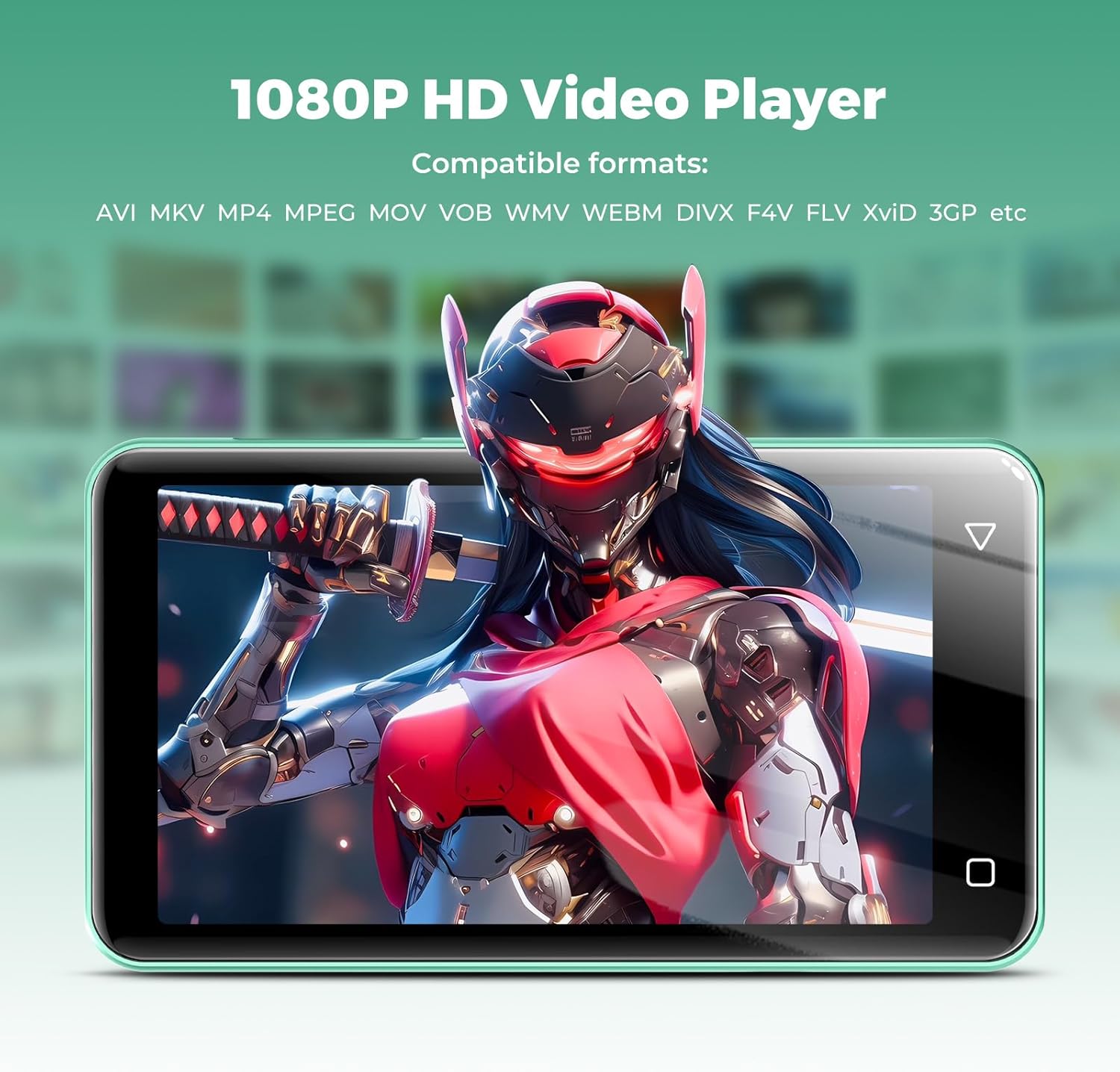
Image: The innioasis G1 MP3 Player displaying a high-definition video on its screen, illustrating its 1080P HD video playback capability.
6. Одржавање
- Чишћење: Користите меку, суву крпу за чишћење уређаја. Не користите течна средства за чишћење или аеросоле.
- Одржавање батерије: To prolong battery life, avoid fully discharging the battery frequently. Charge the device regularly. If storing for a long period, charge it to about 50% every few months.
- Ажурирања софтвера: Periodically check for software updates in the device settings to ensure optimal performance and security.
КСНУМКС. Решавање проблема
| Проблем | Могуће решење |
|---|---|
| Уређај се не укључује. | Ensure the battery is charged. Connect to a charger for at least 30 minutes. If unresponsive, press and hold the power button for 10-15 seconds to force a restart. |
| Повезивање на Ви-Фи није могуће. | Check if Wi-Fi is enabled in settings. Verify the Wi-Fi password. Restart your router and the MP3 player. Ensure you are within range of the Wi-Fi signal. |
| Блутут уређај се не упарује. | Ensure Bluetooth is enabled on both devices and the accessory is in pairing mode. Move the devices closer together. Try restarting both devices. |
| Apps are slow or unresponsive. | Close unused background apps. Clear app cache in Settings > Apps. Restart the device. Ensure sufficient storage space is available. |
| Није могуће пренети fileдо/са рачунара. | Ensure the USB-C cable is properly connected and functioning. On the MP3 player, select "File transfer" mode from the USB notification. Try a different USB port or computer. |
| Лош квалитет звука. | Check headphone connection. Test with different headphones. Adjust equalizer settings in the music player. Ensure audio fileс нису оштећени. |
8. Спецификације
- Назив модела: G1
- Димензије производа: 0.39 к 2.56 к 4.13 инча
- Тежина артикла: 5.9 унци
- Произвођач: ИННИОАСИС
- Капацитет меморије: 80 GB (16GB ROM + 64GB TF card)
- Прошириво складиште: Up to 1TB (SDXC/SDHC compatible)
- Величина екрана: 4 инча
- Технологија повезивања: Bluetooth 4.2, Wi-Fi (2.4GHz & 5GHz)
- Посебне карактеристике: Equalizer, FM Radio, Hi-Res Audio, Video Playback, Voice Recorder, Parental Controls
- Компатибилни уређаји: Headphones, Earphones
- Тип медија: Micro SD, Micro SDHC, Micro SDXC, SD Card, SDHC
- батерија: 1500mAh (up to 25 hours music, 5 hours video playback)

Image: The innioasis G1 MP3 Player screen displaying battery life indicators for video (5 hours) and music (25 hours) playback.
9. Гаранција и подршка
The innioasis G1 MP3 Player comes with a standard manufacturer's warranty. For detailed warranty information, please refer to the warranty card included in your package or contact innioasis customer support.
If you encounter any issues or have questions about your device, please contact innioasis customer support through their official webсајт или контакт информације наведене на паковању производа.