
1. Увод
Welcome to your new NIMO 15.6" IPS FHD Student Laptop, Model N154. This manual provides essential information to help you get started, operate, and maintain your device. Designed for both home and business use, this laptop combines performance with user-friendly features to enhance your productivity and entertainment experience.
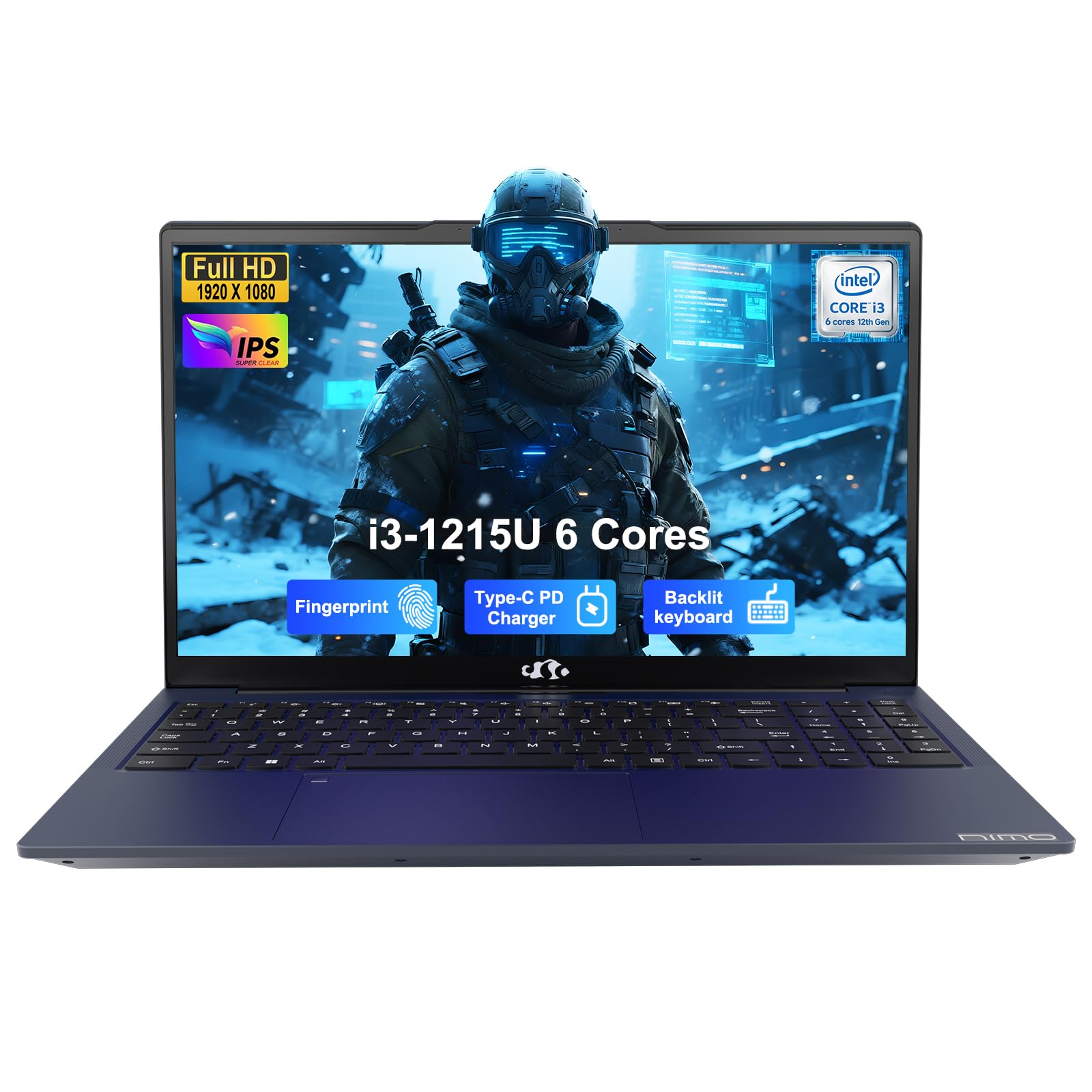
Image: The NIMO 15.6-inch IPS FHD Student Laptop, showcasinг његов елегантан дизајн.
2. Шта је у кутији
Молимо вас да проверите садржај пакета како бисте били сигурни да су сви предмети присутни:
- 1 x NIMO N154 Laptop
- 1 x Type-C 65W PD Fast Charger
- 1 x Упутство за употребу (овај документ)
- Windows 11 Home (pre-installed)
3. Почетно подешавање
3.1. Charging the Laptop
Before first use, fully charge your NIMO laptop using the included 65W USB-C PD Fast Charger. Connect the charger to the Type-C port on your laptop and a power outlet. The charging indicator light will illuminate.

Image: The 65W USB-C PD Fast Charger, capable of charging the laptop, tablet, and smartphone.
3.2. Укључивање и почетна конфигурација
Притисните дугме за напајање да бисте укључили лаптоп. Пратите упутства на екрану да бисте завршили подешавање система Windows 11 Home, укључујући избор језика, мрежну везу и креирање корисничког налога.
4. Управљање лаптопом
4.1. Дисплеј
Your laptop features a 15.6-inch Full HD (1920x1080) IPS anti-glare display. This screen provides clear visuals and reduces eye strain during extended use. The 180° open angle allows for flexible viewинг позиције.
Image: The laptop's 15.6-inch Full HD IPS display with vibrant colors.
4.2. Тастатура и тачпед
The ergonomic backlit keyboard allows for comfortable typing in various lighting conditions, with adjustable brightness. The touchpad includes an integrated fingerprint sensor for secure, one-touch login.

Image: Features of the laptop's input, including backlit keyboard, webcam shield, fingerprint sensor, and numeric keypad.
4.3. Fingerprint Login
Utilize the fingerprint sensor on the touchpad for quick and secure access to your laptop. Configure your fingerprint in the Windows settings for enhanced security.

Image: Close-up of the integrated fingerprint scanner on the touchpad for secure login.
4.4. Портови и повезивање
The NIMO N154 laptop offers a variety of ports for versatile connectivity:
- УСБ 2.0 порт: 1
- УСБ 3.0 портови: 3
- ХДМИ порт: For external display connections.
- Порт типа Ц: Supports 65W Power Delivery for charging and data transfer.
- Утор за микро СД картицу: За проширење складишног простора или пренос files.
- Headphone Combo Jack: За аудио улаз/излаз.
- Utor za Kensington Lock: За физичко обезбеђење.
The laptop also features Wi-Fi 6 for fast and reliable wireless internet access.

Image: Diagram illustrating the various ports available on the NIMO laptop, including USB, HDMI, Type-C, Micro SD, headphone jack, and Kensington lock.
4.5. Аудио и Webцам
Integrated speakers provide clear audio for video calls, online classes, and media consumption. The 2.0MP webcam is suitable for video conferencing, complemented by a privacy switch for enhanced security.
Image: Details on the 1080p FHD camera and privacy camera convenience features.
4.6. Процесор и перформансе
Powered by the 6-Core Intel i3-1215U processor, your laptop is designed for efficient multitasking, handling numerous browser tabs, spreadsheets, and video calls without significant slowdowns.
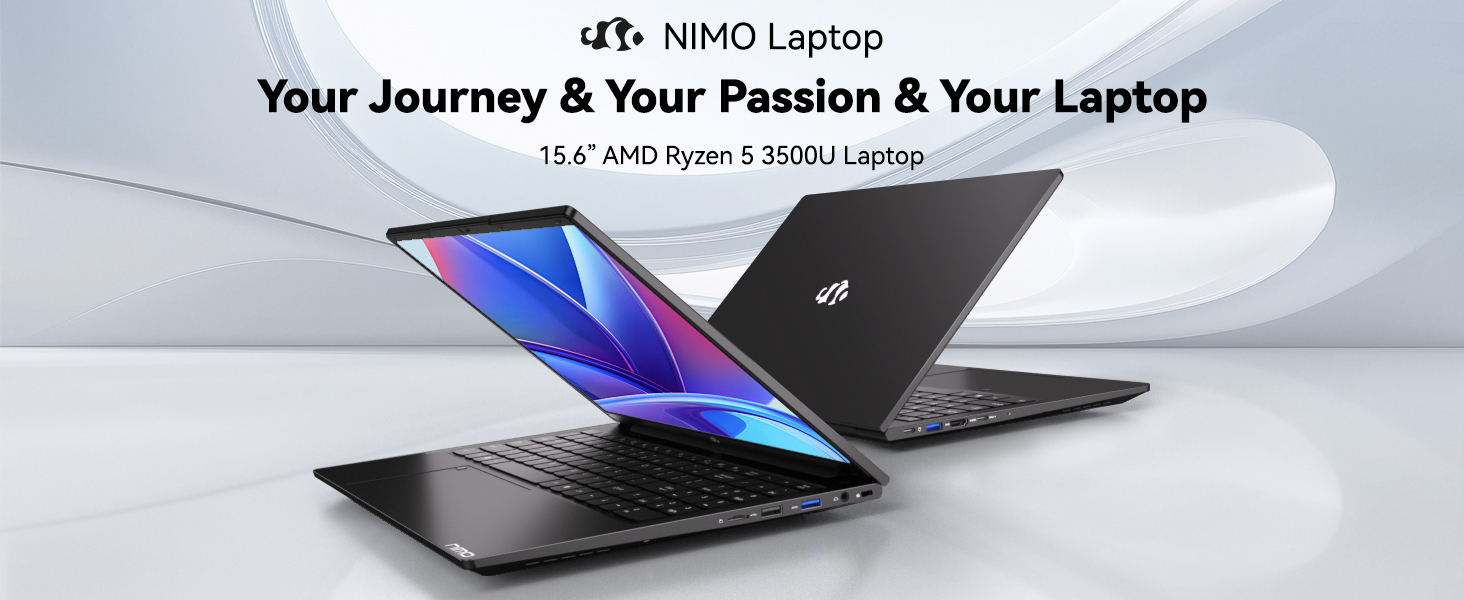
Image: Visual representation of the 12th Gen Intel Core i3-1215U Processor, highlighting its 6 cores, 8 threads, 15W power consumption, and 3.7 GHz Turbo Boost.
5. Одржавање
5.1. Чишћење
Regularly clean your laptop to ensure optimal performance and longevity. Use a soft, lint-free cloth for the screen and exterior. For stubborn marks, dampОчистите крпу малом количином воде или средством за чишћење екрана. Избегавајте јаке хемикалије.
5.2. Ажурирања софтвера
Keep your operating system and drivers updated to benefit from the latest security patches and performance improvements. Windows Update can be accessed through the Settings menu.
5.3. Брига о батерији
To maximize battery life, avoid extreme temperatures and fully discharging the battery frequently. For long-term storage, charge the battery to around 50-70%.

Image: An illustration of the laptop's internal battery, labeled 54WH, emphasizing smart battery management.
КСНУМКС. Решавање проблема
6.1. Laptop Not Powering On
- Ensure the charger is securely connected to both the laptop and a working power outlet.
- Проверите да ли адаптер за напајање исправно функционише.
- Покушајте да држите дугме за напајање 10-15 секунди да бисте извршили хард ресетовање.
6.2. Проблеми са Wi-Fi повезивањем
- Проверите да ли је Wi-Fi омогућен у подешавањима система Windows.
- Рестартујте рутер и модем.
- Ensure your Wi-Fi drivers are up to date.
6.3. Споре перформансе
- Затворите непотребне апликације које раде у позадини.
- Проверите и инсталирајте све чекајуће надоградње за Windows.
- Ensure your storage (SSD) has sufficient free space.
За додатну помоћ, погледајте одељак Гаранција и подршка.
7. Спецификације
| Феатуре | Спецификација |
|---|---|
| Назив модела | NIMO N154 |
| Величина екрана | 15.6 инча |
| Резолуција екрана | 1920 к 1080 пиксела (Фулл ХД) |
| Процесор | Intel Core i3-1215U (6 језгара, до 4.4 GHz) |
| РАМ | 8 GB DDR4 (3200 MHz) |
| Хард Дриве | 512 ГБ ССД |
| Грапхицс Цопроцессор | Интегрисана графика |
| Оперативни систем | Виндовс 11 Хоме |
| Вирелесс Типе | Ви-Фи 6 (802.11а/б/г/н/ац) |
| УСБ 2.0 портови | 1 |
| УСБ 3.0 портови | 3 |
| Просечно трајање батерије | 9 сата |
| Тежина артикла | 3.75 фунти |
| Димензије производа | 14.07 к 8.98 к 0.76 инча |
| Посебне карактеристике | Fingerprint Reader, HD Audio, Memory Card Slot, Numeric Keypad |
8. Гаранција и подршка
NIMO is committed to providing quality products and excellent customer service.
8.1. Информације о гаранцији
Your NIMO N154 laptop comes with a comprehensive 2 година гаранције, covering manufacturing defects and hardware malfunctions under normal use. This warranty ensures your investment is protected.

Image: Text indicating '2-Year Support' for Nimo products.
8.2. Политика поврата
Нудимо Политика поврата од 90 дана from the date of purchase. If you are not satisfied with your product, you may return it within this period according to the terms and conditions.

Image: Text indicating '90-Day Return' for Nimo products.
8.3. Контактирајте подршку
Our dedicated US-based support team is available to assist you with any questions or issues. You can reach us via email at сервице@нимопц.цом. We aim to provide professional and high-quality customer service.

Image: A customer service representative wearing a headset, representing professional customer assistance.