
Производ је завршенview
The EWEADN C98 Wired Keyboard and Mouse Combo is designed for comfortable and efficient use with various computer systems. This set includes a wired keyboard with a detachable wrist rest, RGB backlighting, double-shot keycaps, and a multimedia knob, along with a wired mouse featuring adjustable DPI settings.
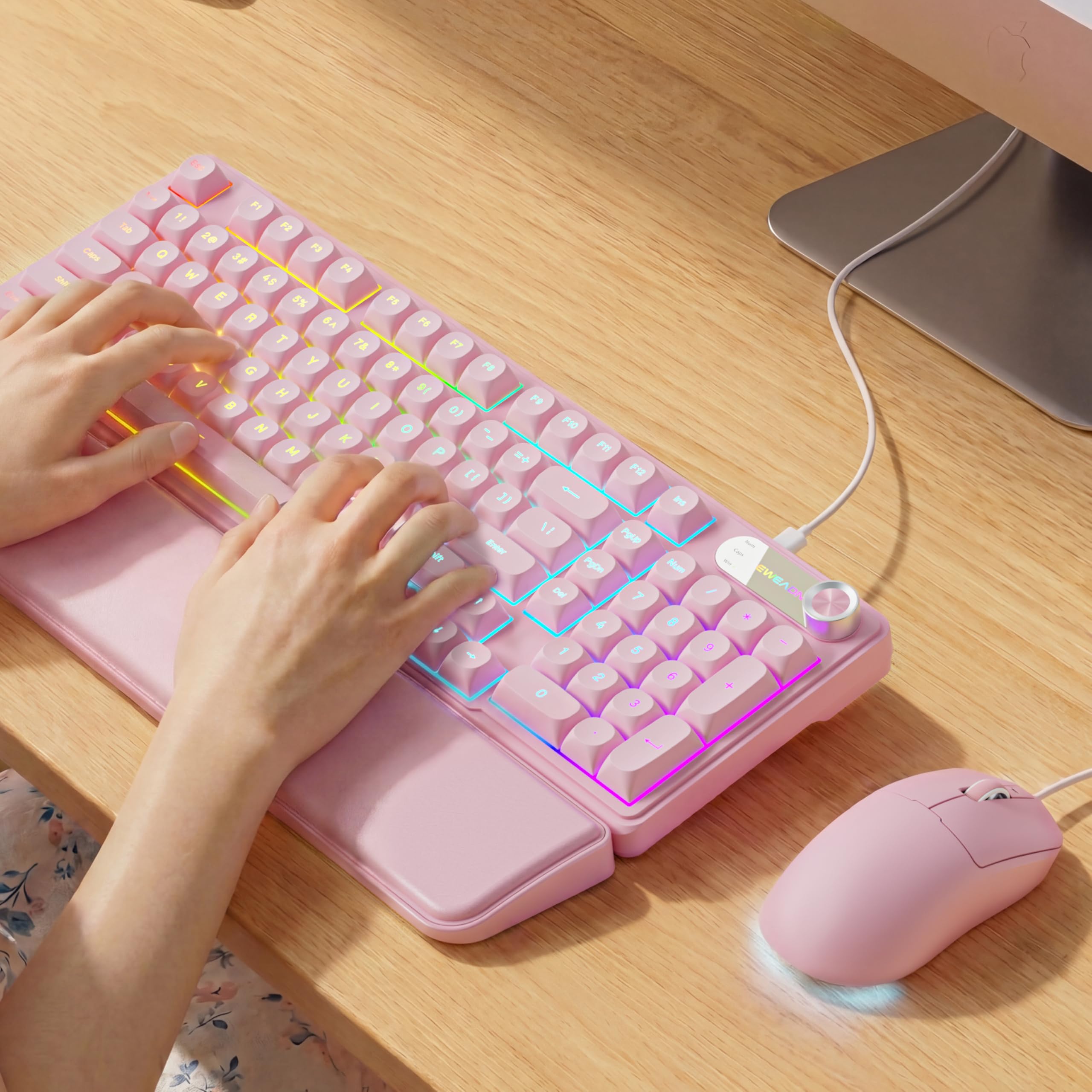
Image: EWEADN C98 Wired Keyboard and Mouse Combo in Pink. This image displays the full keyboard and mouse set, highlighting its ergonomic design and color.
Садржај пакета
Проверите да ли су све ставке присутне у пакету:
- EWEADN C98 Wired Keyboard
- Жичани миш
- Одвојиви ослонац за зглоб
- USB кабл (интегрисан)
- Кориснички приручник (овај документ)
Упутства за подешавање
Follow these steps to set up your EWEADN C98 Keyboard and Mouse Combo:
- Повежите тастатуру: Locate an available USB-A port on your computer (Laptop, PC, Desktop, Gaming Console). Insert the USB-A connector from the keyboard into the port.
- Повежите миш: The mouse is typically connected via the same USB cable as the keyboard or has its own integrated USB-A connector. Insert the mouse's USB-A connector into another available USB-A port on your computer.
- Причврстите ослонац за зглоб: Align the detachable wrist rest with the front edge of the keyboard and gently attach it.
- Препознавање система: Your operating system (Windows, Linux, macOS) should automatically detect and install the necessary drivers. No additional software installation is typically required for basic functionality.
- Mac Compatibility Note: For macOS devices, a USB-A to Type-C adapter is required if your Mac only has Type-C ports. This adapter is not included with the product.

Image: Close-up of the keyboard's USB connection and the detachable wrist rest. This illustrates how the keyboard connects and the wrist rest attaches for ergonomic support.

Image: Diagram showing dual-system compatibility. The image indicates how to switch between Windows (FN + A) and Mac (FN + S) layouts for optimal functionality.
Упутство за употребу
Функције тастатуре
- RGB позадинско осветљење: The keyboard features 12 active RGB lighting modes.
- Switch Light Color: Притисните ФН + ИНС to cycle through different lighting colors.
- Подесите осветљеност: Притисните ФН + ПГУП за повећање осветљености и ФН + ПГДН да смањи осветљеност.
- Мултимедијално дугме: The 2-in-1 rotary knob provides quick control over media and lighting.
- Контрола јачине звука: Rotate the knob to adjust system volume.
- Функција искључивања звука: Press the knob once to mute/unmute audio.
- Промени режим: Press and hold the knob for 3 seconds to switch between volume control mode and lighting adjustment mode. In lighting mode, rotate to adjust brightness or press to switch light effects.
- Ергономски дизајн: The keyboard includes a detachable PU leather wrist rest for comfortable typing posture and foldable stands to adjust the typing angle (up to 8 degrees).
- Тихо куцање: The membrane keys are designed for low-noise operation, suitable for quiet environments.
- Двоструки тастери: Characters are injection molded for durability and fade resistance, allowing backlighting to shine through clearly.

Image: Illustration of RGB backlight controls. This image shows the FN + INS and FN + PGUP/PGDN key combinations for adjusting keyboard lighting.

Image: Diagram detailing the 2-in-1 multimedia knob functions. It shows how to adjust volume, mute, and switch between lighting and volume modes.
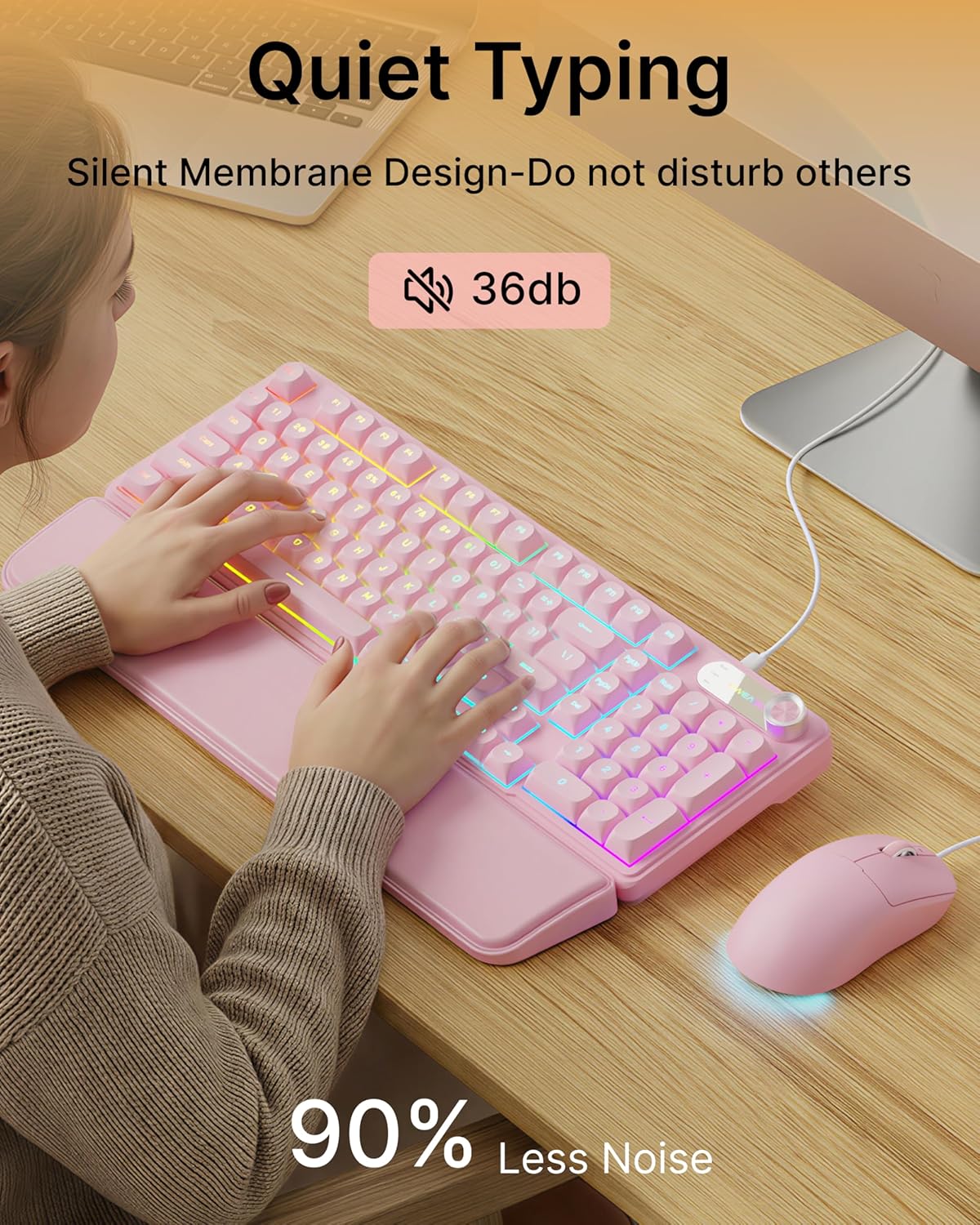
Image: Visual representation of the quiet typing feature. This image highlights the low noise level (36dB) of the keyboard during use.
Функције миша
- Подесиви ДПИ: The mouse offers 4 adjustable DPI levels for precision control.
- DPI levels typically range from 800 to 4800.
- Press the DPI button (usually located behind the scroll wheel) to cycle through the available sensitivity settings.
- Тихи клик: The mouse buttons are designed for quiet operation.
- Ергономски дизајн: Designed for a comfortable palm grip.

Image: Diagram illustrating the 4-level DPI adjustment for the mouse. It shows the different DPI settings (800, 1600, 3200, 4800) and the ergonomic palm grip design.
Одржавање
To ensure the longevity and optimal performance of your EWEADN C98 Keyboard and Mouse Combo, follow these simple maintenance guidelines:
- Чишћење: Користите меку, суву крпу да обришете површине тастатуре и миша. За тврдокорну прљавштину, благо обришитеampОперите крпу водом или благим, неабразивним средством за чишћење. Избегавајте прекомерну влагу.
- Уклањање прашине: Користите компримовани ваздух да уклоните прашину и остатке између тастера.
- Избегавајте течности: While the product has some water resistance, avoid spilling liquids directly onto the keyboard or mouse. If a spill occurs, disconnect immediately and allow to dry completely before reconnecting.
- Складиштење: Store the combo in a clean, dry environment away from extreme temperatures.
Решавање проблема
If you encounter issues with your EWEADN C98 Keyboard and Mouse Combo, refer to the following common solutions:
- Тастатура или миш не реагују:
- Ensure the USB-A connector(s) are securely plugged into your computer's USB port(s).
- Try plugging the USB connector(s) into a different USB port on your computer.
- Поново покрените рачунар.
- Ако користите УСБ чвориште, покушајте да га директно повежете са рачунаром.
- Позадинско осветљење не ради:
- Уверите се да је тастатура правилно повезана.
- Притисните ФН + ПГУП multiple times to increase brightness, as it might be set to the lowest level.
- Притисните ФН + ИНС to cycle through lighting modes, ensuring a mode with backlighting is selected.
- Multimedia Knob Not Functioning:
- Уверите се да је тастатура правилно повезана.
- Press and hold the knob for 3 seconds to switch between volume and lighting modes. Verify you are in the desired mode.
- Mouse Cursor Movement is Erratic or Slow:
- Clean the mouse sensor on the underside with a soft cloth.
- Уверите се да користите миш на одговарајућој површини (нпр. подлога за миш).
- Press the DPI button to adjust the sensitivity.
- Мац компатибилност: If using with a Mac and experiencing connection issues, confirm you are using a USB-A to Type-C adapter if your Mac lacks standard USB-A ports.
Спецификације
| Бранд | ЕВЕАДН |
| Број модела | Ц98 |
| Технологија повезивања | USB-A (жичани) |
| Компатибилни уређаји | Laptop, PC, Desktop, Windows, Linux, Gaming Consoles |
| Опис тастатуре | Membrane, 98-key layout |
| Посебне карактеристике | RGB Backlit, Ergonomic, Detachable Wrist Rest, Multimedia Knob, Double-Shot Keycaps, Quiet Typing |
| Keyboard Backlight Color Support | RGB (12 режима) |
| Нивои DPI миша | 4 adjustable levels (up to 4800 DPI) |
| Материјал | Plastic (Keyboard), PU Leather (Wrist Rest) |
| Ниво отпорности на воду | Waterproof (general resistance, not submersible) |
| Боја | Пинк |

Image: Detailed dimensions of the EWEADN C98 keyboard, mouse, and wrist rest. This image provides measurements in inches for each component.
Гаранција и подршка
Specific warranty details are not provided in the product information. For warranty claims or technical support, please refer to the retailer's return policy or contact EWEADN customer service directly through their official channels. Typically, products purchased through Amazon.sg may be subject to a 30-day return policy.