
1. Увод
The NICGIGA 24 Port 2.5Gb Ethernet Switch (Model S25-2400) is an unmanaged network switch designed to provide high-speed connectivity for your home or office network. Featuring 24 2.5 Gigabit Ethernet ports, this switch offers a robust solution for expanding your network capacity and enhancing data transfer rates. Its plug-and-play design ensures easy installation without complex configuration, making it suitable for various environments, including desktop and 19-inch rack mount setups. The fanless metal design ensures quiet operation and efficient heat dissipation, contributing to device stability and longevity.
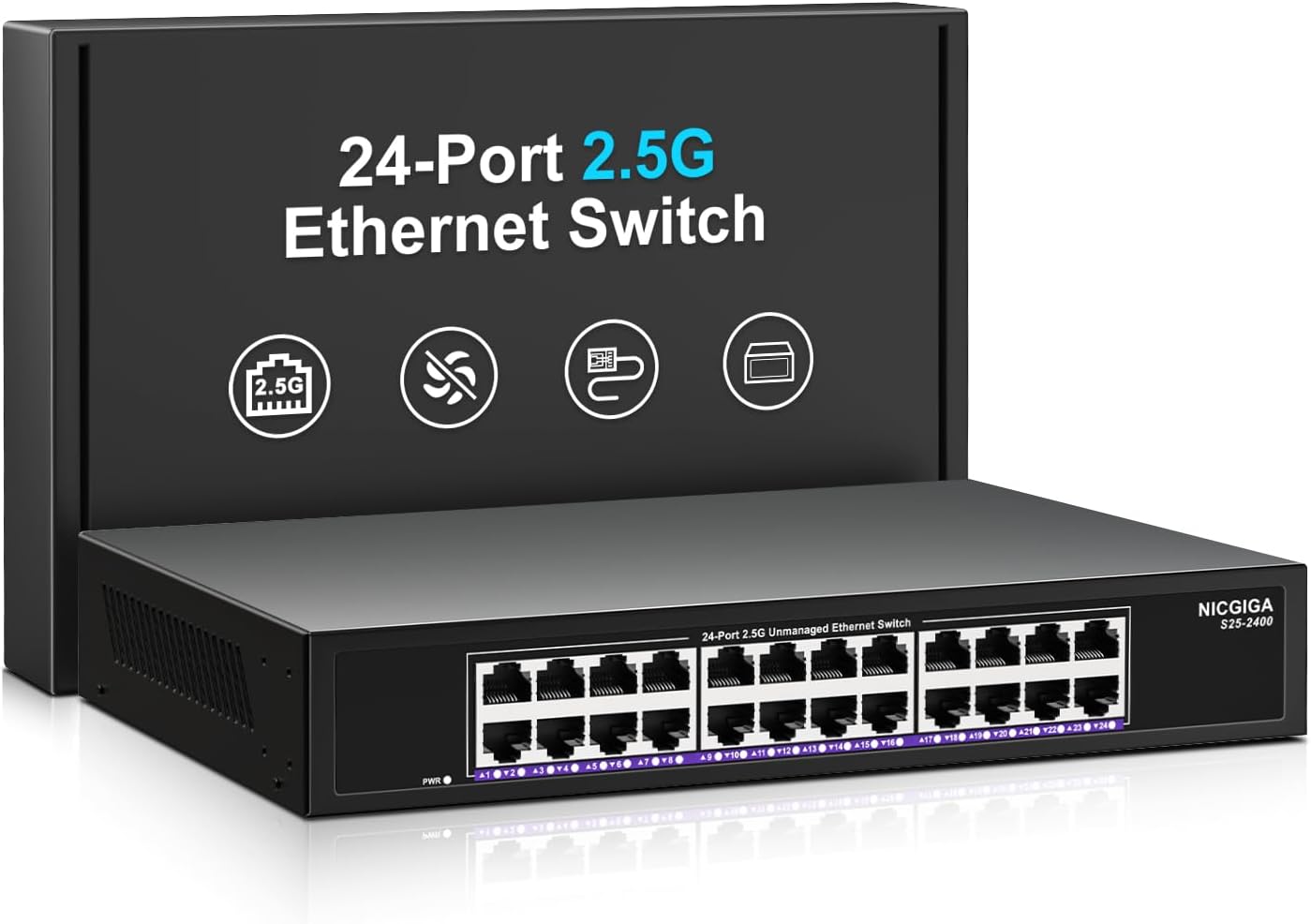
Слика 1.1: Предња страна view of the NICGIGA 24 Port 2.5Gb Ethernet Switch, showcasing its 24 RJ45 ports and LED indicators.
2. Садржај пакета
Проверите да ли су следеће ставке укључене у ваш пакет:
- NICGIGA 24 Port 2.5Gb Ethernet Switch (Model S25-2400)
- Повер Адаптер
- Rack Mount Kit (for 19-inch rack installation)
- Кориснички приручник (овај документ)
3. Производ је готовview
3.1 Предња плоча
The front panel of the NICGIGA 24 Port 2.5Gb Ethernet Switch features 24 RJ45 ports and LED indicators for monitoring network activity.
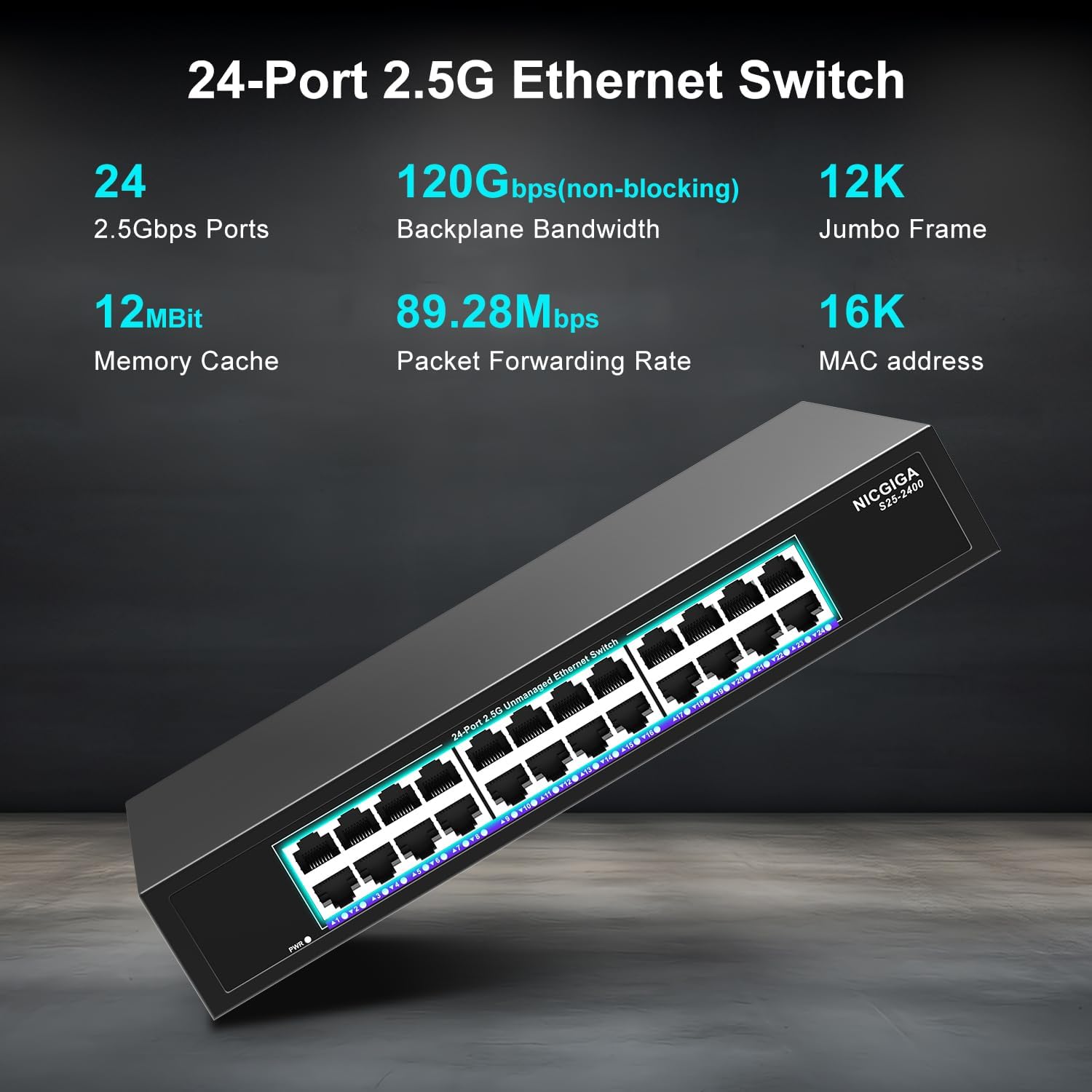
Слика 3.1: Детаљно view of the switch's front panel, highlighting the 24 RJ45 ports and power input.
- RJ45 портови (1-24): These ports support 100/1000/2500Mbps Ethernet connections. They automatically detect and adjust to the speed of the connected device.
- ЛЕД индикатори: Each port has an associated LED that indicates link status and activity.
- Стално зелено: A stable link is established at 2.5Gbps.
- Пуно жута: A stable link is established at 1Gbps.
- чврста наранџаста: A stable link is established at 100Mbps.
- Трепери: Data activity is occurring on the port.
- Искључено: No link is established or the device is not connected.
- ЛЕД за напајање: Означава статус напајања прекидача.
- Стално зелено: Прекидач је укључен.
- Искључено: Прекидач је искључен.
3.2 Задња плоча
The rear panel typically contains the power input and ventilation openings.
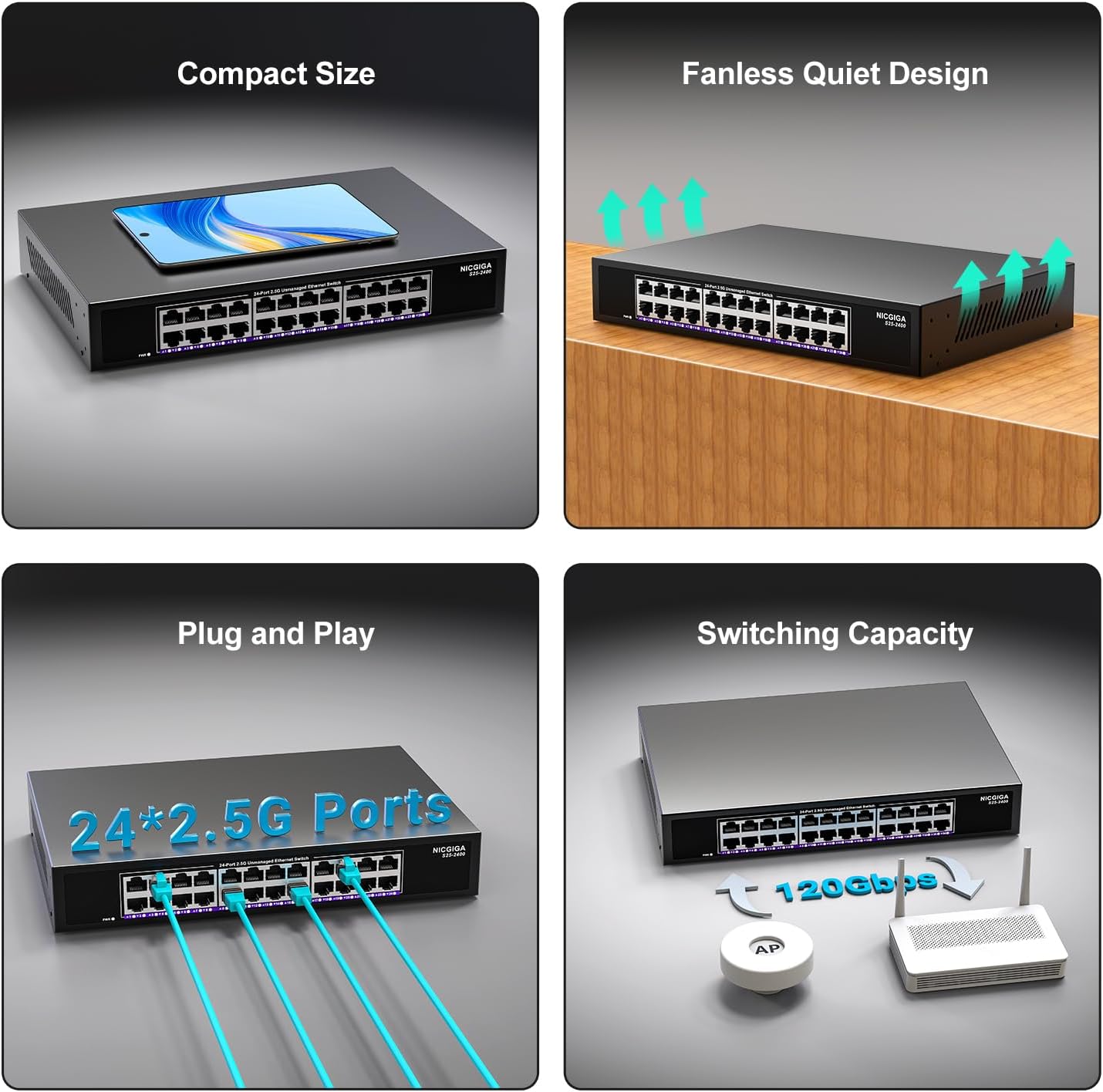
Слика 3.2: Позади view of the switch, showing the power input and fanless design.
4. Подешавање
The NICGIGA 24 Port 2.5Gb Ethernet Switch is designed for simple plug-and-play operation, requiring no software installation or complex configuration.
4.1 Инсталација на радној површини
- Place the switch on a stable, flat surface, ensuring adequate ventilation around the device.
- Прикључите адаптер за напајање на улаз за напајање прекидача, а затим на утичницу.
- Connect your network devices (e.g., computers, NAS, Wi-Fi 6 APs, routers) to any of the 24 RJ45 ports using standard Ethernet cables. The switch will automatically detect the link speed.

Слика 4.1: Примерample of desktop setup, showing the switch connected to a laptop and a Wi-Fi router.
4.2 19-inch Rack Mount Installation
The switch can be installed in a standard 19-inch equipment rack using the included rack mount kit.
- Причврстите два носача за монтажу у рек са стране прекидача помоћу приложених вијака.
- Secure the switch into an available slot in your 19-inch rack using appropriate rack screws (not included).
- Connect the power adapter and network cables as described in the desktop installation.

Image 4.2: Diagram illustrating the dimensions for rack mounting and an example of the switch installed in a 19-inch rack.
5. Упутство за употребу
Once the switch is powered on and devices are connected, it operates automatically.
- Аутоматско преговарање: Each port automatically detects the speed (100Mbps, 1Gbps, or 2.5Gbps) and duplex mode (half/full) of the connected device and adjusts accordingly. This ensures optimal performance and compatibility across various network devices.
- Non-Blocking Architecture: The switch provides full wire-speed forwarding on all ports simultaneously, ensuring maximum throughput for all connected devices without bottlenecks.
- Unmanaged Operation: No configuration or software is required. Simply connect your devices, and the switch will manage data traffic efficiently.

Image 5.1: Illustration of the auto-negotiation feature, showing how the switch adapts to different link speeds.
6. Одржавање
The NICGIGA 24 Port 2.5Gb Ethernet Switch is designed for minimal maintenance.
- Чишћење: Користите меку, суву крпу за чишћење спољашњости прекидача. Не користите течна или аеросолна средства за чишћење.
- вентилација: Ensure that the ventilation openings are not blocked to allow for proper airflow and heat dissipation. The fanless design relies on natural convection.
- Окружење: Operate the switch within its specified environmental conditions (temperature, humidity) to ensure optimal performance and longevity.
КСНУМКС. Решавање проблема
If you encounter issues with your NICGIGA 24 Port 2.5Gb Ethernet Switch, refer to the following common troubleshooting steps:
- Нема напајања:
- Уверите се да је адаптер за напајање безбедно повезан и са прекидачем и са исправном утичницом.
- Проверите да ли је утичница функционална тако што ћете укључити други уређај.
- Check the Power LED on the switch; it should be solid green when powered on.
- Нема везе/активности на порту:
- Проверите да ли је Етернет кабл безбедно повезан и са портом прекидача и са повезаним уређајем.
- Уверите се да је повезани уређај укључен и да његов мрежни адаптер исправно функционише.
- Try a different Ethernet cable to rule out cable issues.
- Тестирајте са другим портом на прекидачу.
- Check the LED indicator for the specific port; if it's off, there's no link.
- Мала брзина мреже:
- Ensure all connected devices and network adapters support 2.5Gbps speeds for optimal performance. The switch will auto-negotiate to the highest common speed.
- Use Cat5e or higher-rated Ethernet cables for 2.5Gbps connections.
- Проверите да ли постоји прекомерни мрежни саобраћај или уска грла на другим мрежним уређајима.
- Повремено повезивање:
- Inspect Ethernet cables for damage.
- Ensure the switch is placed in a well-ventilated area to prevent overheating, although it has a fanless design.
- Check for potential electromagnetic interference from other electronic devices.
8. Спецификације
| Феатуре | Спецификација |
|---|---|
| Модел | С25-2400 |
| Број портова | 24 x 2.5Gbps RJ45 Ports |
| Тип интерфејса | РЈ45 |
| Брзина преноса података | 100/1000/2500Mbps (Auto-Negotiation) |
| Преклопни капацитет | 160Гбпс |
| Јумбо Фраме | 12К |
| Величина табеле МАЦ адреса | 16К |
| Кеш меморију | 12Мбит |
| Стопа прослеђивања пакета | 89.28Мппс |
| Дизајн | Fanless Metal Design |
| Заштита од грома | 4КВ |
| Инсталација | Desktop or 19-inch Rack Mount |
| Димензије (Д к Ш к В) | 270.5 к 181 к 44.5 мм (10.6 к 7.1 к 1.7 инча) |
| Тежина артикла | 1.9 килограма (4.18 фунте) |
| Компатибилни уређаји | Desktop, Gaming Console, Laptop |
| УПЦ | 790885830235 |
Напомена: Спецификације се могу променити без најаве.
9. Гаранција и подршка
NICGIGA provides a one-year warranty for this product, ensuring reliability, quality, and performance. Additionally, lifetime technical support is available for the entire product lifecycle.
For technical assistance or warranty claims, please contact NICGIGA customer support through the official webсајт или вашу платформу за куповину.