
Увод
Thank you for choosing the TECKNET TK-HS049 Hybrid Active Noise Cancelling Headphones. These headphones are designed to provide a superior audio experience with advanced noise cancellation, long battery life, and versatile connectivity. This manual will guide you through the setup, operation, and maintenance of your new headphones.
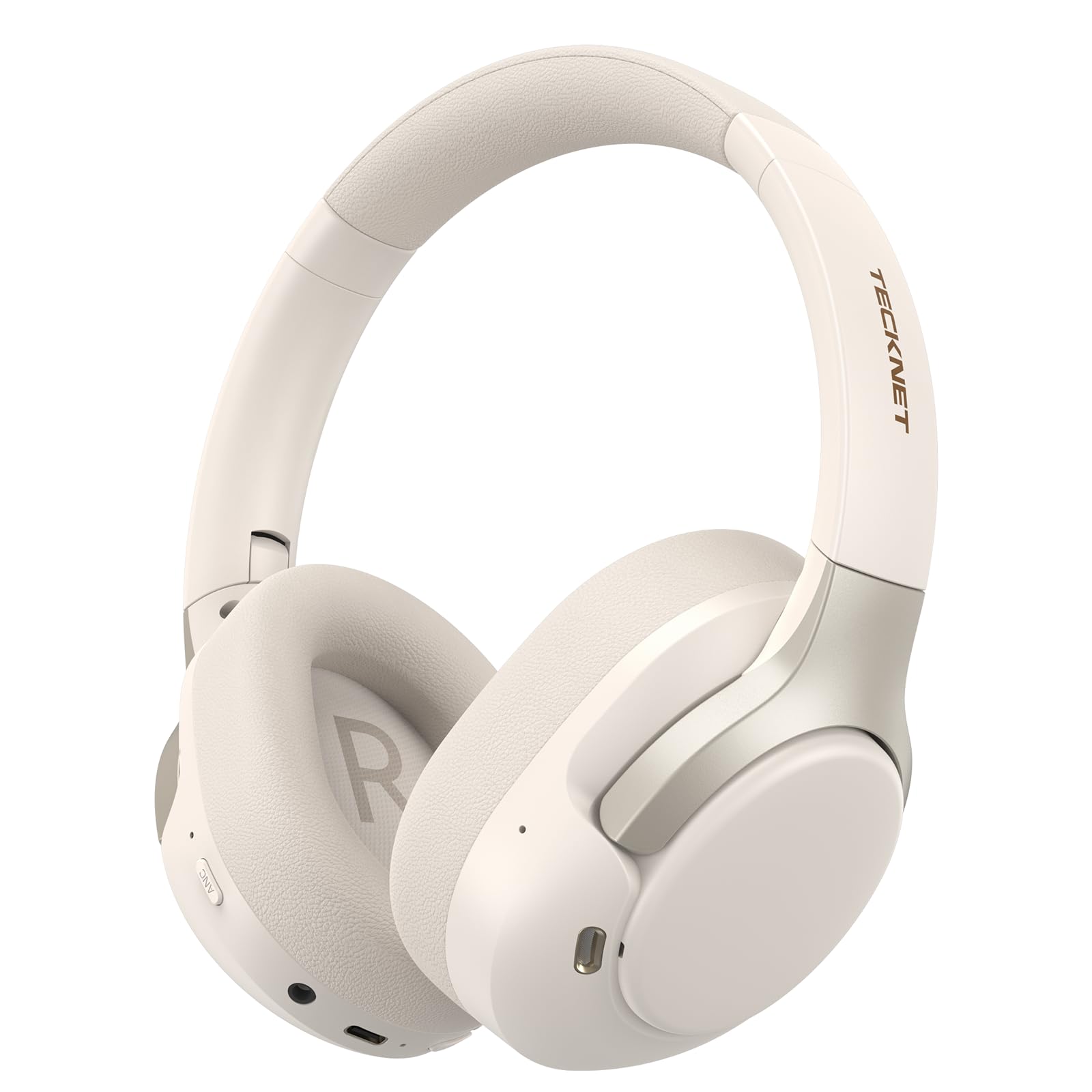
Image: TECKNET TK-HS049 Hybrid Active Noise Cancelling Headphones.
Шта је у кутији
- 1 x TECKNET TK-HS049 ANC Headphones
- 1 к 3.5 мм аудио кабл
- 1 к Упутство за употребу
- 1 к Типе-Ц кабл за пуњење

Image: Contents of the product packaging.
Производ је завршенview
Familiarize yourself with the various components and controls of your TECKNET TK-HS049 headphones.
Слика: Са стране view of the headphones highlighting control buttons and ports.
Кључне компоненте:
- Дугме за напајање: Користи се за укључивање/искључивање слушалица и за упаривање путем Bluetooth-а.
- Дугме за појачавање јачине звука/следећу нумеру: Повећава јачину звука или прескаче на следећу нумеру.
- Дугме за смањивање јачине звука/претходну нумеру: Смањује јачину звука или прелази на претходну нумеру.
- Вишенаменско дугме: Пуштање/паузирање музике, одговарање/прекидање позива.
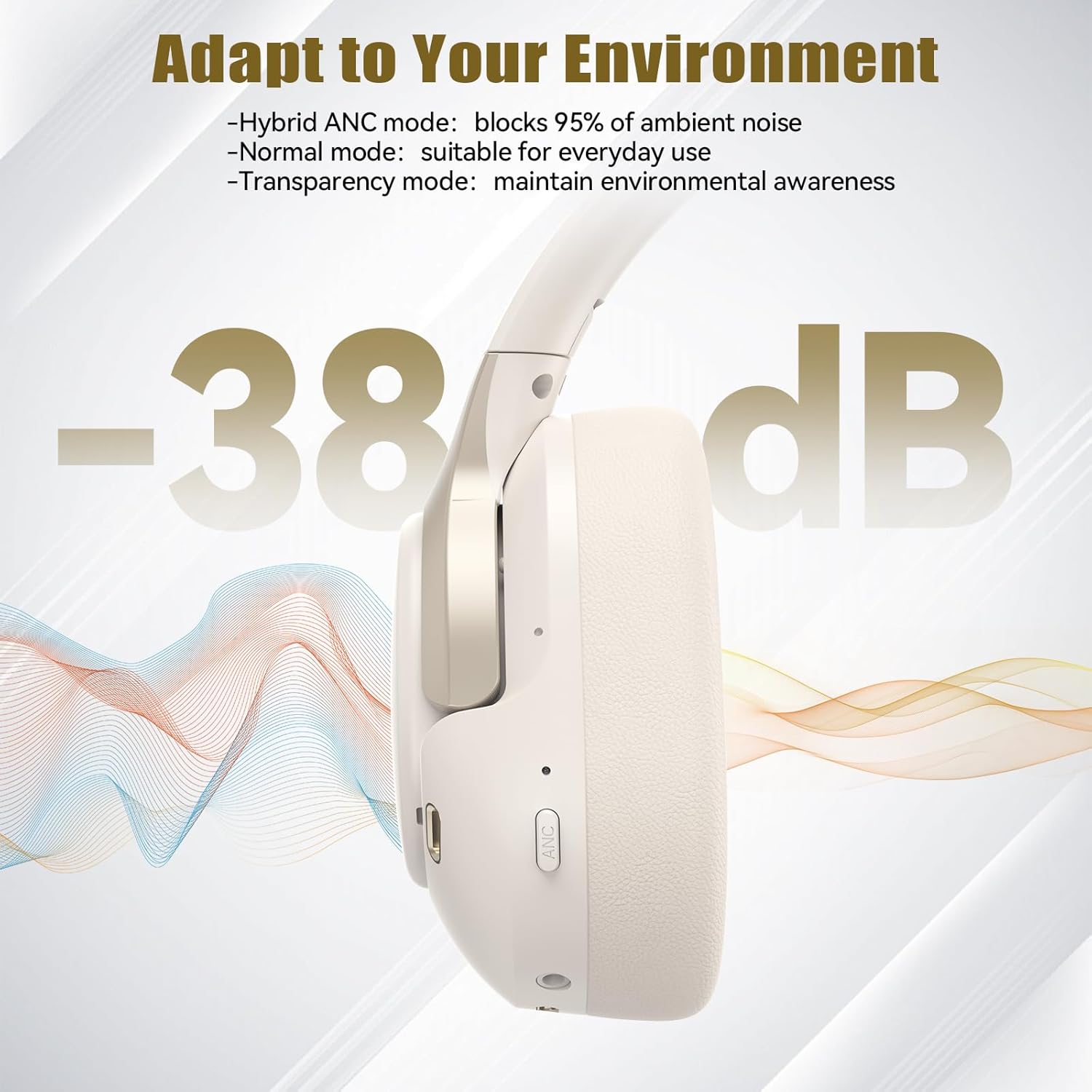
- АНЦ дугме: Toggles Active Noise Cancellation modes.
- Порт за пуњење типа Ц: За пуњење слушалица.
- 3.5 мм аудио прикључак: За жично повезивање звука.
- микрофон: За позиве и гласовне команде.
Сетуп
1. Пуњење слушалица
Before first use, fully charge your headphones. Connect the supplied Type-C charging cable to the charging port on the headphones and the other end to a USB power source (e.g., wall adapter, computer USB port).
- ЛЕД индикатор ће показати статус пуњења.
- Потпуно пуњење обично траје отприлике 2-3 сата.
2. Укључивање/искључивање
- Укључено: Притисните и држите дугме за напајање 3 секунде док ЛЕД индикатор не затрепери плаво.
- Искључивање: Притисните и држите дугме за напајање 3 секунде док ЛЕД индикатор не затрепери црвено, а затим се искључи.
3. Блуетоотх упаривање
Да бисте повезали слушалице са уређајем путем Bluetooth-а:
- Уверите се да су слушалице искључене.
- Press and hold the Power button for 5 seconds until the LED indicator flashes red and blue alternately, indicating pairing mode.
- На свом уређају (паметном телефону, таблету, лаптопу) омогућите Блутут и потражите доступне уређаје.
- Select "TECKNET TK-HS049" from the list of devices.
- Када се повеже, ЛЕД индикатор ће полако трептати плаво.
4. Повезивање са два уређаја
The headphones support simultaneous connection to two Bluetooth devices, allowing seamless switching between them.
- Pair the headphones with the first device (e.g., smartphone) as described above.
- Онемогућите Блутут на првом уређају. Слушалице ће поново ући у режим упаривања.
- Pair the headphones with the second device (e.g., laptop).
- Поново омогућите Bluetooth на првом уређају. Слушалице би требало аутоматски да се повежу са оба уређаја.
- To switch audio, simply play media on the desired device.

Image: Dual device connection setup.
5. Жична веза
За уређаје без Bluetooth-а или када је батерија празна, користите приложени 3.5 mm аудио кабл.
- Укључите један крај 3.5 мм аудио кабла у аудио прикључак на слушалицама.
- Укључите други крај у 3.5 мм аудио излаз вашег уређаја.
- Note: Some headphone functions (e.g., ANC, EQ modes) may be limited or unavailable in wired mode without power.

Image: Wired connection via 3.5mm audio jack.
Оперативни
1. Режими активног поништавања буке (ANC)
Press the ANC button to cycle through the available noise cancellation modes:
- Hybrid ANC Mode: Blocks up to 35dB-38dB of ambient noise, ideal for travel or noisy environments.
- нормалан режим: ANC is off, suitable for everyday use where some environmental awareness is desired.
- Транспарентни режим: Allows ambient sounds to pass through, enhancing awareness of your surroundings.

Image: Hybrid Active Noise Cancellation in action.
2. Репродукција музике
- Пусти/паузирај: Притисните вишенаменско дугме једном.
- Следећа нумера: Притисните и држите дугме за појачавање јачине звука.
- Претходни запис: Притисните и држите дугме за смањивање јачине звука.
- Појачавање звука: Press the Volume Up button briefly.
- Смањивање јачине звука: Press the Volume Down button briefly.
3. Управљање позивима
- Одговори/заврши позив: Притисните вишенаменско дугме једном.
- Одбиј позив: Притисните и држите вишенаменско дугме 2 секунди.
- Гласовни асистент: Двапут притисните вишефункционално дугме да бисте активирали гласовног асистента на уређају.
4. EQ Music Modes
The headphones feature 6 EQ music modes to optimize your listening experience for different genres. Press the EQ button (if available, or refer to specific button on your model) to cycle through these modes:
- Данце
- Роцк
- Цлассицал
- Вокал
- Бас
- Софт

Image: Cycling through 6 EQ music modes.
Одржавање
To ensure the longevity and optimal performance of your TECKNET TK-HS049 headphones, follow these maintenance guidelines:
- Чишћење: Use a soft, dry cloth to clean the earcups and headband. Do not use abrasive cleaners or solvents.
- Складиштење: When not in use, store the headphones in a cool, dry place, preferably in a protective case to prevent dust and damage.
- Избегавајте влагу: Although the headphones have a waterproof rating, avoid prolonged exposure to water or high humidity. Do not submerge them.
- Пуњење: Only use the provided Type-C cable for charging. Avoid overcharging the battery.
- температура: Не излажите слушалице екстремним температурама (врућим или хладним).
Решавање проблема
If you encounter any issues with your headphones, refer to the following common problems and solutions:
| Проблем | Решење |
|---|---|
| Слушалице се неће укључити. | Ensure the headphones are charged. Connect to a power source and try again after a few minutes. |
| Није могуће упаривање преко Bluetooth-а. | Make sure the headphones are in pairing mode (LED flashing red/blue). Disable and re-enable Bluetooth on your device. Ensure no other devices are connected. |
| Нема звука или је јачина звука ниска. | Check volume levels on both headphones and your connected device. Ensure the headphones are properly paired. Try playing audio from a different source. |
| АНК није ефикасан. | Ensure ANC mode is activated. Check that the earcups form a good seal around your ears. ANC is most effective against low-frequency, constant noise. |
| Микрофон не ради. | Ensure the headphones are connected via Bluetooth. Check microphone settings on your device. |
Спецификације
Detailed technical specifications for the TECKNET TK-HS049 headphones:
| Феатуре | Детаљ |
|---|---|
| Број модела | ТК-ХС049 |
| Технологија повезивања | Бежично (Блутут), Жично (3.5 мм прикључак) |
| Блуетоотх верзија | 6.0 |
| Контрола буке | Hybrid Noise Cancellation (up to 38dB) |
| Дривер Типе | 40мм динамички драјвери |
| Фреквенцијски опсег | 20Hz - 20,000Hz (supports up to 40kHz for high-resolution audio) |
| Трајање батерије (са укљученим ANC-ом) | До 40 сати (при 60% запремине) |
| Трајање батерије (ANC искључен) | До 70 сати |
| Контролни метод | Физичка дугмад |
| Постављање уха | Преко уха |
| Материјал | Fabric, Silicone, Memory Foam (earcups) |
| Ниво отпорности на воду | Водоотпоран |
| Микрофон | 4 ENC Microphones |
| ЕК Модес | 6 Presets (Dance, Rock, Classical, Vocal, Bass, Soft) |

Image: Battery life overview.

Image: 40mm dynamic drivers for premium audio.

Image: Comfort features including memory foam earcups and adjustable headband.
Гаранција и подршка
TECKNET TK-HS049 headphones come with a 36-месечна гаранција. If you encounter any problems during product use, please contact our professional customer service team for assistance. You can typically find contact information on the TECKNET official webсајту или путем ваше платформе за куповину.