
Увод
Welcome to your new Ice-Watch Ice Smart TKS 2.0 smartwatch. This device is designed to enhance your daily life by combining elegant design with smart technology. It features activity tracking, health monitoring, and smart notifications, all within a durable IP68 water-resistant casing. This manual provides essential information for setting up, operating, maintaining, and troubleshooting your smartwatch.
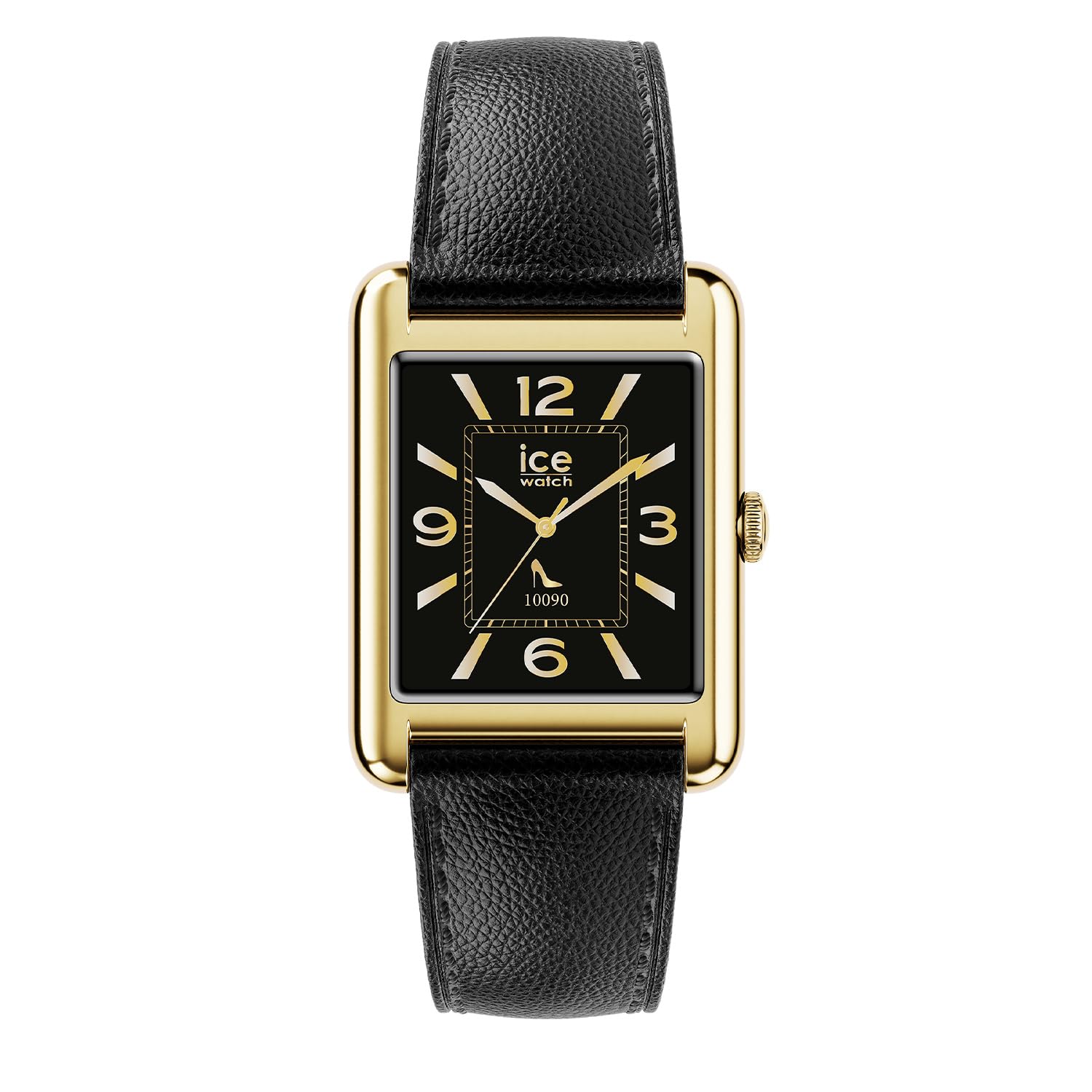
The Ice-Watch Ice Smart TKS 2.0 smartwatch, featuring a gold rectangular case and black leather strap, displays various smart functions including message notifications, heart rate monitoring, and a selection of app icons.
Сетуп
1. Распакивање и почетна наплата
Carefully remove your Ice Smart TKS 2.0 smartwatch from its packaging. Before first use, ensure the device is fully charged. Connect the provided charging cable to the charging port on the back of the watch and to a USB power source.

Позади view паметног сата, истичући контакте за пуњење и сензоре здравља.
2. Инсталација и упаривање апликације
To unlock the full potential of your smartwatch, download the official "Ice Smart" application from your smartphone's app store (iOS or Android).
- Download and install the "Ice Smart" app.
- Отворите апликацију и пратите упутства на екрану да бисте креирали налог или се пријавили.
- Уверите се да је Блуетоотх омогућен на вашем паметном телефону.
- In the app, select "Add Device" or similar option and choose your Ice Smart TKS 2.0 from the list of available devices.
- Потврдите захтев за упаривање и на телефону и на паметном сату.
Оперативни
Основна навигација
- екран осетљив на додир: Превуците прстом лево/десно, горе/доле да бисте се кретали кроз меније и функције. Додирните да бисте изабрали.
- Бочно дугме/круница: Press to wake the screen, return to the home screen, or access the app menu. Rotate (if applicable) to scroll through lists.
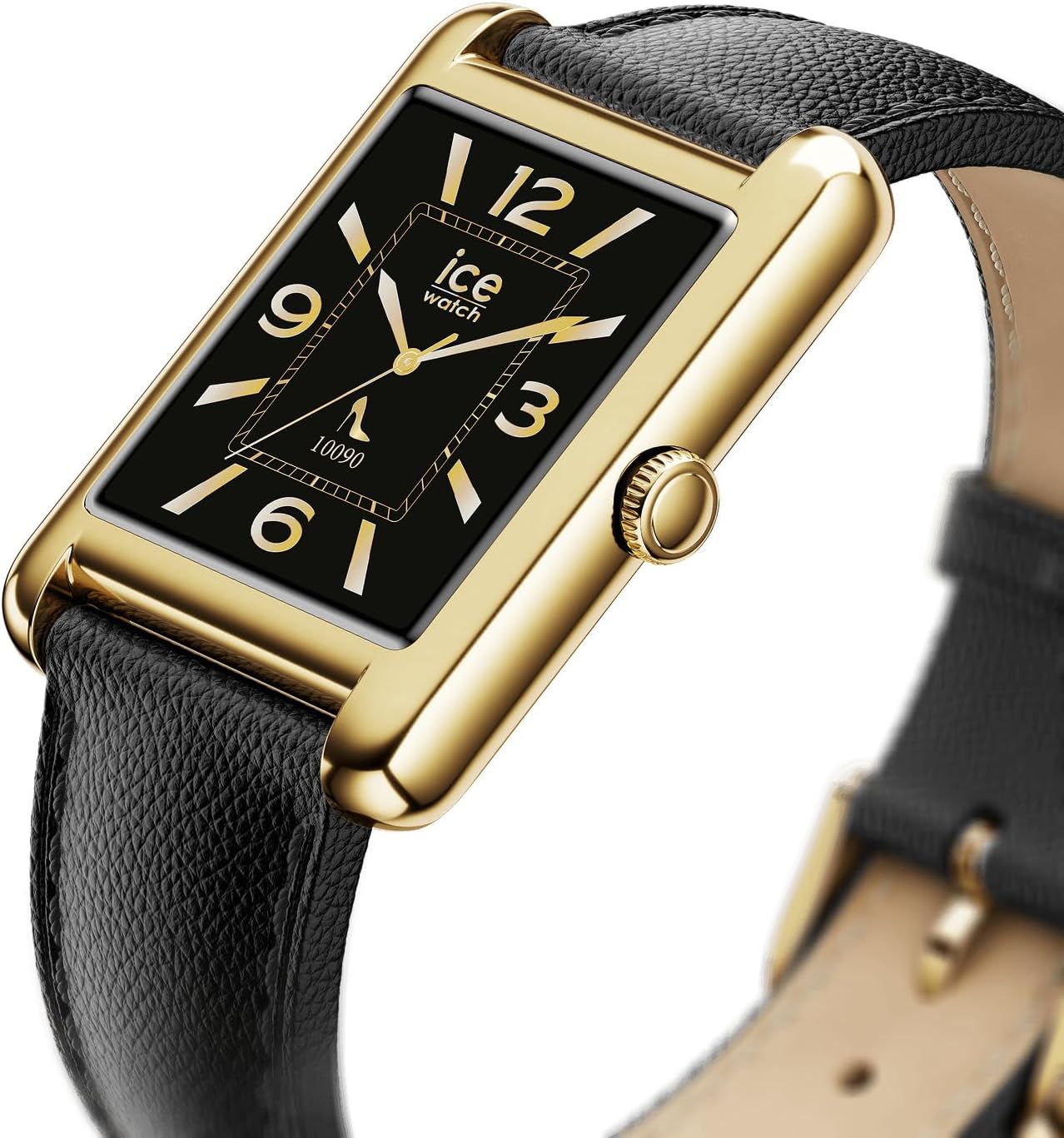
The side of the smartwatch, featuring the functional crown for navigation and interaction.
Кључне карактеристике
- Праћење активности: Monitors steps, distance, calories burned, and active minutes. Access this data via the watch or the "Ice Smart" app.
- Мониторинг срчане фреквенције: Непрекидно прати ваш откуцај срца. View real-time data on the watch and historical data in the app.
- Праћење сна: Analyzes sleep patterns, including deep and light sleep stagес.
- Обавештења: Примајте обавештења о позивима, порукама и обавештењима апликација директно на зглобу.
- Прилагодљиви сатови: Choose from a variety of pre-installed watch faces or download new ones via the app to personalize your device.

The smartwatch displaying a classic watch face with Roman numerals, showcasinг опције прилагођавања.
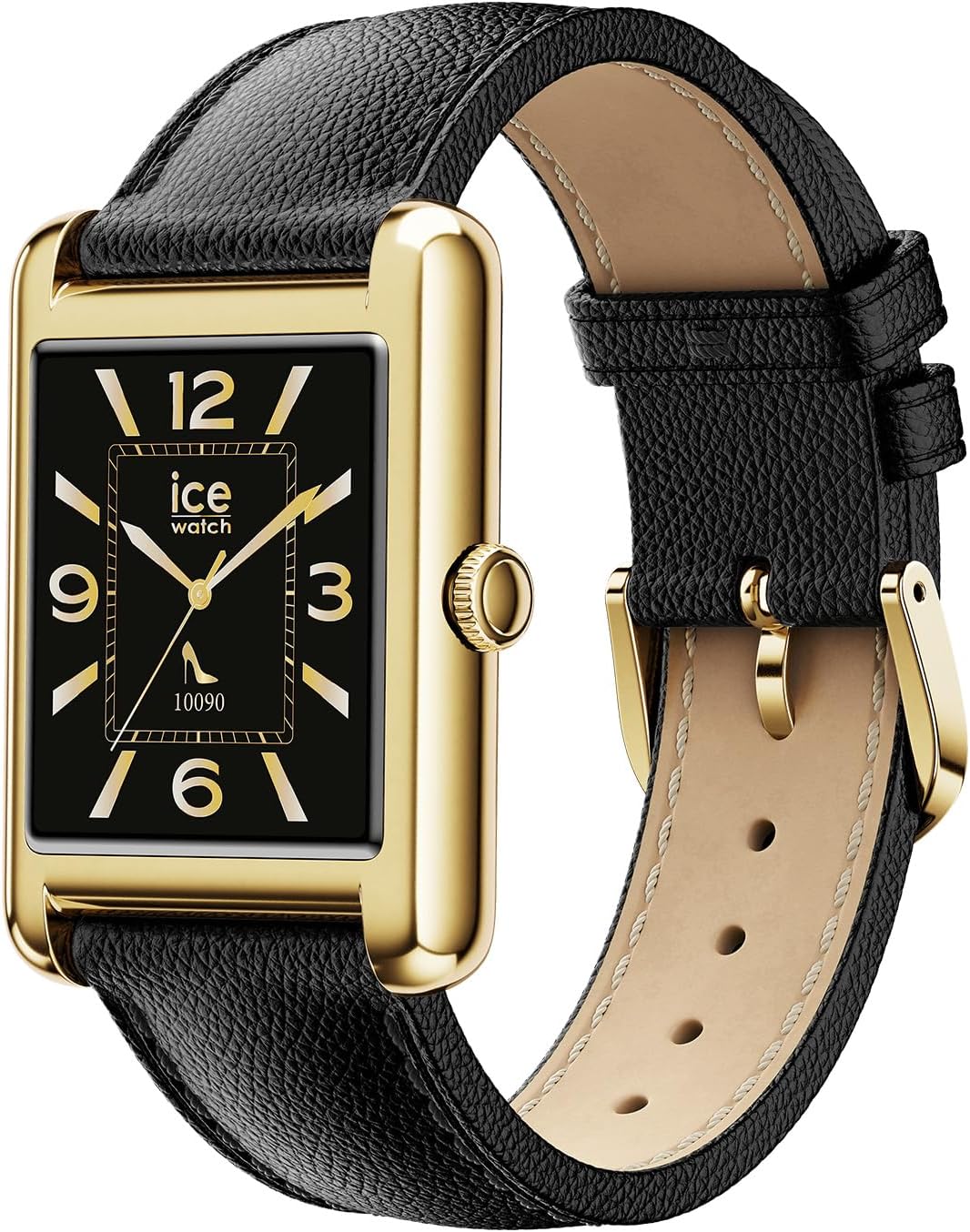
The smartwatch displaying a modern watch face with Arabic numerals, demonstrating another customization option.
Одржавање
Чишћење паметног сата
To maintain the appearance and functionality of your smartwatch, clean it regularly.
- Обришите екран и кућиште меком крпом која не оставља влакна.
- За тврдокорне трагове, благо дampНатопите крпу водом. Избегавајте јаке хемикалије или абразивне материјале.
- Периодично чистите контакте за пуњење како бисте осигурали правилно пуњење.
Водоотпорност (IP68)
Your Ice Smart TKS 2.0 is IP68 water-resistant, meaning it can withstand immersion in water up to 1.5 meters for up to 30 minutes. It is suitable for daily use, such as washing hands or wearing in the rain. However, it is not recommended for swimming, diving, or high-pressure water activities. Prolonged exposure to water or use in hot water (e.g., showers, saunas) may compromise water resistance.
Баттери Царе
- Избегавајте често потпуно пражњење батерије.
- Charge the device using only the provided cable and a compatible USB power adapter.
- Чувајте сат на хладном и сувом месту када га не користите дуже време.
Решавање проблема
Уређај се не укључује
- Уверите се да је сат потпуно напуњен. Повежите га са пуњачем најмање 30 минута.
- Press and hold the side button for 10-15 seconds to attempt a forced restart.
Connection Issues (Bluetooth)
- Уверите се да је Bluetooth омогућен на вашем паметном телефону и да је сат у домету.
- Поново покрените и паметни телефон и паметни сат.
- Unpair the device from your phone's Bluetooth settings and re-pair it through the "Ice Smart" app.
- Ensure the "Ice Smart" app is running in the background and has necessary permissions.
Inaccurate Data (Steps, Heart Rate)
- Уверите се да сат чврсто приања на зглоб, отприлике ширину једног прста изнад кости зглоба.
- Очистите сензоре на задњој страни сата.
- Калибришите уређај ако је опција доступна у апликацији.
- Note that smartwatches are not medical devices and data should be used for reference only.
Обавештења се не појављују
- Check notification settings within the "Ice Smart" app to ensure desired apps are enabled.
- Verify that your smartphone's notification settings allow the "Ice Smart" app to display alerts.
- Уверите се да је сат повезан путем Блутут-а.
Спецификације
| Феатуре | Детаљ |
|---|---|
| Назив модела | Ice Smart TKS 2.0 |
| Број модела | 025286 |
| Величина екрана | 1.41 инча |
| Отпорност на воду | IP68 (Resistant to water up to 1.5 meters for 30 minutes) |
| Тип батерије | Rechargeable (1 Unknown battery included) |
| Материјал кућишта | Месинг |
| Материјал траке | Кожа |
| Пречник кућишта | 34 милиметара |
| Цасе Тхицкнесс | 6.35 милиметара |
| Ширина каишева | 22 милиметара |
| Тежина производа | 35 грама |
| Мовемент Типе | Quartz (for timekeeping, smart functions are digital) |
| Укључене компоненте | Смартватцх |
Гаранција
Your Ice-Watch Ice Smart TKS 2.0 smartwatch comes with a manufacturer's warranty. For detailed information regarding warranty coverage, terms, and conditions, please refer to the official Ice-Watch webсајт или гарантни лист који сте добили уз производ. Сачувајте доказ о куповини за потребе подношења захтева за гаранцију.
Подршка
If you encounter any issues not covered in this manual or require further assistance, please contact Ice-Watch customer support. You can typically find contact information on the official Ice-Watch webсајту или преко вашег продавца.
Онлине ресурси: Visit the official Ice-Watch website for FAQs, updated manuals, and support contact details.