
1. Увод
This manual provides instructions for the setup, operation, and maintenance of your EVICIV 15.6-inch Portable Monitor, Model EC156FHD. This monitor is designed to extend your display capabilities for various devices, including laptops, smartphones, and game consoles, offering a Full HD 1080p resolution display with a 125% sRGB color gamut.
2. Садржај пакета
Пре него што наставите са подешавањем, проверите да ли се у вашем пакету налазе све ставке наведене у наставку:
- 15.6" Portable Monitor
- Мини ХДМИ кабл
- Кабл од типа Ц до типа Ц
- УСБ-А на УСБ-Ц кабл
- Упутство за употребу

Ако неке ставке недостају или су оштећене, обратите се корисничкој подршци.
3. Монитор Оверview
3.1 Физичке карактеристике
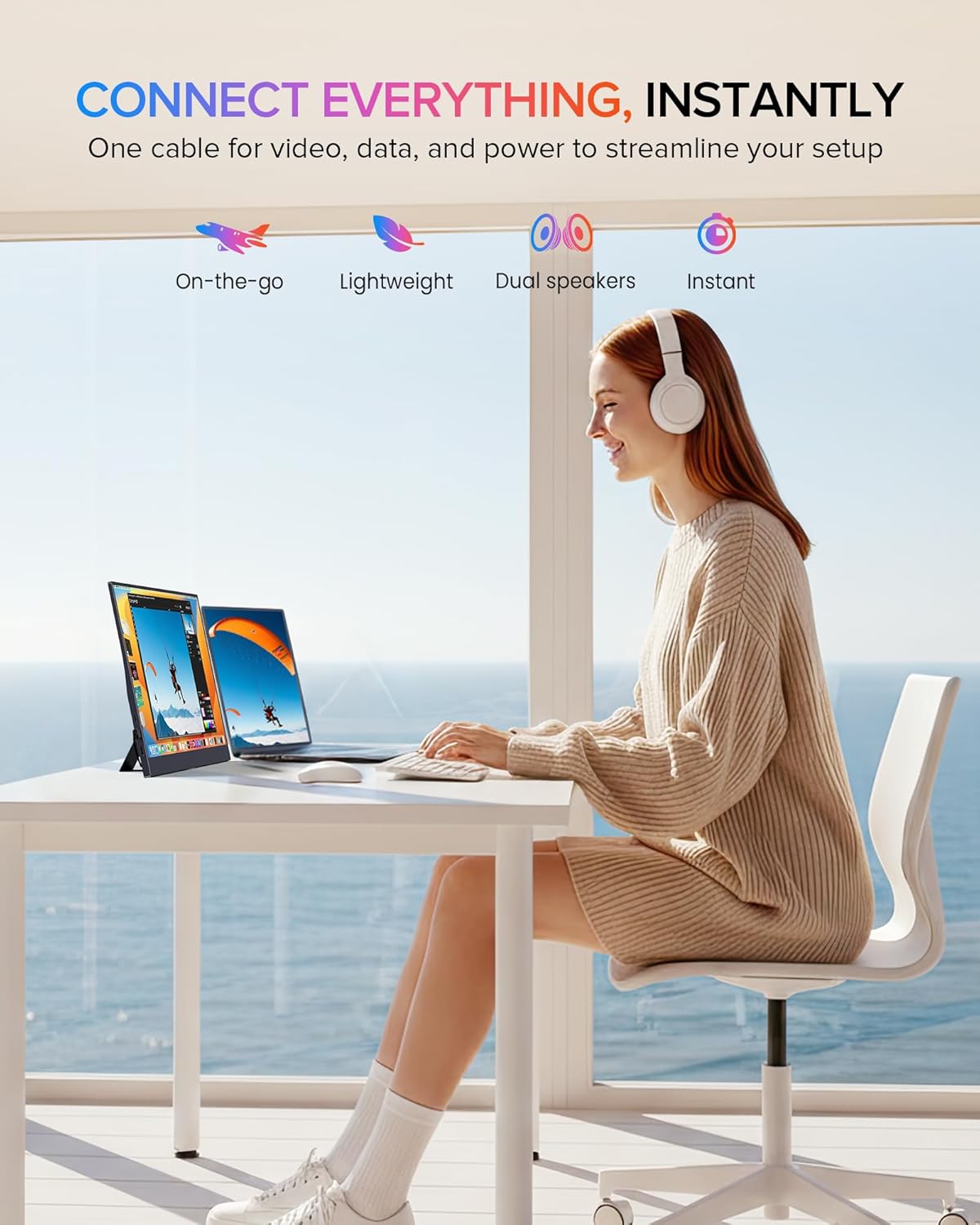
The EVICIV portable monitor features an ultra-slim design with narrow bezels, maximizing screen area and minimizing visual distractions. It is lightweight for portability.

3.2 Портови и контроле
The monitor is equipped with various ports and controls for versatile connectivity and easy navigation:
- Мини ХДМИ порт: For video input from devices with HDMI output.
- USB-C 3.1 портови (x2): For power, video, and data transmission with compatible devices.
- 3.5 мм аудио прикључак: За повезивање екстерних слушалица или звучника.
- Pulley Button/Menu: Used to navigate the On-Screen Display (OSD) menu and adjust settings.
- Return/Power Button: Used to power the monitor on/off and return from OSD menus.
4. Подешавање и повезивање
The monitor supports plug-and-play functionality with most devices. Ensure your device supports video output over USB-C (DisplayPort Alternate Mode) or HDMI.
4.1 Connecting via USB-C (Full-featured)
For devices with a full-featured USB-C port (supporting power, video, and data), a single USB-C to USB-C cable can provide both power and display signal.
- Connect one end of the Type-C to Type-C cable to your device's USB-C port.
- Connect the other end of the Type-C to Type-C cable to one of the monitor's USB-C 3.1 ports.
- The monitor should automatically detect the signal and power on.

4.2 Connecting via Mini HDMI
For devices with an HDMI output, use the Mini HDMI to HDMI cable for video signal and a USB-A to USB-C cable for power.
- Connect one end of the Mini HDMI cable to your device's HDMI port and the other end to the monitor's Mini HDMI port.
- Connect the USB-A end of the USB-A to USB-C cable to a power source (e.g., laptop USB port, wall adapter) and the USB-C end to one of the monitor's USB-C 3.1 ports for power.
- The monitor should display the signal from your device.

4.3 Компатибилност уређаја
The monitor is compatible with a wide range of devices:
- Type-C (Android/Windows): Phones, Tablets, Laptops, PCs.
- HDMI (Game Consoles): Nintendo Switch, Steam Deck, PlayStation (PS3/4/5), Xbox.

5. Упутство за употребу
5.1 Укључивање/искључивање
Press and hold the Power button (often combined with the Return function) for a few seconds to turn the monitor on or off.
5.2 Приказ на екрану (ОСД) мени
The OSD menu allows you to adjust various display settings. Use the Pulley Button to navigate and select options.
- Press the Pulley Button to open the OSD menu.
- Roll the Pulley Button up or down to navigate through menu options.
- Press the Pulley Button to select an option or confirm a setting.
- Press the Return/Power button to exit the current menu or the OSD entirely.
Common OSD settings include Brightness, Contrast, Color Temperature, Input Source, and HDR mode.
6. Карактеристике екрана
The EVICIV portable monitor is designed with several features to enhance your viewискуство:
- 125% sRGB распон боја: Provides a wider range of colors compared to standard sRGB, resulting in more accurate and vibrant color reproduction.
- Full HD 1080p Resolution (1920x1080): Пружа јасне и детаљне слике.
- Осветљеност од 350 нита: Offers sufficient brightness for various indoor lighting conditions.
- 2000:1 Однос контраста: Produces deeper blacks and brighter whites for improved image depth.
- IPS Display Technology: Ensures consistent color and image quality across wide 178-degree viewинг углова.
- ХДР подршка: Enhances dynamic range for compatible content, showing more detail in both bright and dark areas.
- Eye Care Features: Includes a blue light filter and flicker-free technology to reduce eye strain during extended use.


7. Опције монтаже
7.1 Built-in Adjustable Stand
The monitor includes a built-in stand that can be adjusted up to 70 degrees, allowing you to find an ergonomic viewинг положај.

7.2 ВЕСА монтажа
For more permanent setups, the monitor is VESA compatible (75x75mm, M4*4mm). This allows it to be mounted on a wall or a desk arm.
- Пронађите ВЕСА монтажне рупе на задњој страни монитора.
- Secure the VESA mount bracket to the monitor using the provided M4*4mm screws.
- Attach the monitor to your VESA-compatible arm or wall mount.

8. Одржавање
Да бисте осигурали дуготрајност и оптималне перформансе вашег монитора, пратите ова упутства за одржавање:
- Чишћење екрана: Нежно обришите екран меком крпом која не оставља влакна. За тврдокорне мрље, дampen the cloth slightly with water or a screen-safe cleaning solution. Avoid harsh chemicals or abrasive materials.
- Чишћење Цasing: Користите меку, суву крпу за чишћење површине монитораasing.
- Складиштење: When not in use, store the monitor in a cool, dry place, preferably in its protective sleeve or original packaging, to prevent dust accumulation and physical damage.
- Избегавајте течности: Keep liquids away from the monitor to prevent electrical damage.
- Избегавајте екстремне температуре: Do not expose the monitor to extreme hot or cold temperatures.
КСНУМКС. Решавање проблема
Ако наиђете на проблеме са монитором, погледајте следеће уобичајене проблеме и решења:
9.1 Нема сигнала / Црни екран
- Проверите каблове: Ensure all video (USB-C or Mini HDMI) and power cables are securely connected to both the monitor and your device.
- Извор напајања: Verify the monitor is receiving adequate power. If using USB-C, ensure your device's USB-C port supports power delivery. If using HDMI, ensure the USB-C power cable is connected to a sufficient power source.
- Извор уноса: Use the OSD menu to manually select the correct input source (USB-C or HDMI).
- Излаз уређаја: Confirm your connected device is configured to output video to an external display.
9.2 Нема напајања
- Кабл за напајање: Ensure the USB-C power cable is connected to a functional power source (e.g., wall adapter, powered USB port).
- Дугме за напајање: Press and hold the Power button for a few seconds to ensure it's not just in standby mode.
- Try Different Cable/Port: Test with a different USB-C cable or a different power source if available.
9.3 Image Flickering or Distortion
- Квалитет кабла: Use the provided cables or high-quality certified cables. Poor quality cables can cause signal issues.
- Резолуција/Брзина освежавања: Ensure your device's output resolution and refresh rate are supported by the monitor (Max 1920x1080 at 60Hz).
- сметње: Удаљите монитор од других електронских уређаја који могу изазвати електромагнетне сметње.
If these steps do not resolve the issue, please contact EVICIV customer support.
10. Техничке спецификације
| Феатуре | Спецификација |
|---|---|
| Бранд | ЕВИЦИВ |
| Број модела | EC156FHD |
| Величина екрана | 15.6 инча |
| Резолуција | FHD 1080p (1920 x 1080) |
| Дисплаи Тецхнологи | ИПС ЛЦД |
| Рефресх Рате | 60 Хз |
| Осветљеност | 350 кандела (нита) |
| Однос контраста | 2000:1 |
| Гамут боја | 125% сРГБ |
| Viewинг Англе | 178 степени |
| Време одговора | 3 милисекунди |
| Повезивање | 2x USB 3.0 Type-C, 1x Mini HDMI, 1x 3.5mm Audio |
| Тип монтаже | VESA (75x75mm), Built-in Stand |
| Потрошња енергије | 10 Ваттс |
| Димензије (Д к Ш к В) | 0.27"Д к 14"Ш к 9"В |
11. Гаранција и подршка
Your EVICIV Portable Monitor comes with a 2-годишња гаранција произвођачаОва гаранција покрива недостатке у материјалу и изради при нормалној употреби.
For warranty claims, technical assistance, or further inquiries, please contact EVICIV customer support through the official EVICIV webсајту или вашем продавцу.
За више информација и подршке, посетите EVICIV Store on Amazon.