
Увод
Thank you for choosing the UPERFECT 16-inch 2K 144Hz Portable Gaming Monitor. This manual provides essential information for setting up, operating, maintaining, and troubleshooting your new monitor. Please read it thoroughly to ensure optimal performance and longevity of your device.
Сетуп
Садржај пакета
- UPERFECT 16-inch Portable Gaming Monitor
- Protective Case (may vary by model)
- Cables (USB-C, Mini HDMI - specific types and quantities may vary)
- Адаптер за напајање (ако је укључен)
Пхисицал Сетуп
- Позиционирање монитора: Place the monitor on a stable, flat surface. The integrated kickstand allows for adjustable viewинг углова.
- ВЕСА монтажа: For a more permanent setup, the monitor supports VESA mounting. Attach a compatible VESA mount (not included) to the designated mounting points on the back of the monitor. Ensure the mount can support the monitor's weight.
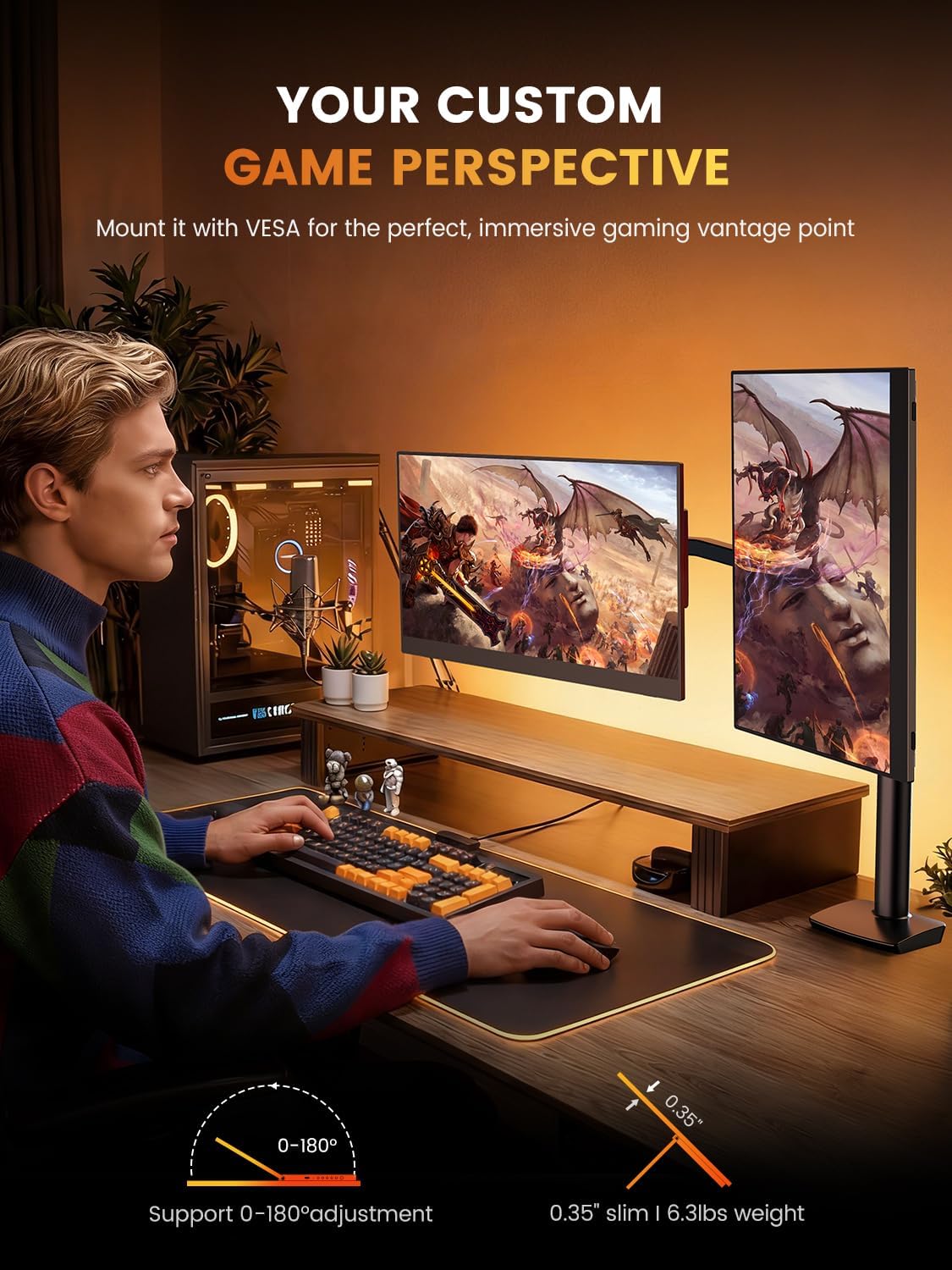
Image: The monitor can be mounted using a VESA arm for flexible positioning, as shown with a user at a desk with a gaming PC.
Повезивање са уређајима
The monitor offers versatile connectivity for various devices including laptops, smartphones, gaming consoles, and cameras.
- УСБ-Ц веза: For devices with a full-featured USB-C port (supporting DisplayPort Alternate Mode and power delivery), a single USB-C cable can provide both video signal and power to the monitor. Connect one end of the USB-C cable to your device and the other to the monitor's USB-C port.
- Мини HDMI конекција: For devices with an HDMI output, use a Mini HDMI to HDMI cable. Connect the Mini HDMI end to the monitor and the HDMI end to your device. An additional USB-C to USB-A cable or power adapter (5V) may be required to power the monitor if your device does not supply sufficient power via HDMI.
- Аудио излаз: The monitor features built-in speakers. For external audio, connect headphones or external speakers to the 3.5mm audio jack.
Упутство за употребу
Укључивање/искључивање
Press the power button located on the side or back of the monitor to turn it on or off. The monitor will automatically detect the input signal.
Дисплаи Сеттингс
Use the OSD (On-Screen Display) menu buttons to adjust various display settings. Common adjustments include:
- Осветљеност/контраст: Adjust the image brightness and contrast levels. The monitor supports up to 400 nits brightness and a 1500:1 contrast ratio.
- Подешавања боја: Fine-tune color temperature, hue, and saturation. The monitor offers 100% DCI-P3 color gamut for accurate color reproduction.
- Извор уноса: Manually select between USB-C and Mini HDMI input sources if auto-detection fails.
- аудио: Подесите јачину звука уграђених звучника или повезаних слушалица.
- Посебне карактеристике: Enable or disable features like Blue Light Filter and Flicker-Free technology for eye care.
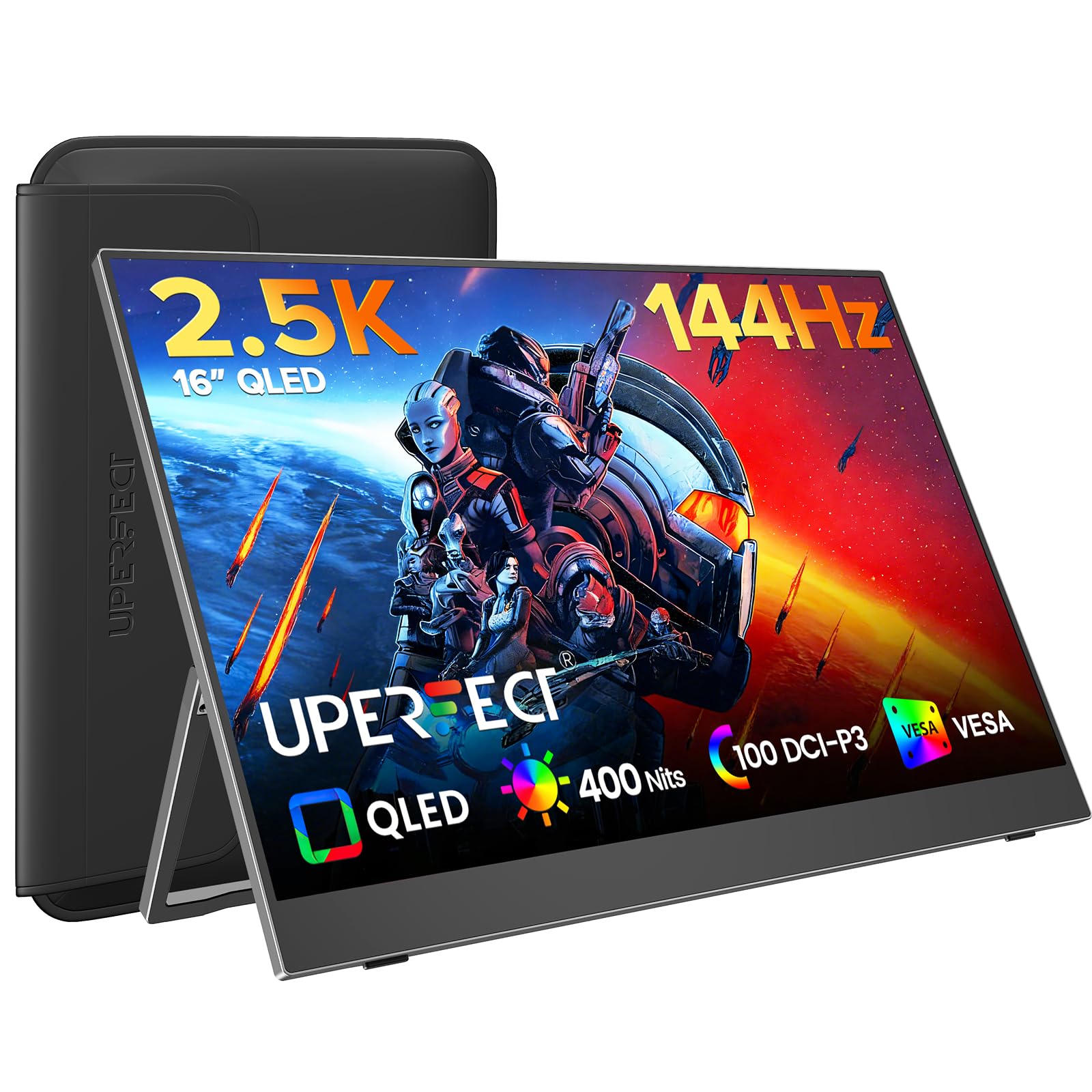
Image: The monitor features a 0.1ms response time and 144Hz refresh rate for smooth motion in gaming.

Image: Enjoy a smooth gaming experience and stunning 2.5K visual effects with the 144Hz refresh rate.

Image: QLED technology provides true color reproduction with 100% DCI-P3, 400 Nits brightness, and 2000:1 contrast.

Image: The monitor achieves 100% DCI-P3 color space, a cinema standard, for a stunning visual experience.
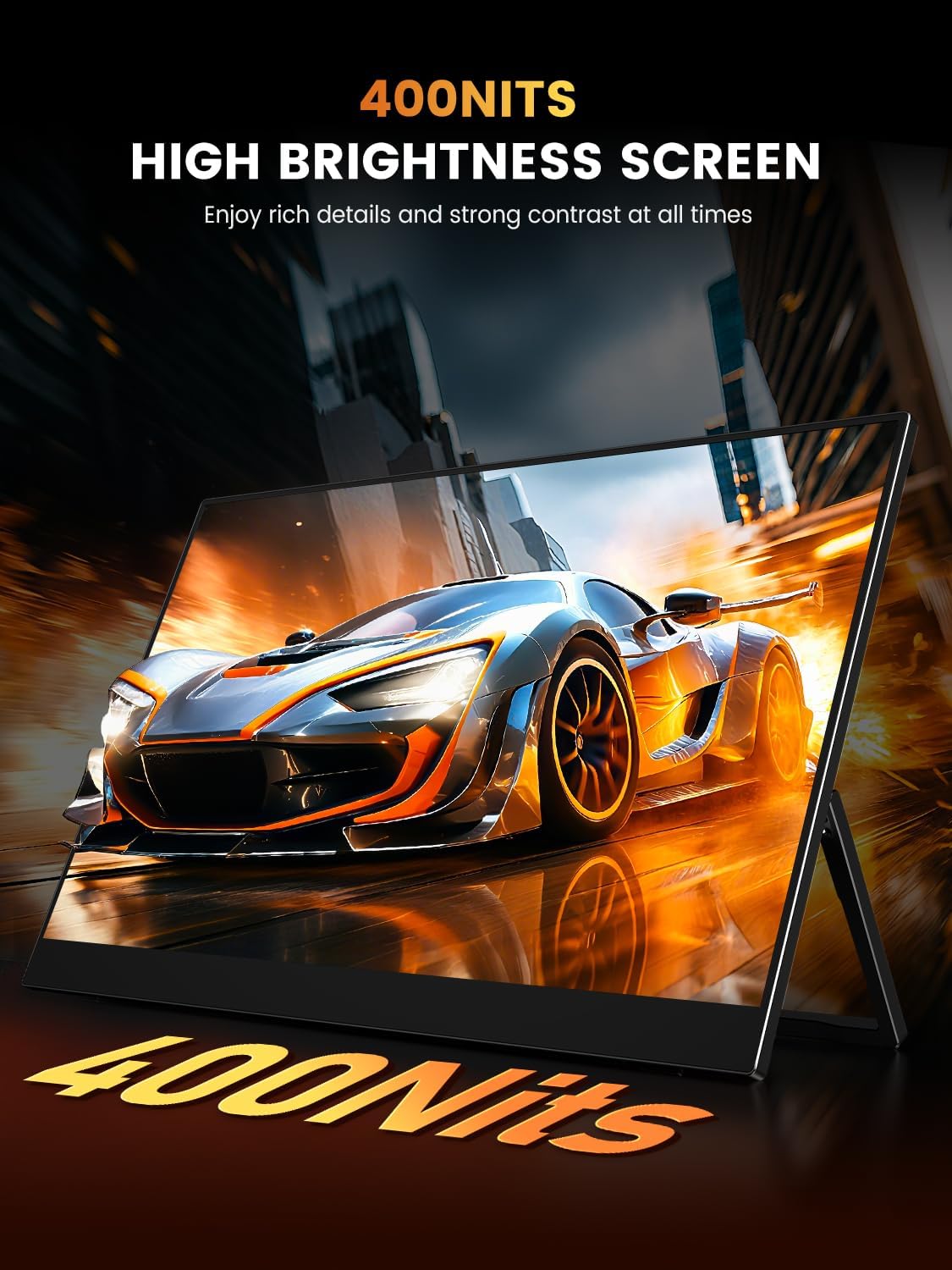
Image: The 400 Nits high brightness screen ensures rich details and strong contrast in various lighting conditions.
Одржавање
Чишћење монитора
- Увек искључите монитор и извуците га из струје пре чишћења.
- Користите меку крпу која не оставља длачицеampиспрати водом или неабразивним средством за чишћење екрана.
- Не прскајте средство за чишћење директно на екран.
- Avoid using alcohol, ammonia, or abrasive cleaners, as these can damage the matte screen surface.
Protective Case Care
If your monitor came with a protective case, ensure it is used during transport to prevent scratches and damage. The case is designed to be waterproof, anti-scratch, durable, and breathable.
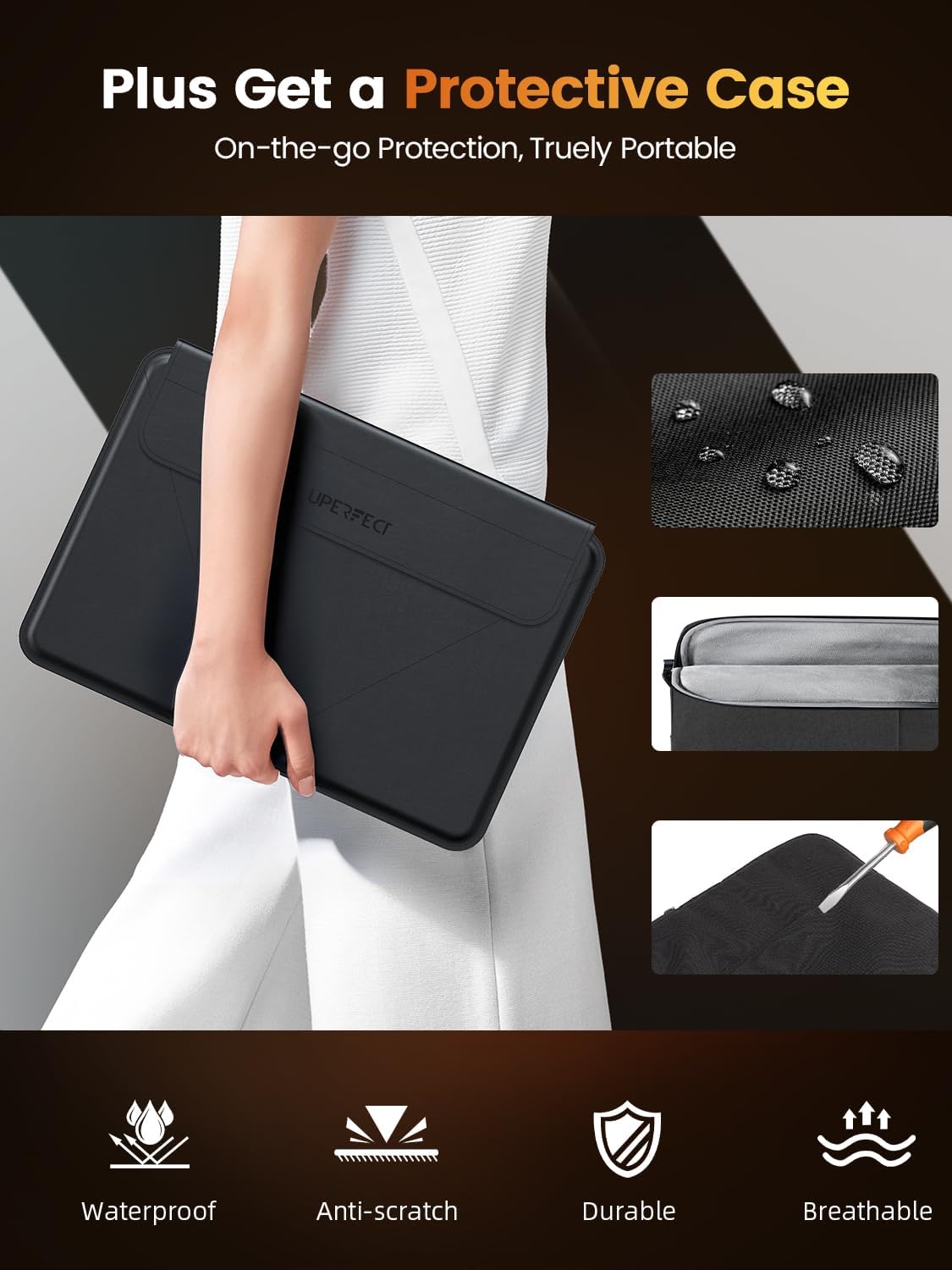
Image: The included protective case offers on-the-go protection, featuring waterproof, anti-scratch, durable, and breathable properties.
Решавање проблема
If you encounter issues with your monitor, please refer to the following common solutions:
- Нема сигнала:
- Ensure all cables (USB-C, Mini HDMI) are securely connected to both the monitor and your device.
- Verify that your device's display output is enabled and configured correctly (e.g., extended display, duplicate display).
- Покушајте ручно да изаберете извор улаза преко OSD менија.
- Нема напајања:
- Confirm the power adapter (if used) is properly connected to a working power outlet and the monitor.
- Ако користите један USB-C кабл, уверите се да USB-C порт вашег уређаја подржава напајање екстерних екрана.
- Пробајте други извор напајања или кабл.
- Треперећи екран:
- Check the cable connections for looseness.
- Adjust the refresh rate settings on your connected device.
- Ensure the monitor's power supply is stable.
- Проблеми са квалитетом слике (замућена, изобличена):
- Ensure your device's display resolution is set to the monitor's native resolution (2560x1600).
- Adjust brightness, contrast, and color settings through the OSD menu.
Спецификације
| Феатуре | Спецификација |
|---|---|
| Бранд | УПЕРФЕЦТ |
| Модел | 16 |
| Величина екрана | 16 инча |
| Резолуција екрана | 2560 x 1600 пиксела (2K) |
| Рефресх Рате | 144 Хз |
| Време одговора | 0.1 милисекунди |
| Дисплаи Тецхнологи | КЛЕД |
| Осветљеност | 400 гњида |
| Однос контраста | 1500:1 |
| Viewинг Англе | 178 степени |
| Гамут боја | 100% ДЦИ-П3 |
| Аспецт Ратио | 16:10 |
| Хардверски интерфејс | 3.5mm Audio, USB 3.0 Type C, Mini HDMI |
| Посебне карактеристике | Blue Light Filter, Built-In Speakers, Eye Care, Flicker-Free, Lightweight |
| Компатибилни уређаји | Camera, Desktop, Gaming Console, Laptop, Smartphone |
| Волtage | 5 Волтс |
| Димензије производа | 0.58 к 35.56 к 24.13 цм |
| Тежина артикла | 680.39 г |
Гаранција и подршка
For warranty information or technical support, please refer to the documentation included with your purchase or visit the official UPERFECT website. If you have further questions or require assistance, please contact UPERFECT customer service.