
Увод
This manual provides detailed instructions for the setup, operation, and maintenance of your Oilsky M305 MP3 Player. Please read this manual thoroughly before using the device to ensure optimal performance and longevity.

Слика: Прекоview of the Oilsky M305 MP3 Player's key features.
1. Водич за подешавање
1.1 Распакивање и садржај пакета
Carefully unpack your Oilsky M305 MP3 Player and verify all components are present.

Image: Contents of the Oilsky M305 MP3 Player box.
Пакет треба да садржи:
- 1x Oilsky M305 Music Player
- 1x 128GB TF Card (pre-installed or separate)
- 1x USB Cable (for charging and data transfer)
- 1x жичане слушалице
- 1x Заштитна фолија
- 1к заштитна торбица
- 1к упутство за употребу
1.2 Пуњење уређаја
Before first use, fully charge the device. Connect the provided USB cable to the player's charging port and to a USB power adapter (not included) or a computer's USB port. The charging indicator will show the charging status.
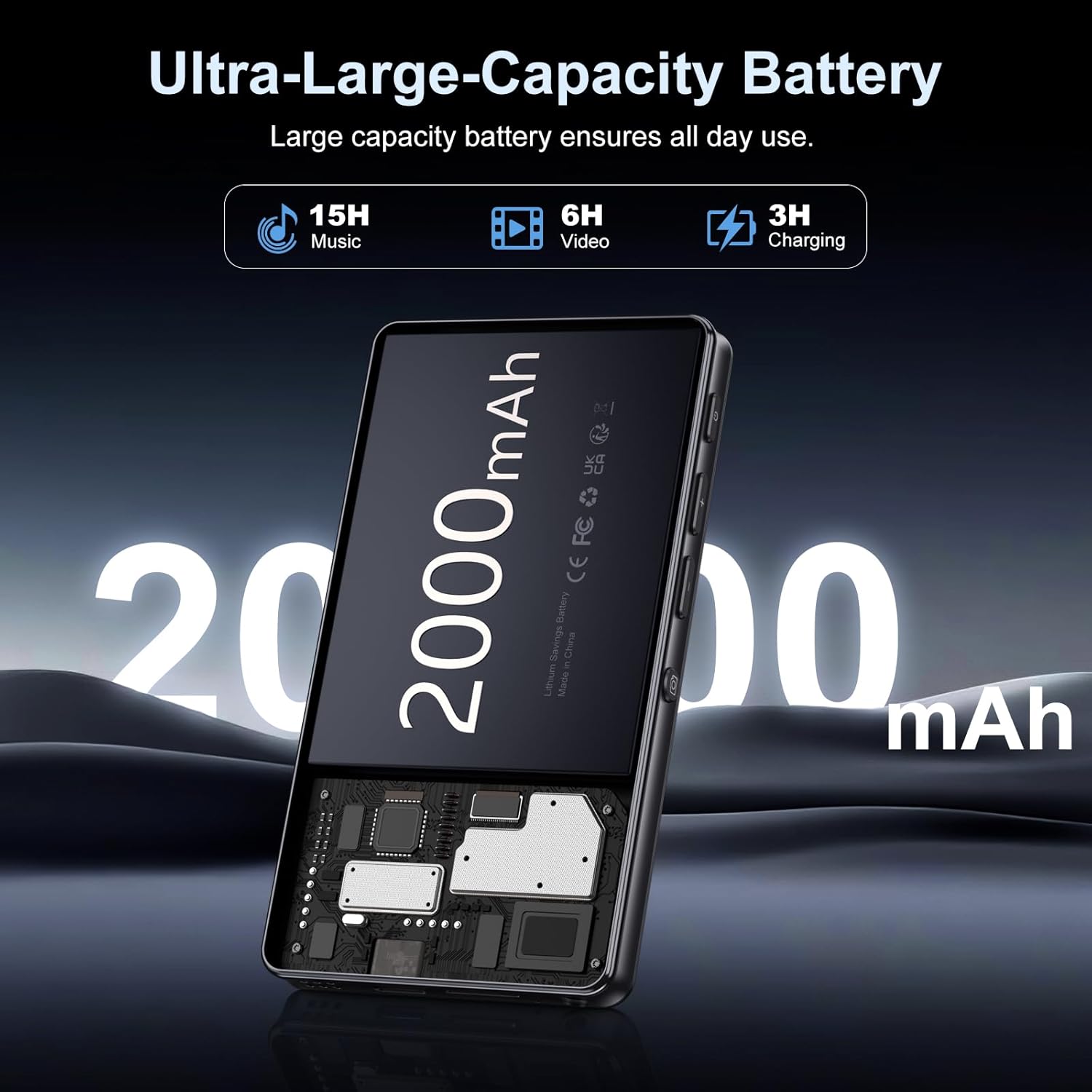
Image: Illustration of the 2000mAh battery and its charging/usage capabilities.
The 2000mAh battery provides approximately 15 hours of music playback and 6 hours of video playback on a full charge, which takes about 3 hours.
1.3 Укључивање/искључивање
- За укључивање: Притисните и држите дугме за напајање које се налази са стране уређаја док екран не засветли.
- За искључивање: Press and hold the power button, then select 'Power Off' from the options that appear on the screen.
1.4 Почетно подешавање
При првом укључивању, пратите упутства на екрану да бисте:
- Изаберите жељени језик.
- Connect to a Wi-Fi network for internet access and app downloads.
- Подесите датум и време.
2. Упутство за употребу
2.1 Basic Navigation (Touchscreen)
The Oilsky M305 features a 4.02-inch HD touchscreen for intuitive control. Use gestures similar to a smartphone:
- Додирните: Да бисте изабрали ставку или отворили апликацију.
- Превуците: За кретање кроз листе или пребацивање између екрана.
- Зумирање штипкањем прстију: In supported applications like image galleries.

Image: The 4.02-inch HD touchscreen in use, displaying video content.
2.2 Репродукција музике
The device supports various music formats including MP3, WAV, APE, FLAC, and AAC. You can play music through the built-in speaker or connected headphones/Bluetooth devices.

Image: Music playback interface showing supported audio formats.
- Accessing Music: Open the pre-installed music player app or any downloaded streaming service (e.g., Spotify, Audible).
- Creating Playlists: Use the music player app to organize your songs into custom playlists.
- Екуализер: Adjust audio settings via the built-in equalizer for a personalized listening experience.

Image: Features for music management, including playlist creation and equalizer settings.
2.3 Репродукција видео записа
The device supports various video formats including AVI, MKV, MP4, MPG, and MOV. Videos can be viewed on the 4.02-inch HD screen.

Image: Supported video and music formats for the device.
2.4 Употреба камере
The M305 is equipped with a 13MP rear camera and a 5MP front camera for capturing photos and videos.
- Фотографисање: Отворите апликацију Камера, кадрирајте снимак и додирните дугме затварача.
- Снимање видео записа: Switch to video mode in the Camera app and tap the record button to start/stop.

Image: Illustration of the 5MP front and 13MP rear cameras.
2.5 Connectivity (Bluetooth & Wi-Fi)
The device features dual-band Wi-Fi for fast internet access and Bluetooth 5.0 for stable wireless connections.
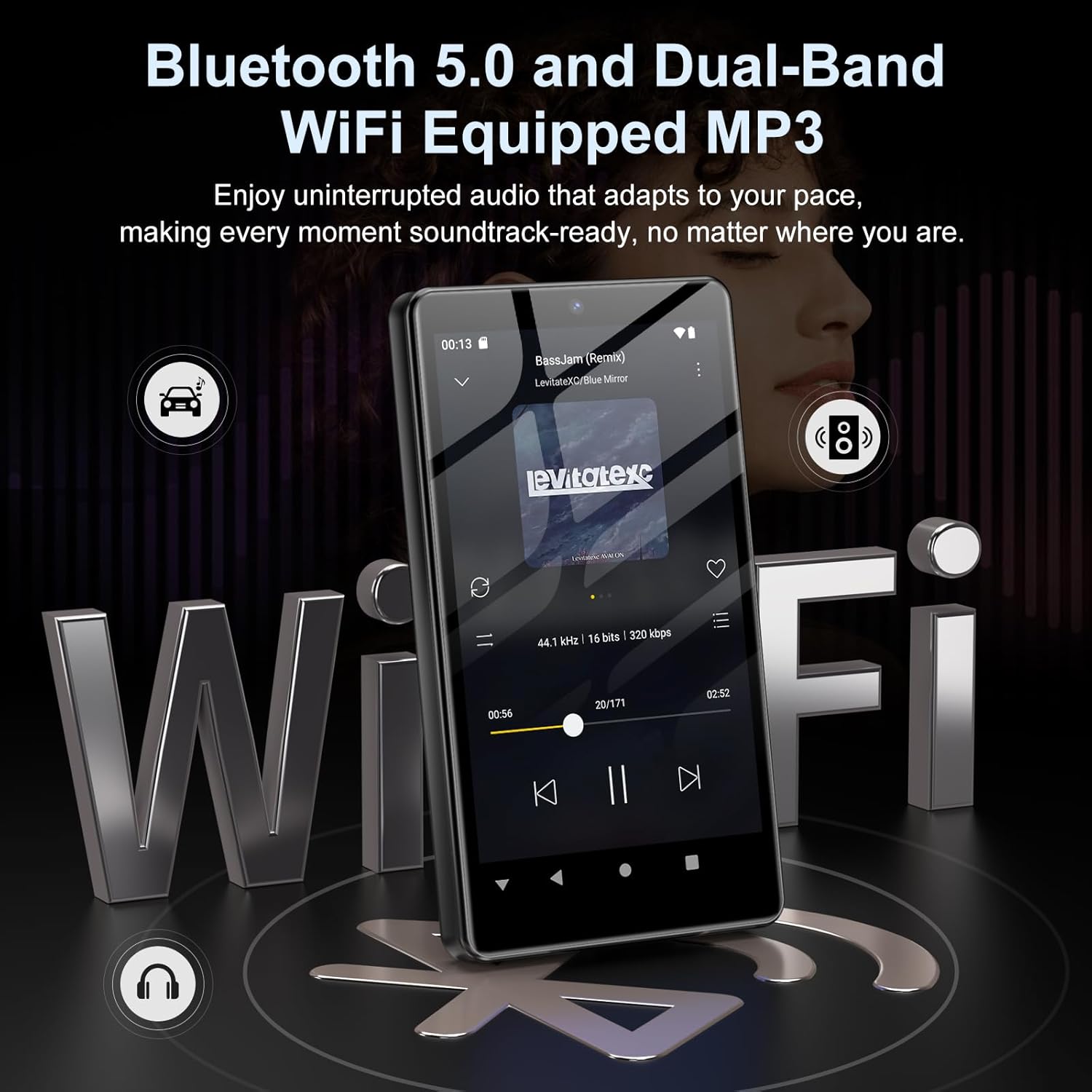
Image: Visual representation of Bluetooth and Wi-Fi connectivity.
- Ви-Фи: Идите на Подешавања > Мрежа и интернет > Wi-Fi да бисте се повезали са доступним мрежама.
- Блуетоотх: Go to Settings > Connected devices > Bluetooth to pair with headphones, speakers, or other Bluetooth-enabled devices.
2.6 Управљање складиштем
The M305 comes with 32GB of internal ROM and includes a 128GB TF card, supporting external storage expansion up to 1TB.

Image: Storage capacity details including internal ROM and TF card expansion.
- Viewing Storage: Navigate to Settings > Storage to see internal and external storage usage.
- Трансферинг Files: Connect the device to a computer using the USB cable to transfer music, videos, and photos.
2.7 App Installation (Google Play Store)
Running on Android 13.0, the device allows you to install and uninstall applications from the Google Play Store.
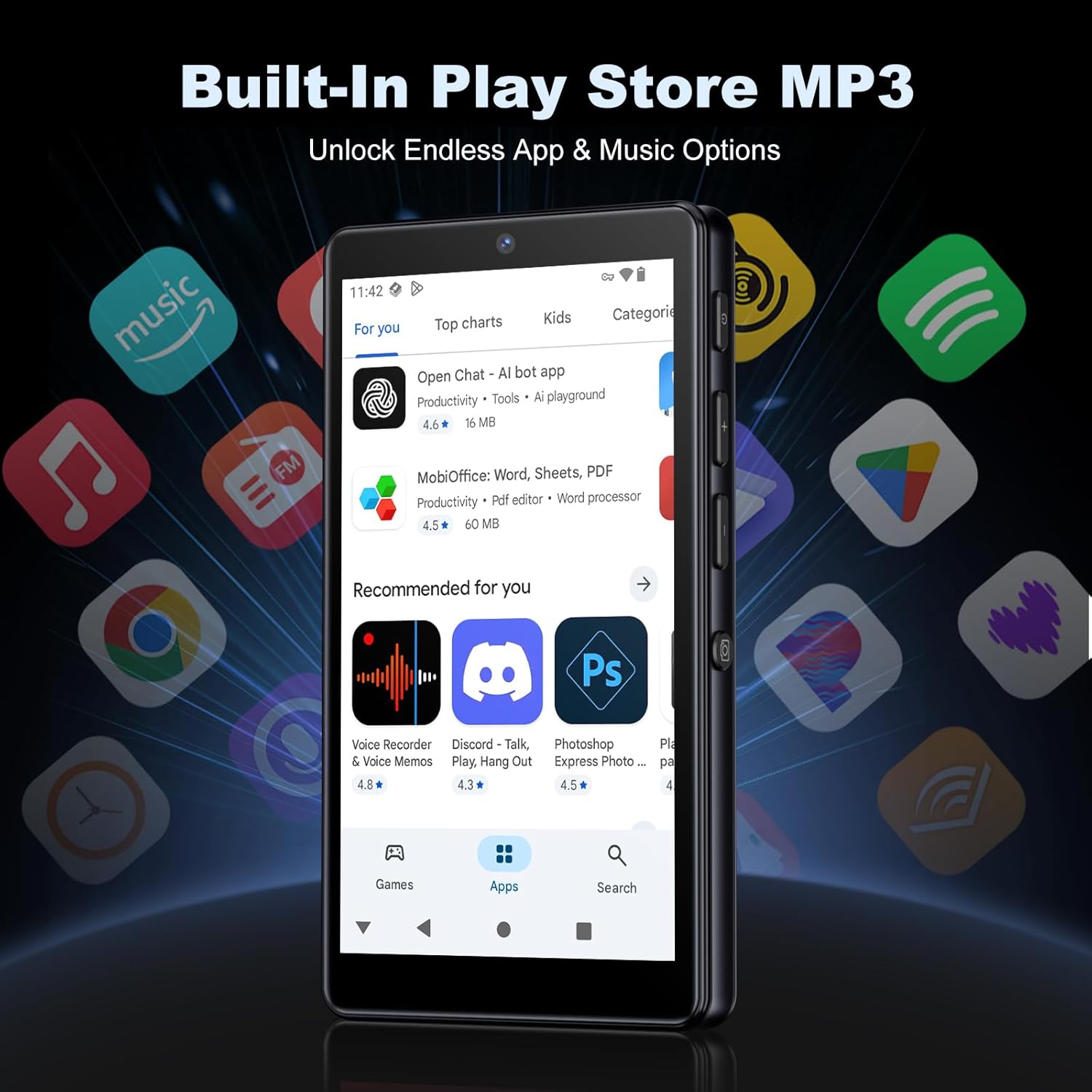
Image: The Google Play Store interface on the device.
- Инсталирање апликација: Open the Play Store app, search for your desired application, and tap 'Install'.
- Деинсталирање апликација: Go to Settings > Apps, select the app, and tap 'Uninstall'.
3. Одржавање
3.1 Чишћење
To clean the device, use a soft, dry, lint-free cloth. Avoid using abrasive cleaners, solvents, or aerosol sprays, which may damage the screen or finish.
3.2 Одржавање батерије
- Избегавајте излагање уређаја екстремним температурама.
- Не дозволите да се батерија често потпуно празни.
- За пуњење користите само приложени УСБ кабл.
3.3 Ажурирања софтвера
Periodically check for software updates to ensure your device has the latest features and security patches. Go to Settings > System > System update.
КСНУМКС. Решавање проблема
4.1 Уређај се не укључује
- Уверите се да је батерија напуњена. Повежите уређај са пуњачем најмање 30 минута.
- Try a forced restart by holding the power button for 10-15 seconds.
4.2 Проблеми са повезивањем (Wi-Fi/Bluetooth)
- Ви-Фи: Check if the Wi-Fi network is active and you have entered the correct password. Try restarting your router.
- Блуетоотх: Ensure the device you are trying to connect to is in pairing mode and within range. Try turning Bluetooth off and on again on both devices.
4.3 Рушење или замрзавање апликација
- Затворите и поново отворите апликацију.
- Clear the app's cache: Settings > Apps > [App Name] > Storage & cache > Clear cache.
- Ако проблем и даље постоји, покушајте да деинсталирате и поново инсталирате апликацију.
4.4 Лош квалитет звука
- Check your earphones or Bluetooth speaker connection.
- Осигурајте звук file није покварен.
- Adjust the equalizer settings in your music player.
5. Спецификације
| Феатуре | Детаљ |
|---|---|
| Бранд | Оилски |
| Број модела | М305 |
| Оперативни систем | Андроид 13.0 |
| Процесор | MTK 8-core |
| РАМ | 4ГБ |
| Интерна меморија (РОМ) | 32ГБ |
| Ектернал Стораге | 128GB TF Card included, expandable up to 1TB |
| Величина екрана | 4.02 инча ХД екран осетљив на додир |
| Задња камера | 13МП |
| Предња камера | 5МП |
| Блуетоотх | Блуетоотх 5.0 |
| Ви-Фи | Двопојасни Wi-Fi |
| Капацитет батерије | 2000mAh литијум-полимер |
| Време репродукције музике | До 15 сати |
| Време репродукције видео записа | До 6 сати |
| Време пуњења | Прибл. 3 сата |
| Подржани аудио формати | MP3, WAV, APE, FLAC, AAC, etc. |
| Подржани видео формати | AVI, MKV, MP4, MPG, MOV, etc. |
| Подржани формати слика | JPEG, BMP, GIF, PNG, etc. |
6. Информације о гаранцији
The Oilsky M305 MP3 Player comes with a manufacturer's warranty. Please refer to the warranty card included in your package or contact Oilsky customer support for specific terms and conditions. Keep your proof of purchase for warranty claims.
7. Корисничка подршка
If you encounter any issues not covered in this manual or require further assistance, please contact Oilsky customer support. Contact details can typically be found on the official Oilsky webсајту или на гарантном листу.