
Увод
This manual provides detailed instructions for the operation and maintenance of your SWOFY M4 MP3 Player. Please read this manual thoroughly before using the device to ensure proper functionality and to maximize your user experience. The SWOFY M4 is a portable digital music player featuring Bluetooth 5.4 connectivity, a 2.4-inch touchscreen, and a range of multimedia functions.
Садржај пакета
Проверите да ли се у вашем пакету налазе све ставке наведене у наставку:
- SWOFY M4 MP3 Player (128GB)
- УСБ Типе-Ц кабл
- Жичане слушалице
- Упутство за употребу
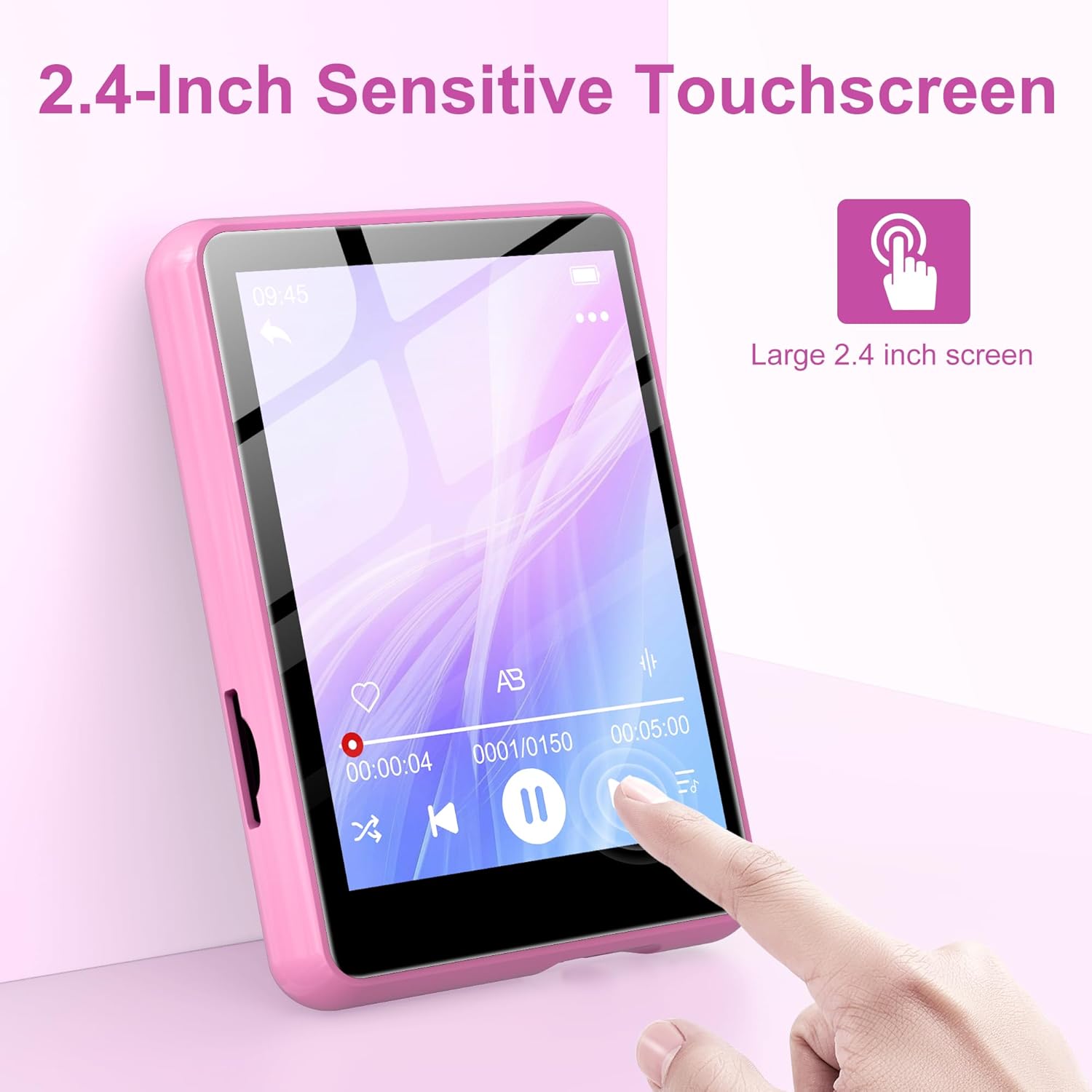
Image: Contents of the SWOFY M4 MP3 Player package, showing the device, USB Type-C cable, wired headphones, and user manual.
Производ је завршенview
The SWOFY M4 MP3 Player features a compact design with a 2.4-inch sensitive touchscreen and physical buttons for navigation and control.

Слика: Фронт view of the SWOFY M4 MP3 Player, highlighting the 2.4-inch touchscreen interface.
Кључне карактеристике:
- Приказ: 2.4-инчни ЛЦД екран осетљив на додир
- Складиштење: 128GB internal, expandable via Micro SD card (up to 512GB)
- Повезивање: Bluetooth 5.4, USB 2.0
- Аудио формати: МП3, ОГГ, ФЛАЦ, ААЦ, ВМА, ВАВ, АПЕ
- Функције: Music Player, FM Radio, Voice Recorder, E-book Reader, Video Player, Alarm Clock, Built-in HD Speaker
- Трајање батерије: Up to 50 hours of music playback (with headphones)
- Време пуњења: Приближно 2 сата за потпуно пуњење

Image: The SWOFY M4 MP3 Player's main menu screen, showing icons for various functions such as Music, FM Radio, Bluetooth, E-book, and Video.
Сетуп
1. Пуњење уређаја
Before initial use, fully charge the MP3 player. Connect the provided USB Type-C cable to the player's charging port and the other end to a USB power adapter (not included) or a computer's USB port. The device will indicate charging status on the screen. A full charge takes approximately 2 hours.
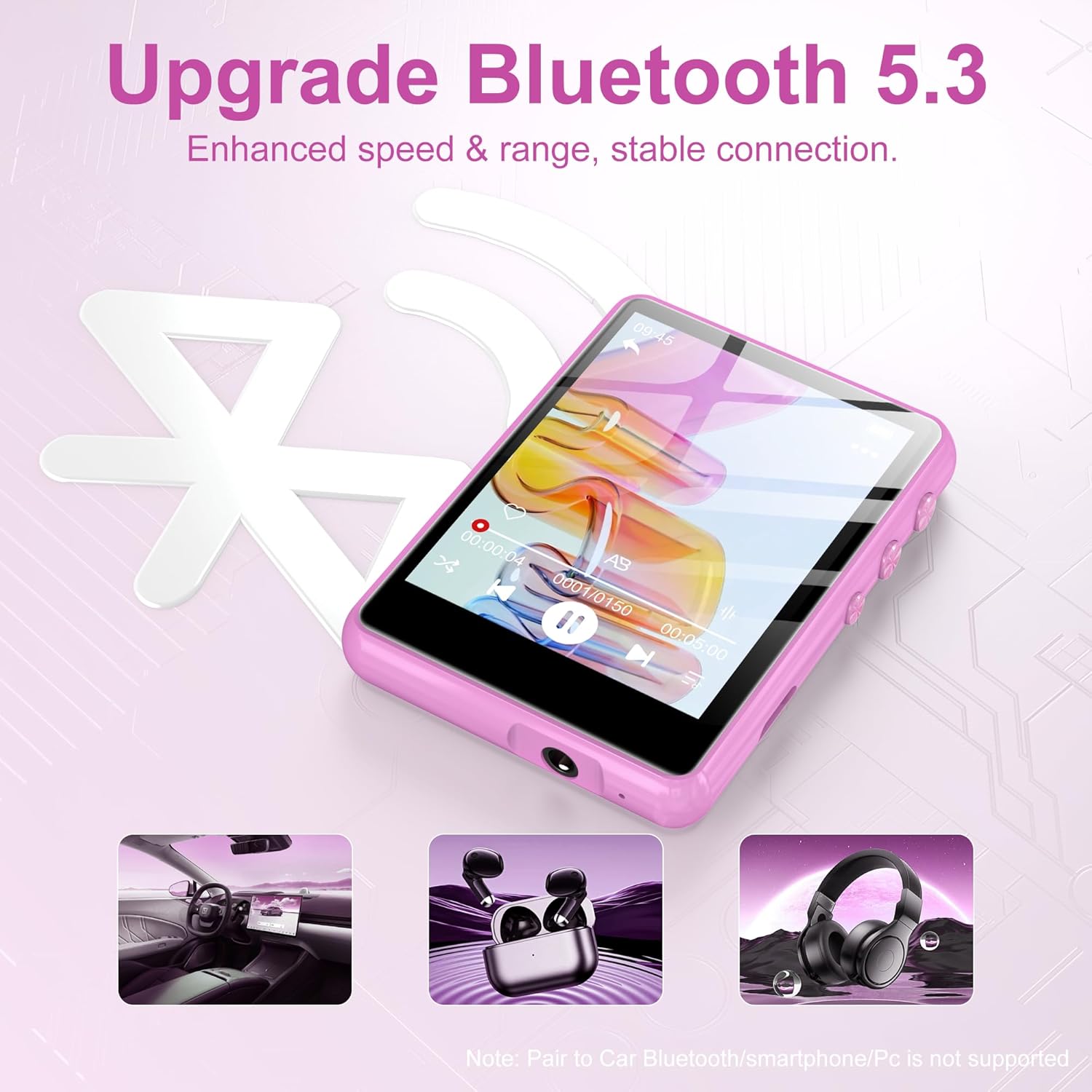
Image: The SWOFY M4 MP3 Player displaying battery information, indicating a 2-hour charging time for extended usage.
2. Преношење Files (Music, Videos, E-books)
За пренос files from your computer to the MP3 player:
- Connect the MP3 player to your computer using the USB Type-C cable.
- Плејер ће се појавити као преносиви диск на вашем рачунару.
- Drag and drop your desired music, video, or e-book files into the appropriate folders on the player (e.g., "Music," "Video," "Ebook").
- Safely eject the removable disk from your computer before disconnecting the cable.
The device has 128GB of internal storage and supports Micro SD cards for expansion up to 512GB. Insert a Micro SD card into the designated slot to expand storage capacity.

Image: The SWOFY M4 MP3 Player highlighting its 128GB high capacity, expandable up to 512GB, for storing thousands of songs.
Упутство за употребу
1. Укључивање/искључивање
- За укључивање: Притисните и држите дугме за напајање које се налази са стране уређаја док се екран не осветли.
- За искључивање: Притисните и држите дугме за напајање док се на екрану не појави опција за искључивање, а затим потврдите.
2. Основна навигација
The SWOFY M4 features a 2.4-inch sensitive touchscreen for navigation. Tap icons to select functions and swipe to scroll through lists or pages. Physical buttons on the side provide additional control for volume and playback.

Image: A finger interacting with the 2.4-inch sensitive touchscreen of the SWOFY M4 MP3 Player, demonstrating its touch interface.
3. Репродукција музике
- From the main menu, tap the "Music" icon.
- Browse your music by artist, album, genre, or all songs.
- Tap a song to begin playback.
- Use the on-screen controls or physical buttons for play/pause, skip tracks, and volume adjustment.
The player supports HiFi lossless sound quality for formats like MP3, OGG, FLAC, AAC, WMA, WAV, and APE.

Image: A visual representation of enjoying music with HiFi lossless sound quality, listing supported audio formats.
4. Блуетоотх повезивање
The SWOFY M4 features Bluetooth 5.4 for connecting to compatible devices such as Bluetooth headphones or speakers.
- From the main menu, tap the "Bluetooth" icon.
- Укључите Блуетоотх.
- Ensure your Bluetooth device (headphones/speaker) is in pairing mode.
- Изаберите свој уређај са листе доступних уређаја за упаривање.
Напомена: The player does not support pairing with car Bluetooth systems, smartphones, or PCs for audio output.
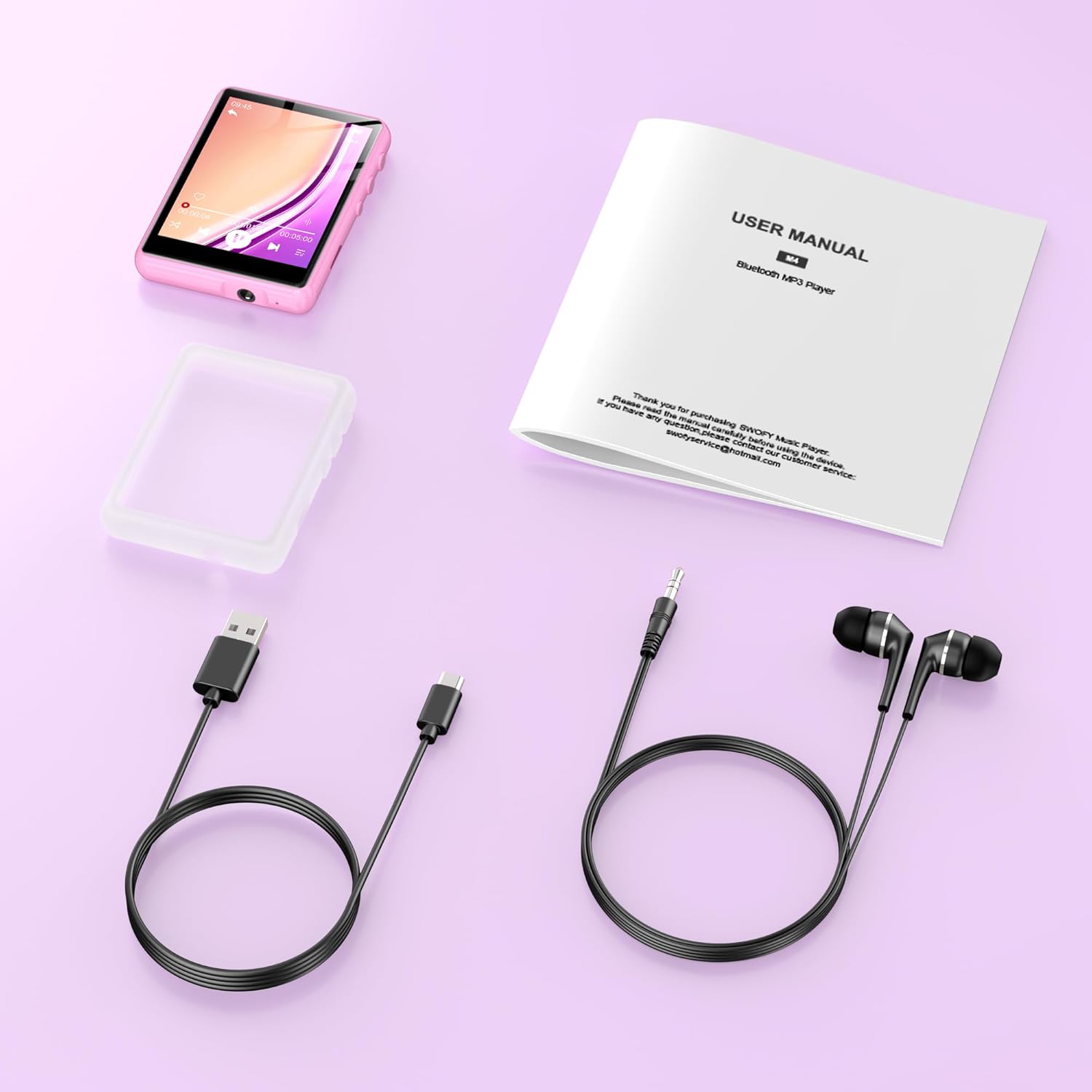
Image: The SWOFY M4 MP3 Player demonstrating its Bluetooth 5.4 connectivity for enhanced speed and stable connection with headphones and speakers.
5. ФМ радио
- Connect wired headphones to the player; they act as the antenna.
- From the main menu, tap the "FM Radio" icon.
- Use the auto-scan function to find available stations or manually tune to a frequency.
6. Диктафон
- From the main menu, tap the "Recording" icon.
- Tap the record button to start recording.
- Tap the stop button to end and save the recording.
7. E-book Reader
- From the main menu, tap the "Ebook" icon.
- Select an e-book file да отворим и прочитам.
8. Видео репродукција
- From the main menu, tap the "Video" icon.
- Изаберите видео file to play. Ensure video files are in compatible formats for optimal playback.
9. Подешавања
Access the "Settings" menu to adjust various device parameters, including:
- Језик
- Датум и време
- Дисплаи Бригхтнесс
- Подешавања еквилајзера
- Информације о систему
Одржавање
- Држите уређај сувим. Избегавајте излагање влази или течностима.
- Очистите екран и кућиште меком, сувом крпом. Не користите абразивна средства за чишћење.
- Избегавајте екстремне температуре. Не излажите уређај директној сунчевој светлости или веома хладним условима.
- Пажљиво рукујте. Избегавајте испуштање или излагање уређаја јаким ударцима.
- Regularly back up important data to a computer to prevent loss.
Решавање проблема
| Проблем | Могуће решење |
|---|---|
| Уређај се не укључује. | Уверите се да је уређај потпуно напуњен. Прикључите га на извор напајања и покушајте поново. |
| Није могуће пренети files. | Check the USB cable connection. Ensure the device is recognized by the computer. Try a different USB port or cable. |
| Блутут уређај се не упарује. | Ensure Bluetooth is enabled on both the MP3 player and the target device. Place devices close to each other and ensure the target device is in pairing mode. Note that the player does not pair with phones or PCs for audio output. |
| Нема звука са ФМ радија. | Ensure wired headphones are connected, as they serve as the antenna. Check volume levels. |
| Екран осетљив на додир не реагује или је нетачан. | Restart the device. Ensure the screen is clean and dry. If the issue persists, contact customer support. |
Спецификације
| Феатуре | Детаљ |
|---|---|
| Модел | M4 |
| Дисплаи | 2.4-инчни ЛЦД екран осетљив на додир |
| Интерна меморија | 128 ГБ |
| Екпандабле Стораге | Мицро СД картица до 512 ГБ |
| Блуетоотх верзија | 5.4 |
| УСБ интерфејс | УСБ 2.0 (тип-Ц) |
| Подржани аудио формати | МП3, ОГГ, ФЛАЦ, ААЦ, ВМА, ВАВ, АПЕ |
| Трајање батерије (репродукција музике) | Up to 50 hours (with headphones) |
| Време пуњења | Прибл. 2 сата |
| Посебне карактеристике | Built-in Speaker, FM Radio, Voice Recorder, E-book Reader, Video Playback, Equalizer |
| Компатибилни уређаји | Bluetooth Headphones, Personal Computer, Bluetooth Speakers |
| Произвођач | СВОФИ |
| ГТИН/УПЦ | 762786808415 |
Гаранција и подршка
The SWOFY M4 MP3 Player comes with a warranty of up to 24 months from the date of purchase. If you encounter any issues or require assistance, please contact SWOFY customer support. Refer to the contact information provided in your product packaging or on the official SWOFY webсајт за детаље подршке.
For further assistance, please visit our support page or contact us directly via support@swofy.com.