
1. Увод
This manual provides essential information for the proper setup, operation, and maintenance of your UPERFECT 18.5" NxtLED Portable Monitor. Please read this manual thoroughly before using the device to ensure optimal performance and longevity.
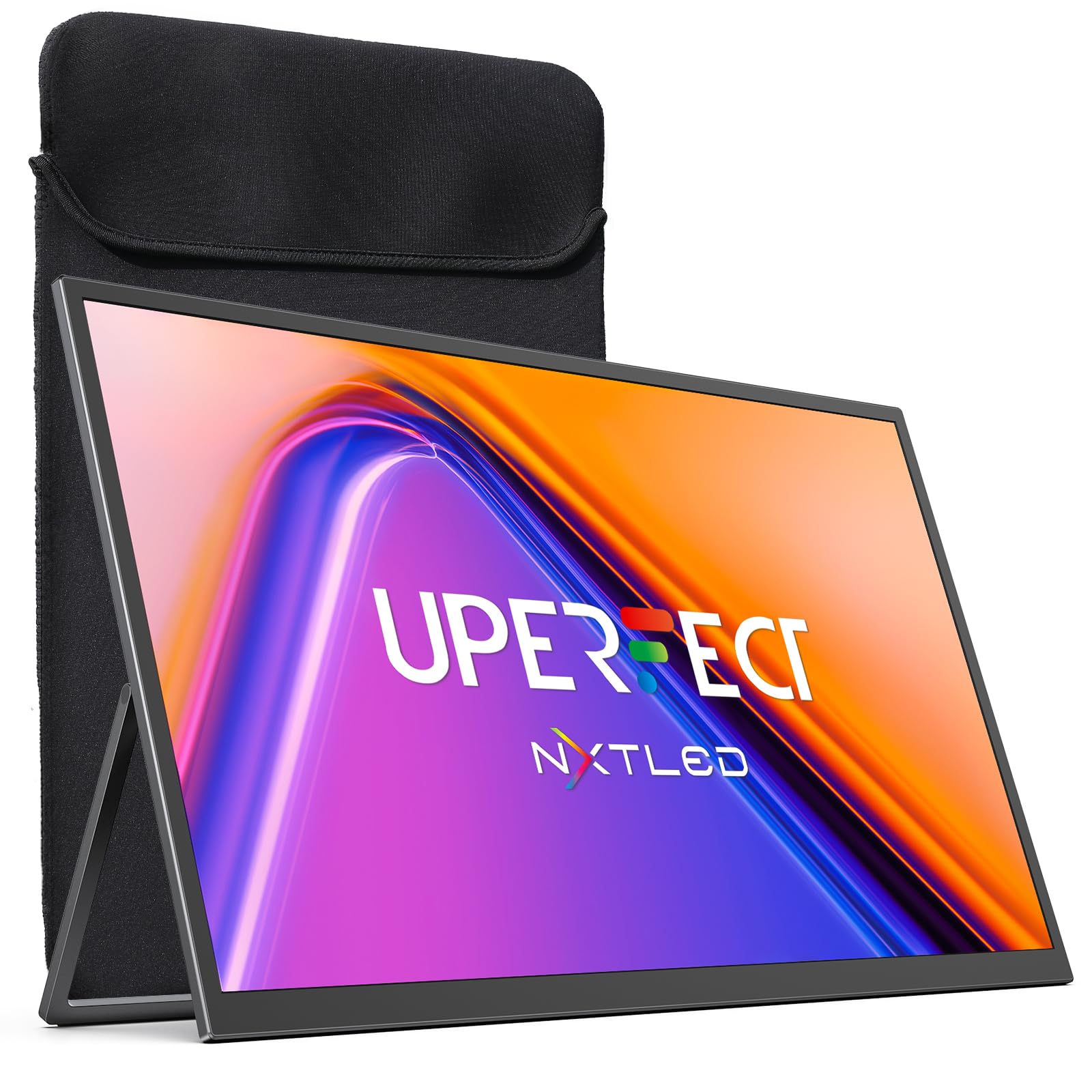
Figure 1: UPERFECT 18.5" NxtLED Portable Monitor
2. What is NxtLED™?
NxtLED™ is UPERFECT’s proprietary display system designed to optimize light at its source. It integrates several advanced technologies to deliver a superior visual experience:
- Omni Visible Visibility: Ensures clear and consistent visuals across different lighting conditions and viewинг углова.
- Color-True Accuracy: Provides precise and vibrant color reproduction.
- Neutral White Calibration: Maintains a balanced white point for natural colors.
- Low Blue Light Control: Reduces harmful blue light emissions for enhanced visual comfort.
- Flicker-Free DC Dimming: Eliminates screen flicker for stable and comfortable viewње, чак и током дуже употребе.
This technology aims to achieve near OLED-level color performance with enhanced visual comfort, making it ideal for creative work, entertainment, and extended use.

Figure 2: Diagram illustrating NxtLED™ display technology layers.
3. Подешавање
3.1. Садржај пакета
Проверите да ли су све ставке присутне у пакету:
- UPERFECT 18.5" NxtLED Portable Monitor
- USB-C to USB-C Cable (for power and display)
- Mini HDMI to HDMI Cable (for display)
- Повер Адаптер
- Заштитни рукав
- ВЕСА завртњи за монтажу
- Кориснички приручник (овај документ)
3.2. Физичко подешавање
The monitor features a built-in kickstand for flexible positioning. Simply extend the stand from the back of the monitor to achieve your desired viewing angle. For alternative mounting options, the monitor is VESA mountable (75x75mm design).
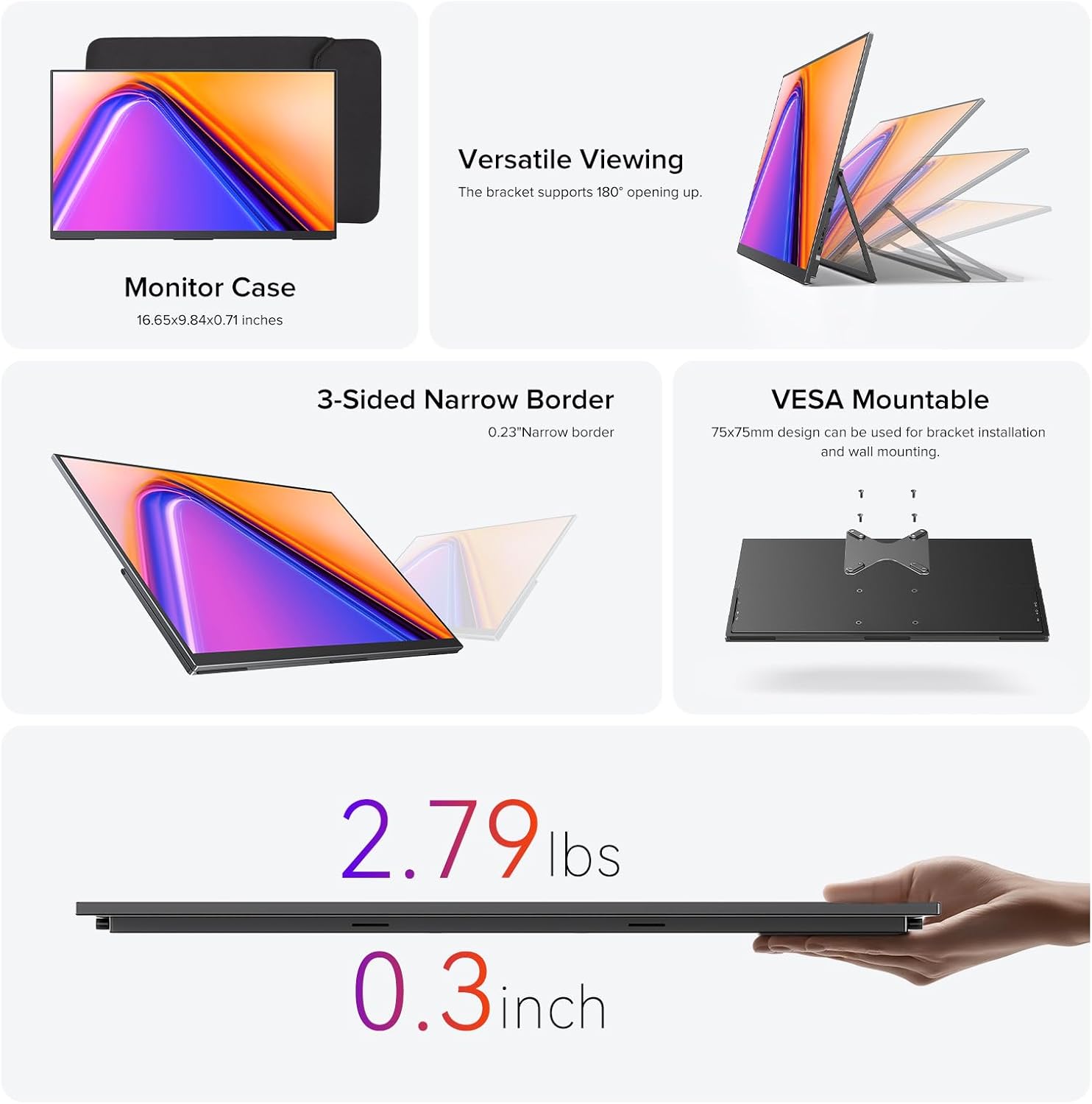
Figure 3: Monitor utilizing its built-in stand.
3.3. Повезивање са уређајима
The monitor offers versatile connectivity options:
- УСБ типа Ц: Use the provided USB-C to USB-C cable for a single-cable solution for both power and video transmission with compatible devices (e.g., laptops, smartphones with DisplayPort Alternate Mode).
- Мини ХДМИ: Connect to devices like PCs, game consoles, or other HDMI-enabled devices using the Mini HDMI to HDMI cable. An additional USB-C cable may be required for power.
- Снага: If using Mini HDMI or if your USB-C device does not provide sufficient power, connect the monitor to the power adapter using a USB-C cable.
Ensure cables are securely connected to the correct ports on both the monitor and your source device.
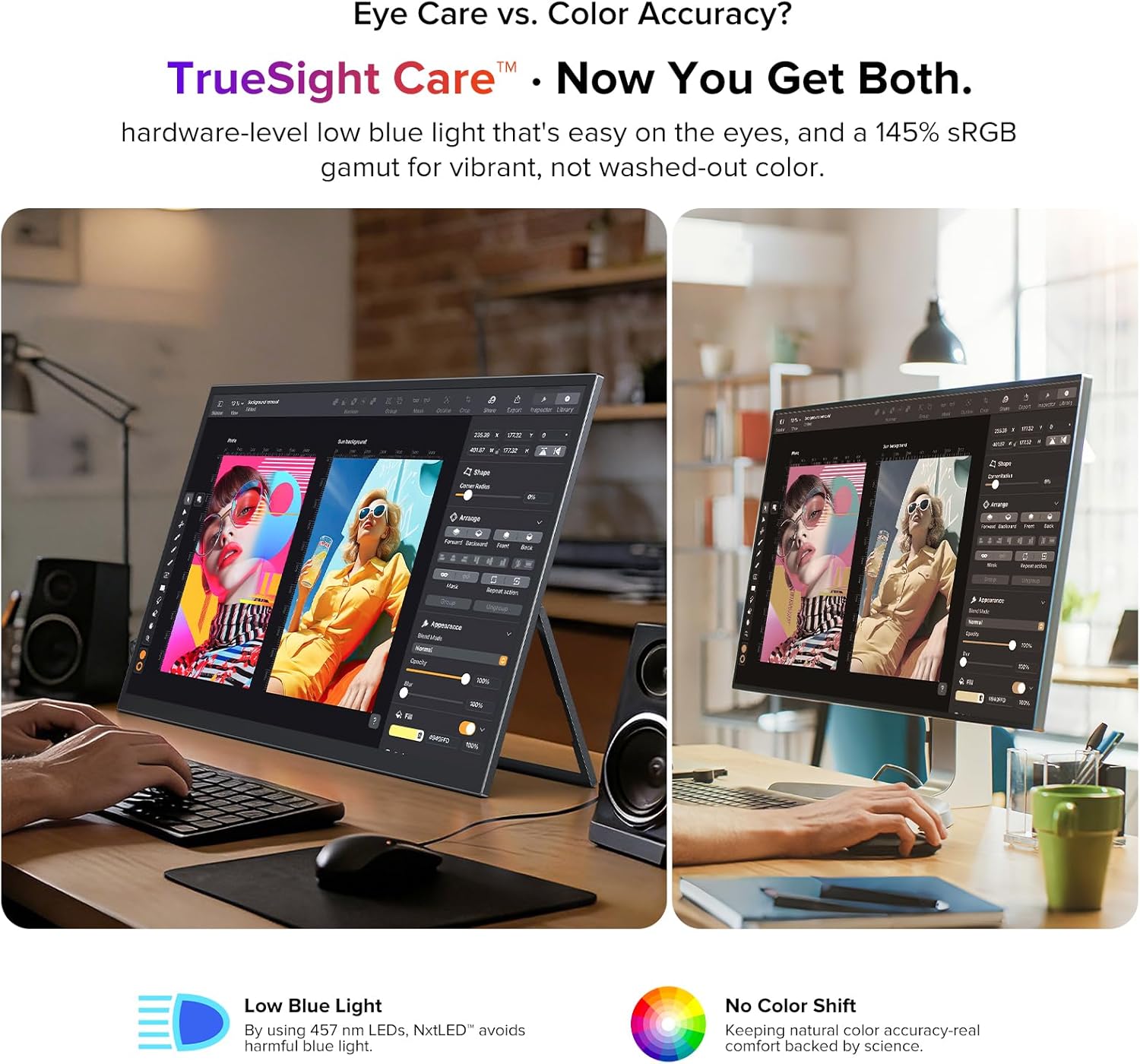
Figure 4: Monitor connected to a laptop for extended display.
4. Упутство за употребу
4.1. Укључивање/искључивање
Locate the power button on the side of the monitor. Press and hold for a few seconds to power on or off. A short press may activate or deactivate the display.
4.2. Он-Сцреен Дисплаи (ОСД) мени
The monitor features a scroll button and a return button for navigating the OSD menu. Use the scroll button to move through options and adjust values, and the return button to go back or confirm selections.
4.3. Подешавања екрана
У оквиру OSD менија можете подесити различита подешавања екрана:
- Осветљеност/контраст: Подесите нивое осветљености и контраста екрана.
- Температура боје: Select from preset color temperatures or customize.
- Режим слике: Choose from various modes optimized for different content (e.g., Standard, Game, Movie, Text).
- Размера: Select between 16:9 or other available aspect ratios.
- Извор уноса: Manually select the input source (USB-C, Mini HDMI).
- Eye Care Features: Activate or adjust Low Blue Light and Flicker-Free settings for reduced eye strain.
4.4. Аудио излаз
The monitor includes a 3.5mm audio jack for connecting headphones or external speakers. Audio output can also be controlled via the OSD menu.
5. Кључне карактеристике
5.1. Eye Care Display
The NxtLED™ display incorporates Omni Visible technology, DC dimming, and low blue light control to minimize eye fatigue. It provides soft, evenly balanced light and a neutral white color temperature, ensuring comfortable viewтоком дуже употребе.

Figure 5: Display with features for reduced eye strain.
5.2. Color Accuracy
With 145% sRGB color gamut and TrueSight Care, the monitor delivers vivid and accurate colors. It maintains precise color reproduction across various environments, preventing color washout or tonal shifts.

Figure 6: Monitor demonstrating color accuracy and low blue light.
5.3. Anti-Glare Matte Screen
The advanced anti-glare matte display, powered by NxtLED Omni Visible technology, significantly reduces reflections. This diffuse reflection layer transforms direct light into soft, balanced visibility, improving clarity in bright environments, including outdoor settings.

Figure 7: Monitor used in a bright environment, showcasing glare reduction.
5.4. 178° Wide Viewинг Англе
Optical Matrix light distribution ensures a true 178° ultra-wide viewing angle. This means images remain bright, color-accurate, and distortion-free from almost any position, facilitating shared viewинг искуства.

Слика 8: Вишеструко viewers enjoying a clear picture from various angles.
5.5. High Performance
The monitor features a 120Hz refresh rate, 1ms response time, and FreeSync support, providing smooth visuals for gaming and fast-paced content. It also supports HDR for enhanced dynamic range.

Figure 9: Visual representation of the monitor's high-performance features.
5.6. Portability and Design
Weighing 2.2 pounds and with a thickness of 0.3 inches, this monitor is designed for portability. It features a 3-sided narrow border for an immersive viewing experience and is VESA mountable for flexible setup options.

Figure 10: Design elements highlighting portability and mounting options.
6. Одржавање
6.1. Чишћење екрана
Да бисте очистили екран, нежно га обришите меком крпом која не оставља влакна. За тврдокорне мрље, лагано дampen the cloth with water or a screen-safe cleaning solution. Avoid using harsh chemicals, abrasive materials, or spraying liquid directly onto the screen.
6.2. Општа нега
- Избегавајте постављање тешких предмета на монитор.
- Држите монитор даље од директне сунчеве светлости, извора топлоте и прекомерне влаге.
- When transporting, use the provided protective sleeve to prevent scratches and damage.
КСНУМКС. Решавање проблема
7.1. No Display/Signal
- Уверите се да је монитор укључен и да је индикаторска лампица напајања активна.
- Check all cable connections (USB-C, Mini HDMI) between the monitor and the source device. Ensure they are secure.
- Проверите да ли је у OSD менију изабран исправан улазни извор.
- If using Mini HDMI, ensure the monitor is receiving adequate power from the power adapter.
- Test with a different cable or source device if possible to rule out faulty components.
7.2. Flickering Screen
- Уверите се да је напајање стабилно.
- Проверите кабловске спојеве да ли су лабави или оштећени.
- Adjust the refresh rate settings on your source device.
- Verify that Flicker-Free DC Dimming is enabled in the OSD menu.
7.3. No Audio
- Проверите подешавања јачине звука и на монитору (преко OSD-а) и на изворном уређају.
- Ensure headphones or external speakers are properly connected to the 3.5mm audio jack.
- Verify that the audio output is correctly configured on your source device.
8. Спецификације
| Феатуре | Спецификација |
|---|---|
| Бранд | УПЕРФЕЦТ |
| Број модела | NxtLED One Plus |
| Величина екрана | 18.5 инча |
| Резолуција | FHD 1080p (1920x1080 Pixels) |
| Рефресх Рате | 120 Хз |
| Време одговора | 1 милисекунди |
| Дисплаи Типе | NxtLED |
| Аспецт Ратио | 16:9 |
| Screen Finish | Matte (Anti-Glare) |
| Однос контраста | 2000:1 |
| Осветљеност | 600 Лук |
| Гамут боја | 145% сРГБ |
| Viewинг Англе | 178 степени |
| Повезивање | 2x USB Type-C, 1x Mini HDMI, 1x 3.5mm Audio Jack |
| Додатне карактеристике | Anti Glare Screen, Blue Light Filter, Eye Care, Flicker-Free, FreeSync |
| Тежина артикла | 2.2 фунти |
| Потрошња енергије | 15 Ваттс |
9. Гаранција и подршка
9.1. Информације о гаранцији
The UPERFECT 18.5" NxtLED Portable Monitor comes with a 2-годишња гаранција од датума куповине. Ова гаранција покрива производне недостатке и кварове при нормалној употреби. Молимо вас да сачувате доказ о куповини за потребе подношења захтева за гаранцију.
9.2. Корисничка подршка
For technical assistance, troubleshooting, or warranty inquiries, please visit the official UPERFECT website or contact their customer support team. Refer to the contact information provided on the product packaging or the official brand store for the most up-to-date support details.
Можете посетити UPERFECT Store on Amazon за више информација и ресурса.