
1. Увод
This manual provides detailed instructions for the setup, operation, and maintenance of your HPRT iDPRT MT890 Portable Wireless Thermal Printer. Please read this manual thoroughly before using the printer to ensure proper function and longevity of the device.
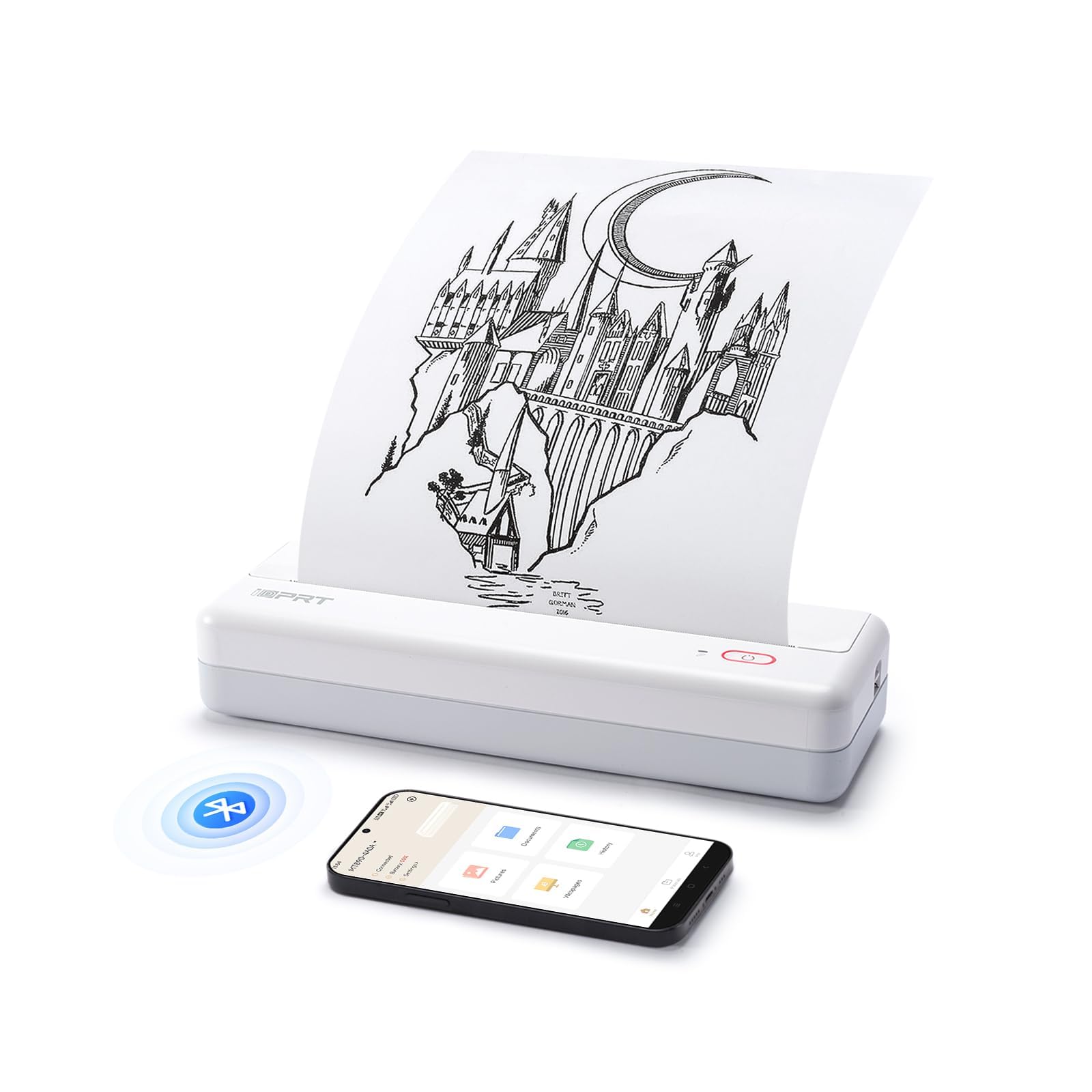
Image: The HPRT iDPRT MT890 Portable Wireless Printer shown in a professional meeting environment, highlighting its compact size and suitability for various scenarios.
2. Производ је готовview
2.1 Кључне карактеристике
- Напредна технологија без мастила: Utilizes thermal printing, eliminating the need for ink cartridges. Achieves high-speed printing, completing an A4 page in 5-8 seconds.
- Иновативни дизајн уграђеног папира у ролни: Supports thermal roll paper, allowing printing on various lengths as needed. Includes a serrated tearing knife for easy paper detachment.
- Свестрано повезивање: Compatible with Laptop (Mac, Windows, Linux, Chrome OS) via USB and mobile phones (iOS, Android) via Bluetooth.
- "HerePrint" Mobile Application: A free application offering extensive functions for a creative printing experience on mobile devices.
- Компактан и преносив: Measuring 12.4 x 4.8 x 2.7 inches, this lightweight printer is designed for portability, fitting easily into briefcases, backpacks, or suitcases.

Image: An illustration highlighting the key features of the MT890 printer: Bluetooth/USB connectivity, inkless thermal printing, a 2500mAh battery capacity, and its lightweight design.
2.2 Шта је у кутији
Пакет укључује:
- HPRT iDPRT MT890 Portable Wireless Thermal Printer
- Упутство за употребу (овај документ)
- USB кабл (за пуњење и жичану везу)
- Thermal A4 Paper Roll (for initial use)
3. Подешавање
3.1 Пуњење штампача
Before initial use, fully charge the printer. Connect the provided USB cable to the printer's charging port and a compatible USB power adapter (not included) or computer USB port. The charging indicator light will show the charging status.

Image: The MT890 printer connected to a wall adapter via its USB cable, indicating the charging process.
3.2 Убацивање термалног папира
- Отворите поклопац одељка за папир.
- Insert the thermal paper roll into the compartment, ensuring the printable side faces the print head.
- Pull a small amount of paper out of the compartment.
- Чврсто затворите поклопац одељка за папир.
Note: Only use thermal paper. Regular A4 paper is not compatible with this printer. The printer supports various thermal paper sizes including US Letter, A4, and A5, as well as continuous roll paper.
Image: The MT890 printer with thermal paper being loaded, illustrating the support for multiple paper sizes like 8.5 inches (216mm), 8 inches (210mm), and 4 inches (110mm).
3.3 Инсталација софтвера и драјвера
3.3.1 For Desktop Computers (Windows, Mac, Linux, Chrome OS)
To print from a desktop computer, you need to install the appropriate driver:
- Повежите штампач са рачунаром помоћу приложеног УСБ кабла.
- Visit the official iDPRT driver download page: https://www.idprt.com/Driver/
- Download and install the driver corresponding to your operating system.
- Пратите упутства на екрану да бисте довршили инсталацију.
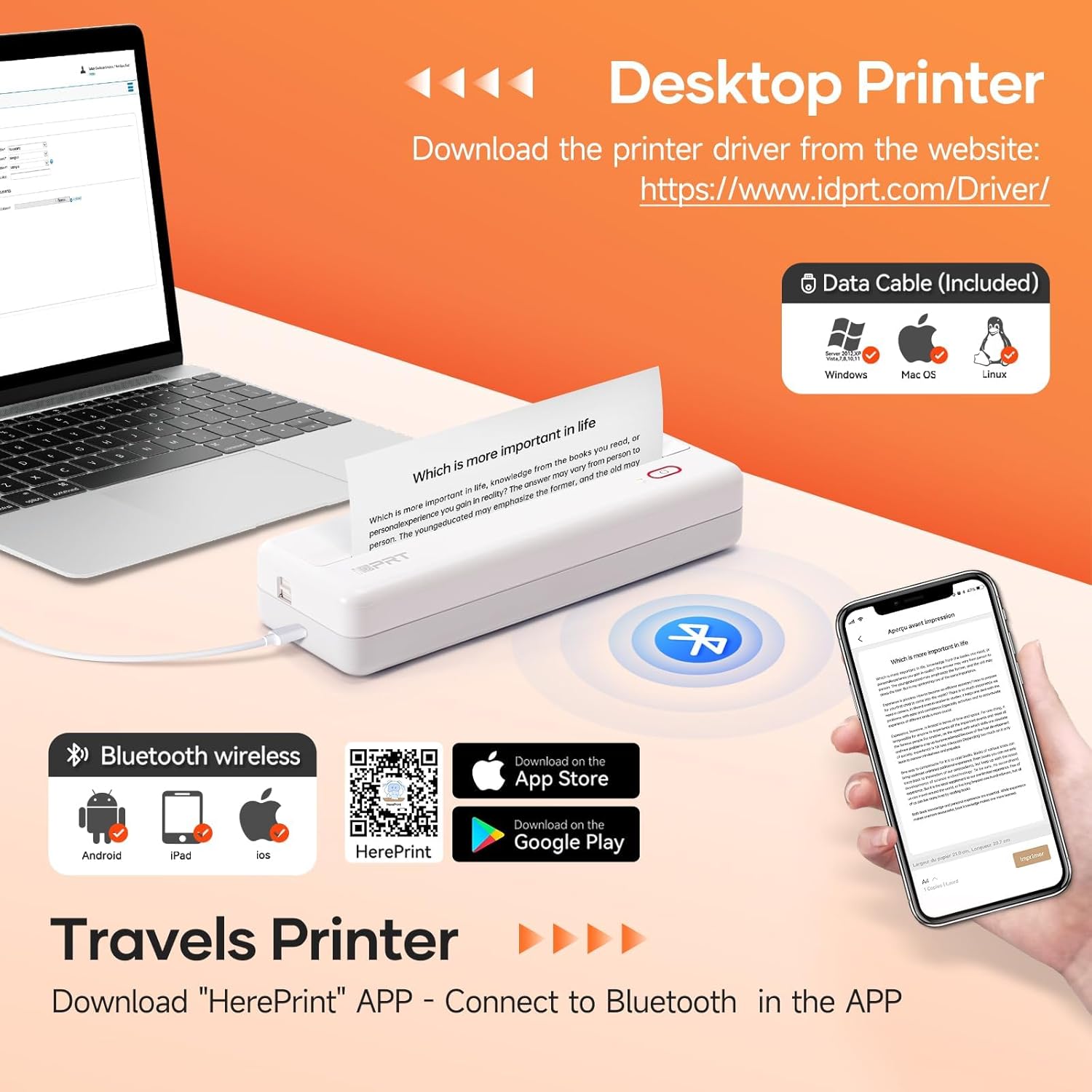
Image: The MT890 printer connected to a laptop, with an overlay indicating the driver download website for Windows, Mac OS, and Linux.
3.3.2 For Mobile Devices (iOS, Android)
To print from your smartphone or tablet, download the "HerePrint" application:
- Scan the QR code provided in the product packaging or search for "HerePrint" in your device's app store (Apple App Store for iOS, Google Play Store for Android).
- Alternatively, visit the app download link: https://hereprint.hprt.com/app/hereprint
- Install the "HerePrint" application on your mobile device.
Image: The MT890 printer with a smartphone displaying the "HerePrint" app interface, alongside QR codes and app store icons for downloading the application on Android and iOS devices.
3.4 Connecting to the Printer
3.4.1 USB Connection (for Desktop)
After installing the driver, connect the printer to your computer using the USB cable. The computer should recognize the printer automatically.
3.4.2 Bluetooth Connection (for Mobile Devices)
- Уверите се да је Блуетоотх омогућен на вашем мобилном уређају.
- Turn on the HPRT MT890 printer.
- Open the "HerePrint" application.
- Within the app, navigate to the device connection settings and select your MT890 printer from the list of available Bluetooth devices.
- Follow any on-screen prompts to pair the devices.

Image: A man working on a laptop, wirelessly printing a document to the compact HPRT MT890 printer placed on a table, demonstrating wireless connectivity and instant printing.
4. Упутство за употребу
4.1 Штампање са рачунара
- Ensure the printer is powered on and connected via USB.
- Отворите документ или слику коју желите да одштампате на рачунару.
- Изаберите „Штампај“ из менија апликације (нпр. File > Штампа).
- Choose "HPRT MT890" as your printer.
- Adjust print settings (e.g., paper size, orientation) as needed.
- Кликните на „Штампај“ да бисте започели процес штампања.

Image: A woman at an office desk, focused on her laptop, with the MT890 printer beside her, illustrating its use for business document printing.
4.2 Printing from a Mobile Device
- Ensure the printer is powered on and connected via Bluetooth to your mobile device through the "HerePrint" app.
- Open the "HerePrint" application.
- Select the document, image, or content you wish to print within the app.
- Adjust print settings as available in the app.
- Tap "Print" to initiate printing.
5. Одржавање
5.1 Чишћење главе за штампање
To maintain print quality, periodically clean the print head. Use a soft, lint-free cloth lightly dampened with isopropyl alcohol. Gently wipe the print head surface. Ensure the printer is turned off and cooled down before cleaning.
5.2 Општа нега
- Keep the printer away from dust, direct sunlight, and extreme temperatures.
- Избегавајте испуштање или излагање штампача јаким ударцима.
- Use only recommended thermal paper. Using incorrect paper types can damage the print head.
- When not in use for extended periods, store the printer in a dry, cool place.
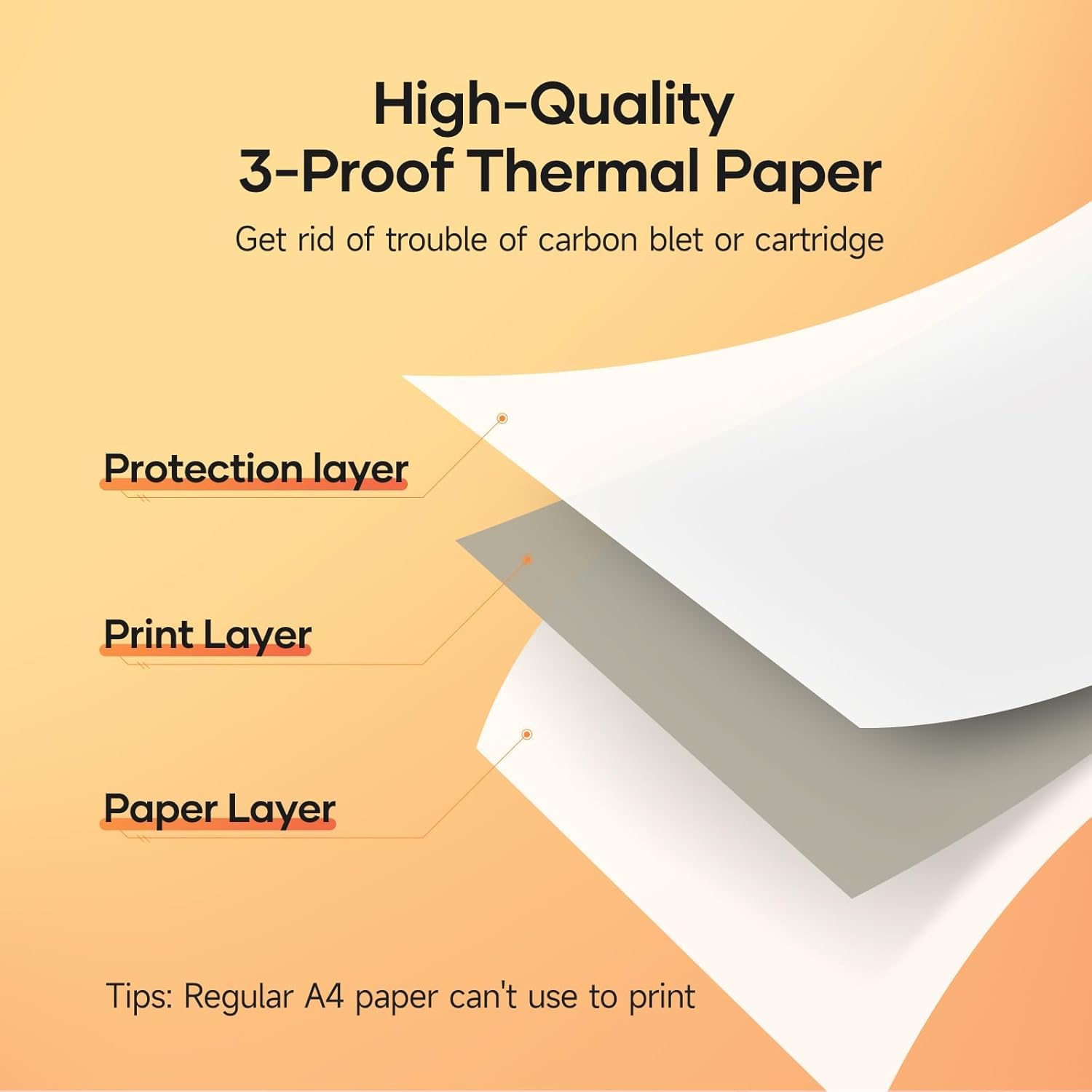
Image: A diagram illustrating the layered structure of high-quality 3-proof thermal paper, consisting of a protection layer, print layer, and paper layer. A note indicates that regular A4 paper cannot be used.
КСНУМКС. Решавање проблема
6.1 Printer Not Turning On
- Ensure the printer is fully charged. Connect it to a power source and wait for the charging indicator.
- Притисните и држите дугме за напајање неколико секунди.
6.2 No Print Output / Blank Pages
- Check if thermal paper is loaded correctly and the printable side is facing the print head.
- Ensure you are using thermal paper, not regular paper.
- Verify the printer is connected and recognized by your device.
6.3 Лош квалитет штампе
- Очистите главу за штампање као што је описано у одељку Одржавање.
- Ensure the thermal paper is of good quality and not expired or damaged.
- Check print settings in your application for density or darkness adjustments.
6.4 Cannot Connect via Bluetooth
- Ensure the printer is powered on and within range of your mobile device.
- Проверите да ли је Bluetooth омогућен на вашем мобилном уређају.
- Поново покрените и штампач и мобилни уређај.
- Forget the device in your phone's Bluetooth settings and try pairing again through the "HerePrint" app.
6.5 Driver Installation Issues
- Ensure you downloaded the correct driver for your operating system from the official iDPRT webсајту.
- Temporarily disable antivirus or firewall software during installation if issues persist.
- Try connecting the printer to a different USB port or computer.
7. Спецификације
| Феатуре | Детаљ |
|---|---|
| Бранд | ХПРТ |
| Назив модела | МТ890 |
| Технологија повезивања | Блуетоотх, УСБ |
| Технологија штампе | Тхермал |
| Посебна карактеристика | Portable, Inkless |
| Излаз штампача | Моноцхроме |
| Максимална брзина штампања (монохроматско) | 20.35 mm/s (approx. 5-8 seconds per A4 page) |
| Подржане величине листова | US Letter, A4, A5, Roll Paper (up to 8.5 inches wide) |
| Димензије производа | 3.74 к 10.6 к 1.97 инча |
| Капацитет батерије | 2500мАх |
| УПЦ | 728434048190 |

Image: The MT890 printer shown alongside a laptop bag and other accessories, illustrating its compact dimensions (10.6in length, 3.7in width, 1.9in height) and ease of portability.
8. Гаранција и подршка
Овај производ долази са а 90-дневна ограничена гаранција from the date of purchase. This warranty covers manufacturing defects and malfunctions under normal use. It does not cover damage caused by misuse, accidents, unauthorized modifications, or use of non-thermal paper.
For technical support, warranty claims, or further assistance, please contact HPRT customer service. Refer to the official HPRT webсајт за контакт информације.