
Увод
Welcome to the user manual for your new TABWEE T50 11-inch Android Tablet. This guide provides essential information on setting up, operating, maintaining, and troubleshooting your device. The TABWEE T50 combines the latest Android 16 system with Gemini AI for a fast, intelligent, and smooth user experience. It features an Unisoc T7250 Octa-Core processor, 24GB RAM, 128GB ROM (expandable to 2TB), an 8000mAh battery, a 90Hz HD+ display, and 13MP rear and 8MP front cameras.
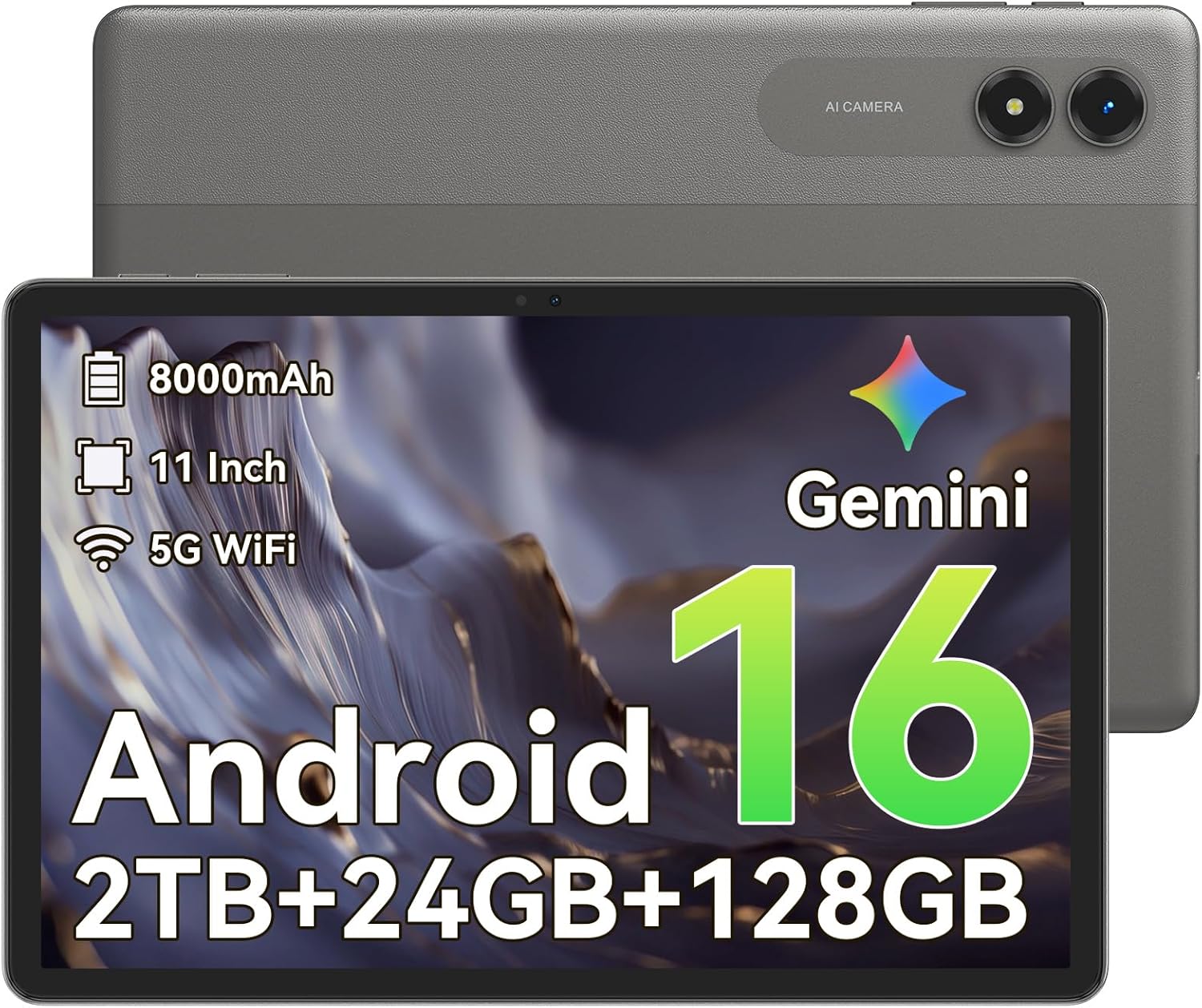
Слика: Фронт view of the TABWEE T50 Tablet.
Садржај пакета
Након отварања пакета, уверите се да су сви састојци присутни:
- TABWEE T50 Tablet
- УСБ кабл за пуњење
- Алат за избацивање СИМ картице
- Водич за брзи почетак (ово упутство)
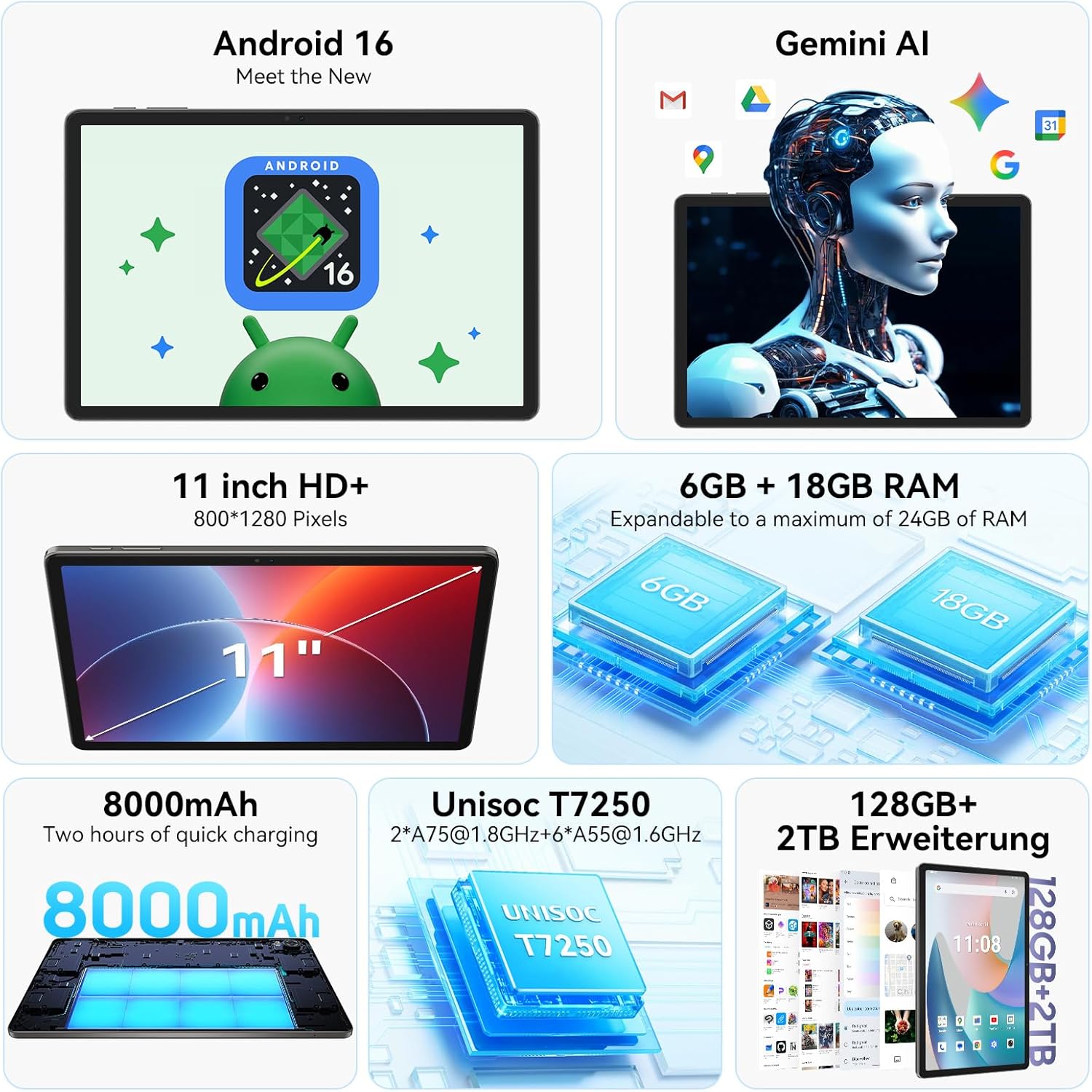
Image: The TABWEE T50 Tablet along with its standard accessories, including a charging cable and SIM ejector tool.
Сетуп
1. Почетно пуњење
Before first use, fully charge your TABWEE T50 Tablet.
- Connect the USB charging cable to the tablet's charging port.
- Connect the other end of the cable to a compatible USB power adapter (not included) and plug it into a power outlet.
- Allow the tablet to charge until the battery indicator shows 100%. This may take approximately 5 hours for a full charge.

Image: Illustration of the tablet's 8000mAh battery and charging process.
2. Укључивање и почетна конфигурација
Press and hold the power button until the TABWEE logo appears. Follow the on-screen prompts to complete the initial setup:
- Изаберите свој језик.
- Повежите се на Ви-Фи мрежу.
- Пријавите се помоћу свог Google налога или креирајте нови.
- Review и прихватите услове и одредбе.
- Set up screen lock (PIN, pattern, password, or facial unlock).
3. Уметање MicroSD картице (опционо)
To expand storage up to 2TB, insert a microSDXC card.
- Пронађите лежиште за SIM/microSD картицу са стране таблета.
- Користите приложени алат за избацивање СИМ картице да бисте отворили лежиште.
- Place the microSD card into the designated slot with the gold contacts facing down.
- Пажљиво гурните лежиште назад у таблет док не кликне на своје место.
Упутство за употребу
Екран и навигација
The TABWEE T50 features an 11-inch HD+ IPS display with a 1280x800 resolution and a 90Hz refresh rate for smooth visuals. It includes eye protection features to reduce blue light and minimize eye strain.

Image: The tablet's 11-inch HD+ display showcasing a vibrant mountain landscape.
- Гестови на екрану осетљивом на додир: Tap, swipe, pinch-to-zoom, and long-press for various interactions.
- Почетни екран: Прилагодите помоћу виџета, пречица апликација и позадина.
- Панел са обавештењима: Превуците прстом надоле од врха екрана да бисте приступили брзим подешавањима и обавештењима.
Android 16 with Gemini AI
Your tablet runs on Android 16, offering enhanced privacy controls, adaptive battery optimization, and an intuitive user interface. Gemini AI provides intelligent assistance for tasks, content creation, and learning.

Image: The tablet displaying the Gemini AI interface with various AI-powered features.
- Мултитаскинг: Utilize split-screen mode for running multiple applications simultaneously.
- Контроле приватности: Manage app permissions and data access through system settings.
- Адаптивна батерија: The AI-powered battery management optimizes power consumption based on your usage patterns.
Функционалност камере
The TABWEE T50 is equipped with an 8MP front camera and a 13MP rear camera.
- Отворите апликацију Камера са почетног екрана или из фиоке апликација.
- Пребацујте се између предње и задње камере помоћу иконе камере.
- Tap the shutter button to take photos or the video icon to record videos.
- Explore various camera modes and settings for optimal results.

Image: The tablet's screen displaying the camera interface, capturing a selfie.
Повезивање
The tablet supports WiFi 5G and Bluetooth 5.0 for seamless connectivity.
- Ви-Фи: Идите на Подешавања > Мрежа и интернет > Wi-Fi да бисте се повезали са доступним мрежама.
- Блуетоотх: Go to Settings > Connected devices > Bluetooth to pair with Bluetooth accessories like headphones or keyboards.
- OTG (У покрету): The tablet supports OTG for connecting USB devices or for reverse charging other devices.

Image: Visual representation of the tablet's Bluetooth 5.0 and 5G WiFi connectivity features.

Image: The tablet connected to a smartphone, illustrating its power-sharing capability via OTG.
Одржавање
- Чишћење: Користите меку крпу која не оставља влакна за чишћење екрана и кућишта. Избегавајте абразивне материјале или јаке хемикалије.
- Ажурирања софтвера: Редовно проверавајте системска ажурирања у Подешавања > Систем > Ажурирање система како бисте осигурали оптималне перформансе и безбедност.
- Одржавање батерије: Да бисте продужили век трајања батерије, избегавајте екстремне температуре и не дозволите да се батерија често потпуно испразни.
- Управљање складиштем: Периодично чистите непотребне files and apps to maintain performance. Go to Settings > Storage to manage your storage.
Решавање проблема
- Таблет се не укључује: Ensure the tablet is sufficiently charged. If it doesn't respond, press and hold the power button for 10-15 seconds to force a restart.
- Рушење/замрзавање апликација: Close and reopen the app. If the issue persists, clear the app's cache (Settings > Apps > [App Name] > Storage & cache > Clear cache).
- Проблеми са Ви-Фи везом: Restart your tablet and Wi-Fi router. Forget the network and reconnect.
- Споре перформансе: Close background apps, clear cache, or consider a factory reset if issues persist (backup data first).
- Екран не реагује: Restart the tablet. If the problem continues, contact customer support.
Спецификације
| Феатуре | Детаљ |
|---|---|
| Назив модела | TABWEE T50 |
| Оперативни систем | Android 16 with Gemini AI |
| Процесор | Unisoc T7250 осмојезгарни |
| РАМ | 24 GB (6 GB физичке + 18 GB виртуелне) |
| Интерна меморија | 128 ГБ |
| Екпандабле Стораге | Up to 2 TB via microSDXC |
| Величина екрана | 11-inch HD+ IPS |
| Резолуција екрана | 1280x800 пиксела |
| Рефресх Рате | 90 Хз |
| Задња камера | 13 МП |
| Предња камера | 8 МП |
| Капацитет батерије | 8000 мАх |
| Тип батерије | Литхиум Полимер |
| Просечно трајање батерије | До 8 сати (стримовање видеа) |
| Повезивање | WiFi 5G (802.11ac), Bluetooth 5.0, GPS, OTG |
| Тежина | 640 грама |
| Боја | Греи |
| Модел Иеар | 2026 |
| УПЦ | 721718099727 |

Image: Diagram illustrating the Unisoc T7250 Octa-Core processor architecture.

Image: The tablet displaying its storage and RAM specifications, including 24GB RAM and 128GB ROM with 2TB expansion.
Гаранција и подршка
The TABWEE T50 Tablet comes with a 2-годишња ограничена гаранција. TABWEE also provides доживотна корисничка подршка to assist with any questions or issues you may encounter.
- Покриће гаранције: Covers manufacturing defects for two years from the date of purchase.
- Корисничка подршка: For technical assistance, troubleshooting, or warranty claims, please contact TABWEE customer service. Refer to the official TABWEE webсајт за контакт детаље.
- резервни делови: EU spare part availability is guaranteed for 2 years.

Image: A badge indicating TABWEE's warranty and lifetime support. Please note that the warranty duration is 2 years as per product specifications.