
1. Подешавање
Распакивање и почетни преглед
Carefully unpack your Luoran N2 Android MP3 Player. Ensure all components are present and in good condition.
- Luoran N2 MP3 Player
- УСБ-Ц кабл
- Кабловске слушалице
- Упутство за употребу
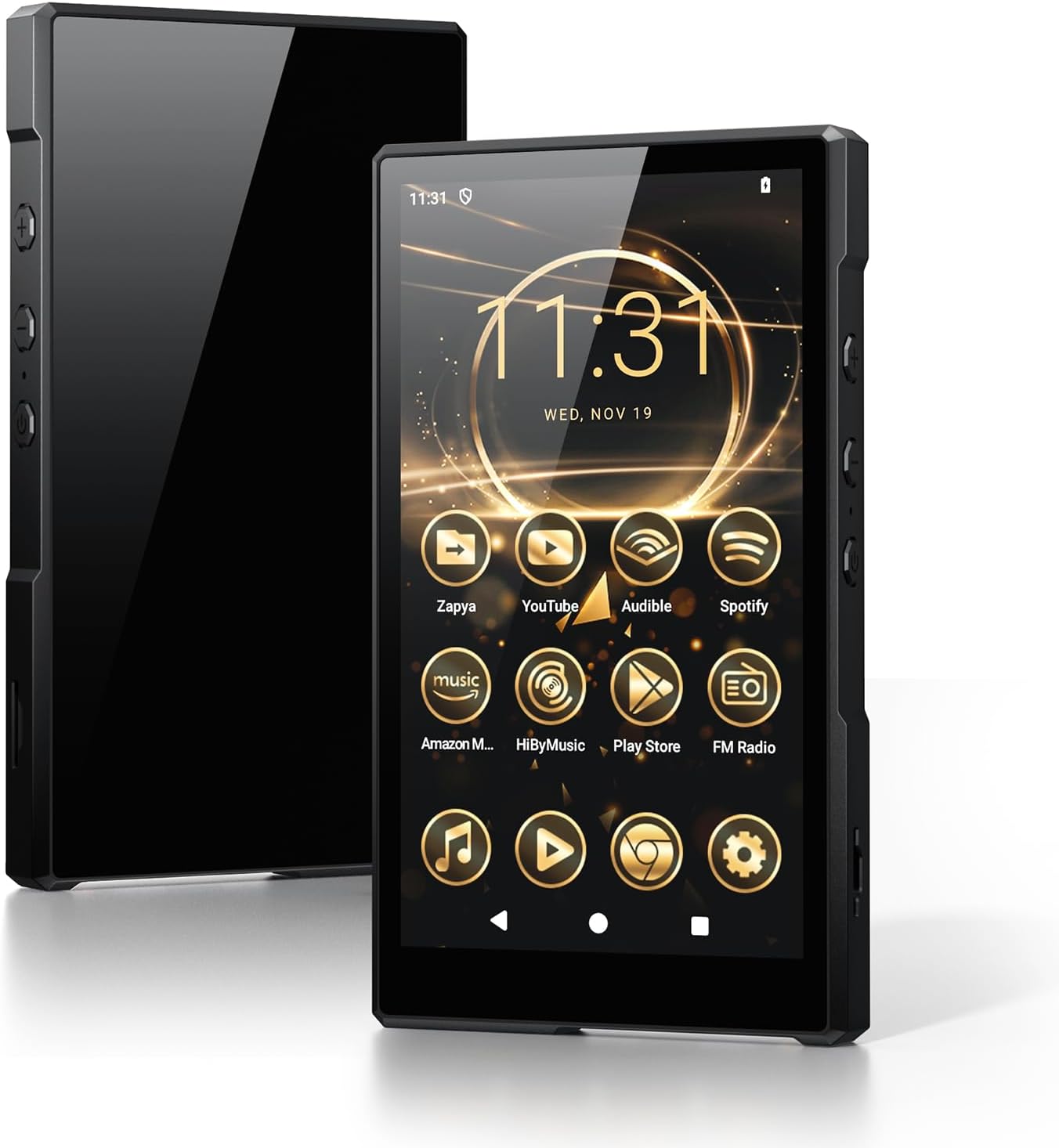
Image: Luoran N2 MP3 Player with included accessories.
Укључивање и почетна конфигурација
To power on the device, press and hold the power button located on the side until the Luoran logo appears on the screen. Follow the on-screen prompts to select your language and region.
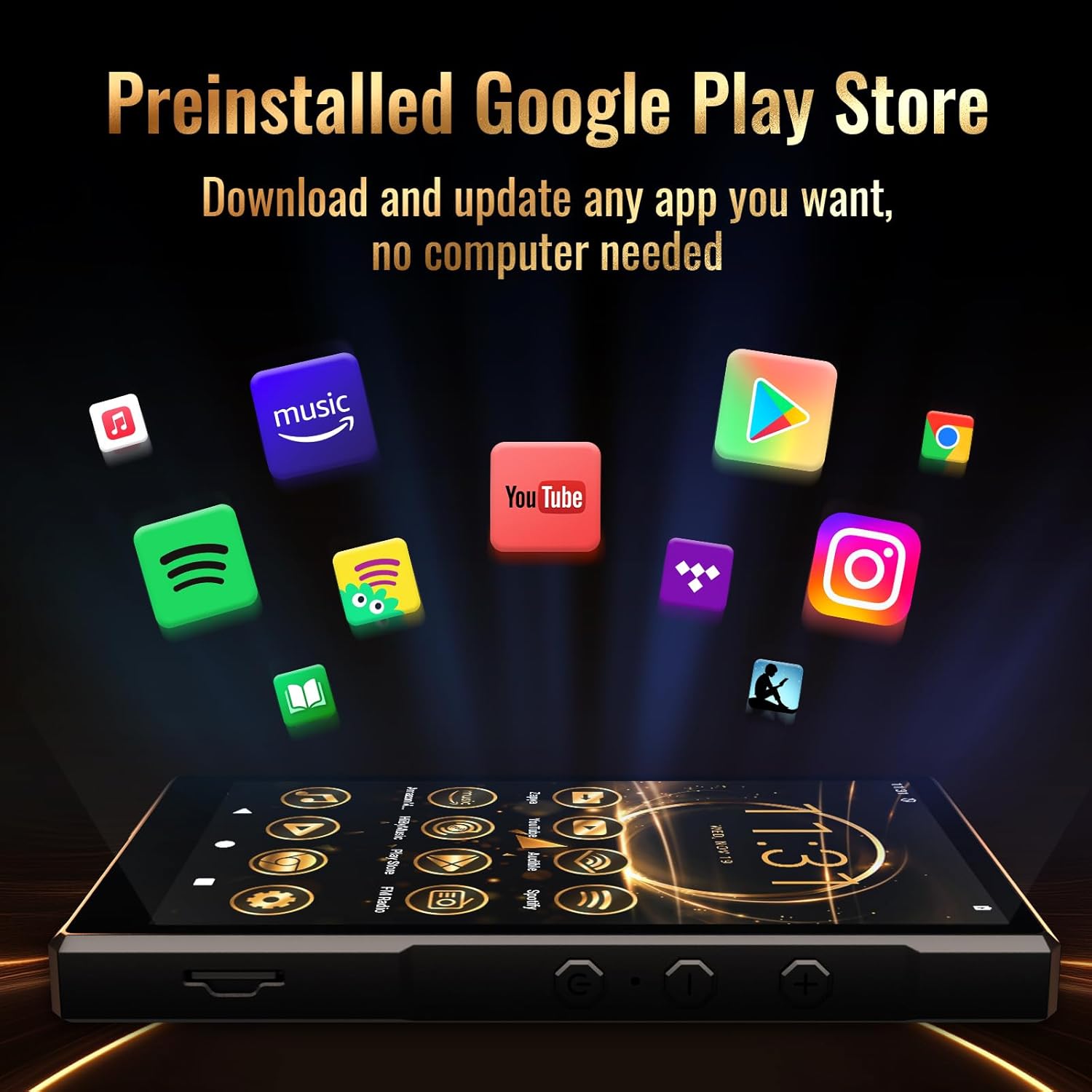
Image: The Luoran N2 MP3 Player's vibrant home screen with pre-installed applications.
Ви-Фи веза
Connect your device to a Wi-Fi network to access online features, download apps, and receive updates. The N2 supports dual-band Wi-Fi (2.4G & 5G) for stable connections.
- Иди на Подешавања.
- Изаберите Мрежа и интернет.
- Додирните Ви-Фи и укључите га.
- Choose your desired network from the list.
- Унесите лозинку ако се то од вас затражи и додирните Повежите се.
Video: Demonstrates connecting the MP3 player to a Wi-Fi network.
Подешавање Гоогле налога
To fully utilize the Google Play Store and other Google services, you may sign in with your Google Account. This step is optional but recommended for app downloads.
Безбедносни подсетник
Please remember any password or PIN codes you set on the MP3 player. Losing these credentials may prevent access to your device.
2. Управљање вашим уређајем
Основна навигација
The Luoran N2 features a 5.0" HD IPS touch screen for intuitive navigation. Swipe left or right to browse applications and tap icons to open them. Physical buttons on the side control power and volume.

Image: The Luoran N2 MP3 Player highlighting its upgraded Android 14 system and security.
Инсталирање апликација
The device comes with Android 14 and the Google Play Store pre-installed, allowing you to freely download and install various applications. Popular apps like Spotify, Spotify Kids, Audible, Amazon Music, Apple Music, and YouTube are supported.

Image: The Google Play Store interface on the Luoran N2, ready for app downloads.
Репродукција музике
Enjoy your music collection with support for various audio formats including MP3, FLAC, APE, OGG, M4A, AAC, WMA, and MP2. The player offers different playback modes for both offline and online music.
- Блуетоотх КСНУМКС: Connect wirelessly to Bluetooth headphones, speakers, or car audio systems for a stable and fast connection.
- Жична веза: Use the included wired earphones or your preferred 3.5mm jack headphones.

Image: The Luoran N2 MP3 Player demonstrating its versatile Bluetooth connectivity options.
Видео репродукција
The 5.0" HD IPS screen with 720x1280 pixels resolution provides a clear and vivid viewing experience for videos. The powerful Octa-core processor ensures smooth operation.

Image: The Luoran N2 MP3 Player showcasing video playback on its high-definition screen.
Управљање складиштем
The device comes with 64GB of built-in storage and supports up to 1TB memory card expansion via the microSD card slot. This allows for extensive storage of music, videos, and other files.

Image: The Luoran N2 MP3 Player demonstrating its expandable memory feature with a microSD card.
3. Одржавање
Управљање батеријом
The Luoran N2 is equipped with a 3000 mAh long-lasting battery. To ensure optimal battery life:
- Напуните уређај помоћу приложеног УСБ-Ц кабла.
- Избегавајте екстремне температуре током пуњења и рада.
- For prolonged storage, charge the battery to approximately 50% to prevent deep discharge.
Упутства за чишћење
To clean your device, use a soft, lint-free cloth. For the screen, a screen cleaner designed for electronics can be used. Avoid harsh chemicals or abrasive materials.
Ажурирања софтвера
Regularly check for and install software updates to ensure your device has the latest features, security patches, and performance improvements. Connect to Wi-Fi to download updates.
КСНУМКС. Решавање проблема
If you encounter issues with your Luoran N2 MP3 Player, try the following steps:
- Уређај се не укључује: Уверите се да је батерија напуњена. Повежите уређај са пуњачем најмање 30 минута пре него што покушате поново да га укључите.
- Проблеми са Ви-Фи везом: Verify your Wi-Fi password and ensure the device is within range of the router. Try restarting both the device and your router.
- Рушење/замрзавање апликације: Close the problematic app and reopen it. If the issue persists, try clearing the app's cache or reinstalling it.
- Споре перформансе: Close unused applications. Consider freeing up storage space by deleting unnecessary fileс или апликације.
- Фацтори Ресет: As a last resort, you can perform a factory reset through the Settings menu. This will erase all data on the device, so back up important fileс унапред.
Video: A user demonstrating the setup and basic functions of a similar Android MP3 player, which may offer insights into troubleshooting.
5. Спецификације
| Феатуре | Спецификација |
|---|---|
| Назив модела | N2 |
| Димензије производа | 5.07 к 0.47 к 2.9 инча |
| Тежина артикла | 8.5 унци |
| Величина екрана | 5 инча |
| Резолуција екрана | 720x1280 пиксела (HD IPS) |
| Оперативни систем | Андроид 14 |
| Процесор | Оцта-цоре |
| Интерна меморија | 64 ГБ |
| Проширива меморија | До 1TB преко microSD картице |
| Технологија повезивања | Bluetooth V5.0, Wi-Fi (2.4G & 5G) |
| Капацитет батерије | 3000 мАх литијум-јонски |
| Укључене компоненте | USB-C Cable, Wired Earphone, Instruction Manual |
6. Гаранција и подршка
Информације о гаранцији
The Luoran N2 MP3 Player comes with a manufacturer's warranty. For specific details regarding warranty coverage, duration, and terms, please refer to the warranty card included in your product packaging or visit the official Luoran webсајту.
Корисничка подршка
If you require further assistance, technical support, or have questions not covered in this manual, please contact Luoran customer service. Contact details can typically be found on the manufacturer's webсајту или у документацији производа.