
1. Производ је готовview
The SGIN Y101 is a 15.6-inch laptop designed for everyday computing tasks, featuring a Core i3 processor, 16GB RAM, and a 1024GB SSD. It operates on Windows 11 Home and includes a backlit keyboard, WiFi 6 connectivity, and a 180-degree hinge for flexible use.

Image: SGIN Y101 Laptop highlighting its Core i3 processor, Windows 11, 7000mAh battery, backlit keyboard, WiFi 6, 180-degree hinge, 16GB RAM, and 1024GB SSD.
2. Шта је у кутији
- 1 x SGIN Y101 Laptop
- 1 x Адаптер за напајање/пуњач
- 1 x Упутство за употребу (овај документ)
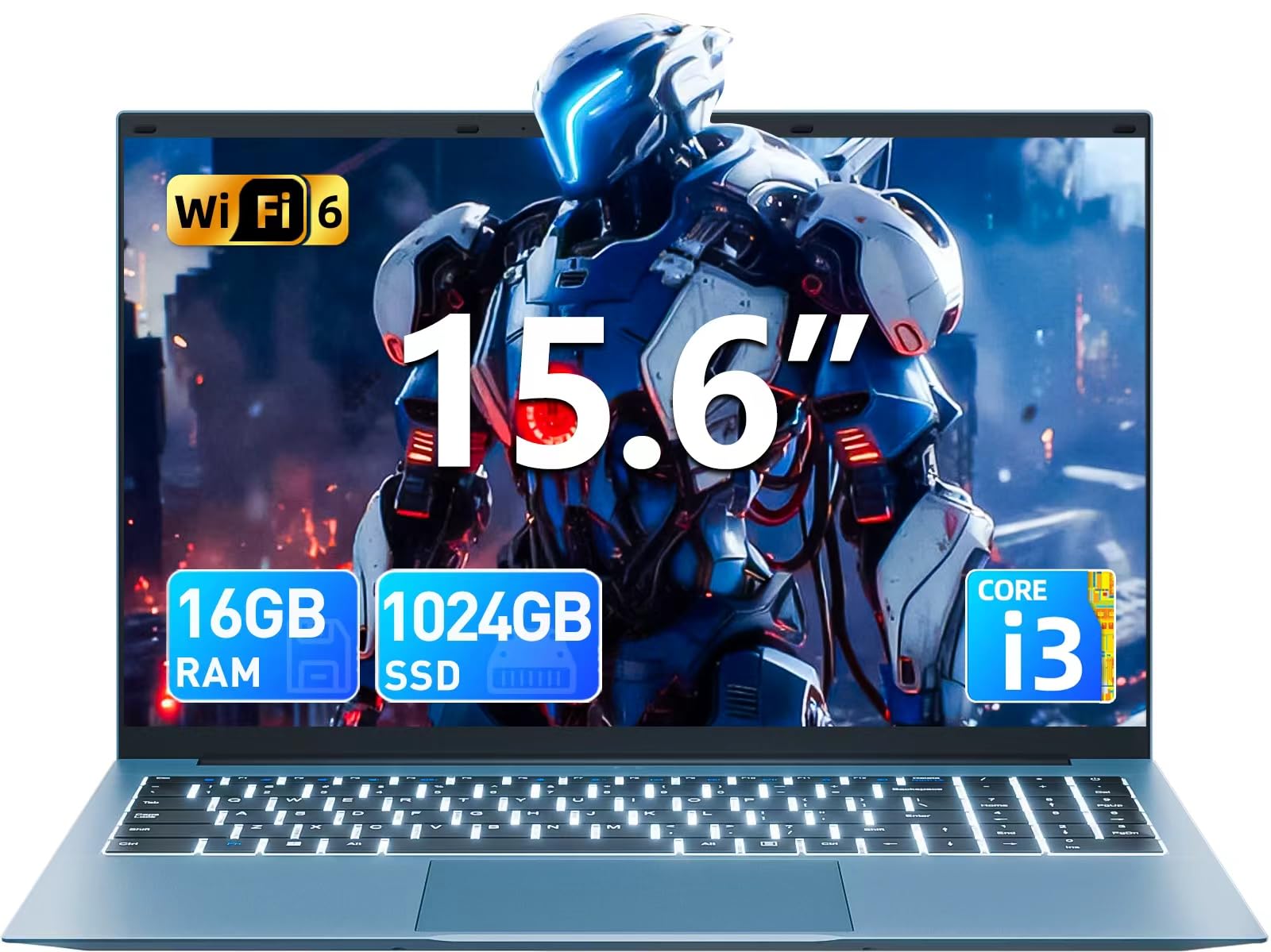
Image: The SGIN Y101 laptop, its power adapter, and the user manual as typically found in the product packaging.
3. Подешавање
3.1 Почетно пуњење и укључивање
- Повежите адаптер за напајање: Plug the power adapter into the DC jack on the side of the laptop and then into a power outlet.
- Напуните батерију: Оставите лаптоп да се пуни најмање 30 минута пре прве употребе или док индикатор батерије не покаже довољно напуњености.
- Укључено: Open the laptop lid and press the power button, usually located on the top right of the keyboard, to turn on the device.
3.2 Подешавање система Windows 11
Follow the on-screen instructions to complete the initial Windows 11 Home setup. This typically includes:
- Избор региона и распореда тастатуре.
- Connecting to a Wi-Fi network (WiFi 6 supported).
- Пријављивање са или креирање Microsoft налога.
- Подешавање ПИН-а или лозинке.
3.3 Повезивање периферних уређаја
The SGIN Y101 laptop offers various ports for connecting external devices:
Слика: Детаљна view of the laptop's multiple interfaces, including DC jack, Type-C, HDMI, USB 3.2, Security lock, TF card slot, 3.5mm Headphone jack, and RJ45 Ethernet port.
- USB 3.0/3.2 портови: За повезивање УСБ уређаја као што су мишеви, тастатуре или екстерне меморије.
- ХДМИ порт: Повежите се са екстерним монитором или телевизором за проширени приказ.
- Порт типа Ц: For data transfer and potentially charging compatible devices.
- Мицро СД слот: Insert a TF card for expanded storage up to 1TB.
- 3.5 мм прикључак за слушалице: Повежите слушалице или спољне звучнике.
- РЈ45 Етхернет порт: За жичану интернет везу.
- Utor za Kensington Lock: За физичко обезбеђење.
4. Управљање лаптопом
4.1 Тастатура и тачпед
The laptop features a full-size keyboard with a numeric keypad and a large touchpad for navigation. The keyboard is backlit for use in low-light conditions.
- Тастатура са позадинским осветљењем: Притисните Фн + Ф5 to toggle the keyboard backlight on or off.
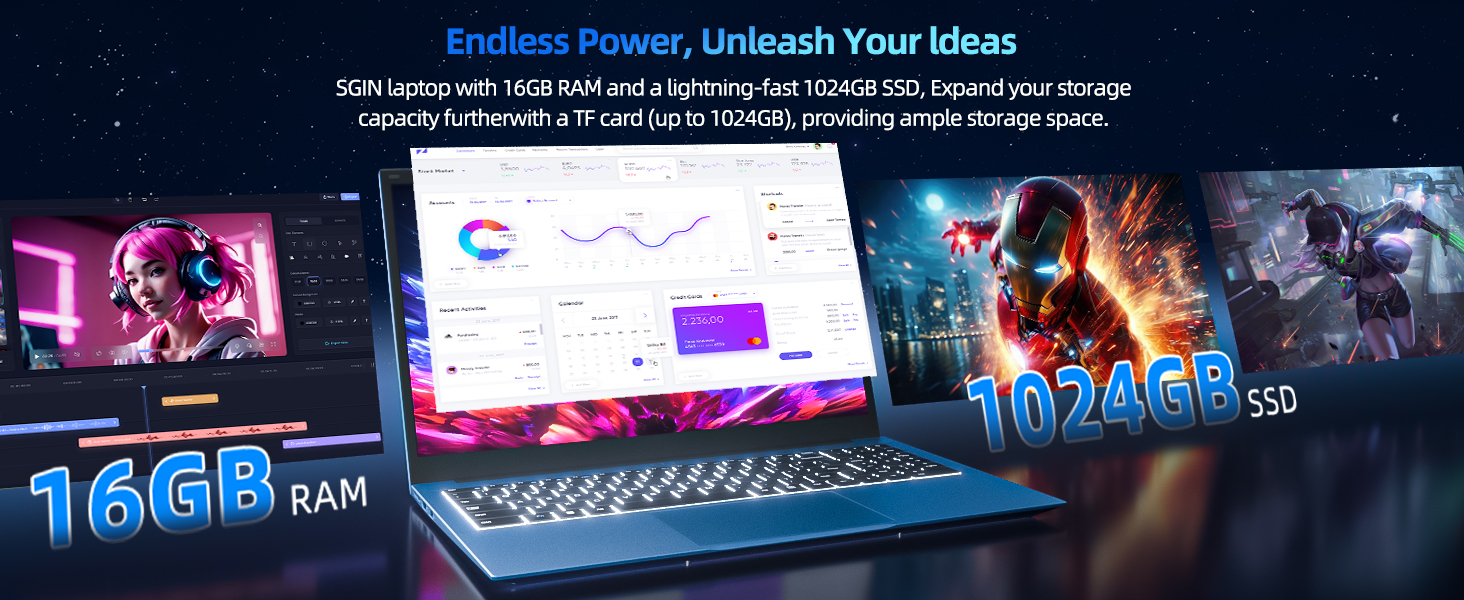
Image: Close-up of the SGIN Y101 laptop's backlit keyboard and numeric keypad, illustrating the Fn+F5 shortcut for backlight control.
4.2 Карактеристике екрана
The 15.6-inch Full HD (1920x1080) IPS screen provides clear visuals and wide viewing angles. The laptop also features a 180-degree hinge, allowing the screen to lay flat for easy sharing and collaboration.
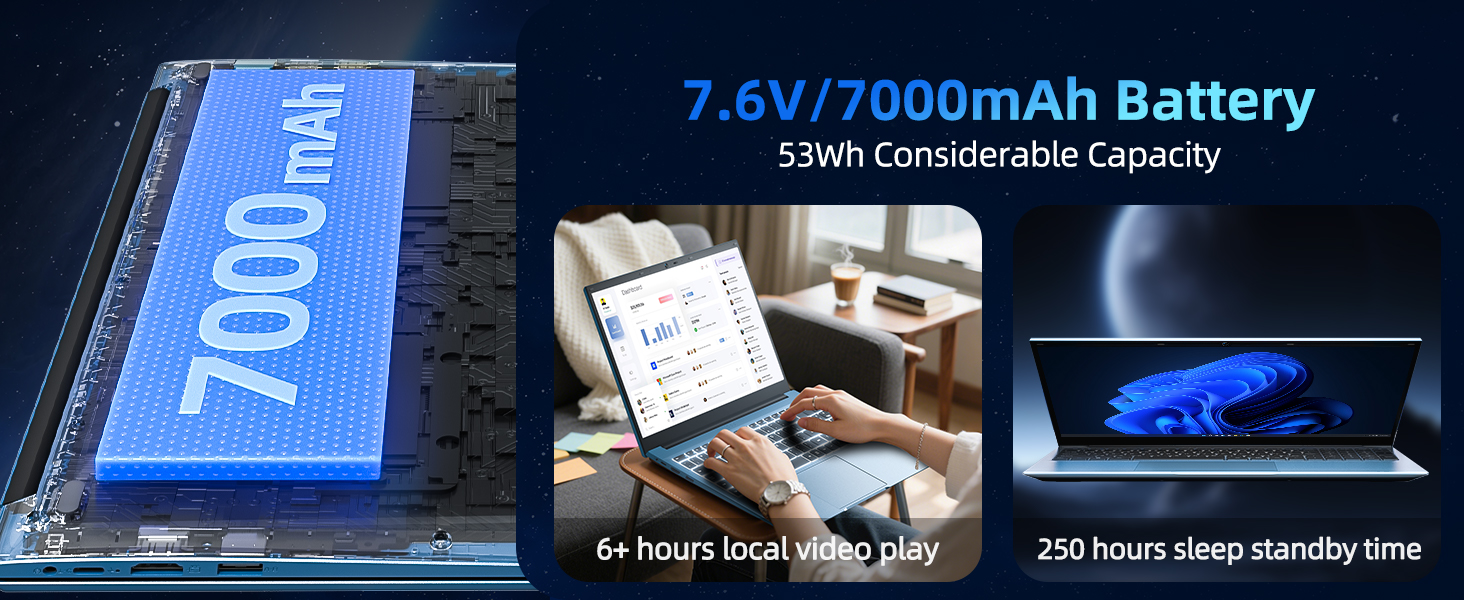
Image: The SGIN Y101 laptop displaying vibrant visuals on its 15.6-inch Full HD IPS screen.
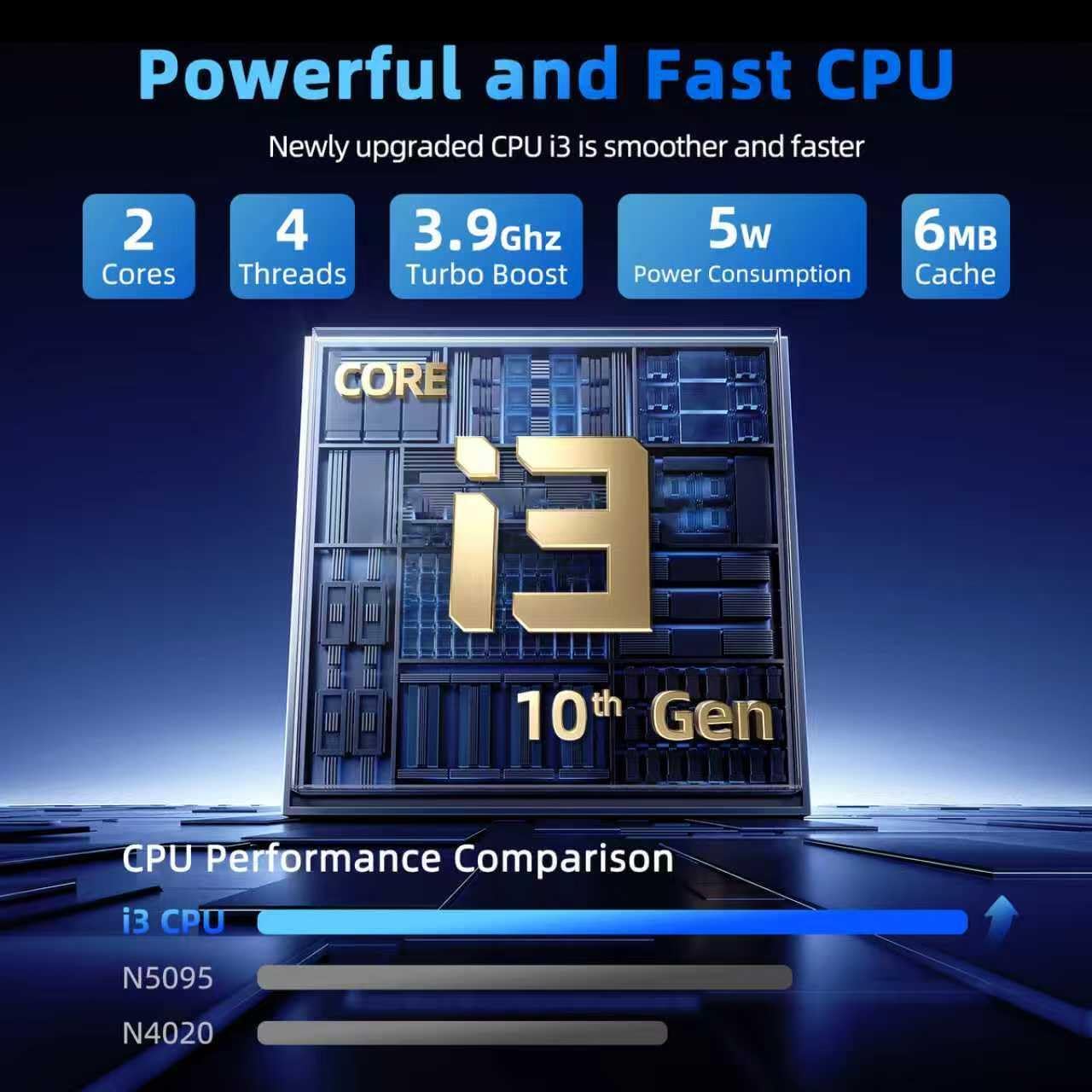
Image: The SGIN Y101 laptop open, illustrating its 180-degree hinge design for flexible viewинг и дељење.
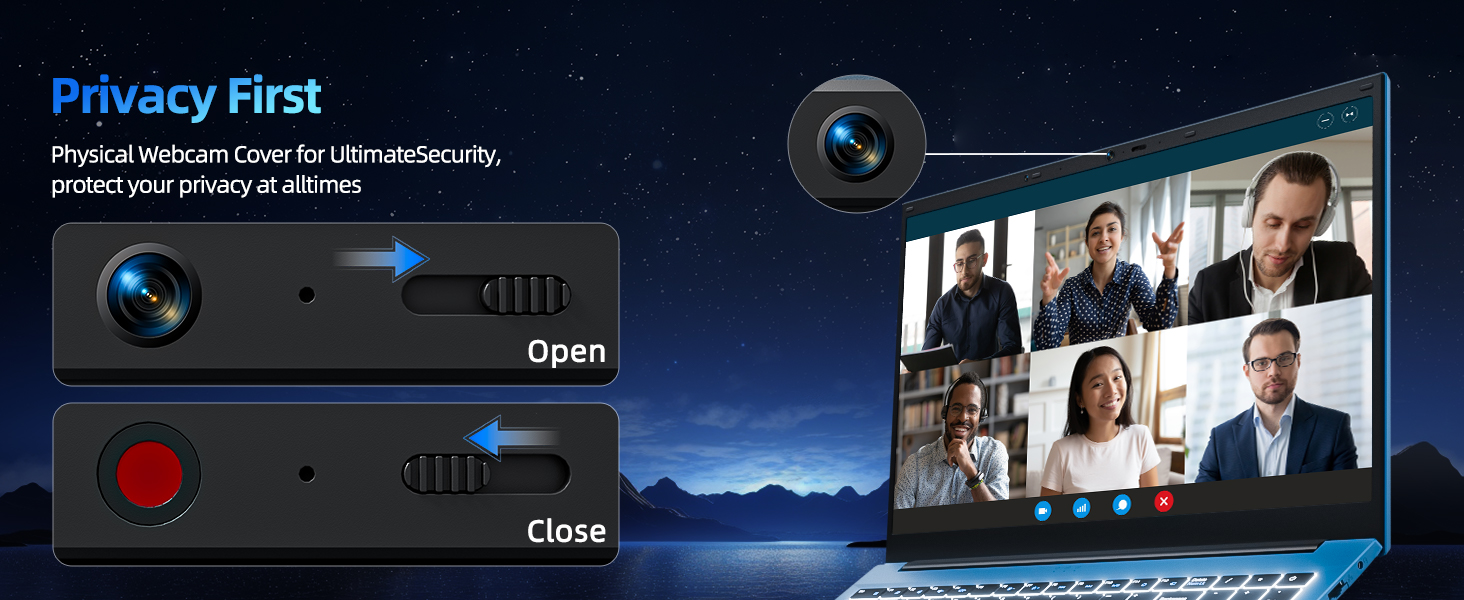
КСНУМКС приватност Webцам Цовер
For enhanced privacy, the laptop includes a built-in physical webcam switch. Slide the cover to open or close the webцам по потреби.
5. Одржавање
5.1 Општа нега
- Избегавајте излагање лаптопа екстремним температурама, директној сунчевој светлости или високој влажности.
- Држите течности даље од уређаја.
- Handle the laptop with care to prevent physical damage.
5.2 Чишћење
- Користите меку крпу која не оставља влакна за чишћење екрана и спољашњости.
- За тврдокорне трагове, благо дampобришите крпу водом или средством за чишћење екрана.
- Do not spray cleaners directly onto the laptop.
5.3 Одржавање батерије
- Да бисте продужили век трајања батерије, избегавајте често потпуно пражњење батерије.
- Чувајте лаптоп на хладном и сувом месту ако га не користите дуже време.
- The 7000mAh/53.2Wh battery provides up to 8 hours of typical use.
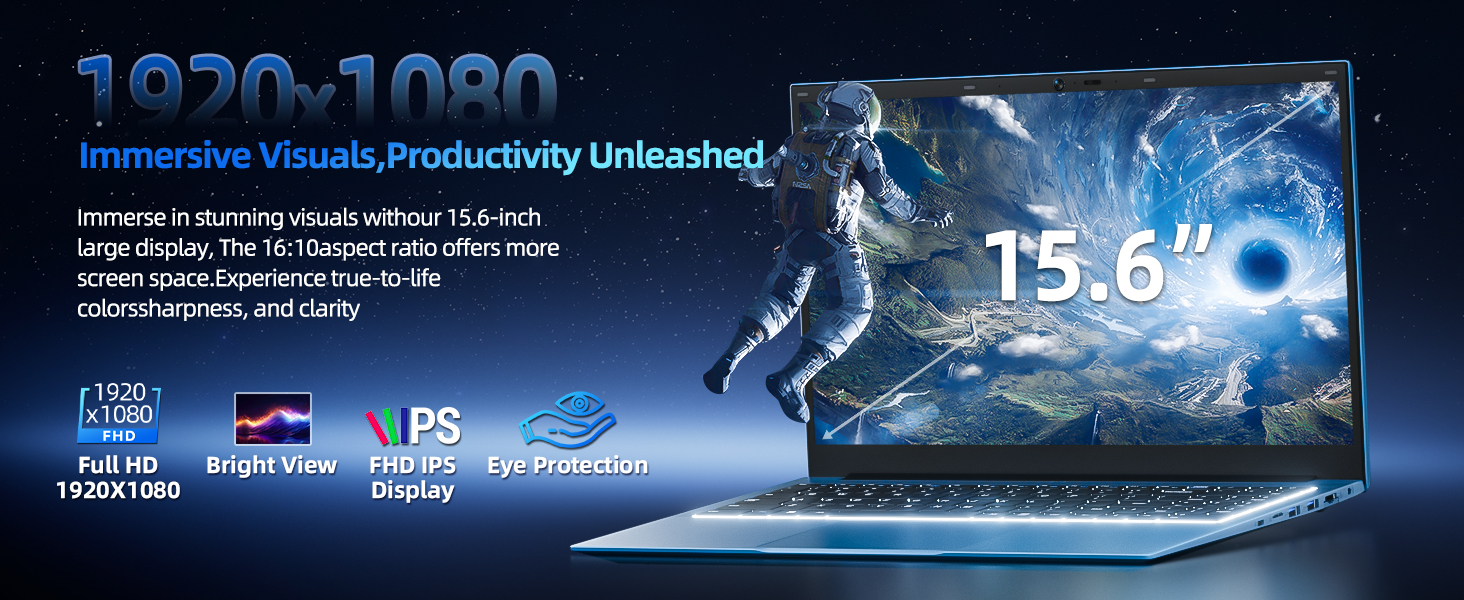
Image: Visual representation of the SGIN Y101 laptop's 7000mAh/53.2Wh large capacity battery, indicating its suitability for extended use.
КСНУМКС. Решавање проблема
This section addresses common issues you might encounter with your SGIN Y101 laptop.
6.1 Проблеми са напајањем и покретањем система
- Лаптоп се не укључује: Уверите се да је адаптер за напајање безбедно повезан и да је батерија довољно напуњена. Покушајте са другом утичницом.
- Laptop turns on but screen is black: Connect to an external monitor via HDMI to check if the display is the issue. Restart the laptop.
6.2 Приказ и графика
- Screen flickering or unusual display: Update graphics drivers. If connecting to an external display, ensure the cable is secure.
- Screen appears dim or too bright: Adjust brightness settings in Windows or using keyboard function keys.
6.3 Проблеми са повезивањем
- Ви-Фи се не повезује: Check if Wi-Fi is enabled in Windows settings. Restart your router and the laptop. Ensure correct password entry.
- USB уређаји нису препознати: Пробајте други УСБ порт. Уверите се да су драјвери уређаја инсталирани.
6.4 Тастатура и тачпед
- Тастатура не реагује: Restart the laptop. Ensure no foreign objects are under the keys.
- Тачпед не ради: Check Windows settings to ensure the touchpad is enabled. Restart the laptop.
- Позадинско осветљење не ради: Притисните Фн + Ф5 to ensure it's toggled on.
If you encounter persistent issues not covered here, please refer to the support section for assistance.
7. Спецификације
| Феатуре | Детаљ |
|---|---|
| Назив модела | SGIN-Y101 |
| Процесор | Intel Core i3-10100 (2-core, 4-thread, 6MB cache, up to 3.9GHz) |
| РАМ | 16 ГБ ДДР3 СДРАМ |
| Складиштење | 1024GB SSD (expandable with TF card up to 1TB) |
| Дисплаи | 15.6-инчни Full HD (1920x1080) IPS екран |
| Оперативни систем | Виндовс 11 Хоме |
| Батерија | 7000mAh / 53.2Wh (up to 8 hours battery life) |
| Бежично повезивање | WiFi 6 (802.11ax) |
| Портс | USB 3.0, HDMI, Micro SD slot, Type-C, Kensington lock, 3.5mm Headphone jack, RJ45 Ethernet |
| Димензије (ДкШкВ) | 15.6 к 9 к 0.6 инча |
| Тежина | 4.97 фунти |
| Боја | Греи |
8. Гаранција и подршка
Your SGIN Y101 laptop comes with comprehensive support and warranty:
- 1-Year Protection: Enjoy a 1-year protection plan covering manufacturing defects.
- 1-Year Repair Service: The product includes a 1-year repair service.
- Политика поврата у року од 30 дана: Eligible for returns within 30 days of purchase.
- 24/7 корисничка подршка: Access instant customer help for any queries or issues.
For support, please contact SGIN customer service through the official channels provided at the time of purchase or on the SGIN webсајту.
9. Видео презентације производа
Watch this official video for a visual guide on the SGIN 15.6 Inch Laptop Computer's features and connectivity options.
Видео: Оверview and demonstration of the SGIN 15.6-inch laptop, showcasing its design, features, and available ports.