
1. Увод
This manual provides instructions for the setup, operation, maintenance, and troubleshooting of your LETSUNG Golite11 Mini PC. The Golite11 is a compact desktop computer designed for various tasks, from web browsing and office applications to light gaming and multimedia playback. It features an Intel Celeron N4000 processor, 6GB LPDDR4 RAM, and a 128GB M.2 SSD, offering efficient performance in a small form factor.
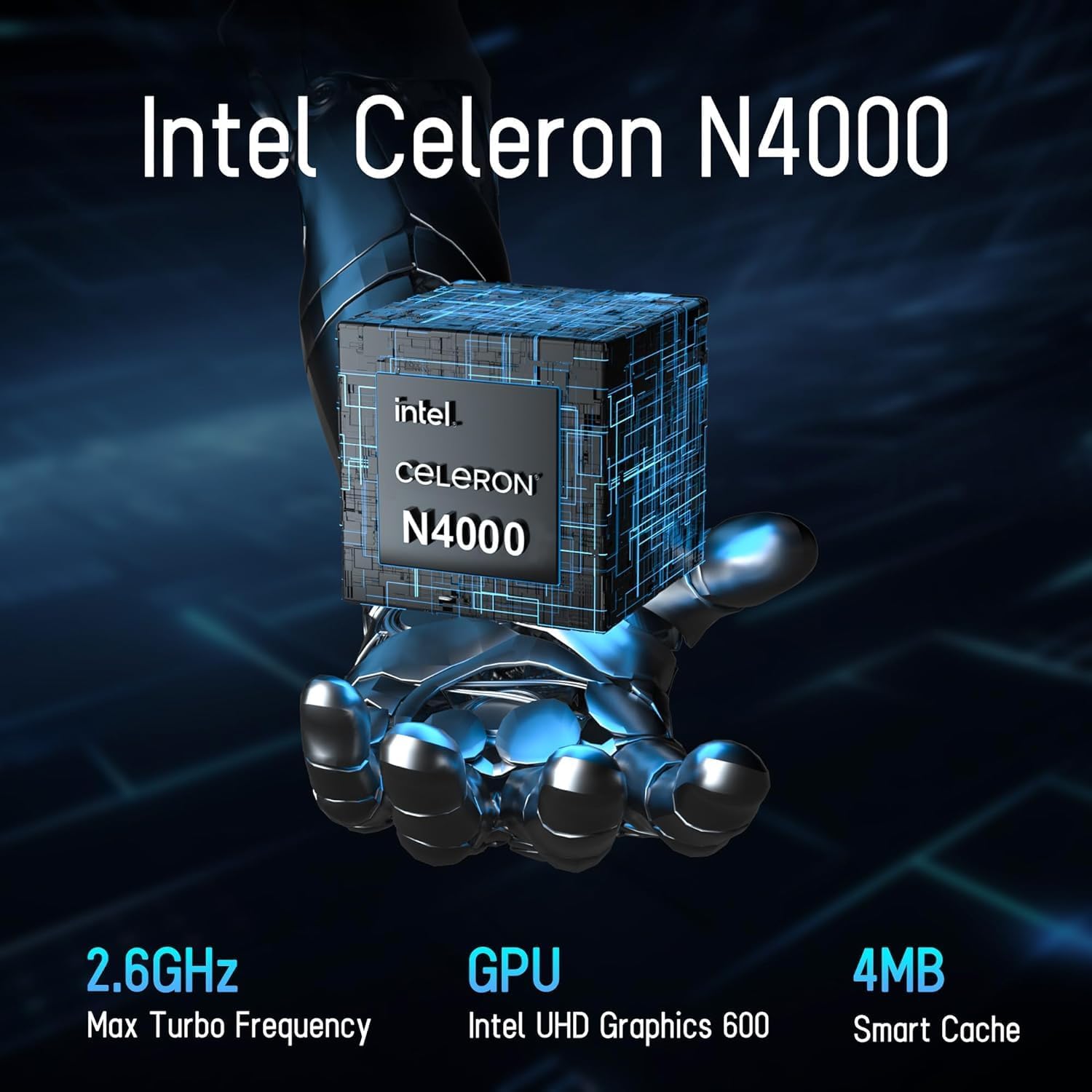
Image 1.1: LETSUNG Golite11 Mini PC, front view.
2. Шта је у кутији
Проверите да ли су све ставке присутне у пакету:
- 1 x Golite 11 Mini PC
- 1 к ХДМИ кабл
- 1 x VESA носач
- 1 к адаптер за напајање
- 1 к Упутство за употребу
3. Производ је готовview
3.1. Процесор и меморија
The Golite11 Mini PC is equipped with an Intel Celeron N4000 processor, providing efficient performance for daily computing tasks. It includes 6GB of LPDDR4 RAM for smooth multitasking.

Image 3.1: Intel Celeron N4000 Processor.

Image 3.2: DDR4 Memory Module.
3.2. Складиштење
The device comes with a 128GB M.2 SATA SSD, offering fast boot times and data access. Storage can be expanded up to 512GB.
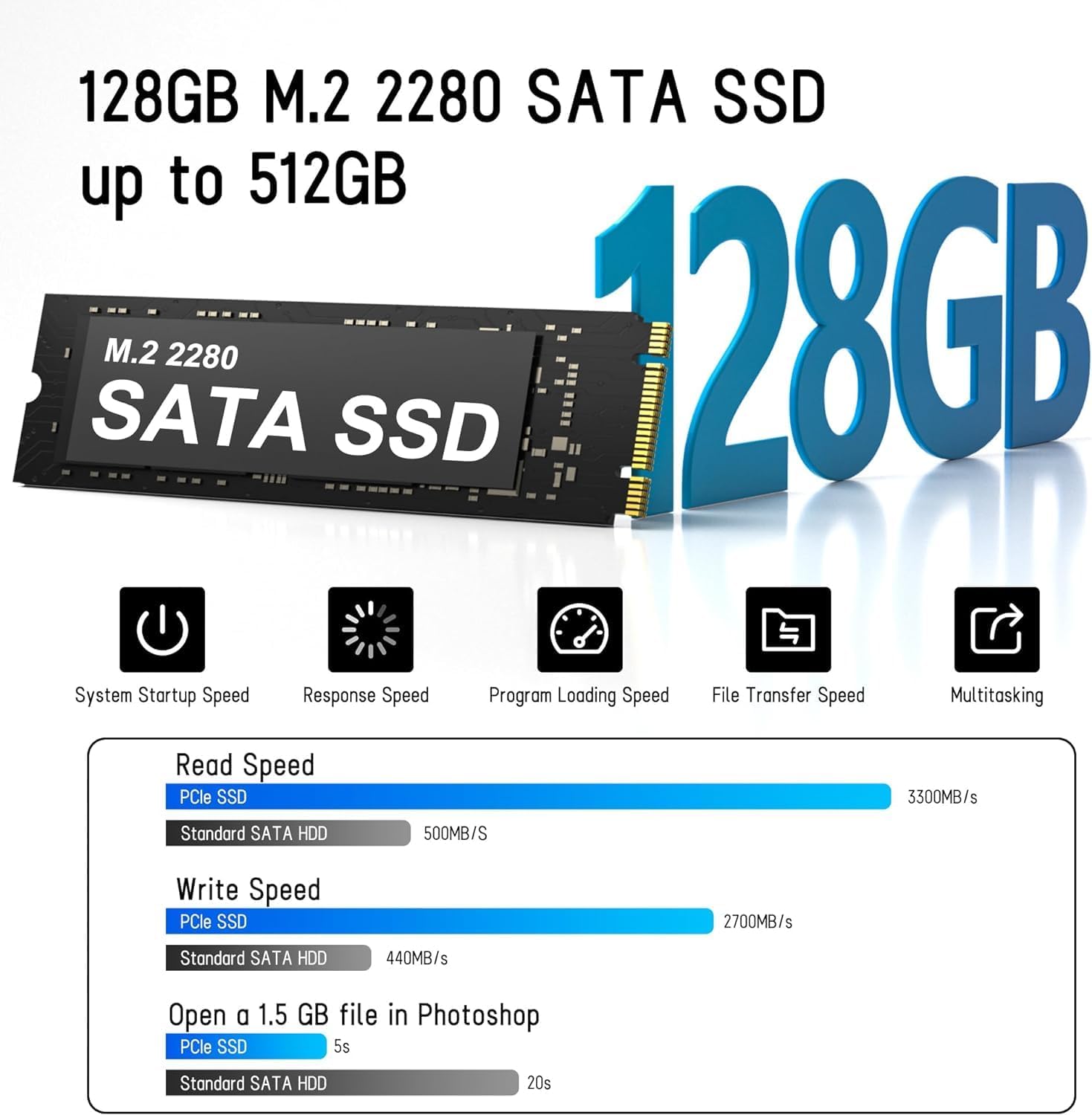
Image 3.3: M.2 SATA SSD.
3.3. Портови и конектори
The Golite11 Mini PC features a variety of ports for connectivity:
- Дугме за напајање: Да бисте укључили или искључили уређај.
- 3.5 мм прикључак за слушалице: За аудио излаз.
- USB 3.2 Gen 1 портови: Multiple ports for connecting peripherals.
- RJ45 LAN порт: За жичану мрежну везу.
- HDMI 1.4 портови: Two ports for connecting displays.
- ДЦ Јацк: За улазну снагу.

Слика 3.4: Детаљно view of ports and connectors.
4. Подешавање
Follow these steps to set up your LETSUNG Golite11 Mini PC:
- Повежите се са екраном: Use the provided HDMI cable to connect the Mini PC to a monitor or TV. The device supports dual displays.
- Повежите периферне уређаје: Plug in your USB keyboard and mouse into the available USB ports.
- Прикључите напајање: Connect the power adapter to the DC jack on the Mini PC, then plug the adapter into a power outlet.
- Укључено: Press the power button located on the device. The system will boot up.
- Почетна инсталација Windows-а: Follow the on-screen instructions to complete the initial Windows operating system setup, including language, region, and network configuration.
5. Упутство за употребу
5.1. Основна операција
Once the initial setup is complete, your Mini PC is ready for use. Navigate the operating system using your connected keyboard and mouse. You can install applications, browse the internet, and perform other computing tasks.
5.2. Dual Display Setup
The Golite11 supports connecting two displays simultaneously for an extended desktop experience. Connect a second monitor using the additional HDMI port. The operating system should automatically detect the second display. You can configure display settings (e.g., extend, duplicate) through the display settings in your operating system.

Image 5.1: Dual display setup with the Mini PC.
5.3. Мрежна повезаност
- Ви-Фи: The Mini PC supports WiFi 5.0. To connect to a wireless network, go to your operating system's network settings, select your desired Wi-Fi network, and enter the password.
- Етхернет: For a wired connection, connect an Ethernet cable from your router or modem to the RJ45 LAN port on the Mini PC.
5.4. Блутут уређаји
The Mini PC supports Bluetooth 4.2. To pair Bluetooth devices (e.g., headphones, speakers), enable Bluetooth in your operating system's settings, search for devices, and follow the pairing instructions.
6. Одржавање
6.1. Чишћење
To maintain optimal performance, keep the Mini PC clean. Use a soft, dry cloth to wipe the exterior. For dust accumulation in vents, use compressed air. Ensure the device is powered off and unplugged before cleaning.

Image 6.1: Internal cooling system for efficient heat dissipation.
6.2. Ажурирања софтвера
Regularly update your operating system and drivers to ensure security, stability, and optimal performance. Check for updates through your operating system's settings.
6.3. Проширење складишта
The internal M.2 SATA SSD can be upgraded up to 512GB. Refer to the detailed instructions for internal component access if you plan to upgrade the storage. It is recommended to seek professional assistance for hardware upgrades.
КСНУМКС. Решавање проблема
If you encounter issues with your Mini PC, refer to the following common problems and solutions:
- Нема напајања:
- Уверите се да је адаптер за напајање безбедно повезан и са Мини рачунаром и са исправном утичницом.
- Проверите да ли је утичница функционална тако што ћете укључити други уређај.
- Без приказа:
- Check that the HDMI cable is firmly connected to both the Mini PC and the monitor.
- Ensure the monitor is powered on and set to the correct input source (HDMI).
- Try a different HDMI cable or monitor if possible.
- Споре перформансе:
- Затворите непотребне апликације које раде у позадини.
- Check for and install any available operating system updates.
- Уверите се да има довољно слободног простора на SSD-у.
- Проблеми са мрежном повезивањем:
- За Wi-Fi, уверите се да сте унели исправну лозинку и да је јачина сигнала одговарајућа.
- For Ethernet, check the cable connection and ensure your router/modem is working correctly.
- Restart your router/modem and the Mini PC.
8. Спецификације
| Феатуре | Спецификација |
|---|---|
| Модел | Golite11 |
| Процесор | Intel Celeron N4000 (2 Cores, 2 Threads, up to 2.8 GHz) |
| Графика | Интел УХД графика 600 |
| РАМ | 6ГБ ЛПДДР4 |
| Интерна меморија | 128GB M.2 SATA SSD (Expandable up to 512GB) |
| Оперативни систем | Pre-installed (e.g., Windows 11, specific version may vary) |
| Видео Оутпут | 2 x HDMI 1.4 (Supports 1920x1080 @60Hz, Dual Display) |
| УСБ портови | 4 к УСБ 3.2 Ген 1 |
| Мрежа | WiFi 5.0, Bluetooth 4.2, 1 x RJ45 LAN Port |
| Аудио | 1 к 3.5 мм прикључак за слушалице |
| Димензије | Approx. 4.52in x 4.42in x 1.61in |
| Тежина | Прибл. 0.6лб |
| Систем за хлађење | Built-in ultra-low power cooling fan |
9. Гаранција и подршка
LETSUNG products are designed for reliability and performance. For warranty information, please refer to the warranty card included with your purchase or visit the official LETSUNG website. For technical support, troubleshooting assistance beyond this manual, or service inquiries, please contact LETSUNG customer support through the contact information provided on the official webсајт или вашу платформу за куповину.
Сачувајте доказ о куповини за гаранцијске захтеве.