
GNCC GP6
GNCC GP6 2K Indoor Pan/Tilt Security Camera User Manual
Model: GP6 | Brand: GNCC
Увод
Thank you for choosing the GNCC GP6 2K Indoor Pan/Tilt Security Camera. This manual provides essential information for setting up, operating, and maintaining your camera. Please read it thoroughly before use to ensure proper functionality and safety. This camera is designed for indoor use, offering advanced monitoring capabilities for your home, children, or pets.
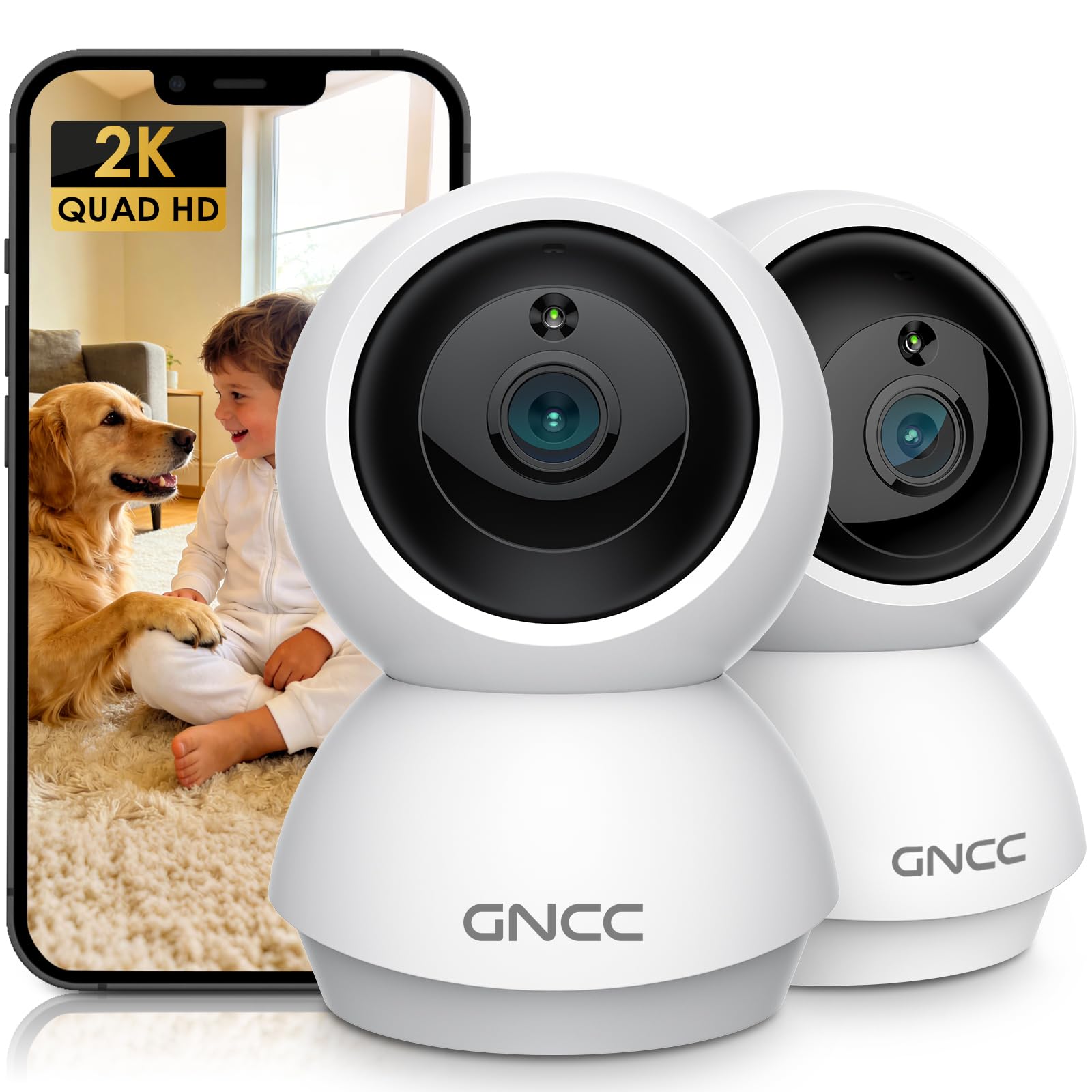
Image: GNCC GP6 2K Indoor Pan/Tilt Security Camera
Шта је у кутији
Please check the package contents carefully. If any items are missing or damaged, contact GNCC support.
- GNCC Indoor Camera (x2)
- Повер Адаптер
- Кабл за пуњење
- Монтажни вијак
- Упутство за употребу

Image: GNCC GP6 2K Indoor Pan/Tilt Security Camera box contents
Кључне карактеристике
2K Ultra HD & 10m Night Vision
Equipped with 2K Full HD resolution, this indoor security camera delivers sharp, detailed live video for baby/pet monitoring and home security. It features 10-meter clear night vision, allowing you to monitor what matters most anytime, anywhere, even in low light conditions.

Image: 2K Quality Video
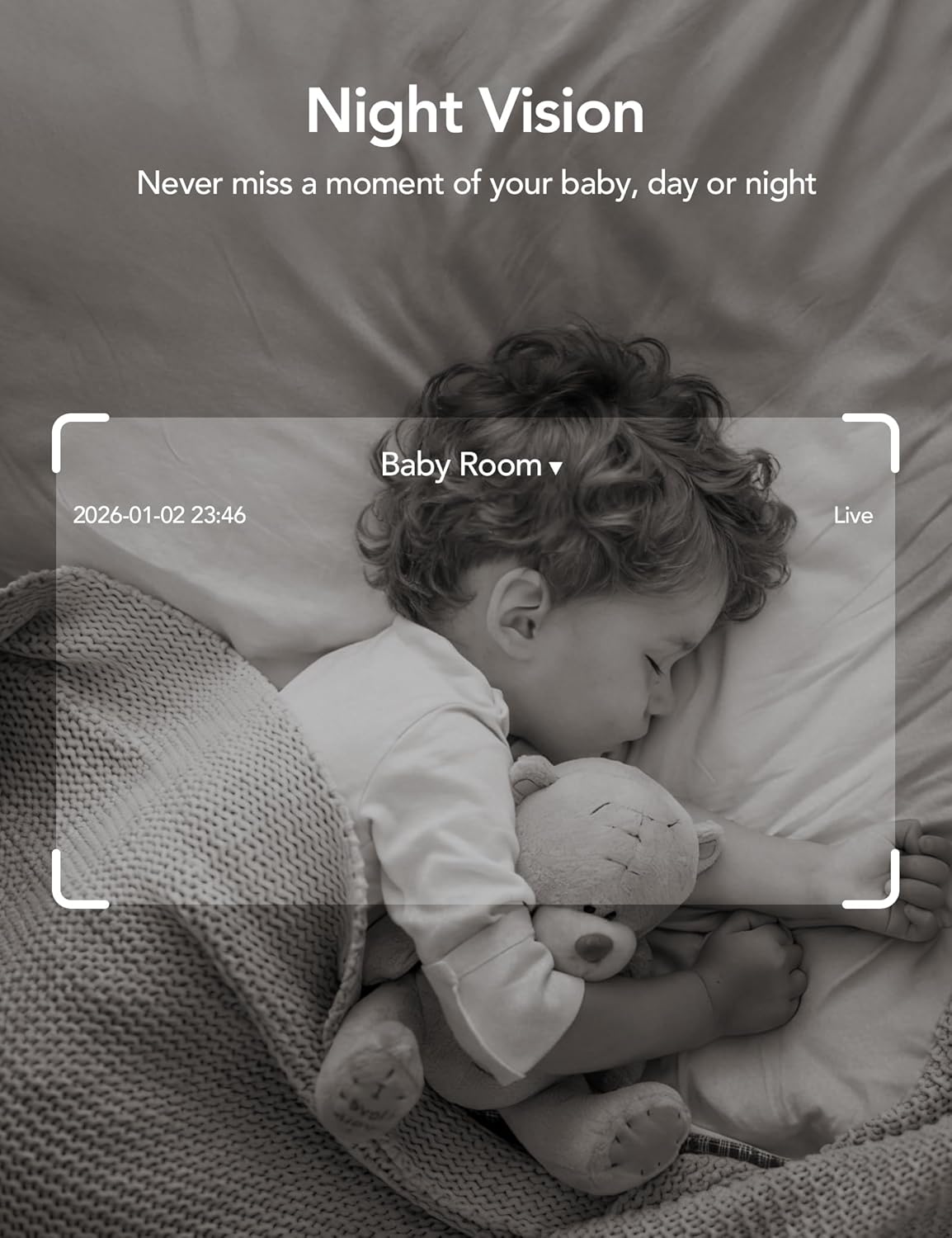
Image: Night Vision
Dual-Band 2.4G/5GHz WiFi & Bluetooth Pairing
Effortlessly connect based on dual WiFi signals (2.4GHz and 5GHz) for more stable signals and smooth live viewing. Setup takes just minutes with Bluetooth pairing, requiring no complicated configurations.

Image: Dual-Band 2.4GHz/5GHz Wi-Fi
AI Motion Tracking & Wide-Angle View
With 340° horizontal and 80° vertical pan/tilt rotation, the indoor camera features advanced AI motion tracking. It covers every corner of your room, monitoring your home security comprehensively and capturing all key moments.

Image: 360° Coverage

Image: Smart AI Motion Tracking
Smart Motion Detection & Customizable Zones
This security camera can detect motion or sounds. On the Osaio app, you can customize monitoring zones to target key areas, ensuring you receive alerts about what matters most, providing reliable peace of mind.
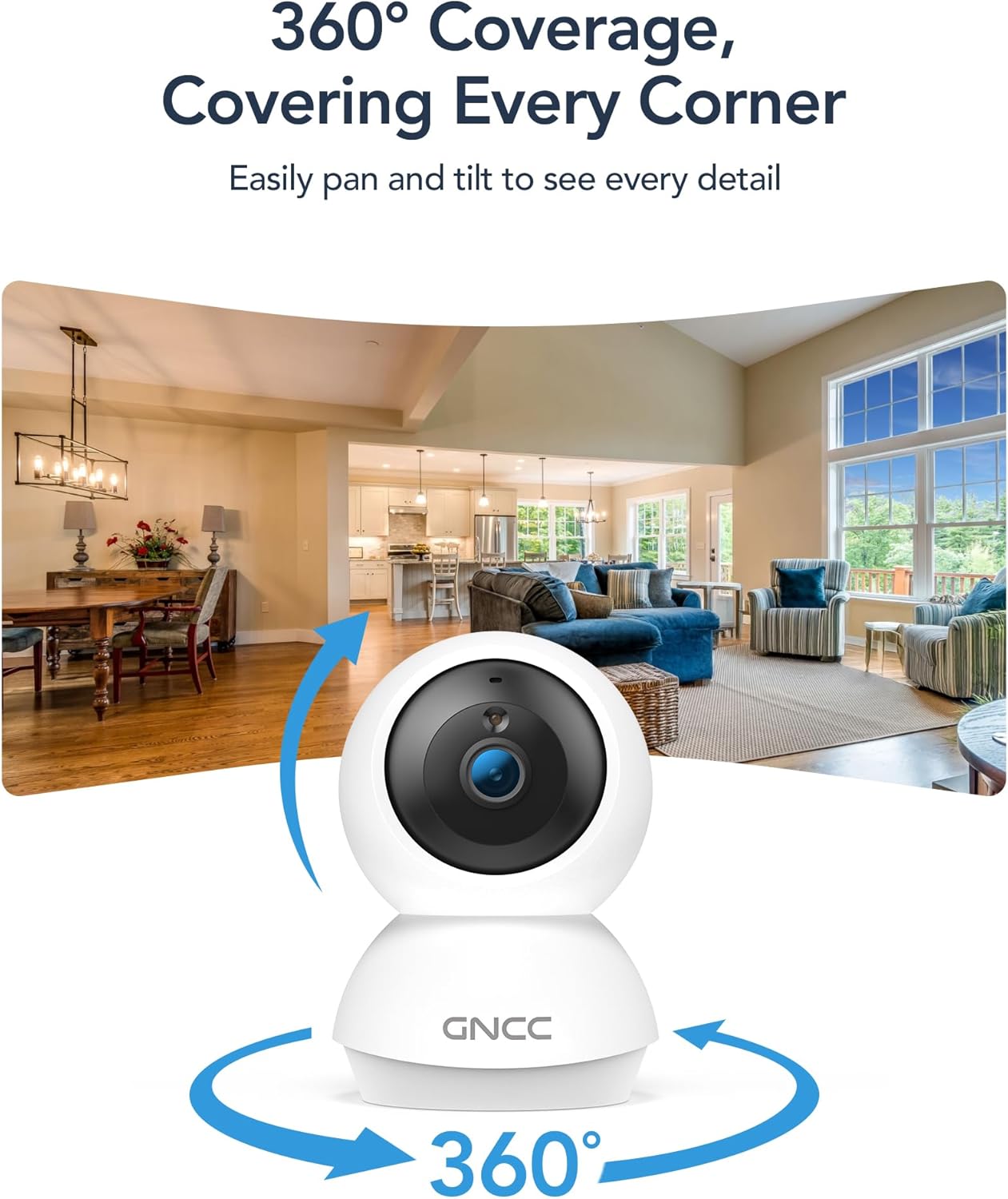
Image: Smart Detection & Instant Alerts
Two-Way Audio & Alexa Compatibility
A built-in high-fidelity microphone and speaker enable real-time communication. Comfort your crying baby, soothe your pet, or greet family members from anywhere. The camera works with Alexa/Google Assistant to view live feeds with voice control.

Image: Two-Way Audio

Image: Alexa/Google Assistant Compatibility
Flexible Options for Cloud/SD Card Storage
The GNCC indoor camera supports both Cloud storage (with a 14-day free trial) and Local storage (SD card not included, up to 128GB) to keep your footage safe. It supports 24/7 continuous recording on an SD card, while Cloud storage offers convenient access to footagе са било ког места.

Image: Flexible Optional Storage
All-in-Osaio App & One-Tap Simplicity
Designed with universal compatibility, the Osaio app works seamlessly with all GNCC home camera models, building a home security ecosystem for you. Packed with integrated functions, it offers easy setup, control, and monitoring of your home security in minutes.
Водич за подешавање
Follow these steps to set up your GNCC GP6 camera:
- Unbox the Camera: Carefully remove all components from the packaging. Ensure you have both cameras, power adapters, charging cables, mounting screws, and the user manual.
- Укључено: Connect the camera to a power source using the provided power adapter and charging cable. The camera will power on and indicate readiness for pairing.
- Download the Osaio App: Scan the QR code in the manual or search for "Osaio" in your smartphone's app store (iOS or Android). Download and install the app.
- Региструјте налог: Open the Osaio app and follow the on-screen instructions to register a new account or log in if you already have one.
- Додај уређај: In the Osaio app, tap the "+" icon to add a new device. Select your camera model (GP6) and follow the in-app instructions for Bluetooth pairing. Ensure your phone's Bluetooth is enabled and close to the camera.
- Повежите се на Ви-Фи: During the pairing process, you will be prompted to connect the camera to your home Wi-Fi network. The camera supports both 2.4GHz and 5GHz bands for a stable connection.
- Назовите свој уређај: Assign a recognizable name to your camera (e.g., "Living Room Camera," "Baby's Room").
- Mount the Camera (Optional): Use the included mounting screws to securely attach the camera to a wall or ceiling if desired. The camera can also be placed on a flat surface.

Image: Osaio App Setup Steps
Видео за подешавање
Video: Unboxing and Easy Setup Guide for GNCC Indoor Cameras (3:40)
Упутство за употребу
Уживо View и контрола панорамирања/нагиба
Access the live feed of your camera through the Osaio app. Use the on-screen joystick or swipe gestures to remotely control the camera's pan (340° horizontal) and tilt (80° vertical) functions to view different areas of your room.
Двосмерни аудио
Tap the microphone icon in the app to speak through the camera's built-in speaker. Tap the speaker icon to listen to audio from the camera's environment. This allows for real-time communication.
Детекција и праћење покрета
The camera automatically detects motion and sounds. Enable AI Motion Tracking in the app settings to have the camera automatically follow detected movement. You will receive instant notifications on your phone when motion or sound is detected.
Прилагодљиве зоне активности
In the Osaio app settings, you can define specific areas within the camera's view as activity zones. This helps reduce unnecessary alerts by focusing detection on critical areas.
Снимање и складиштење
The camera supports continuous recording to a local Micro SD card (up to 128GB, not included) or event-based recording to optional cloud storage. Access recorded footage via the Osaio app.
Нигхт Висион
The camera automatically switches to night vision mode in low-light conditions, providing clear black-and-white video up to 10 meters.
Режим приватности
Activate Privacy Mode via the Osaio app to temporarily disable monitoring and recording, ensuring your privacy when needed.
Одржавање
- Чишћење: Use a soft, dry cloth to clean the camera lens and body. Avoid harsh chemicals or abrasive materials.
- Ажурирања фирмвера: Regularly check the Osaio app for firmware updates. Keeping your camera's firmware up-to-date ensures optimal performance and security.
- Пласман: Уверите се да је камера постављена на стабилно место, даље од директне сунчеве светлости, извора топлоте и влаге.
- Управљање СД картицама: If using an SD card, periodically check its status in the app and consider formatting it every few months to maintain performance.
Решавање проблема
- Камера ван мреже: Check your Wi-Fi connection and ensure the camera is powered on. Restart the camera and your router if necessary. Verify Wi-Fi signal strength in the camera's location.
- Не могу да се повежем са апликацијом: Ensure Bluetooth is enabled on your phone during initial setup. Confirm you are connecting to the correct Wi-Fi network. Try resetting the camera and repeating the setup process.
- Лош видео квалитет: Check your internet speed. A stable and fast internet connection is crucial for 2K streaming. Ensure the camera lens is clean.
- Детекција покрета не ради: Verify that motion detection is enabled in the Osaio app settings. Adjust sensitivity levels and check activity zone configurations.
- No Sound/Two-Way Audio Issues: Check the volume settings on your phone and in the Osaio app. Ensure the camera's microphone and speaker are not obstructed.
- SD картица не снима: Ensure the SD card is inserted correctly and is not full. Format the SD card via the app if issues persist. Use a compatible SD card (Class 10 or higher, up to 128GB).
Спецификације
| Феатуре | Детаљ |
|---|---|
| Назив модела | Indoor Camera (GP6) |
| Резолуција снимања видео записа | 2K (1920p) |
| Технологија повезивања | Wireless (Bluetooth, Wi-Fi 2.4G/5GHz) |
| Посебне карактеристике | 2-Way Audio, HD Resolution, Image Sensor, Night Vision, PTZ Technology, AI Motion Tracking, Customizable Zones |
| Унутрашња употреба на отвореном | Индоор |
| Компатибилни уређаји | Smartphone (Osaio App), Amazon Alexa, Apple HomeKit |
| Моунт Типе | Зидни носач, самостојећи |
| Тип упозорења | Аудио и покрет |
| Viewинг Англе | 340 степени (панорама), 80 степени (нагиб) |
| Ноћни вид | 10 метара |
| Максимална подржана величина флеш меморије | 128 GB (Micro SD Card) |
| Извор напајања | Цордед Елецтриц |
| Димензије артикла | 2.95 к 2.95 к 4.77 инча |
Гаранција и подршка
Информације о гаранцији
Your GNCC GP6 camera comes with a 12-месечна гаранција од датума куповине. Ова гаранција покрива производне недостатке и осигурава да ваш производ функционише како је предвиђено при нормалној употреби. Молимо вас да сачувате доказ о куповини за потребе подношења захтева за гаранцију.
Корисничка подршка
For technical assistance, troubleshooting, or warranty inquiries, please contact GNCC customer support:
- Емаил: суппорт@гнццхоме.цом
- Подршка на мрежи: Visit the official GNCC webсајт за често постављана питања и додатне ресурсе.
Наш тим за подршку је посвећен пружању брзе и корисне помоћи.
Повезани документи - ГП6
 |
Упутство за употребу GNCC K1 Pro 2K спољне WiFi безбедносне камере Упутство за употребу за GNCC K1 Pro 2K спољну WiFi безбедносну камеру. Сазнајте више о инсталацији, подешавању апликације, функцијама као што су аутоматско праћење и ноћни вид у боји, решавању проблема и техничким спецификацијама за кућни надзор. |
 |
GNCC SP21 Smart Plug User Manual and Setup Guide Comprehensive user manual for the GNCC SP21 Smart Plug, covering setup, specifications, EZ and AP modes, and troubleshooting. Learn how to connect your smart plug to Wi-Fi using the 'osaio' app. |
 |
GNCC P1 Pro Indoor Camera User Guide This user guide introduces the GNCC P1 Pro Indoor Camera, a smart home security device offering 360° Pan/Tilt, Crystal Clear Video, Motion/Sound Detection, and Two-Way Audio. Learn how to set up and manage your camera using the Osaio app, utilize features like Night Vision and cloud storage, and troubleshoot common issues. |
 |
Упутство за употребу GNCC T1 Pro спољне безбедносне камере Свеобухватни водич за GNCC T1 Pro 2K безбедносну камеру, који покрива подешавање, функције и интеграцију апликација за кућну безбедност. |
 |
GNCC Indoor Camera P10 User Guide Comprehensive user guide for the GNCC Indoor Camera (Model P10). Learn how to set up, manage device settings, use the Osaio app, and troubleshoot your security camera. |
 |
Упутство за употребу GNCC унутрашње камере C2 Упутство за употребу за GNCC унутрашњу камеру C2, које обухвата подешавање, функције као што су кристално јасан видео, ноћни вид, двосмерни аудио, детекција покрета/звука и складиштење у облаку/SD картици. Садржи упутства за управљање подешавањима уређаја, дељење камере и савете за решавање проблема. |
Ask a question about this manual
Ask about setup, troubleshooting, compatibility, parts, safety, or missing instructions. Manuals+ will review the question and use this page’s manual context to help answer it.