
1. Производ је готовview
The MEETION K2000 is a wired ergonomic keyboard designed for comfort and enhanced typing experience. It features a translucent shell, split and curved key layout, integrated wrist rest, and customizable RGB backlighting. It offers broad compatibility with various operating systems via USB-A or USB-C connection.

Слика 1.1: The MEETION K2000 Ergonomic Wired RGB Keyboard, showcasing its split design and integrated wrist rest.
Видео 1.1: Ан оверview of the MEETION K2000 Ergonomic Wired RGB Keyboard, highlighting its features and design.
2. Подешавање
2.1 Садржај пакета
- MEETION K2000 Ergonomic Wired RGB Keyboard
- УСБ-А на УСБ-Ц адаптер
- Упутство за употребу
2.2 Повезивање тастатуре
- Locate an available USB port on your computer (PC, Laptop, Mac).
- Connect the keyboard's USB-A cable directly to a USB-A port on your computer.
- If your computer only has USB-C ports, attach the provided USB-A to USB-C adapter to the keyboard's USB-A cable, then plug the adapter into a USB-C port on your computer.
- The keyboard is plug-and-play; no additional drivers are required for most operating systems.

Слика 2.1: The keyboard's USB-A cable and the included USB-A to USB-C adapter for versatile connectivity.
2.3 Adjusting Keyboard Angle
The keyboard features adjustable flip-out feet at the bottom to customize your typing angle for optimal comfort. You can choose between 2°, 4.07°, or 4.3° incline settings.

Слика 2.2: The adjustable feet on the underside of the keyboard allow for different typing angles.
3. Упутство за употребу
3.1 Ergonomic Design and Wrist Rest
The keyboard's split, curved layout and integrated padded wrist rest are designed to promote a natural hand and wrist posture, reducing strain during extended use. The scissor-switch key design offers a quiet and comfortable typing experience.
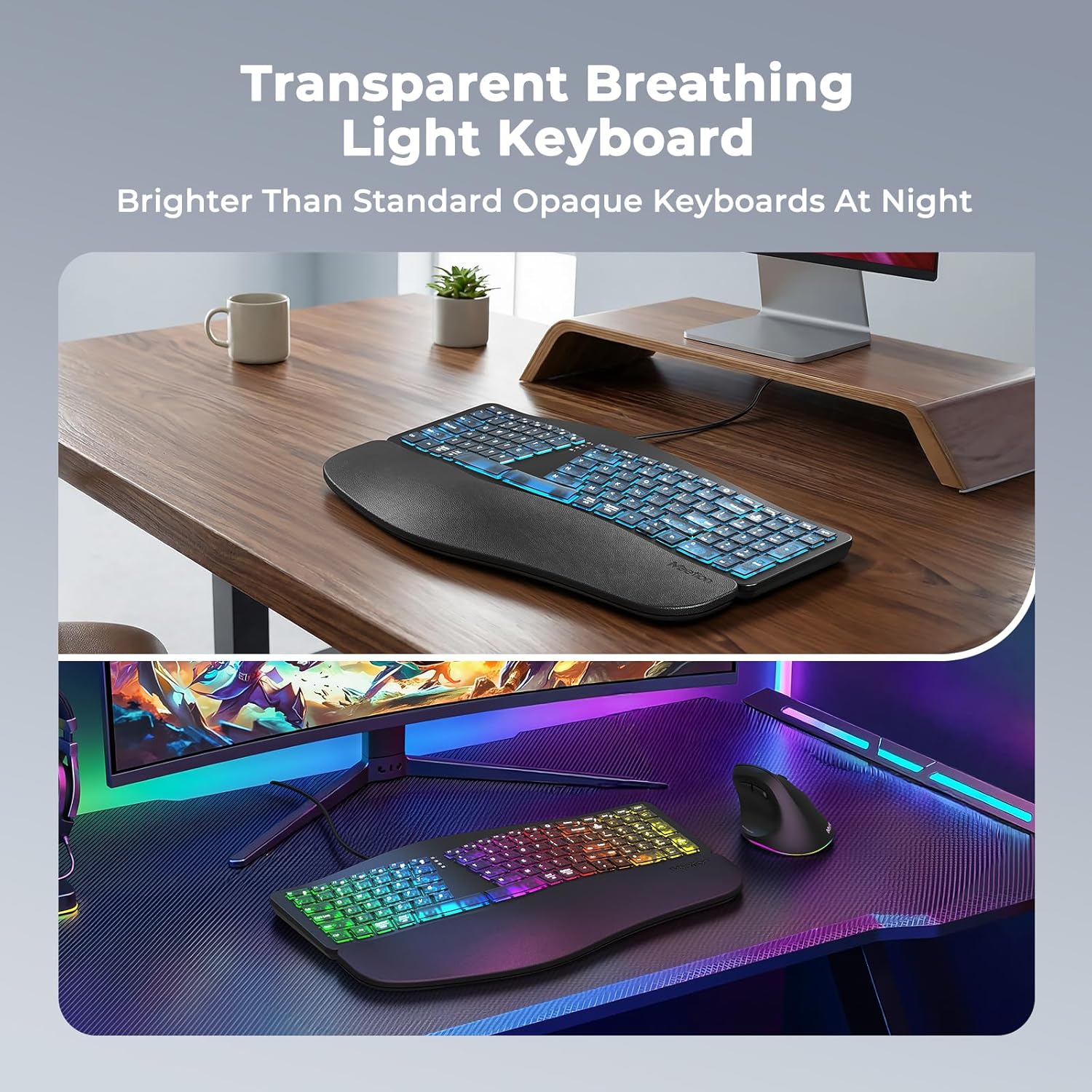
Слика 3.1: The split ergonomic design of the keyboard helps maintain a comfortable typing posture.
3.2 Контрола позадинског осветљења
The translucent keycaps allow for vibrant backlighting. You can customize the lighting effects and brightness levels:
- Подесите осветљеност: Притисните Фн + десни Схифт repeatedly to cycle through 25%, 50%, 75%, 100% brightness, or turn the backlight off.
- Change Backlight Mode/Color: Притисните Fn + Right Enter repeatedly to switch between different modes:
- RGB Breathing (dynamic color cycling)
- 7 Static Colors: Red, Green, Blue, White, Purple, Cyan, Yellow
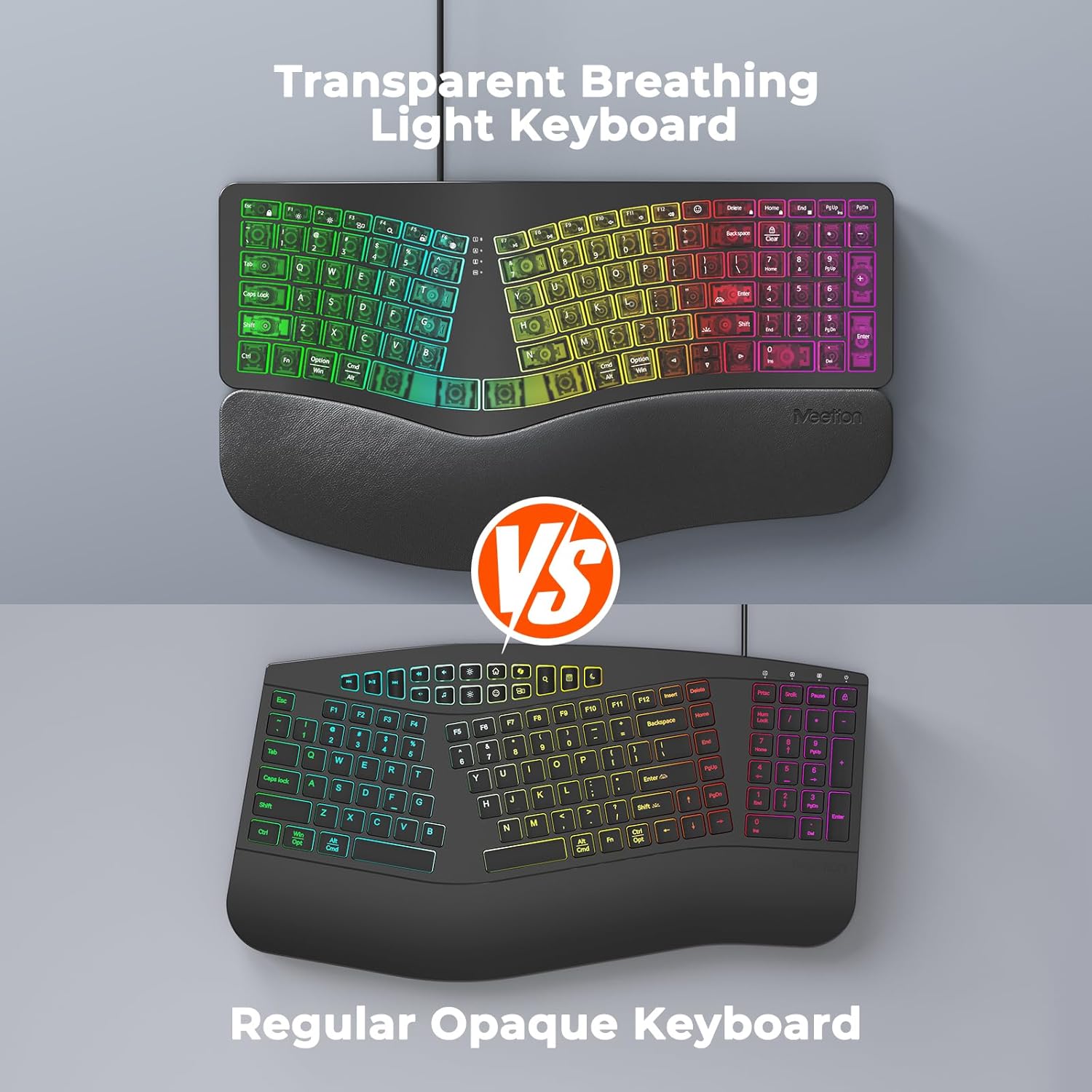
Слика 3.2: Instructions for adjusting backlight brightness and cycling through various color modes.
Видео 3.1: Demonstration of the K2000 keyboard's backlit features and color options.
3.3 System Layout Switching
The keyboard supports both Windows and Mac layouts. To switch between systems:
- За Виндовс systems: Press Фн + К
- За Мац systems: Press Фн + В

Слика 3.3: The keyboard supports both Windows and Mac operating systems, with dedicated function keys for switching layouts.
3.4 Emoji Shortcuts
Access emoji shortcuts by pressing the dedicated Emoji key. This feature is compatible with Windows, MacOS, iPad (iPadOS), and Android Samsung devices. Please note that it does not support iPhone (iOS).

Слика 3.4: The dedicated emoji shortcut key for quick access to emojis on compatible devices.
4. Одржавање
4.1 Чишћење
- Да бисте очистили тастатуру, нежно обришите површину меком, сувом или благо длакомamp тканина.
- Avoid using harsh chemicals, abrasive cleaners, or solvents, as these may damage the keyboard's finish or keycaps.
- За чишћење између тастера, користите компримовани ваздух да бисте уклонили прашину и остатке.
4.2 Одржавање капица тастера
- Ensure keycaps are firmly seated. If a keycap feels loose, gently press it down until it clicks into place.
- Avoid excessive force when pressing keys to prevent damage.
КСНУМКС. Решавање проблема
5.1 Тастатура не реагује
- Уверите се да је USB кабл безбедно прикључен у USB порт вашег рачунара.
- Покушајте да повежете тастатуру са другим УСБ портом на рачунару.
- If using the USB-C adapter, ensure it is firmly connected to both the keyboard cable and the computer's USB-C port.
- Test the keyboard on another computer to determine if the issue is with the keyboard or your computer's port/drivers.
5.2 Проблеми са позадинским осветљењем
- If the backlight is off, press Фн + десни Схифт за повећање осветљености.
- If the color is not desired, press Fn + Right Enter to cycle through different color modes.
- Ensure the keyboard is properly connected, as power issues can affect backlighting.
5.3 Тастери се не региструју
- Gently press down on the affected keycap to ensure it is properly seated.
- Clean any debris or dust from under the keycap using compressed air.
- If the issue persists, try the troubleshooting steps for "Keyboard Not Responding".
6. Спецификације
| Бранд | САСТАНАК |
| Број модела | К2000 |
| Технологија повезивања | УСБ-А, УСБ-Ц |
| Опис тастатуре | Multimedia, Ergonomic, Backlit |
| Посебне карактеристике | Backlit, Ergonomic, Wired, Wrist Rest |
| Боја | Црно |
| Подршка бојама позадинског осветљења тастатуре | RGB (7 static colors + breathing mode) |
| Материјал | Acrylonitrile Butadiene Styrene, Thermoplastic Polyurethane (TPU) |
| Распоред тастатуре | КВЕРТИ |
| Компатибилни уређаји | Лаптоп, рачунар (Windows, Mac) |
7. Гаранција и подршка
7.1 Гаранција произвођача
The MEETION K2000 Ergonomic Wired RGB Keyboard comes with a 1-годишња гаранција произвођачаОва гаранција покрива недостатке у материјалу и изради при нормалној употреби.
7.2 Техничка подршка
For technical assistance, troubleshooting, or warranty claims, please contact MEETION customer support. Refer to the product packaging or the official MEETION webсајт за најновије контакт информације.