
Увод
This manual provides essential information for setting up, operating, maintaining, and troubleshooting your HP 17.3" Touchscreen Laptop, model 17-cp3602nr. Please read this guide thoroughly to ensure proper use and to maximize the lifespan of your device.
Садржај пакета
Проверите да ли су све ставке присутне у пакету:
- HP 17.3" Touchscreen Laptop (Model 17-cp3602nr)
- AC Power Adapter and Cord
- Водич за брзи почетак (ако је укључен)

Image: The HP 17.3" Touchscreen Laptop and its included power adapter.
Сетуп
1. Прво укључивање и пуњење
- Connect the AC power adapter to the laptop's AC smart pin port and then to a power outlet.
- Отворите поклопац лаптопа. Лаптоп се може аутоматски укључити или ћете можда морати да притиснете дугме за напајање које се налази на тастатури.
- Allow the battery to charge fully before initial use, though you can begin setup while charging.
2. Подешавање система Windows 11
Follow the on-screen instructions to complete the Windows 11 Home setup. This typically includes:
- Избор региона и распореда тастатуре.
- Повезивање на Ви-Фи мрежу.
- Пријављивање са или креирање Microsoft налога.
- Подешавање ПИН-а или лозинке.
- Configuring privacy settings.
3. Подешавање читача отиска прста
During or after Windows setup, you can configure the fingerprint reader for secure login. Navigate to Подешавања > Налози > Опције пријављивања and follow the prompts to add your fingerprint.

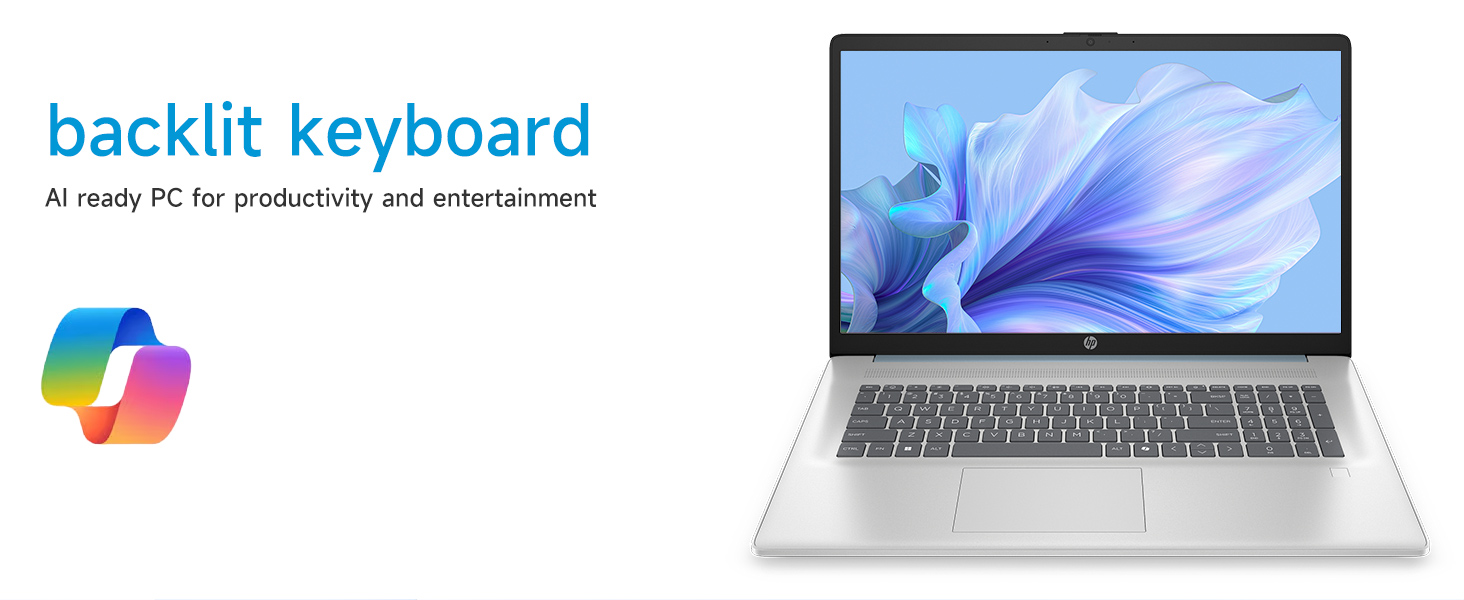
Image: Close-up of the backlit keyboard and the integrated fingerprint reader on the HP laptop.
Упутство за употребу
Коришћење екрана осетљивог на додир
The 17.3" HD+ (1600 x 900) display supports touch input. You can interact with Windows 11 and applications directly on the screen using gestures similar to a tablet or smartphone. Ensure your screen is clean for optimal touch responsiveness.
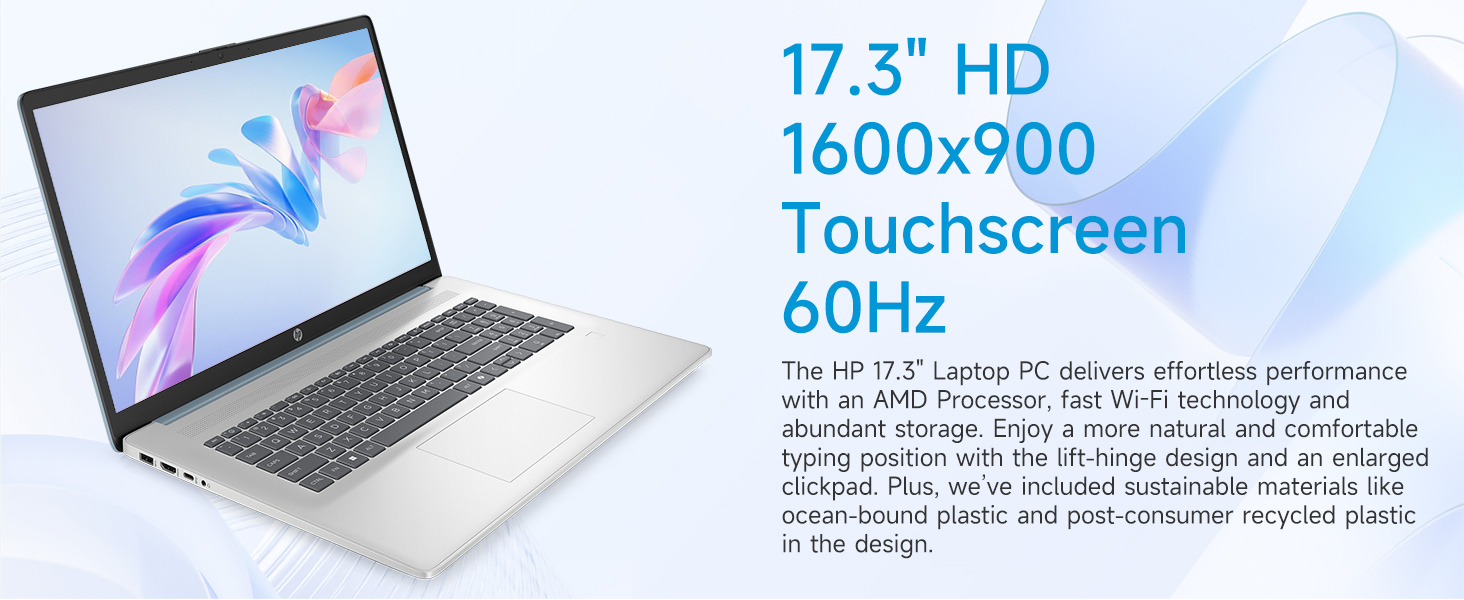
Image: The 17.3-inch touchscreen display of the HP laptop, illustrating its touch capabilities.
Тастатура и додирна табла
- Тастатура са позадинским осветљењем: Притисните тастер Фн + Ф5 (or similar function key with a keyboard backlight icon) to toggle the keyboard backlight on/off or adjust its brightness.
- Нумеричка тастатура: Utilize the dedicated numeric keypad for efficient data entry.
- Тоуцхпад: The large click pad supports multi-touch gestures for navigation. Refer to Windows settings for customizing touchpad gestures.
Connecting External Devices (Ports)
Ваш лаптоп је опремљен разним портовима за повезивање периферних уређаја:
- USB типа C (брзина сигнала од 5 Gbps): For connecting modern USB-C devices.
- USB тип-A (брзина сигнала од 5 Gbps): Two ports for standard USB devices like mice, keyboards, or external drives.
- ХДМИ 1.4б: Повежите се са екстерним мониторима или телевизорима за проширени приказ.
- Комбиновани прикључак за слушалице/микрофон: For audio input/output with a single jack.
- Паметни ПИН за клима уређај: За повезивање адаптера за напајање.
Слика: Детаљна view of the laptop's side ports, including USB-A, USB-C, HDMI, and audio jack.
Wi-Fi 6 повезивање
The laptop supports Wi-Fi 6 (802.11ax) for fast and reliable wireless internet connectivity. To connect, click the Wi-Fi icon in the taskbar, select your network, and enter the password.
Одржавање
Чишћење лаптопа
- Екран: Користите меку крпу која не оставља длачицеampводом или средством за чишћење екрана. Избегавајте јаке хемикалије.
- Тастатура и кућиште: Користите меку, суву крпу. За тврдокорну прљавштину, благоamp Може се користити крпа, водећи рачуна да течност не уђе у отворе.
- Портови: Keep ports free of dust and debris using compressed air if necessary.
Ажурирања софтвера
Редовно проверавајте и инсталирајте ажурирања за Windows како бисте били сигурни да ваш систем има најновије безбедносне закрпе и побољшања перформанси. Идите на Подешавања > Windows Update да управља ажурирањима.
Баттери Царе
To prolong battery life, avoid extreme temperatures and fully discharging the battery frequently. For long-term storage, charge the battery to about 50%.
Решавање проблема
Овај одељак се бави уобичајеним проблемима на које можете наићи.
Лаптоп се не укључује
- Уверите се да је АЦ адаптер безбедно повезан и са лаптопом и са исправном утичницом.
- Проверите да ли је утичница функционална тако што ћете укључити други уређај.
- Ако је батерија потпуно испражњена, може бити потребно неколико минута пуњења пре него што се лаптоп може укључити.
Screen Remains Blank
- Проверите да ли је лаптоп укључен (индикаторска лампица за напајање светли).
- Try adjusting the screen brightness using the function keys (e.g., Фн + Ф2/Ф3).
- If an external monitor is connected, ensure it is properly configured in Windows display settings.
Проблеми са Wi-Fi повезивањем
- Уверите се да је Wi-Fi омогућен у подешавањима система Windows.
- Рестартујте рутер и модем.
- Заборавите мрежу и поново се повежите, поново уносећи лозинку.
- Update Wi-Fi drivers via Device Manager.
System Restarts Unexpectedly
Unexpected restarts can be caused by software conflicts, outdated drivers, or hardware issues. Ensure all Windows updates are installed and drivers are current. If the issue persists, consider running Windows diagnostic tools or contacting HP Support.
Спецификације
| Феатуре | Детаљ |
|---|---|
| Бранд | HP |
| Назив модела | 17-cp3602nr |
| Величина екрана | 17.3 инча |
| Резолуција екрана | HD+ (1600 x 900) |
| Дисплаи Феатурес | Touch, Anti-glare, 250 nits, 60% NTSC |
| Процесор | AMD Ryzen 5 7430U (6 језгара, 12 нити, до 4.3 GHz) |
| Графика | AMD Radeon графика (интегрисана) |
| РАМ | 8 GB DDR4 SDRAM (3200 MHz) |
| Складиштење | 128 GB PCIe NVMe M.2 SSD |
| Оперативни систем | Виндовс 11 Хоме |
| Портс | 1x USB Type-C 5Gbps, 2x USB Type-A 5Gbps, 1x HDMI 1.4b, 1x Headphone/Microphone Combo, 1x AC Smart Pin |
| Бежично повезивање | Ви-Фи 6 (802.11ак) |
| Посебне карактеристике | Backlit Keyboard, Fingerprint Reader, Numeric Keypad, Webцам |
| Dimensions (L x W x Thickness) | 15.78 cm D x 10.15 cm Š x 0.81 cm Deb |
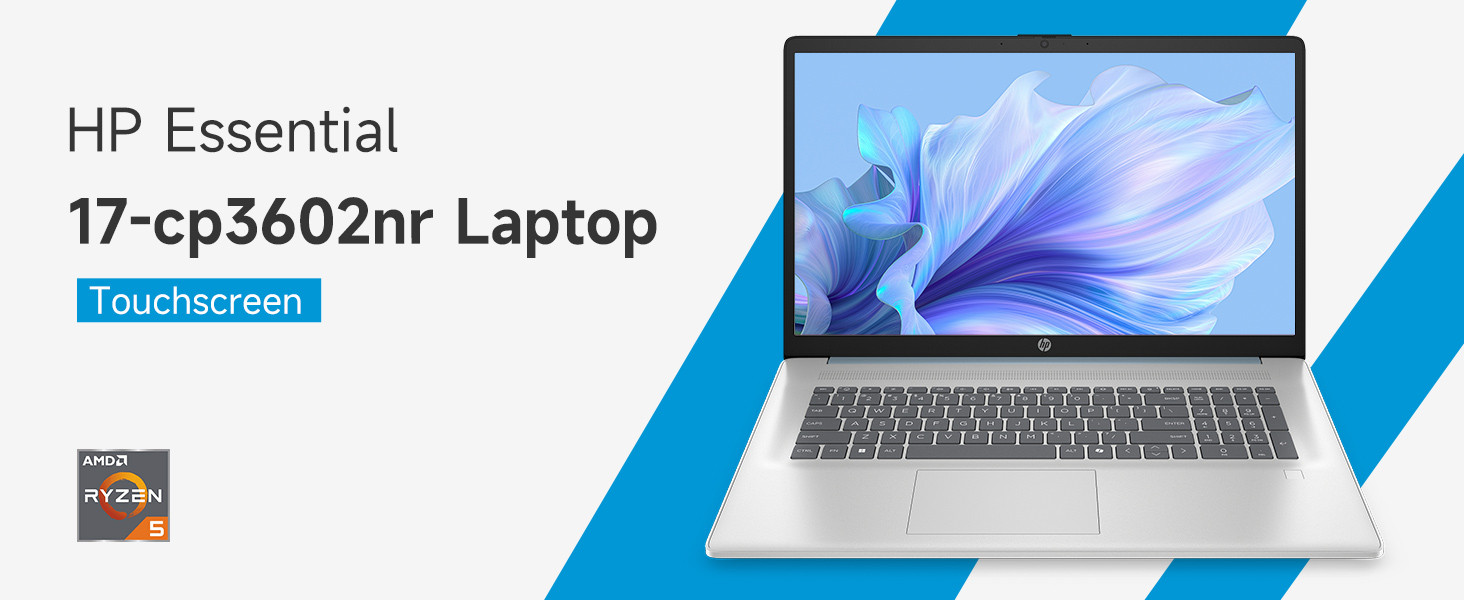
Image: An infographic highlighting key specifications such as the AMD Ryzen 5 processor, Windows 11 Home, storage, and connectivity options.
Гаранција и подршка
Гаранција произвођача
Your HP laptop is covered by a standard manufacturer's warranty. For specific terms and conditions, please refer to the warranty documentation included with your product or visit the official HP support website. Warranty duration and coverage may vary by region.
Техничка подршка
For technical assistance, driver downloads, or further troubleshooting, please visit the official HP Support webсајт:
When contacting support, have your laptop's model number (17-cp3602nr) and serial number ready.