
1. Увод
The WOLFANG WS03 is an advanced indoor 2K 3MP WiFi security camera designed to provide comprehensive monitoring for your home or office. It features 360° pan and 110° tilt capabilities, automatic motion tracking, two-way audio communication, and enhanced infrared night vision. This manual will guide you through the setup, operation, and maintenance of your camera to ensure optimal performance and security.
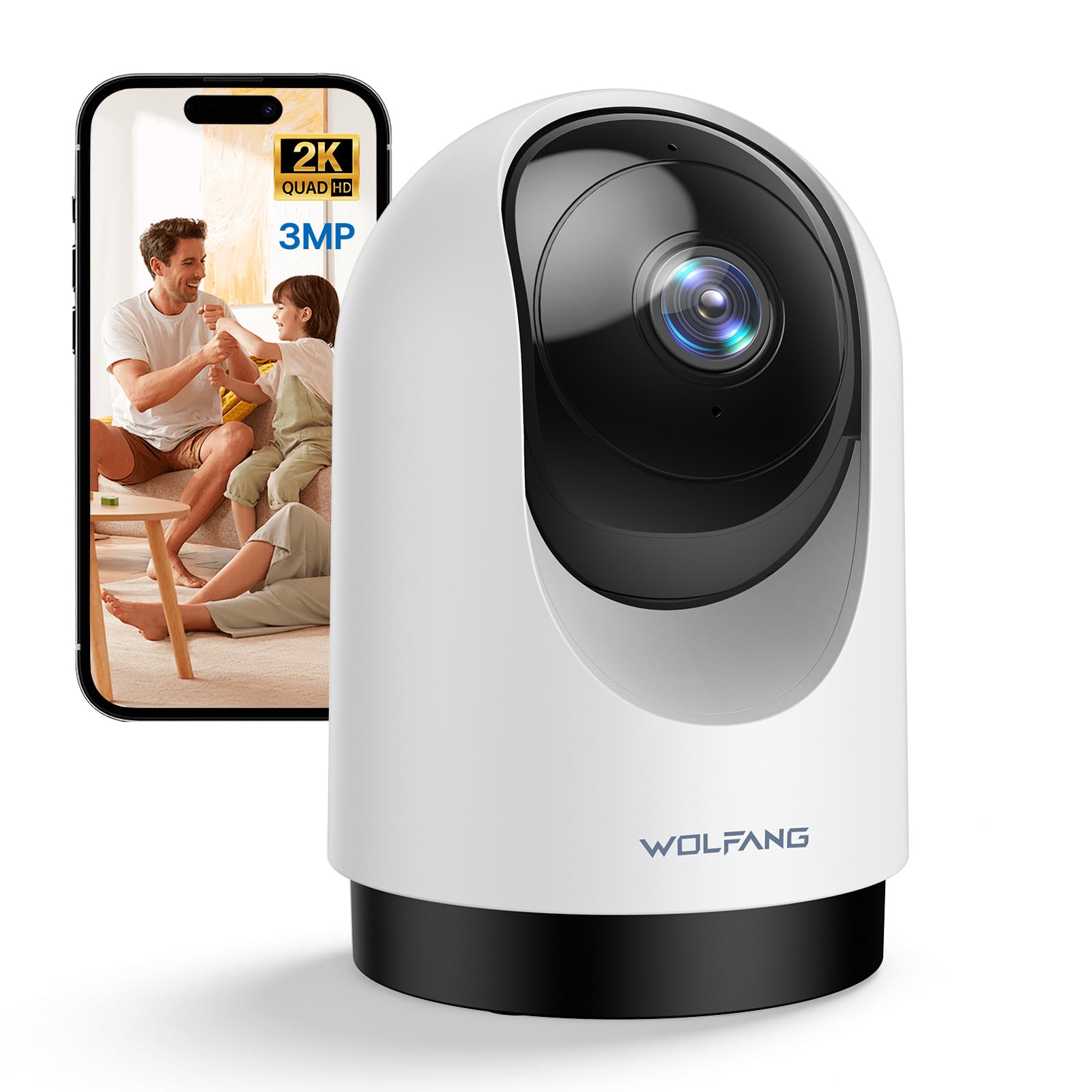
Image 1.1: WOLFANG WS03 Camera Overview
2. Садржај пакета
Молимо вас да проверите садржај пакета након распакивања. Ако неке ставке недостају или су оштећене, обратите се корисничкој подршци.
- WOLFANG WS03 2K Indoor Security Camera
- Повер Адаптер
- УСБ кабл за напајање
- Mounting Accessories (screws, wall plugs, mounting bracket)
- Кориснички приручник (овај документ)
3. Производ је готовview и карактеристике
Familiarize yourself with the key features and components of your WOLFANG WS03 camera.
- 2K 3MP Ultra HD Resolution: Captures crisp and detailed video footage at 2304 x 1296p.
- 360° панорамирање и 110° нагиб: Provides extensive coverage of your indoor environment, minimizing blind spots.
- Automatic Motion Tracking: The camera intelligently detects and follows moving subjects in real-time.
- Инфрацрвени ноћни вид: Equipped with IR LEDs for clear monitoring in complete darkness.
- Двосмерни аудио: Features a built-in microphone and speaker for seamless remote communication.
- Smart Motion Detection & Instant Alerts: Advanced motion detection sends real-time notifications to your mobile device.
- Флексибилне опције складиштења: Supports local storage via a microSD card (up to 128GB, not included) and offers optional cloud storage (14-day free trial).
- Компатибилност управљања гласом: Integrates with Amazon Alexa and Google Home for convenient hands-free control.
- Дељење са више корисника: Allows secure sharing of camera access with up to four authorized users.

Image 3.1: WOLFANG WS03 Key Features Diagram
4. Водич за подешавање
Follow these steps to set up your WOLFANG WS03 camera.
- 1. Укључивање: Connect the camera to a power outlet using the provided USB power cable and adapter. The camera will power on and indicate its status (e.g., flashing LED).
- 2. Преузмите апликацију: Преузмите Osaio app from the Apple App Store or Google Play Store on your smartphone.
- 3. Create an Account: Open the Osaio app and follow the on-screen instructions to register for a new account or log in if you already have one.
-
4. Додајте уређај: In the Osaio app, tap the '+' icon to add a new device. Select your camera model (WS03) and follow the prompts to connect it to your Wi-Fi network.
- Уверите се да је ваш паметни телефон повезан са Ви-Фи мрежа од 2.4 ГХзКамера не подржава Wi-Fi од 5 GHz.
- You may need to scan a QR code displayed on your phone with the camera lens to establish the connection.
- 5. Placement and Mounting: Place the camera on a stable, flat surface with a clear view of the area you wish to monitor. Alternatively, use the included mounting accessories to securely install the camera on a wall or ceiling. Ensure the camera is within range of your 2.4GHz Wi-Fi signal.
5. Упутство за употребу
Learn how to use the various functions of your WOLFANG WS03 camera through the Osaio app.
5.1 Уживо View и контрола панорамирања/нагиба
Once connected, open the Osaio app and select your camera to view the live feed. Use the on-screen controls to pan (rotate horizontally 360°) and tilt (rotate vertically 110°) the camera lens to adjust your viewугао уласка.

Image 5.1: Pan and Tilt Functionality with Motion Tracking
5.2 Automatic Motion Tracking
Enable the automatic motion tracking feature in the app settings. The camera will then automatically detect and follow any moving objects or people within its field of view, ensuring important events are captured.
5.3 Двосмерни аудио
The built-in microphone and speaker allow for real-time two-way communication. Tap the microphone icon in the app to speak, and the sound will be projected through the camera's speaker. You can also hear audio from the camera's environment.

Image 5.2: Two-Way Audio Communication
5.4 Ноћни вид
The camera automatically activates its infrared night vision mode in low-light conditions, providing clear black-and-white video footage even in complete darkness. This ensures continuous monitoring around the clock.

Image 5.3: Advanced Night Vision in action
5.5 Снимање и складиштење
The WOLFANG WS03 offers flexible recording and storage options:
- Складиштење МицроСД картице: Insert a microSD card (up to 128GB, not included) into the designated slot on the camera for continuous 24/7 recording or event-triggered recordings.
- Цлоуд Стораге: An optional cloud storage service is available, offering a 14-day free trial. This provides secure off-site storage for your video recordings.
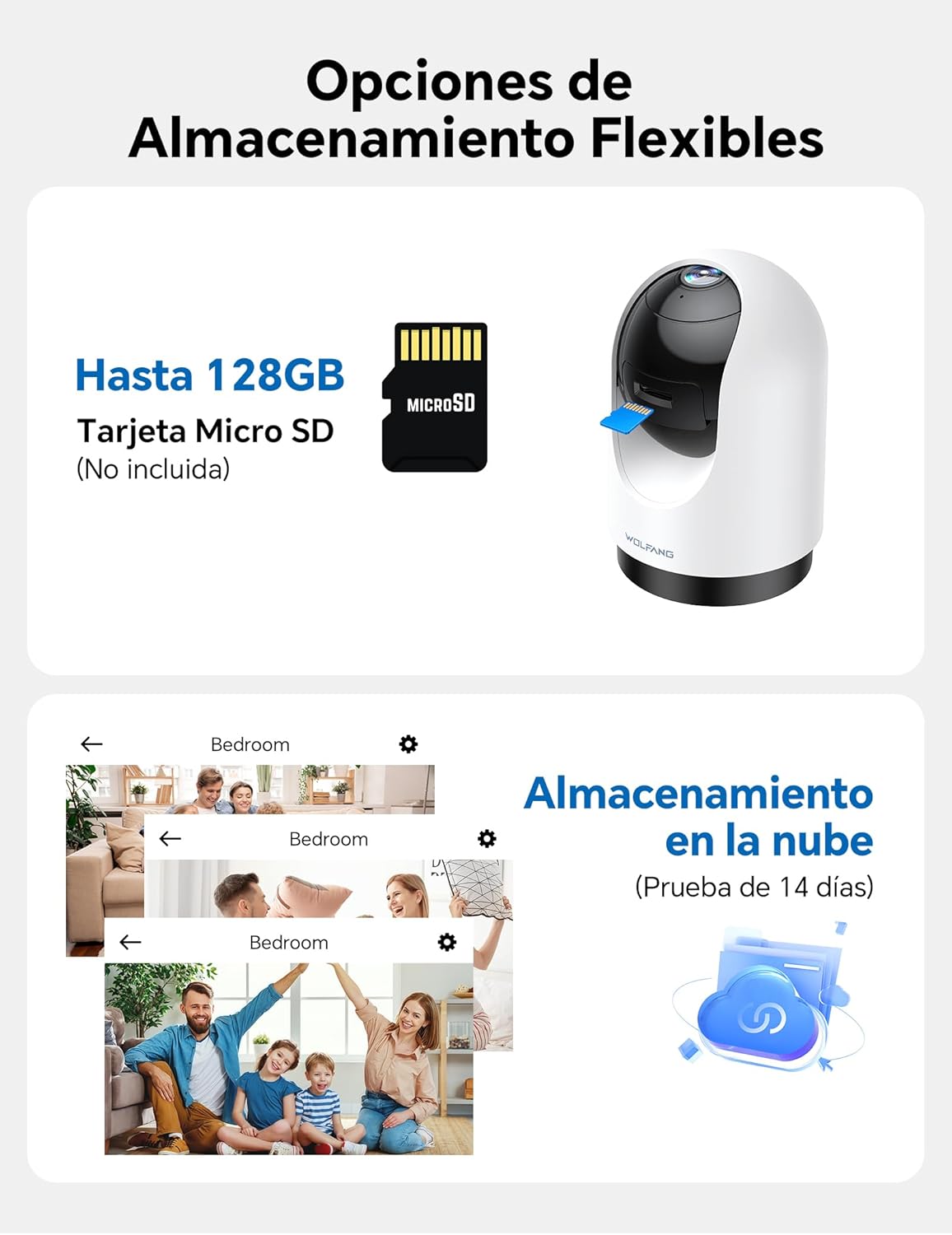
Image 5.4: Flexible Storage Options
5.6 Дељење са више корисника
You can share access to your camera's live feed and recordings with up to four other users. Use the sharing function within the Osaio app to invite family members or trusted individuals.

Image 5.5: Multi-User Sharing Interface
5.7 Интеграција гласовне контроле
The WOLFANG WS03 camera is compatible with Amazon Alexa and Google Home. Link your camera to your smart home assistant through their respective apps to control it using voice commands, such as "Alexa, show me the living room."

Image 5.6: Voice Control with Smart Assistants
6. Одржавање
Правилно одржавање осигурава дуготрајност и оптималне перформансе вашег фотоапарата.
- Чишћење: Gently wipe the camera lens and exterior with a soft, dry, lint-free cloth. Avoid using liquid cleaners or abrasive materials, which can damage the lens or finish.
- Ажурирања фирмвера: Regularly check the Osaio app for available firmware updates. Installing updates ensures your camera has the latest features, security patches, and performance improvements.
- Циклус напајања: If the camera becomes unresponsive or experiences connectivity issues, try power cycling it. Unplug the power adapter from the camera for 10-15 seconds, then plug it back in.
- Услови животне средине: Ensure the camera is used within its specified operating temperature and humidity ranges. Avoid exposing it to extreme temperatures, direct sunlight for prolonged periods, or high moisture environments.
КСНУМКС. Решавање проблема
Погледајте овај одељак за решења за уобичајене проблеме на које можете наићи.
| Проблем | Могуће решење |
|---|---|
| Камера се не повезује на Ви-Фи |
|
| Poor video quality or blurry image |
|
| Motion detection not working or false alerts |
|
| Two-way audio issues (cannot hear or speak) |
|
| USB power cable issue |
|
8. Спецификације
| Феатуре | Детаљ |
|---|---|
| Бранд | ВОЛФАНГ |
| Назив модела | ВС03 |
| Видео Ресолутион | 2K (2304 x 1296p) |
| Резолуција сензора | 3 мегапиксела |
| Пан Англе | 360° Хоризонтално |
| Угао нагиба | 110° вертикално |
| Повезивање | Wi-Fi (само 2.4 GHz) |
| Нигхт Висион | Инфрацрвени (ИР) |
| Аудио | Двосмерни аудио (уграђени микрофон и звучник) |
| Опције складиштења | MicroSD card (up to 128GB, not included), Cloud Storage (optional) |
| Воице Цонтрол | Compatible with Amazon Alexa, Google Home |
| Димензије производа | 7.5 x 11 x 7.5 цм (приближно 2.95 x 4.33 x 2.95 инча) |
| Формат видео снимања | МП4 |
| Извор напајања | Wired Electric (No batteries required) |
| УПЦ | 850067892427 |
9. Гаранција и подршка
WOLFANG is committed to providing high-quality products and customer satisfaction. For any questions, technical assistance, or warranty inquiries, please contact our dedicated customer support team.
Е -пошта за корисничку подршку: support.vc@wolfang.co
Please include your product model (WS03) and a detailed description of your issue when contacting support for faster assistance.