
1. Увод
This manual provides essential information for setting up, operating, maintaining, and troubleshooting your FUNYET NY-14 Laptop. Please read this manual thoroughly before using your device to ensure proper function and longevity.
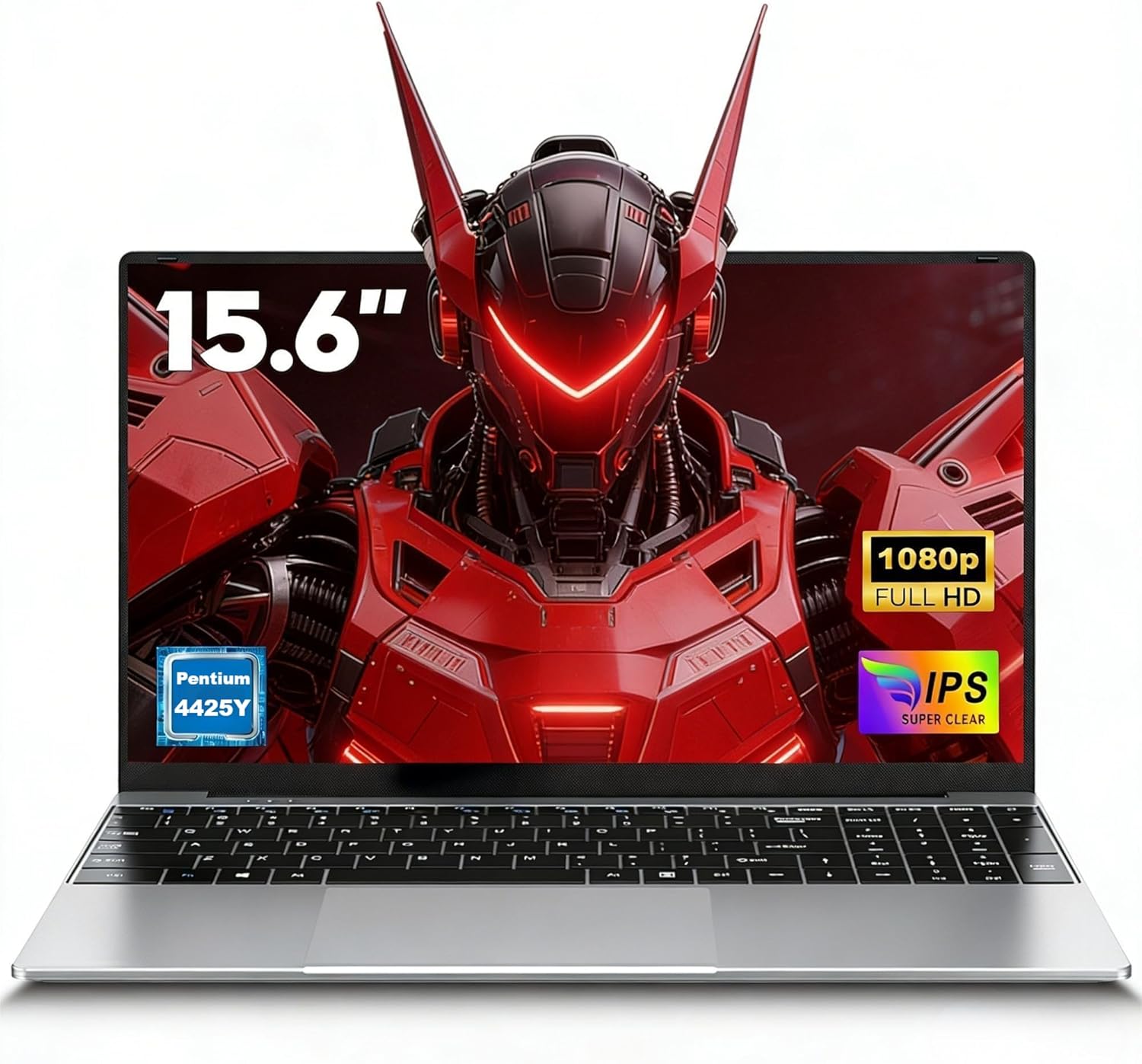
Image 1.1: The FUNYET NY-14 Laptop in a closed position, showcasinг његов елегантан дизајн.
2. Садржај пакета
Проверите да ли су све ставке присутне у пакету:
- 1 × FUNYET NY-14 Laptop (Intel 4425Y)
- 1 × 12V2A DC Adapter
- 1 × Instruction Manual (this document)
- 1 × Гарантни лист
3. Подешавање
3.1 Почетно пуњење и укључивање
- Connect the provided 12V2A DC adapter to the laptop's DC power port and a power outlet.
- Allow the laptop to charge for at least 30 minutes before initial use.
- Press and hold the power button for a few seconds until the screen illuminates to power on the device.
3.2 Подешавање оперативног система (Windows 11 Pro)
Upon first boot, you will be guided through the Windows 11 Pro setup process. Follow the on-screen instructions to configure:
- Језик и регион
- Мрежна веза (Wi-Fi)
- Microsoft account login or local account creation
- Подешавања приватности
3.3 Keyboard Configuration
The laptop may come with a non-Italian keyboard layout. To adjust this:
- Go to Windows Settings > Time & Language > Language & Region.
- Add your preferred keyboard layout (e.g., Italian).
- Physical keyboard stickers may be provided to visually match the desired layout. Apply these carefully if needed.
4. Упутство за употребу
4.1 Управљање напајањем
- Укључено: Притисните и држите дугме за напајање.
- Режим спавања: Briefly press the power button or close the lid.
- Искључи: Click Start > Power > Shut down in Windows.
- Поново покрени: Click Start > Power > Restart in Windows.
4.2 Приказ и визуелни елементи
The FUNYET NY-14 features a 15.6-inch Full HD (1920x1080) IPS display, offering clear visuals and wide viewing angles. The 180° hinge allows for flexible screen positioning, useful for sharing content.

Image 4.1: Visual representation of the 15.6-inch Full HD IPS display with features like 1920P resolution, True HD View, IPS technology, and Eyes Protection.
4.3 Повезивање
- Ви-Фи: Supports Wi-Fi 5 (802.11ac) for stable and fast internet connection. Connect via Windows network settings.
- Блуетоотх: Features Bluetooth 4.2 for connecting wireless peripherals like mice, keyboards, headphones, or speakers. Enable Bluetooth in Windows settings to pair devices.
4.4 Портови и екстерни уређаји
The laptop offers a variety of ports for connecting external devices:
- УСБ 3.0 портови (к2): For high-speed data transfer with USB drives, external hard drives, and other USB peripherals.
- Мини HDMI порт (x1): Connect to external monitors or projectors for extended display. An adapter may be required.
- TF Card Slot (MicroSD): Insert a TF (MicroSD) card for additional storage or data transfer.
- 3.5 мм прикључак за слушалице: За повезивање слушалица или екстерних звучника.
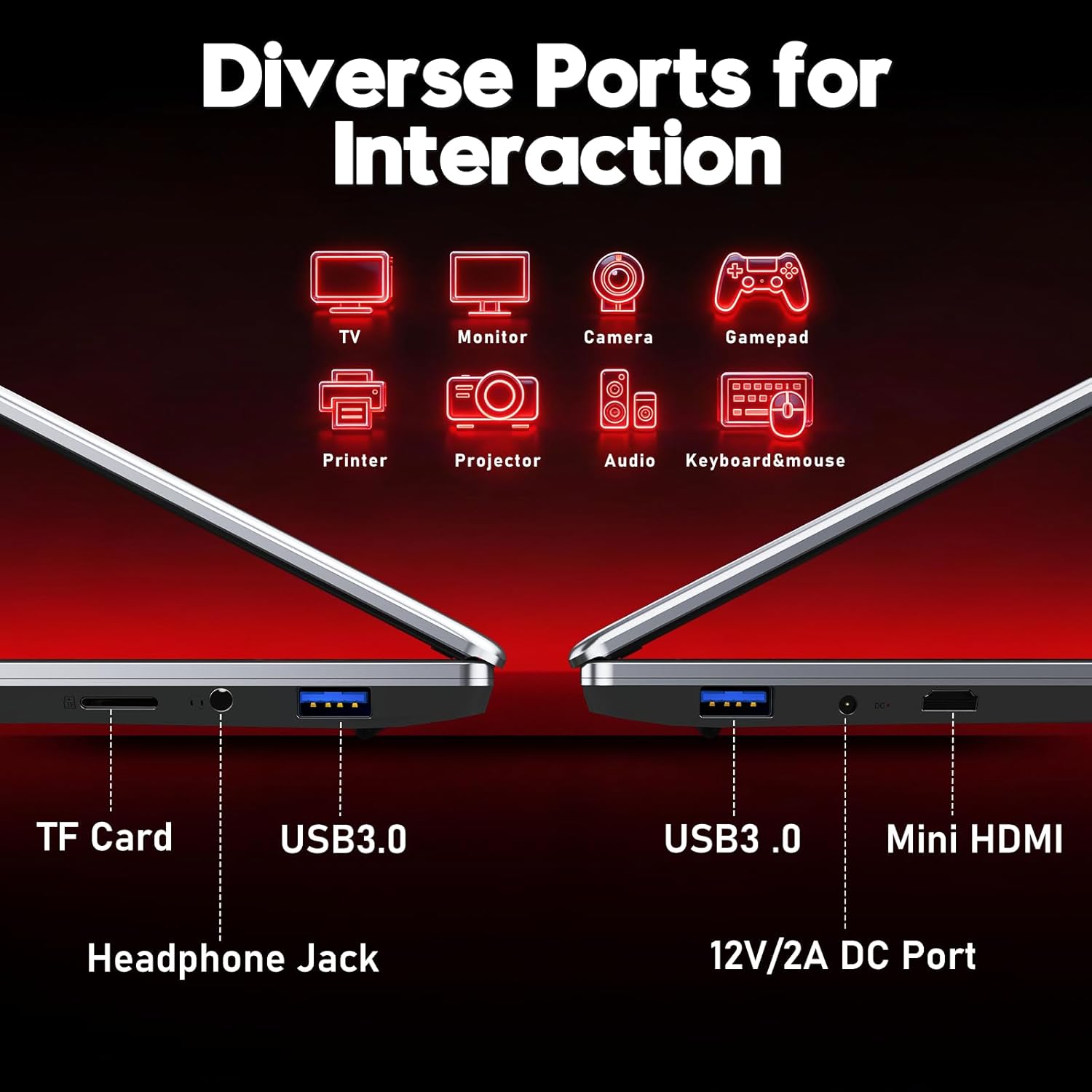
Слика 4.2: Готовоview of the laptop's diverse ports, including TF Card slot, Headphone Jack, USB 3.0, Mini HDMI, and DC Power port.
4.5 Webкамера и микрофон
The integrated 1MP front camera and microphone are suitable for video calls and online meetings.
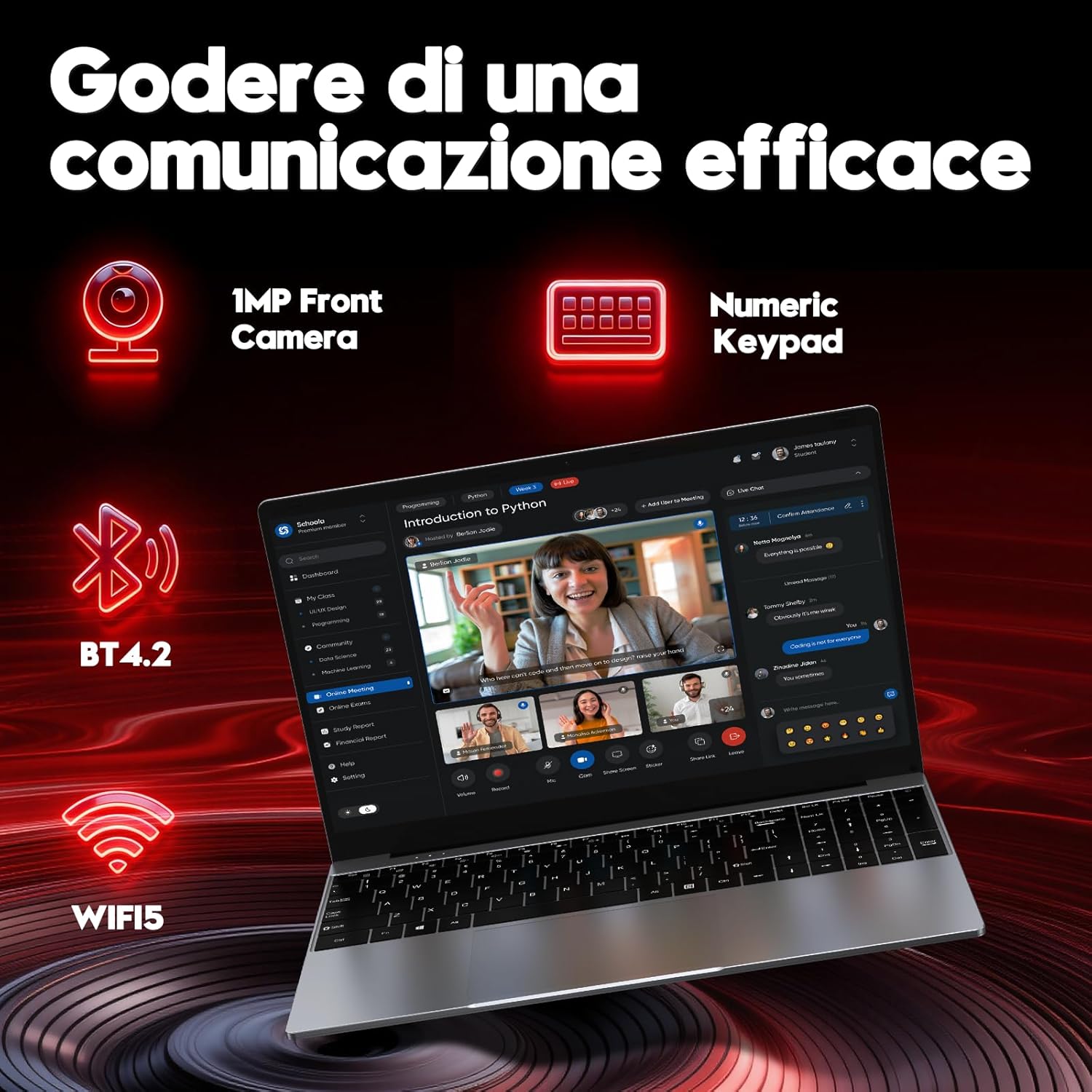
Image 4.3: Features for effective communication, highlighting the 1MP front camera, numeric keypad, Bluetooth 4.2, and Wi-Fi 5 connectivity.
4.6 Потрошња батерије
The laptop is equipped with a 5000mAh battery. For optimal battery life:
- Избегавајте често потпуно пражњење батерије.
- Чувајте лаптоп на хладном и сувом месту када га не користите.
- Adjust power settings in Windows to optimize battery consumption.

Image 4.4: Illustration emphasizing the 5000mAh battery capacity designed for extended use.
4.7 Тастатура и тачпед
The laptop features a full-size keyboard with a numeric keypad for efficient data entry. The touchpad supports multi-touch gestures for navigation.
5. Одржавање
5.1 Чишћење
- Користите меку крпу која не оставља влакна за чишћење екрана и спољашњих површина.
- За тврдокорне трагове, дampen the cloth slightly with water or a screen-safe cleaner.
- Избегавајте јаке хемикалије, абразивне материјале или прекомерну влагу.
5.2 Ажурирања софтвера
Regularly check for and install Windows updates to ensure system stability, security, and performance. Go to Settings > Windows Update.
5.3 Управљање складиштем
The 256GB SSD provides fast performance. To maintain optimal speed:
- Avoid filling the SSD to full capacity. Leave some free space for system operations.
- Редовно бришите непотребне fileи деинсталирајте неискоришћене апликације.
КСНУМКС. Решавање проблема
Овај одељак се бави уобичајеним проблемима на које можете наићи.
6.1 Проблеми са напајањем
- Лаптоп се не укључује: Уверите се да је адаптер за напајање безбедно повезан и да је батерија довољно напуњена. Покушајте да држите дугме за напајање 10-15 секунди за хардверско ресетовање.
- Батерија се брзо празни: Check power settings in Windows. Reduce screen brightness, close unnecessary applications, and disconnect unused peripherals.
6.2 Проблеми са екраном
- Нема приказа: Connect an external monitor via Mini HDMI to check if the issue is with the laptop's screen or the system.
- Треперећи екран: Update graphics drivers or adjust display refresh rate in Windows settings.
6.3 Проблеми са повезивањем
- Ви-Фи се не повезује: Уверите се да је Wi-Fi омогућен у подешавањима система Windows. Поново покрените рутер и лаптоп.
- Блутут уређај се не упарује: Ensure Bluetooth is enabled on both devices and they are in pairing mode. Remove and re-add the device in Windows settings.
6.4 System Errors
- Frequent crashes or blue screens: This can indicate software conflicts or hardware issues. Try reinstalling Windows if the problem persists after driver updates. If the issue continues, contact support.
7. Спецификације
Detailed technical specifications for the FUNYET NY-14 Laptop (Intel 4425Y).

Слика 7.1: Готовоview of key specifications including processor, ports, display, battery, and graphics.
| Феатуре | Спецификација |
|---|---|
| Бранд | ФУНИЕТ |
| Назив модела | НИ-КСНУМКС |
| Процесор | Intel Core 4425Y (1.7 GHz) |
| Језгра/нити процесора | 2 језгара / 4 нити |
| РАМ | 8 ГБ ДДР3 СДРАМ |
| Складиштење | 256 GB SSD (eSATA интерфејс) |
| Величина екрана | 15.6 инча |
| Резолуција екрана | 1920 x 1080 Pixels (Full HD IPS) |
| Графика | Интегрисана Интел УХД Грапхицс 615 |
| Оперативни систем | Виндовс 11 Про |
| Бежично повезивање | Wi-Fi 5 (802.11ac), Bluetooth 4.2 |
| Портс | 2x USB 3.0, 1x Mini HDMI, 1x DC Power, 1x 3.5mm Headphone Jack, 1x TF Card Slot |
| Капацитет батерије | 5000 мАх |
| Тежина | 1.6 килограма |
| Боја | Сребро |
| Посебне карактеристике | HD Audio, Lightweight, Memory card slot, Numeric keypad, 180° hinge |
8. Гаранција и подршка
8.1 Информације о гаранцији
Your FUNYET NY-14 Laptop comes with a warranty. Please refer to the included Warranty Card for details on coverage, terms, and conditions. Keep your proof of purchase for warranty claims.
8.2 Техничка подршка
For technical assistance or if you encounter issues not covered in this manual, please contact the seller, Caiyue Electronics, through the Amazon platform. They can provide support and guidance for your device.