Увод
This manual provides comprehensive instructions for the installation, operation, and maintenance of your Generic 12 Inch Smart Recessed Light. This smart lighting solution offers full-color dimmable illumination with WiFi, Bluetooth Low Energy (BLE), and 2.4G connectivity, allowing control via a dedicated app and voice assistants. Please read this manual thoroughly before installation and use to ensure safe and optimal performance.
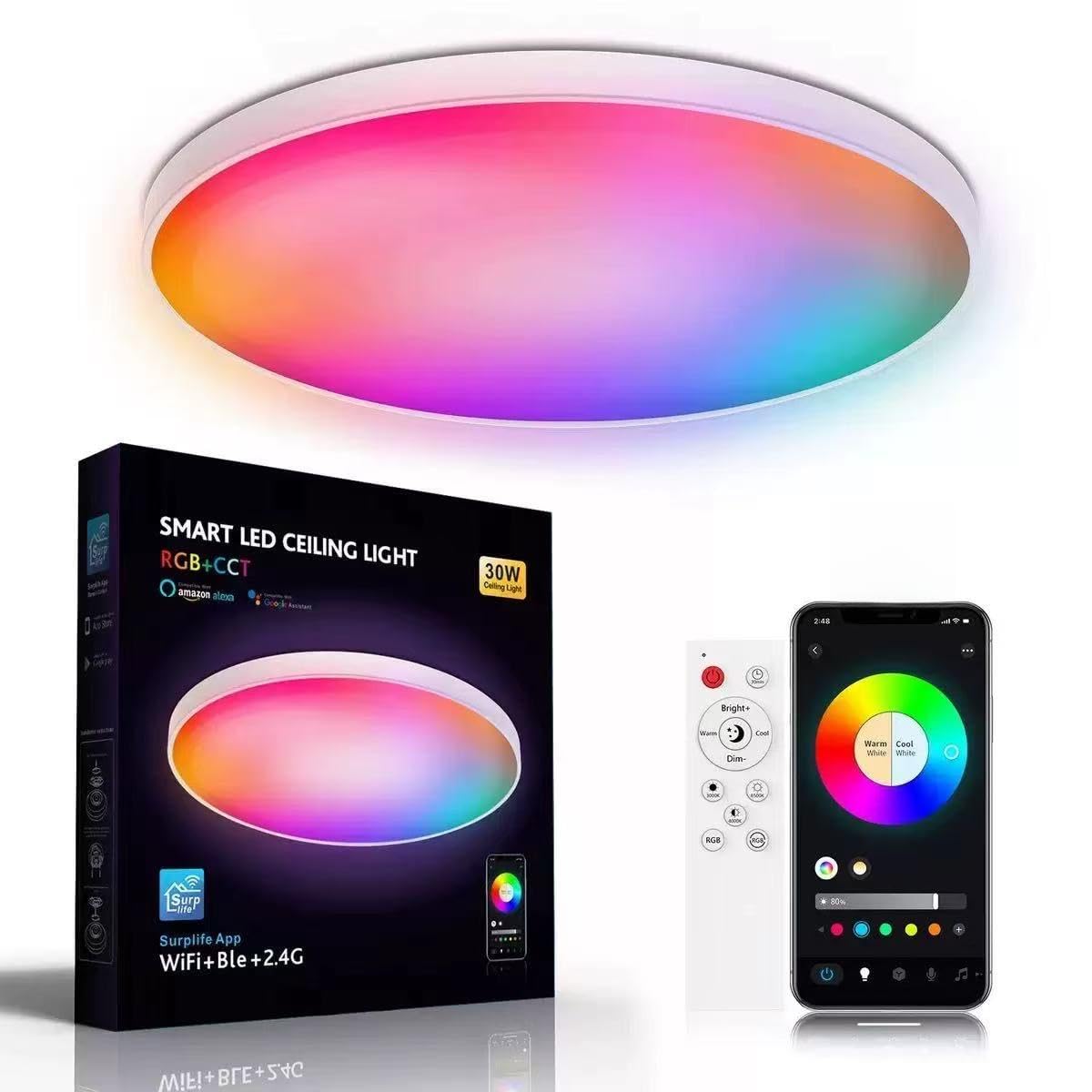
Image: The 12-inch smart recessed light showcasing its color-changing capabilities, controlled wirelessly via a smartphone application.
Безбедносне информације
УПОЗОРЕЊЕ: Risk of electric shock. Installation should be performed by a qualified electrician or a person with electrical knowledge. Always turn off power at the circuit breaker before installation, removal, or servicing.
- Ensure the power supply is disconnected before handling the light fixture.
- Не покушавајте да модификујете производ. Било какве модификације могу поништити гаранцију и представљати безбедносни ризик.
- Овај производ је намењен само за употребу у затвореном простору. Не излагати води или високој влажности.
- Ensure the installation location can support the weight of the fixture.
- Придржавајте се свих локалних електричних прописа и прописа током инсталације.
Садржај пакета
Проверите да ли су све компоненте присутне у пакету:
- Bulb (Integrated LED)
- Упутство за употребу (овај документ)
- Монтажни хардвер
- Ремоте Цонтрол
- Shade (Integrated with fixture)
Подешавање и инсталација
Провере пре инсталације
- Confirm that the ceiling opening is a standard 12-inch aperture.
- Ensure the electrical wiring is compatible with the light's requirements (120V AC).
- Download the "Surplife" smart app from your device's app store (Android/iOS).
Физичка инсталација
- Искључите напајање: Пронађите прекидач који контролише расветно тело и искључите напајање. Проверите да ли је напајање искључено помоћу прекидача за волумен.tagе тестер.
- Prepare wiring: Connect the light fixture's wires to your household wiring according to local electrical codes (typically black to black, white to white, ground to ground). Use wire nuts to secure connections.
- Монтирајте причвршћивач: Gently push the recessed light into the 12-inch ceiling opening. The spring clips on the sides of the fixture will secure it in place. Ensure it sits flush with the ceiling.
- Врати струју: Поново укључите напајање на прекидачу.
Smart App Pairing

Image: The smart recessed light's connectivity features (WiFi, BLE, 2.4G) and app control interface.
- Отворите апликацију: Launch the "Surplife" app on your smartphone.
- Додај уређај: Follow the in-app instructions to add a new device. The light should be blinking or in pairing mode. If not, turn the light off and on several times until it enters pairing mode.
- Повежите се: Select your 2.4GHz Wi-Fi network and enter the password. The app will connect to the light.
- Назив уређаја: Once connected, you can name your light (e.g., "Living Room Light").
Voice Assistant Integration (Alexa/Google Assistant)
- Отворите апликацију Amazon Alexa или Google Home.
- Идите на „Вештине и игре“ (Alexa) или „Ради са Google-ом“ (Google Home).
- Тражи "Surplife" and enable the skill/service.
- Link your Surplife account when prompted.
- Discover devices. Your smart recessed light should now be controllable via voice commands.
Упутство за употребу
Your smart recessed light offers various control methods and features:
Basic On/Off and Dimming

Image: The light's smooth, stepless dimming transitions from 0% to 100% brightness.
- Контрола апликације: In the Surplife app, tap on the light's icon to turn it on/off. Use the brightness slider to adjust intensity from 0% to 100%.
- Контрола гласом: Say "Alexa/Hey Google, turn on/off [Light Name]" or "Alexa/Hey Google, set [Light Name] to 50% brightness."
- даљински управљач: Use the included remote control for basic on/off and dimming functions. Refer to the remote's specific instructions for button layout.
Color and Color Temperature Adjustment

Image: Visual representation of the light's ability to adjust color, brightness, and color temperature.

Image: The light transitioning between warm (2700K) and cool (6500K) color temperatures to create different atmospheres.
- 16 милиона боја: In the Surplife app, access the color wheel or color palette to select from 16 million available colors. Adjust hue, saturation, and brightness to achieve your desired ambiance.
- Температура боје: Adjust the white light from warm white (2700K) to cool white (6500K) using the dedicated slider in the app.
- Контрола гласом: "Alexa/Hey Google, set [Light Name] to blue" or "Alexa/Hey Google, set [Light Name] to warm white."
Режим синхронизације музике

Image: Lights changing with music for an immersive experience, suitable for parties or entertainment.
- Activate the "Music Sync" mode within the Surplife app. The lights will change color and brightness in rhythm with audio played through your device's microphone or a connected music source.
Групна контрола
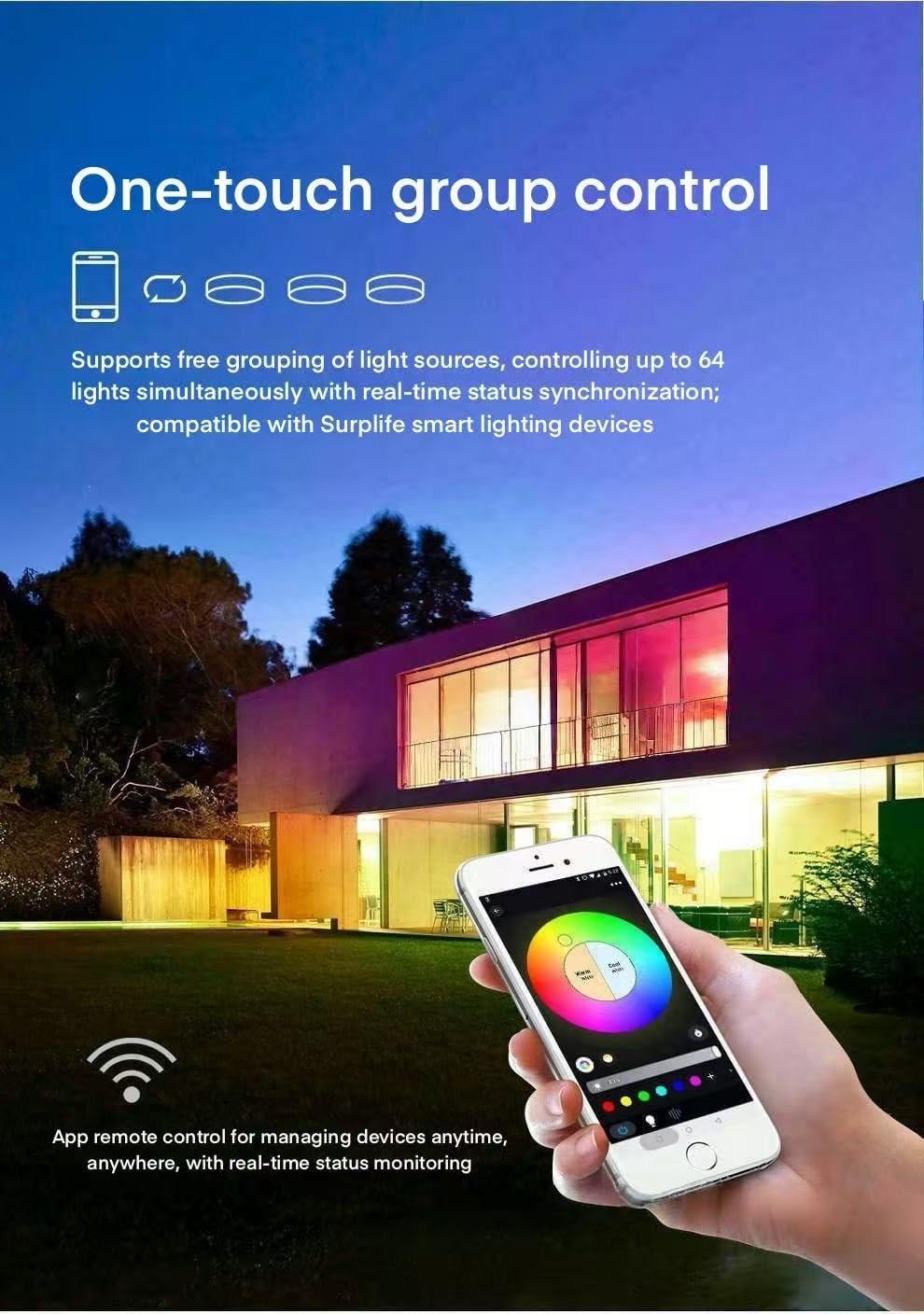
Image: One-touch group control feature, allowing simultaneous management of up to 64 lights via the app.
- In the Surplife app, create groups of lights (e.g., "Kitchen Lights," "Bedroom Lights").
- Control all lights within a group simultaneously for synchronized adjustments. The system supports grouping up to 64 units.
Smart Scene and Scheduled Modes
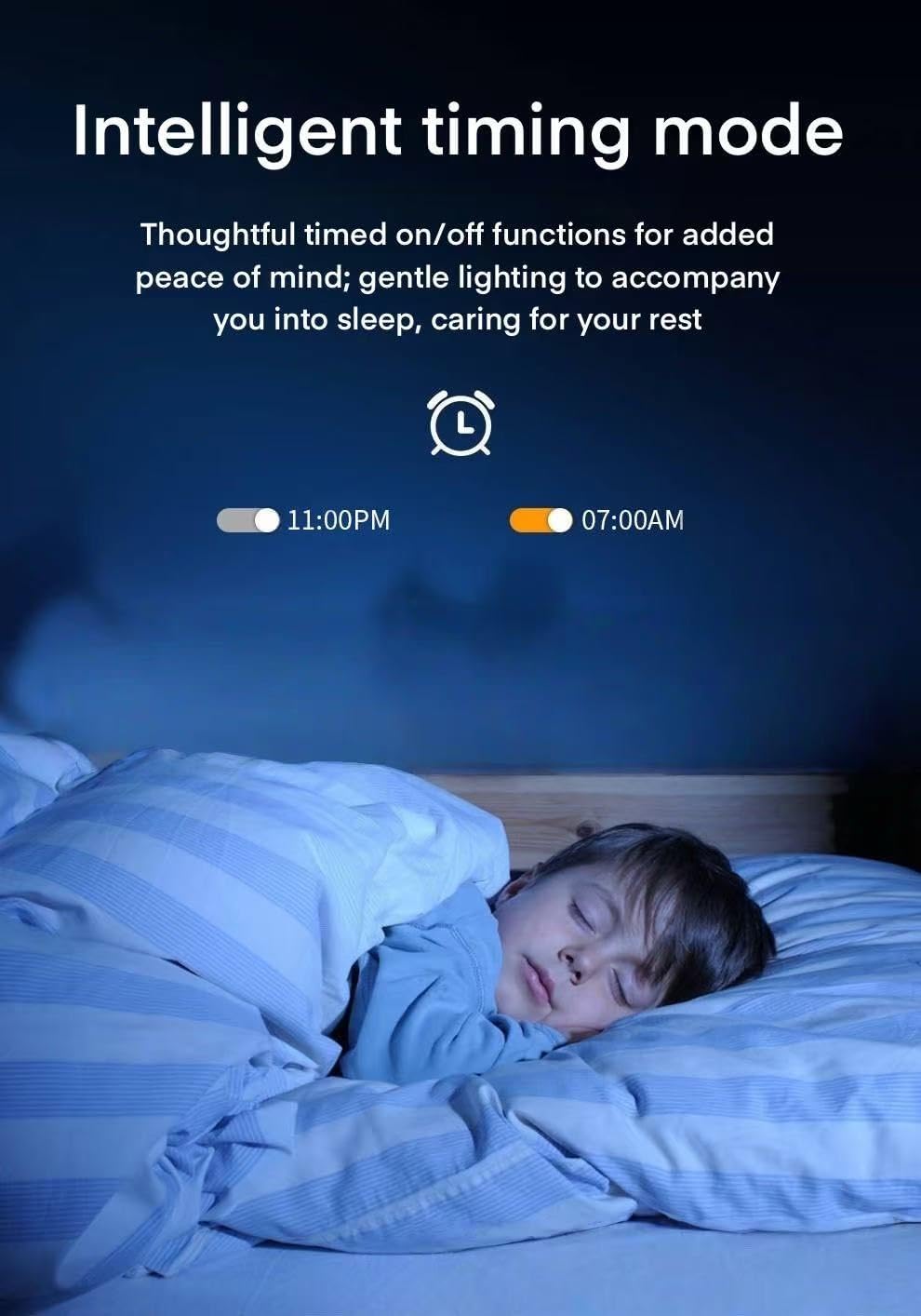
Image: Intelligent timing mode, showing scheduled on/off times for gentle lighting transitions, aiding sleep and wake-up routines.
- Режими сцене: Create custom scenes (e.g., "Movie Night," "Reading," "Party") with specific colors, brightness, and effects in the app.
- Scheduled Modes: Set timers for the lights to turn on/off at specific times, or to gradually fade on/off. For example, schedule lights to dim in the evening or turn on gently in the morning.
Одржавање
- Чишћење: Ensure the light is off and cool before cleaning. Wipe the surface with a soft, dry cloth. Do not use abrasive cleaners or solvents.
- Замена сијалице: The LED bulb is integrated and not user-replaceable. If the light fails, the entire fixture may need replacement.
- Ажурирања софтвера: Periodically check the Surplife app for firmware updates for your light to ensure optimal performance and access to new features.
Решавање проблема
| Проблем | Могући узрок | Решење |
|---|---|---|
| Светлост се не пали. | No power; loose wiring; faulty fixture. | Check circuit breaker. Verify wiring connections. If still not working, contact support. |
| Не могу се повезати са Wi-Fi-јем/апликацијом. | Incorrect Wi-Fi password; 5GHz Wi-Fi network; light not in pairing mode; weak signal. | Ensure 2.4GHz Wi-Fi. Re-enter password. Cycle power to light 3-5 times to enter pairing mode. Move router closer or use a Wi-Fi extender. |
| Гласовна контрола не ради. | Skill not enabled; account not linked; incorrect device name. | Ensure Surplife skill is enabled and account linked in Alexa/Google Home app. Use the exact device name. |
| Colors or brightness not responding. | App glitch; connectivity issue. | Restart the app. Check Wi-Fi connection. Cycle power to the light. |
Спецификације
| Феатуре | Детаљ |
|---|---|
| Број модела | 001 |
| Бранд | Генериц |
| Повезивање | WiFi, BLE, 2.4G |
| Опције боја | 16 милиона боја (RGB) |
| Температура боје | 2700K - 6500K (од топло беле до хладно беле) |
| Затамњивање | 0% - 100% Stepless |
| Ватtage | 30 вати |
| Осветљеност | 1000 лумена |
| Материјал | полипропилен |
| Димензије (Д к Ш к В) | 12 cm D x 2.17 cm Š x 2.17 cm V |
| Беам Англе | 120 степени |
| Унутрашња/спољна употреба | Индоор |
| Извор напајања | Цордед Елецтриц |
| Цертификати | ФЦЦ |
Гаранција и подршка
This product does not come with a manufacturer's warranty as per the provided information. However, please refer to your retailer's return policy for details on returns or replacements. For issues not covered in this manual, please contact the seller or retailer where the product was purchased.
Политика враћања: This product is eligible for a 30-day return/replacement policy from the date of purchase. Please check with your retailer for specific terms and conditions.


