
Увод
This manual provides comprehensive instructions for the Anderic RRFA0318 Ceiling Fan Remote Control. This remote is designed as a direct replacement for specific Harbor Breeze ceiling fan models, offering full control over fan speeds, light functions, and airflow direction. Please read this manual carefully before use to ensure proper installation and operation.
Компатибилност
The Anderic RRFA0318 remote control is compatible with the following Harbor Breeze ceiling fan models:
- Harbor Breeze Arbormere 60-inch Color-Changing Outdoor Matte Black with Driftwood Blades Ceiling Fan With Light (Item #5127845 | Model #43341)
- Harbor Breeze Queensdale Easy2Hang 60-inch Color-Changing Integrated LED Covered Outdoor Matte Black with Black Blades Ceiling Fan With Light (Item #5971303 | Model #43299)
- Harbor Breeze Queensdale Easy2Hang 60-inch Color-Changing Integrated LED Covered Outdoor White with White Blades Ceiling Fan With Light (Item #5979053 | Model #43377)
- Harbor Breeze Outermark Easy2Hang 60-inch Color-Changing Integrated LED Uncovered Outdoor Matte Black with Black Blades Ceiling Fan With Light (Item #5971304 | Model #43300)
- Harbor Breeze Outermark Easy2Hang 60-inch Color-Changing Integrated LED Uncovered Outdoor White with White Blades Ceiling Fan With Light (Item #5979051 | Model #43378)
This remote replaces original Harbor Breeze remotes 4L000016210 and A25-FA0198A.

Image: Comparison of the original Harbor Breeze remote (left) and the Anderic RRFA0318 replacement (right).
Кључне карактеристике
- Full Fan Control: Adjust fan speeds (6-speed), and change airflow direction (forward/reverse).
- Контрола светла: Dim lights and adjust color temperature (if supported by fan).
- Напредне функције: Includes timer settings (2hr, 4hr, 8hr), Nature Breeze mode, Home Shield, and Walk Away delay functions.
- Дизајн прилагођен кориснику: Features large, durable rubber buttons and dedicated keys for easy operation.
- Zidni nosač: Comes with a full-plate wall mount and a built-in magnet for secure storage.
Сетуп
1. Инсталација батерије
The remote control requires one A23 12-volt battery (not included) for operation. Follow these steps to install the battery:
- Пронађите поклопац одељка за батерије на задњој страни даљинског управљача.
- Отворите поклопац.
- Insert one A23 12-volt battery, ensuring the correct polarity (+ and - ends match the markings inside the compartment).
- Вратите поклопац одељка за батерију на место док не кликне чврсто.
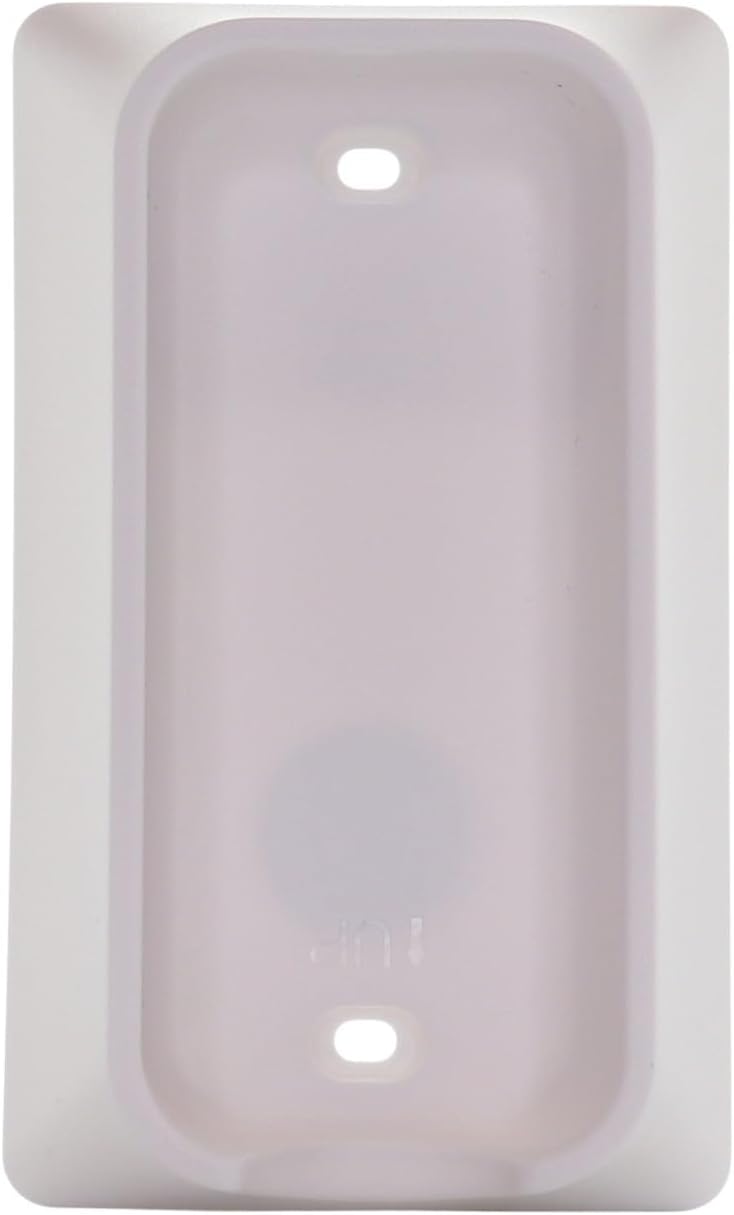
Image: Back of the remote control with the battery compartment open, indicating battery placement.
2. Pairing Instructions (Simple 3-Step Pairing)
To pair your Anderic RRFA0318 remote control with your ceiling fan receiver, follow these steps:
- Install a 12V 23A battery ensuring the correct polarization.
- Cycle the power to the fan. Turn off the power to your ceiling fan at the wall switch or circuit breaker, wait a few seconds, then turn it back on.
- У року од 30 секунди of restoring power to the fan, locate the small "LEARN" key inside the battery compartment of the remote control and tap it once. The fan light should blink or the fan should respond, indicating successful pairing.

Image: Visual guide for the 3-step pairing process, showing the remote's front and the location of the 'LEARN' button.
Напомена: The pairing process is identical to that of the original Harbor Breeze remote.
Упутство за употребу
The Anderic RRFA0318 remote control provides intuitive control over your ceiling fan and light. Refer to the button layout for specific functions:

Слика: Фронт view of the Anderic RRFA0318 remote control, displaying all control buttons.
- Контрола брзине вентилатора: Користите + и - buttons next to the fan icon to increase or decrease fan speed.
- Укључивање/искључивање вентилатора: Притисните тастер икона напајања button (circle with vertical line) to turn the fan on or off.
- Укључено/Искључено/Затамњење светла: Притисните тастер икона сијалице button to turn the light on or off. Hold the button to dim or brighten the light.
- Подешавање температуре боје: If your fan supports it, use the multi-color light bulb icon button to cycle through or adjust light color temperatures.
- Проток ваздуха унапред/назад: Користите blue arrows (down) for forward mode (cooling) and red arrows (up) for reverse mode (warming).
- Функције тајмера: Притисните тастер 2хр, 4хр, или 8хр buttons to set the fan to turn off automatically after the selected duration.
- Nature Breeze Mode: Притисните тастер wavy lines icon to activate a mode that simulates natural breezes by varying fan speed.
- Кућни штит: Притисните тастер икона куће for security features (refer to your fan's manual for specific functionality).
- Walk Away Delay: Притисните тастер person walking icon to activate a delay function (refer to your fan's manual for specific functionality).
Одржавање
- Чишћење: Обришите даљински управљач меком, сувом крпом. Не користите абразивна средства за чишћење или раствараче.
- Замена батерије: Replace the A23 12-volt battery when the remote's range decreases or it becomes unresponsive. Ensure proper disposal of old batteries according to local regulations.
- Складиштење: When not in use for extended periods, remove the battery to prevent leakage. Store the remote in a cool, dry place.
Решавање проблема
| Проблем | Могући узрок | Решење |
|---|---|---|
| Remote not responding to fan. | Battery is dead or incorrectly installed. Remote is not paired. Fan power is off. | Check battery polarity and replace if necessary. Re-pair the remote following the "Pairing Instructions" section. Ensure the fan's power is on. |
| Fan light not dimming or changing color. | Fan does not support dimming/color change. Incorrect button press. | Verify your ceiling fan model supports these features. For dimming, hold the light button. For color change, ensure you are pressing the correct multi-color light button. |
| Даљински домет је лош. | Low battery. Obstructions between remote and receiver. | Replace the A23 12-volt battery. Ensure there are no major obstructions (e.g., thick walls, large metal objects) between the remote and the fan's receiver. |
| Fan changes direction unexpectedly. | Accidental press of forward/reverse button. | Press the appropriate forward (blue arrows) or reverse (red arrows) button to set the desired direction. |
Спецификације
- Назив модела: RRFA0318
- Бренд: Андериц
- Технологија повезивања: Радио фреквенција (РФ)
- Тип контролера: Контрола дугмета
- Број дугмади: 14
- Извор напајања: 1 x A23 12-volt battery (not included)
- Максимални домет: 30 стопа (приближно 9 метара)
- Боја: Бела
- Димензије артикла (Д к Ш к В): 6" x 2" x 1" (приближно 15.24 цм x 5.08 цм x 2.54 цм)
Гаранција и подршка
The Anderic RRFA0318 remote control comes with a 1 Year Limited Anderic Warranty. For warranty claims or technical support, please contact Anderic customer service directly. Keep your purchase receipt as proof of purchase.
За додатну помоћ, посетите Anderic Store on Amazon.