
Увод
This manual provides detailed instructions for the AGPTEK U6PL 32GB MP3 Player. Please read this manual thoroughly before using the device to ensure proper operation and to maximize its features. Keep this manual for future reference.
Производ је завршенview
The AGPTEK U6PL is a versatile 32GB MP3 player featuring a 2.8-inch sensitive touchscreen, Bluetooth 5.3, and a built-in speaker. It supports various audio formats, FM radio, recording, e-book reading, and includes a pedometer function.
Кључне карактеристике
- Складиштење: 32 ГБ интерне меморије.
- Приказ: 2.8-inch sensitive color touchscreen.
- Повезивање: Bluetooth 5.3 with auto-reconnection.
- Квалитет звука: Hi-Fi Lossless sound support (MP3, FLAC, APE).
- Интегрисани звучник: За репродукцију звука без слушалица.
- Мултифункционални: FM Radio, Voice Recording, E-book reader, Pedometer, Video Playback.
- Трајање батерије: 500mAh battery, providing up to 60 hours of earphone playback or 23 hours of Bluetooth playback.

Image: The AGPTEK U6PL MP3 Player displaying its 2.8-inch sensitive touchscreen interface, shown alongside a pair of over-ear headphones. This highlights the device's display and audio capabilities.

Image: The AGPTEK U6PL MP3 Player's screen displaying a grid of application icons, including Music, FM Radio, Record, Bluetooth, Folder, E-Book, Tools, and Setting. This illustrates the device's multifunctional design for learning and leisure.
Сетуп
1. Пуњење уређаја
Before first use, fully charge the MP3 player. Connect the device to a power source using the provided USB cable. The charging indicator will show the charging status. A full charge takes approximately 2.5 hours.

Image: The AGPTEK U6PL MP3 Player connected to a charging cable, with icons indicating 2.5 hours for a full charge, 60 hours of earphone play, and 23 hours of Bluetooth play. This illustrates the device's battery capacity and charging time.
2. Укључивање/искључивање
- За укључивање: Притисните и држите дугме за напајање док се екран не осветли.
- За искључивање: Притисните и држите дугме за напајање док се на екрану не појави опција за искључивање, а затим потврдите.
3. Преношење Files
Connect the MP3 player to your computer using the USB cable. The device will appear as a removable disk. Drag and drop your music, video, or e-book fileу одговарајуће фасцикле на плејеру.
Упутство за употребу
1. Репродукција музике
From the main menu, tap the "Music" icon. You can browse music by artist, album, genre, or all songs. Tap a song to begin playback. Use the touchscreen controls for play/pause, skip tracks, and volume adjustment.

Image: A graphic emphasizing "Hi-Fi Lossless Sound" with music notes and icons for MP3, FLAC, and APE formats. This highlights the player's capability to deliver high-fidelity audio.

Image: Three individuals sitting outdoors under a canopy, smiling and listening to music, with the AGPTEK U6PL MP3 Player visible. This illustrates the device's built-in speaker feature for shared listening experiences.
2. Блуетоотх повезивање
Да бисте се повезали са Bluetooth слушалицама или звучницима:
- Go to "Settings" and select "Bluetooth".
- Укључите Блутут.
- The player will search for available devices. Select your device from the list to pair.
- The AGPTEK U6PL supports Bluetooth 5.3 with auto-reconnection, meaning it will automatically connect to previously paired devices when in range.
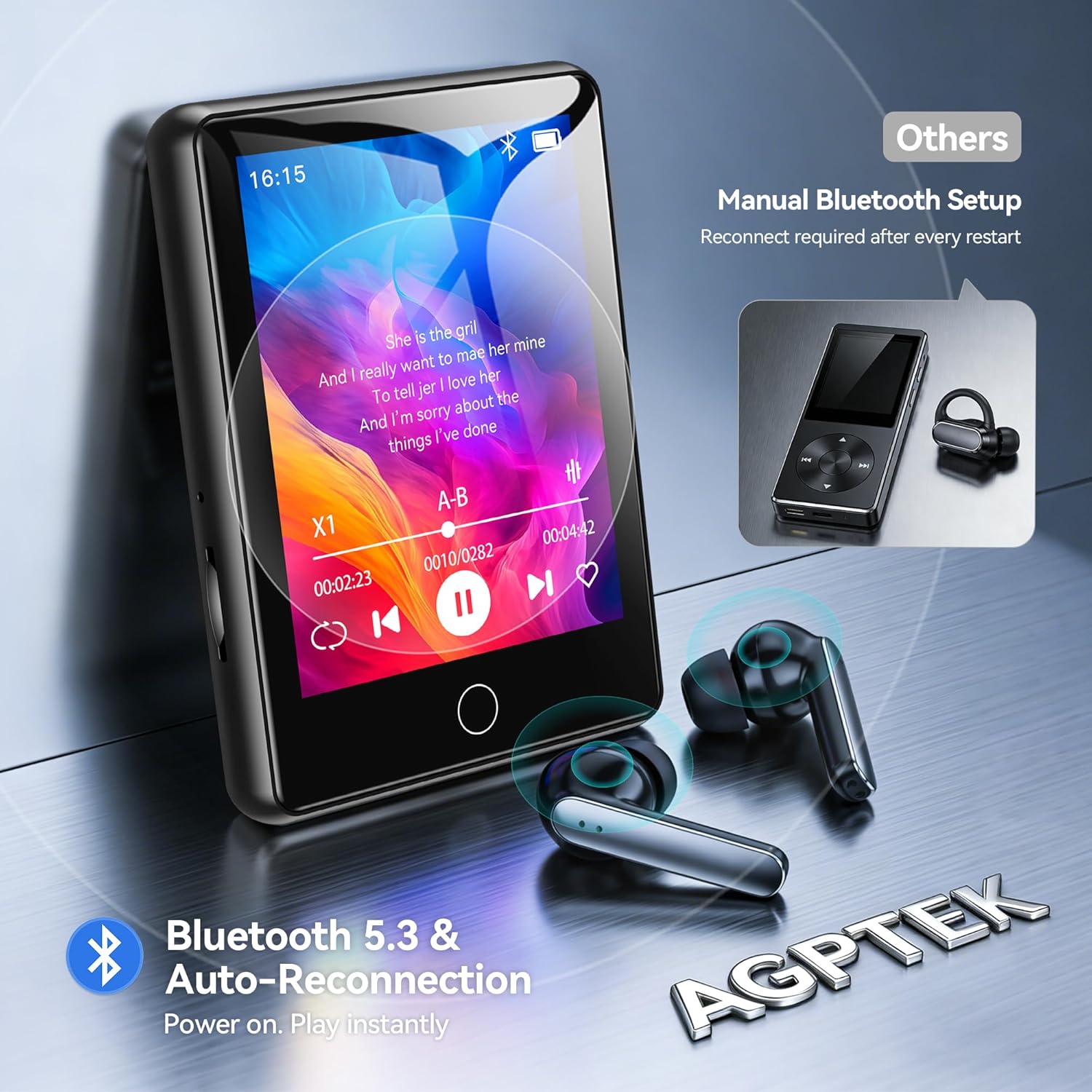
Image: The AGPTEK U6PL MP3 Player displaying a music playback screen, with Bluetooth earbuds shown wirelessly connected. The image highlights Bluetooth 5.3 and auto-reconnection capabilities.
3. ФМ радио
Plug in wired headphones (they act as an antenna). From the main menu, tap "FM Radio". You can auto-scan for stations or manually tune. Save your favorite stations for quick access.
4. Снимање
Tap the "Record" icon to access the voice recorder. Tap the record button to start and stop recording. Recordings are saved in the device's memory.
5. E-book Reader
Transfer compatible e-book files (e.g., TXT format) to the "E-Book" folder on the player. Tap the "E-Book" icon to open and read your files.
КСНУМКС. Педометар
Activate the pedometer function from the main menu. The device will track your steps. Ensure the player is carried securely for accurate readings.
7. Видео репродукција
Transfer compatible video files to the "Video" folder. Tap the "Video" icon to browse and play your videos on the 2.8-inch screen.
8. Quick Song Search
To quickly find a song, navigate to your music list and use the search function. Enter keywords from the song filename (letters and numbers only) to filter the list.

Image: The AGPTEK U6PL MP3 Player showing its quick song search interface with an on-screen keyboard and a list of filtered songs. A note indicates that only letters and numbers are supported for search keywords.

Image: A collage of four images demonstrating the AGPTEK U6PL's diverse functions: FM Radio, Recording, E-book reading, and Pedometer. This highlights its utility for study, commuting, and leisure.
Одржавање
- Чишћење: Користите меку, суву крпу за чишћење уређаја. Не користите течна средства за чишћење или абразивне материјале.
- Складиштење: Чувајте плејер на хладном и сувом месту, даље од директне сунчеве светлости и екстремних температура.
- Одржавање батерије: Да бисте продужили век трајања батерије, избегавајте често потпуно пражњење батерије. Редовно пуните уређај, чак и ако га не користите дуже време.
- Отпорност на воду: Овај уређај није водоотпоран. Избегавајте излагање води или високој влажности.
Решавање проблема
| Проблем | Решење |
|---|---|
| Уређај се не укључује. | Уверите се да је уређај потпуно напуњен. Ако је батерија потпуно испражњена, може бити потребно неколико минута пуњења пре него што се може укључити. |
| Не могу да се повежем са Bluetooth уређајем. | Ensure Bluetooth is enabled on both the MP3 player and the target device. Make sure the target device is in pairing mode and within range. Try restarting both devices. |
| Нема звука из слушалица. | Check if headphones are properly plugged in (for wired) or paired (for Bluetooth). Verify volume settings on the player. Test with different headphones if possible. |
| Files not appearing on the player. | Осигурати files are transferred to the correct folders and are in compatible formats. Disconnect and reconnect the player to the computer. |
Спецификације
| Бранд | АГПТЕК |
| Број модела | У6ПЛ |
| Капацитет меморије | 32 ГБ |
| Величина екрана | 2.8 инча |
| Повезивање | Блуетоотх 5.3 |
| Капацитет батерије | 500 мАх |
| Укључене компоненте | 1 x 32GB MP3 Bluetooth 5.3 Player, USB Cable |
Гаранција и подршка
For warranty information and technical support, please refer to the documentation included with your purchase or visit the official AGPTEK webсајт. Сачувајте доказ о куповини за потребе гаранције.