
1. Увод
The TP-Link UB600 is a compact Bluetooth 6.0 USB adapter designed for PCs. It enhances connection security and stability compared to previous Bluetooth generations, providing reliable wireless connectivity for various Bluetooth-enabled devices. Its ultra-small nano design allows it to remain discreetly plugged into a USB port, making it ideal for mobile use or permanent connection.
This adapter supports Windows 11, 10, 8.1, and 7. For Windows 11, 10, and 8.1, it offers Plug & Play functionality. For Windows 7, driver installation is required.
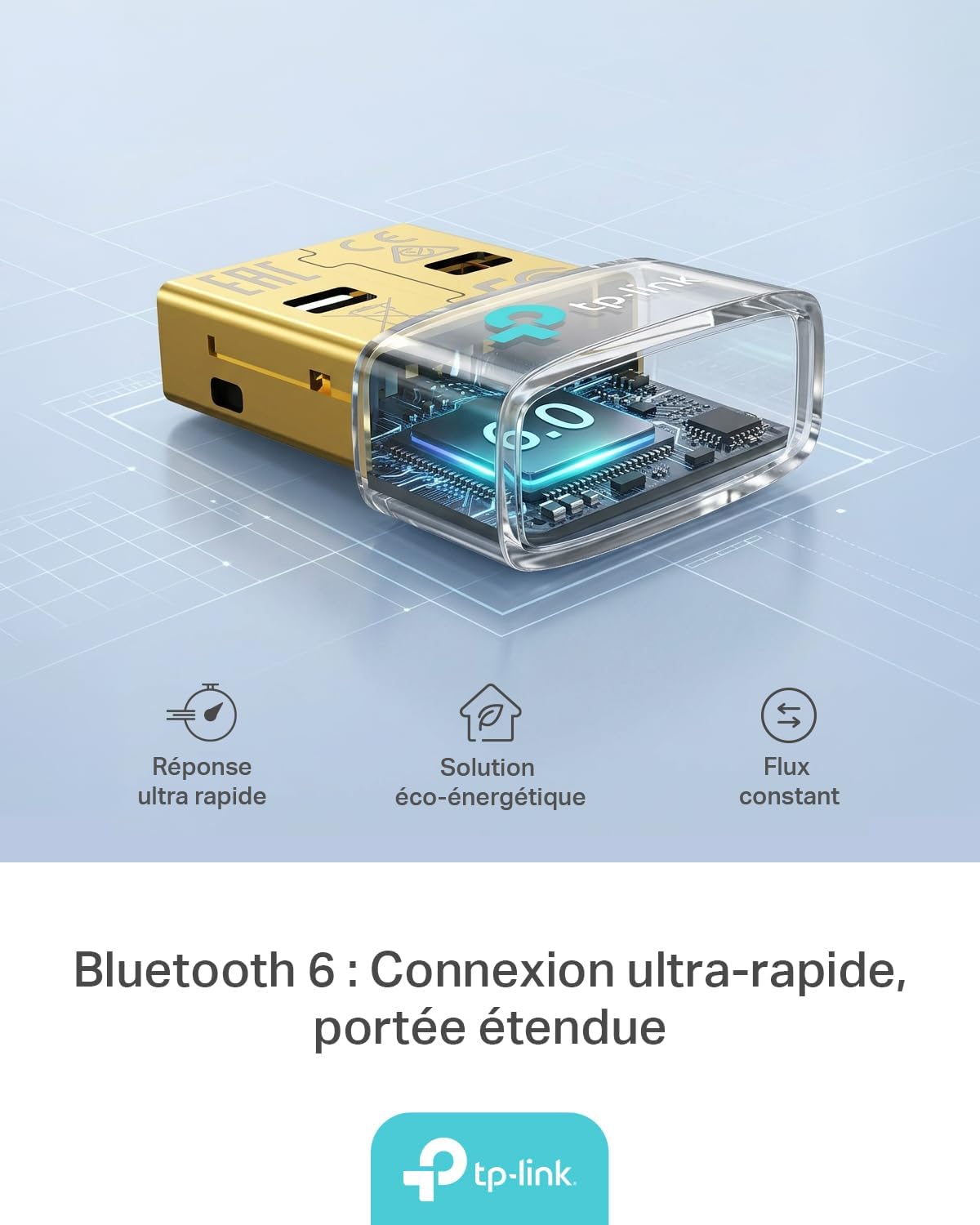
Figure 1: TP-Link UB600 Bluetooth 6.0 USB Adapter showcasing its key features: ultra-fast response, energy-saving solution, and constant data flow.
2. Упутства за подешавање
2.1 Системски захтеви
- Operating System: Windows 11, Windows 10, Windows 8.1, Windows 7.
- Доступан УСБ порт.
2.2 Инсталација
- Убаците адаптер: Plug the TP-Link UB600 Bluetooth USB adapter into an available USB port on your computer.

Figure 2: The UB600 adapter discreetly plugged into a laptop's USB port, demonstrating its compact design.
- Инсталација драјвера:
- For Windows 11, 10, 8.1: The adapter is Plug & Play. Your operating system should automatically detect and install the necessary drivers. No manual installation is typically required.
- За Виндовс 7: Driver installation is required. Please visit the official TP-Link webсајт (ввв.тп-линк.цом) to download the latest drivers for the UB600 model. Follow the on-screen instructions to complete the installation.

Figure 3: Visual representation of the UB600's compatibility with different Windows versions and various Bluetooth peripherals like smartphones, headphones, controllers, and keyboards.
- Верификација: After installation, check your computer's Device Manager to ensure the Bluetooth adapter is recognized and functioning correctly.
3. Упутство за употребу
3.1 Упаривање Bluetooth уређаја
Once the UB600 adapter is installed, you can pair it with your Bluetooth-enabled devices:
- Омогући Блуетоотх: Ensure Bluetooth is enabled on your computer. You can usually find this in the Windows Settings (Settings > Devices > Bluetooth & other devices).
- Ставите уређај у режим упаривања: Place your Bluetooth device (e.g., headphones, mouse, keyboard) into pairing mode. Refer to your device's manual for specific instructions.
- Додај уређај: На рачунару кликните на „Додај Bluetooth или други уређај“ и изаберите „Bluetooth“.
- Изаберите уређај: Ваш рачунар ће скенирати Bluetooth уређаје у близини. Изаберите свој уређај са листе и пратите упутства на екрану да бисте завршили процес упаривања.
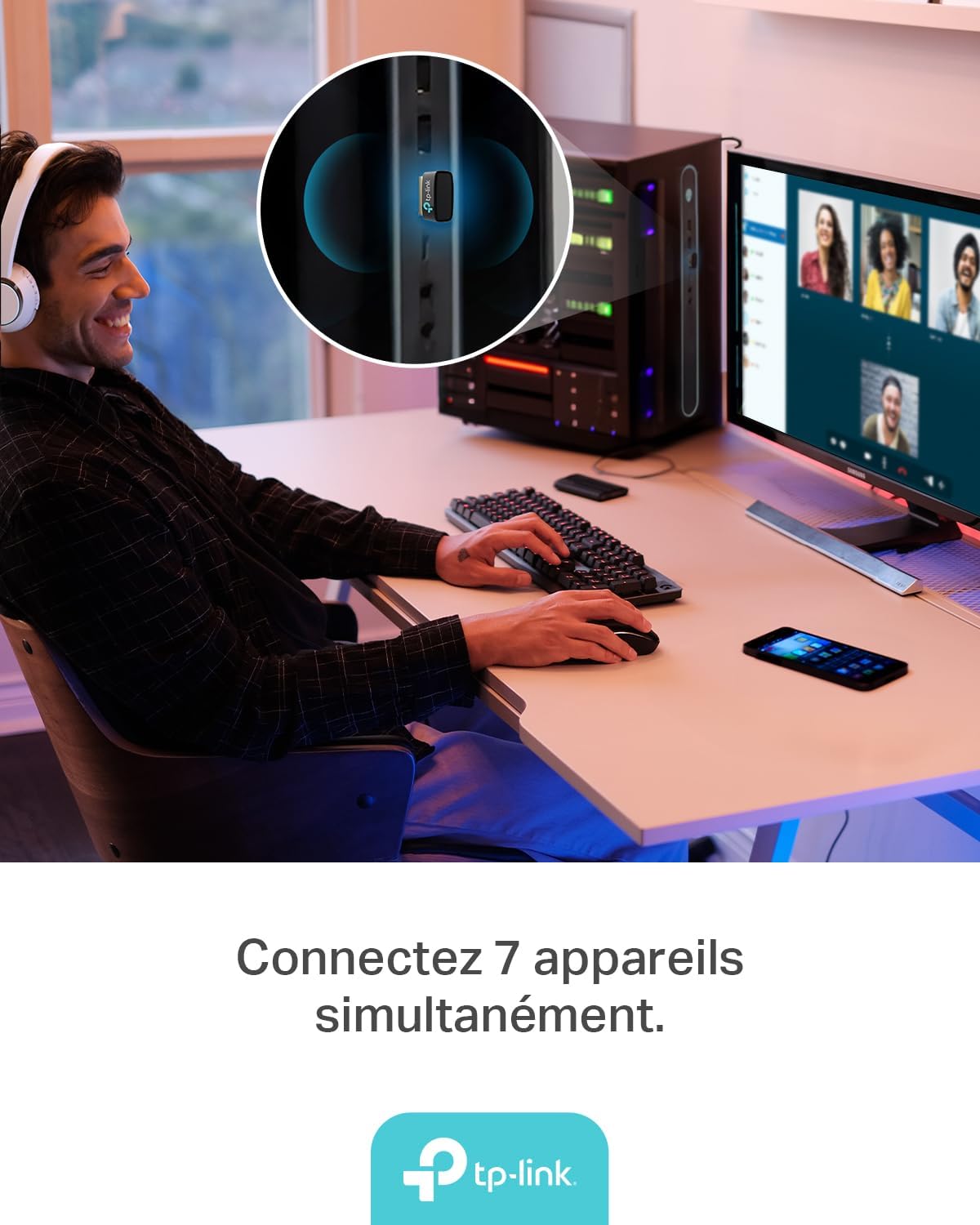
Figure 4: The UB600 adapter allows simultaneous connection of up to 7 Bluetooth devices, enhancing productivity and convenience.
3.2 Bluetooth 6.0 Advantages
The UB600 utilizes Bluetooth 6.0 technology, offering several improvements:
- Побољшана безбедност: Provides improved security features for your wireless connections.
- Повећана стабилност: Offers a more stable and reliable connection compared to older Bluetooth versions.
- Faster Speeds (EDR): Supports Enhanced Data Rate (EDR) for quicker data transfer.
- Reduced Power Consumption (BLE): Utilizes Bluetooth Low Energy (BLE) for energy-efficient operation, especially beneficial for battery-powered devices.

Figure 5: The UB600 adapter contributes to daily efficiency with faster speeds (EDR) and reduced power consumption (BLE).
4. Одржавање
The TP-Link UB600 is designed for durability and requires minimal maintenance. To ensure optimal performance and longevity:
- Одржавати уредним одржавати чистим: Periodically clean the adapter's exterior with a soft, dry cloth. Avoid using liquid cleaners or solvents.
- Заштитите од оштећења: While compact, avoid subjecting the adapter to physical shocks, extreme temperatures, or moisture.
- Чврста веза: Ensure the adapter is securely plugged into the USB port to prevent intermittent connections.
КСНУМКС. Решавање проблема
If you encounter issues with your TP-Link UB600 adapter, consider the following steps:
- Адаптер није откривен:
- Покушајте да прикључите адаптер на други УСБ порт.
- Поново покрените рачунар.
- For Windows 7, ensure drivers are correctly installed from the TP-Link webсајту.
- Cannot Pair Devices:
- Ensure Bluetooth is enabled on your computer and the device you are trying to pair.
- Make sure your device is in pairing mode.
- Check if the device is already paired with another computer or adapter.
- Move the device closer to the computer to rule out range issues.
- Интермитентна веза:
- Ensure there are no major obstructions between the adapter and the Bluetooth device.
- Avoid placing the adapter near sources of strong electromagnetic interference (e.g., Wi-Fi routers, microwaves).
- Update your computer's operating system and Bluetooth drivers to the latest versions.
За додатну помоћ, посетите званичну подршку компаније TP-Link. webсајту.
6. Спецификације
| Феатуре | Детаљ |
|---|---|
| Број модела | УБ600 |
| Интерфејс | УСБ |
| Блуетоотх верзија | Блуетоотх 6.0 |
| Брзина преноса података | 2 Мбпс |
| Компатибилни оперативни системи | Виндовс 11, Виндовс 10, Виндовс 8.1, Виндовс 7 |
| Компатибилни уређаји | Computer, Laptop (for connecting mouse, keyboard, headset, smartphone, controller, etc.) |
| Димензије (Д к Ш к В) | 0.68 к 1.89 к 1.48 цм |
| Тежина | 10 грама |
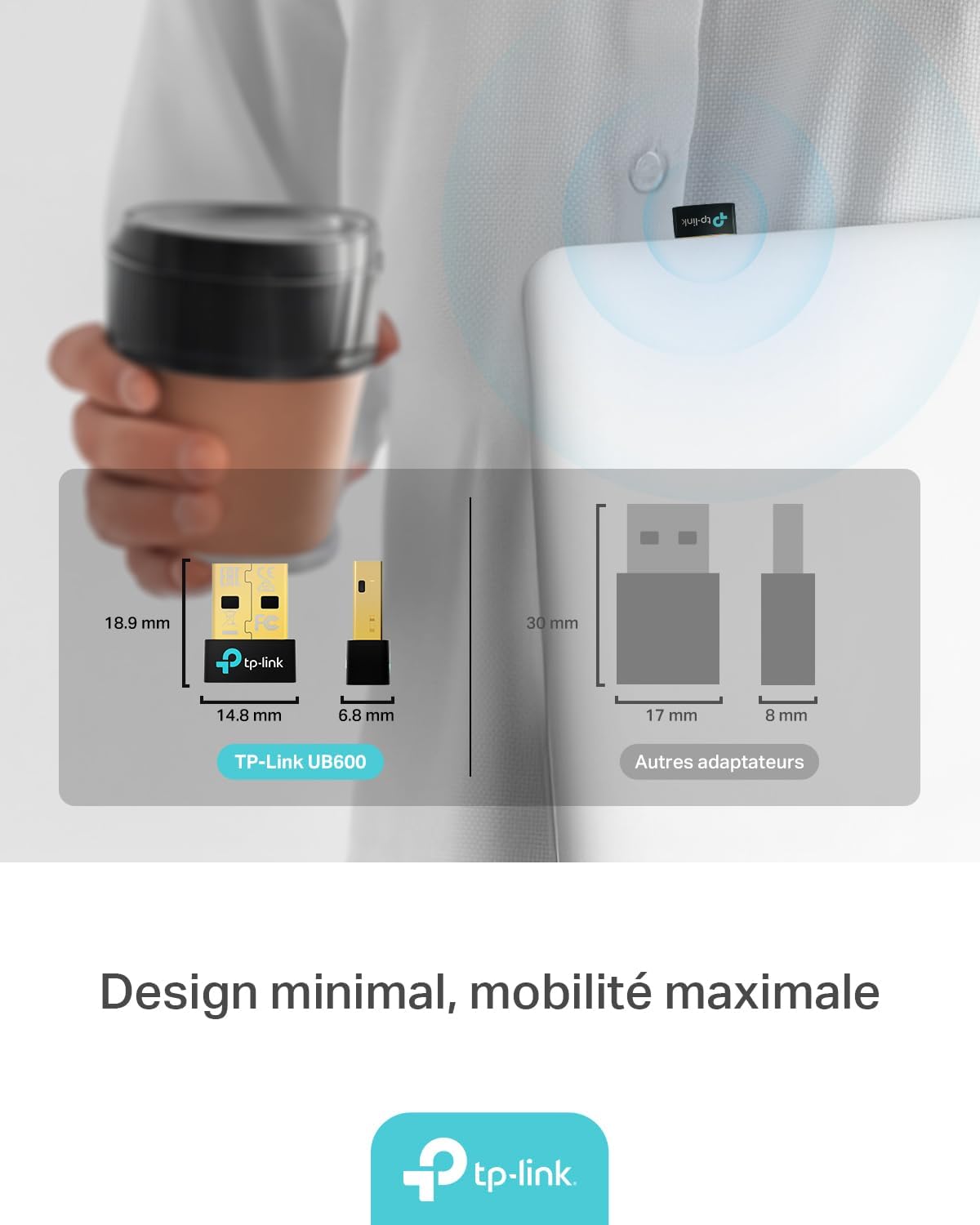
Figure 6: The UB600's minimal design ensures maximum mobility and discreet integration with your device.
7. Информације о гаранцији
За детаљне информације о гаранцији, погледајте гарантни лист који сте добили уз производ или посетите званичну веб страницу TP-Link-а. webсајт. Услови гаранције могу се разликовати у зависности од региона.
8. Техничка подршка
If you require technical assistance or have questions regarding your TP-Link UB600 Bluetooth USB Adapter, please visit the TP-Link support webсајт:
You can find FAQs, driver downloads, and contact information for customer service on their webсајту.