
1. Безбедносне информације
Before using your new Samsung TV, please read all safety instructions carefully to prevent electric shock, fire, or injury. Keep this manual for future reference.
- Не излажите телевизор киши или влази.
- Обезбедите одговарајућу вентилацију. Не блокирајте вентилационе отворе.
- Користите само кабл за напајање који је испоручио произвођач.
- Do not open the TV cabinet. Refer all servicing to qualified personnel.
- Држите батерије ван домашаја деце.
2. Шта је у кутији
Проверите да ли су све компоненте присутне пре него што наставите са подешавањем.
- Samsung 65-Inch Class M70H Series Mini LED Smart TV
- IR Simple Remote Control (TM2240A) with batteries
- Повер Цабле
- Компоненте постоља
- Кориснички приручник (овај документ)
- Гарантни лист

Figure 2.1: Package Contents and Dimensions. This image illustrates the TV's dimensions, the included remote control, power cable, and user manual.
3. Подешавање
3.1. Инсталација постоља
- Пажљиво поставите телевизор екраном надоле на меку, равну површину како бисте спречили оштећења.
- Поравнајте компоненте постоља са предвиђеним отворима на дну телевизора.
- Причврстите постоље помоћу приложених завртња. Уверите се да је постоље чврсто причвршћено.
- Пажљиво подигните телевизор и поставите га на стабилну, равну површину.
3.2. Монтажа на зид
This TV supports VESA mount standard 200 x 200 mm. For wall mounting, use a compatible wall mount kit (sold separately) and follow the instructions provided with the wall mount. Professional installation is recommended.
3.3. Повезивање уређаја
Connect your external devices to the TV's ports as shown below.

Figure 3.1: Rear Panel Connections. This image displays the various input ports on the back of the TV.
- ХДМИ 1 (еАРЦ): Enhanced audio return for high-quality sound and advanced formats.
- ХДМИ 2 и 3: Transmits high-definition video and audio from external devices (e.g., Blu-ray player, game console).
- УСБ-А: Standard rectangular port for power or media playback.
- Кабл/АНТ: Connector for over-the-air antenna or cable TV signals.
- етернет (ЛАН): Wired internet connection for streaming, updates, and smart features.
3.4. Прво укључивање
- Прикључите кабл за напајање на телевизор, а затим на зидну утичницу.
- Притисните дугме за напајање на даљинском управљачу или на телевизору.
- Follow the on-screen instructions to complete the initial setup, including network connection and channel scanning.
4. Управљање телевизором
4.1. Даљински управљач
The included IR Simple Remote Control (TM2240A) provides intuitive navigation. Ensure batteries are correctly inserted. For detailed functions, refer to the on-screen e-Manual.
4.2. Подешавања слике
Your Samsung M70H TV features advanced picture technologies for an optimal viewинг искуство.
- Mini LED Processor 4K: This advanced processor enhances picture quality by delivering brighter highlights and deeper blacks, bringing out fine details.
- Pure Spectrum Color: Experience a billion true-to-life colors with advanced color technology and Mini LED precision.
- Mini LED HDR: Enjoy HDR picture quality with brighter highlights and deeper blacks compared to traditional HDR TVs, enhancing vibrant colors and lifelike details.
- Supreme Mini LED Dimming: This software-based technology provides precise dimming for improved contrast, resulting in a superb picture.
- Motion Xcelerator + DLG 120Hz: Experience smooth visuals and clear fast-motion. This technology optimizes the refresh rate up to 120Hz (on 55" and larger models), ideal for gaming and sports. Note that DLG 120Hz may reduce image sharpness.
- Појачивач боја: Enhances color intensity, making every hue more vibrant.

Figure 4.1: Mini LED Processor 4K. This image highlights the TV's powerful 4K processor.

Figure 4.2: Pure Spectrum Color. This image demonstrates the enhanced color vibrancy with Pure Spectrum Color.

Figure 4.3: Mini LED HDR. This image illustrates the dramatic detail provided by Mini LED HDR.
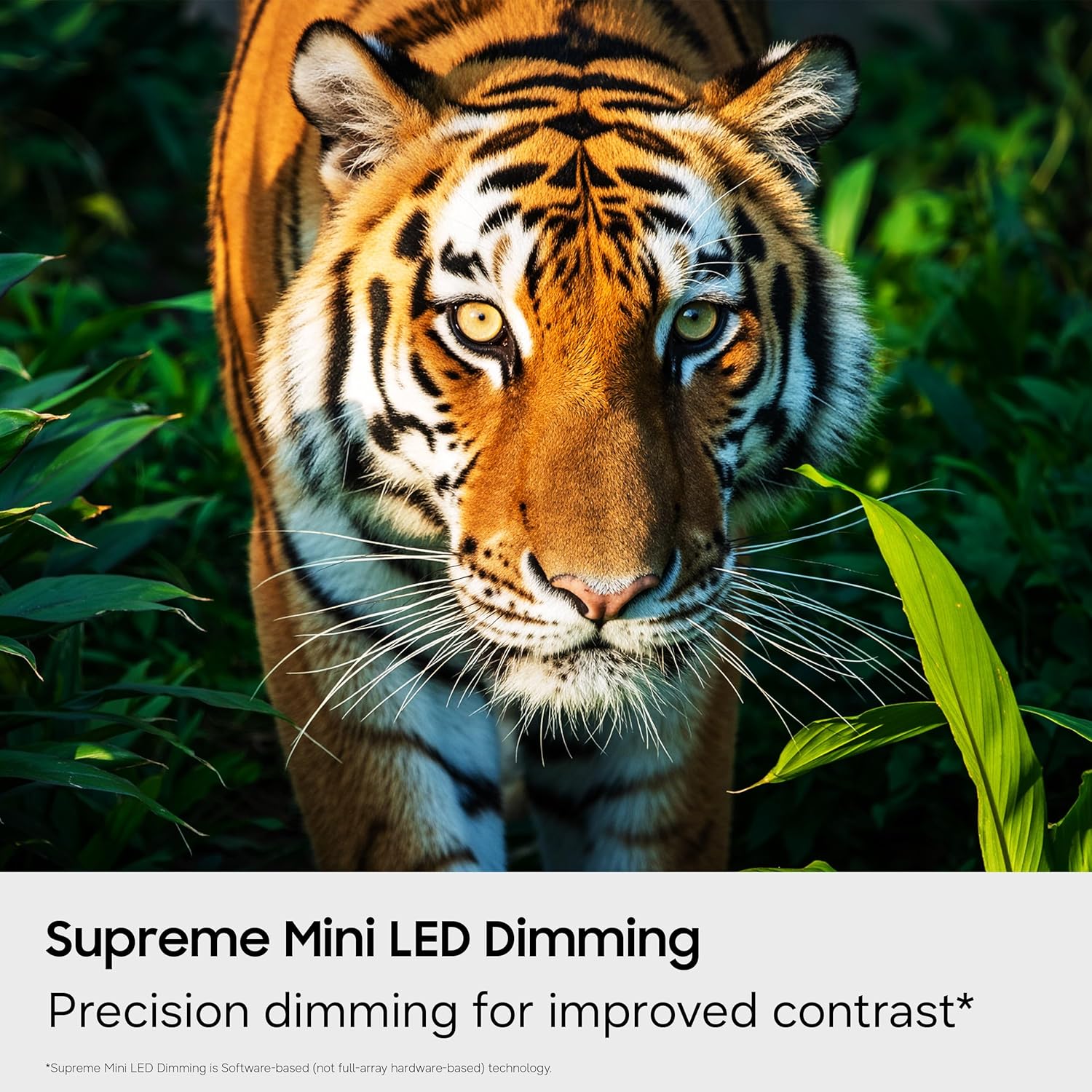
Figure 4.4: Supreme Mini LED Dimming. This image showcases the precision dimming for enhanced contrast.

Figure 4.5: Motion Xcelerator + DLG 120Hz. This image demonstrates blur-free action for fast-paced content.
4.3. Smart Features (Tizen OS)
Your TV runs on the Tizen operating system, offering a personalized smart TV experience.
- Endless Free Content (Samsung TV Plus): Access over 2,700 free streaming options, including 750+ subscription-free channels. An internet connection and Samsung Account are required for network-based smart services.
- Гаминг Хуб: A central hub for games from consoles, cloud services, and gaming apps. Provides personalized recommendations.
- Vision AI Companion: Utilize AI-enhanced picture and sound, along with personalized experiences. Requires a Samsung account and internet connection.
- СмартТхингс Хуб: Connect and control smart devices through your TV. Requires a Samsung account and internet connection.
- Samsung Knox Security: Built-in triple-layer data protection for your TV experiences, safeguarding sensitive data and IoT devices.

Figure 4.6: Endless Free Content. This image displays the Samsung TV Plus interface with numerous streaming channels.

Figure 4.7: Vision AI Companion. This image illustrates the AI features and interface of the TV.
4.4. Special Modes
- Фудбалски режим: Optimizes settings for sports, providing clearer motion and more vibrant greens for a stadium-like experience.
- АИ енергетски режим: Reduces power consumption by auto-adjusting brightness based on room lighting and user activity.
5. Одржавање
5.1. Чишћење телевизора
- Увек искључите телевизор из струје пре чишћења.
- Use a soft, dry microfiber cloth to gently wipe the screen and exterior.
- Do not use liquid cleaners, sprays, or abrasive cloths, as they may damage the screen or finish.
5.2. Ажурирања софтвера
Ensure your TV's software is up to date for optimal performance and security. Connect your TV to the internet and navigate to the settings menu to check for and install available updates. Samsung provides 7 years of automatic OS updates.
КСНУМКС. Решавање проблема
If you encounter issues with your TV, refer to the following common solutions. For more detailed troubleshooting, consult the on-screen e-Manual or Samsung Support.
- Но Повер: Check if the power cable is securely connected to both the TV and the wall outlet. Ensure the outlet is functional.
- Нема слике/звука: Verify that the correct input source is selected. Check all cable connections (HDMI, antenna).
- Даљински управљач не ради: Replace the batteries in the remote. Ensure there are no obstructions between the remote and the TV. Re-pair the remote if necessary (refer to the e-Manual for pairing instructions).
- Slow Startup / Unresponsive Interface: This can sometimes be resolved by adjusting settings related to Samsung TV Plus or other smart features. Navigate deep into the menu structure to disable features that might be causing delays. A factory reset may also resolve persistent issues, but will erase personalized settings.
- Проблеми са мрежном везом: Check your Wi-Fi router or Ethernet cable. Try restarting your router and the TV.
7. Спецификације
| Феатуре | Детаљ |
|---|---|
| Назив модела | UN65M70HAFXZA |
| Величина екрана | 65 инча |
| Дисплаи Тецхнологи | Мини-ЛЕД |
| Резолуција | 4К (3840 к 2160) |
| Рефресх Рате | 120 Hz (DLG 120Hz) / 60 Hz (Native) |
| Подржан ХДР формат | ХДР10+ |
| Оперативни систем | Тизен |
| Технологија повезивања | Bluetooth (v5.3), HDMI (x3), USB (x1), Wi-Fi, Ethernet |
| Аудио улаз | ХДМИ, УСБ |
| Опис звучника | Built-in Speakers (2.0 Channel) |
| VESA стандард за монтирање | 200 к 200 мм |
| Димензије производа (Д x Ш x В) | 8.7 cm D x 56.9 cm Š x 34.7 cm V (sa postoljem) |
| Тежина артикла | 31.7 фунте (са постољем) |
| Модел Иеар | 2026 |
8. Гаранција и подршка
8.1. Информације о гаранцији
This Samsung TV comes with a 1 година ограничене гаранције произвођача. Please refer to the included Warranty Card for full terms and conditions. Keep your proof of purchase for warranty claims.
8.2. Корисничка подршка
For technical assistance, troubleshooting, or warranty service, please contact Samsung Customer Support. You can find contact information on the Samsung official website or on your Warranty Card.
9. Видео снимци производа
Погледајте званични видео производа за више информацијаview of the Samsung Mini LED M70H Series features.
Video 9.1: Samsung Mini LED M70 Features. This video provides a visual demonstration of the key features of the M70H series TV.