1. Увод
This manual provides instructions for the setup, operation, and maintenance of your ViewSonic VX2770SMH-LED 27-inch IPS 1080p Frameless LED Monitor. This monitor features a sleek design, Full HD 1920x1080 resolution, and an IPS panel for wide viewing angles and accurate color reproduction. It includes HDMI, DVI, and VGA inputs, along with integrated speakers.
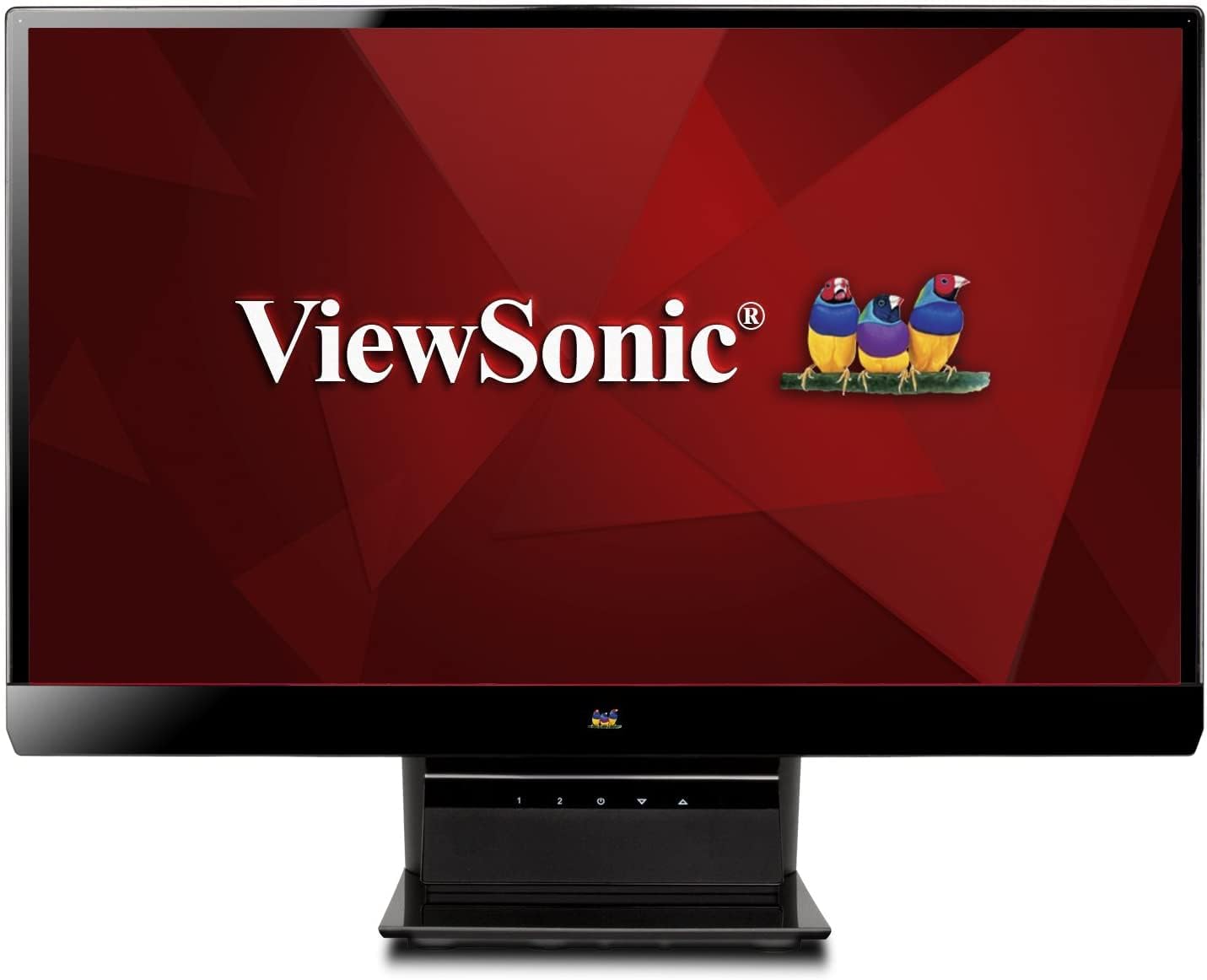
Слика 1: ViewSonic VX2770SMH-LED 27-inch monitor displaying a tropical beach scene.
2. Садржај пакета
Проверите да ли су све ставке присутне у паковању вашег производа:
- VX2770Smh-LED display
- Кабл за напајање
- АЦ/ДЦ адаптер
- ВГА кабл
- ХДМИ кабл
- Водич за брзи почетак
- ViewСониц Визард ЦД
3. Подешавање
Пратите ове кораке да бисте подесили свој монитор:
- Саставите штанд: Carefully attach the monitor panel to the stand base according to the Quick Start Guide. Ensure it is securely fastened.
- Прикључите напајање: Connect the AC/DC adapter to the monitor's power input, then plug the power cable into the adapter and a power outlet.
- Повежите видео кабл: Connect one end of the appropriate video cable (HDMI, DVI, or VGA) to the corresponding port on the back of the monitor and the other end to your computer's video output port.
- Укључено: Притисните дугме за напајање на монитору да бисте га укључили.

Слика 2: Задња страна view of the monitor, illustrating the stand attachment area and overall design.
4. Руковање монитором
The monitor features capacitive control buttons located on the stand for easy access to settings and power functions.

Слика 3: Предња страна view of the monitor, showing the control buttons on the stand.
Укључивање/искључивање
Press the power button (usually indicated by a power symbol) to turn the monitor on or off.
Он-Сцреен Дисплаи (ОСД) мени
Use the control buttons to navigate the OSD menu. This menu allows you to adjust various display settings such as brightness, contrast, color temperature, input source, and more. Refer to the digital manual on the ViewSonic Wizard CD for detailed OSD navigation.
5. Повезивање
Тхе ViewSonic VX2770SMH-LED monitor offers multiple input options for versatile connectivity:
- ДВИ: За дигитални видео и аудио високе дефиниције.
- ДВИ-Д: За дигитални видео улаз.
- ВГА: For analog video input.
The monitor also features integrated speakers with SRS Premium Sound for audio output.

Слика 4: Крупни план view of the HDMI, DVI, and VGA input ports on the monitor's rear panel.
Video 1: Official product video demonstrating the features and design of the ViewSonic VX2770SMH-LED monitor, including its frameless design, IPS panel technology, connectivity options, and energy efficiency.
6. Карактеристике екрана
- Технологија ИПС панела: Provides consistent and accurate colors with wide 178/178-degree viewing angles, ensuring clear images from nearly any perspective.
- Фулл ХД 1080п резолуција: Delivers sharp and detailed images (1920x1080) for an enhanced viewинг искуство.
- Дизајн без оквира: The ultra-thin bezel creates a seamless visual experience, ideal for multi-monitor setups.
- MEGA Dynamic Contrast Ratio: A 30,000,000:1 dynamic contrast ratio enhances image depth and detail.
- ЛЕД позадинско осветљење: Energy-efficient LED backlighting contributes to lower power consumption.
- Еко-режим: Further reduces power consumption and extends the monitor's lifespan.
- sRGB Color Correction: Ensures accurate color reproduction for various applications.
7. Одржавање
Да бисте осигурали дуготрајност и оптималне перформансе вашег монитора, пратите ова упутства за одржавање:
- Чишћење екрана: Нежно обришите екран меком крпом која не оставља влакна. За тврдокорне мрље, лагано дampОчистите крпу водом или благим, неабразивним средством за чишћење екрана. Избегавајте директно прскање течности на екран.
- Чишћење Цasing: Користите меку, суву крпу за чишћење површине монитораasing.
- вентилација: Уверите се да вентилациони отвори монитора нису блокирани како бисте спречили прегревање.
- Искључите када се не користи: Turn off the monitor when not in use to save energy and prolong its life.
КСНУМКС. Решавање проблема
Ако наиђете на проблеме са монитором, погледајте следеће уобичајене кораке за решавање проблема:
- Нема напајања: Check if the power cable and AC/DC adapter are securely connected to the monitor and a working power outlet.
- Нема сигнала: Verify that the video cable is correctly connected to both the monitor and your computer. Ensure the correct input source is selected via the OSD menu.
- Проблеми са сликом (замућена, изобличена, погрешне боје): Adjust the display settings through the OSD menu. Ensure your computer's display resolution is set to the monitor's native resolution (1920x1080).
- Нема звука: Check the audio cable connection (if using VGA) or ensure HDMI audio is selected. Adjust the volume settings on both the monitor and your computer.
For more detailed troubleshooting, consult the digital manual on the ViewСониц Визард ЦД.
9. Спецификације
| Феатуре | Спецификација |
|---|---|
| Величина приказа на сталном екрану | 27 инча |
| Резолуција екрана | 1920к1080 |
| Максимална резолуција екрана | 1920 к 1080 |
| Сериес | Viewsonic VX2770SMH-LED |
| Број модела артикла | VX2770SMH-LED |
| Тежина артикла | 11 фунти |
| Димензије производа | 7.6 к 24.5 к 18.1 инча |
| Боја | Црно |
| Величина екрана | 27 инча |
| Резолуција | ФХД 1080п |
| Аспецт Ратио | 1.78:1 |
| Опис површине екрана | Глосси |

Слика 5: Димензије монитора за планирање радног простора.
10. Гаранција и подршка
Ово ViewSonic monitor is covered by a 3-годишња ограничена гаранција. For warranty claims or technical support, please refer to the contact information provided in your Quick Start Guide or visit the official ViewЗвучна подршка webсајту.


