Увод
This manual provides essential information for setting up, operating, and maintaining your LaCie Porsche Design 1TB USB-C Mobile Hard Drive. Please read these instructions carefully to ensure optimal performance and longevity of your device.
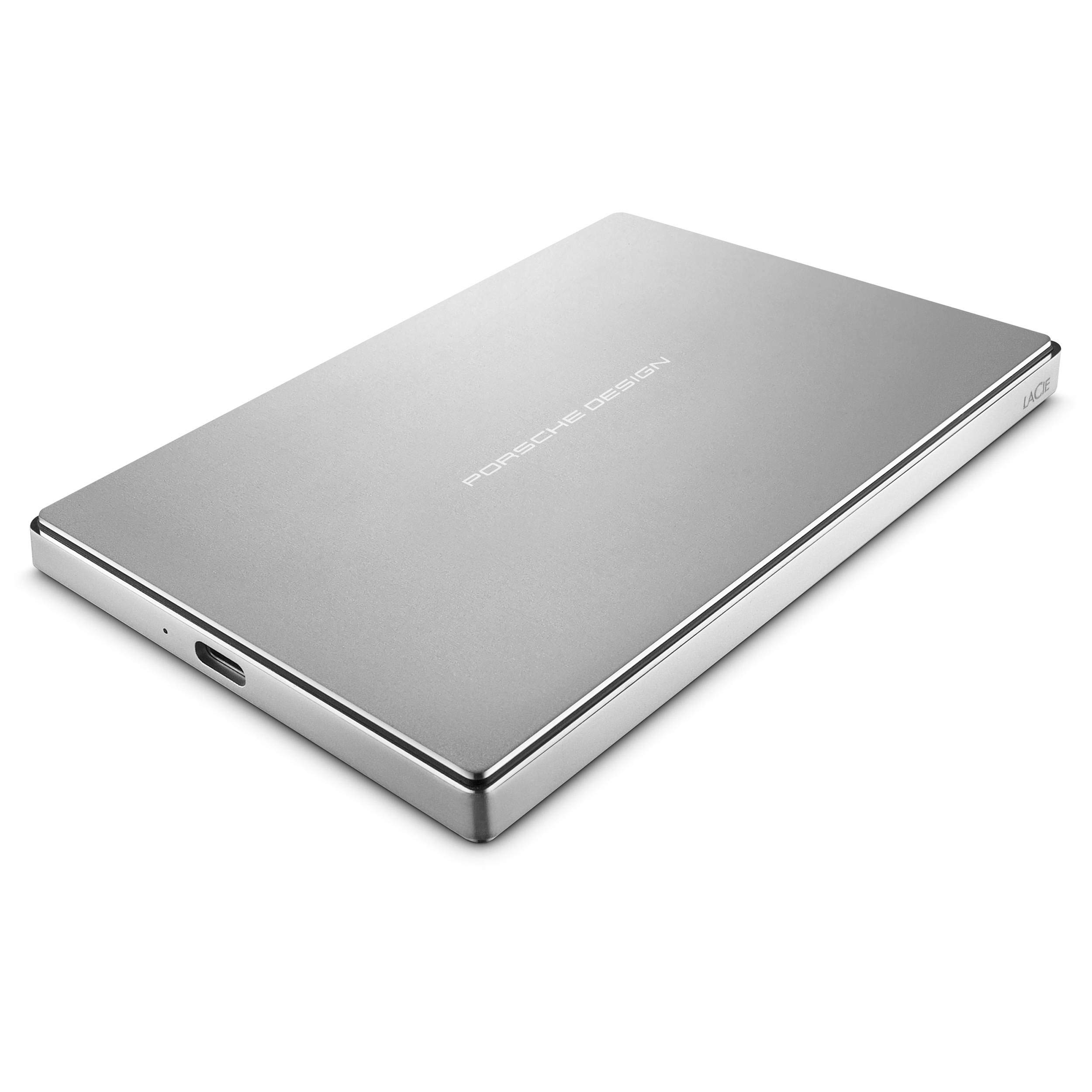
Слика: Врх view of the LaCie Porsche Design Mobile Hard Drive, showcasing its sleek silver aluminum casing with "PORSCHE DESIGN" branding.
Шта је у кутији
Проверите да ли су све ставке присутне у паковању вашег производа:
- Мобилни уређај LaCie Porsche Design
- УСБ-Ц кабл
- УСБ-Ц на УСБ-А кабл
- Водич за брзи почетак
Сетуп
Повезивање са рачунаром
The LaCie Porsche Design Mobile Drive features a versatile USB-C port for connectivity. It includes two cables to ensure compatibility with various computer types.
- For USB-C Compatible Computers (e.g., newer MacBooks):
Use the included USB-C to USB-C cable. Connect one end to the USB-C port on your LaCie drive and the other end to a USB-C port on your computer.

Слика: Крупни план view of the LaCie Porsche Design Mobile Drive's side, showing the USB-C port and an indicator light.
- For USB-A Compatible Computers (e.g., older Macs or PCs with USB 3.0):
Use the included USB-C to USB-A cable. Connect the USB-C end to your LaCie drive and the USB-A end to a USB 3.0 port on your computer.
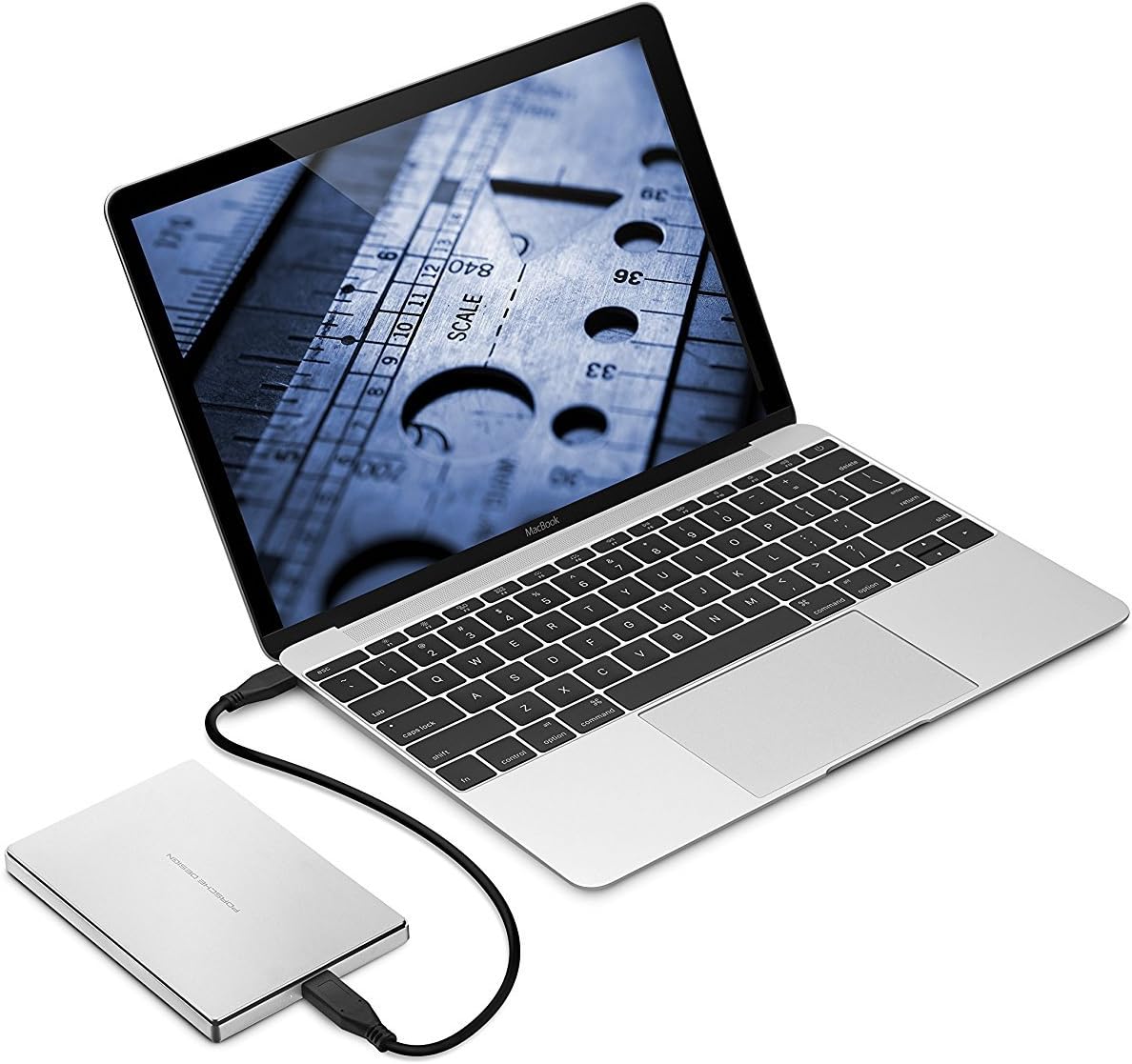
Image: The LaCie Porsche Design Mobile Drive connected to a silver laptop via a USB-A cable, demonstrating connectivity with older ports.
Once connected, the drive should be recognized by your operating system. For initial setup, you may need to format the drive according to your operating system's requirements (e.g., HFS+ for Mac, NTFS for Windows).
Управљање погоном
Пренос података
The LaCie Porsche Design Mobile Drive supports USB 3.1 (Gen 1) speeds, offering data transfer rates of up to 5 GB/s. This allows for quick drag-and-drop file transfers and efficient backups.
- Превуците и испустите: Једноставно превуците files or folders from your computer to the LaCie drive icon in your file explorer (Windows) or Finder (Mac) to copy them.
- Резервне копије: Utilize your operating system's built-in backup features (e.g., Time Machine for macOS, File History for Windows) or third-party backup software to create regular backups of your important data.
Управљање напајањем
The drive is bus-powered, meaning it draws power directly from the USB connection to your computer. No external power adapter is required.
Video: Official LaCie product overview demonstrating the design and connectivity options of the Porsche Design Desktop and Mobile Drives, including USB-C for next-generation computers and USB 3.0 adapter compatibility. This video highlights the sleek form and refined function of the drives.
Одржавање
Општа нега
- Чишћење: Use a soft, dry cloth to clean the aluminum enclosure. Avoid abrasive cleaners or solvents.
- Руковање: While the all-aluminum enclosure is sturdy, avoid dropping the drive or subjecting it to excessive physical shock, as this can damage internal components.
- температура: Користите и складиштите уређај у препорученим температурним опсезима како бисте спречили оштећења. Избегавајте екстремне топлоте или хладноће.
- Безбедно избацивање: Always safely eject the drive from your operating system before disconnecting the cable to prevent data corruption.
Решавање проблема
Drive Not Recognized or Not Mounting
- Проверите везе: Ensure the USB cable is securely connected to both the drive and your computer. Try a different USB port or cable if available.
- Снага: Verify that your computer's USB port is providing sufficient power. If using a USB hub, try connecting the drive directly to the computer.
- Поново покрените рачунар: Понекад једноставно поновно покретање може решити проблеме са повезивањем.
- Disk Management (Windows) / Disk Utility (Mac):
- Виндовс: Open Disk Management (right-click Start, select Disk Management). Check if the drive appears there. If it does, it might need to be initialized or assigned a drive letter.
- Мац: Open Disk Utility (Applications > Utilities > Disk Utility). Check if the drive appears. If it does, you may need to format it or run First Aid to repair it. Note that some users have reported needing to use Terminal commands for specific formatting on Mac for full compatibility and encryption.
- Ажурирања драјвера: Уверите се да су УСБ драјвери вашег рачунара ажурирани.
Споро перформансе
- USB 3.0/3.1 Port: Ensure the drive is connected to a USB 3.0 or USB-C port on your computer for optimal speeds. Connecting to a USB 2.0 port will result in significantly slower transfer rates.
- Квалитет кабла: Use the provided LaCie cables. Damaged or low-quality cables can affect performance.
- Позадински процеси: Close any unnecessary applications or background processes that might be consuming system resources during data transfer.
Спецификације
| Број модела | СТФД1000400 |
| Капацитет | 1 ТБ |
| Интерфејс | USB-C (USB 3.1 Gen 1 compatible) |
| Max Transfer Speed | До 5 ГБ/с |
| Димензије (ДкШкВ) | 0.39 к 3.31 к 5.04 инча |
| Тежина | 6.7 унци |
| Боја | Сребро |
| Хардверска платформа | Мак, рачунар |
| Компатибилност оперативног система | Mac OS X 10.5 и новији / Windows 7 и новији |
| Minimum Free Disk Space | 600 MB recommended |
Гаранција и подршка
Информације о гаранцији
For detailed warranty information, please refer to the warranty card included with your product or visit the official LaCie webсајт. Сачувајте доказ о куповини за потребе гаранције.
Техничка подршка
If you encounter issues not covered in this manual or require further assistance, please contact LaCie customer support. You can find contact information and additional resources on the official LaCie webсајт: ввв.лацие.цом.


