1. Производ је готовview
The Vimtag CP1 is a wireless IP video monitoring surveillance security camera designed for remote home or business monitoring. It features high-definition video, pan/tilt functionality, two-way audio, and night vision capabilities.
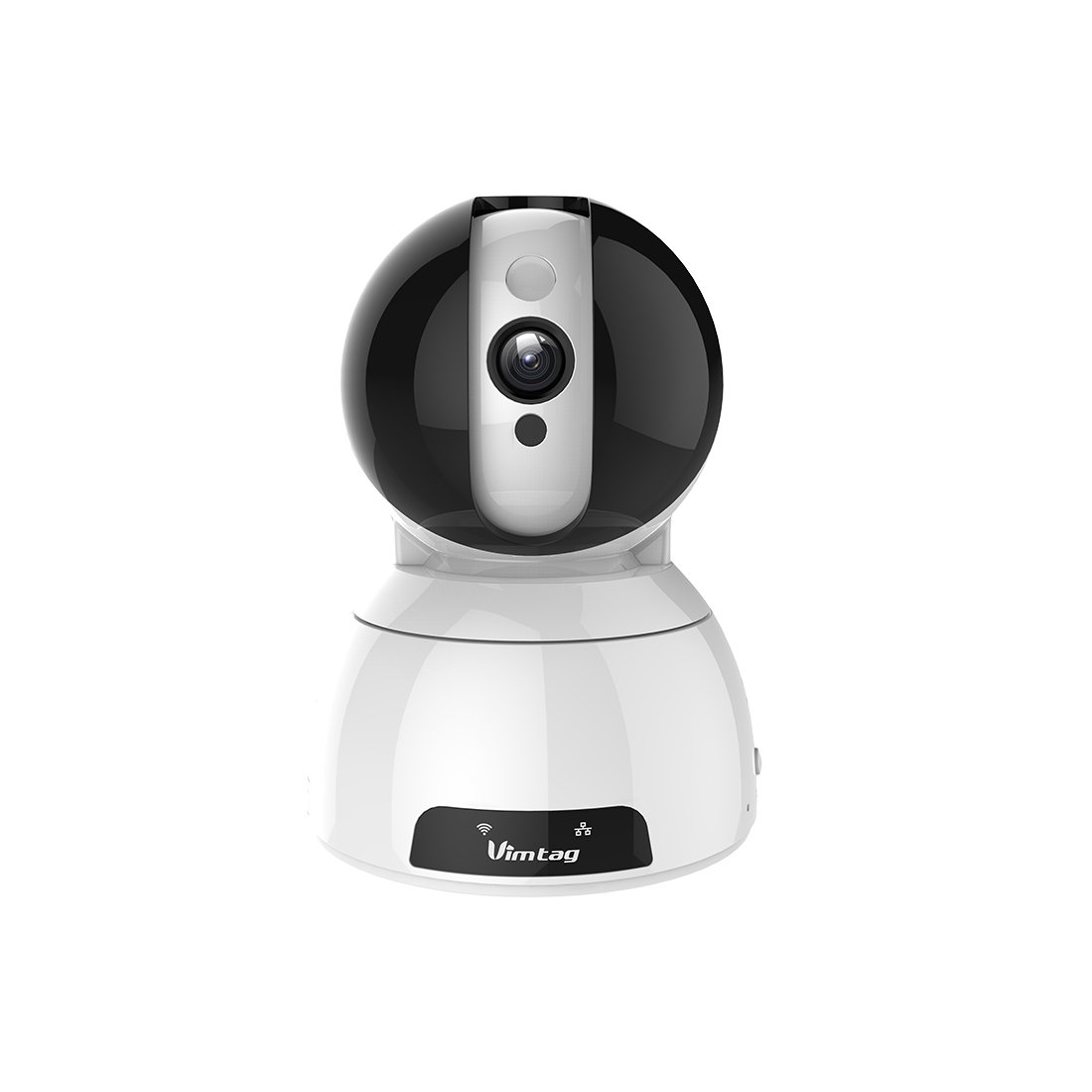
Figure 1: Vimtag CP1 Camera Front View
Кључне карактеристике:
- HD квалитет видеа: 1280 x 720p at 25 frames per second for clear monitoring.
- Функционалност панорамирања и нагињања: 350-degree horizontal rotation and 100-degree vertical tilt to cover a wide area.
- Двосмерни аудио: Уграђени микрофон и звучник за комуникацију.
- Ноћни вид: Infrared LEDs provide clear visibility up to 10 meters in low-light conditions.
- Детекција покрета: Alerts with snapshots and video clips upon detecting movement.
- Локално и клауд складиште: Supports Micro SD cards up to 64GB and optional cloud storage.
- Лако подешавање: Quick Wi-Fi setup via the Vimtag мобилна апликација.

Figure 2: Vimtag CP1 Key Features
2. Водич за подешавање
2.1 Садржај пакета
Пре него што почнете, уверите се да су све ставке присутне у пакету:
- 1 x Vimtag CP1 Camera
- 1 x Camera Rack
- 1 к кабл за напајање
- 1 к Етхернет кабл
- 1 x Упутство за употребу (овај документ)
2.2 Почетни кораци подешавања
- Укључено: Connect the power cable to the camera and plug it into a power outlet. The camera will initiate its startup sequence.
- Преузмите апликацију: Download the free Vimtag апликацију из продавнице апликација вашег паметног телефона (iOS App Store или Google Play Store).
- Регистрација налога: Open the Vimtag app and register for a new account or log in if you already have one.
- Додај камеру: Follow the in-app instructions to add your new CP1 camera. This typically involves scanning a QR code on the camera or entering its device ID.
- Ви-Фи конфигурација: Configure the camera to connect to your Wi-Fi network using the app. Ensure your Wi-Fi network is 2.4GHz, as 5GHz networks may not be supported.
- Монтажа (опционо): Use the included camera rack to mount the camera on a wall or ceiling if desired.
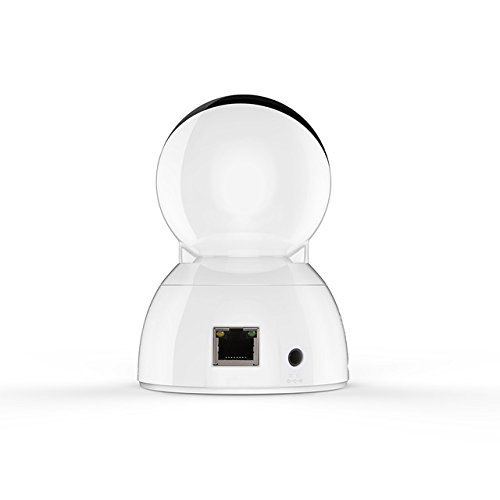
Figure 3: Vimtag CP1 Back View са портовима
For detailed visual guidance, refer to the video tutorials available on the official Vimtag подршка webсајту.
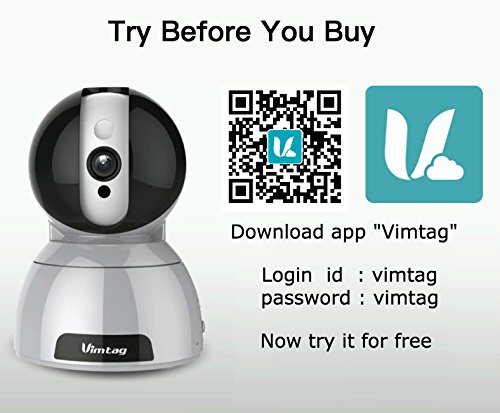
Figure 4: Vimtag App Download and Demo Information
Преузмите Вимtag апликација од вимtag.com/download/.
3. Упутство за употребу
3.1 Уживо View и контрола панорамирања/нагиба
Once the camera is connected, open the Vimtag app to access the live video feed. Use the on-screen controls to pan the camera horizontally (350 degrees) and tilt it vertically (100 degrees) to adjust the viewугао уласка.

Figure 5: Pan and Tilt Control via App
3.2 Двосмерни аудио
The camera supports two-way audio. Tap the microphone icon in the app to speak through the camera's speaker, and listen to audio from the camera's built-in microphone.
3.3 Ноћни вид
The CP1 camera automatically switches to night vision mode in low-light conditions, providing clear black and white video up to 10 meters using its infrared LEDs.
3.4 Детекција покрета и упозорења
Configure motion detection settings within the Vimtag app. You can set sensitivity levels and define specific areas for detection. When motion is detected, the camera can send instant notifications to your smartphone, including snapshots or short video clips.
3.5 Снимање и складиштење видеа
The camera supports two primary storage methods:
- Мицро СД картица: Insert a Micro SD card (up to 64GB, not included) into the camera's designated slot for local recording. Recordings can be accessed and managed through the app.
- Цлоуд Стораге: Optional cloud storage services are available through Vimtag for remote backup and access to recorded footage.
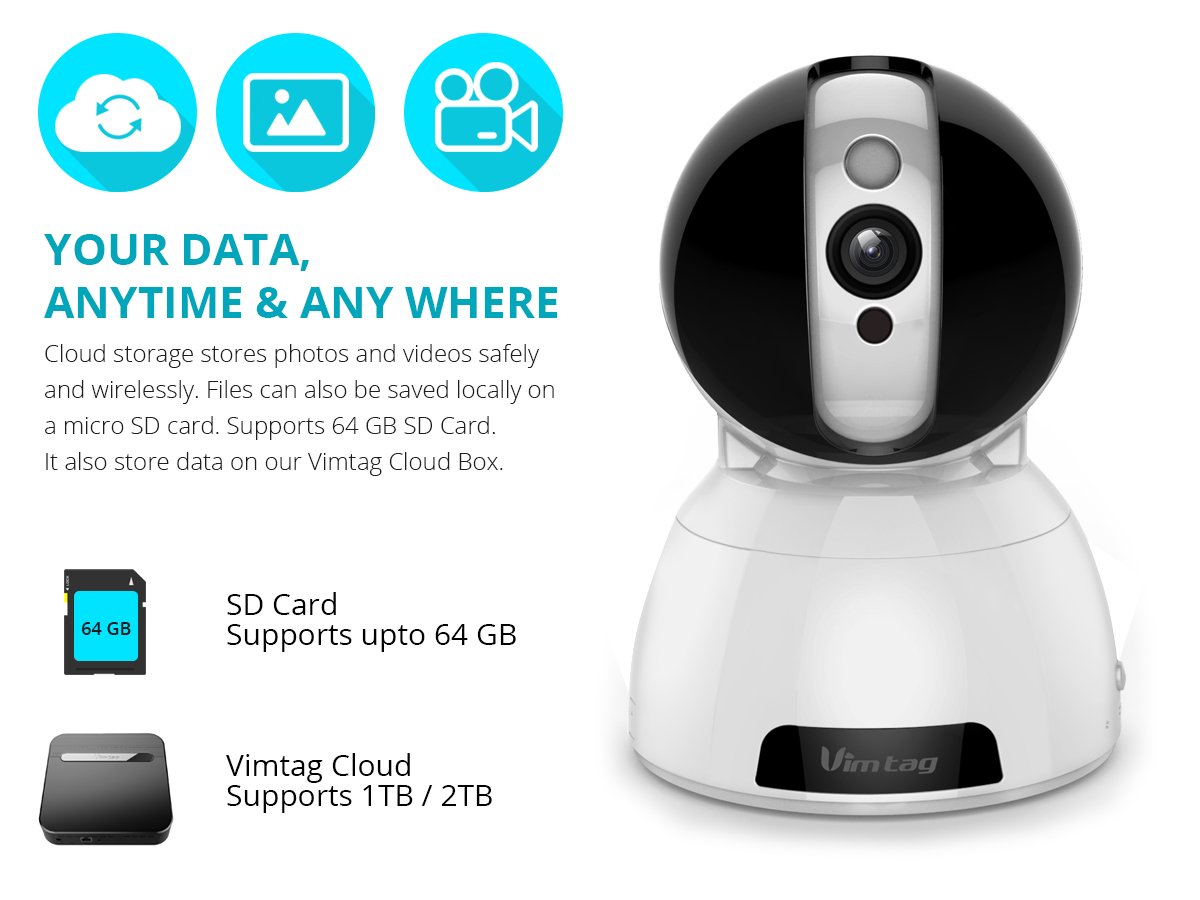
Figure 6: Storage Options for Vimtag ЦП1
4. Одржавање
4.1 Чишћење
To maintain optimal performance, periodically clean the camera's lens and exterior. Use a soft, dry cloth. Avoid abrasive cleaners or solvents that could damage the camera's finish or lens coating.
4.2 Ажурирања фирмвера
Вимtag may release firmware updates to improve camera performance, add features, or enhance security. Check the Vimtag app regularly for available updates and follow the in-app instructions to install them. Ensure the camera remains powered during the update process.
4.3 Разматрања животне средине
The Vimtag CP1 camera is designed for indoor use. Avoid exposing it to extreme temperatures, direct sunlight, high humidity, or water, as it is not water-resistant.
КСНУМКС. Решавање проблема
This section addresses common issues you might encounter with your Vimtag CP1 camera.
5.1 Камера се не повезује на Wi-Fi
- Check Wi-Fi Band: Ensure your Wi-Fi network is 2.4GHz. The camera may not support 5GHz networks.
- Јачина сигнала: Place the camera closer to your Wi-Fi router to ensure a strong signal.
- Тачна лозинка: Double-check that you are entering the correct Wi-Fi password in the app.
- Ресетуј камеру: Locate the reset button on the camera (often a small pinhole) and press it for 5-10 seconds until the camera resets. Then, attempt the setup process again.
- Подешавања рутера: Verify that your router's firewall or security settings are not blocking the camera's connection.
5.2 Лош квалитет видеа
- Мрежни пропусни опсег: Ensure your internet connection has sufficient upload speed for streaming HD video.
- Подешавања апликације: Check the video quality settings within the Vimtag app; you might be able to adjust it.
- Чистоћа сочива: Очистите сочиво камере меком, сувом крпом.
5.3 Проблеми са двосмерним звуком
- Нивои јачине звука: Check the volume settings on your smartphone and within the Vimtag апп.
- Microphone/Speaker Obstruction: Уверите се да микрофон и звучник камере нису блокирани.
- Кашњење мреже: High network latency can affect audio quality and introduce delays.
5.4 Детекција покрета не ради
- Enable Feature: Verify that motion detection is enabled in the Vimtag подешавања апликације.
- Осетљивост: Adjust the motion detection sensitivity. If it's too low, it might miss events.
- Зоне детекције: Ensure the areas you want to monitor are correctly configured as detection zones.
6. Техничке спецификације
| Назив модела | Вимtag ЦП1 |
| Број модела ставке | 6970167642228 |
| Резолуција снимања видео записа | 720п (1280 к 720 пиксела) |
| Фраме Рате | 25 кадрова у секунди |
| Опсег померања/нагиба | 350 degrees (Pan) x 100 degrees (Tilt) |
| Дигитални зум | 4x |
| Удаљеност ноћног вида | До 10 метара (инфрацрвено) |
| Опције складиштења | Микро СД (до 64 ГБ), складиштење у облаку |
| Повезивање | Wireless (Wi-Fi IEEE802.12b/g/n) |
| Извор напајања | AC Power Adapter (7 Watts) |
| Димензије (Д к Ш к В) | 40 x 30 x 40 милиметара |
| Тежина артикла | 450 грама |
| Унутрашња/спољна употреба | Индоор |
| Ниво отпорности на воду | Није водоотпоран |
| Контролни метод | App (Android, iOS), Voice |
7. Гаранција и подршка
7.1 Гаранција на производ
The Vimtag CP1 camera comes with a Гаранција на замену 6 месециОва гаранција покрива производне недостатке и кварове при нормалној употреби. Молимо вас да сачувате доказ о куповини за потребе подношења захтева за гаранцију.
7.2 Корисничка подршка
For any queries, technical assistance, or warranty claims, please contact Vimtag customer support. Support is available via telephone, chat, Skype, and email. Refer to the official Vimtag webсајт за најновије контакт информације.
Step-by-step setup instructions and video tutorials are also available on the Vimtag support portal to assist you with installation and operation.


