Увод
This manual provides comprehensive instructions for the Vivitar IPC113-WHT Wide Angle 1080p HD Wi-Fi Smart Home Camera. It covers setup, operation, maintenance, and troubleshooting to ensure optimal performance and security for your home or office. The camera features 1080p HD video, a wide-angle lens, motion detection, night vision, two-way audio, and compatibility with iOS and Android devices, as well as Amazon Alexa and Google Assistant.
Шта је у кутији
Након отварања паковања, проверите да ли су све компоненте присутне:
- High Definition Capture Cam (Vivitar IPC113-WHT)
- Адаптер за напајање (АЦ/ДЦ)
- УСБ кабл
- Mounting Accessories (e.g., screws, wall anchors, magnetic base)
- Упутство за употребу
Производ је завршенview
Familiarize yourself with the various parts of your Vivitar IPC113-WHT camera.
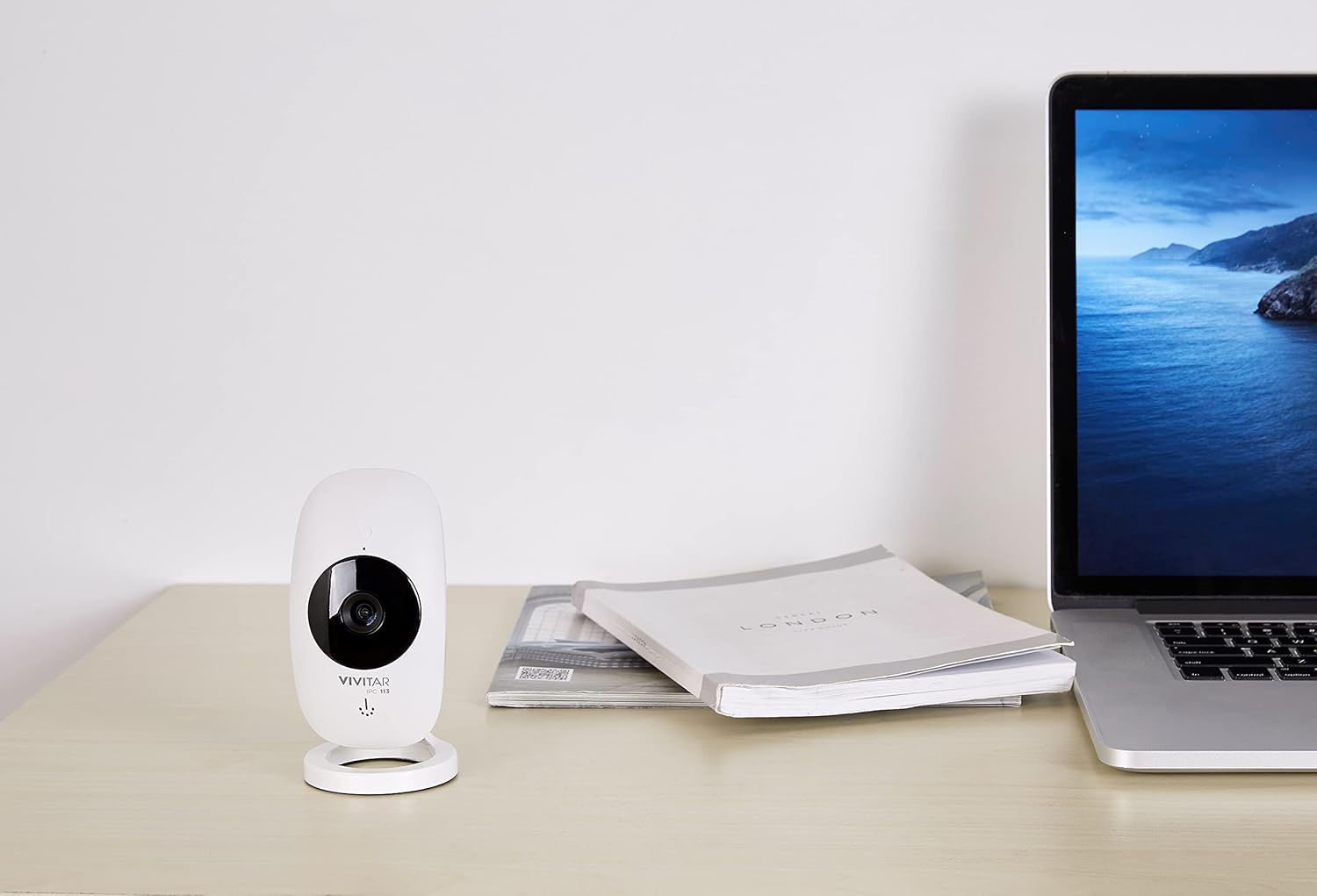
Слика 1: The Vivitar IPC113-WHT camera positioned on a desk, illustrating its compact design for discreet placement.
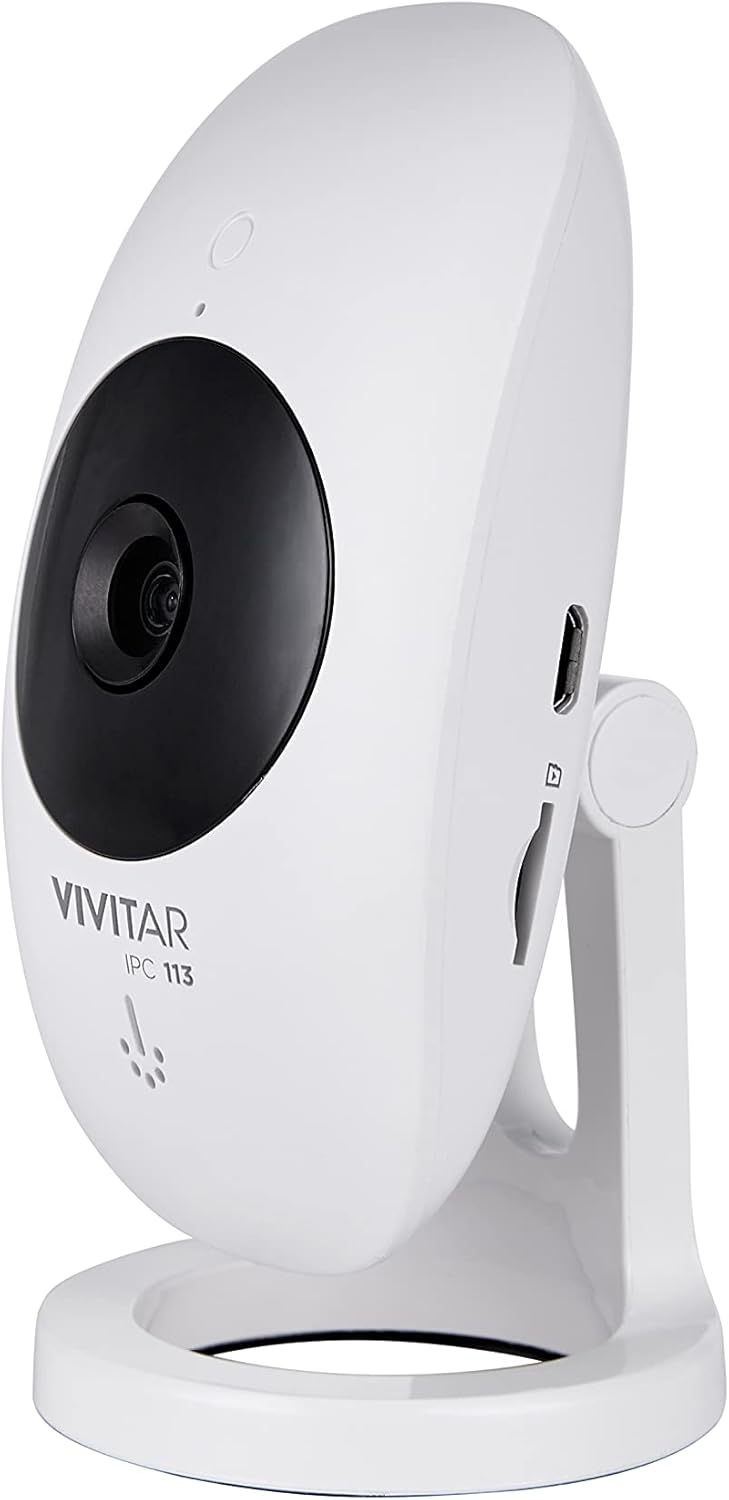
Слика 2: Сиде проfile of the camera, highlighting the micro USB power input and the microSD card slot for local storage.

Слика 3: Позади view of the camera, detailing the reset button and ventilation for optimal performance.

Слика 4: Labeled diagram of the camera's front, identifying the motion detector, night vision light, high definition lens, microphone, speakerphone, and adjustable stand.
Упутства за подешавање
- Укључено: Connect the camera to a power source using the provided USB cable and AC/DC adapter. The camera will power on automatically.
- Преузмите апликацију: Download the "Vivitar Home" app from the Apple App Store (for iOS devices) or Google Play Store (for Android devices).
- Креирајте налог: Open the Vivitar Home app and follow the on-screen instructions to create a new user account or log in if you already have one.
- Додај уређај: In the app, select the option to add a new device. Choose the Vivitar IPC113-WHT camera from the list.
- Повежите се на Ви-Фи: Follow the app's prompts to connect the camera to your home Wi-Fi network. Ensure your Wi-Fi network is 2.4GHz, as 5GHz networks are not supported.
- Пласман: Position the camera in your desired location. The magnetic base allows for flexible mounting on metallic surfaces, or use the included mounting accessories for wall or ceiling installation.
- Optional: MicroSD Card Installation: For local video storage, insert a compatible microSD card (not included) into the designated slot on the camera.
Упутство за употребу
- Уживо View: Open the Vivitar Home app and select your camera to view the live 1080p HD video feed.
- Digital Pan, Tilt, Zoom: Use the app interface to digitally adjust the camera's view, pan, tilt, or zoom in on specific areas within the wide-angle lens's field of view.
- Двосмерни аудио: Utilize the microphone and speakerphone features within the app to communicate with individuals near the camera.
- Детекција покрета: The camera is equipped with motion detection. When activity is detected, you will receive push notifications on your smartphone. Sensitivity settings can be adjusted in the app.
- Ноћни вид: The camera automatically switches to night vision mode in low-light conditions, providing clear monitoring around the clock.
- Снимање и складиштење:
- Локално складиште: Videos can be recorded and stored on an installed microSD card.
- Цлоуд Стораге: A free cloud service is available for reviewing and sharing footage, allowing access to your camera's recordings from any location.
- Контрола гласом: Integrate your camera with Amazon Alexa or Google Assistant for convenient voice control commands. Refer to the respective voice assistant app for integration steps.

Слика 5: The Vivitar Home app on a smartphone, demonstrating the live video feed and user interface for camera control.
Одржавање
- Чишћење: Нежно обришите сочиво и кућиште камере меком, сувом крпом. Избегавајте употребу течних средстава за чишћење или абразивних материјала.
- Ажурирања софтвера: Periodically check the Vivitar Home app for firmware updates for your camera. Keeping the firmware updated ensures optimal performance and security.
- Управљање мицроСД картицом: If using a microSD card, regularly back up important footage and format the card periodically to maintain recording efficiency.
- Услови животне средине: Ensure the camera is used indoors and within recommended temperature and humidity ranges to prevent damage.
Решавање проблема
- Камера се не повезује на Wi-Fi:
- Уверите се да ваша Wi-Fi мрежа користи фреквенцију од 2.4 GHz. Камера не подржава мреже од 5 GHz.
- Проверите да ли је лозинка за Wi-Fi унета у апликацији исправна.
- Приближите камеру свом Wi-Fi рутеру да бисте побољшали јачину сигнала.
- Рестартујте рутер и камеру.
- No video feed in the app:
- Проверите да ли је камера укључена и повезана на Wi-Fi.
- Уверите се да ваш паметни телефон има стабилну интернет везу.
- Close and reopen the Vivitar Home app.
- Motion detection alerts not received:
- Verify that push notifications are enabled for the Vivitar Home app in your phone's settings.
- Check the motion detection sensitivity settings within the app.
- Ensure the camera is positioned correctly to detect motion in the desired area.
- Two-way audio not working:
- Ensure your phone's microphone is enabled for the Vivitar Home app.
- Check the volume settings on both your phone and within the app.
- Confirm there are no obstructions blocking the camera's microphone or speaker.
Спецификације
| Назив модела | ИПЦ113-ВХТ |
| Бранд | Уживо |
| Резолуција снимања видео записа | 1080п ХД |
| Технологија повезивања | бежични (Ви-Фи) |
| Бежична комуникациона технологија | Wi-Fi (само 2.4 GHz) |
| Посебне карактеристике | Motion Sensor, Night Vision, Two-Way Audio |
| Компатибилни уређаји | Smartphone (iOS, Android), Amazon Alexa, Google Assistant |
| Извор напајања | АЦ/ДЦ |
| Унутрашња/спољна употреба | Индоор |
| Тип монтаже | Wall Mount (with magnetic base) |
| Димензије (Д к Ш к В) | 5.25 к 2.5 к 8 инча |
| Тежина артикла | 8.4 унци |
| Боја | Бела |
| Произвођач | Сакар Интернатионал, Инк. |
Гаранција и подршка
For warranty information and technical support, please refer to the documentation included with your product or visit the official Vivitar website. You may also contact Sakar International, Inc., the manufacturer, for assistance. Keep your purchase receipt as proof of purchase for warranty claims.
Произвођач: Сакар Интернатионал, Инк.


