1. Увод
The Acer Predator Cestus 500 PMW730 is a high-performance wired gaming mouse designed for precision and customization. It features an ambidextrous ergonomic design, adjustable Omron switches, and programmable buttons to enhance your gaming experience. This manual provides detailed instructions for setting up, operating, maintaining, and troubleshooting your gaming mouse.
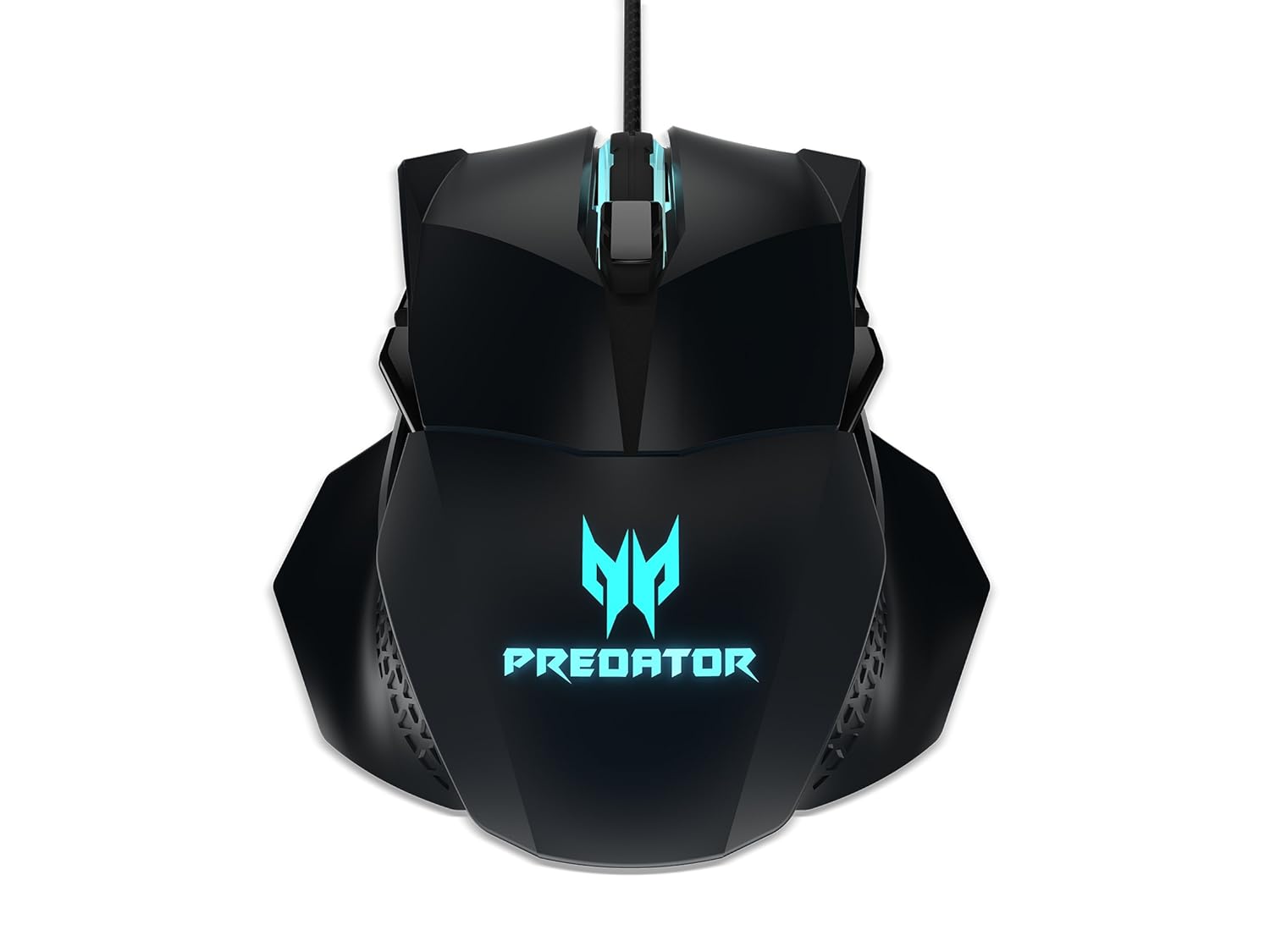
Слика 1: Врх view of the Acer Predator Cestus 500 Gaming Mouse, showcasing its symmetrical design and illuminated Predator logo.
2. Садржај пакета
Молимо вас да проверите да ли су све ставке присутне у вашем пакету:
- 1 x Acer Predator Cestus 500 Wired Gaming Mouse
- 4 x Magnetic Side Panels (2 sets for customization)
- 1 к Водич за брзи почетак
- 1 x Carry Kit
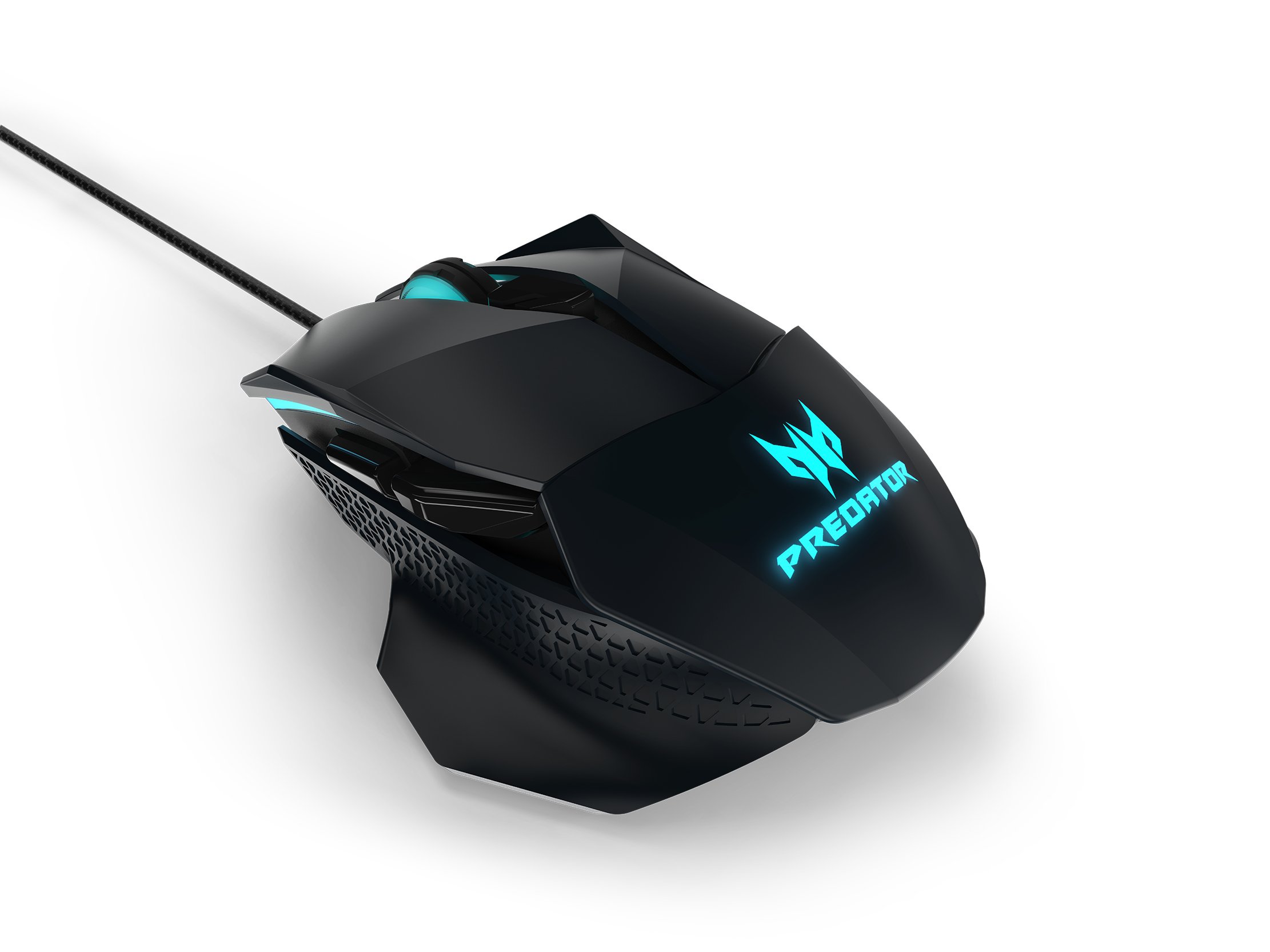
Figure 2: The Acer Predator Cestus 500 mouse with its detachable side panels, illustrating the customization options.
3. Подешавање
3.1 Повезивање миша
- Unpack the Acer Predator Cestus 500 gaming mouse from its packaging.
- Connect the USB cable of the mouse to an available USB port on your computer.
- Оперативни систем ће аутоматски открити и инсталирати потребне драјвере.
3.2 Attaching Side Panels
The mouse comes with two sets of magnetic side panels to accommodate different grip styles (claw or palm) and hand sizes. To attach or swap panels:
- Align the desired side panel with the magnetic connectors on either side of the mouse.
- Gently push the panel until it snaps securely into place.
- Поновите за другу страну.
3.3 Installing Predator Quartermaster Software
For full customization of DPI settings, programmable buttons, and RGB lighting, install the Predator Quartermaster software. This software can typically be downloaded from the official Acer support webсајт за ваш специфични модел.
- Посетите Acer подршку webсајту.
- Тражи 'Predator Quartermaster' or navigate to the support page for the Predator Cestus 500 (Model NP.MCE11.008).
- Преузмите и покрените инсталацијски програм.
- Пратите упутства на екрану да бисте довршили инсталацију.
4. Упутство за употребу
4.1 Основне функције миша
The mouse functions as a standard plug-and-play device for basic navigation (left-click, right-click, scroll wheel).
4.2 ДПИ подешавање
The Predator Cestus 500 features a maximum DPI of 7200 and a tracking speed of 150 IPS. DPI settings can be adjusted on-the-fly using dedicated buttons on the mouse or through the Predator Quartermaster software. The software allows for precise configuration of multiple DPI levels to suit different gaming scenarios.
4.3 Програмабилна дугмад
The mouse is equipped with 8 programmable buttons. These buttons can be assigned various functions, macros, or key combinations using the Predator Quartermaster software. Refer to the software's user interface for detailed instructions on button mapping.
4.4 Adjustable Omron Switches
The mouse features dual Omron switches with a total lifespan of 70 million clicks (50M + 20M). A unique toggle on the base of the mouse allows you to adjust the click force, providing a personalized tactile response.
4.5 RGB Lighting Profiles
Customize the mouse's 16.8 million RGB lighting with five distinct profileс. Ови проfiles can be configured and saved using the Predator Quartermaster software, allowing you to switch between different lighting effects and colors for various games or moods.

Слика 3: Страна view of the Acer Predator Cestus 500, highlighting its ergonomic contours and side buttons.
5. Одржавање
5.1 Чишћење миша
Да бисте одржали оптималне перформансе и изглед:
- Искључите миш из рачунара пре чишћења.
- Користите меку, суву крпу која не оставља влакна да обришете површину миша.
- За тврдокорну прљавштину, благо дampОбришите крпу водом или благим раствором за чишћење. Избегавајте јаке хемикалије.
- Use a can of compressed air to clear dust from crevices and around buttons.
- Не потапајте миш у воду или било коју течност.
5.2 Управљање кабловима
Avoid sharp bends or kinks in the mouse cable to prevent damage. Store the mouse and its cable neatly when not in use, ideally in the provided carry kit.
КСНУМКС. Решавање проблема
6.1 Миш не реагује
- Уверите се да је USB кабл безбедно повезан са функционалним USB портом на рачунару.
- Покушајте да повежете миш са другим УСБ портом.
- Тестирајте миш на другом рачунару да бисте утврдили да ли је проблем са мишем или вашим системом.
- Поново покрените рачунар.
6.2 DPI or Button Settings Not Working
- Ensure the Predator Quartermaster software is installed and running.
- Check for software updates for Predator Quartermaster.
- Verify that the settings are correctly configured and saved within the software.
- If using multiple profileс, осигурајте исправног професионалцаfile је активан.
6.3 Проблеми са RGB осветљењем
- Confirm that the Predator Quartermaster software is installed and that lighting effects are enabled.
- Check for any conflicting software that might be controlling RGB lighting.
- Ensure the mouse firmware is up to date via the Predator Quartermaster software.
7. Спецификације
| Феатуре | Спецификација |
|---|---|
| Бранд | Ацер |
| Сериес | Predator Cestus |
| Број модела | NP.MCE11.008 |
| Боја | Црно |
| Технологија повезивања | Виред |
| ДПИ | До 7200 ДПИ |
| Брзина IPS-а | КСНУМКС ИПС |
| Број дугмади | 8 (Програмабилно) |
| Тип прекидача | Omron (Adjustable Click Force) |
| Пребаците животни век | 70 Million Clicks (50M + 20M) |
| РГБ осветљење | 16.8 Million Colors, 5 Customizable Profiles |
| Дизајн | Ambidextrous, Ergonomic with 4 Magnetic Side Panels |
| Хардверска платформа | Лаптоп, лични рачунар |
| Компатибилност оперативног система | Linux, Windows 7, Windows XP (and newer Windows versions) |
| Димензије производа (ДкШкВ) | 12.4 к 9.64 к 4.03 цм |
| Тежина артикла | 100 г |
| Укључене компоненте | Gaming Mouse, 4 Side Panels, Quick Start Guide, Carry Kit |
8. Информације о гаранцији
За детаљне информације о гаранцији, погледајте гарантни лист који се налази у паковању производа или посетите званичну Acer подршку. webсајт. Услови гаранције могу се разликовати у зависности од региона и датума куповине.
9. Подршка
If you encounter issues not covered in this manual or require further assistance, please contact Acer customer support through their official website or the contact information provided in your product documentation. Ensure you have your product model number (NP.MCE11.008) and serial number ready when contacting support.
Ацер подршка Webсајт: https://www.acer.com/support


